Blank Table
A blank table is a sheet divided into rows and columns that you fill in with your own headings and data. Download empty tables in 7 sizes for schedules, checklists and simple paper spreadsheets — free as PDF, PNG or SVG.
Key takeaways
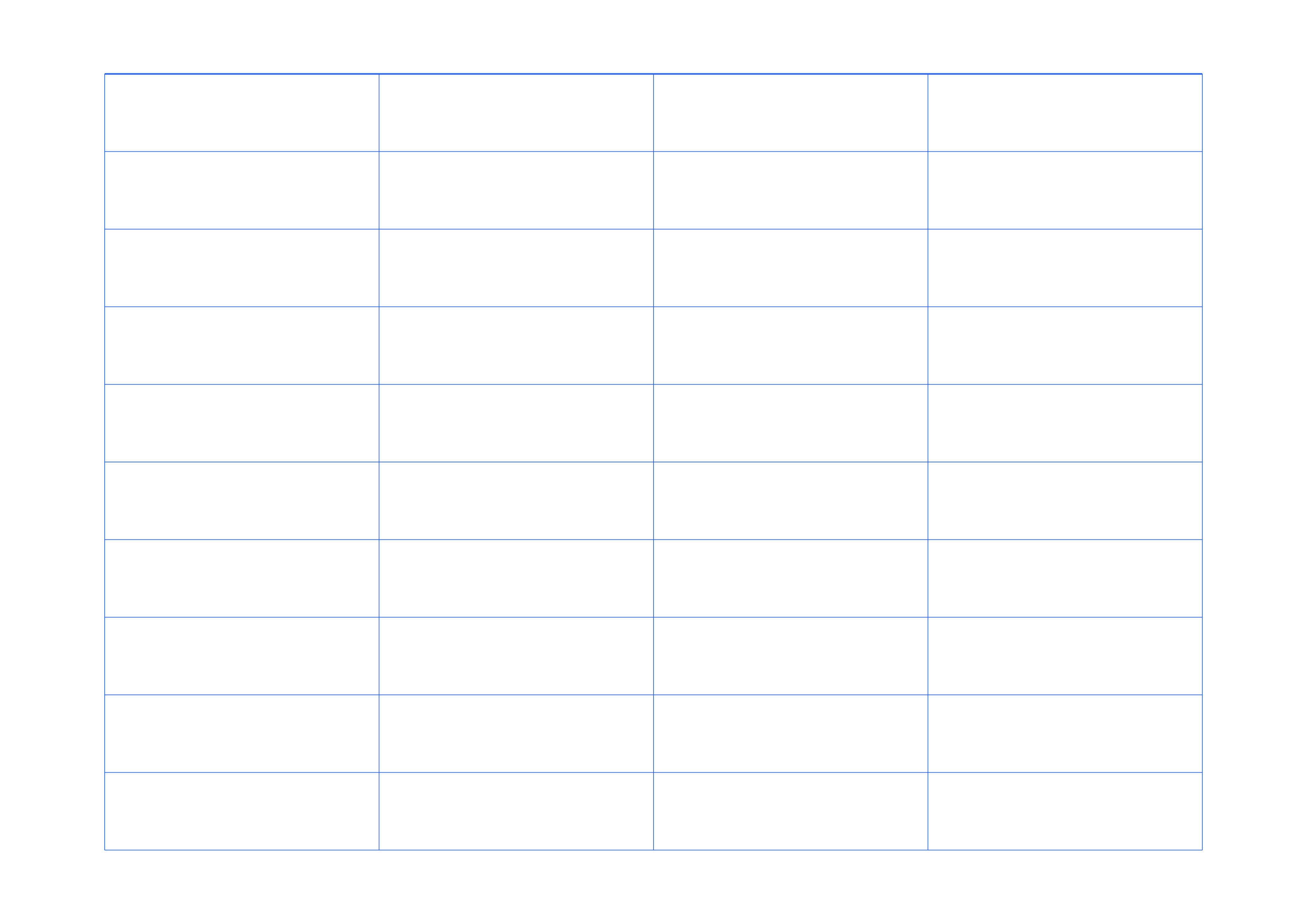
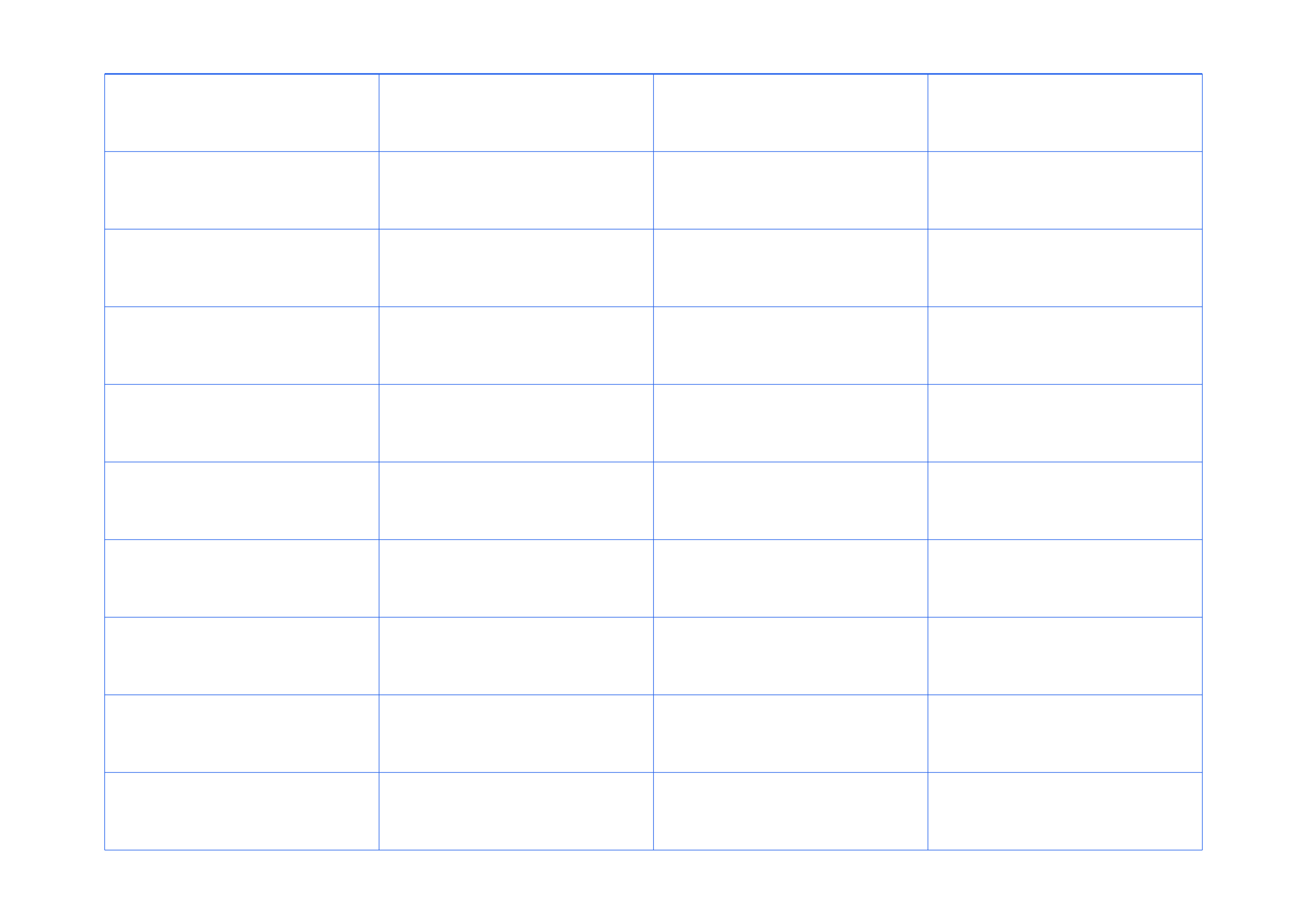
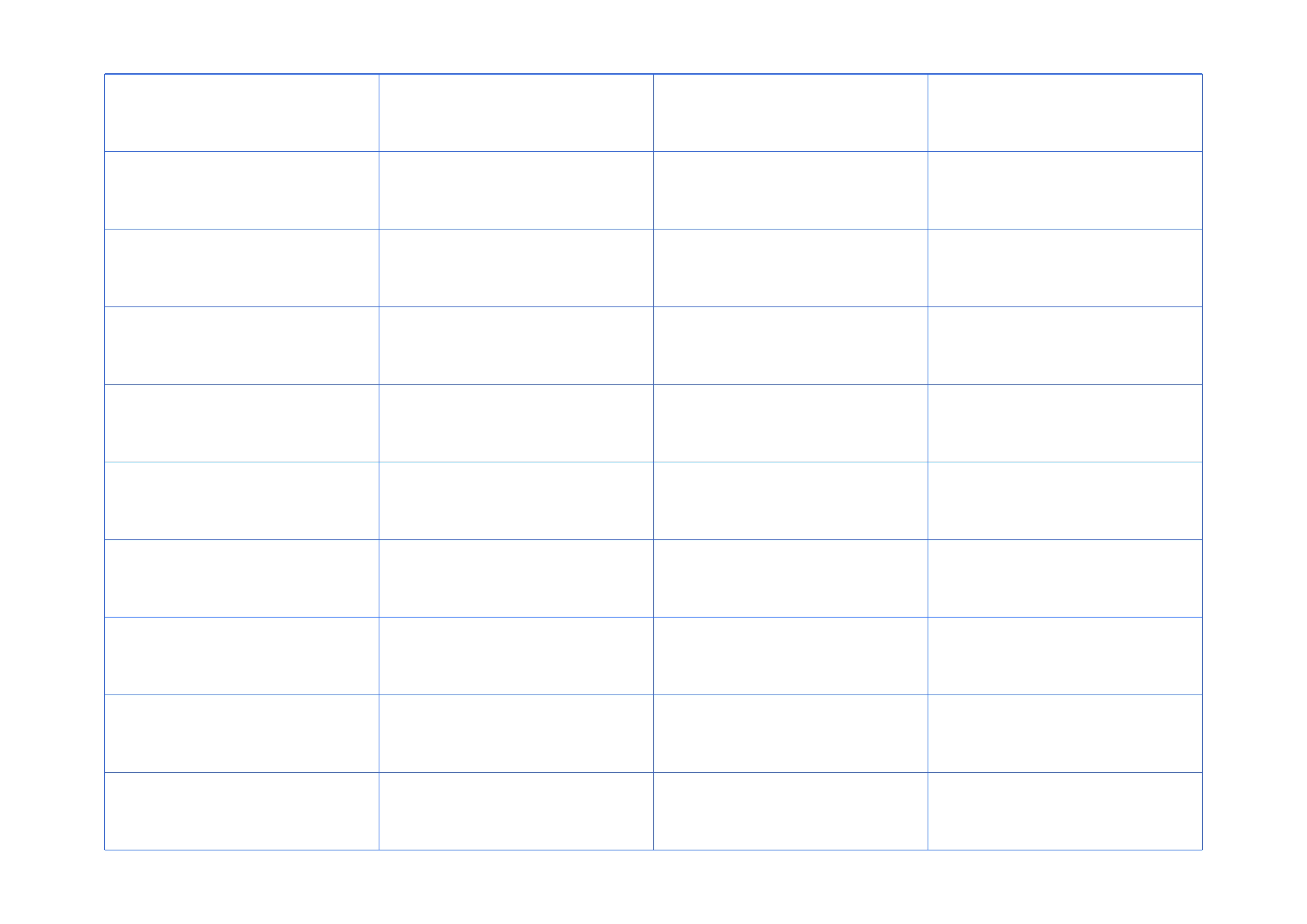
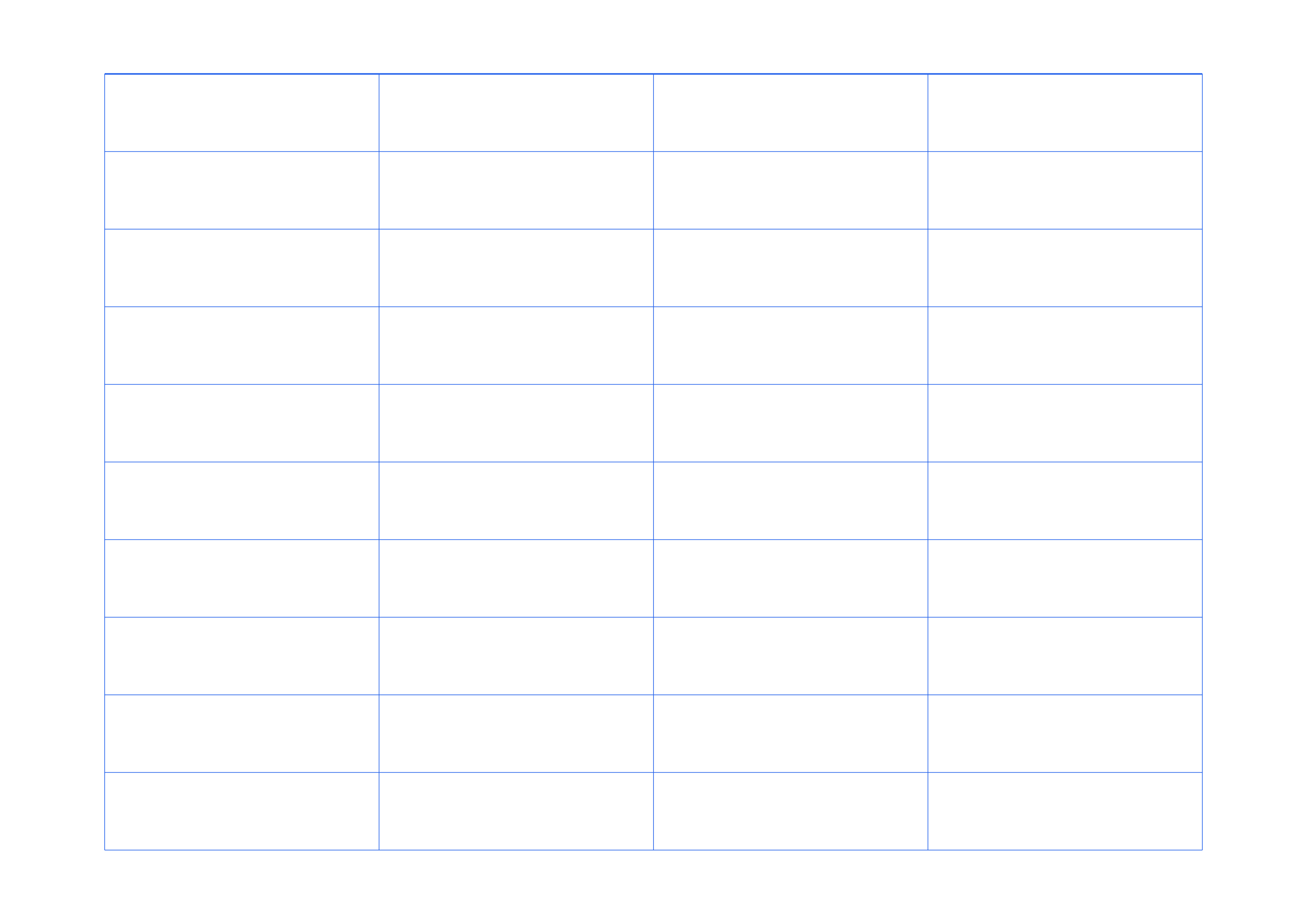
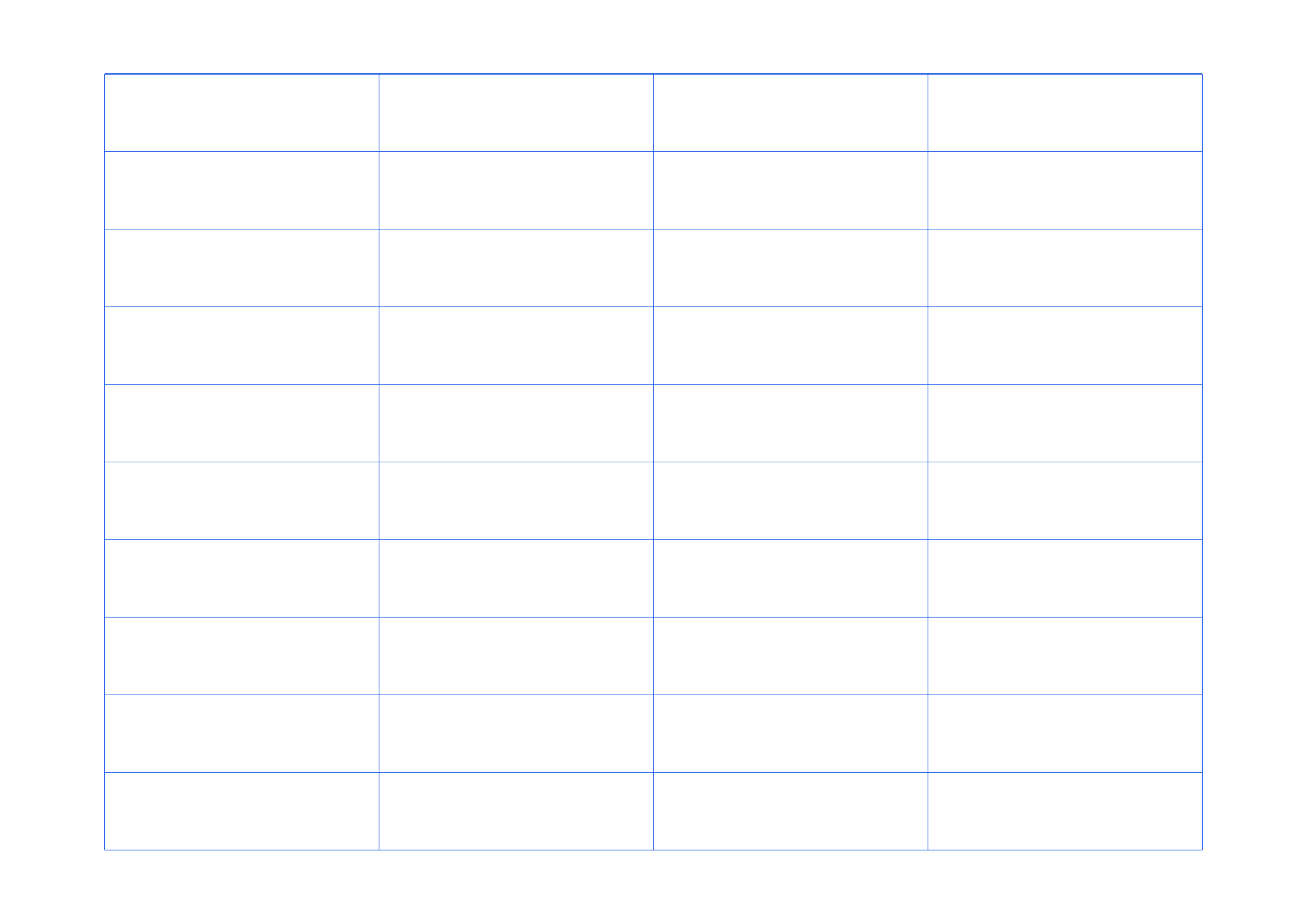
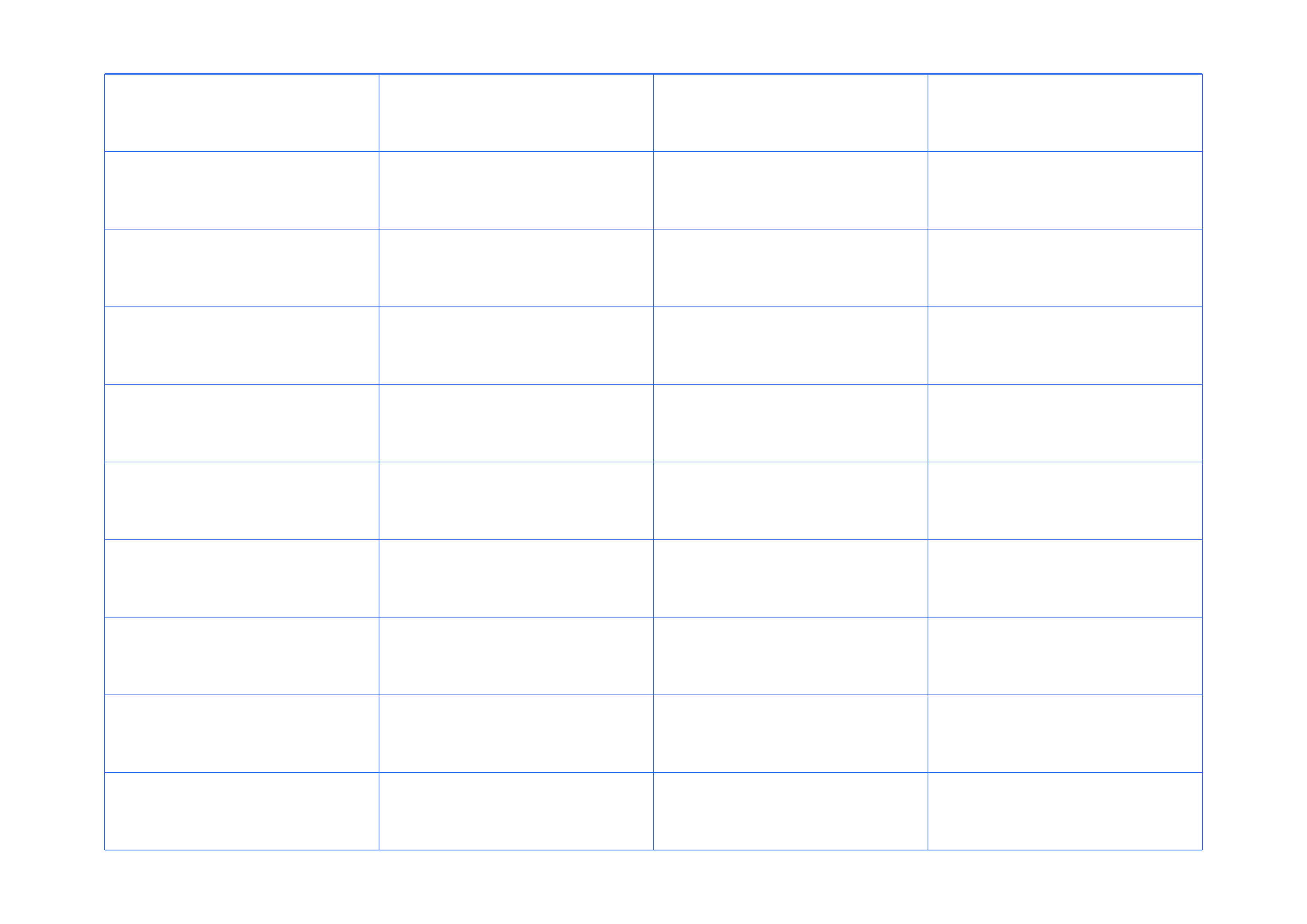
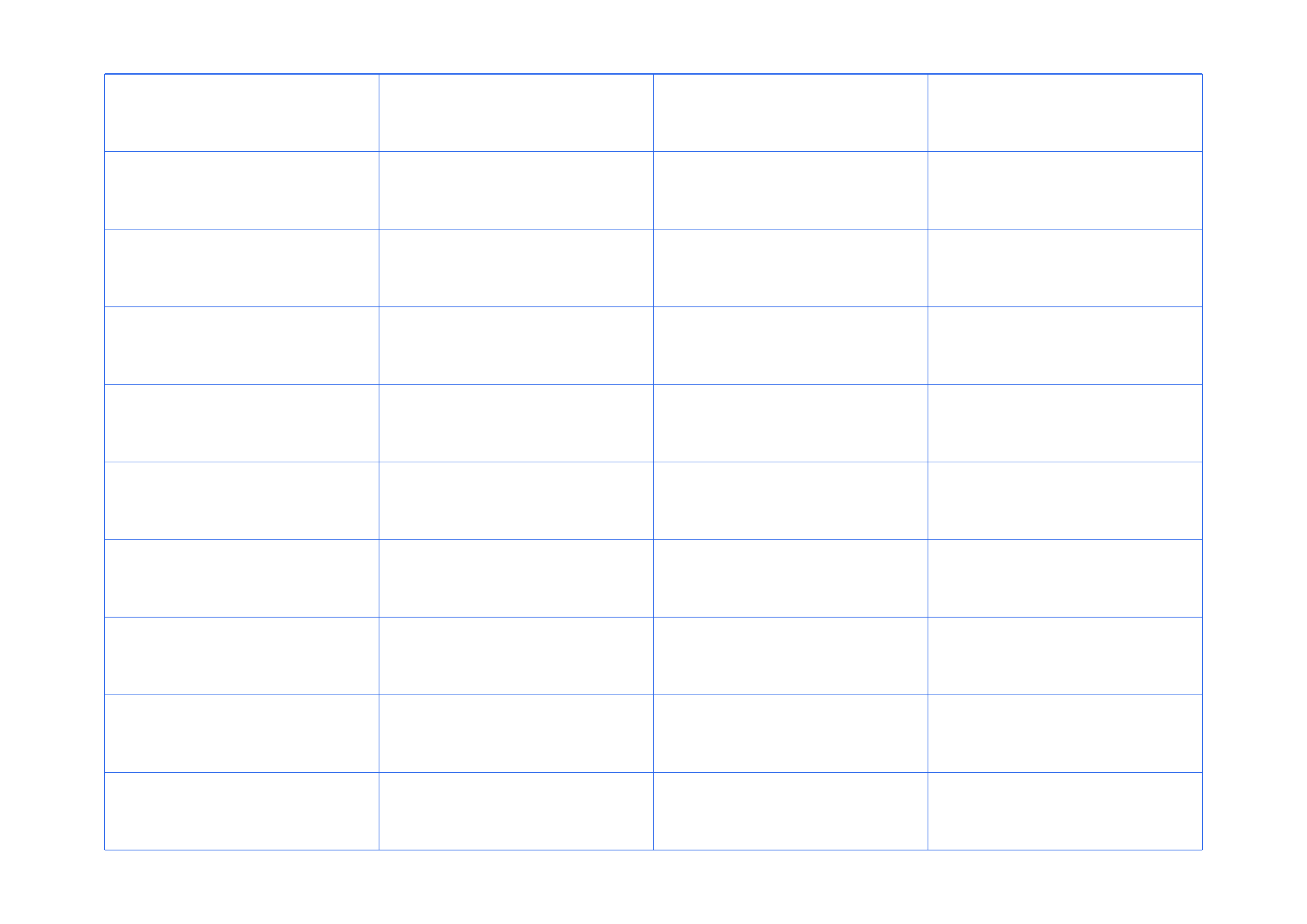
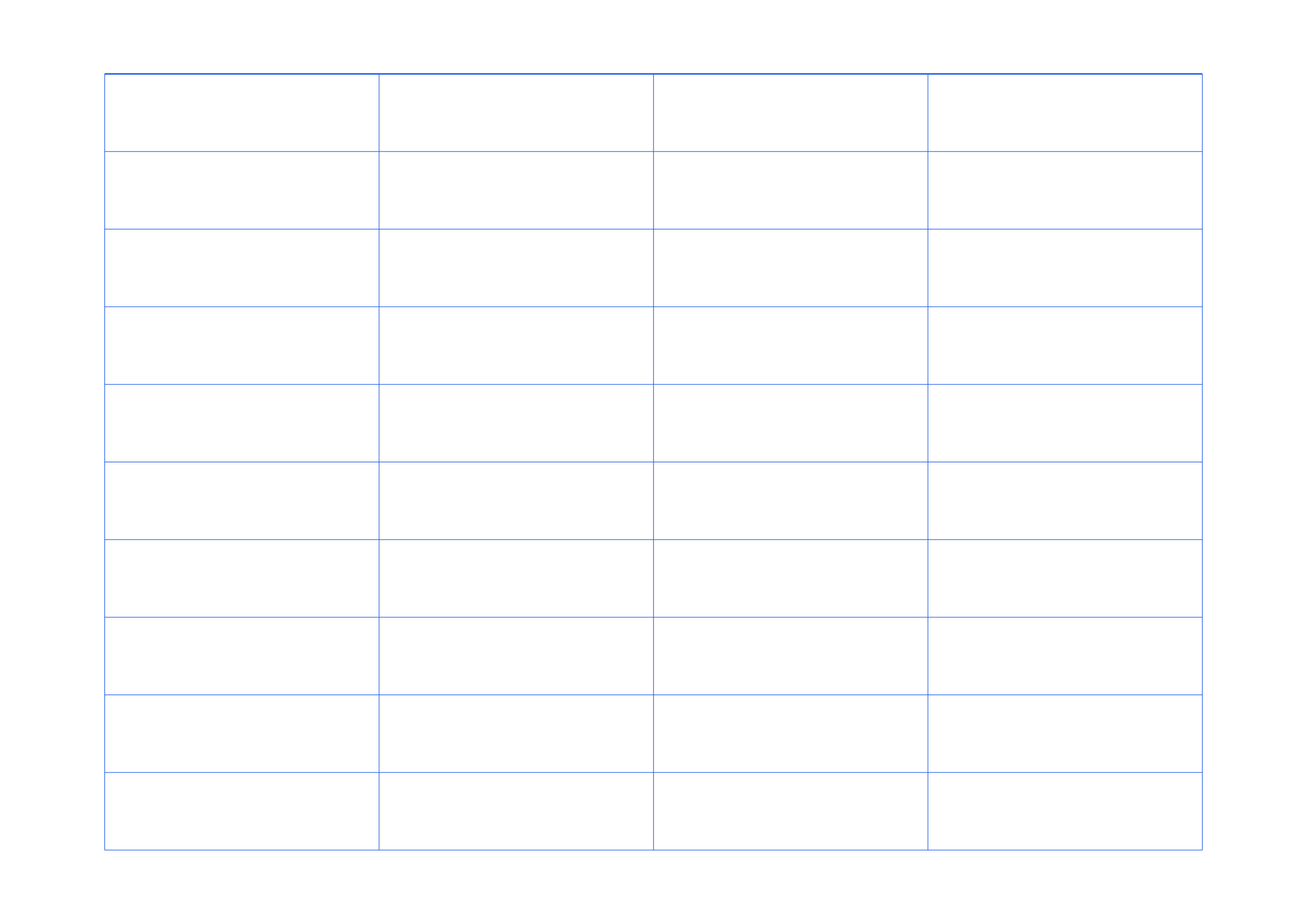
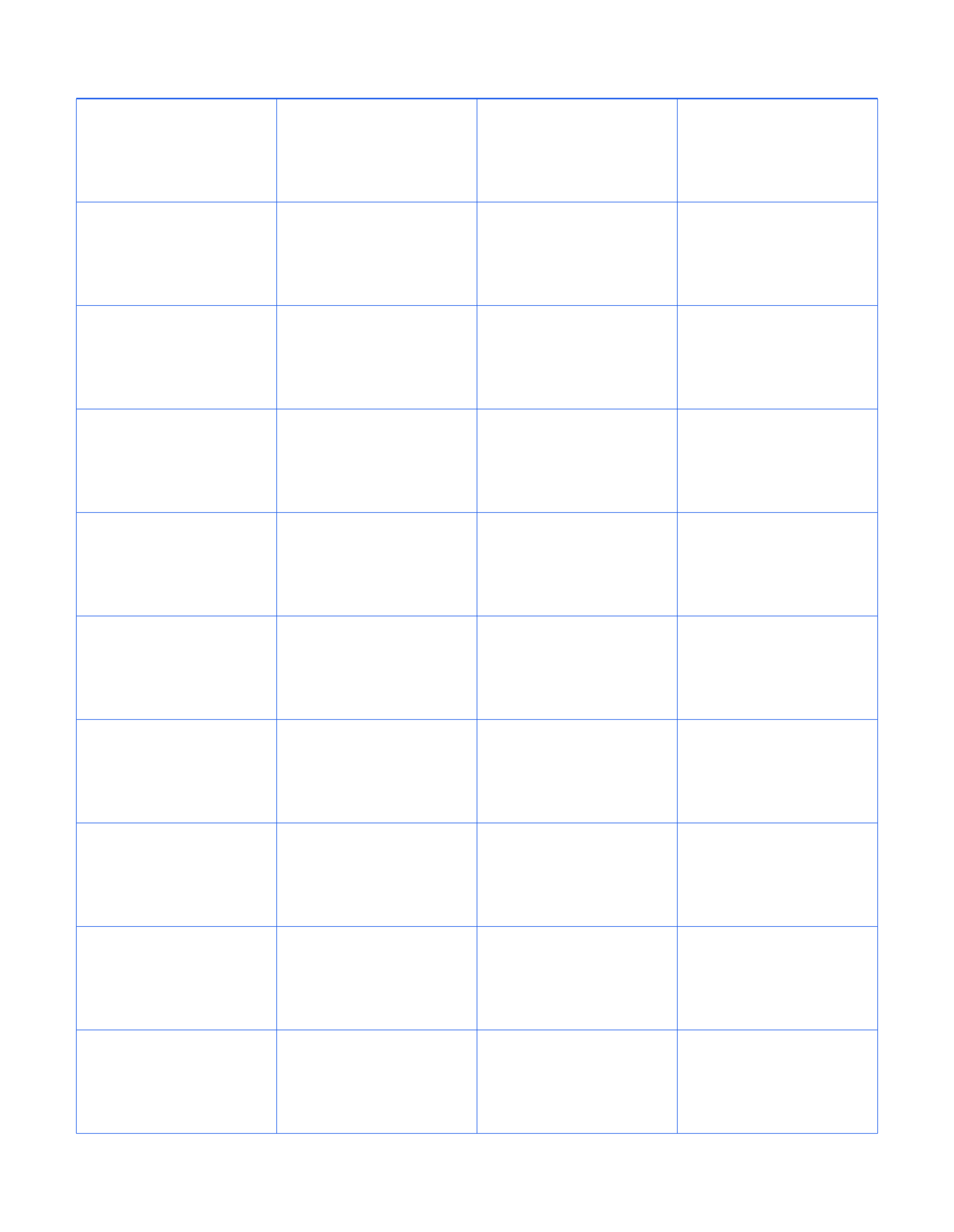
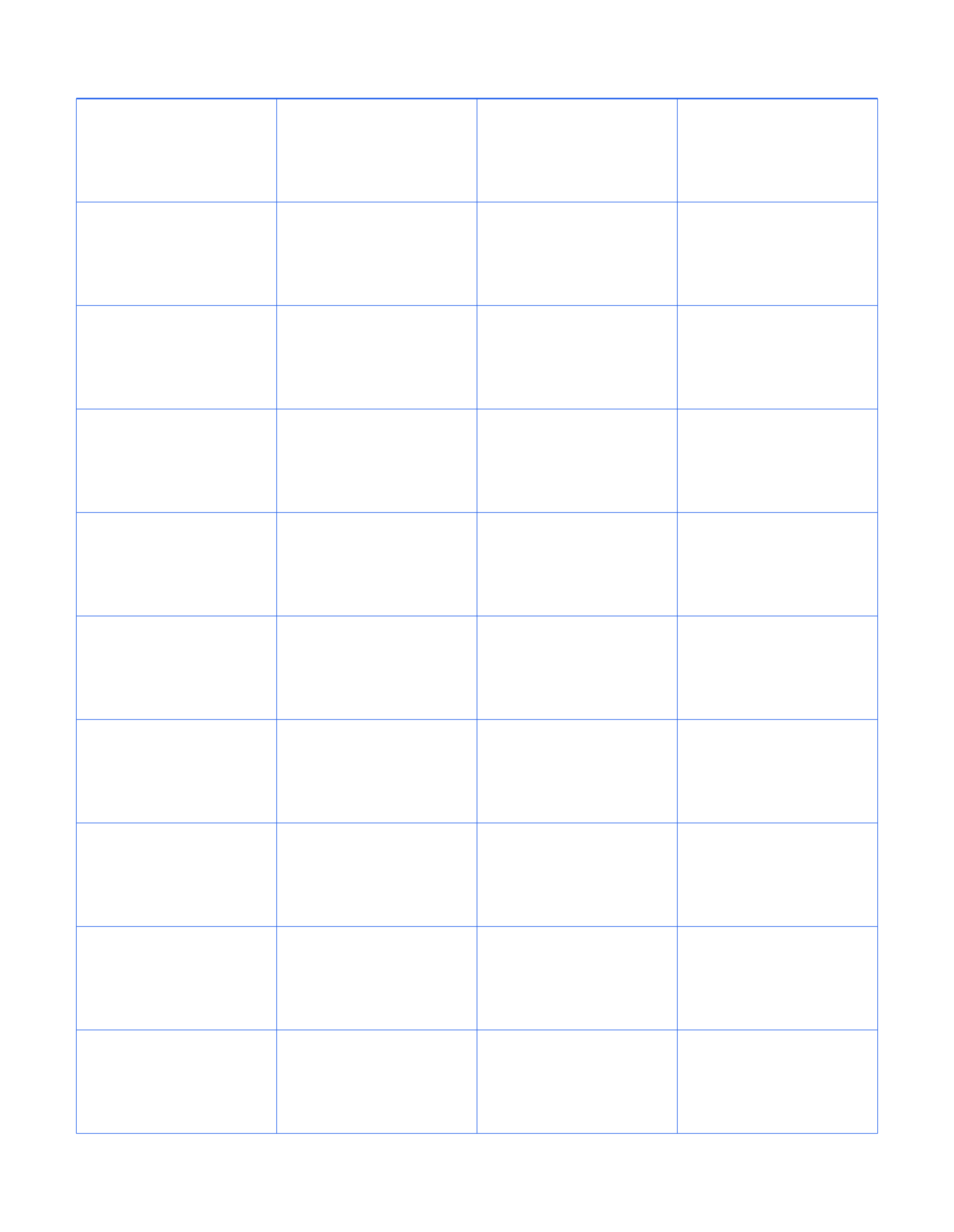
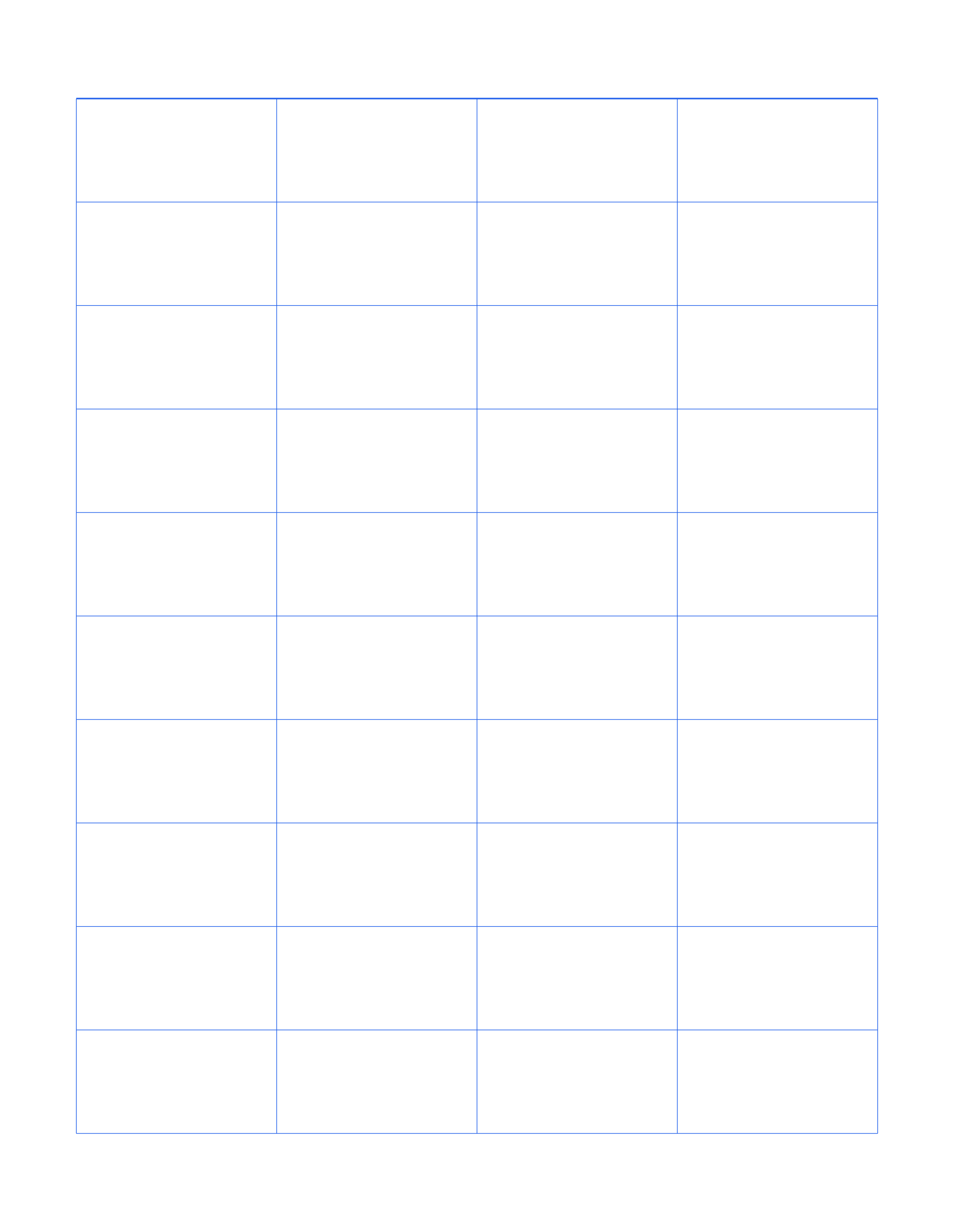
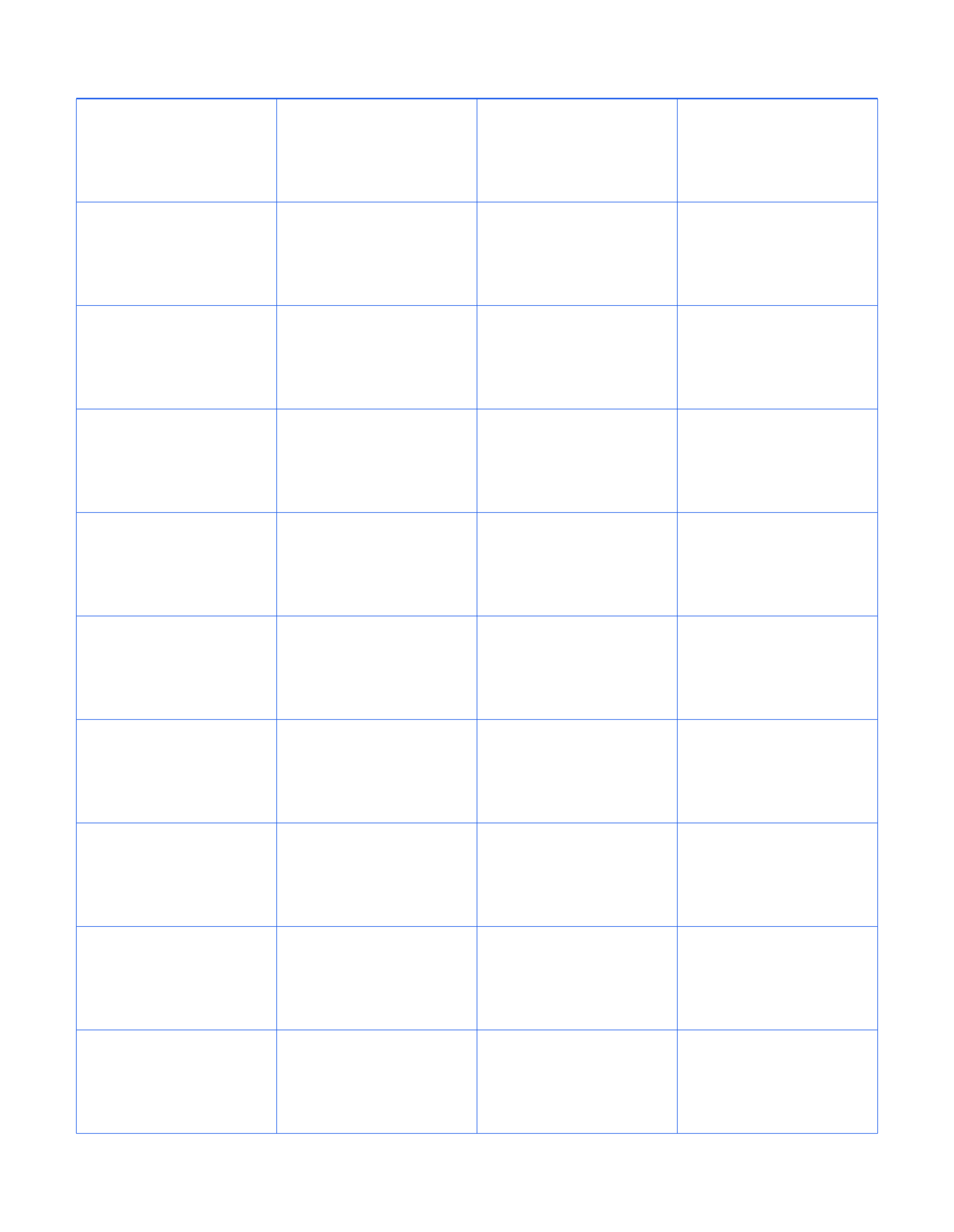
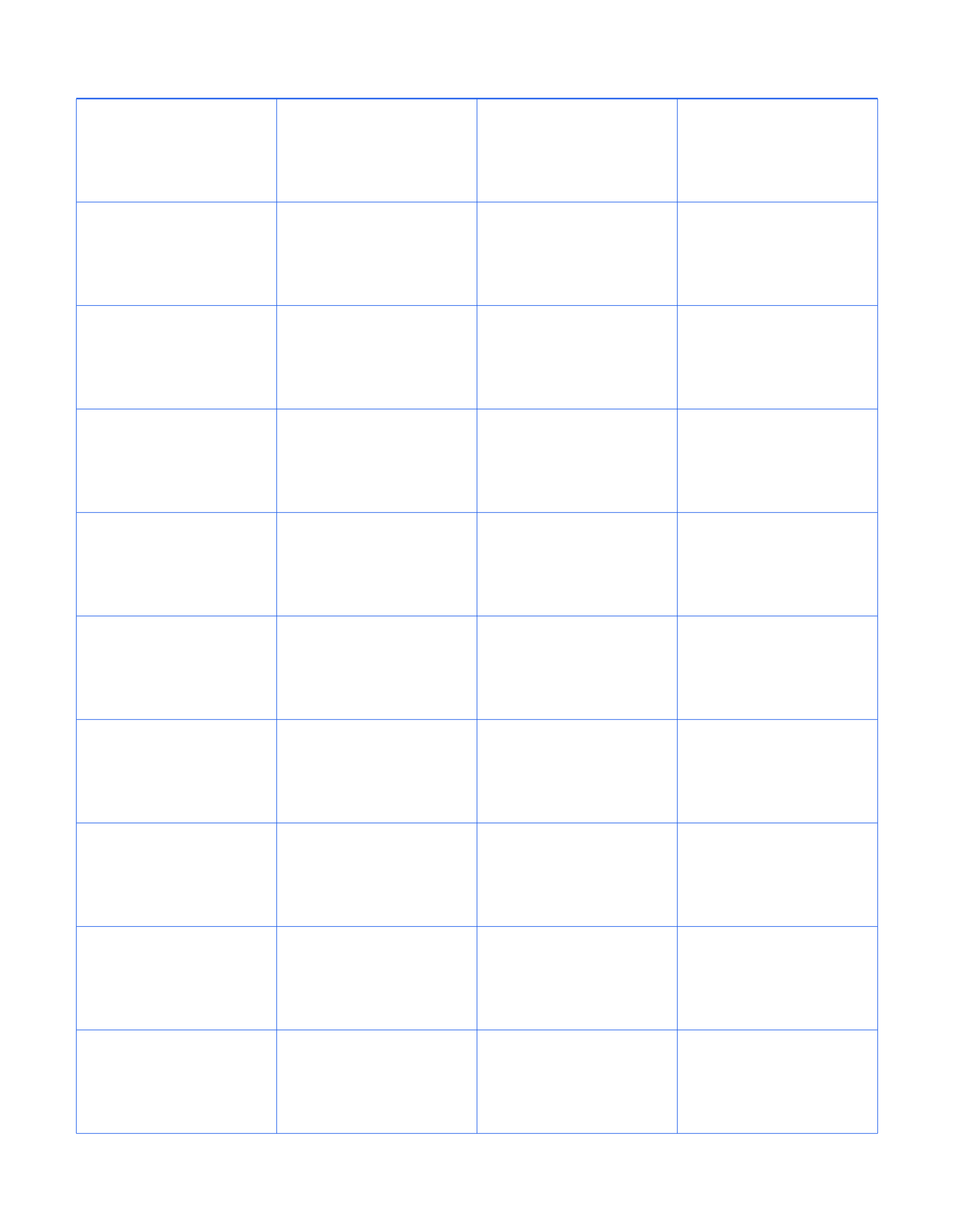
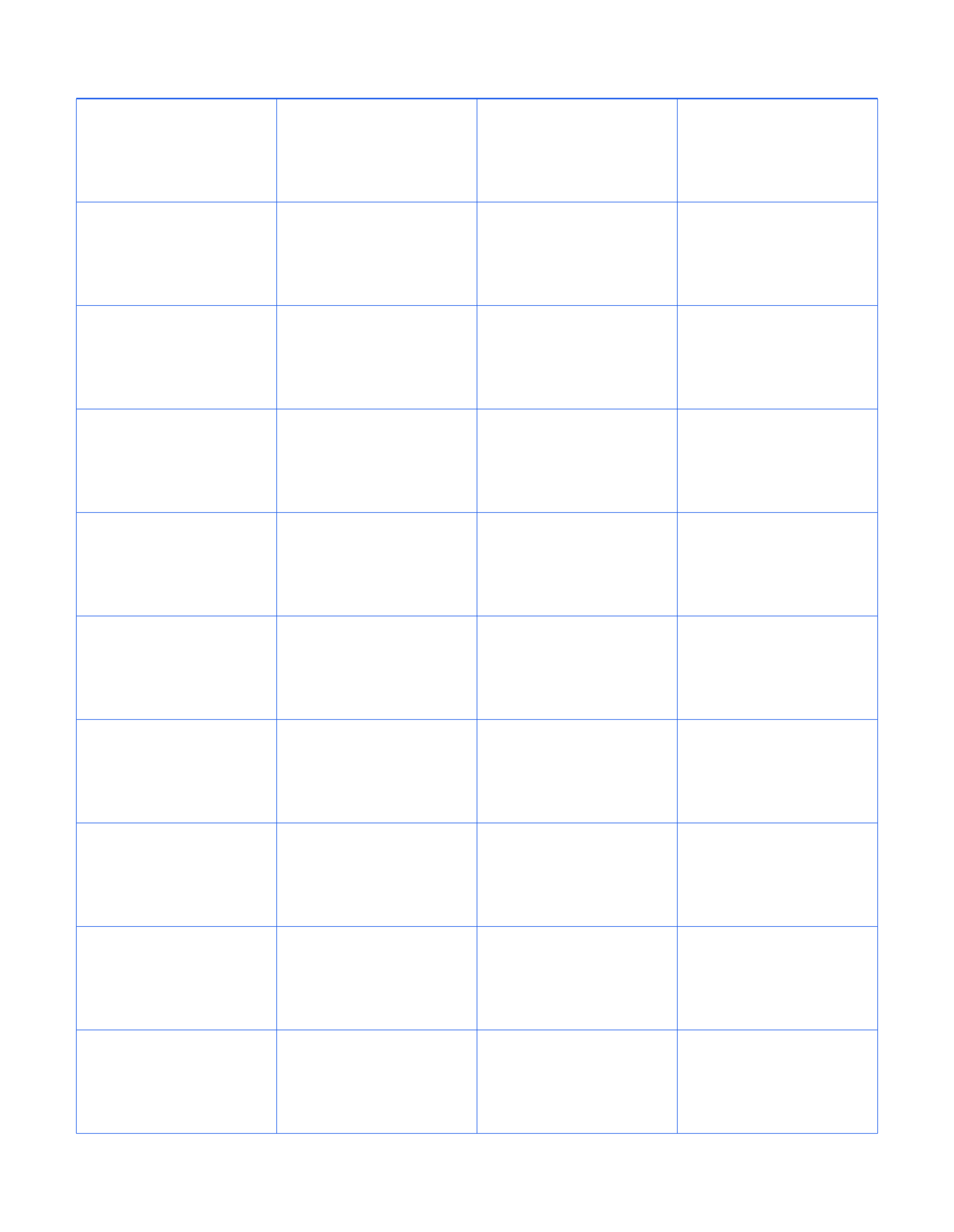
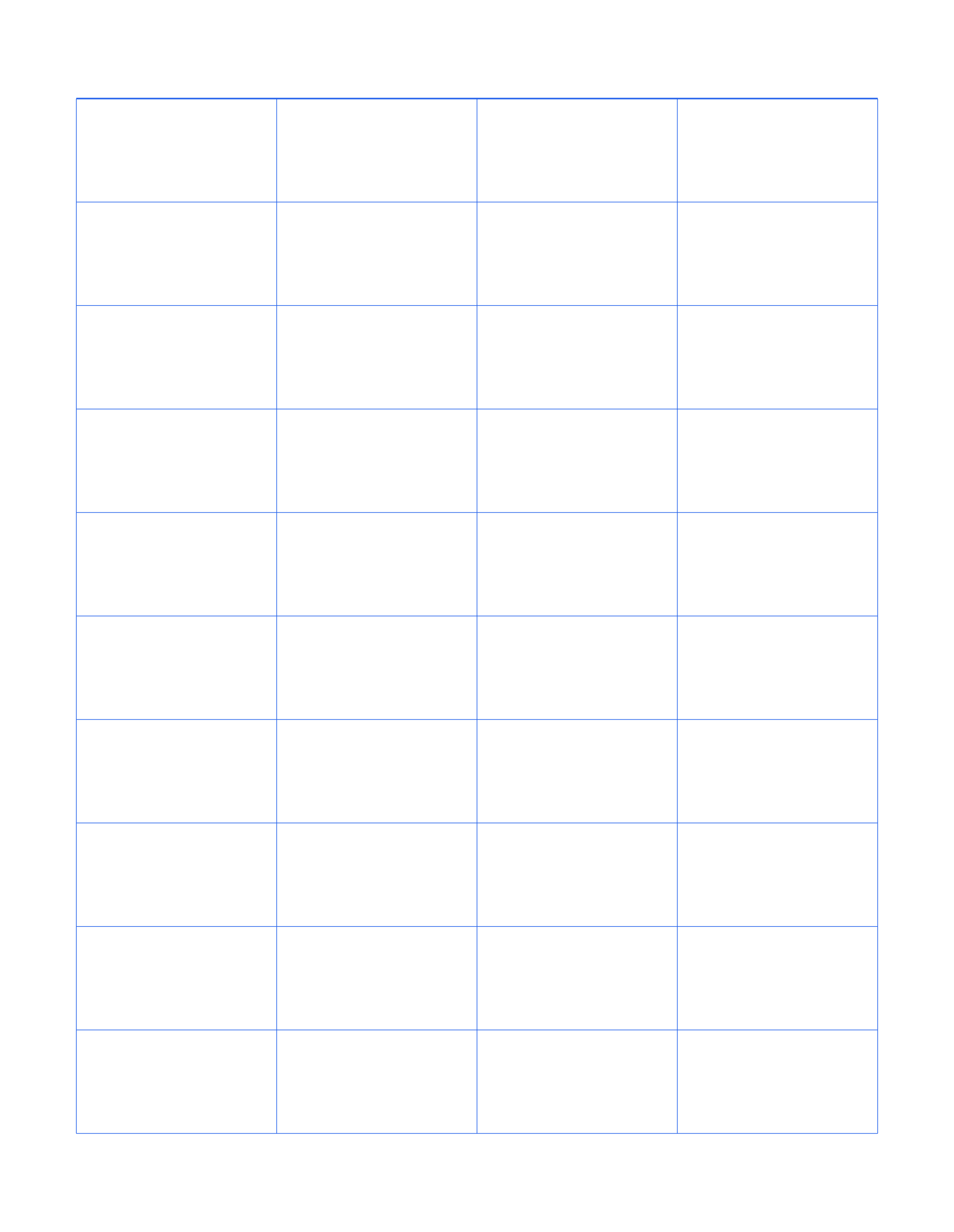
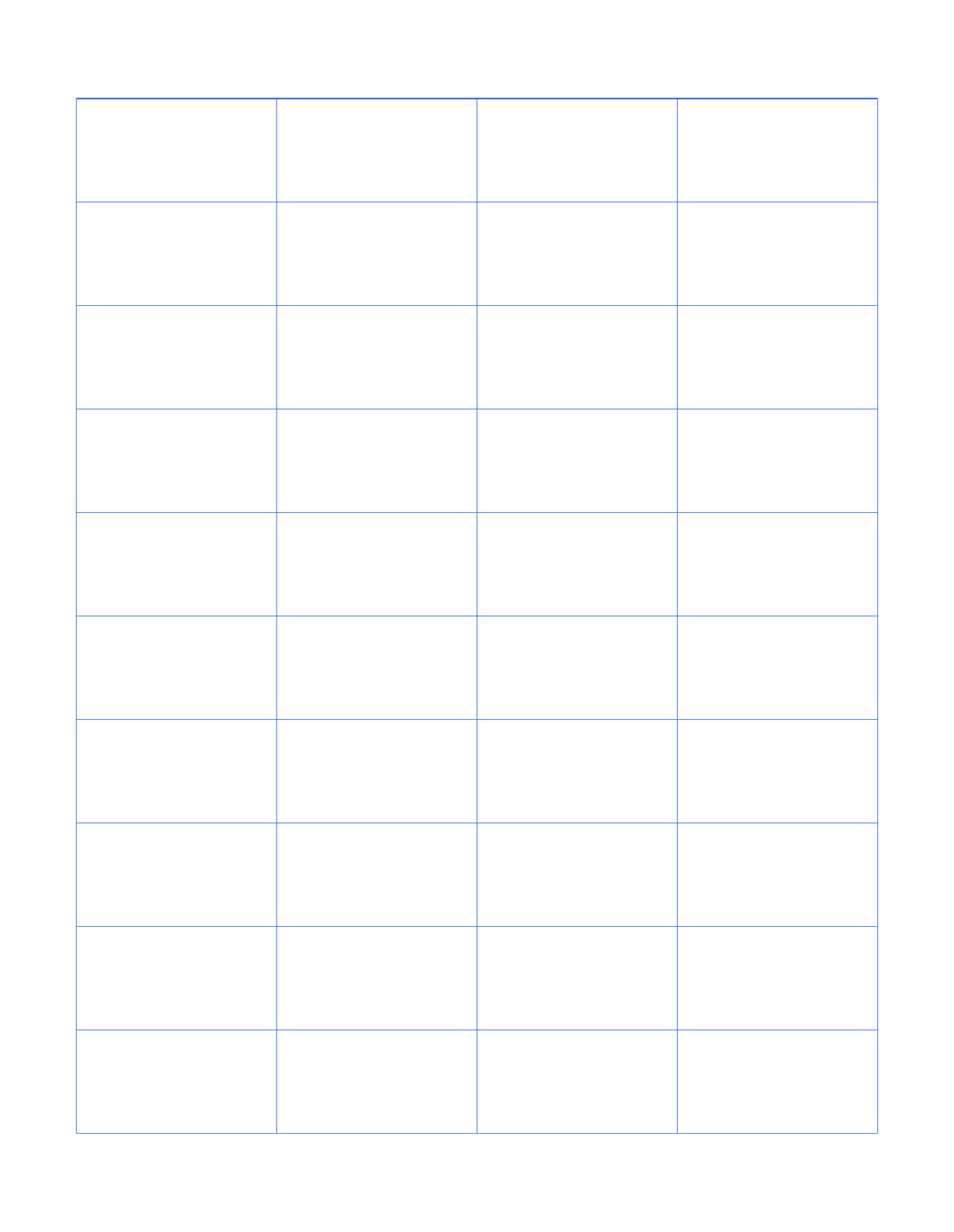
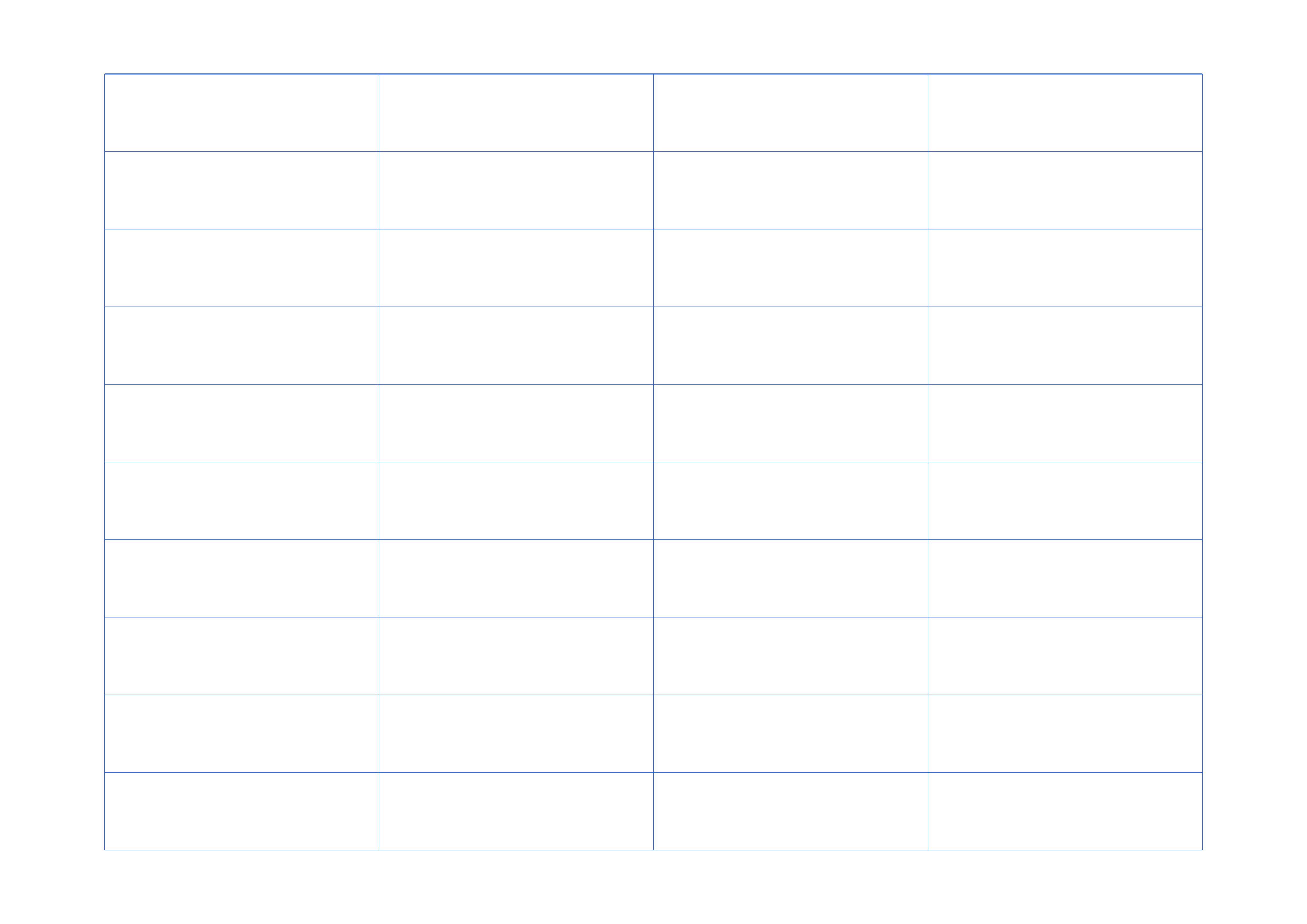
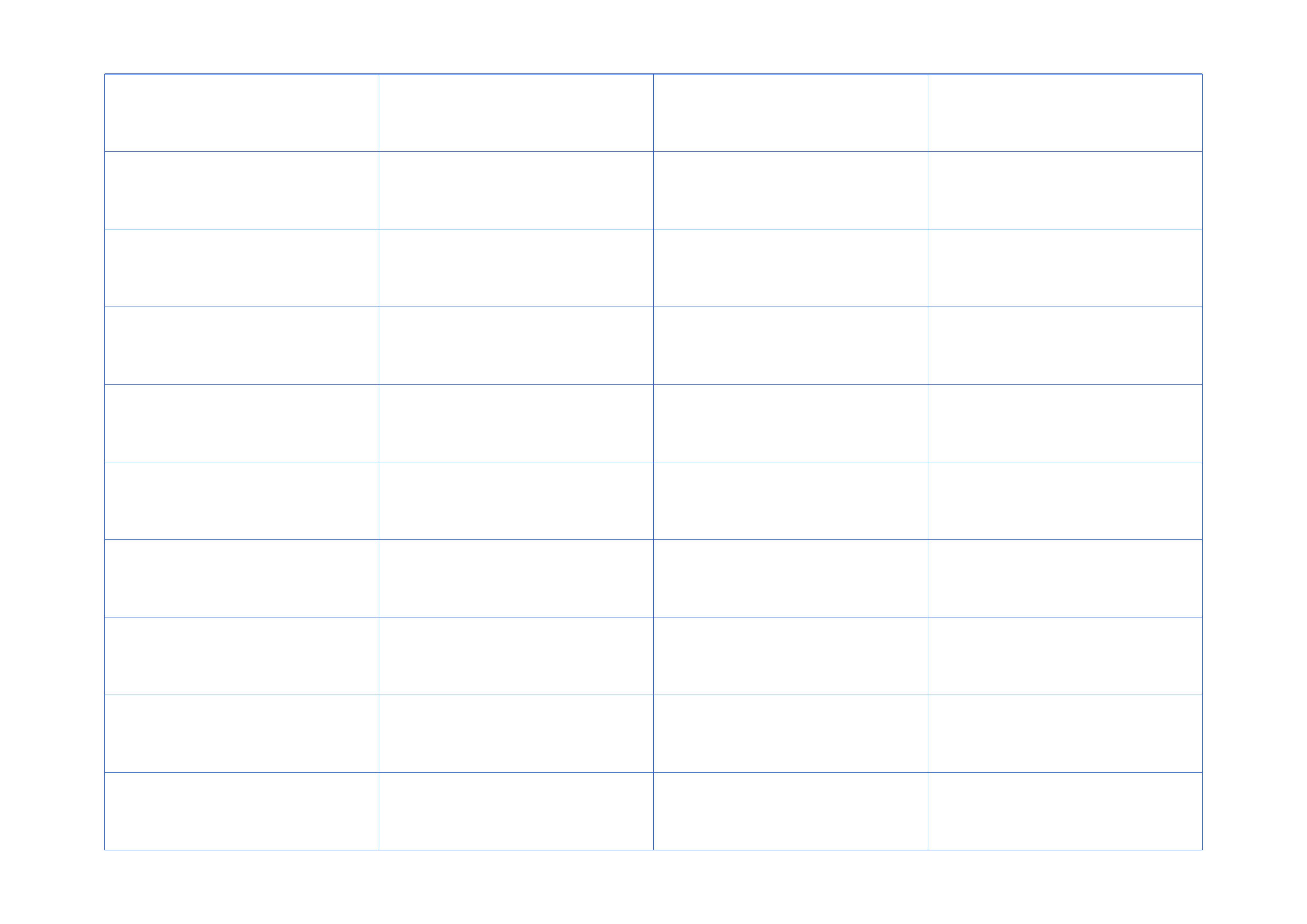
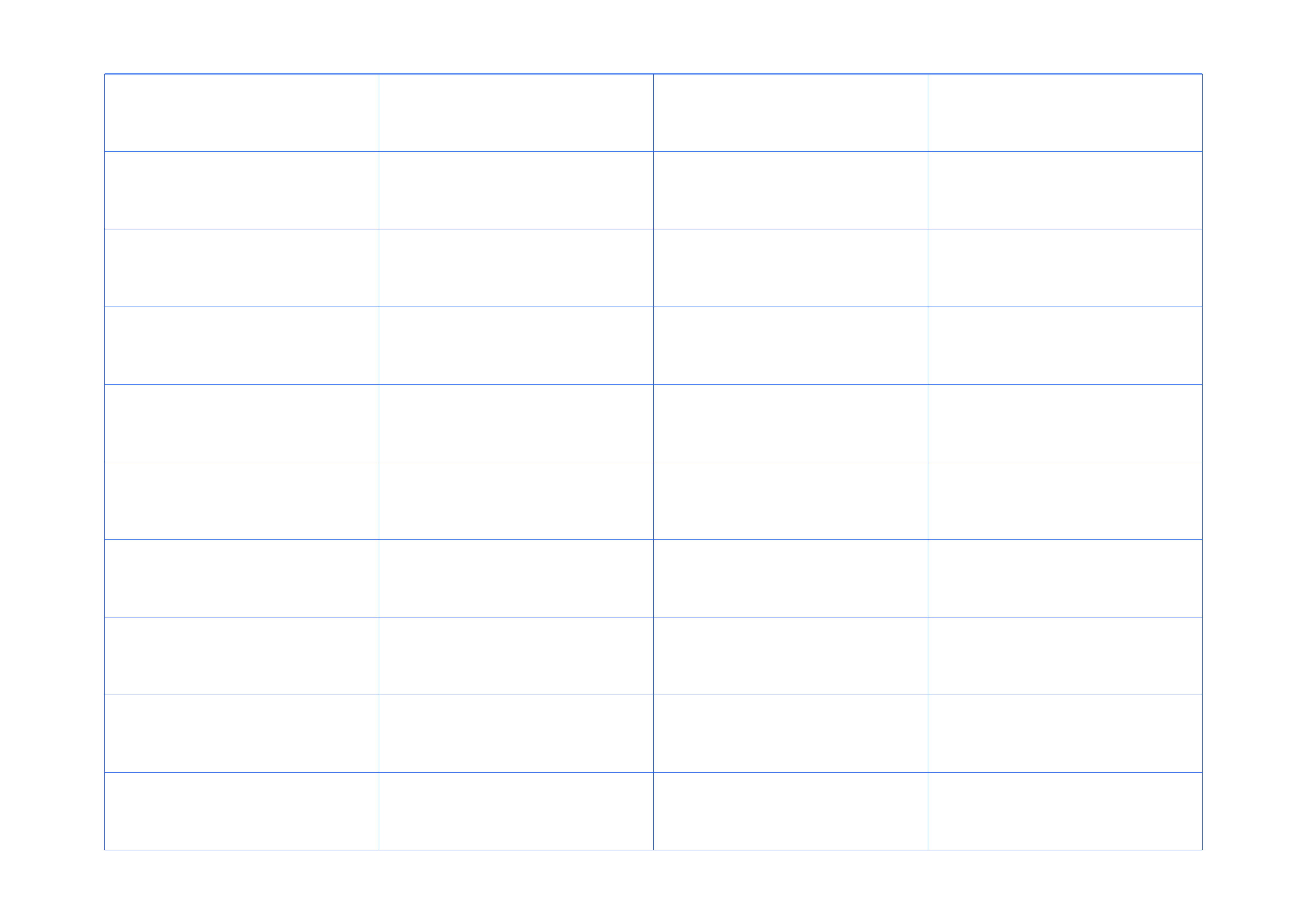
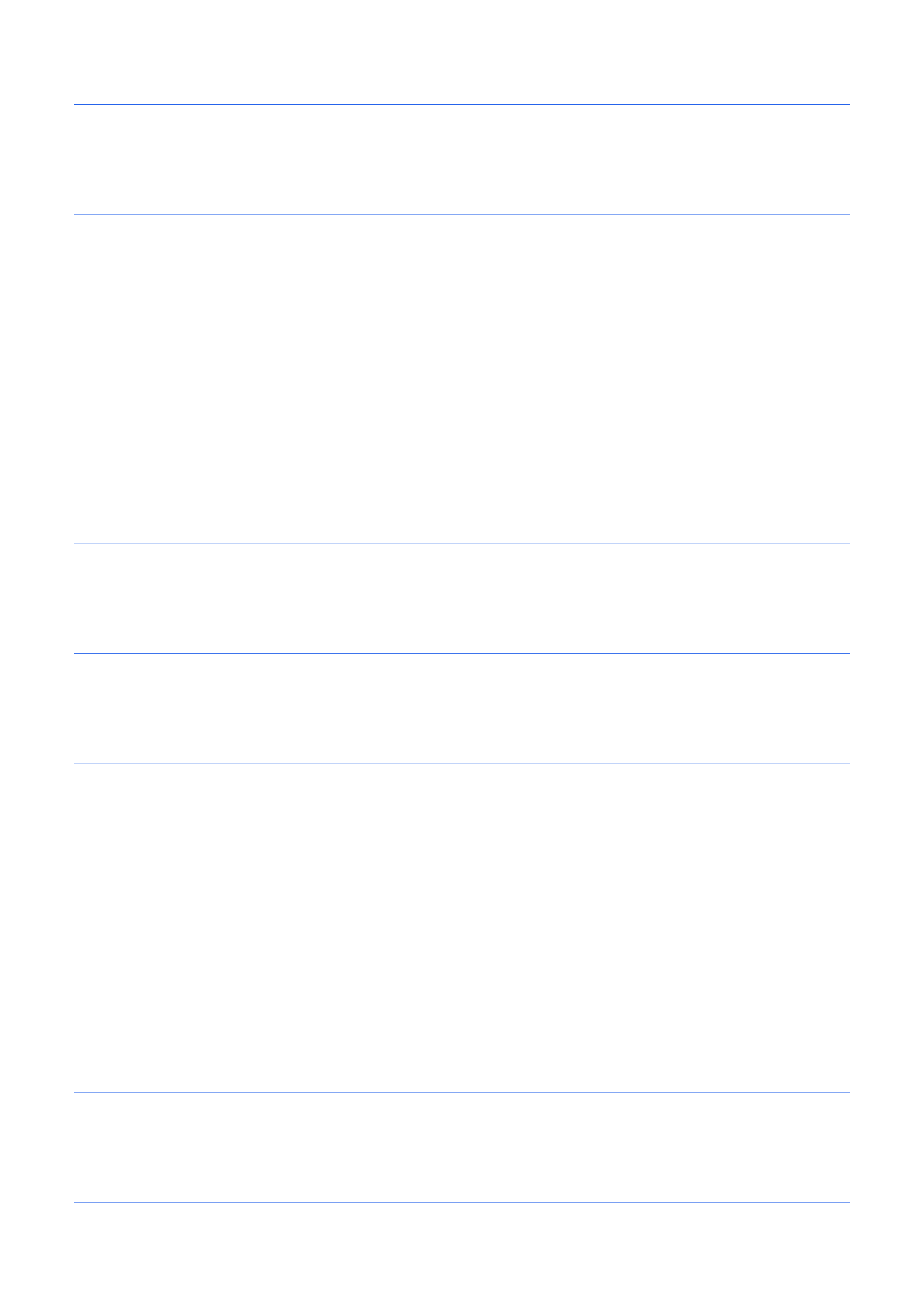
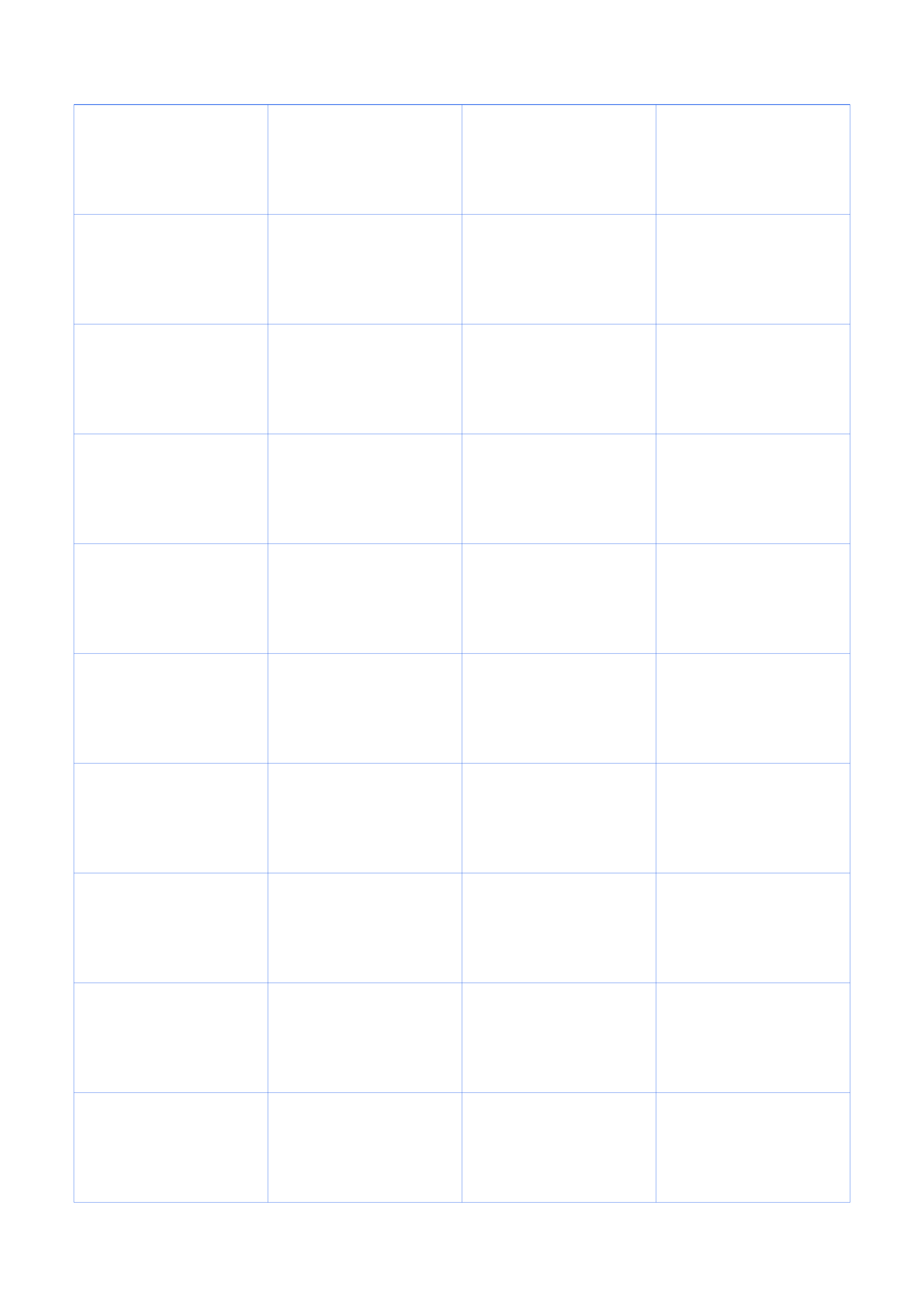
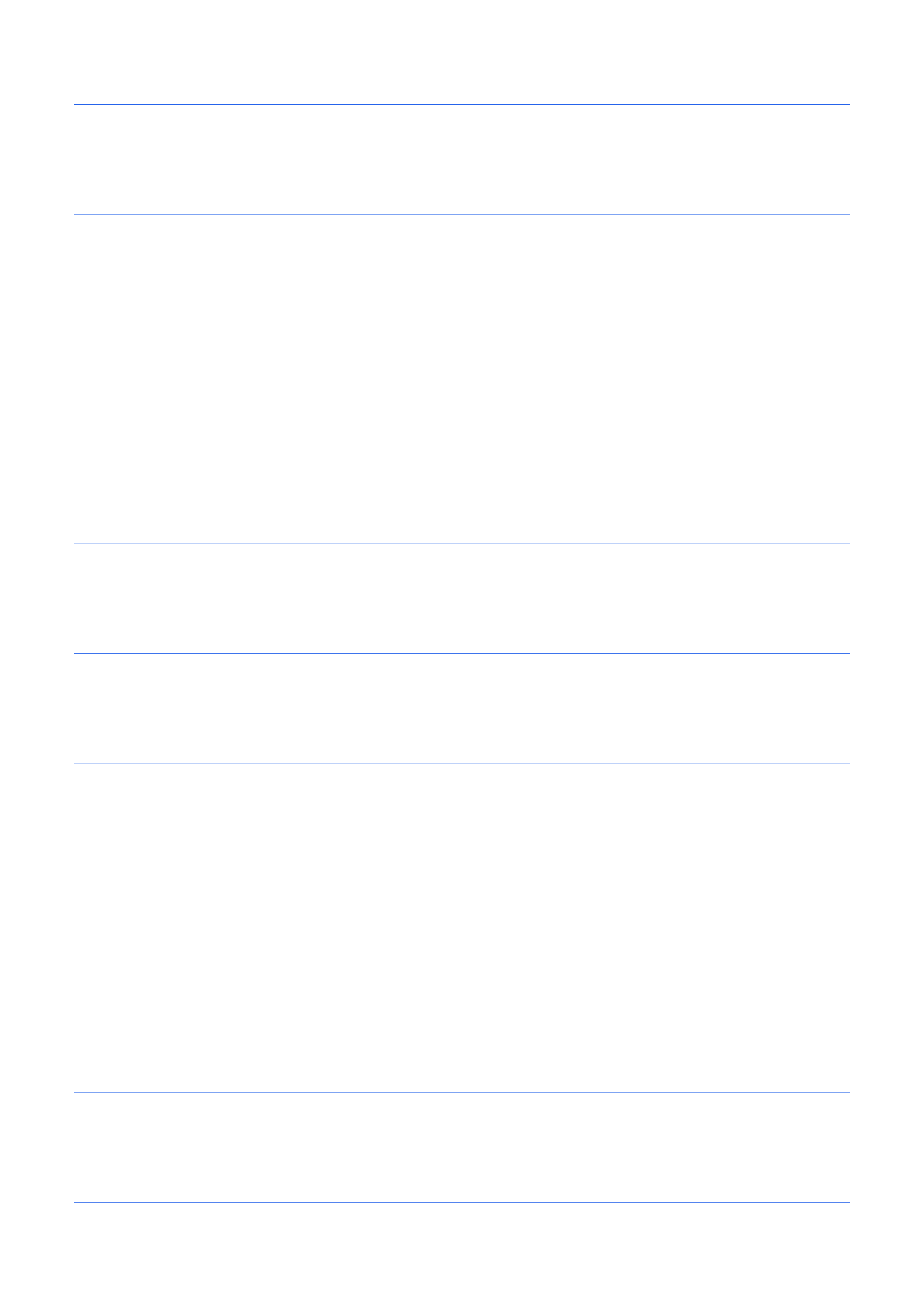
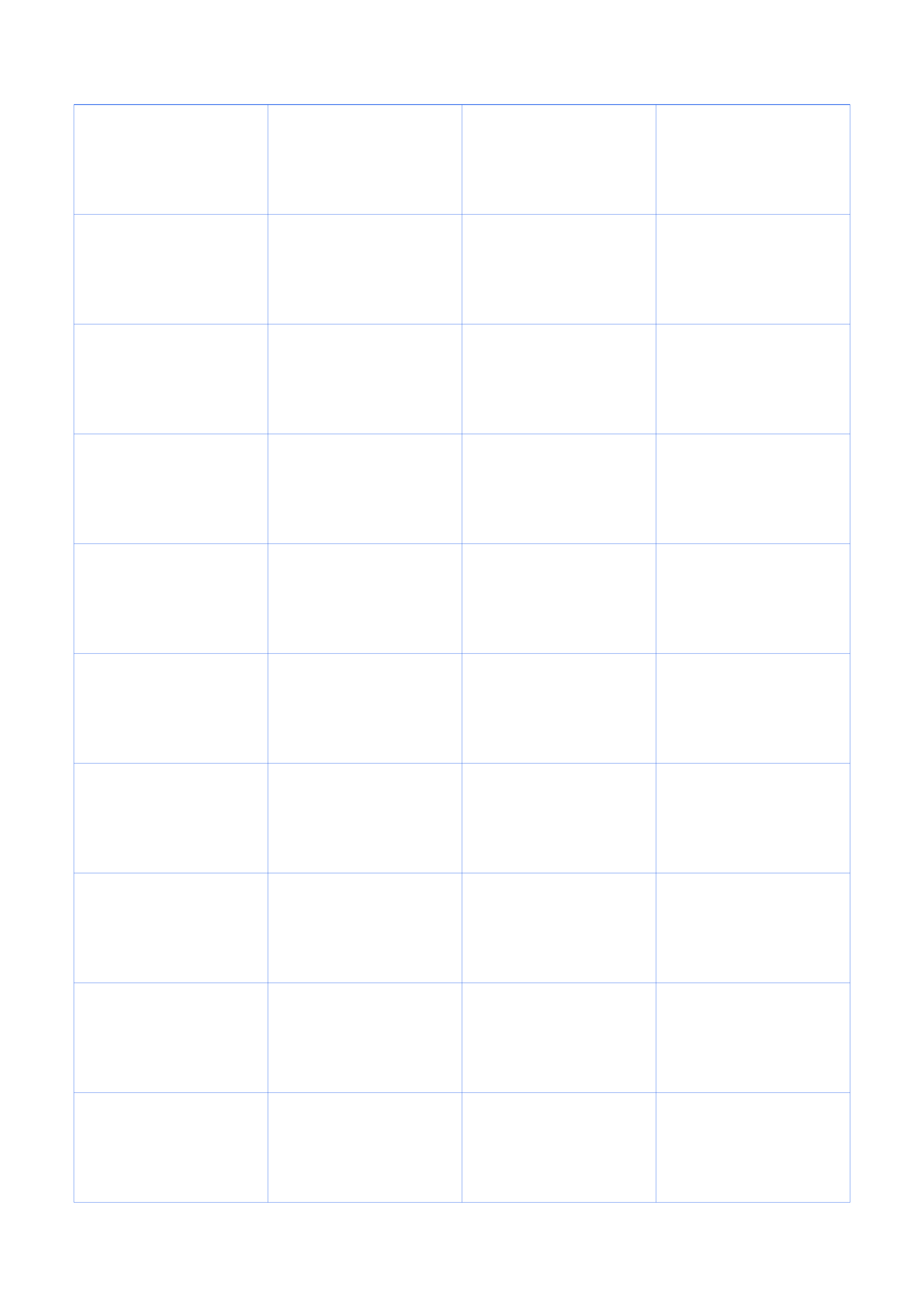
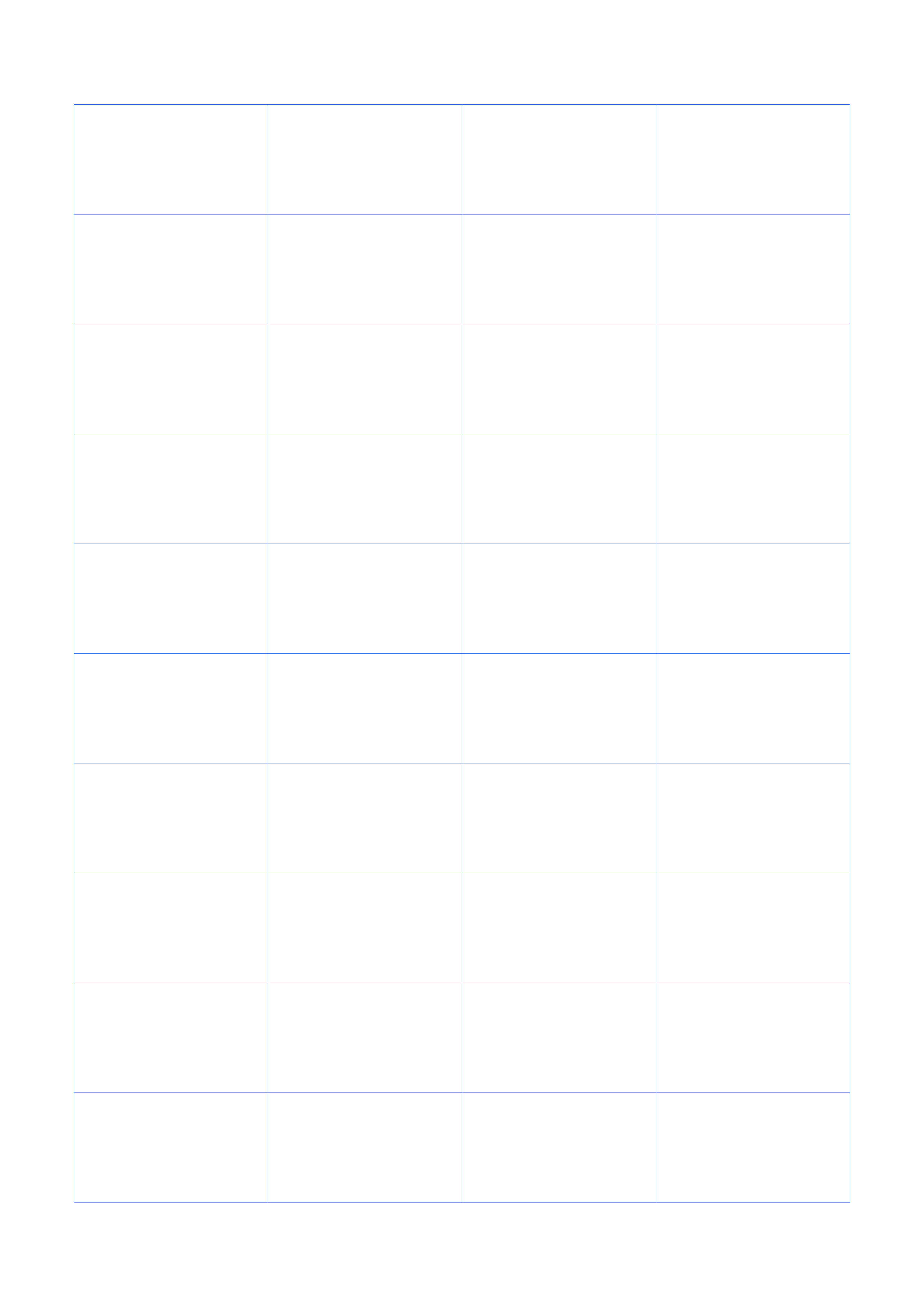
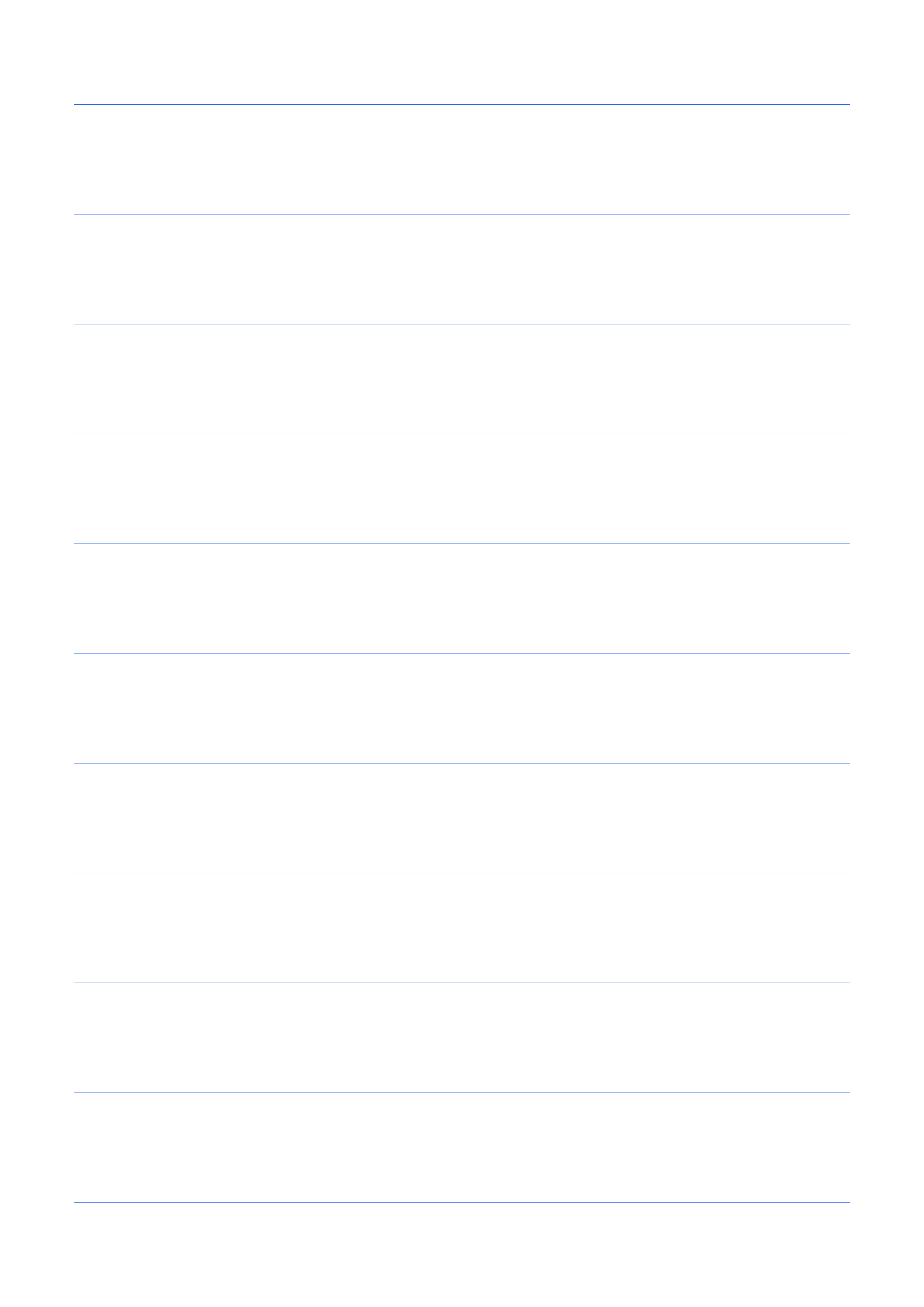
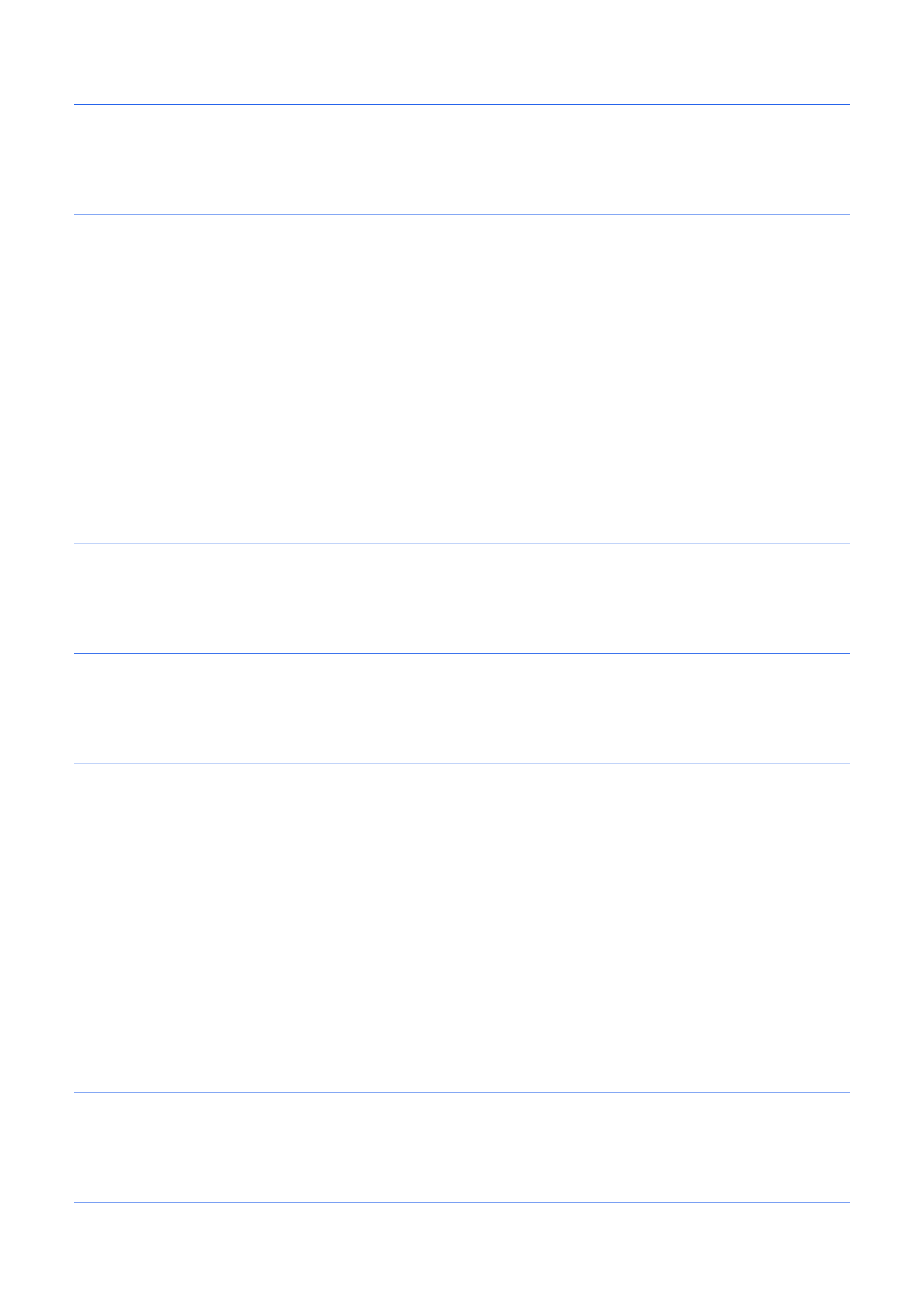
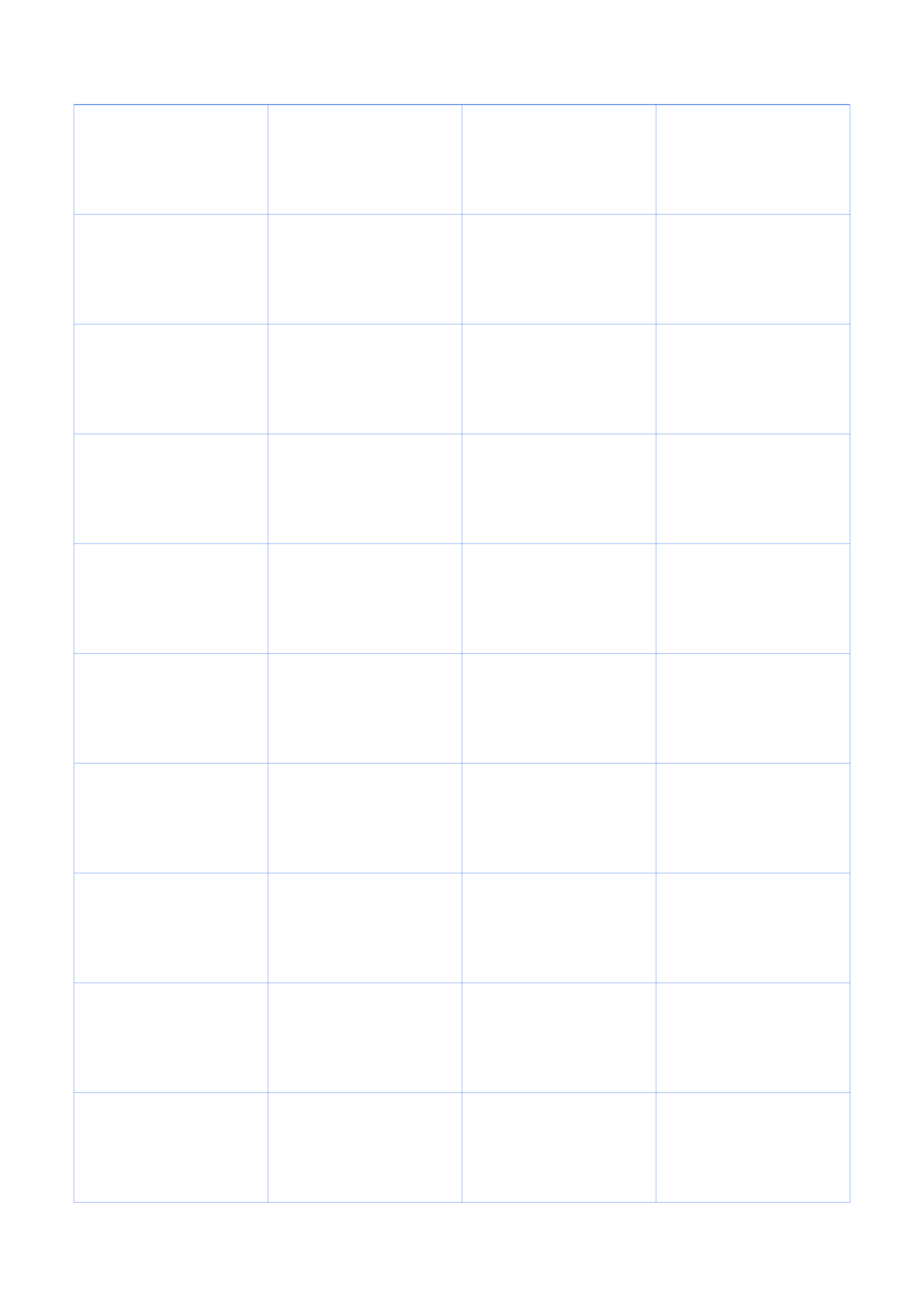
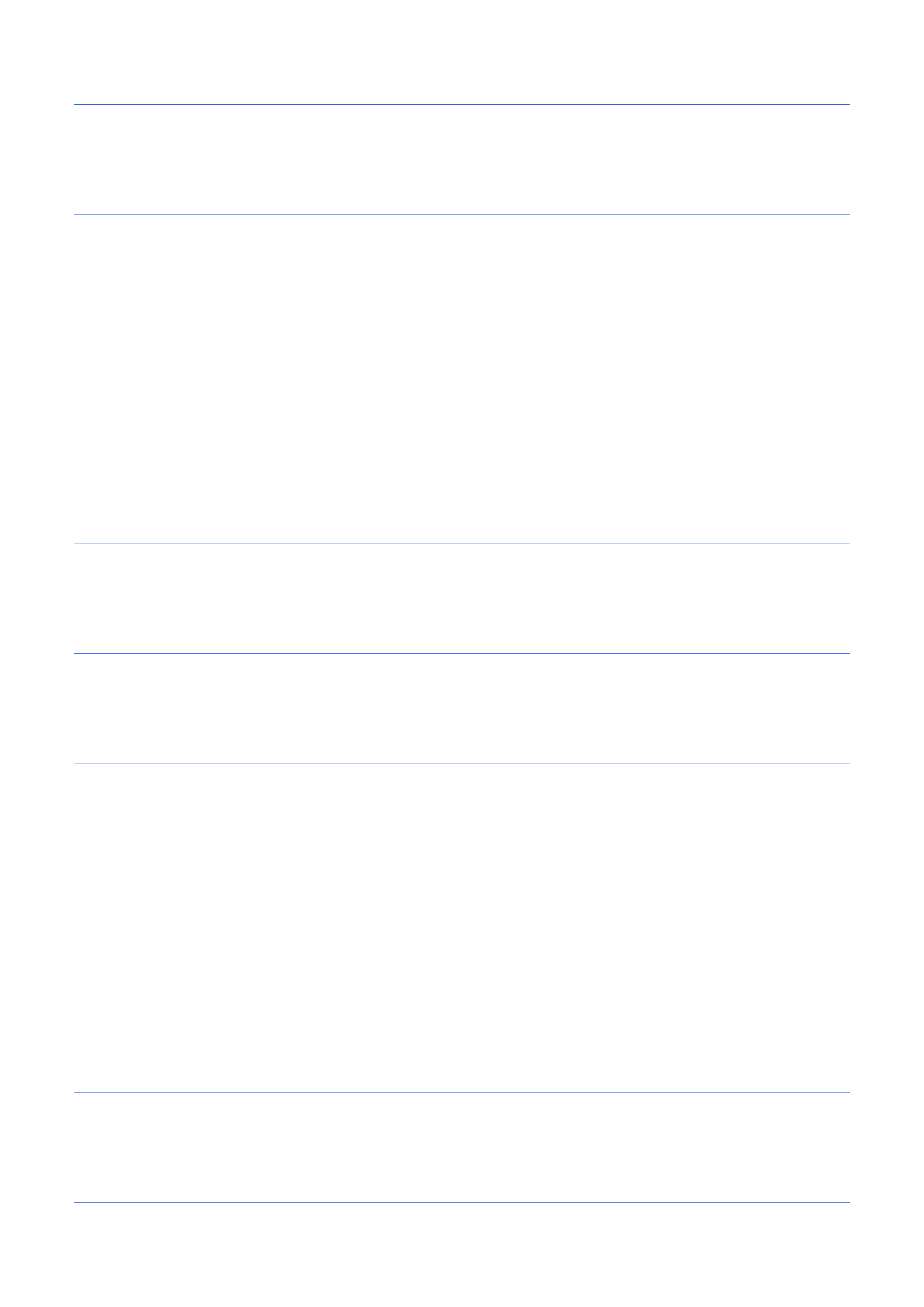
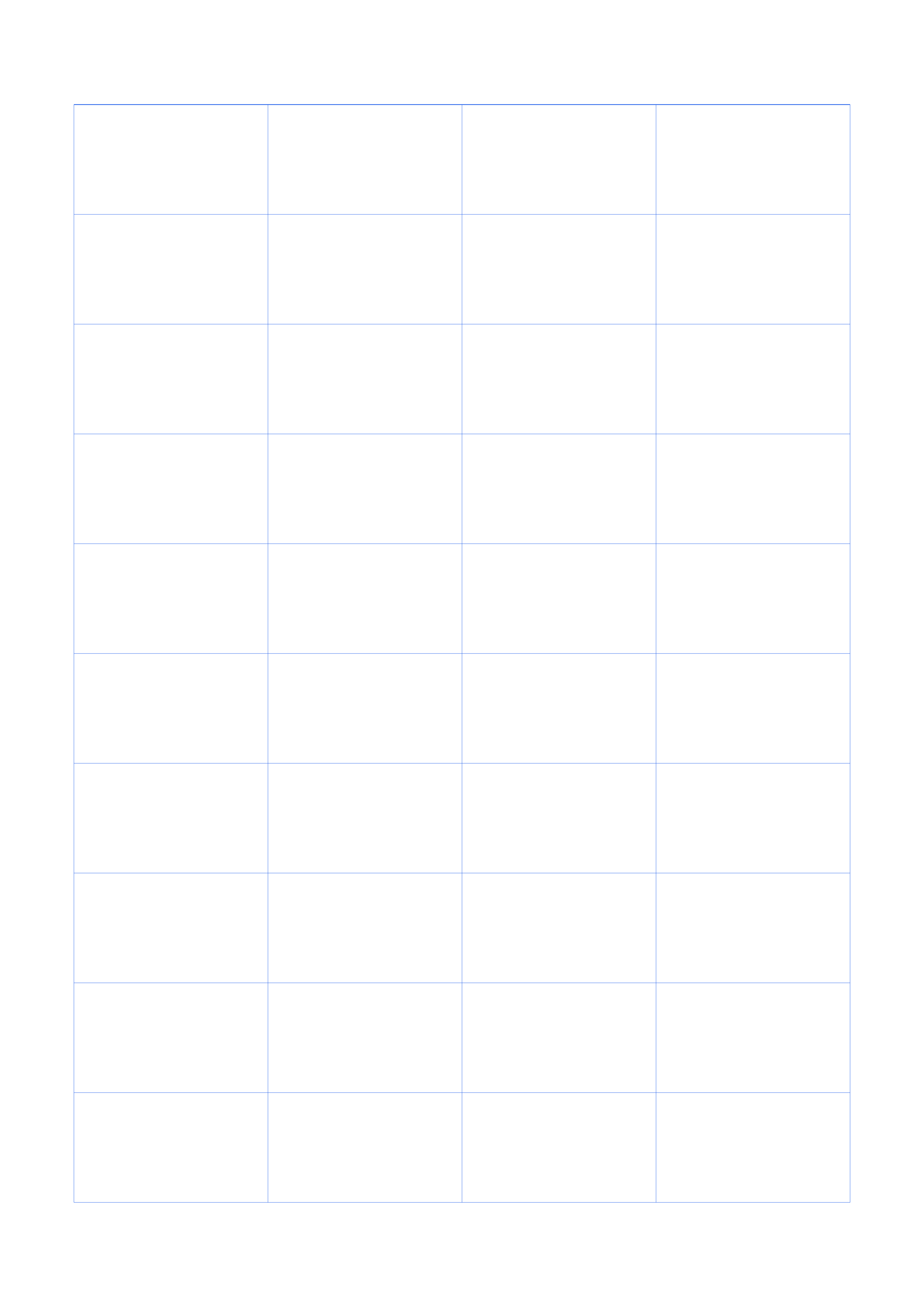
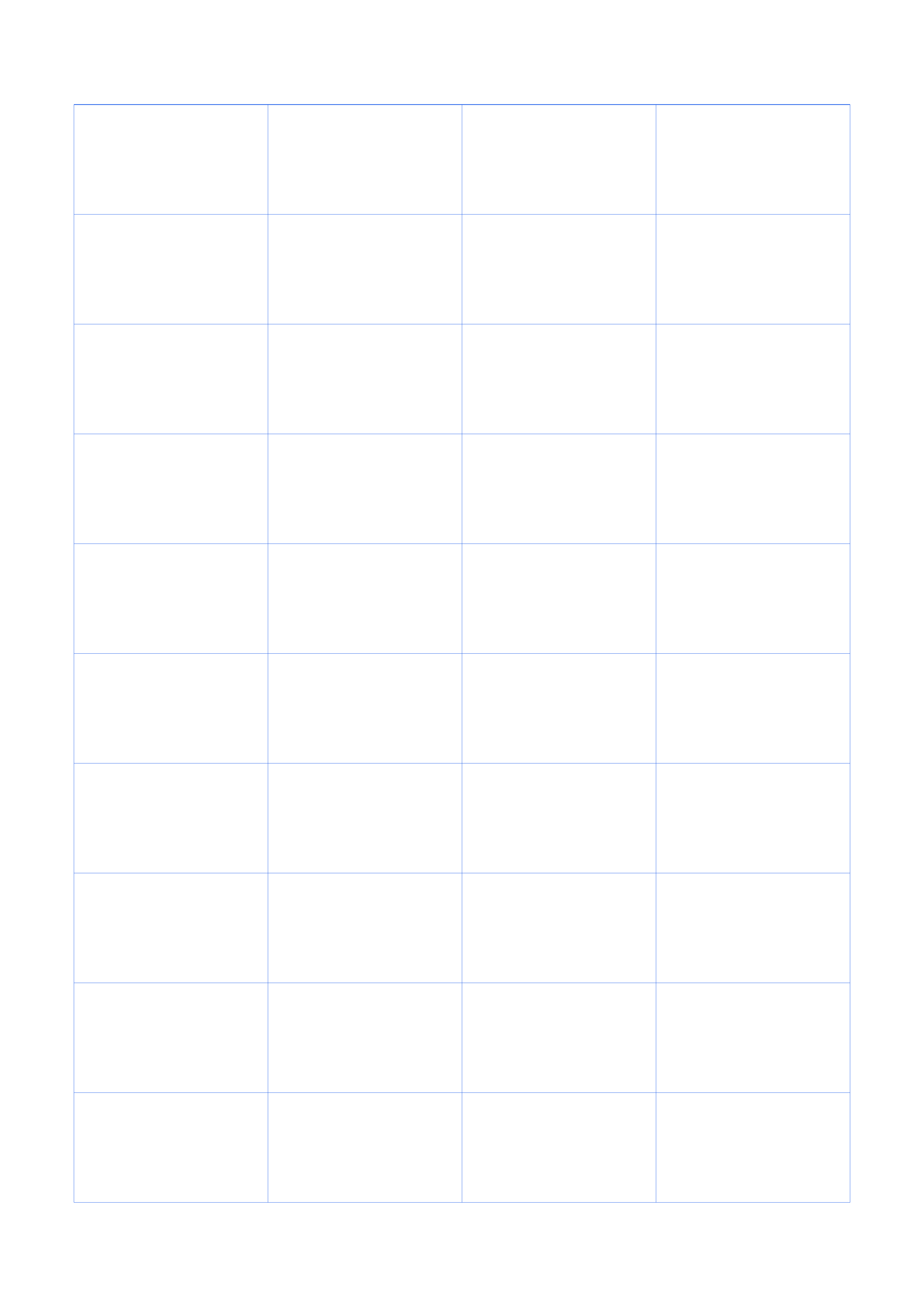
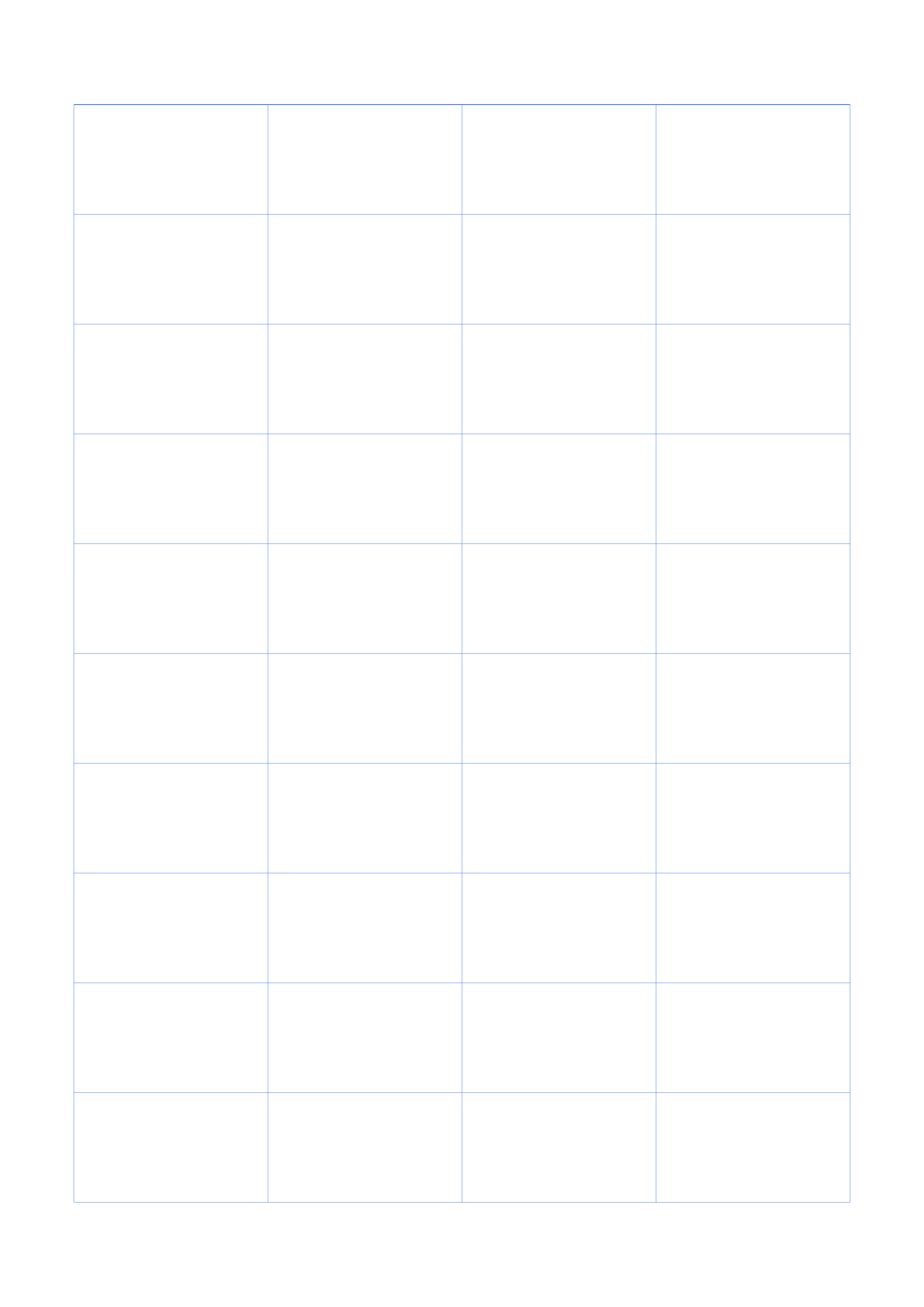
- The standard layout has 4 columns and 10 rows with a header row.
- The header row is left blank so you can label each column yourself.
- All blank table downloads are free and print at true scale.
Choose the finished page
Match the paper size to your printer, then pick portrait or landscape.
Configure the grid
Pick a theme, then fine-tune spacing, line color, dot size, opacity and margins.
Start from a practical setting
Jump to a ready template, then fine-tune the settings from there.
Blank Table Templates
Ready-made blank table pages — click a card to load the preset, or grab the PDF and PNG directly.
How to use blank table
What is blank table?
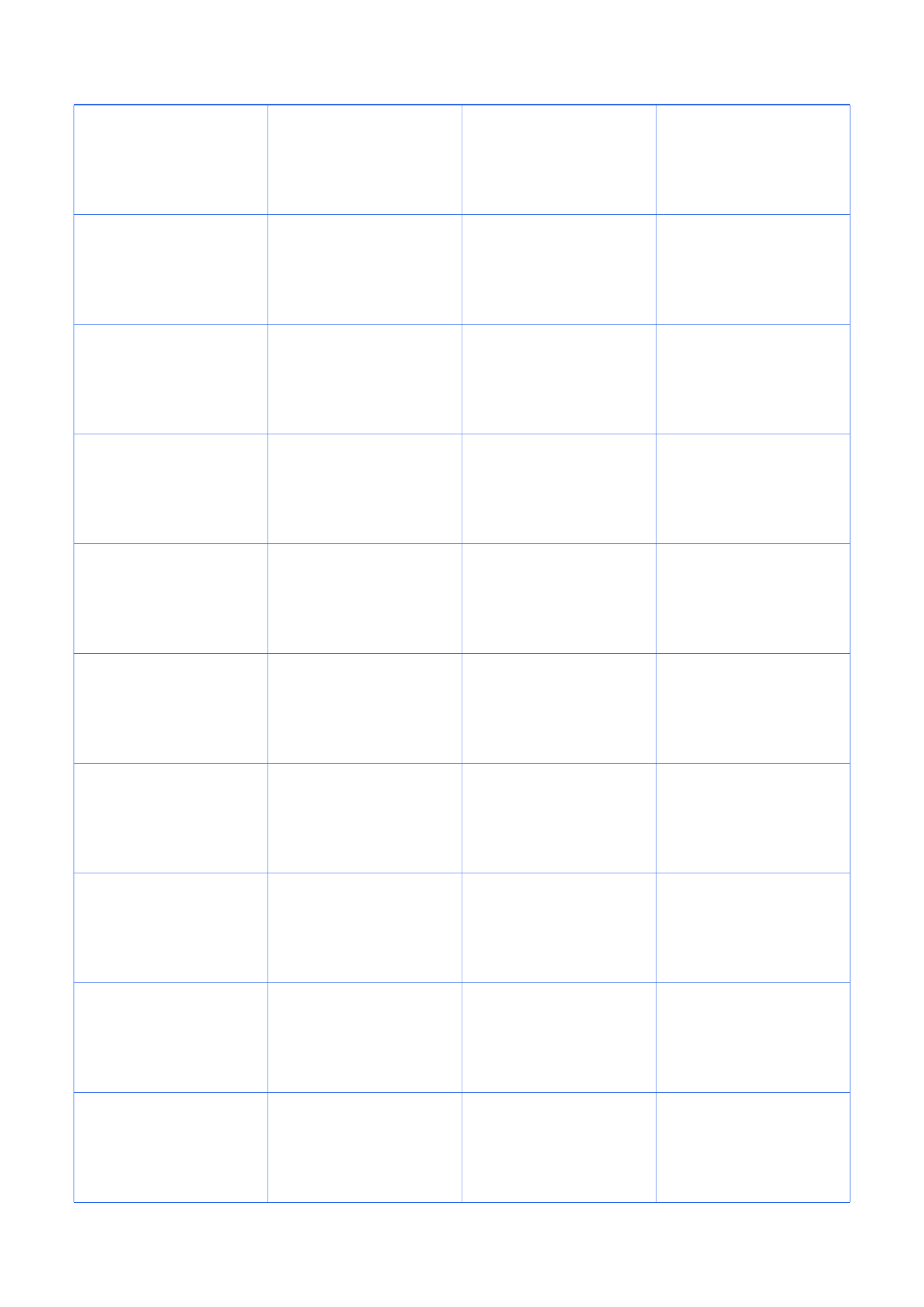
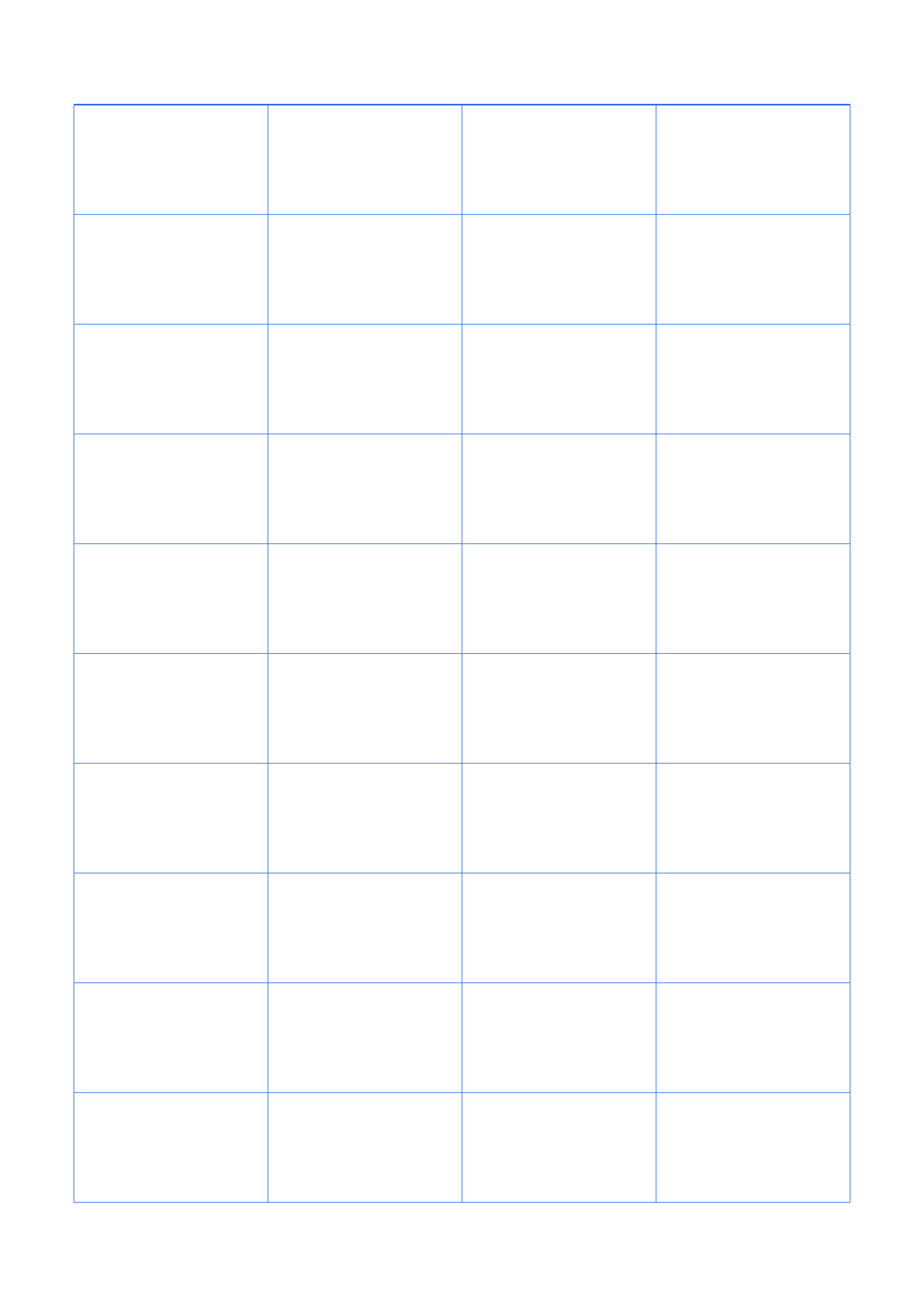
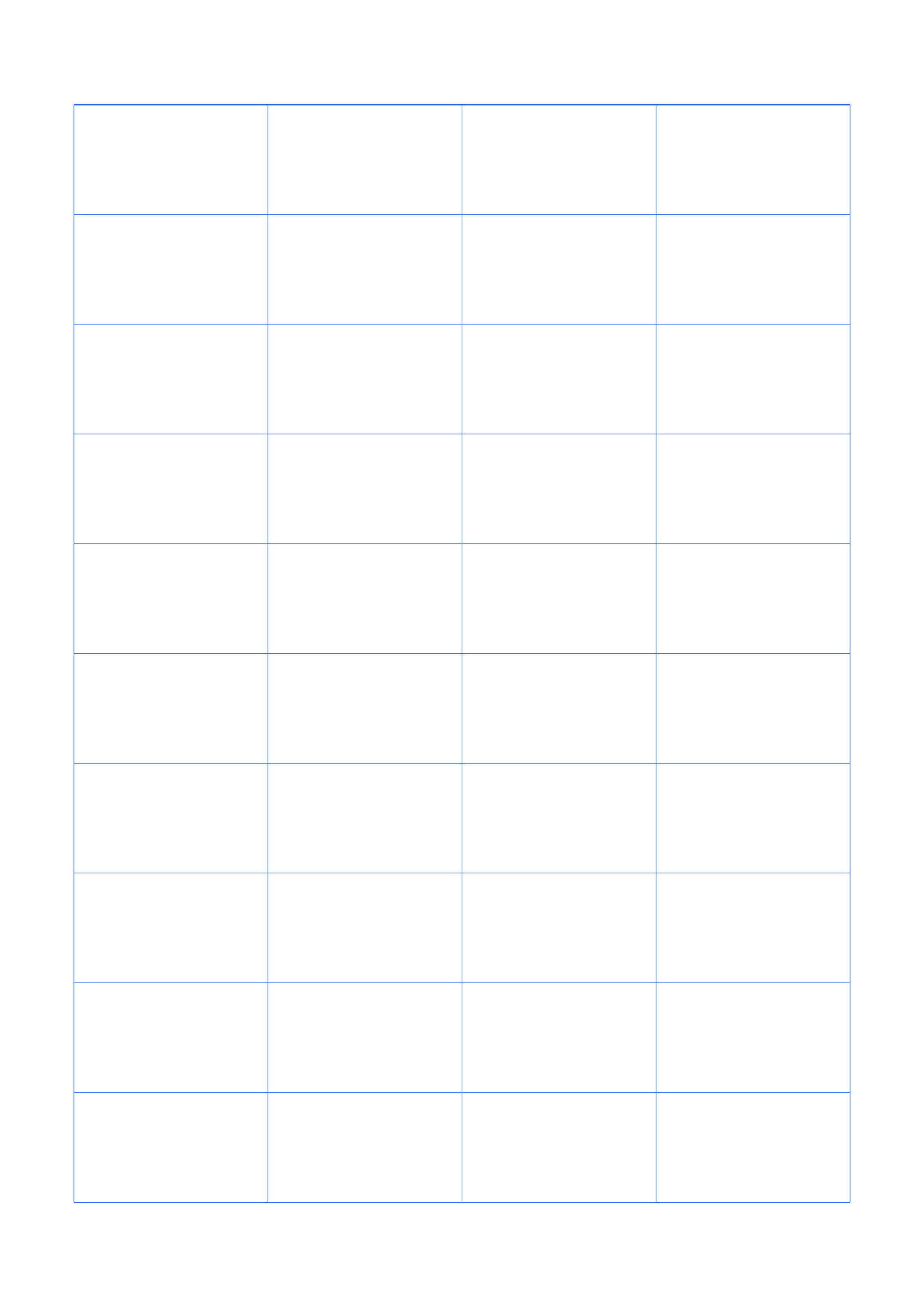
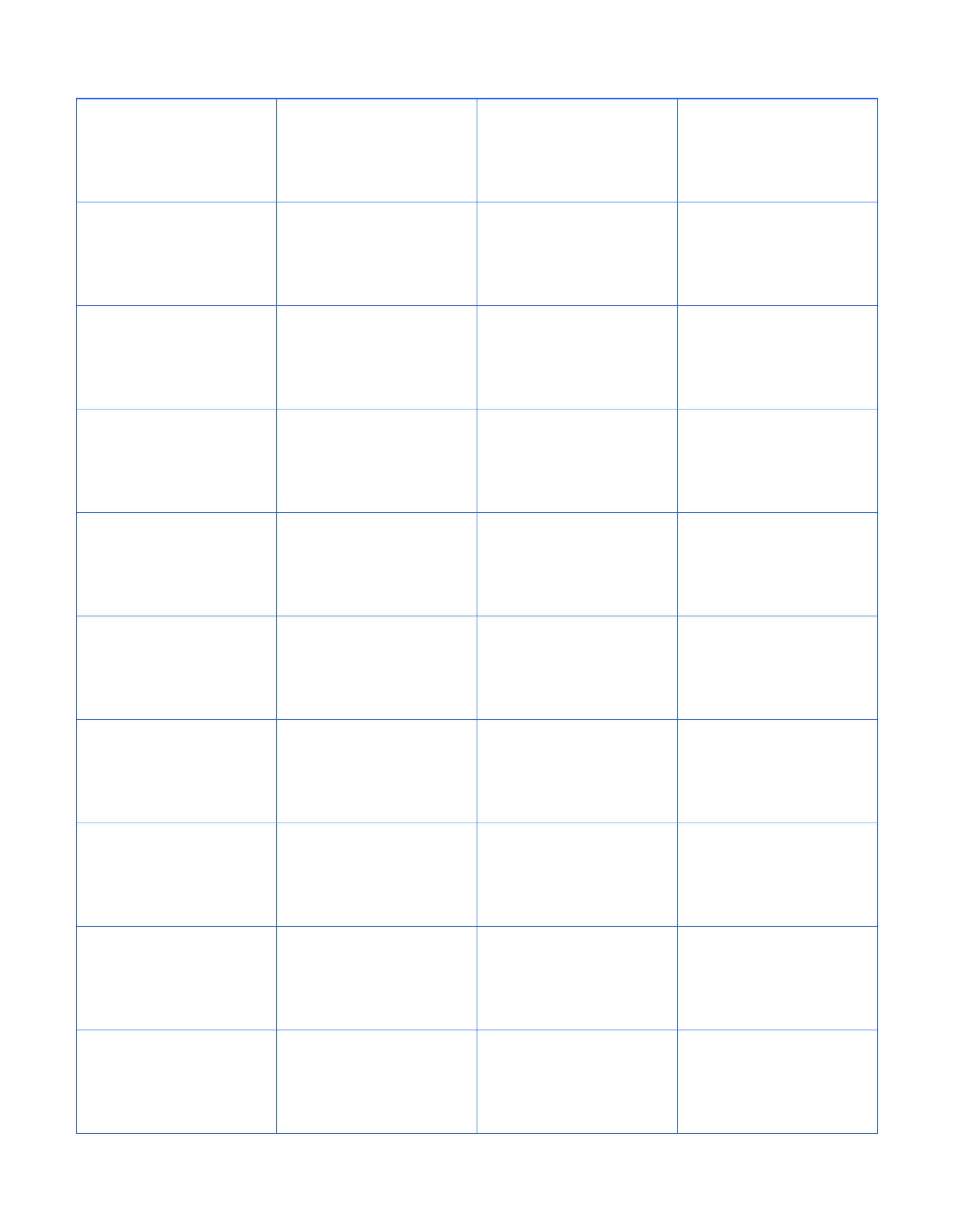
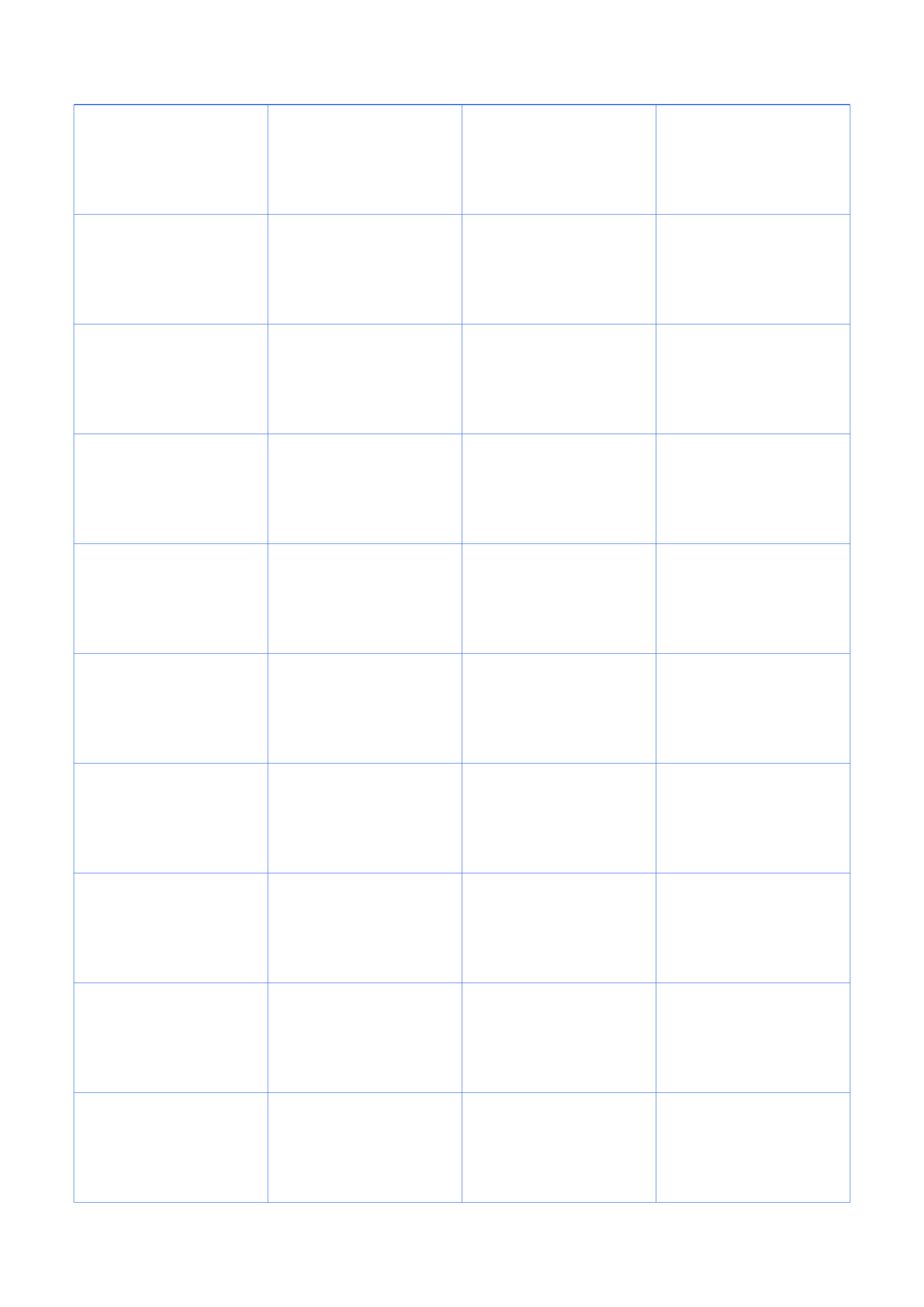
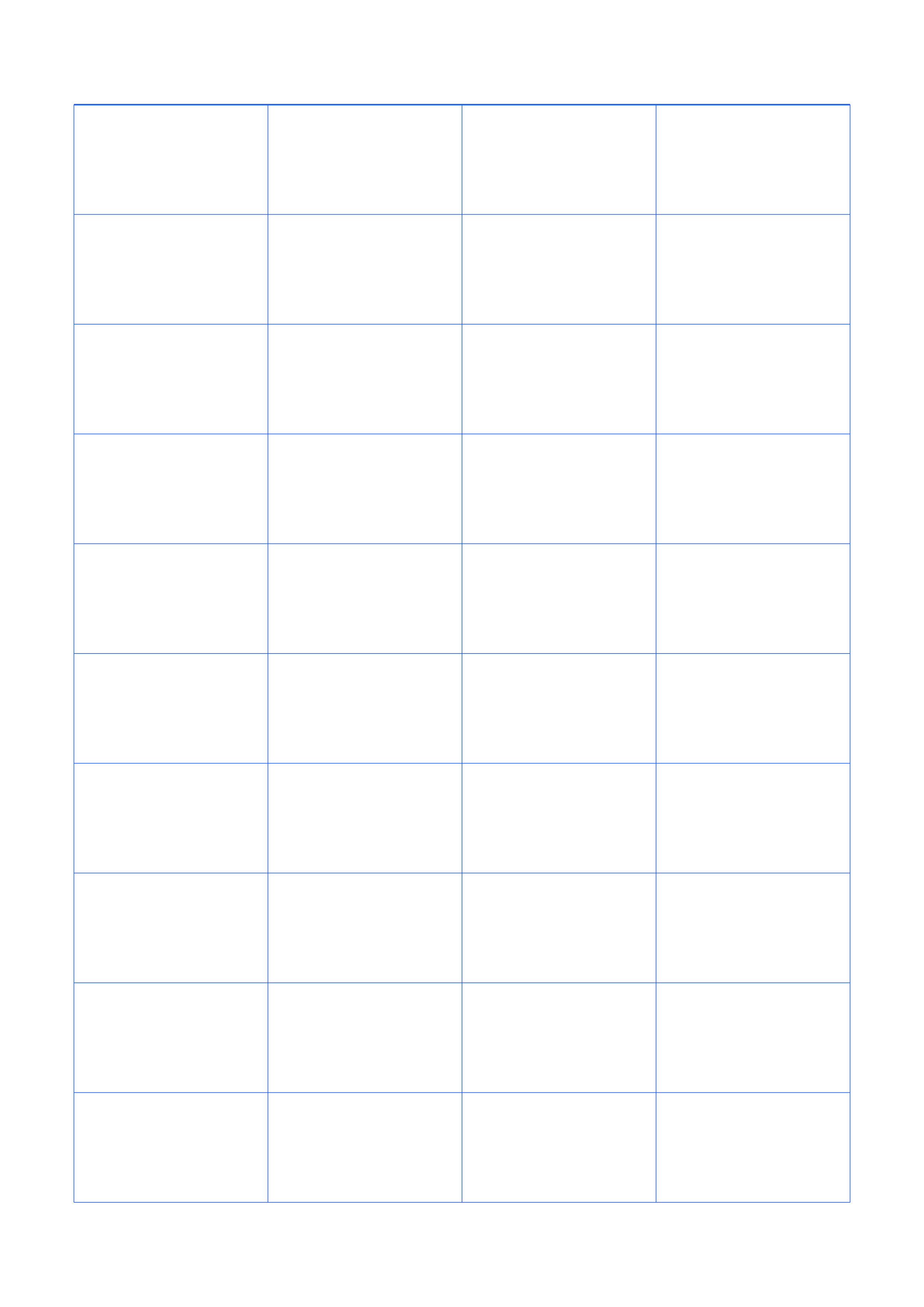
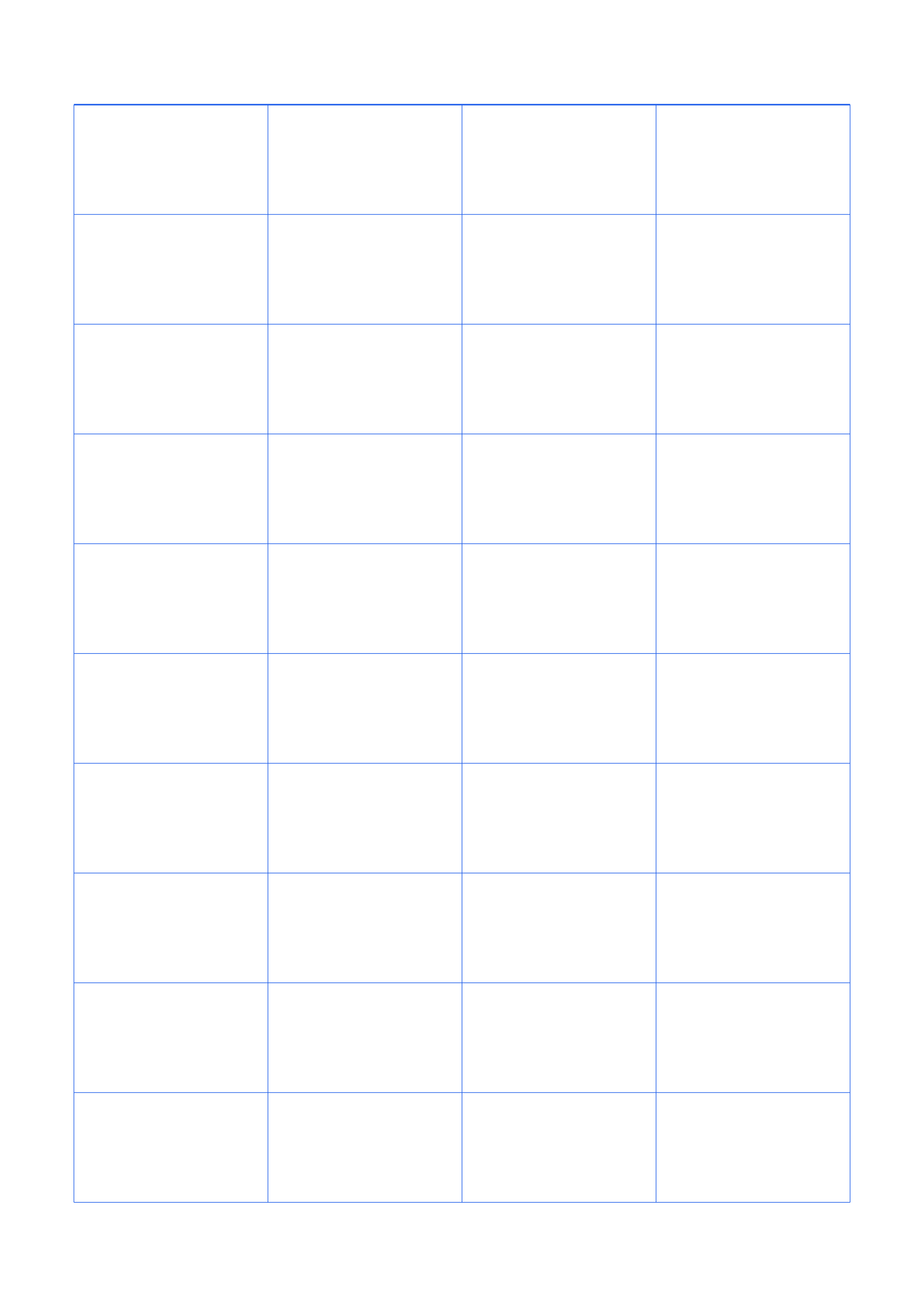
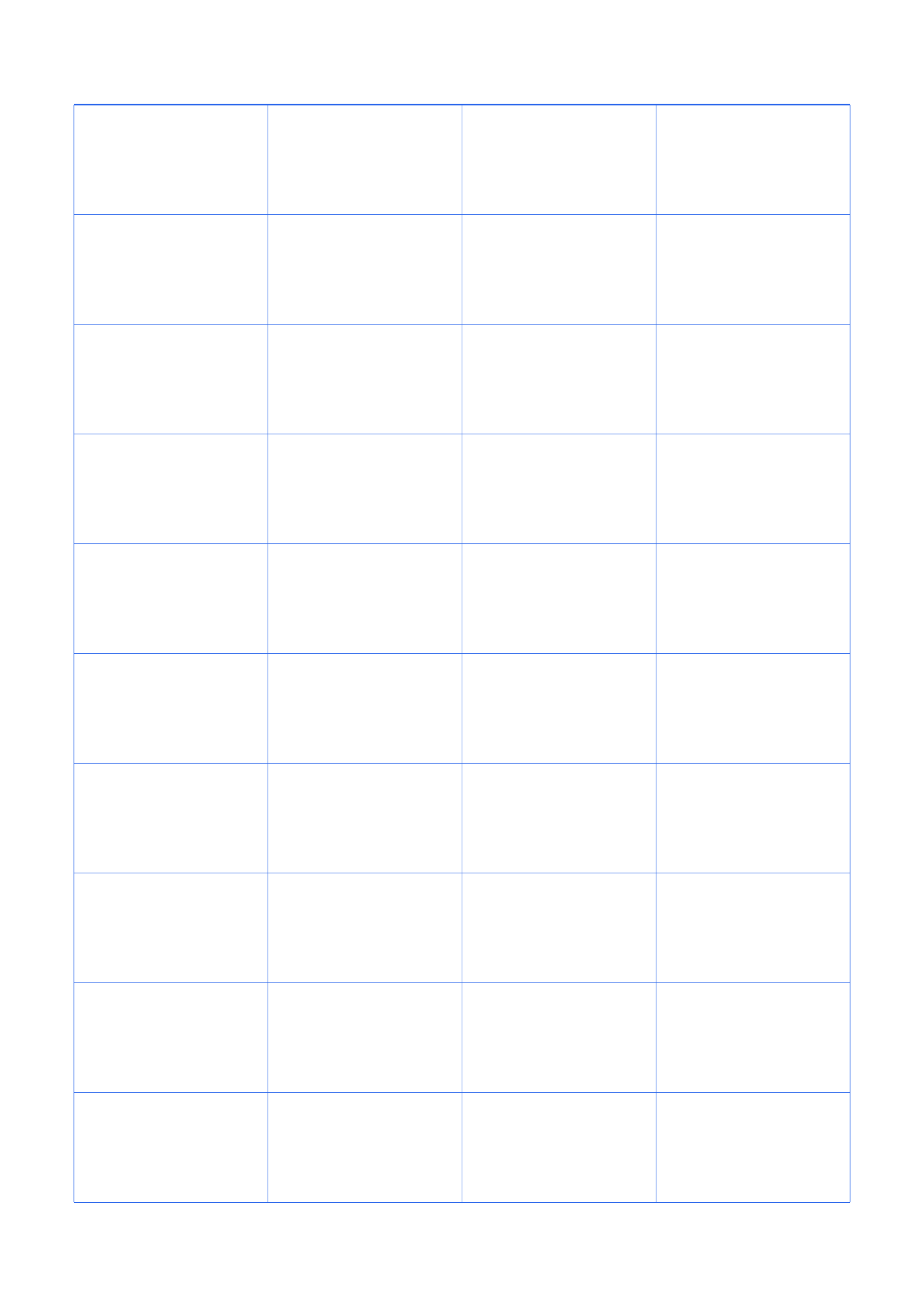
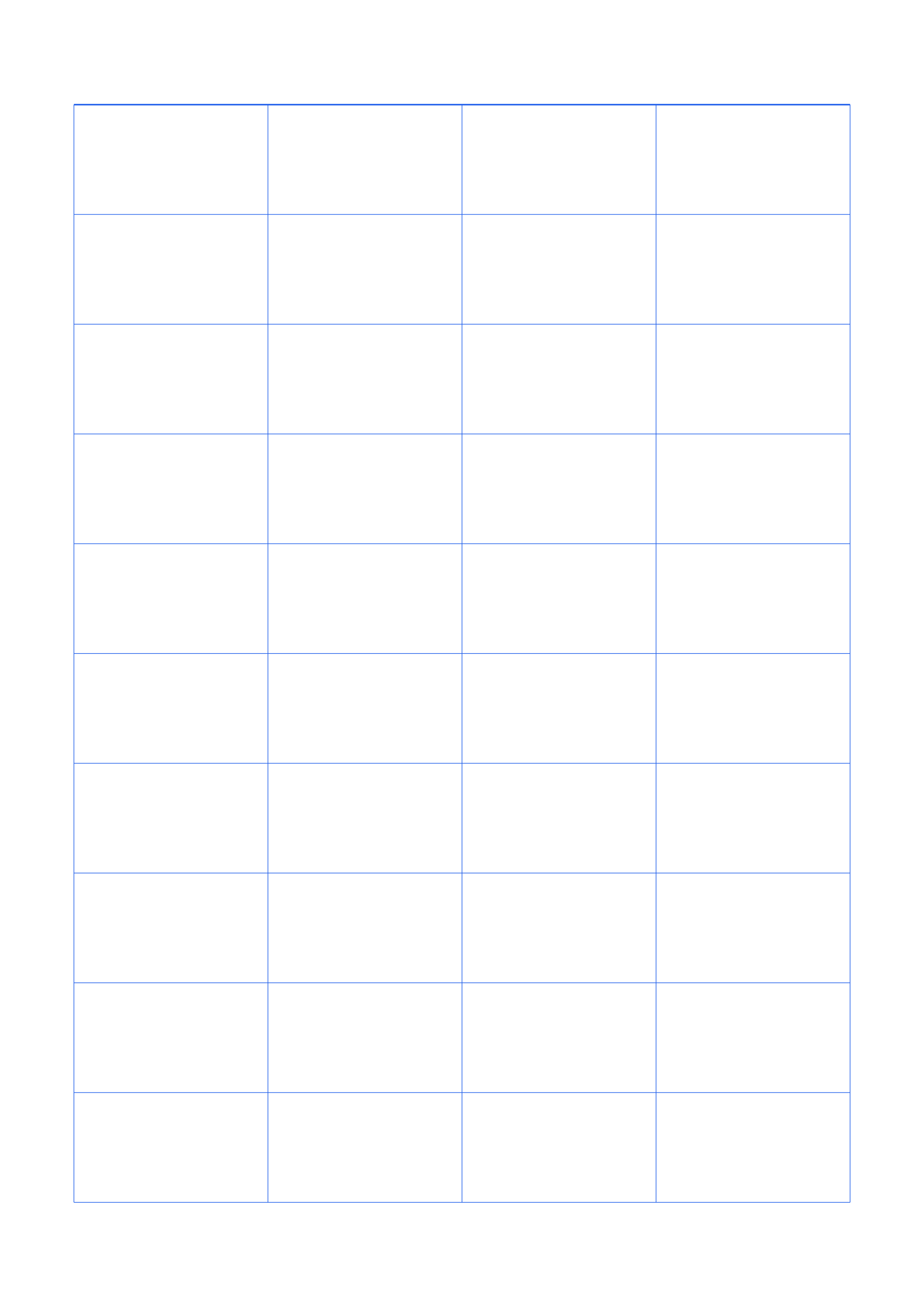
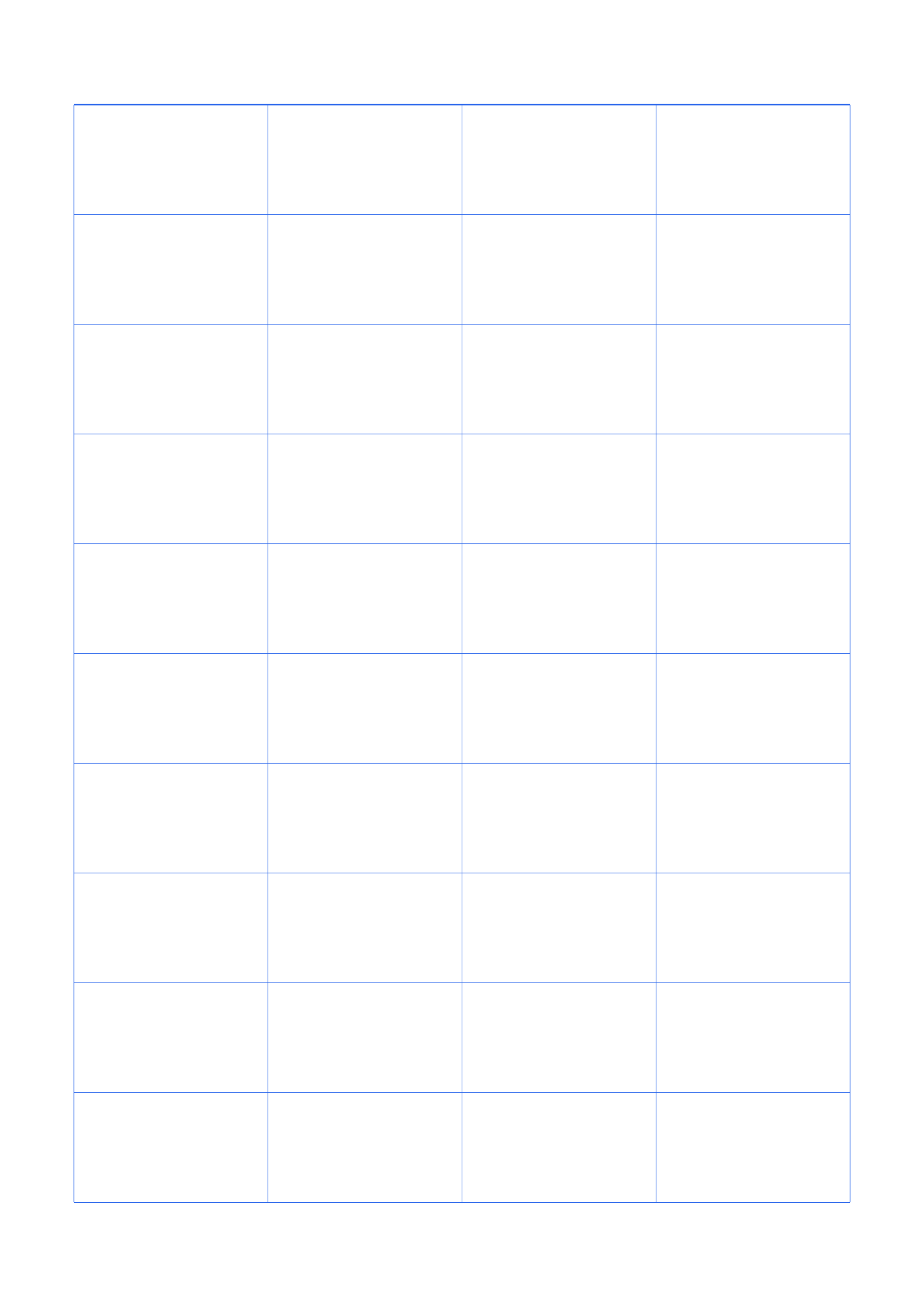
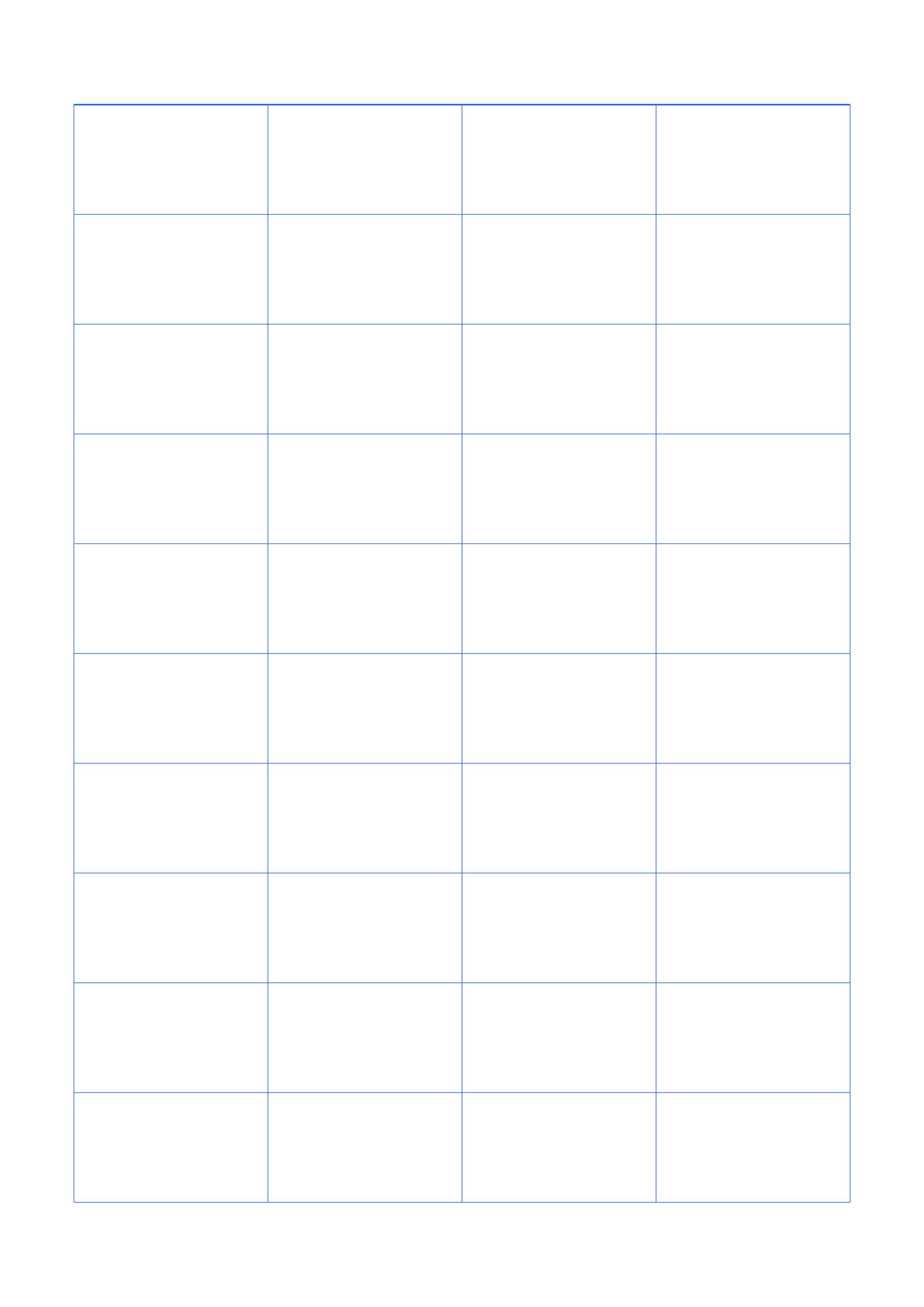
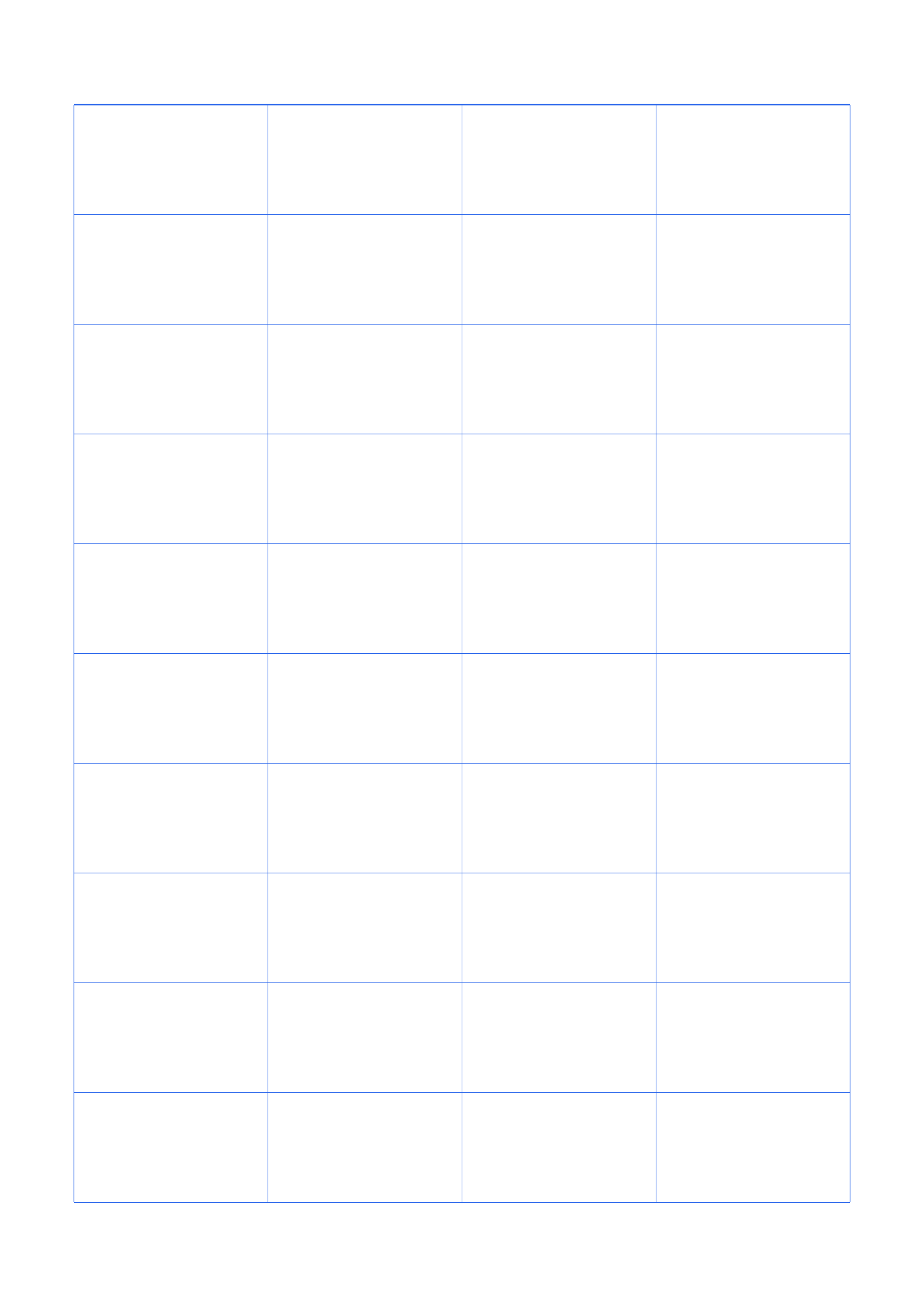
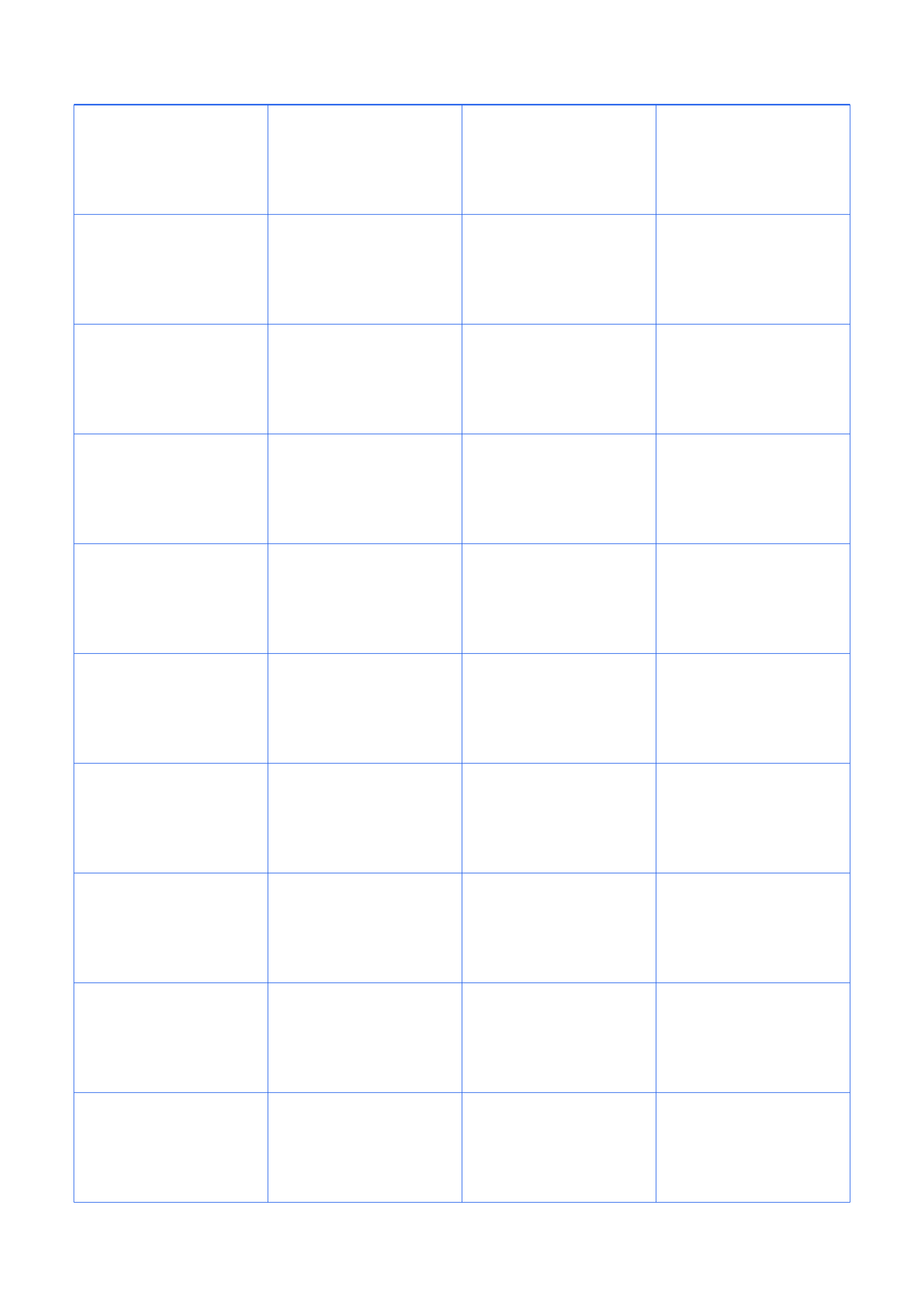
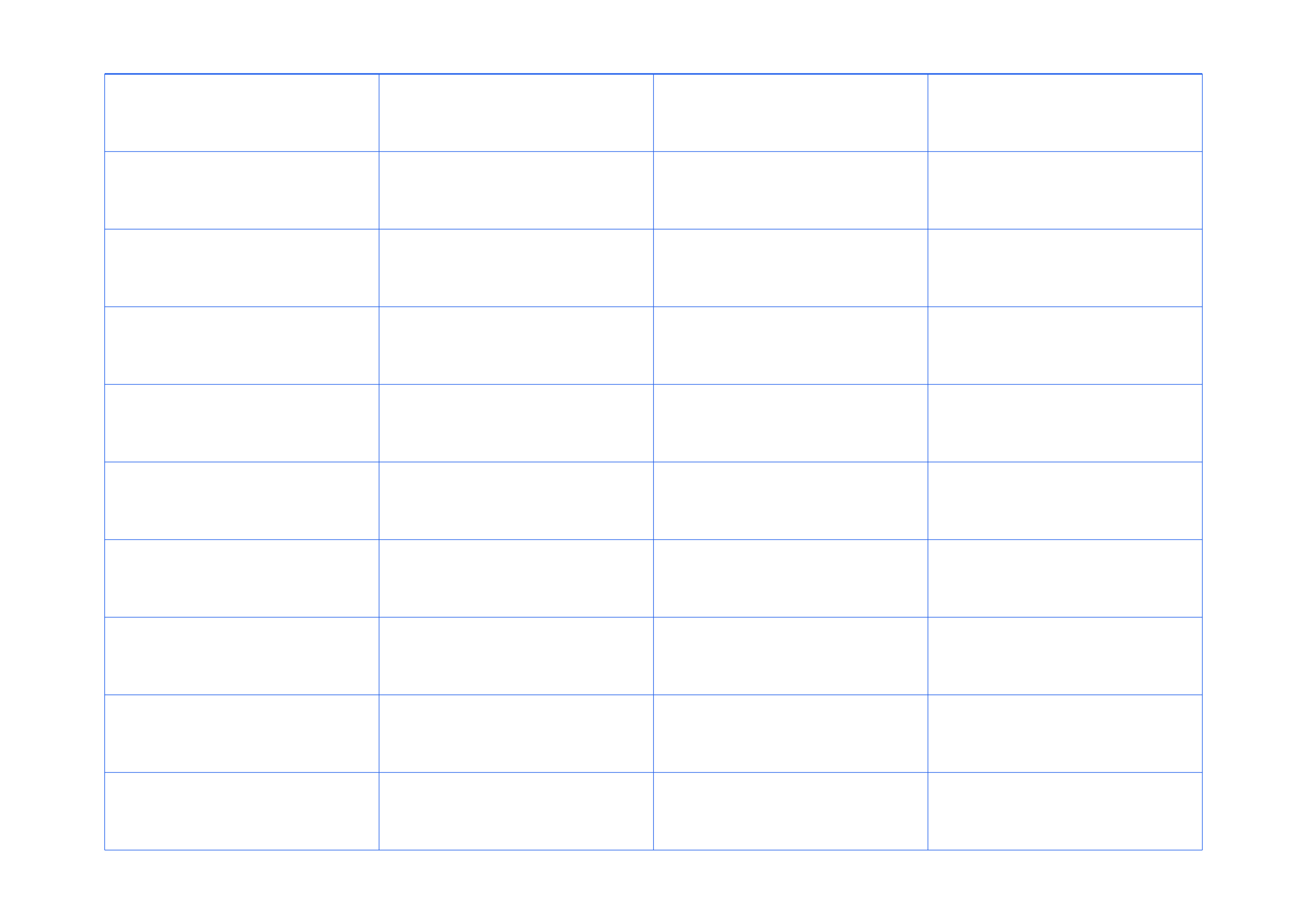
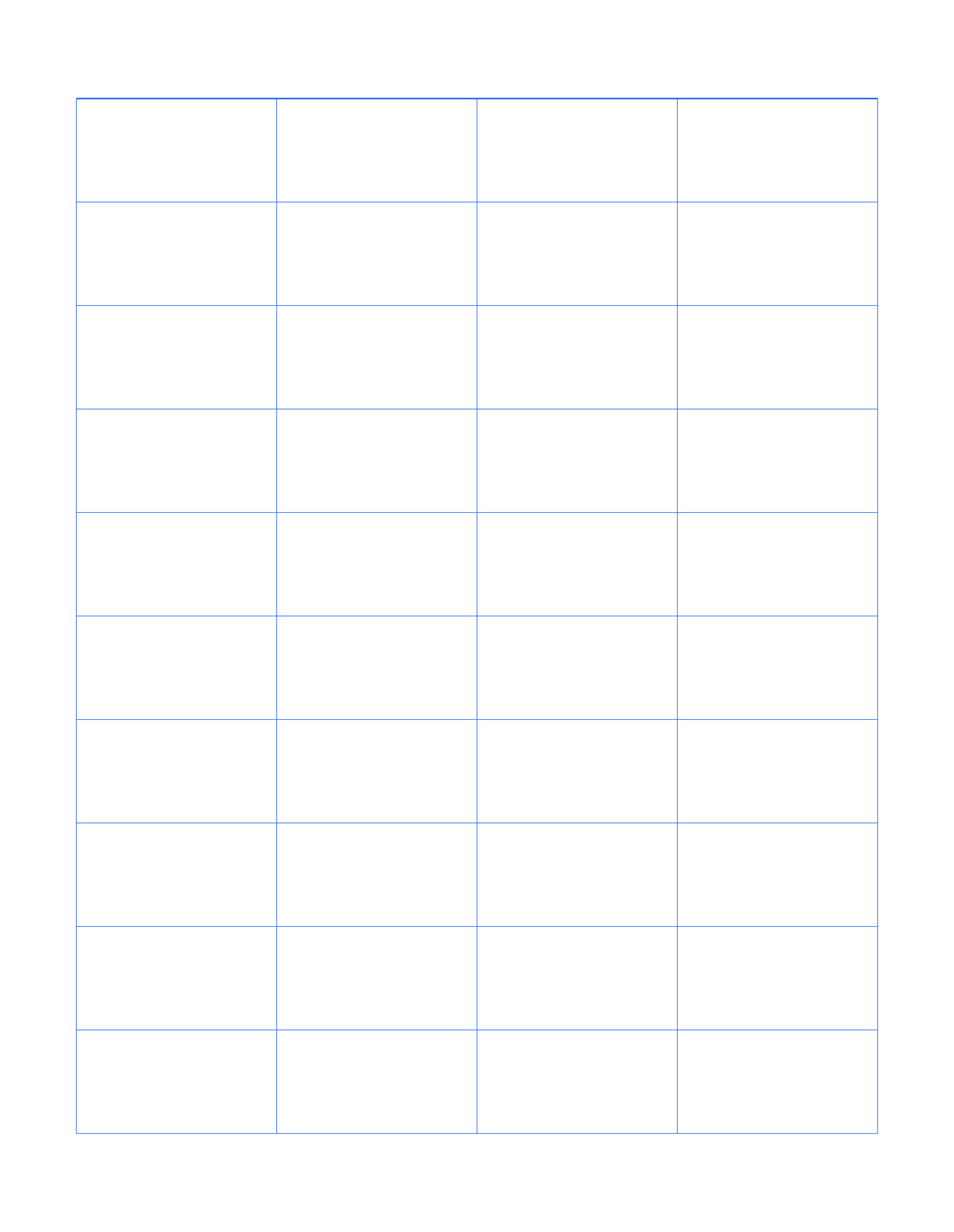
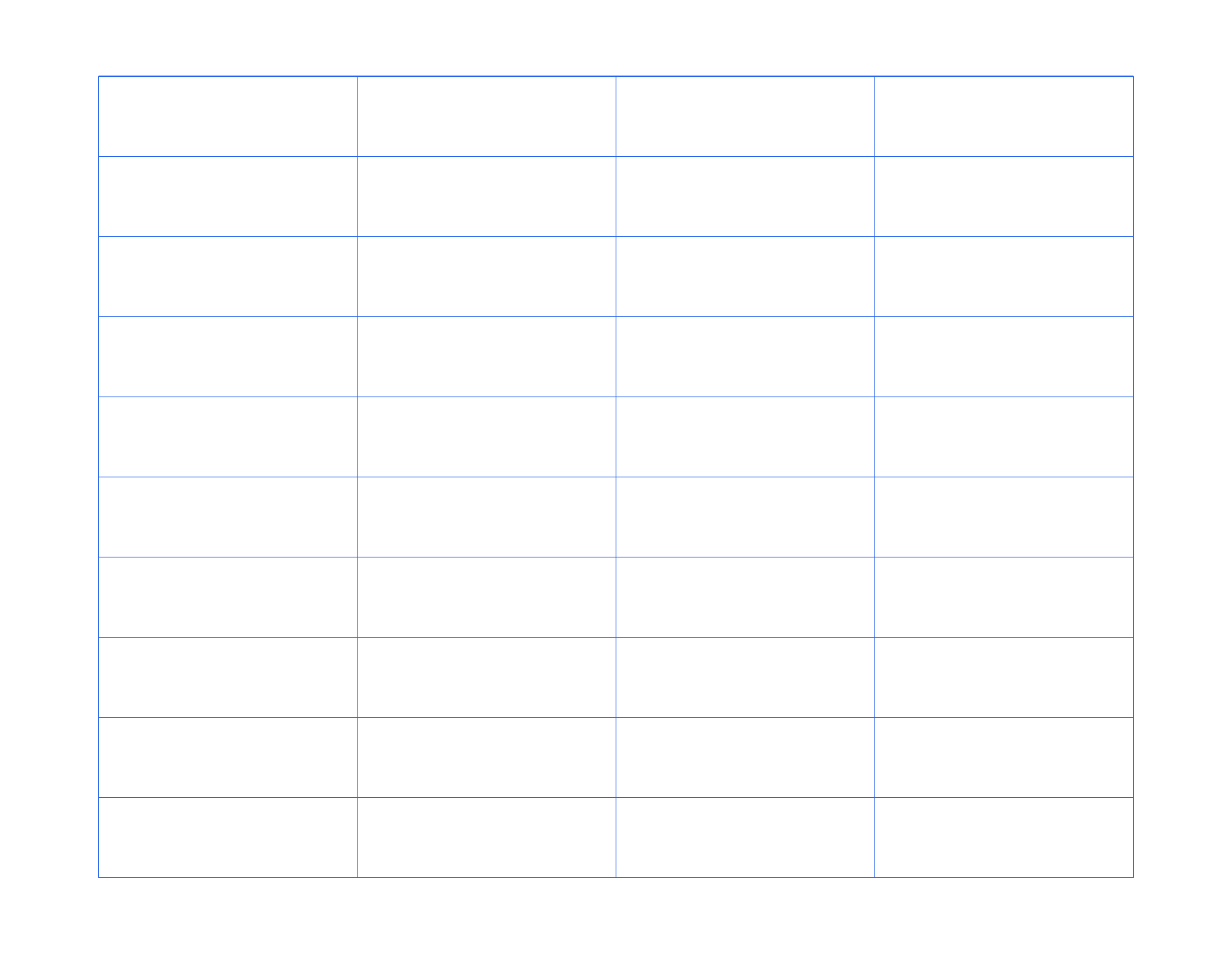
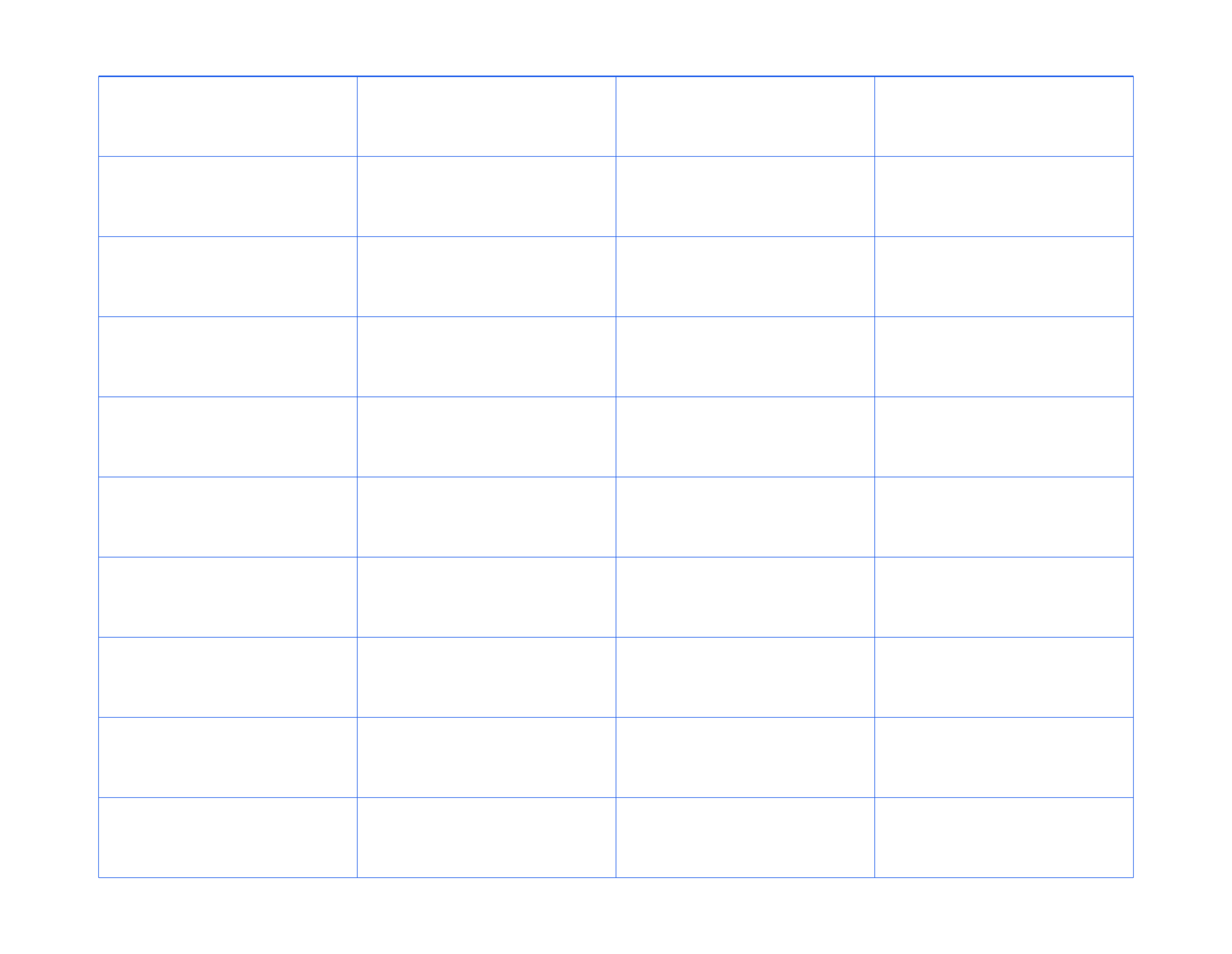
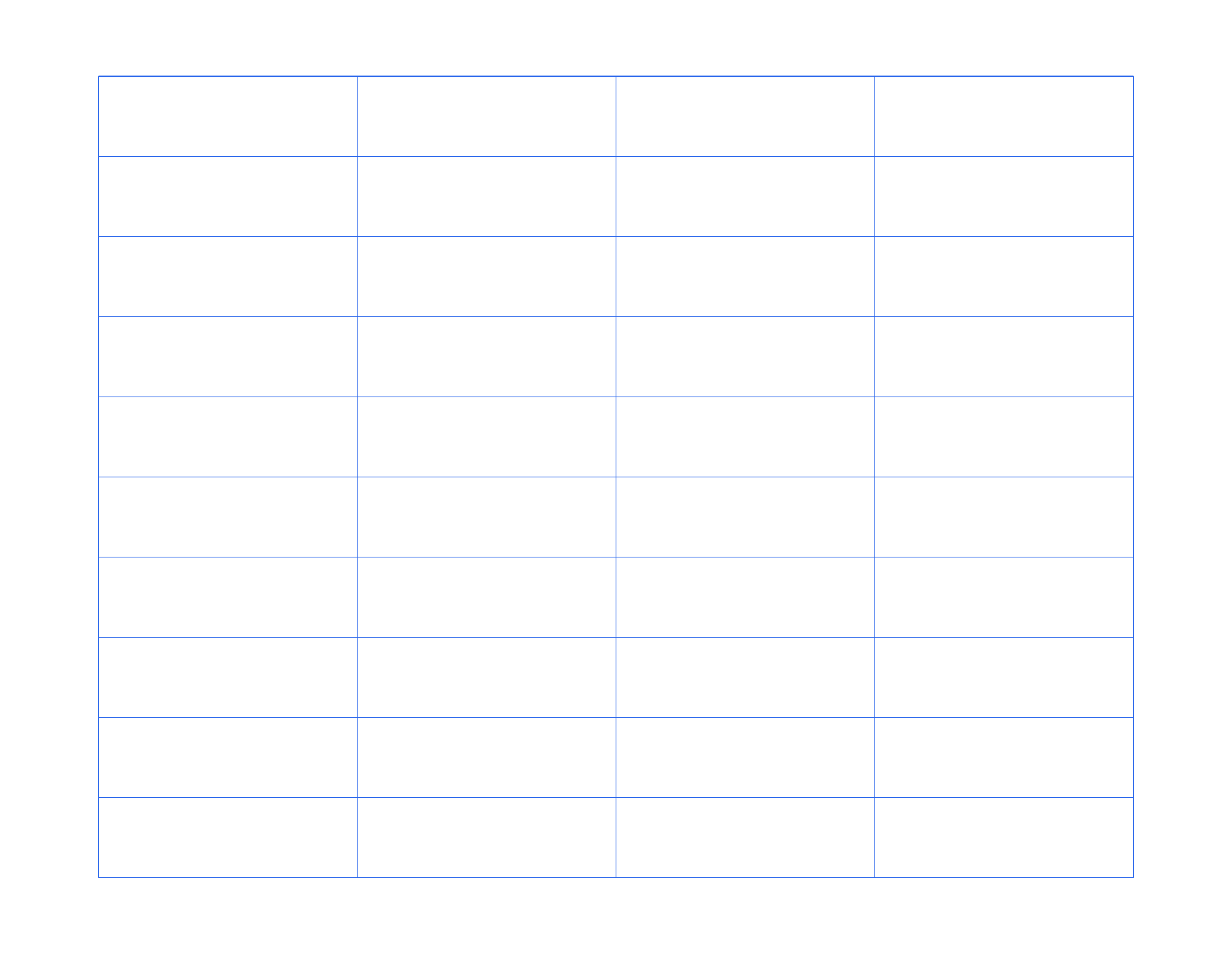
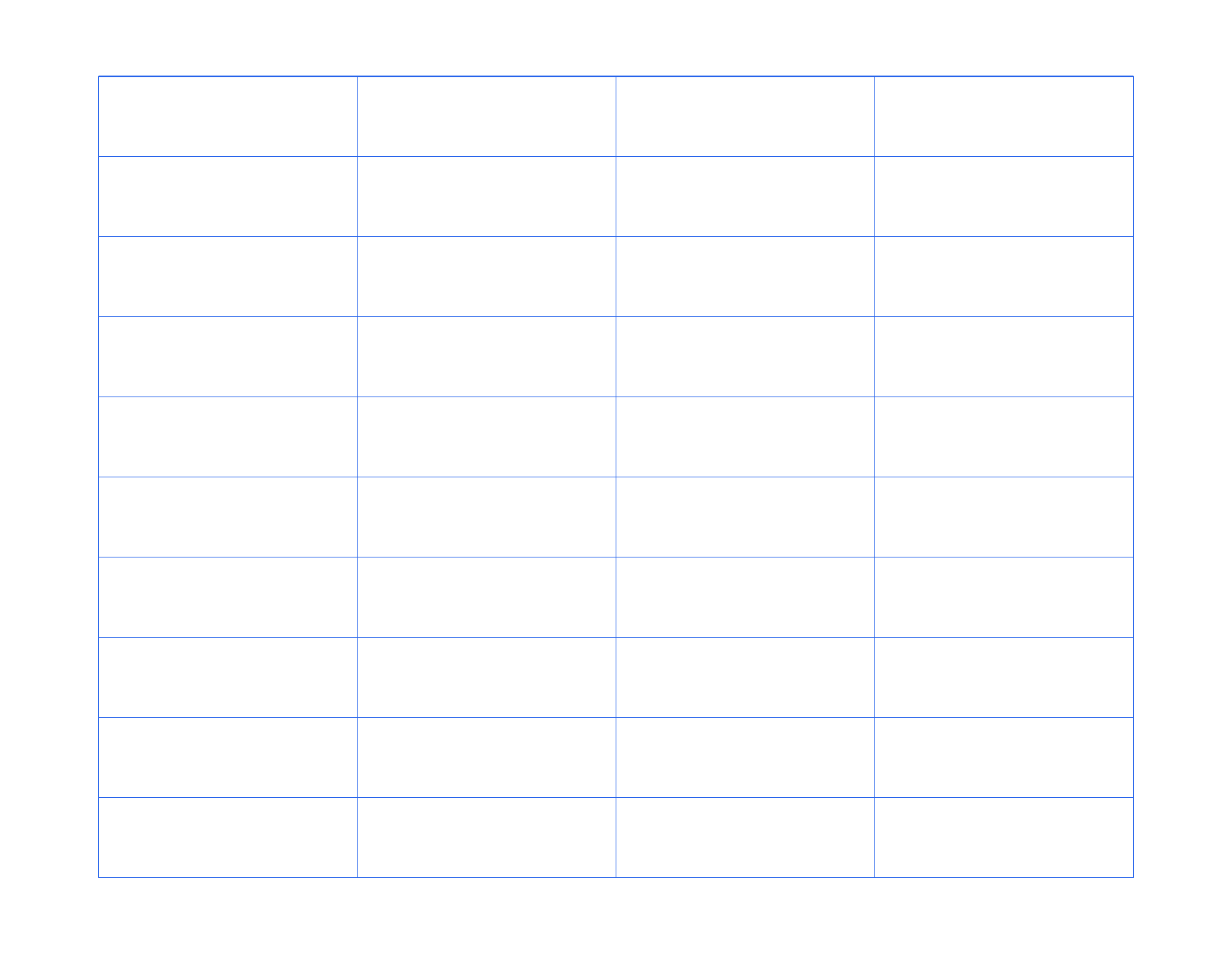
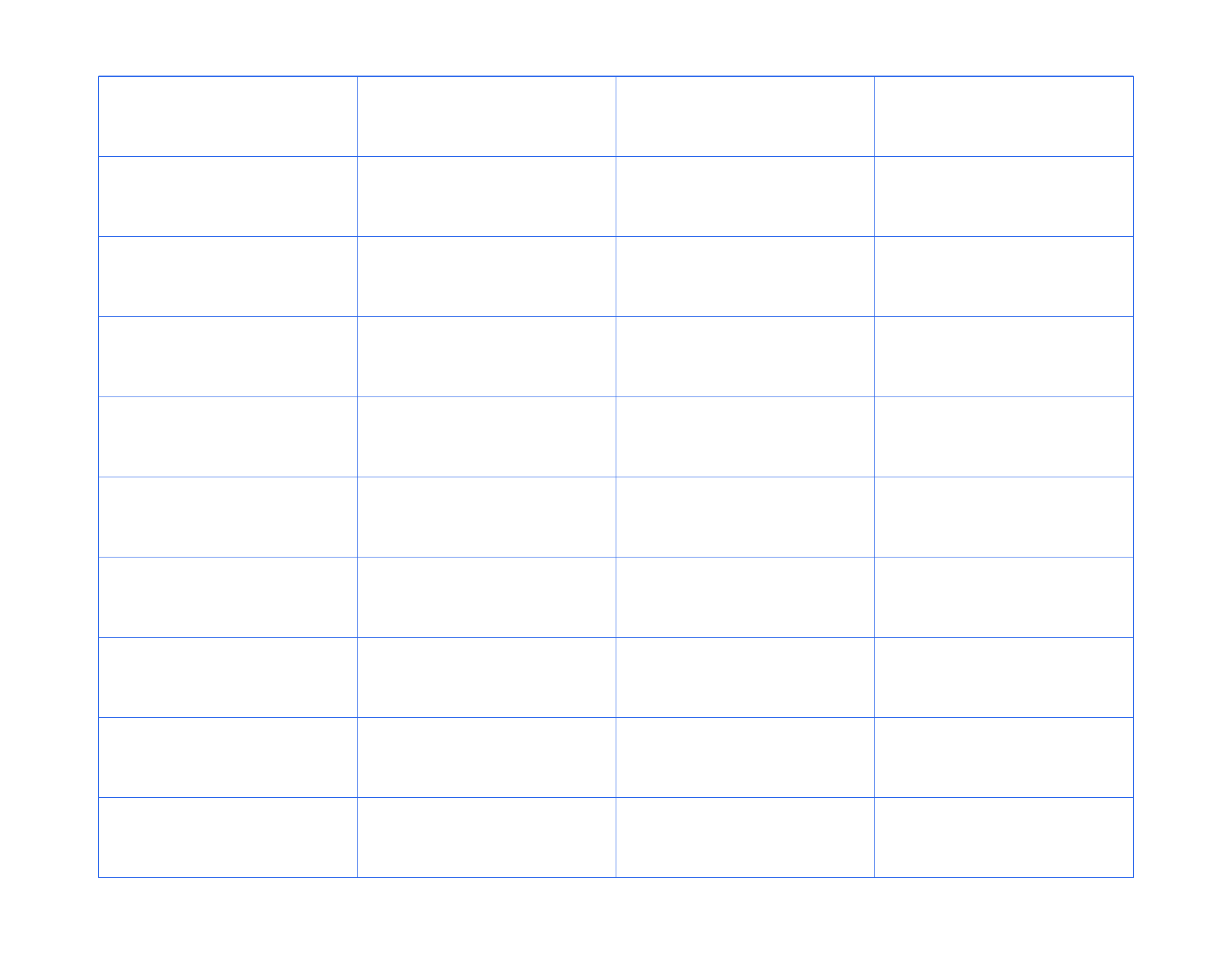
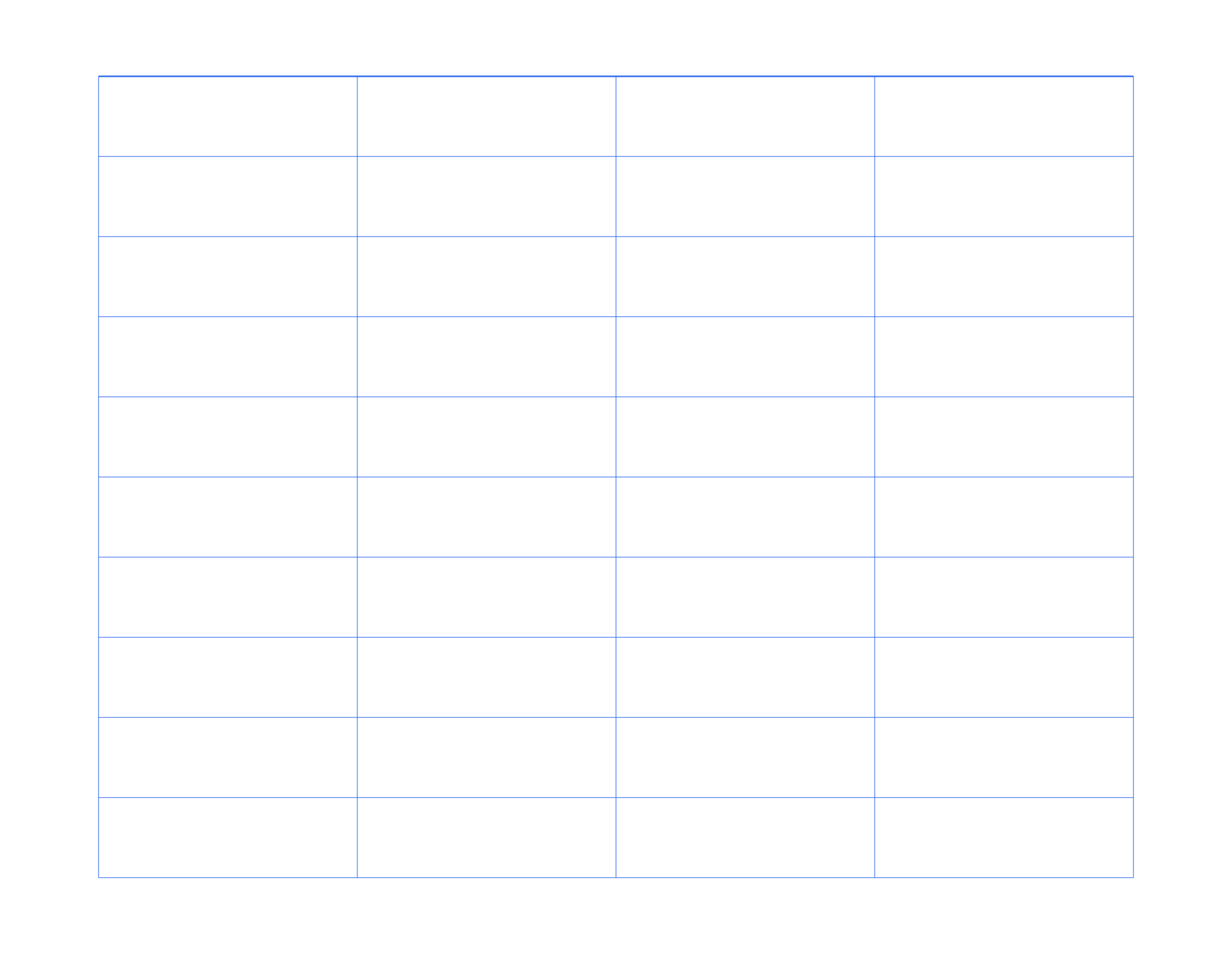
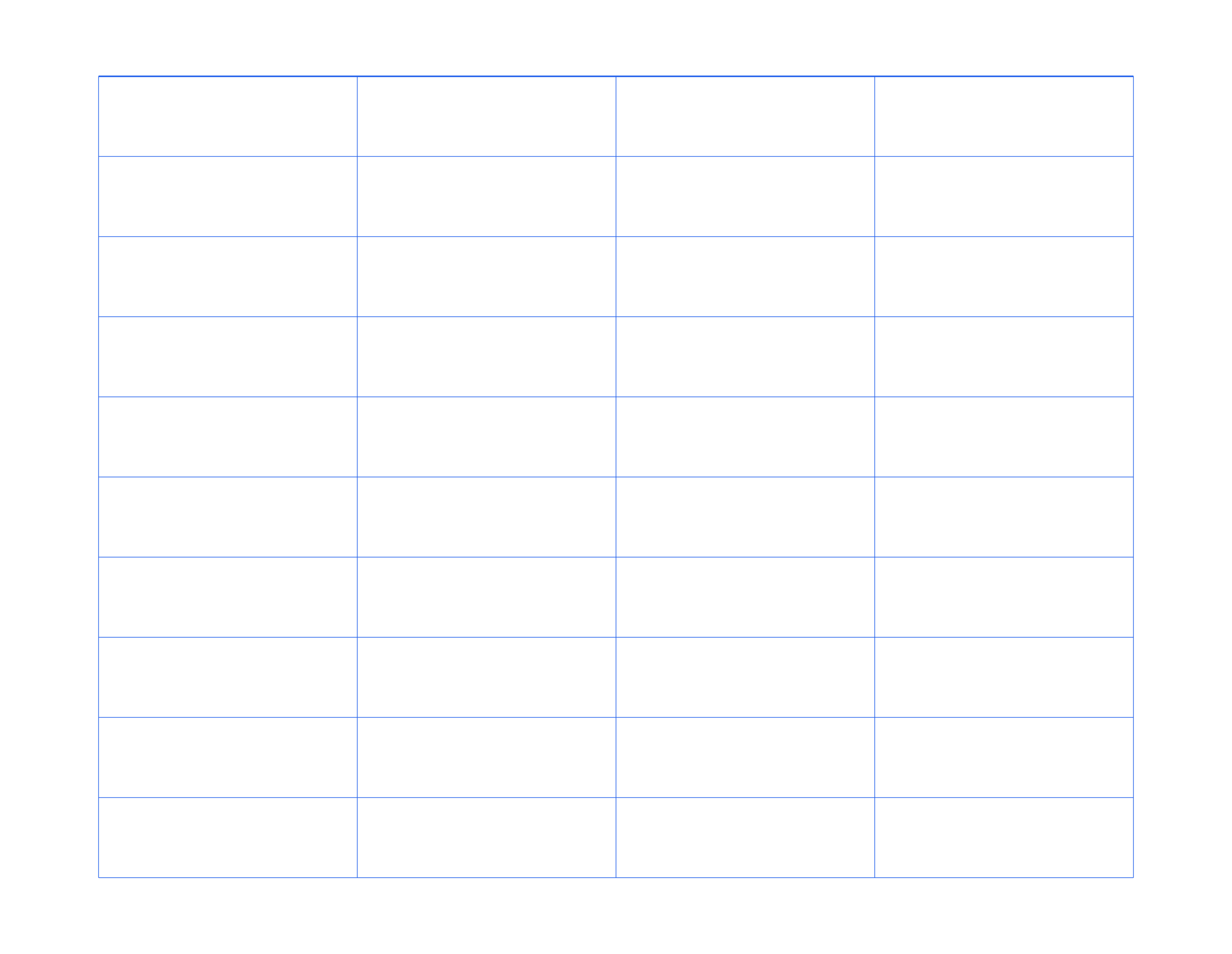
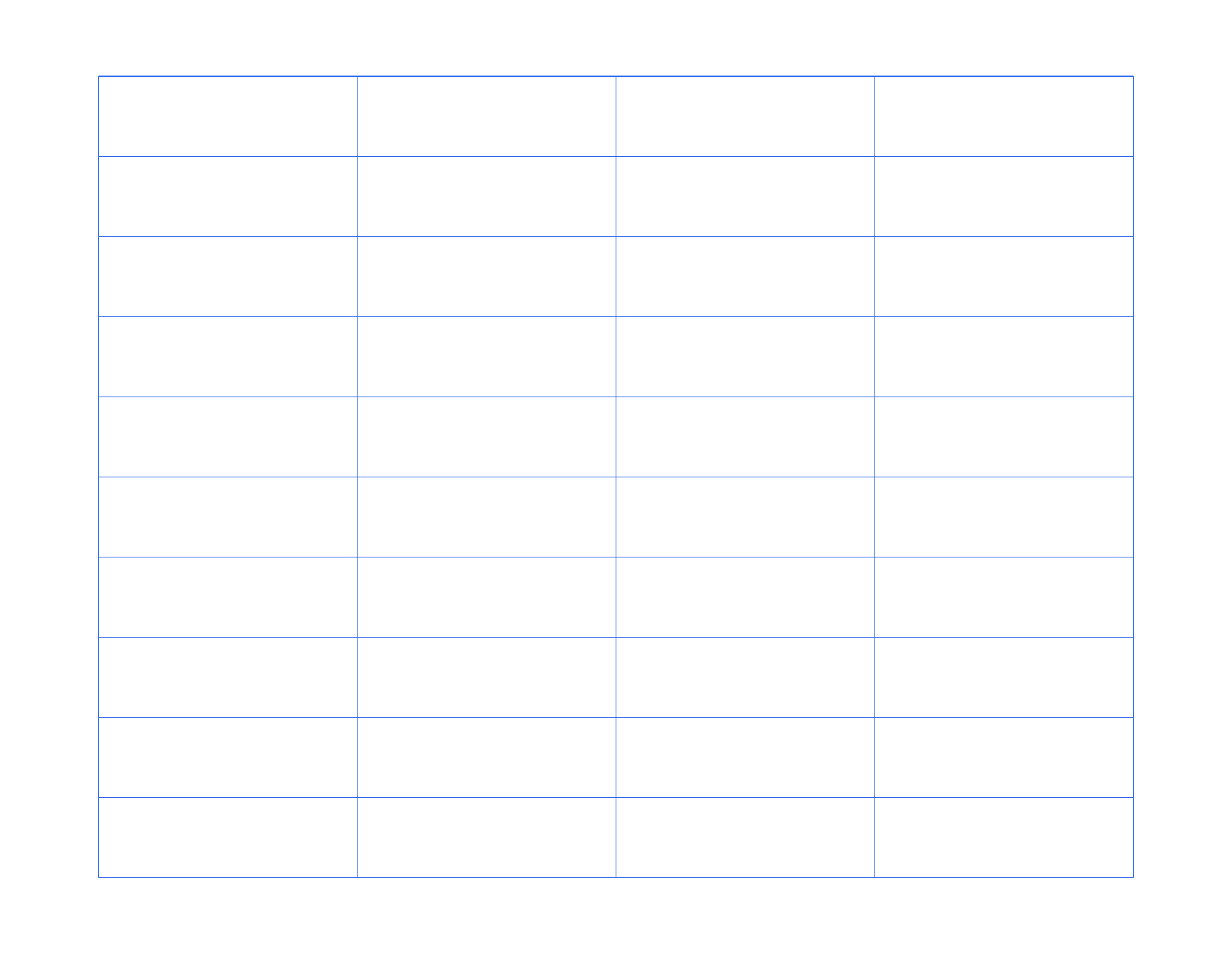
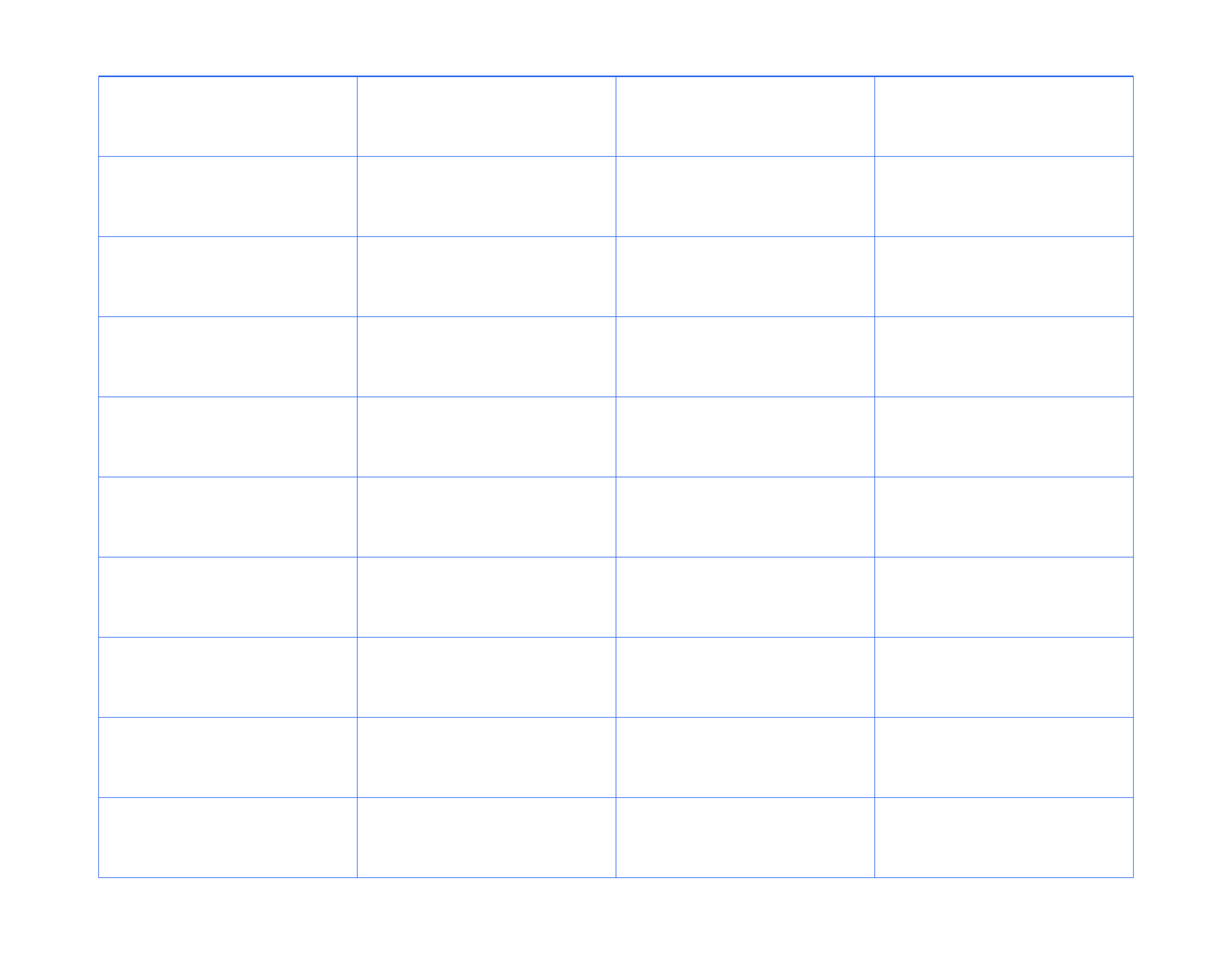
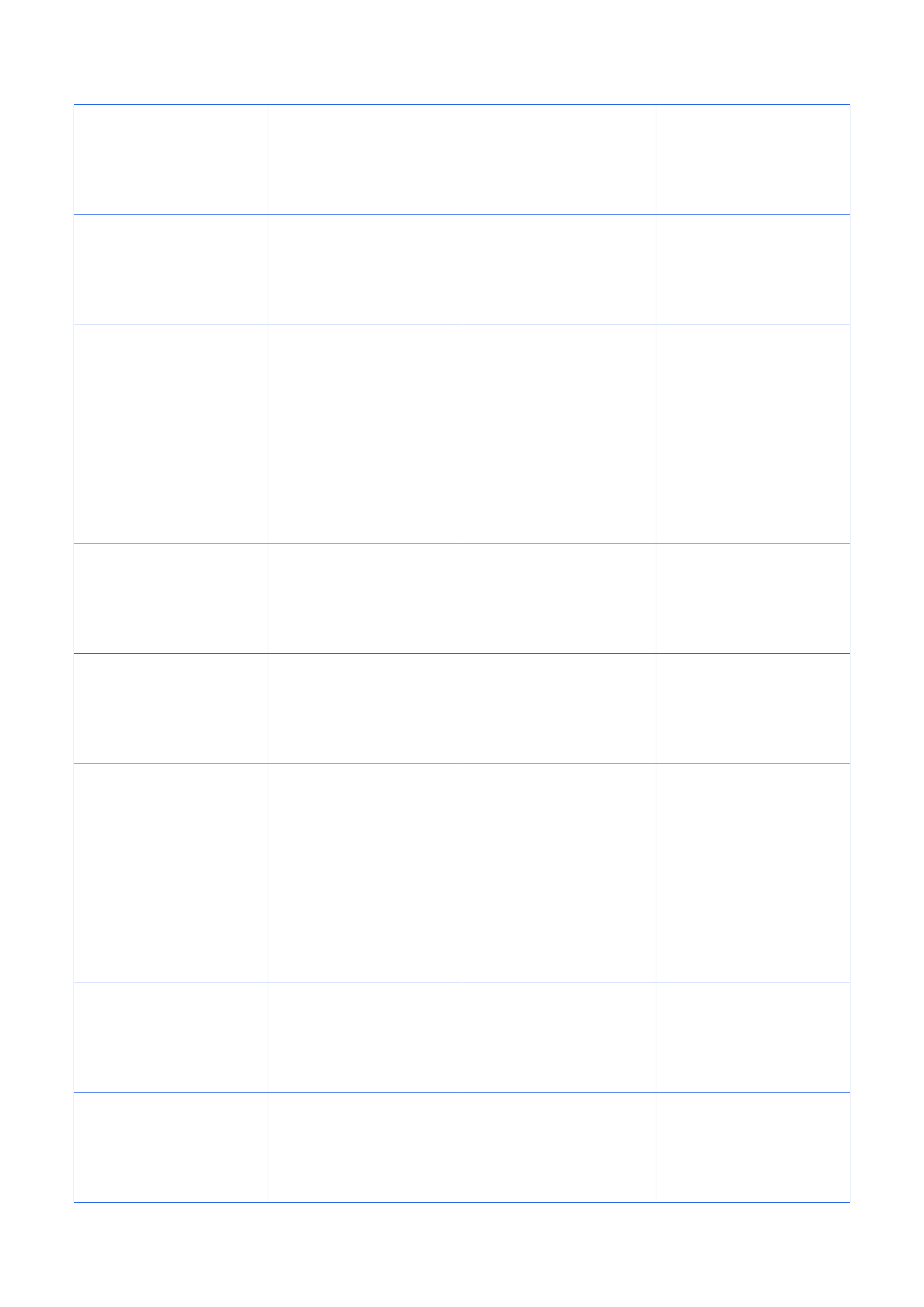
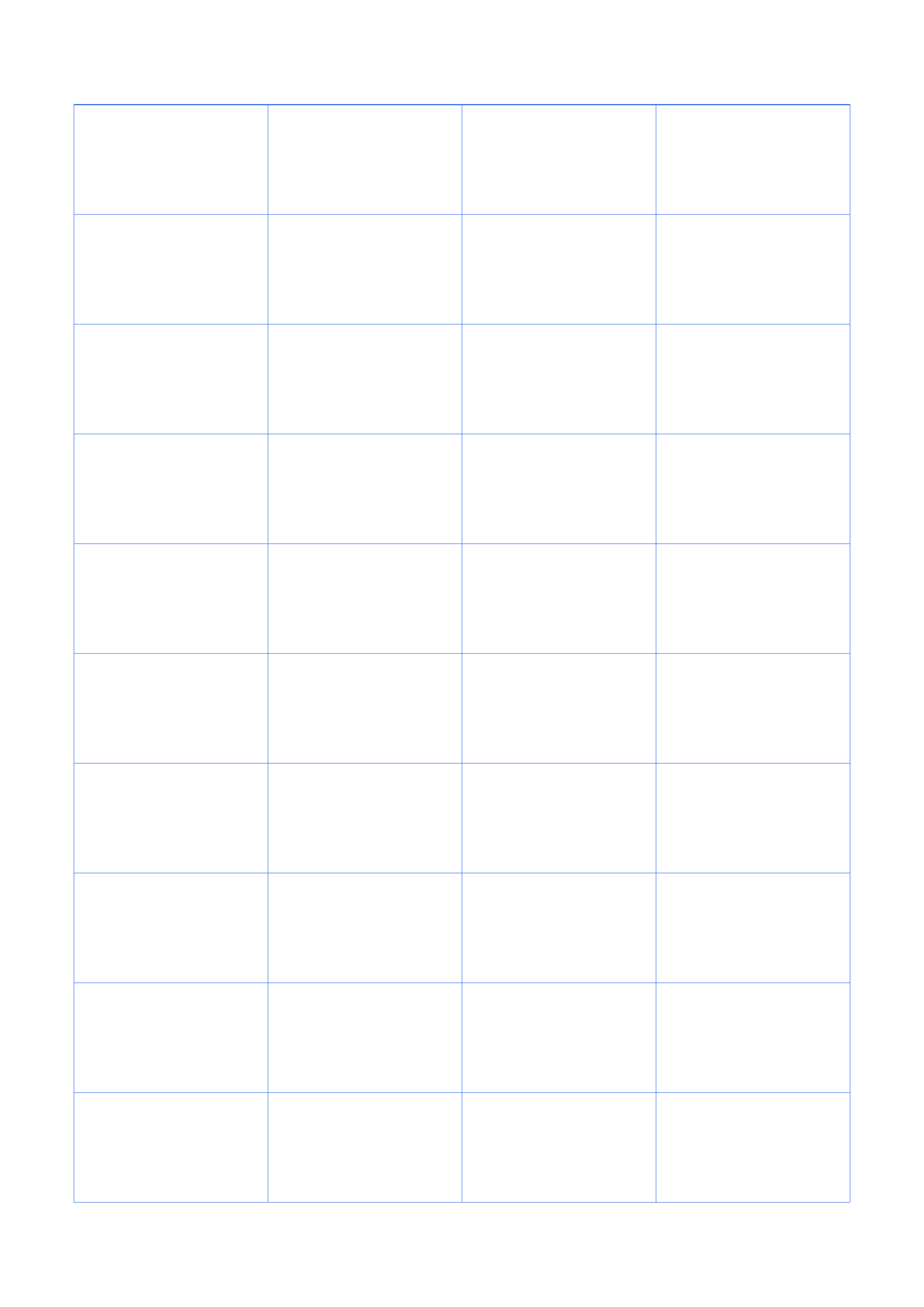
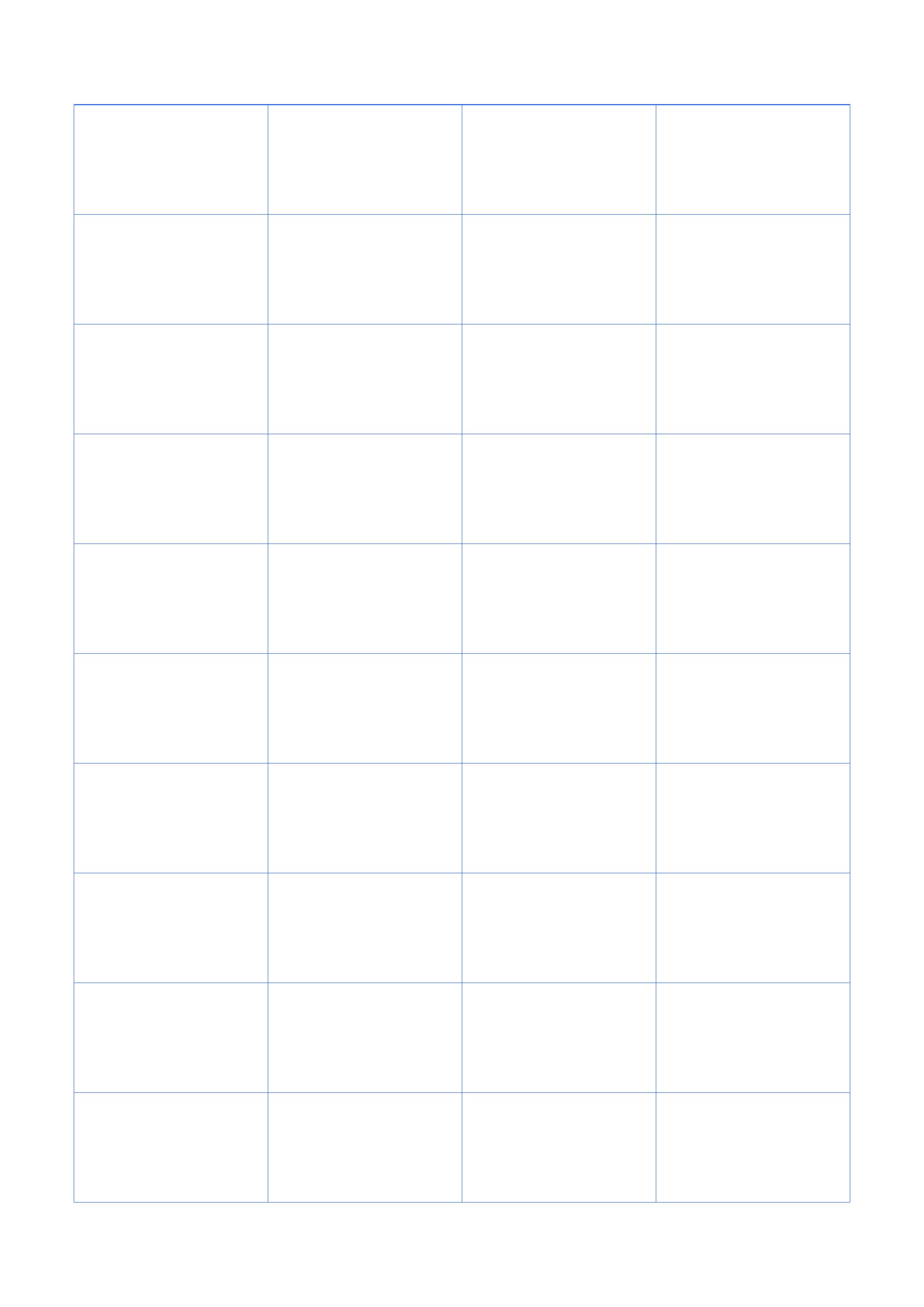
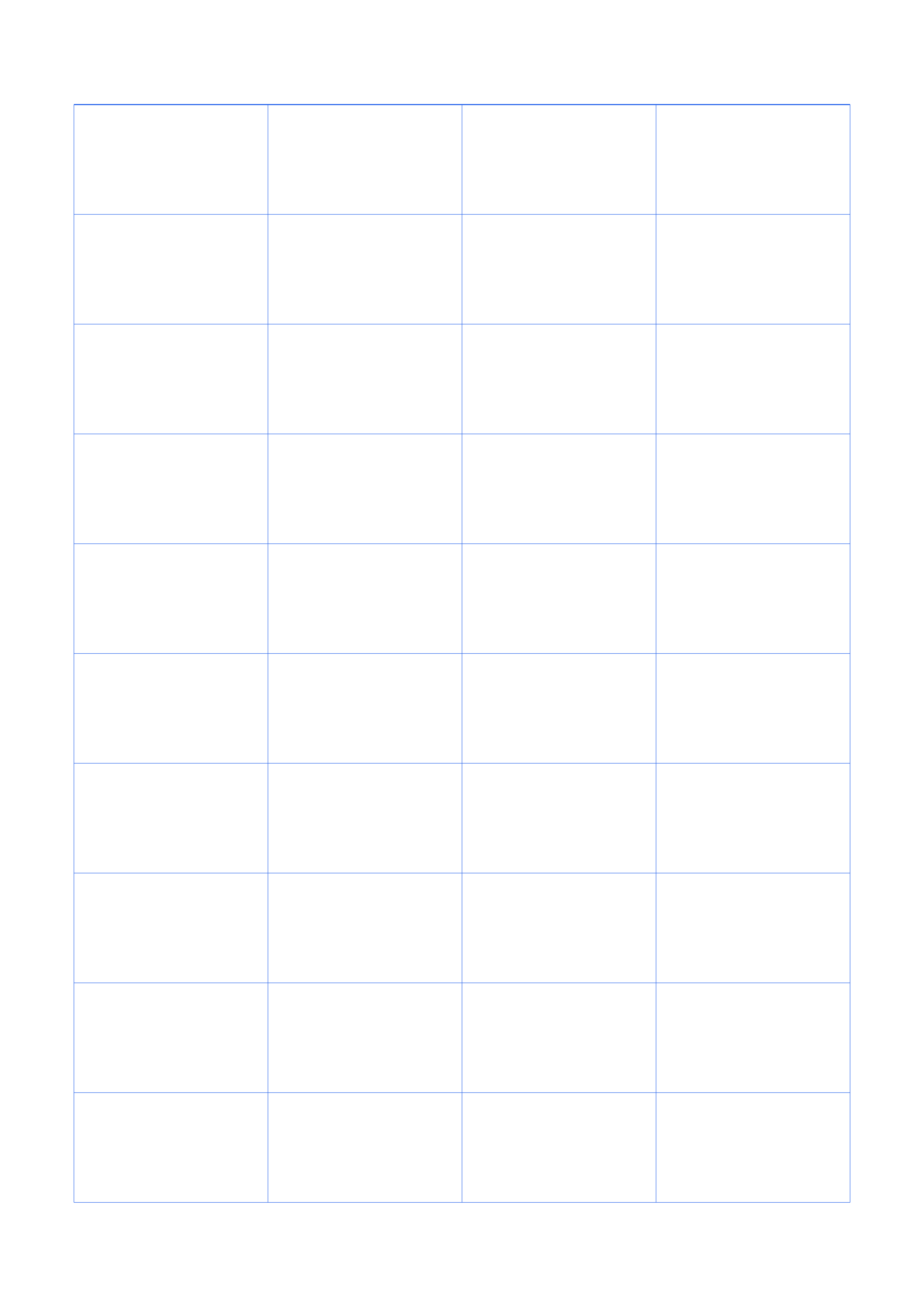
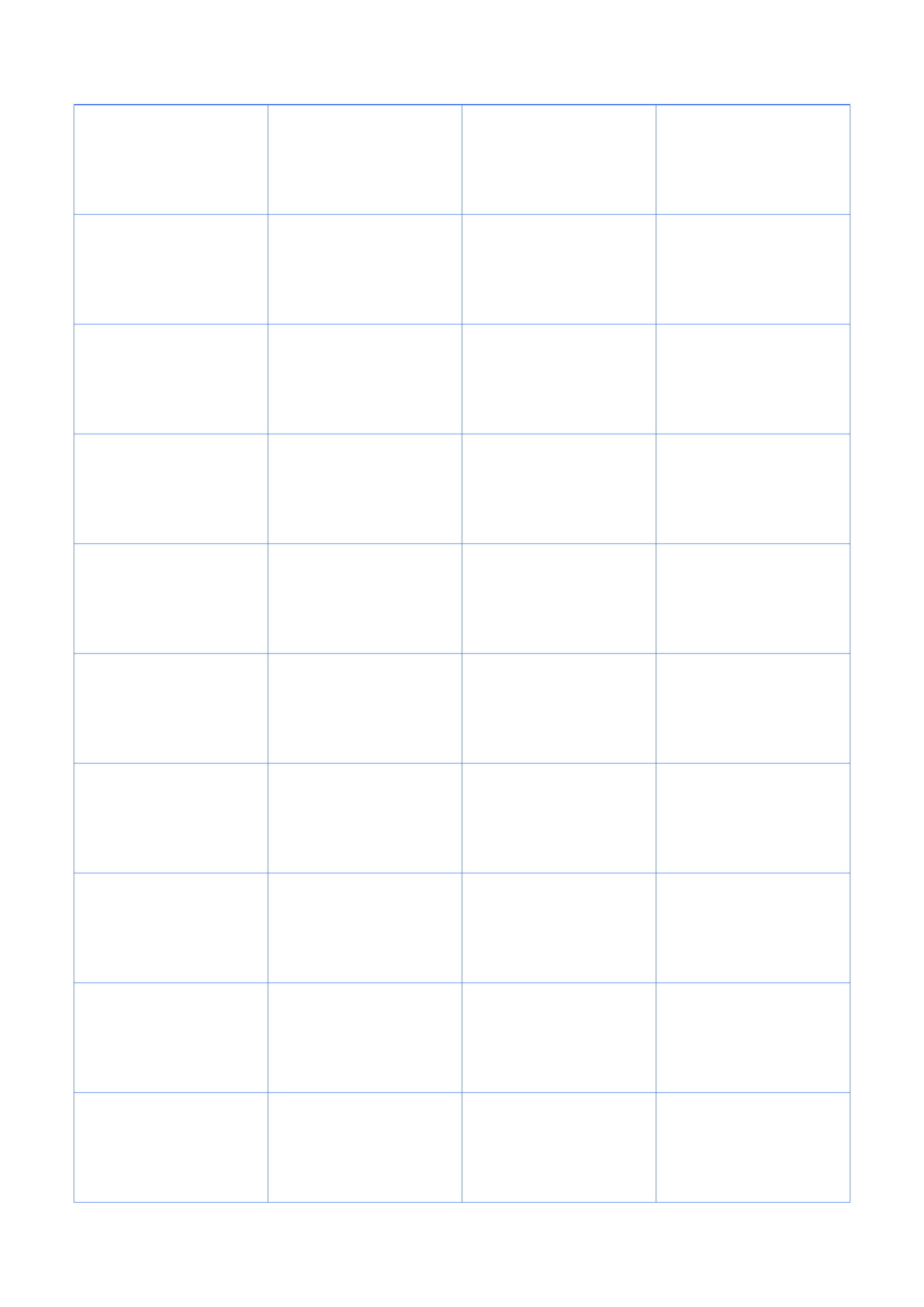
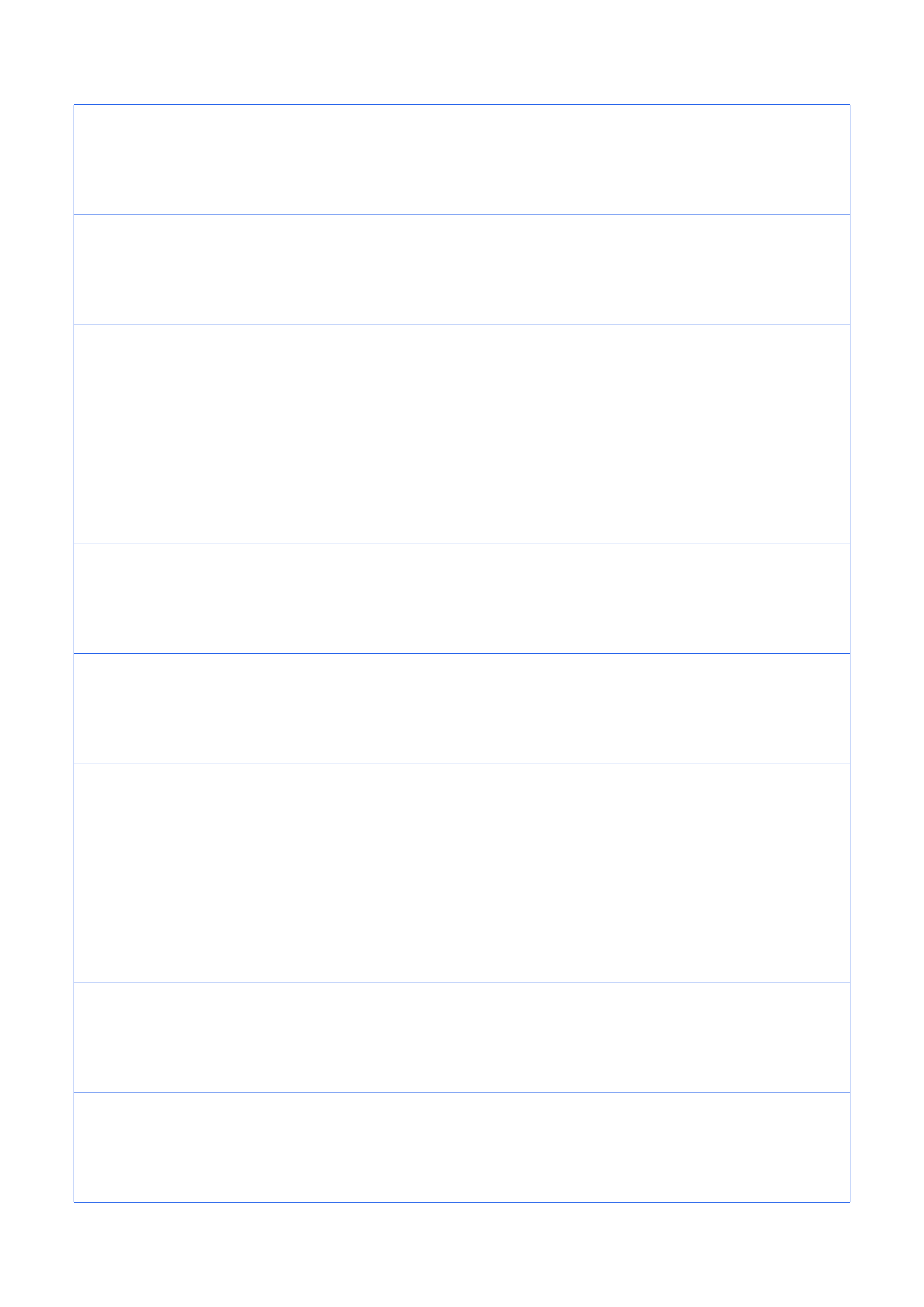
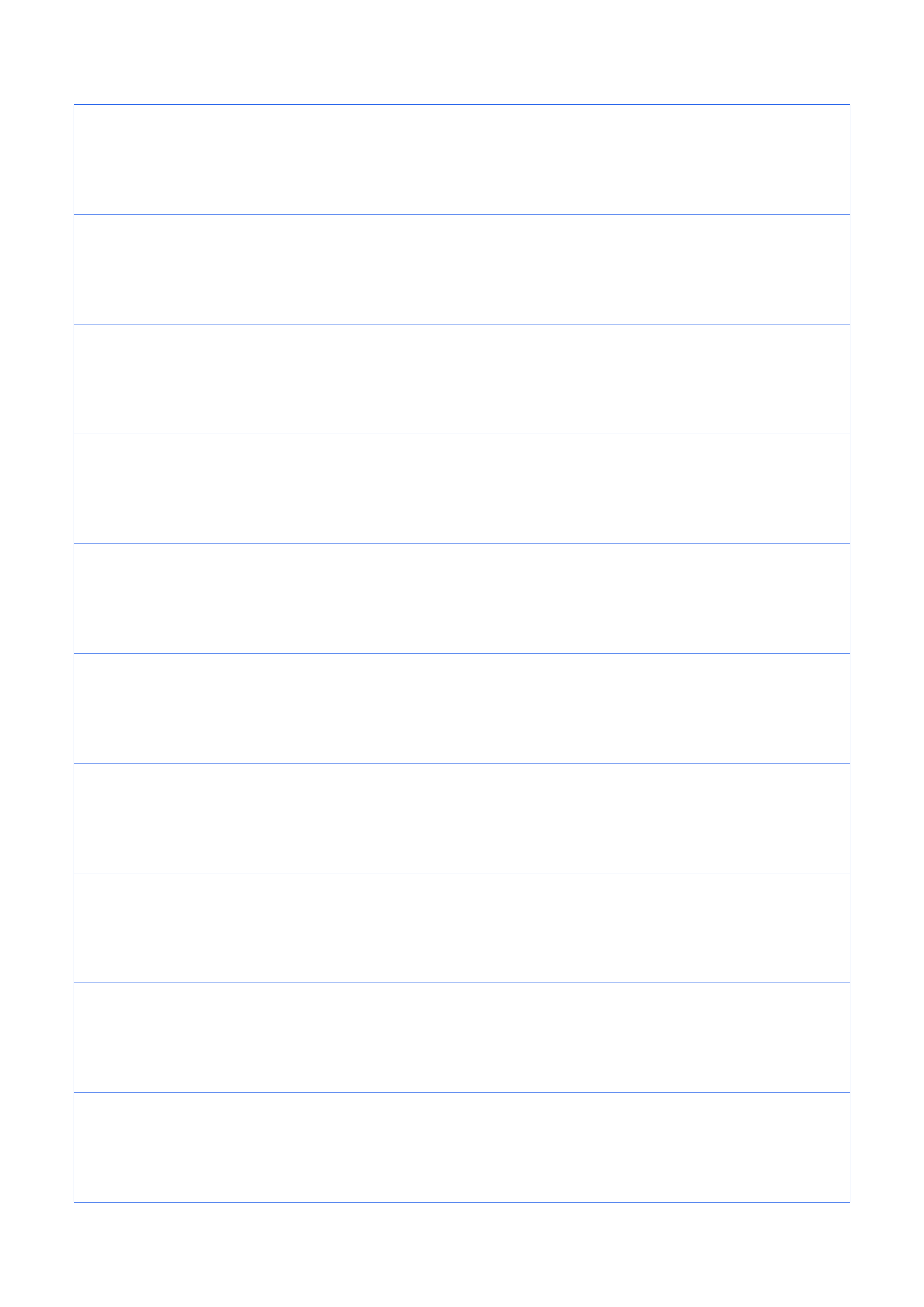
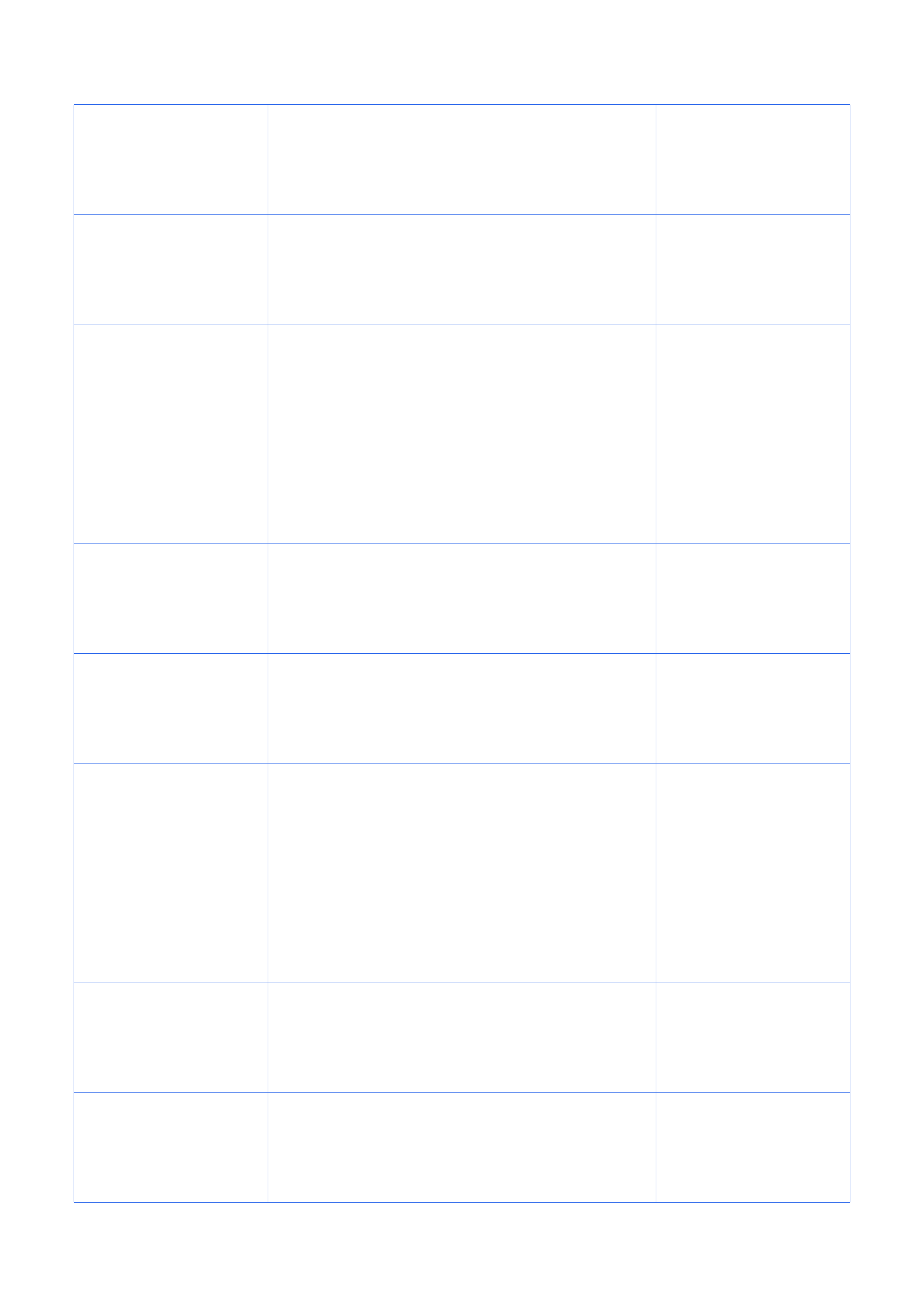
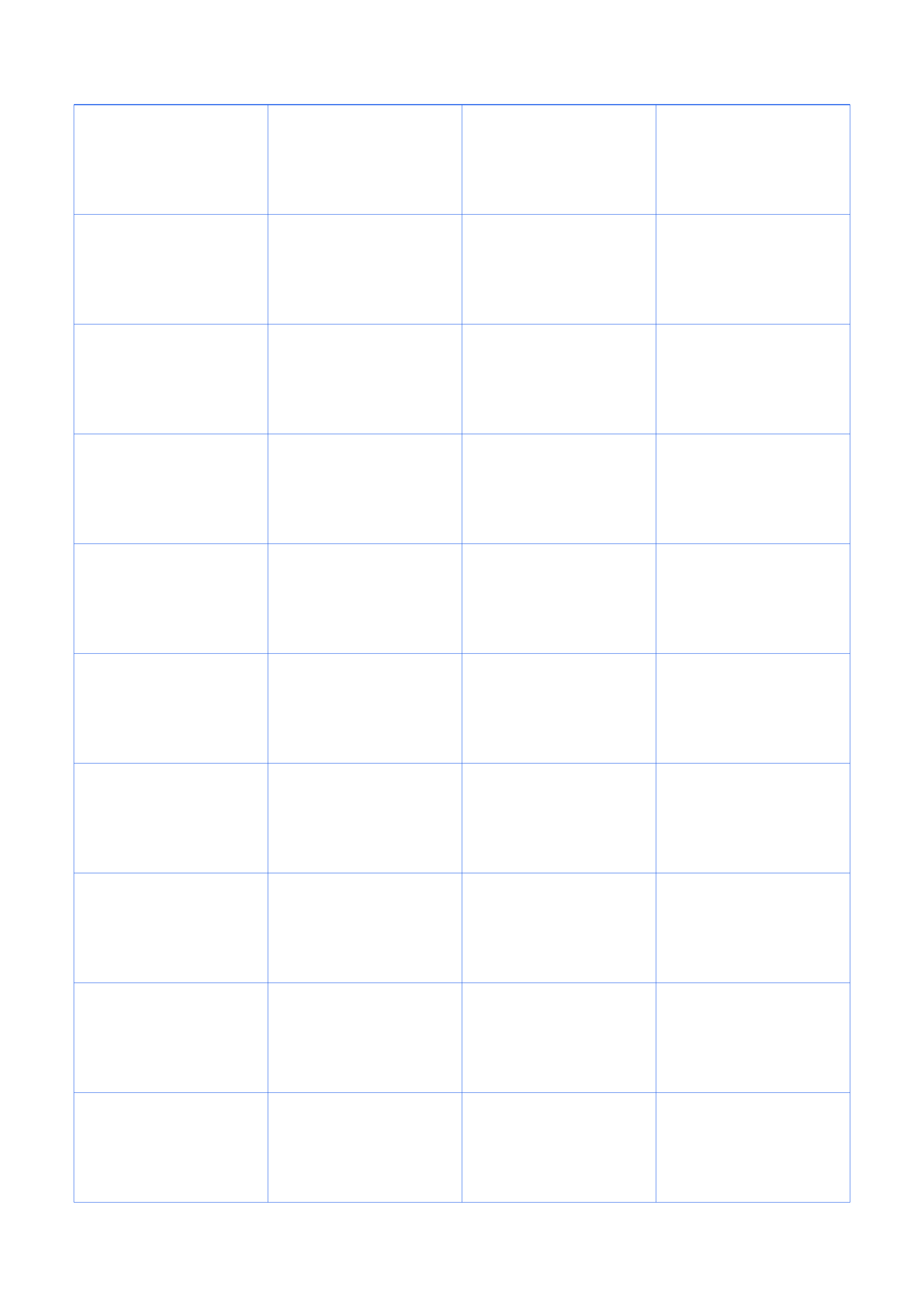
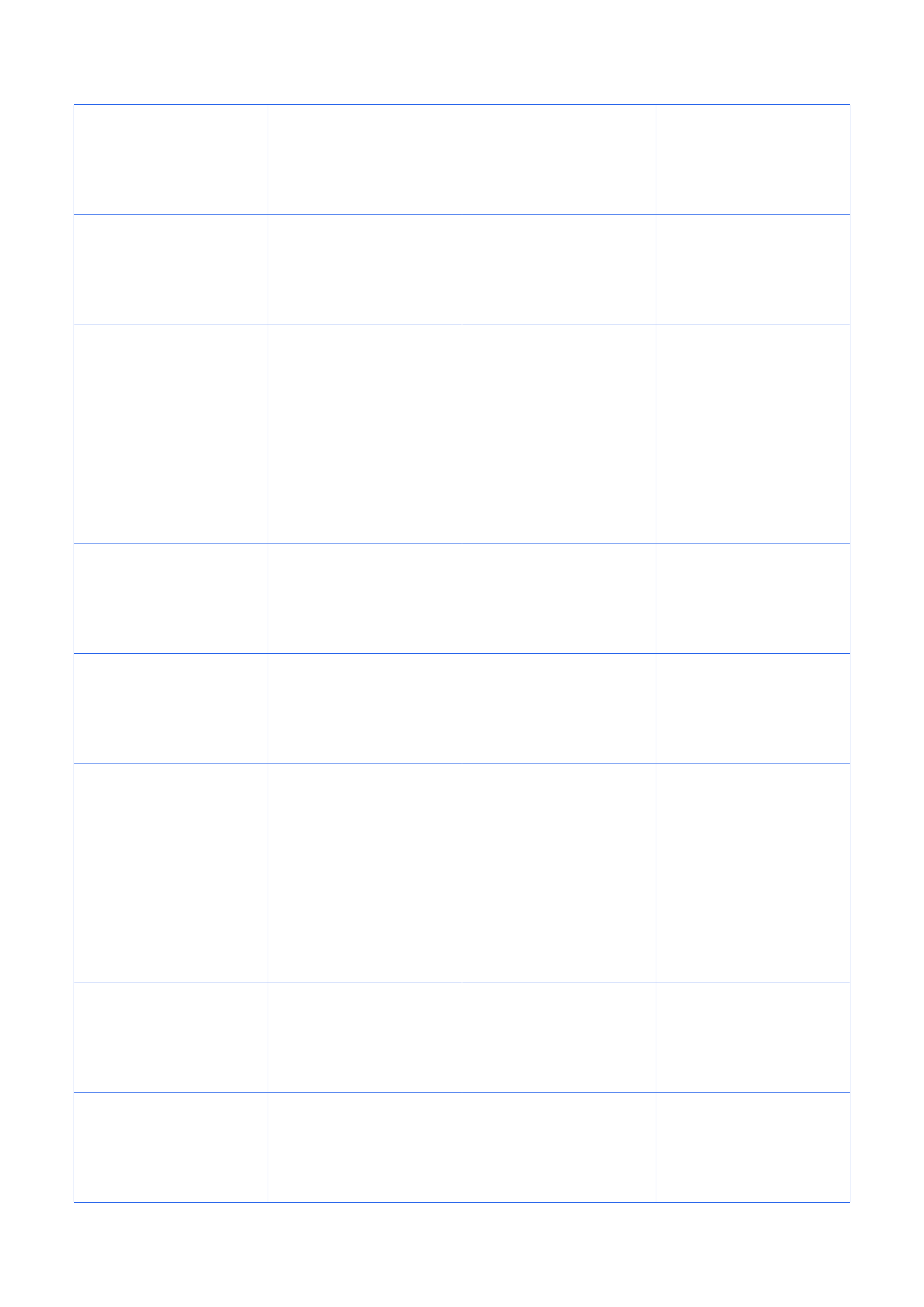
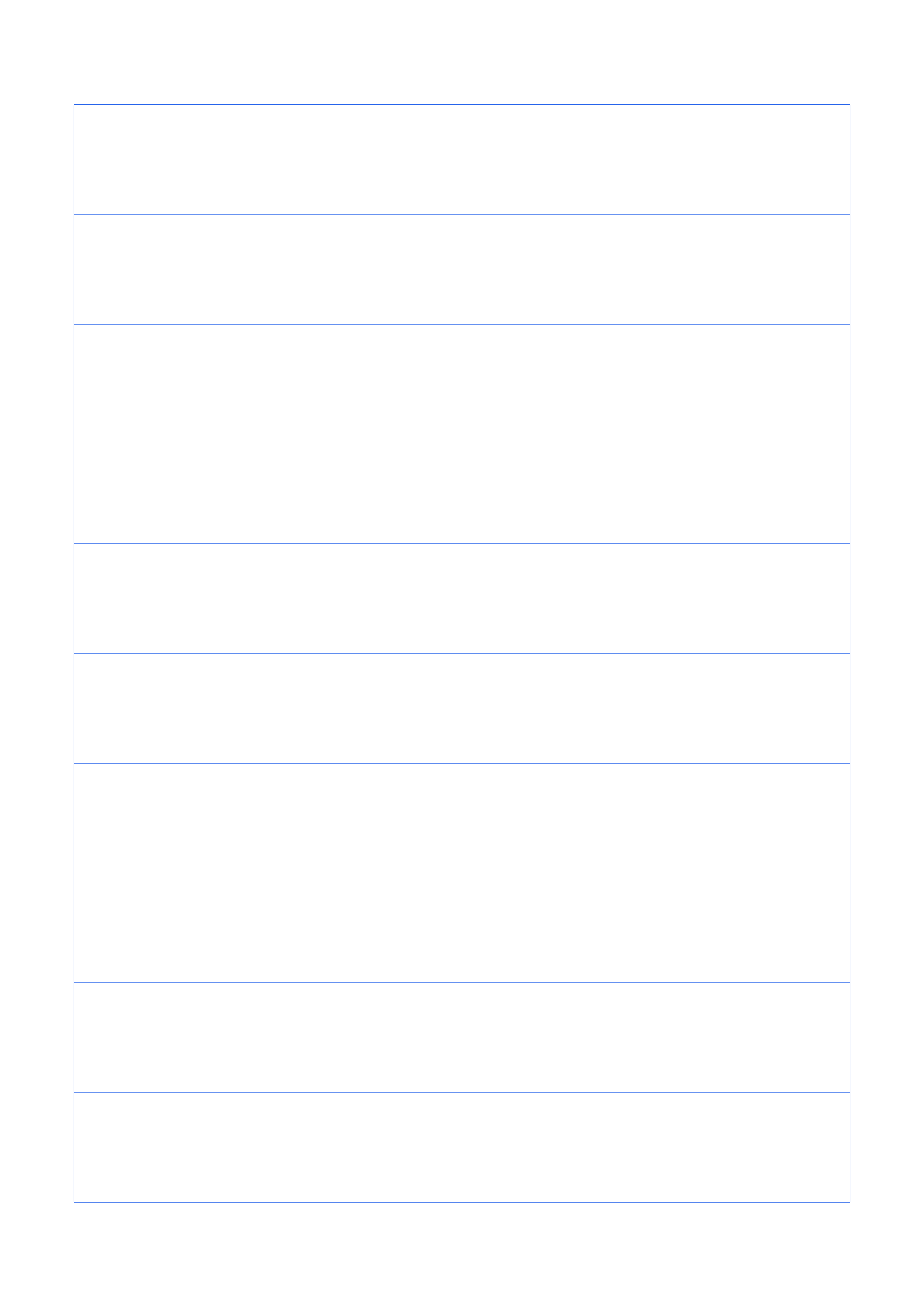
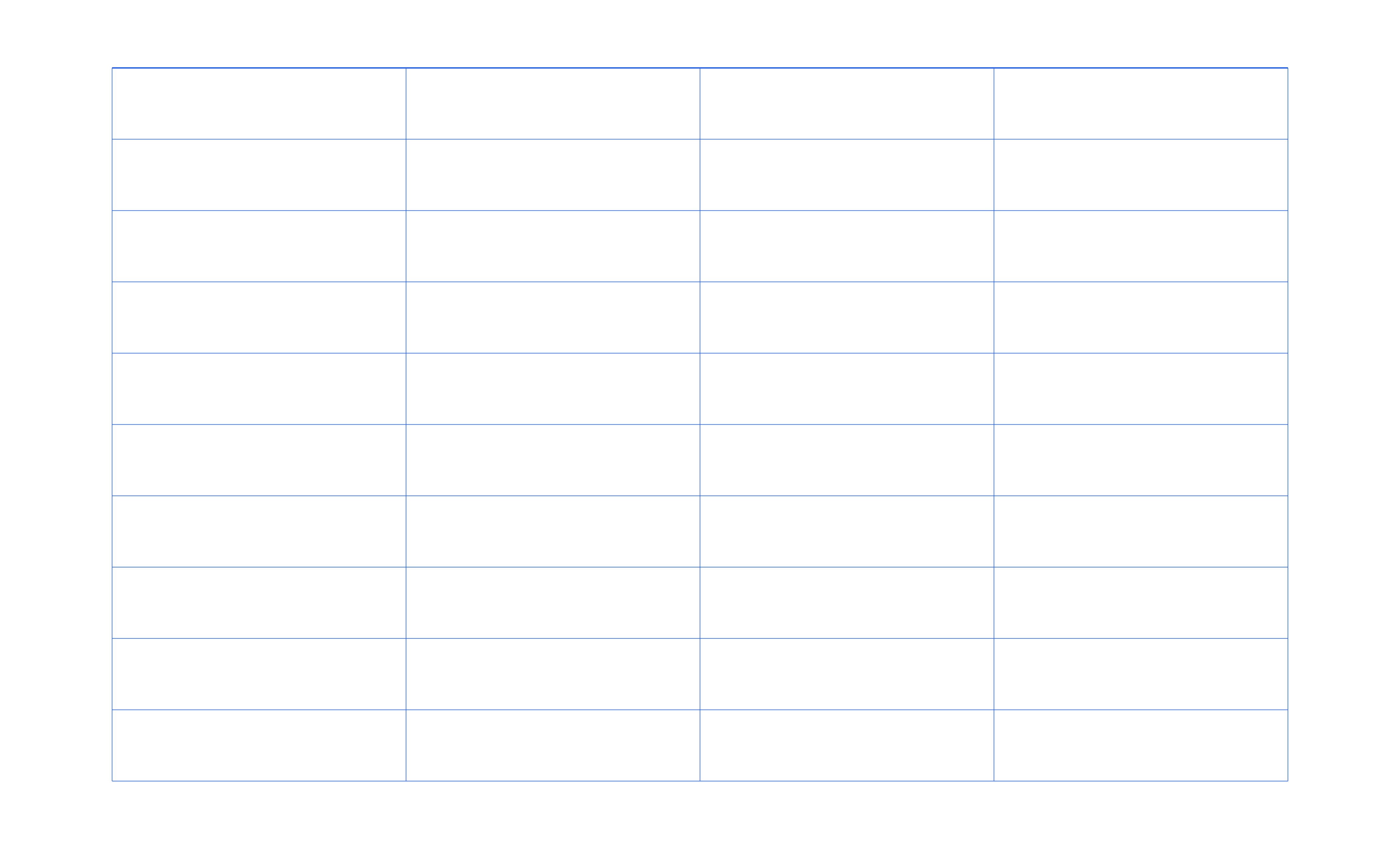
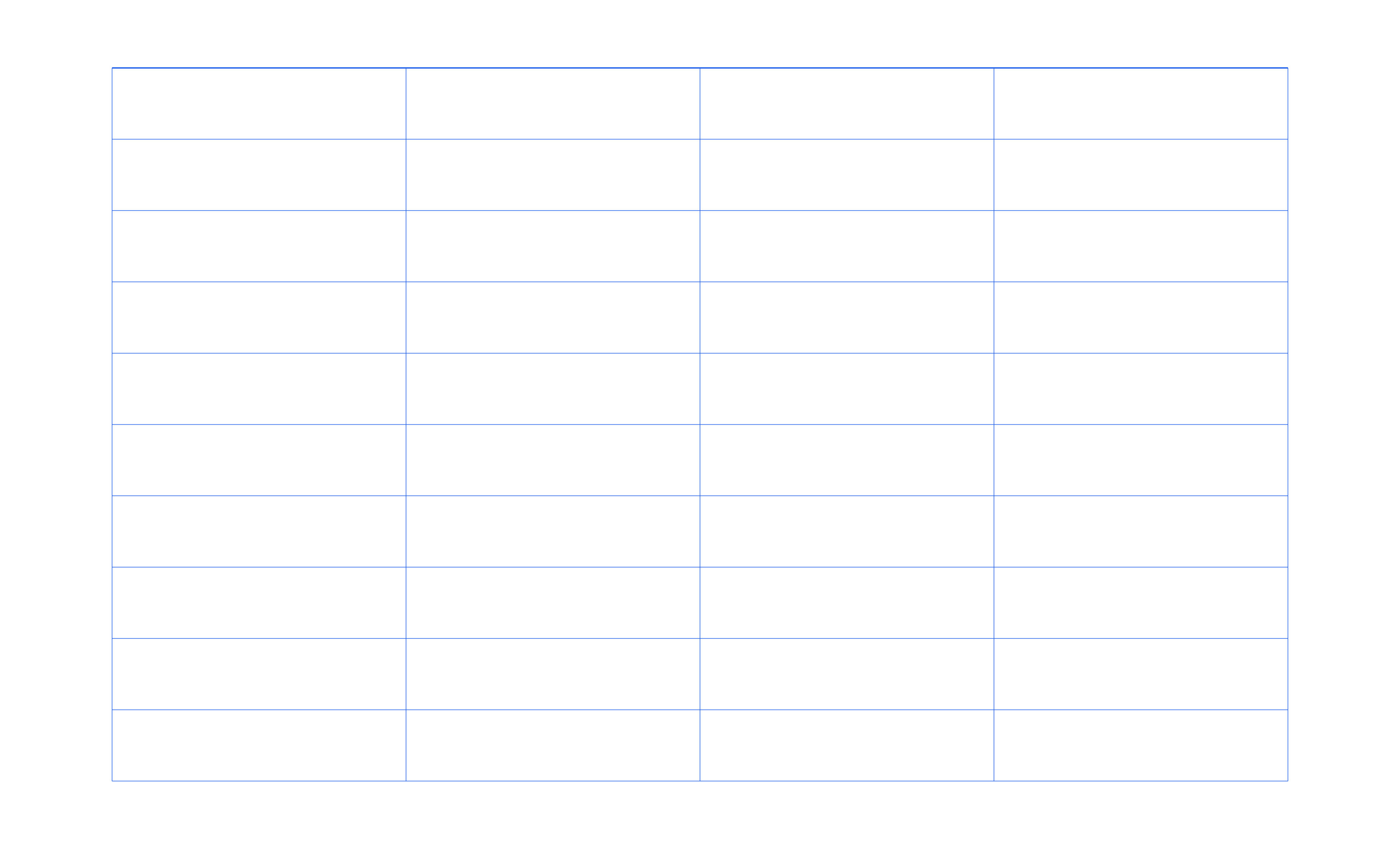
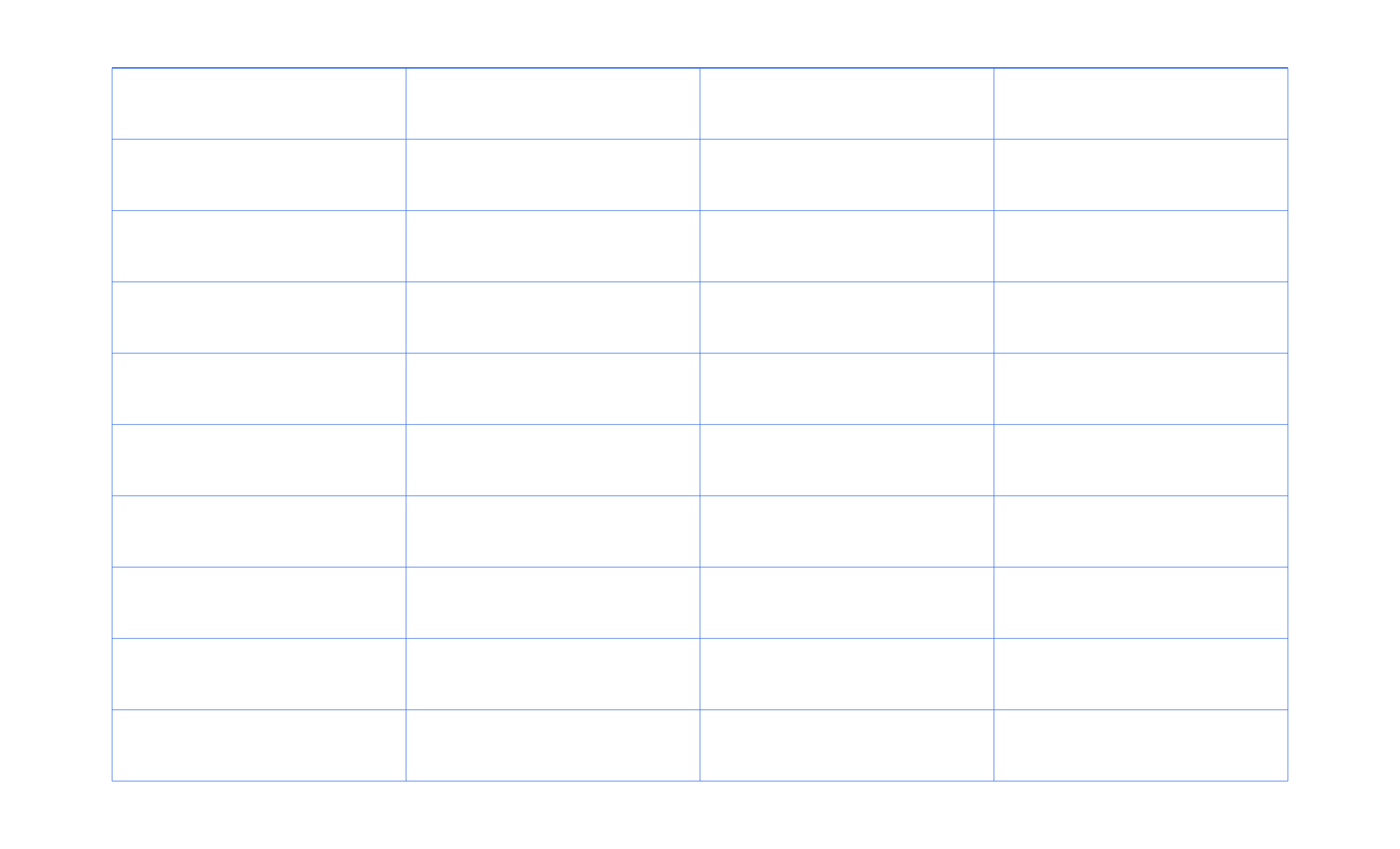
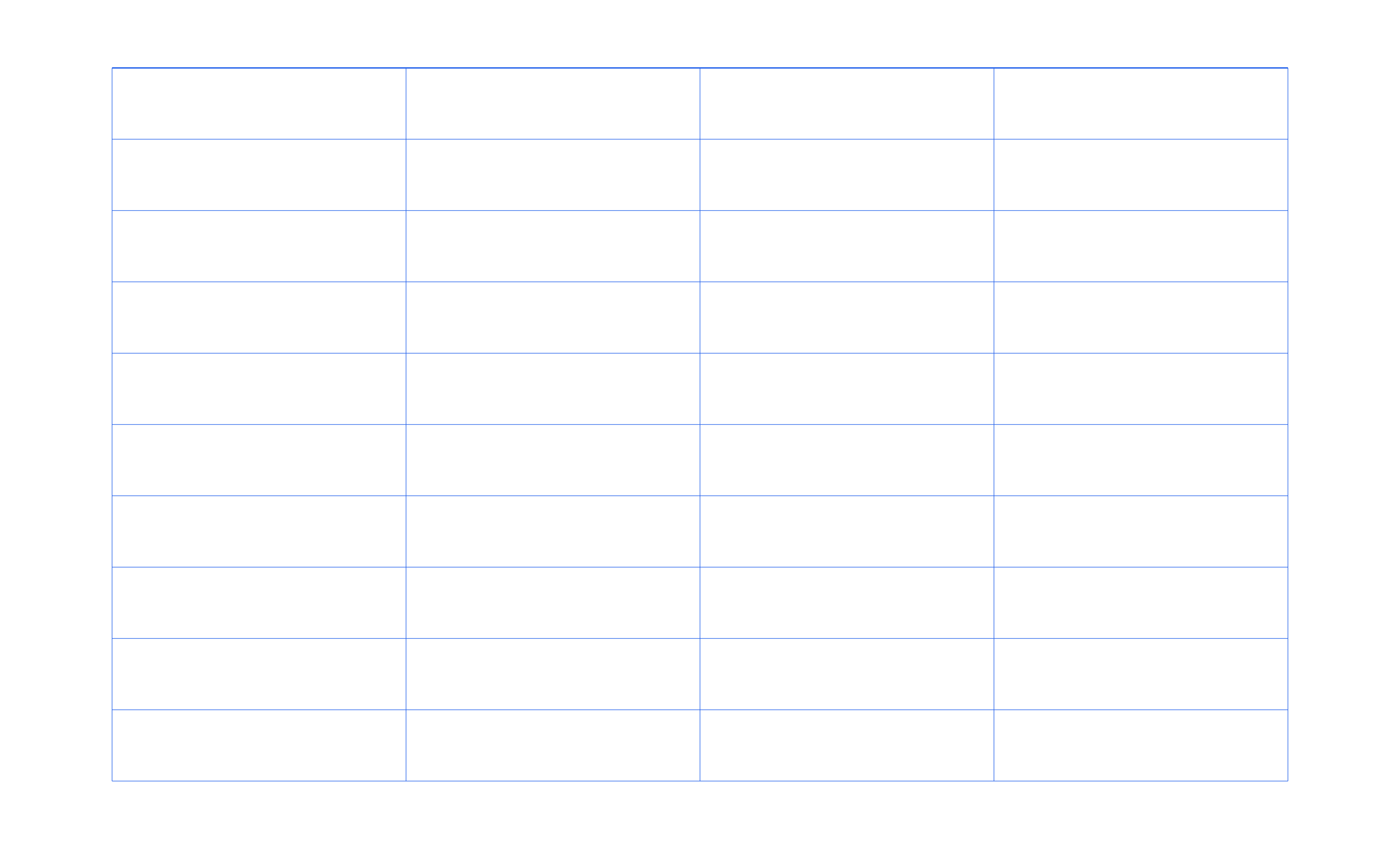
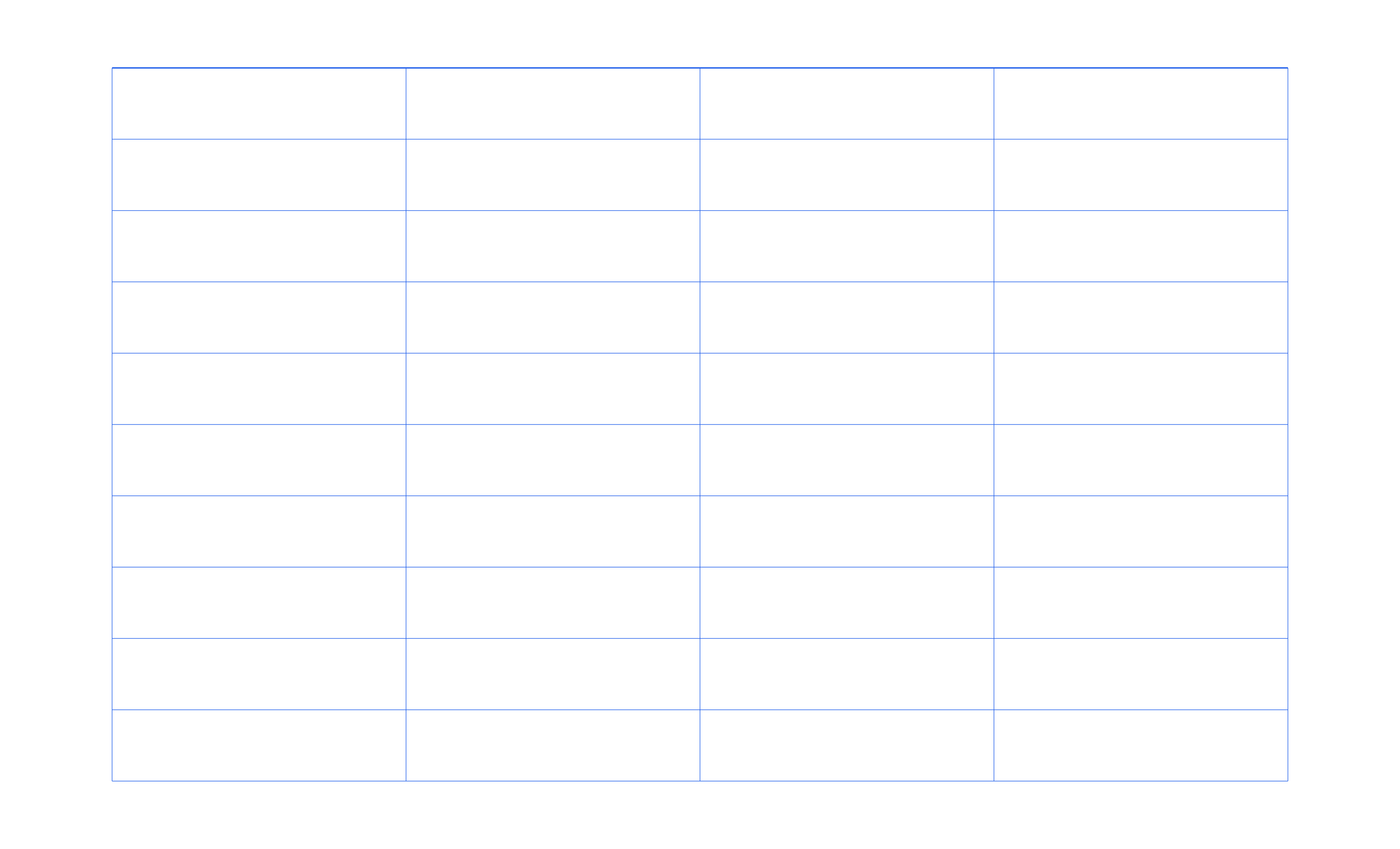
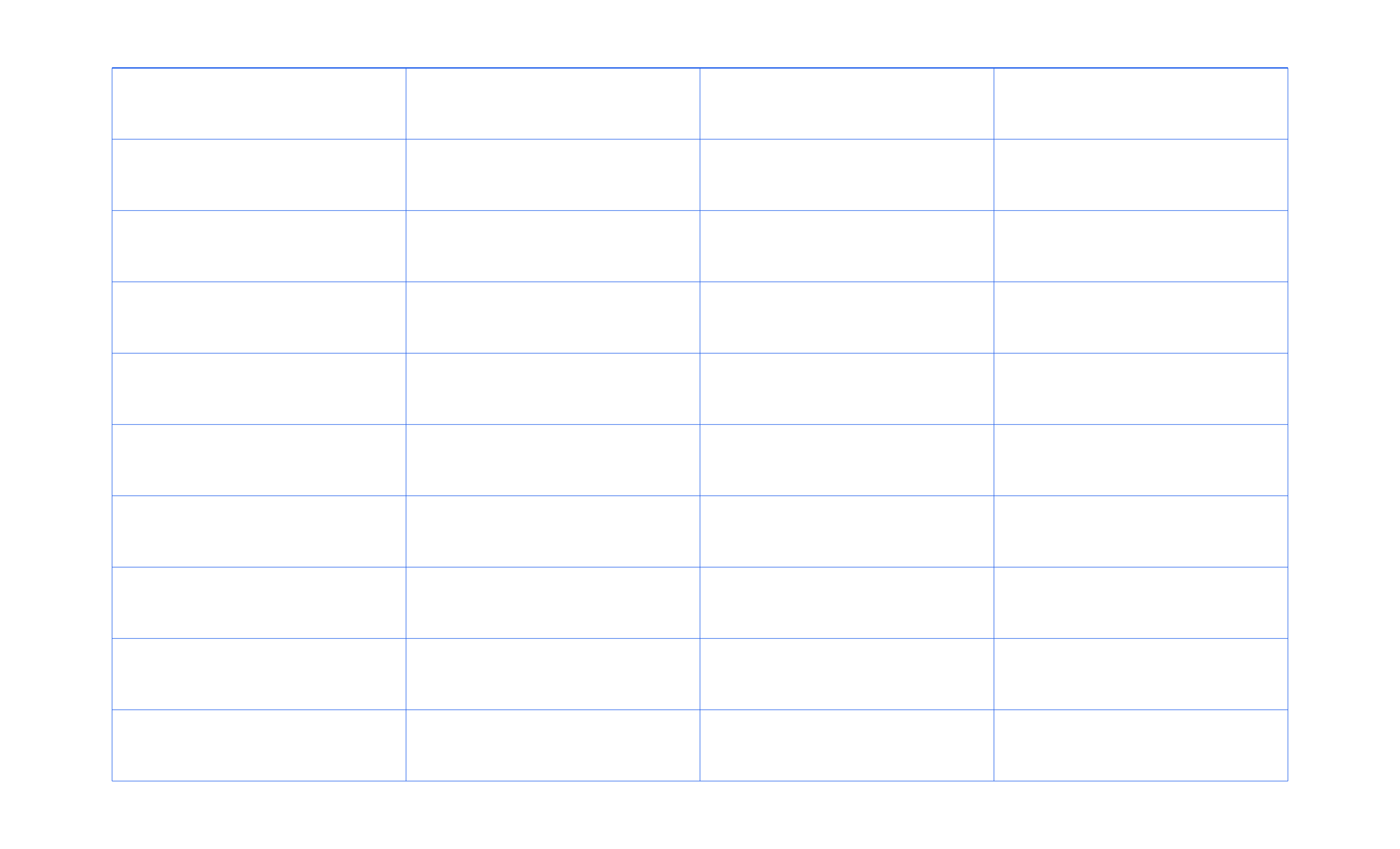
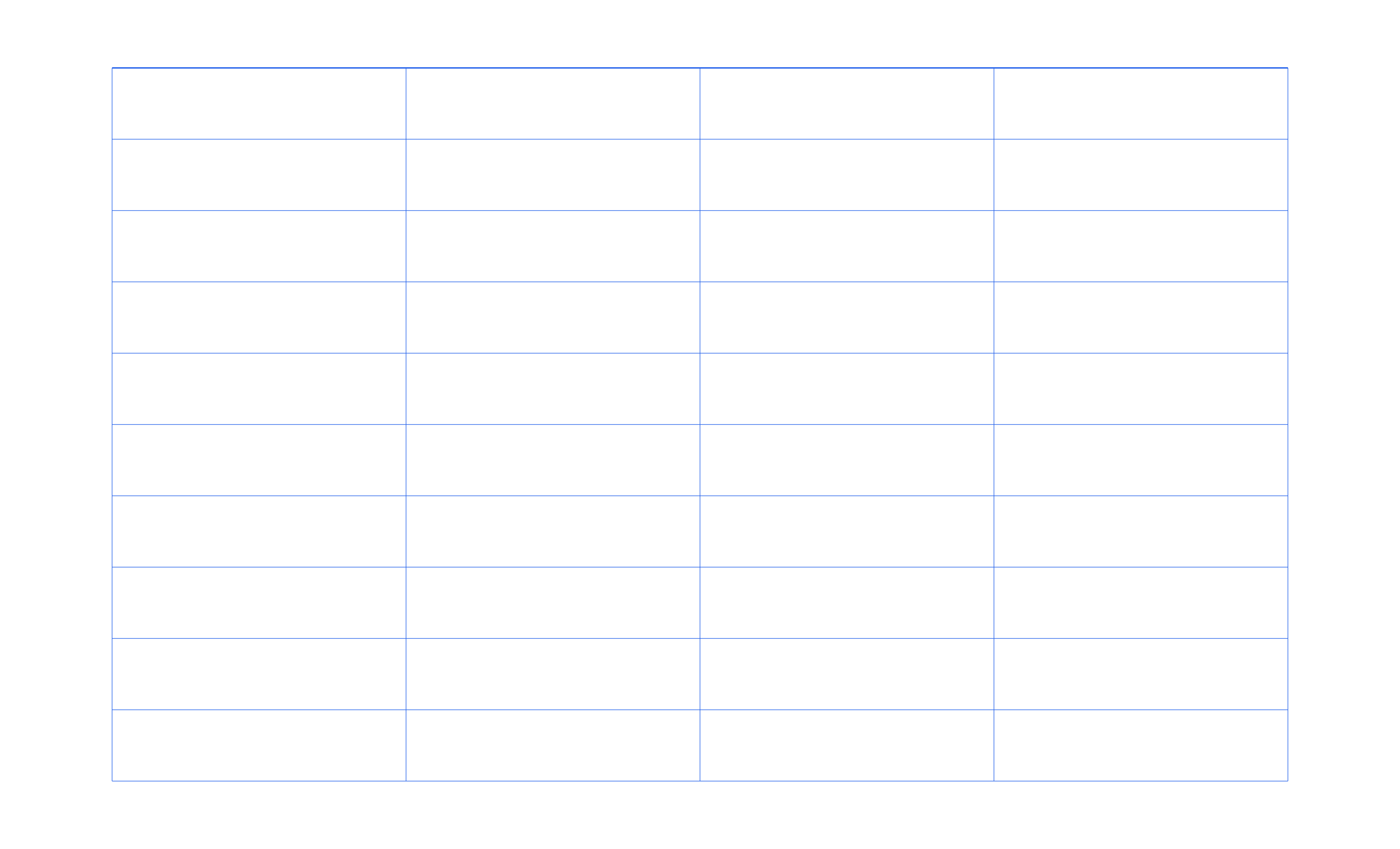
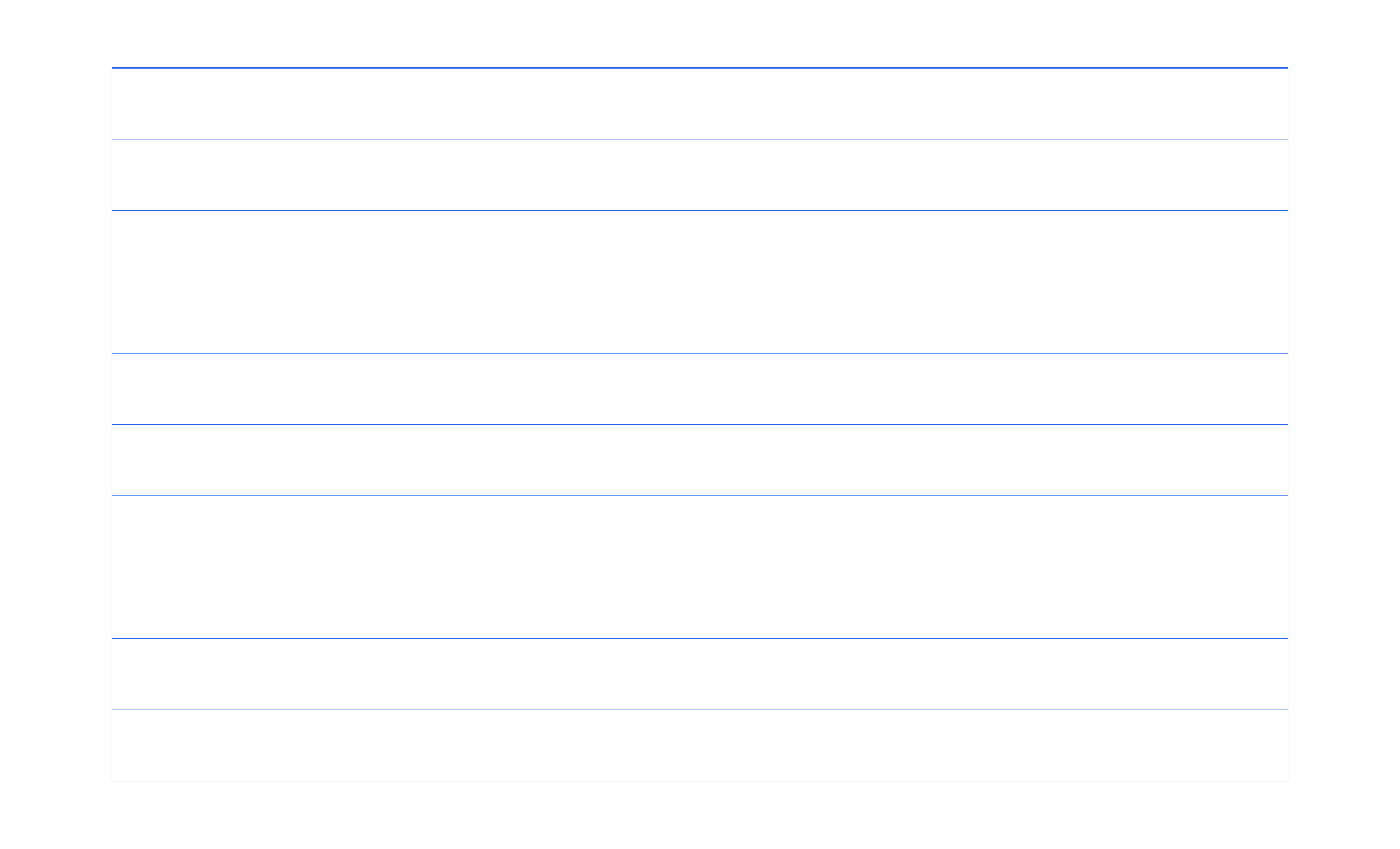
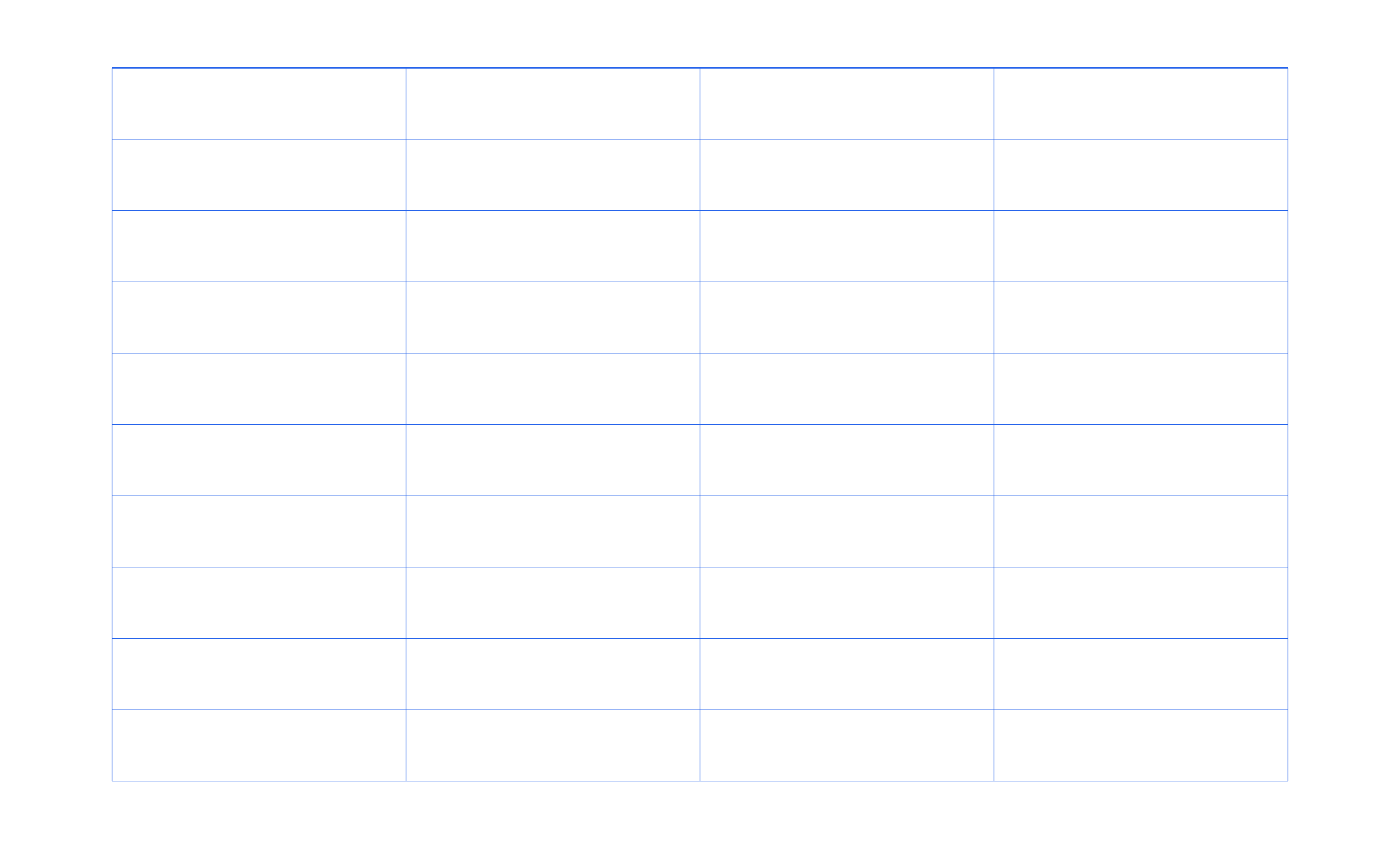
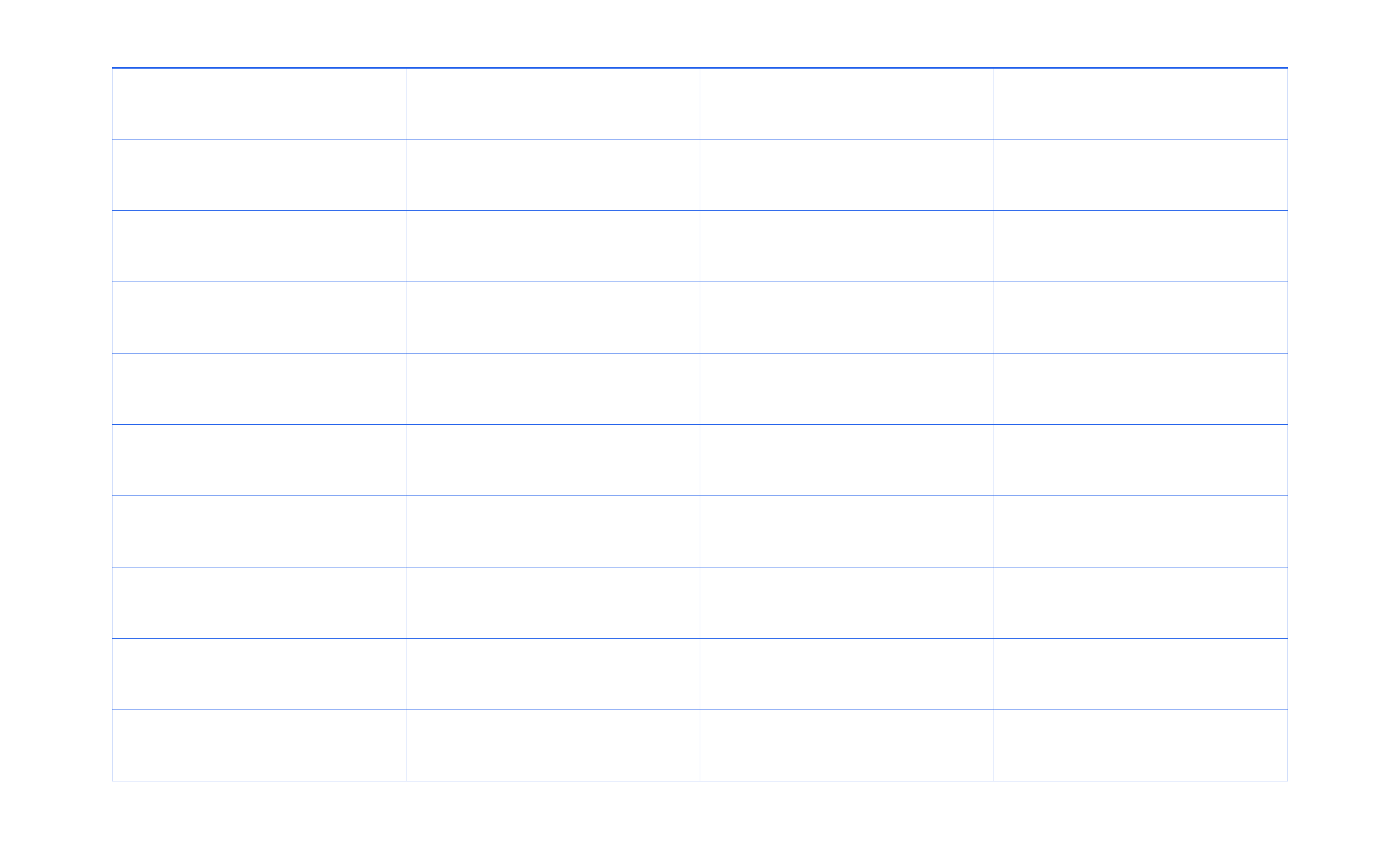
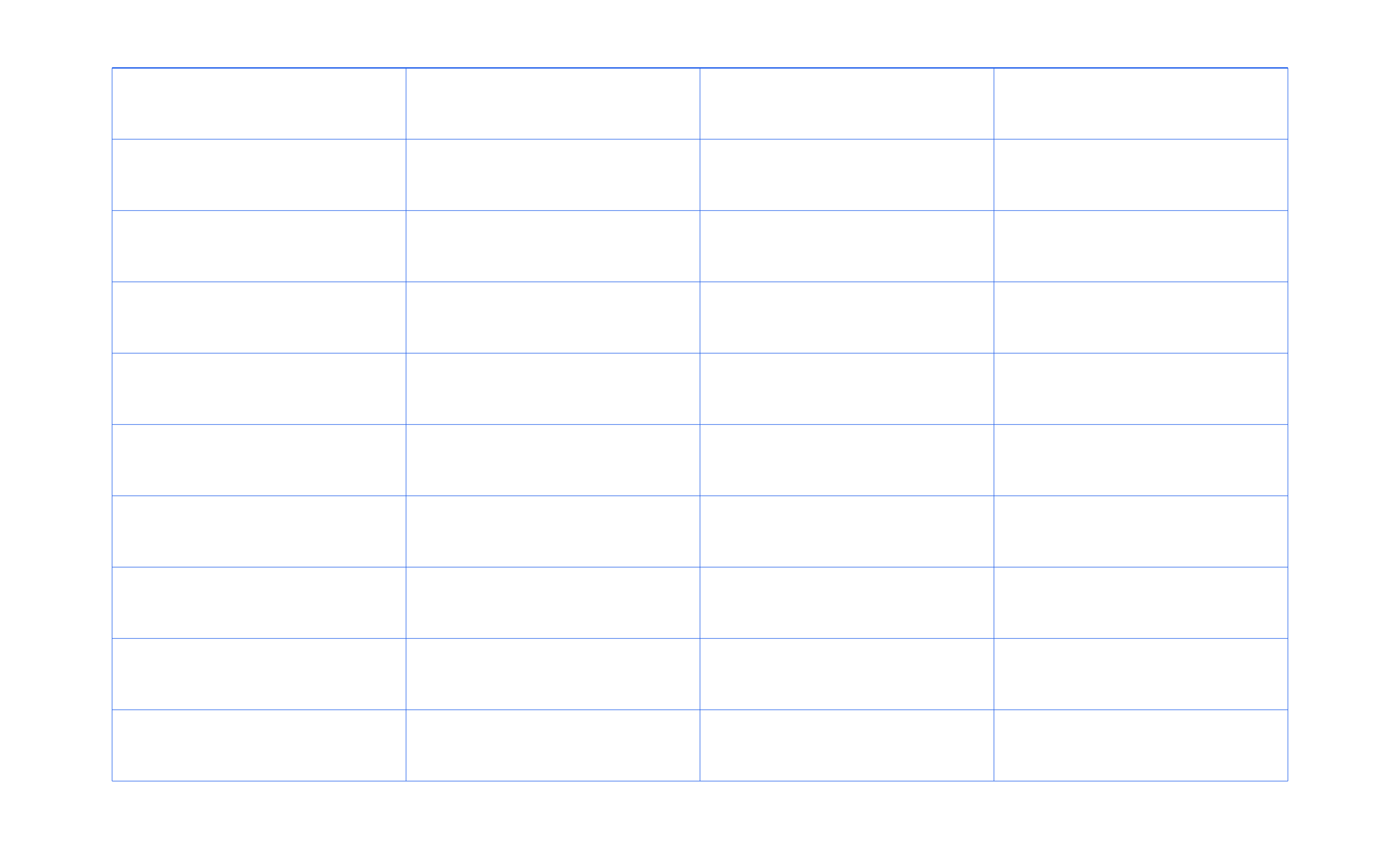
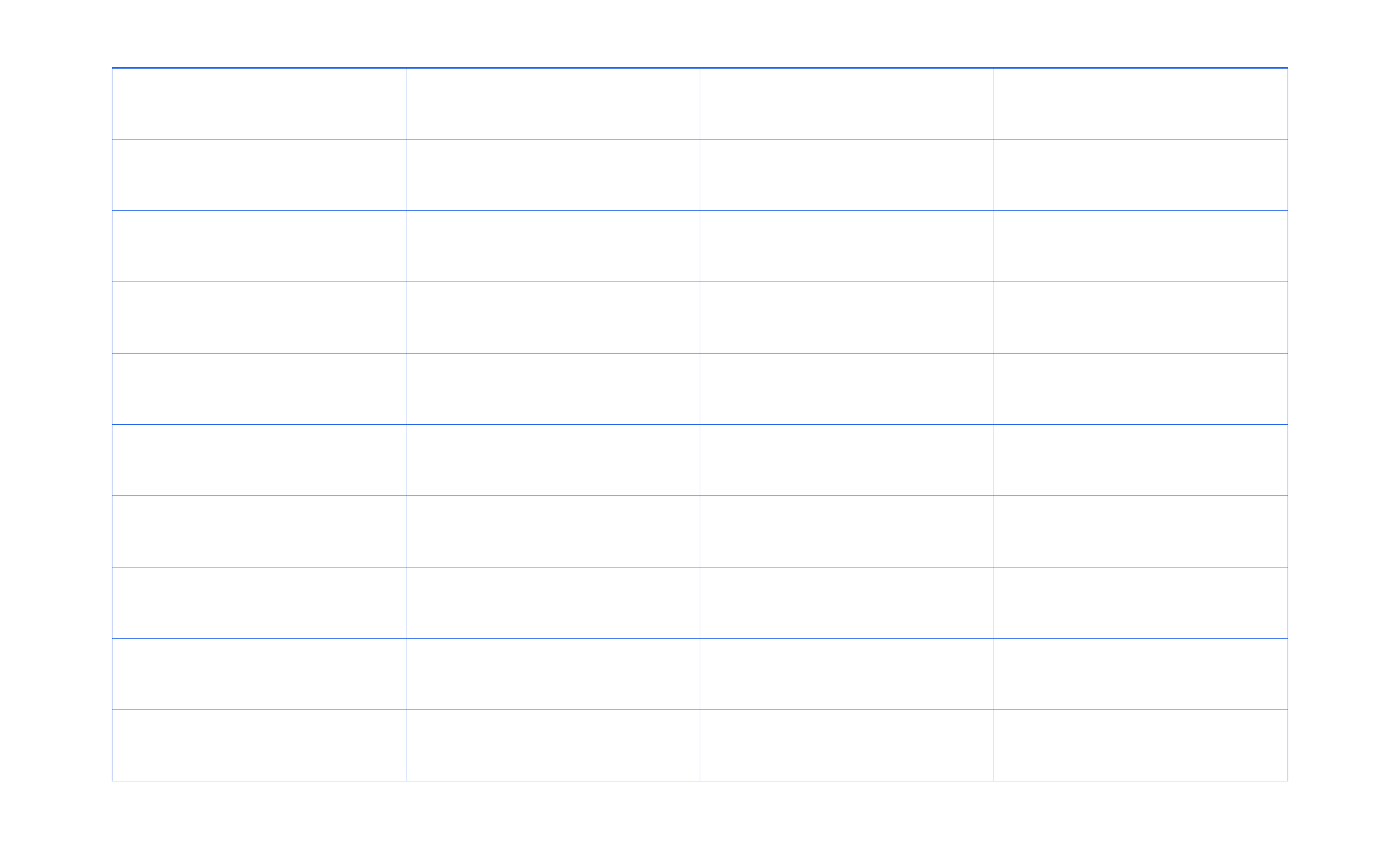
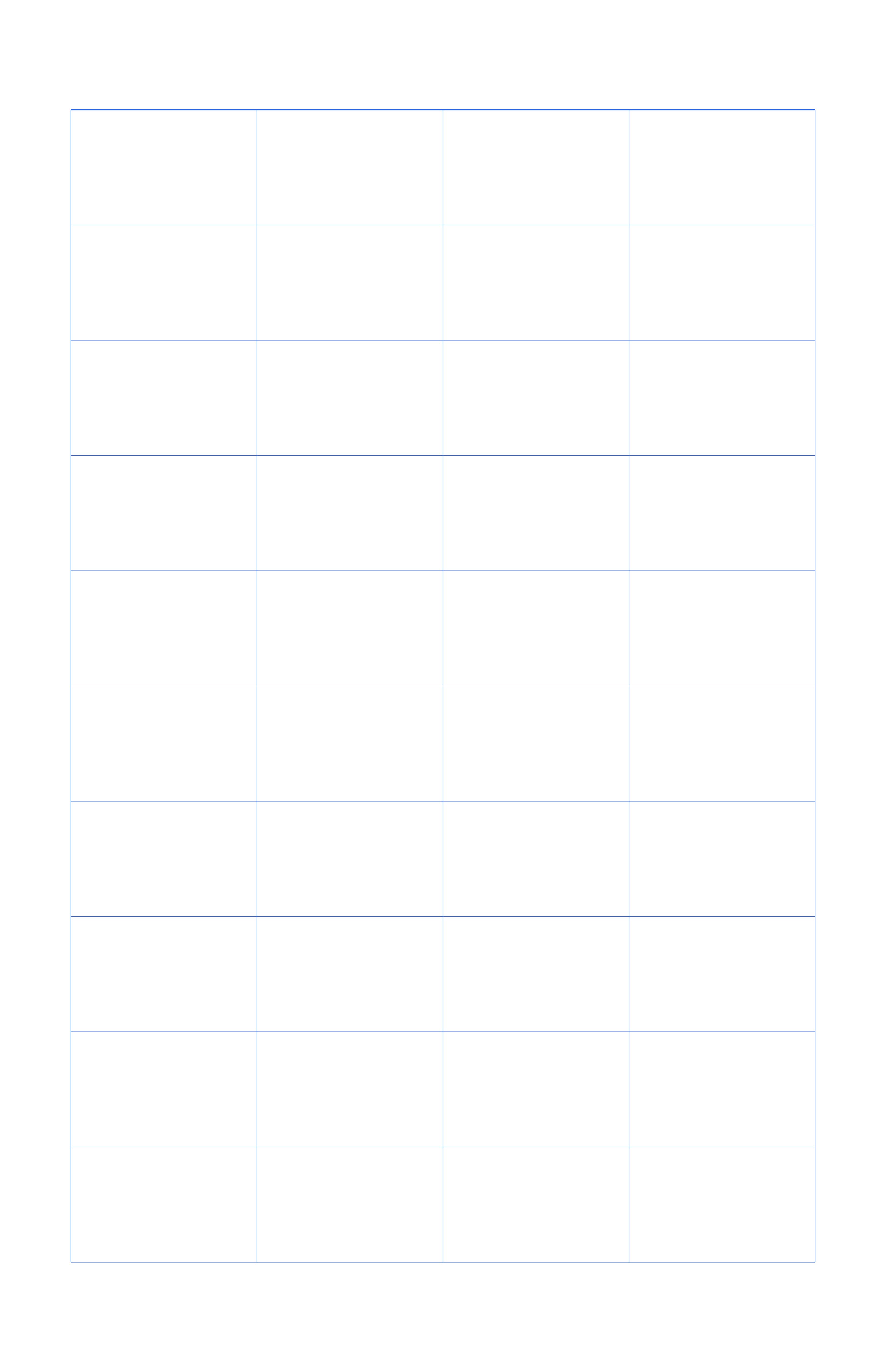
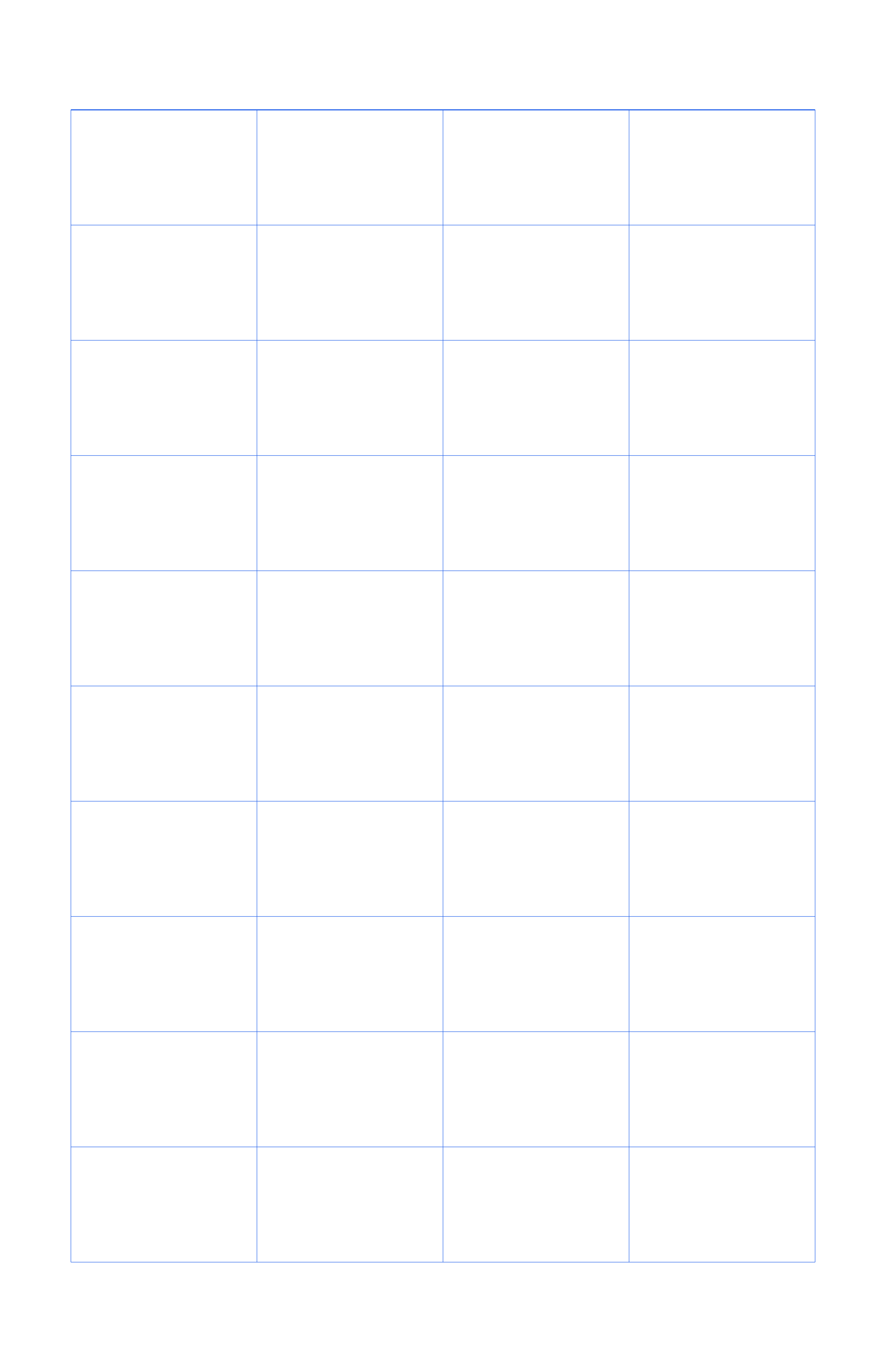
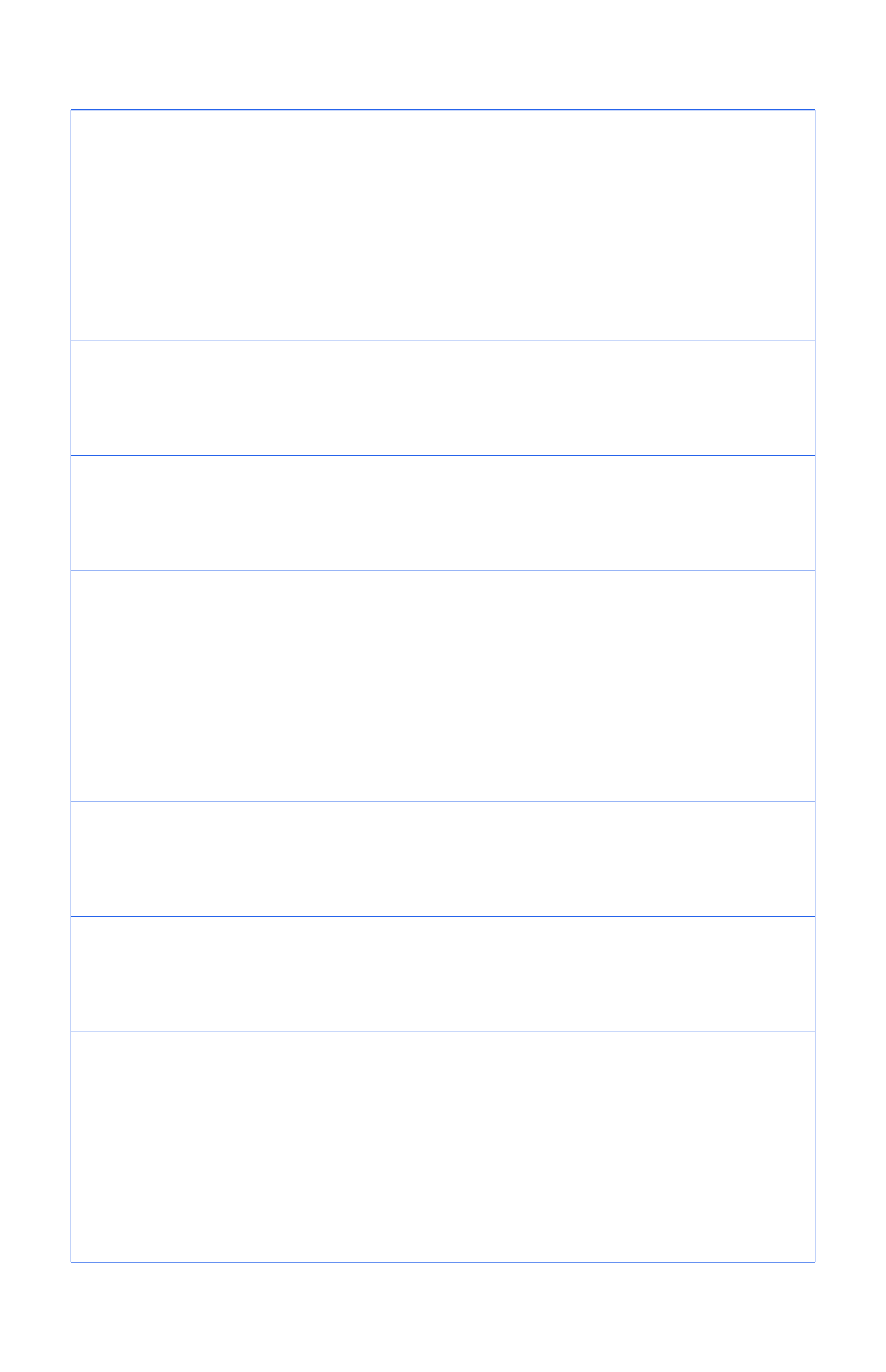
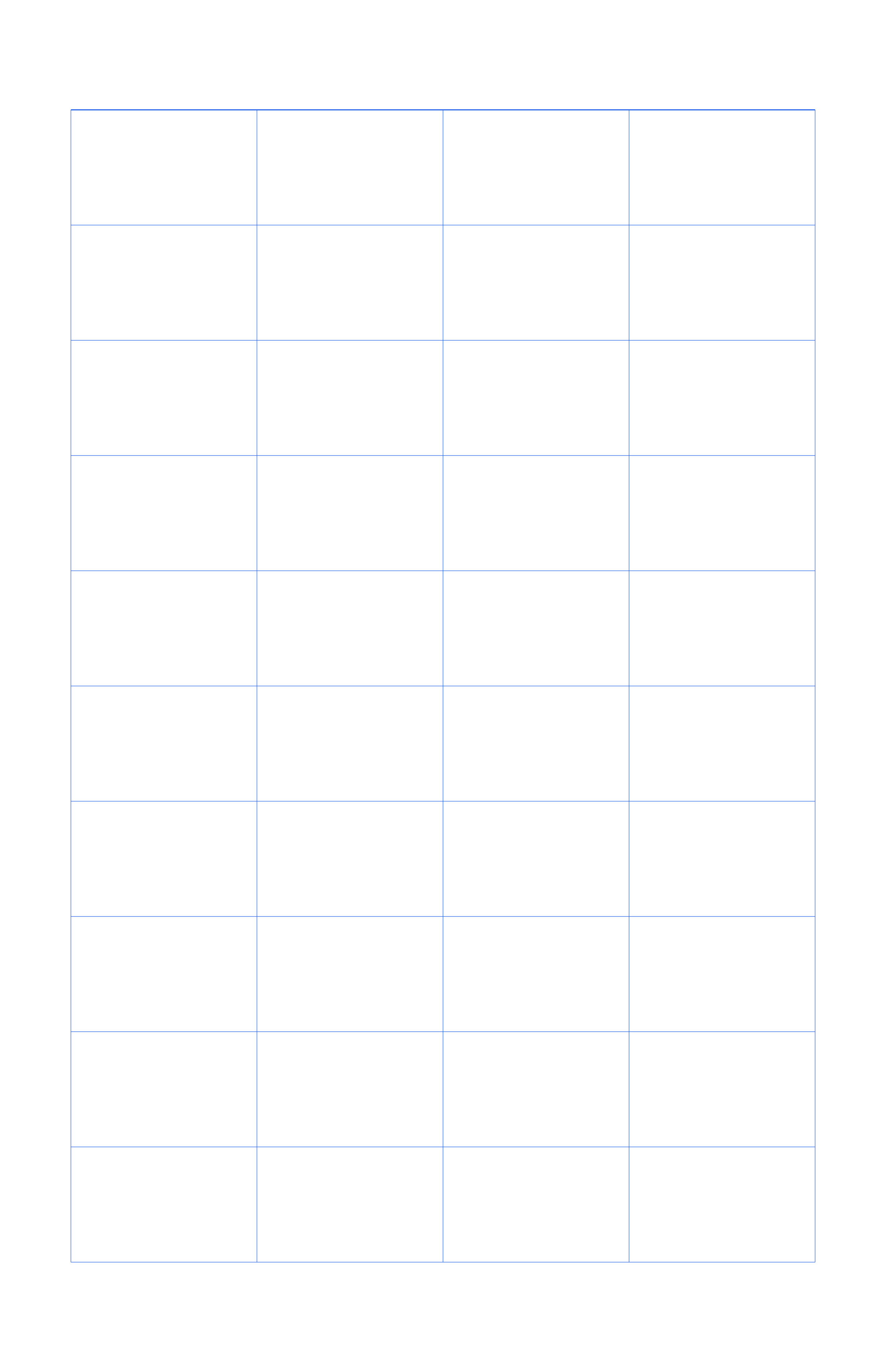
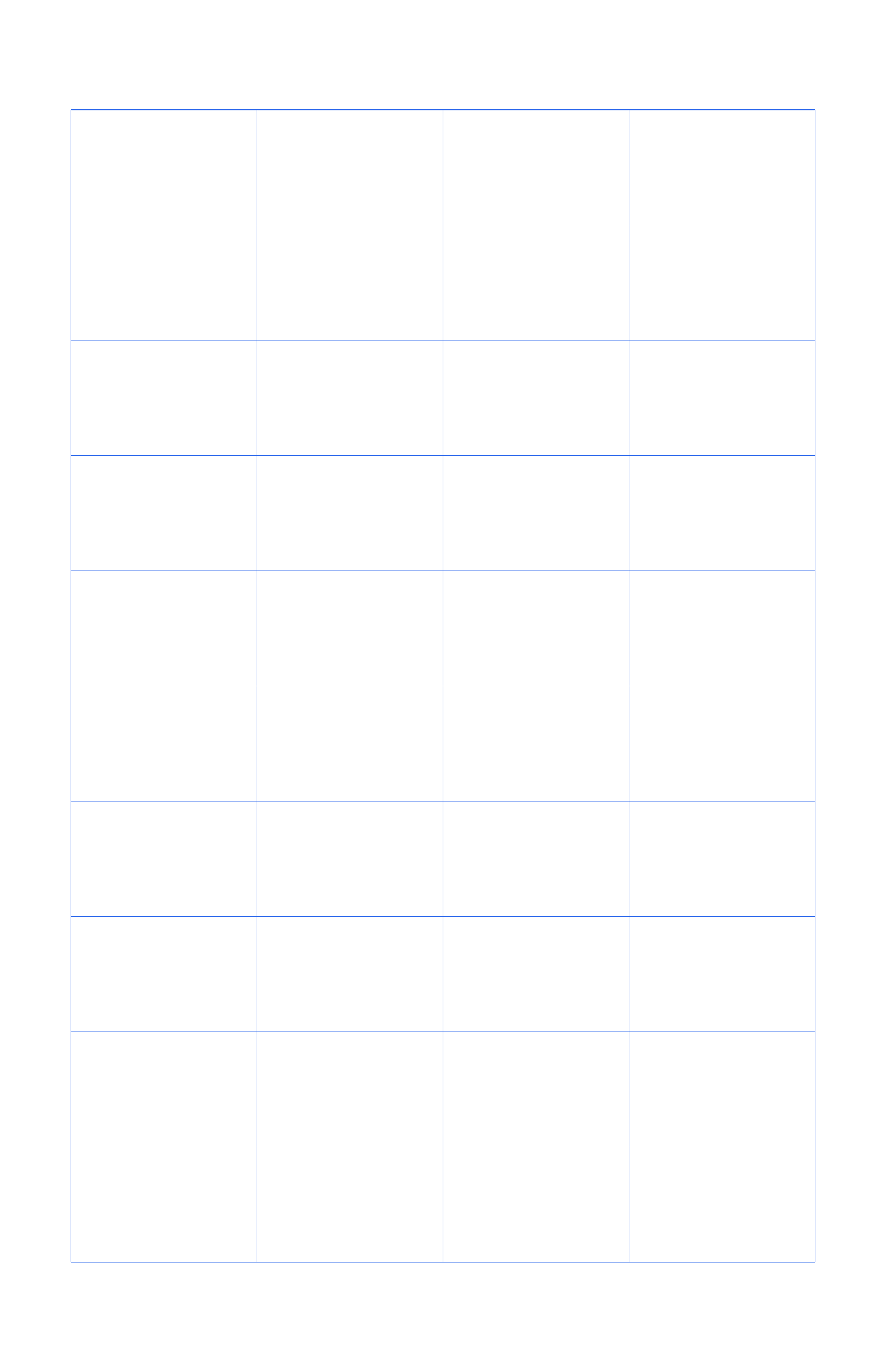
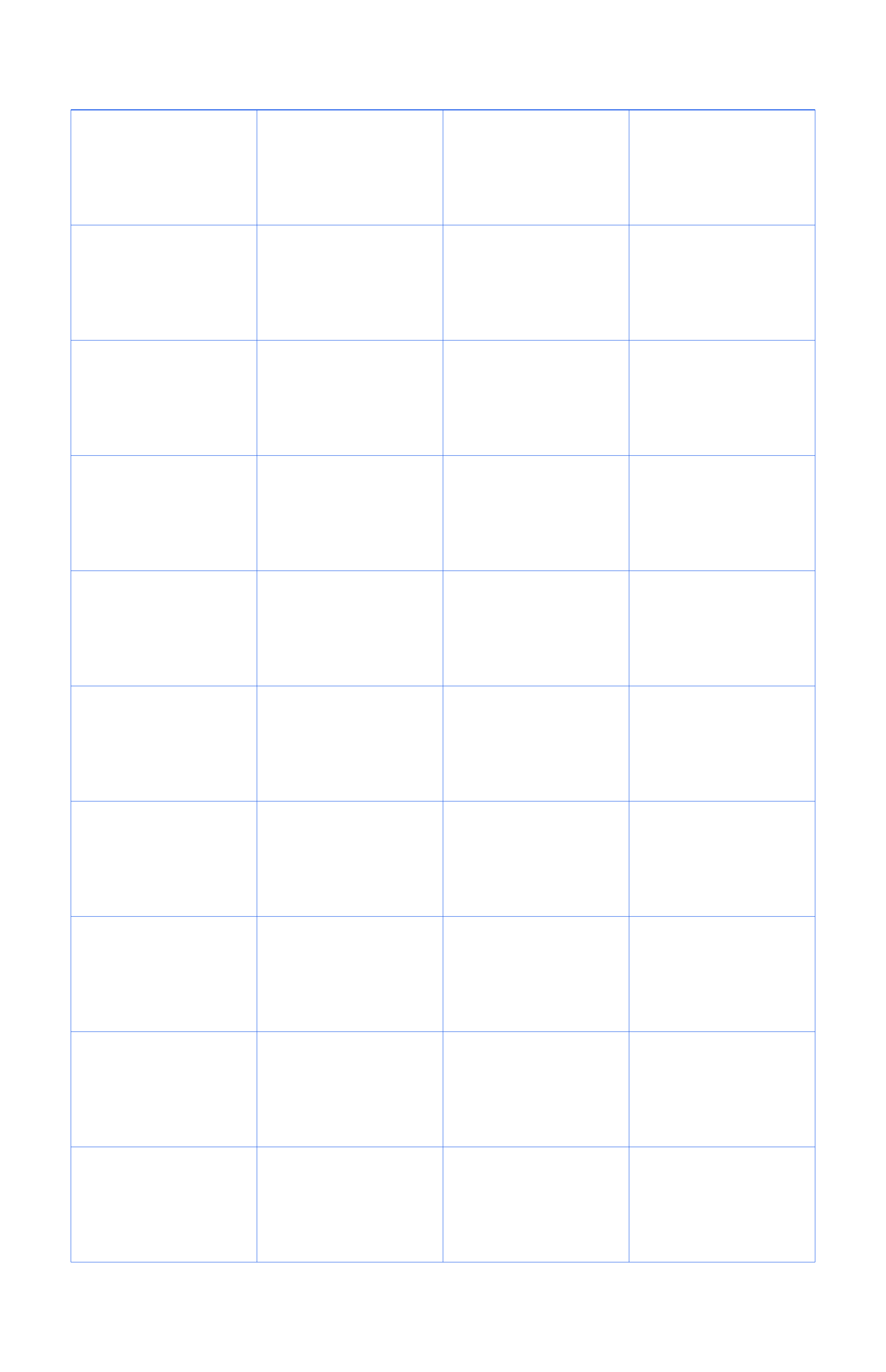
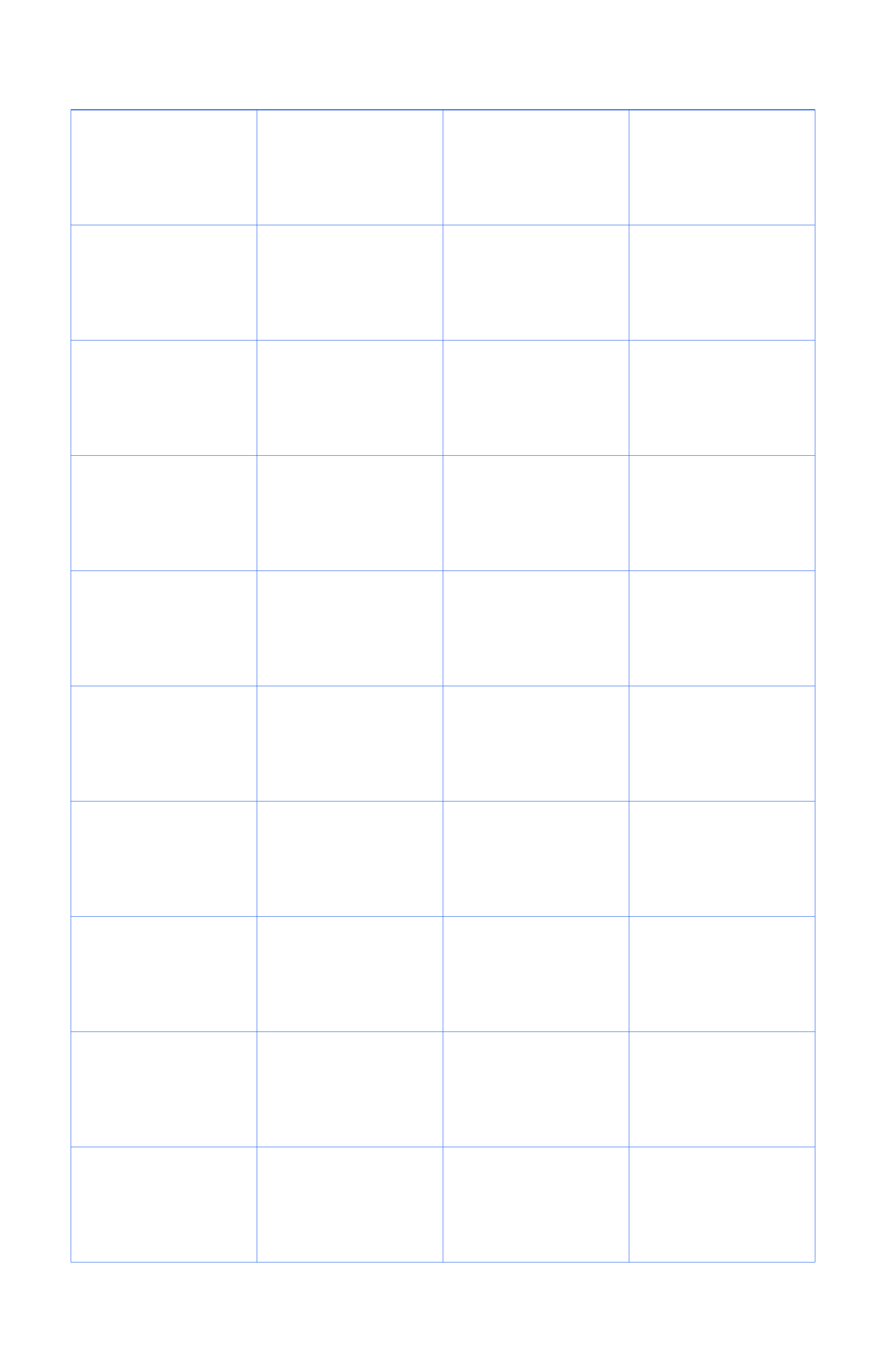
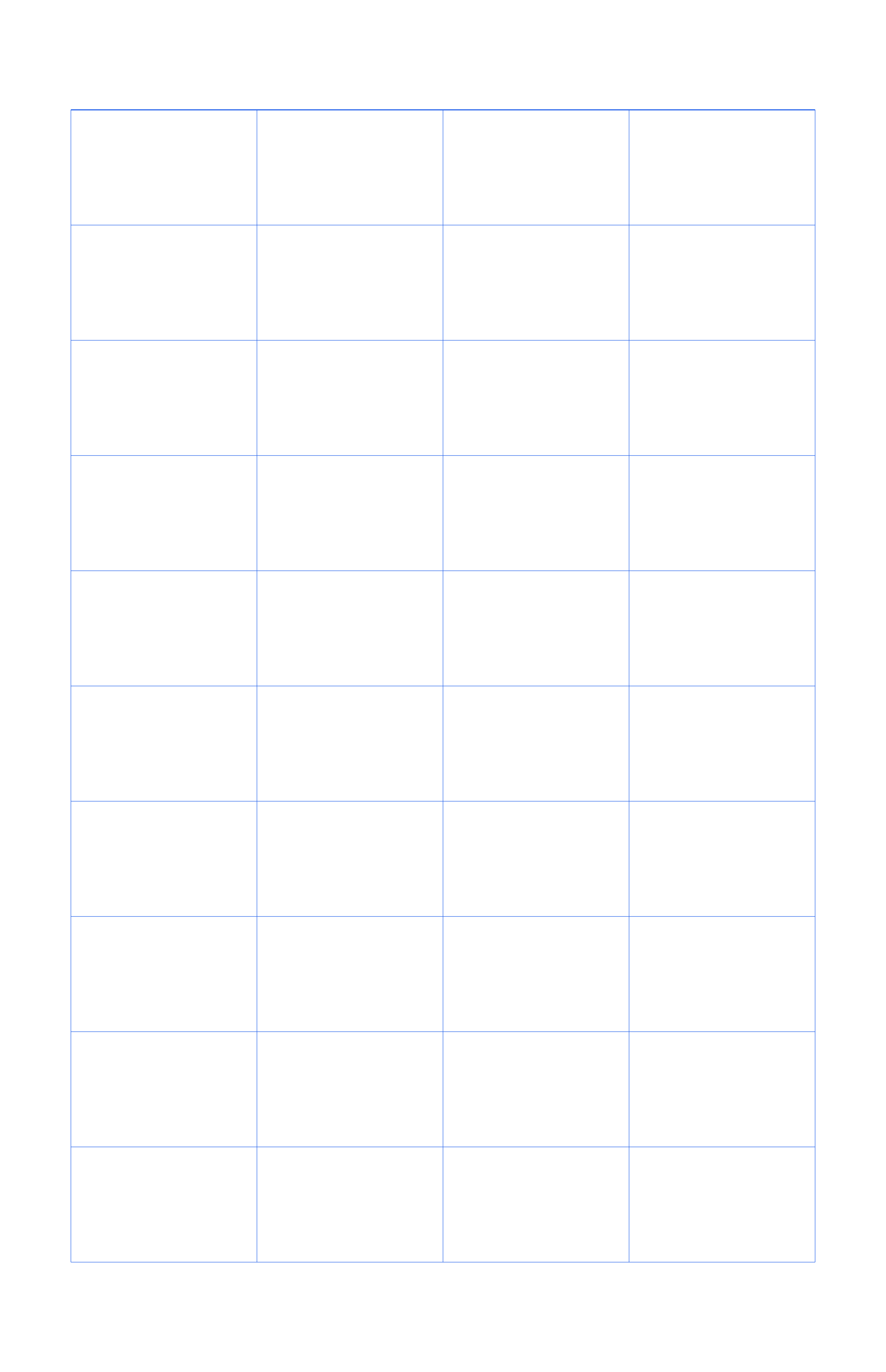
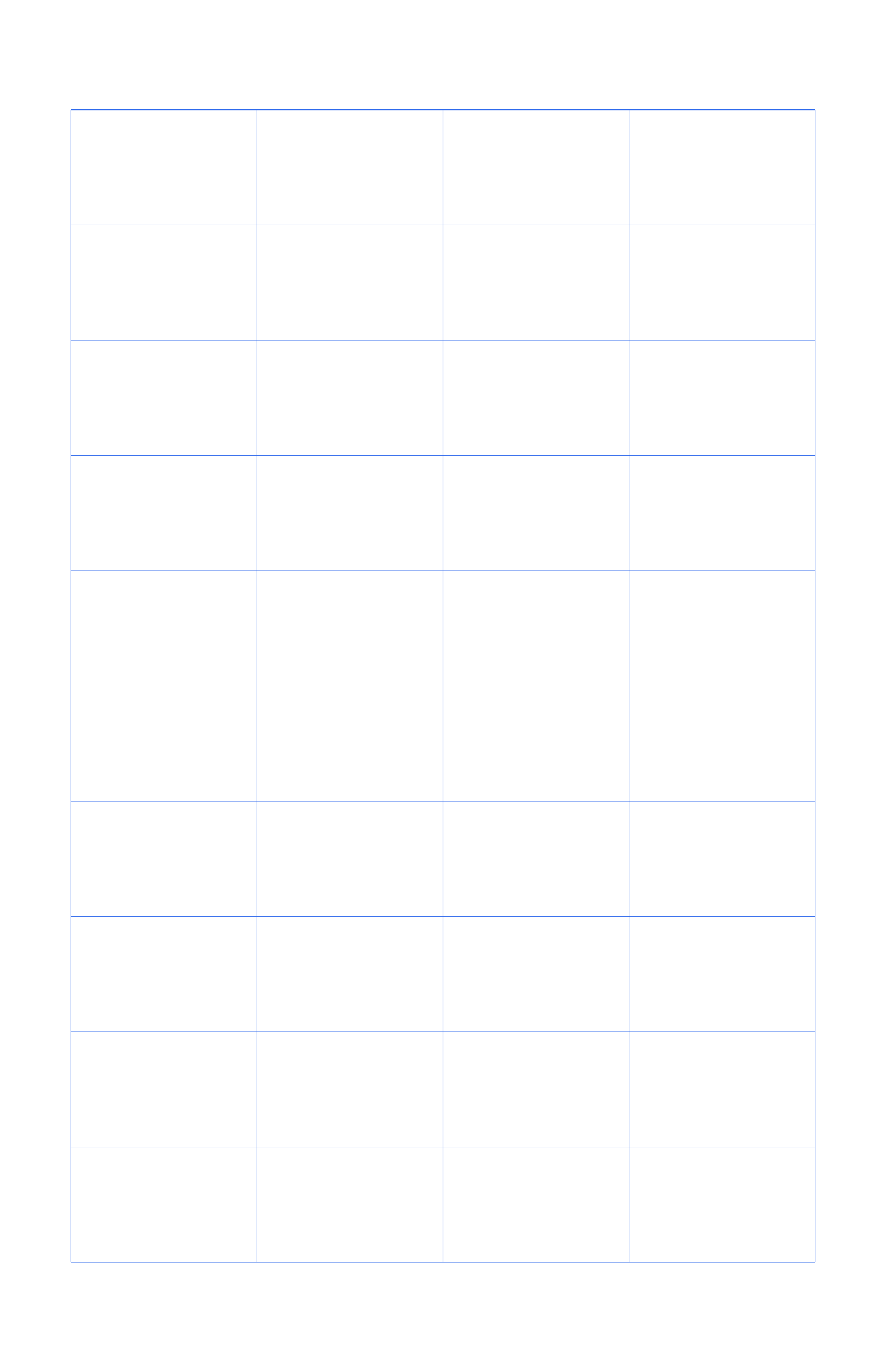
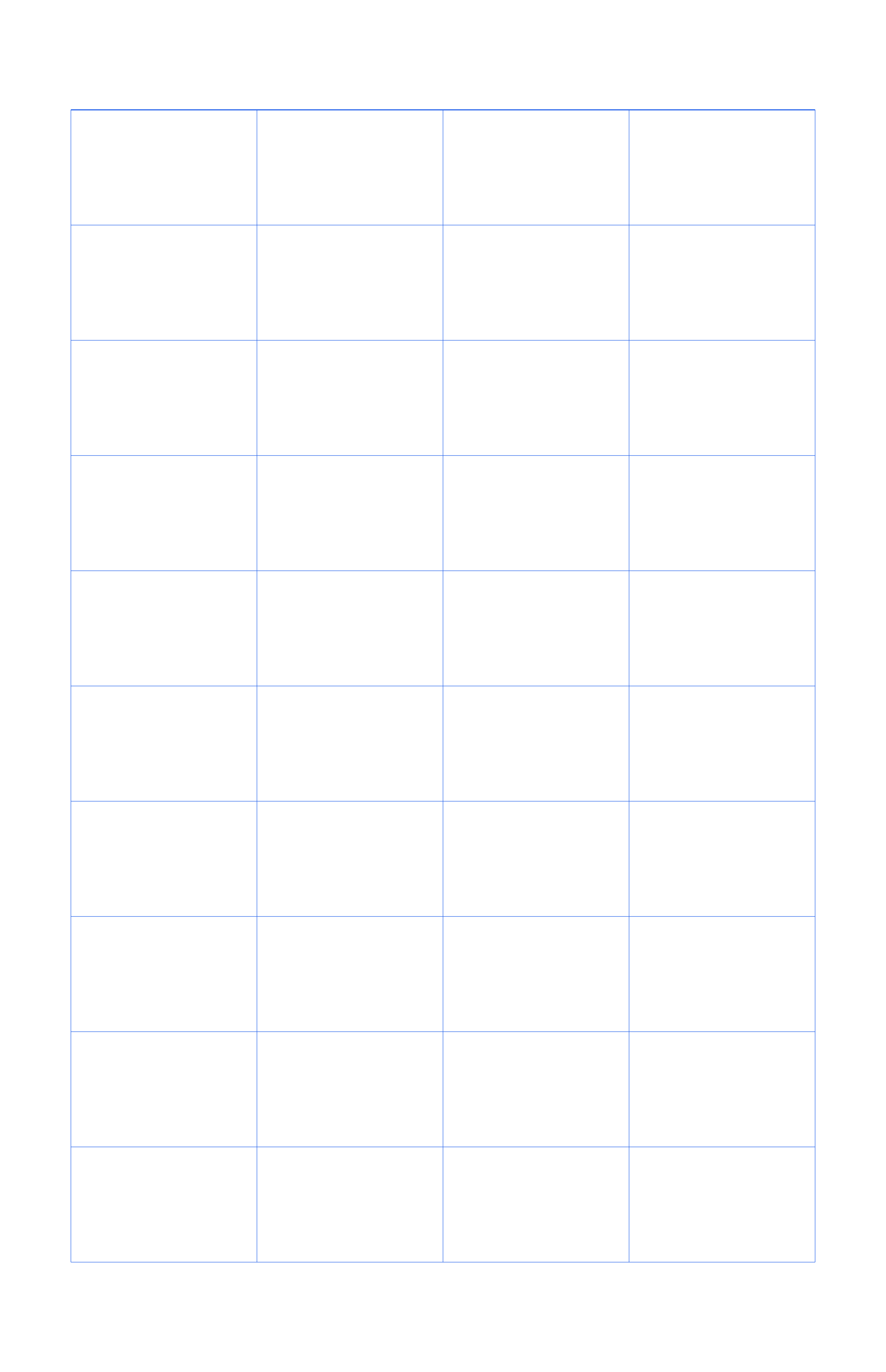
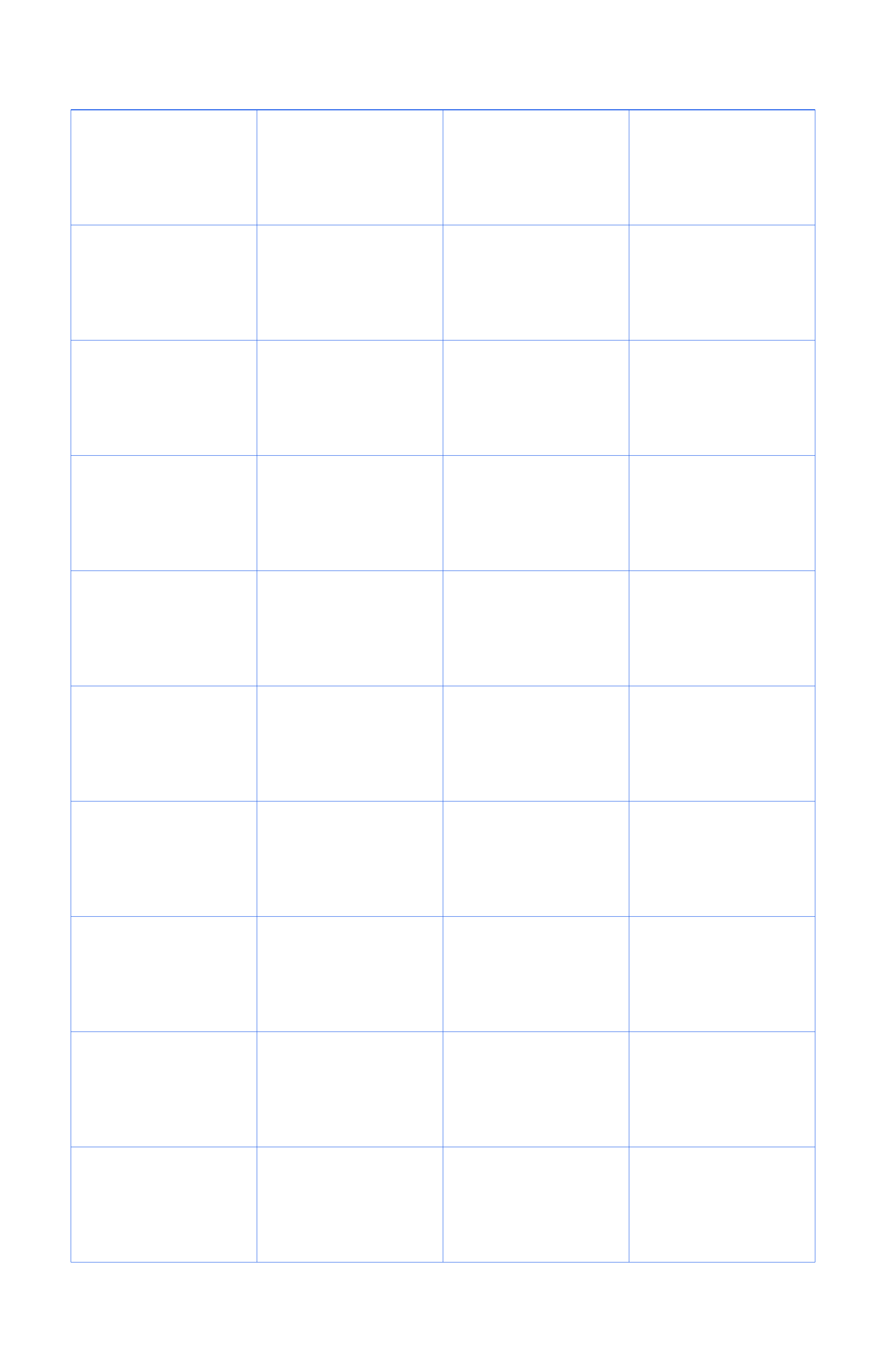
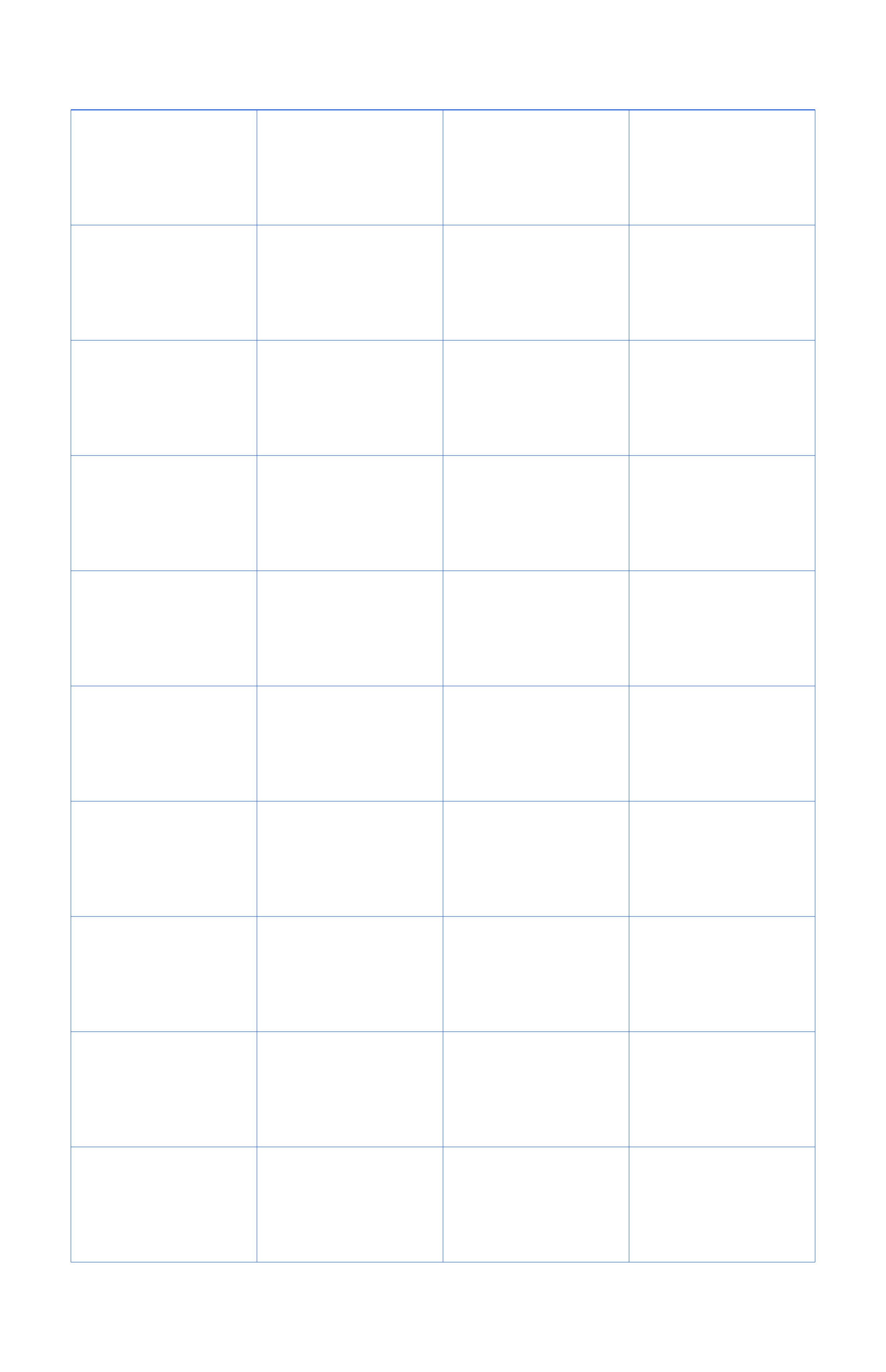
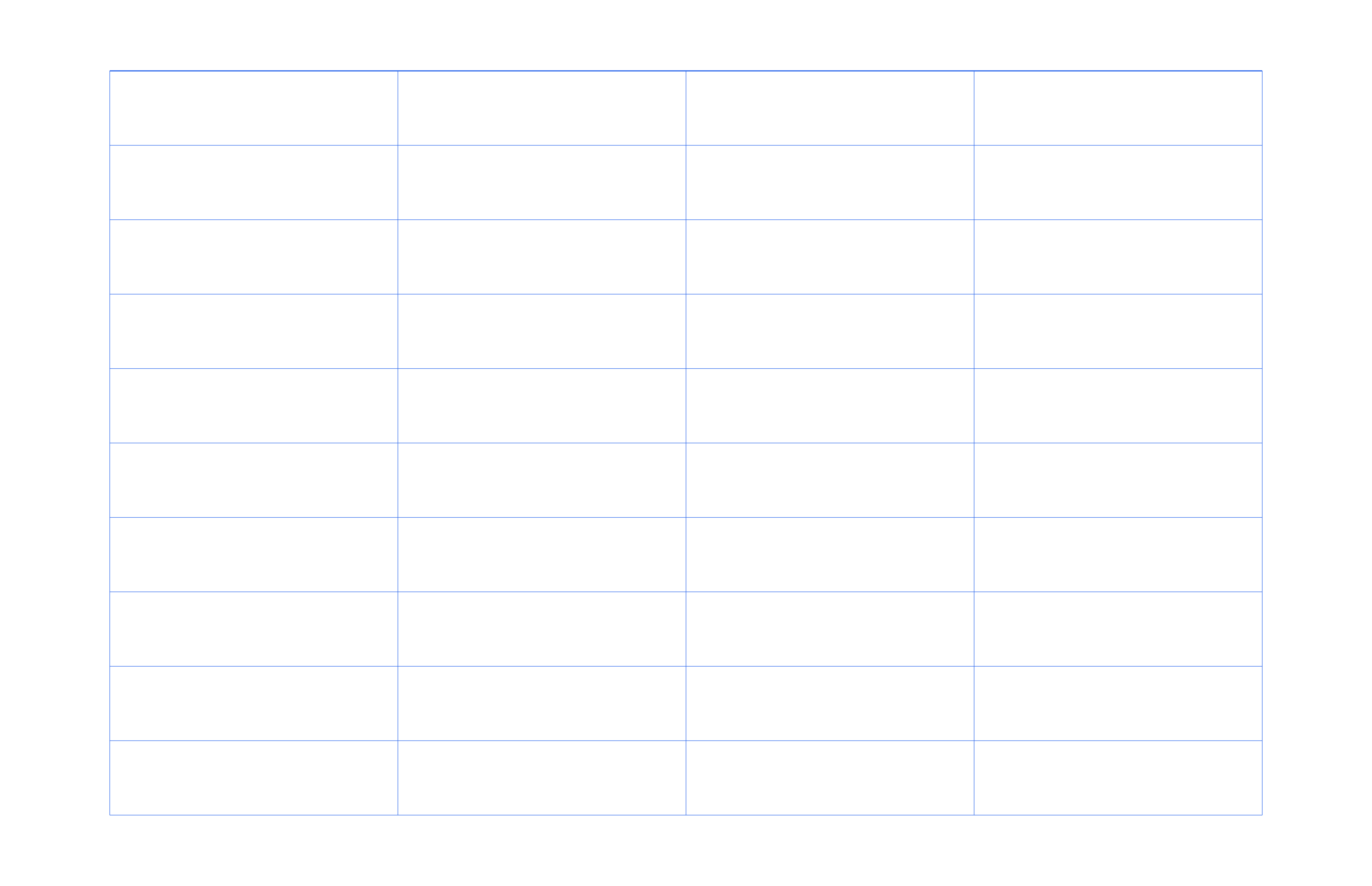
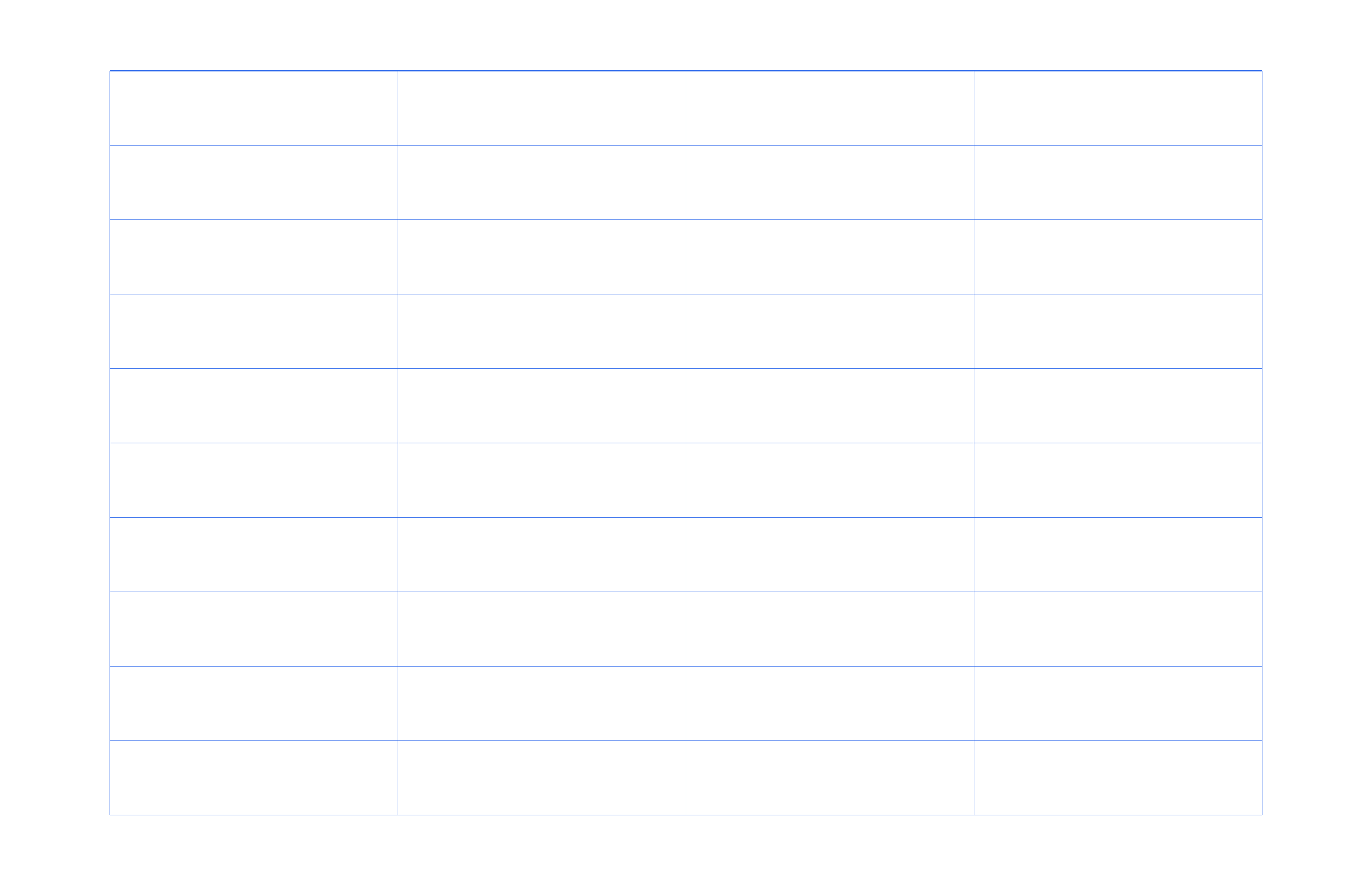
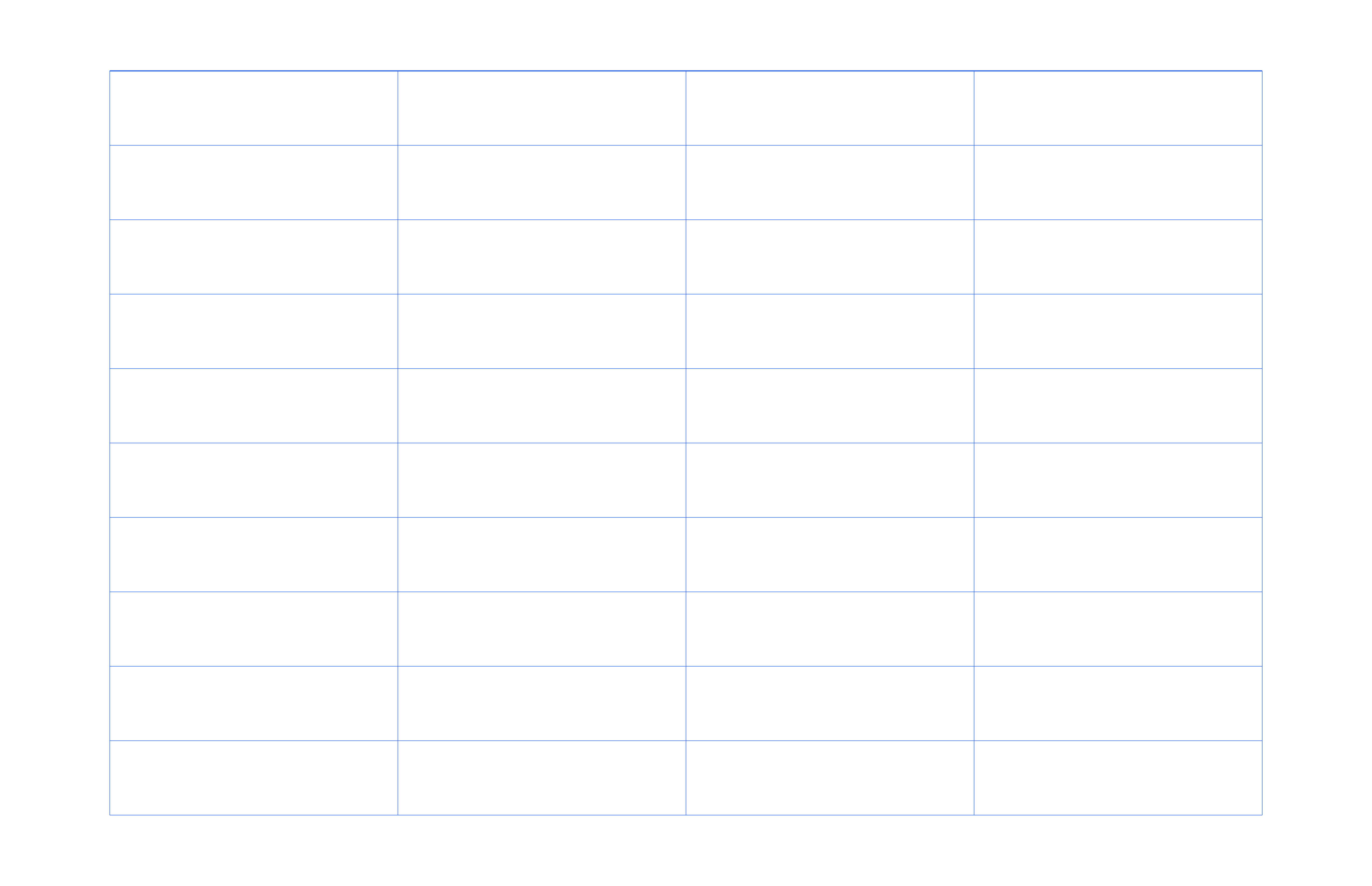
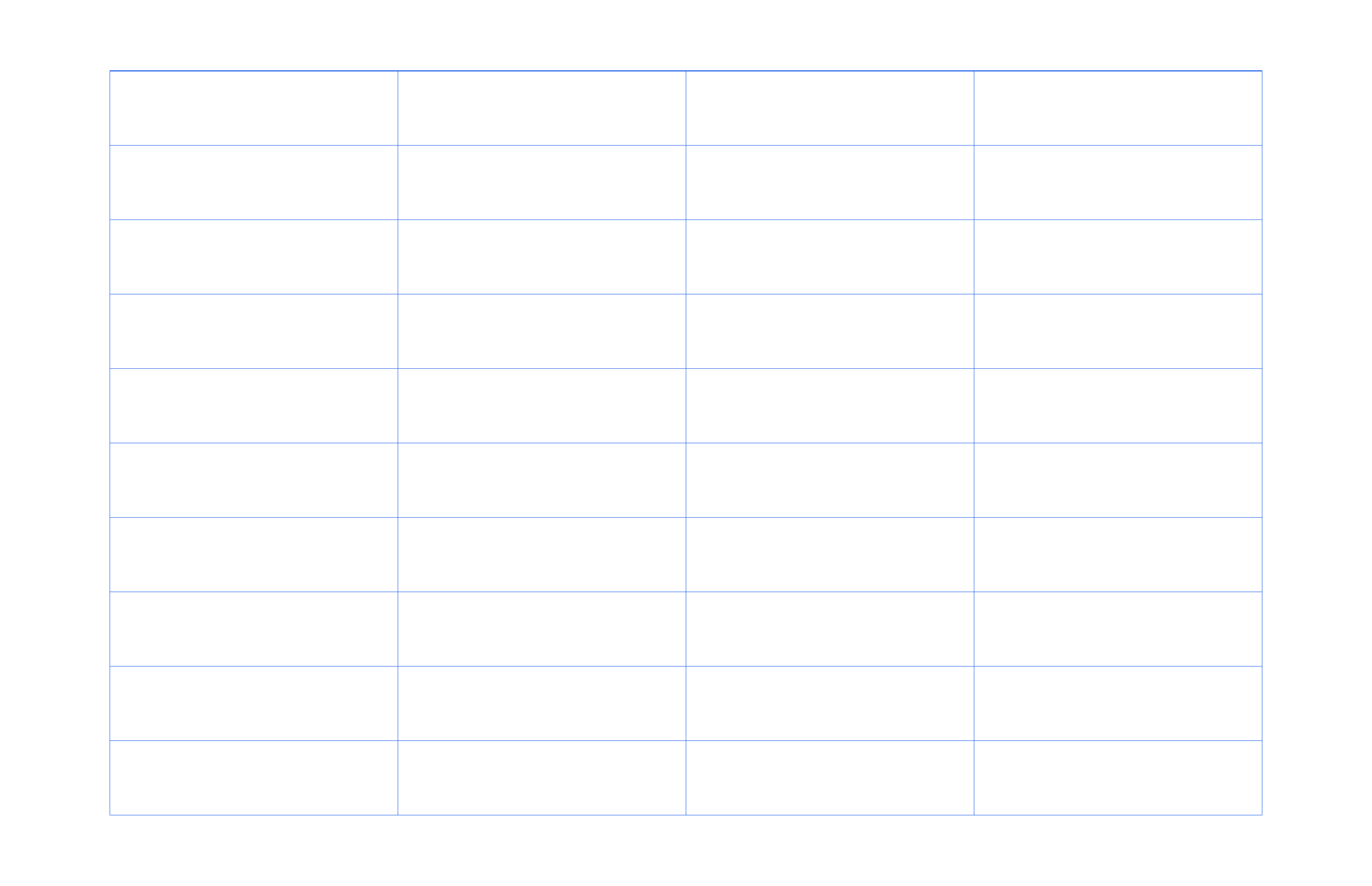
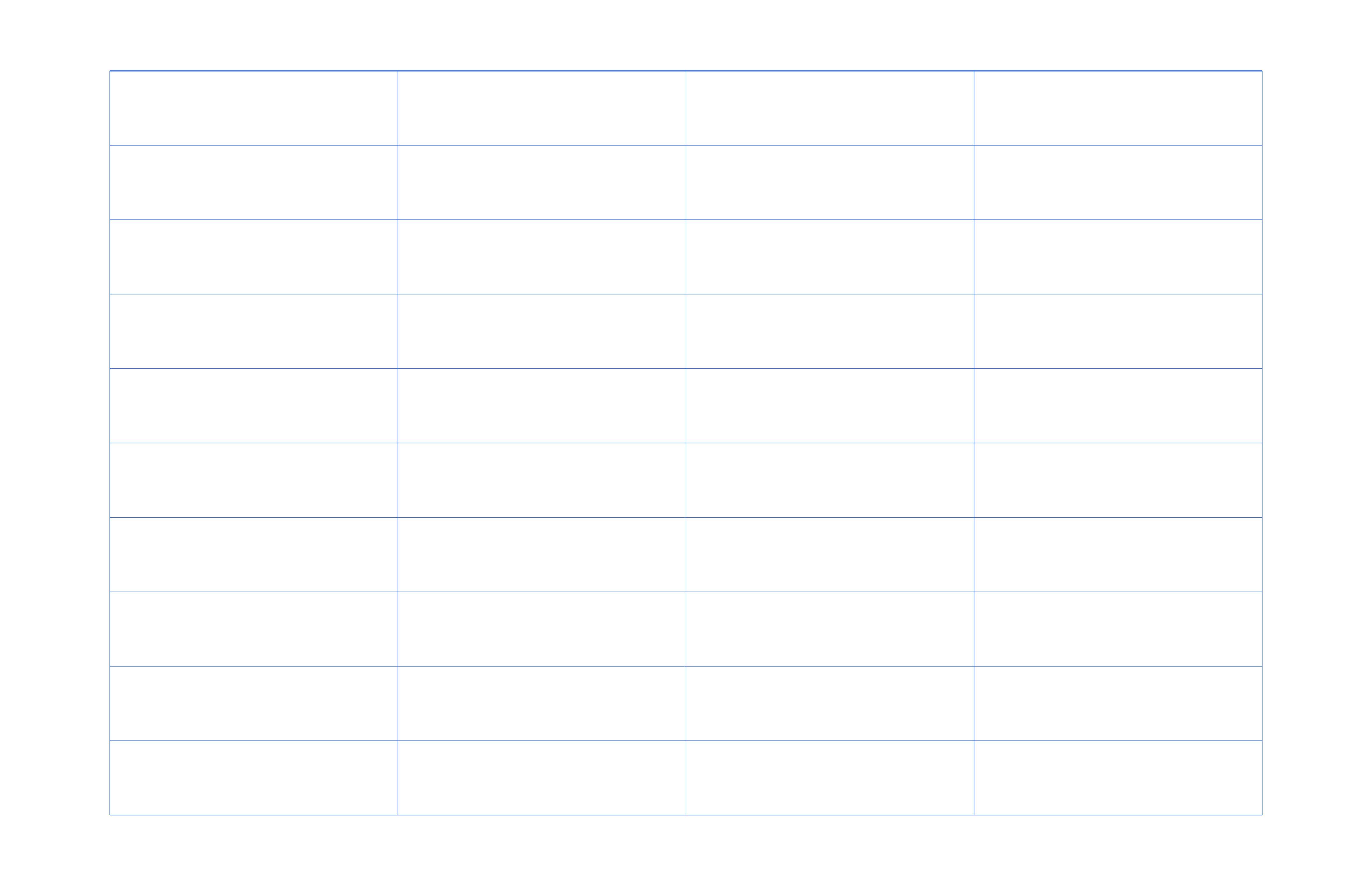
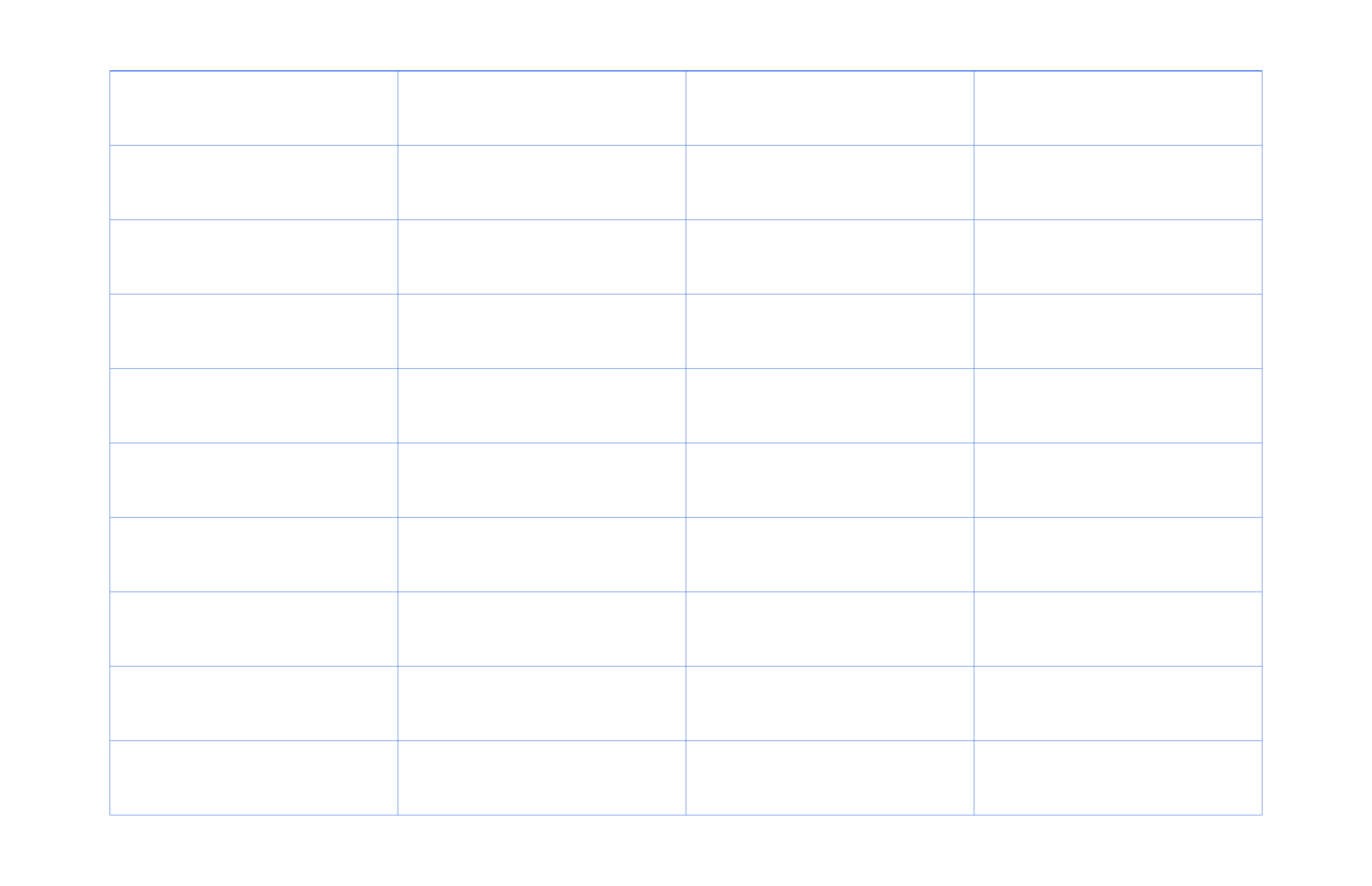
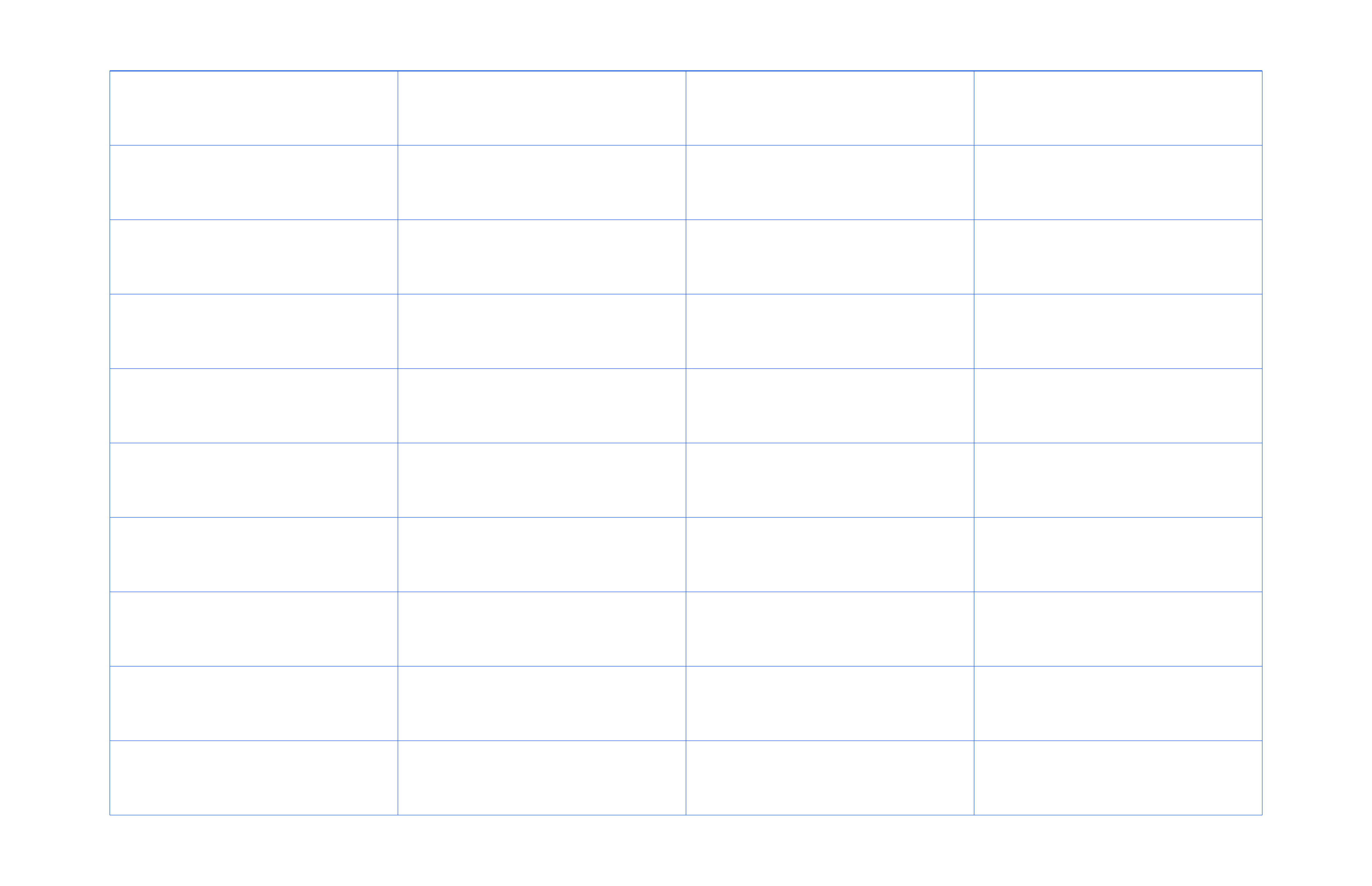
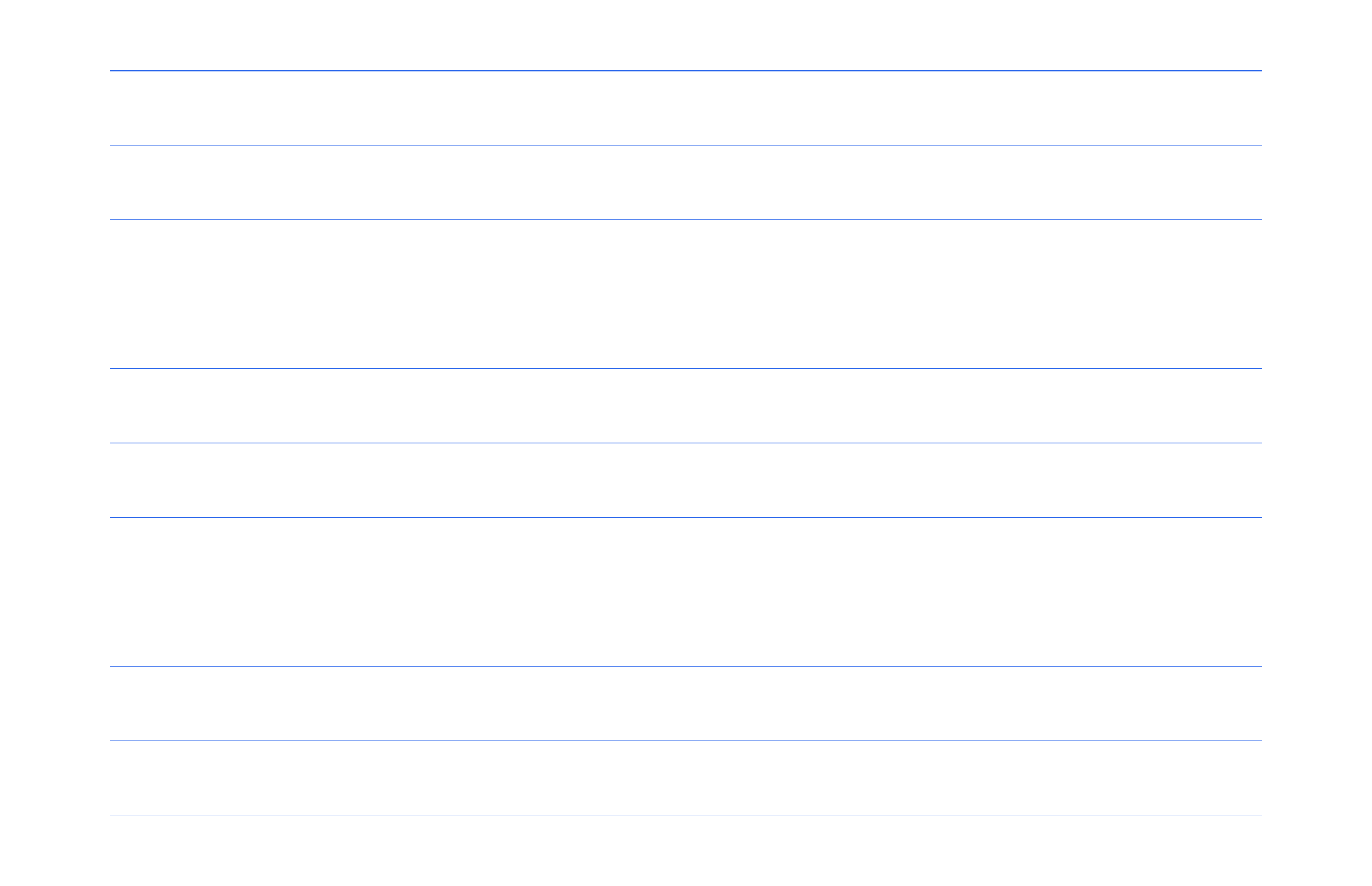
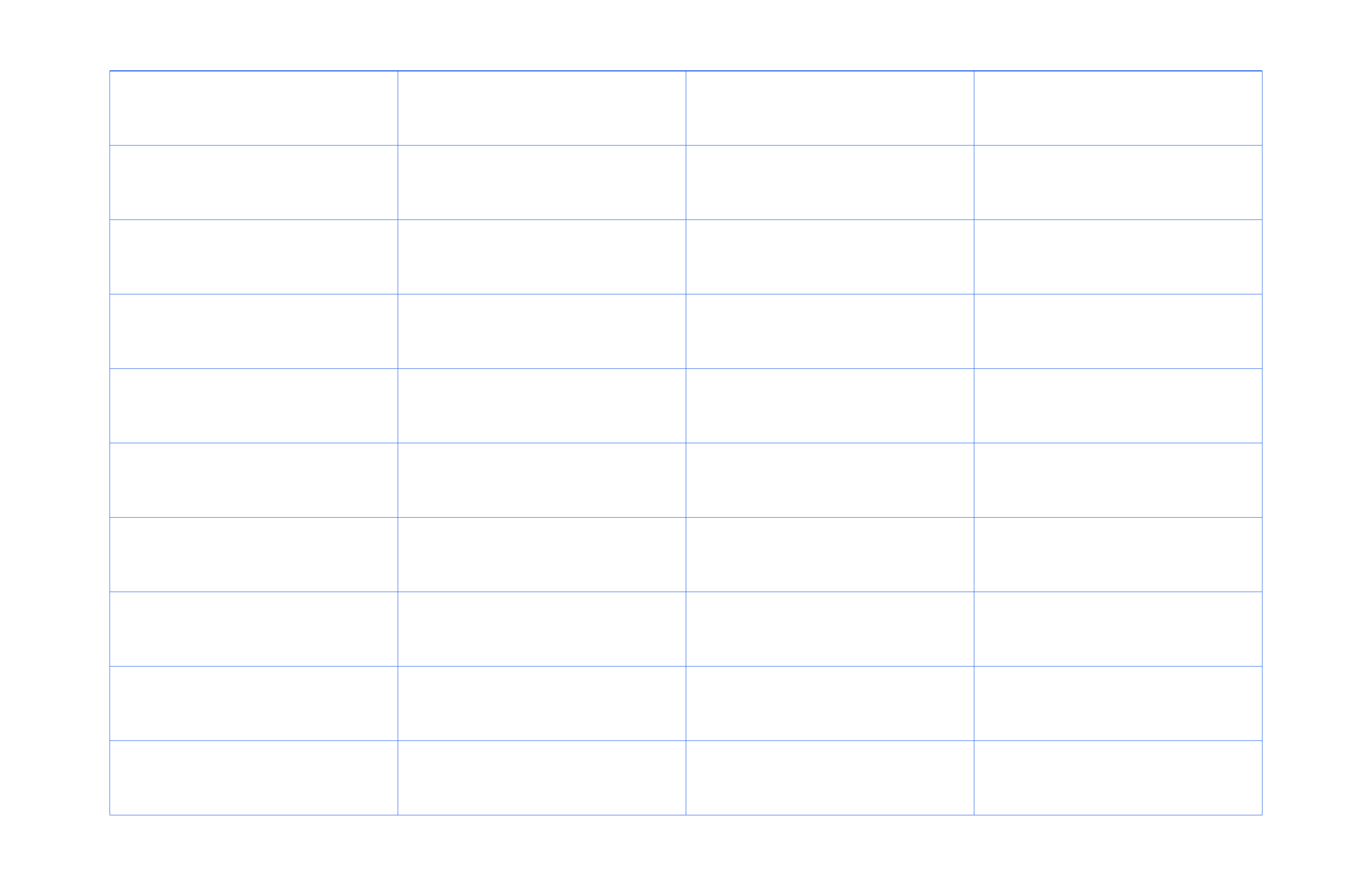
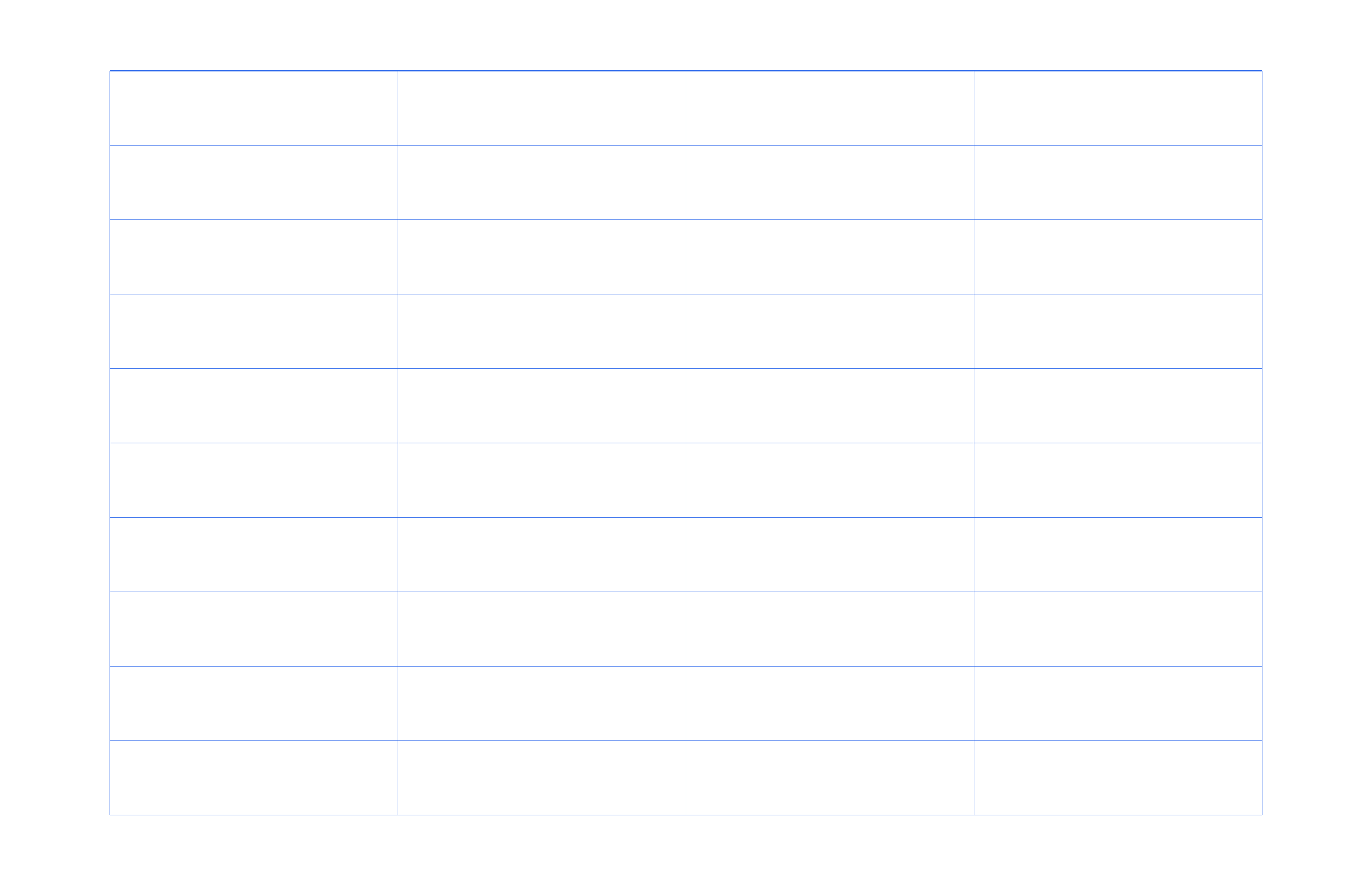
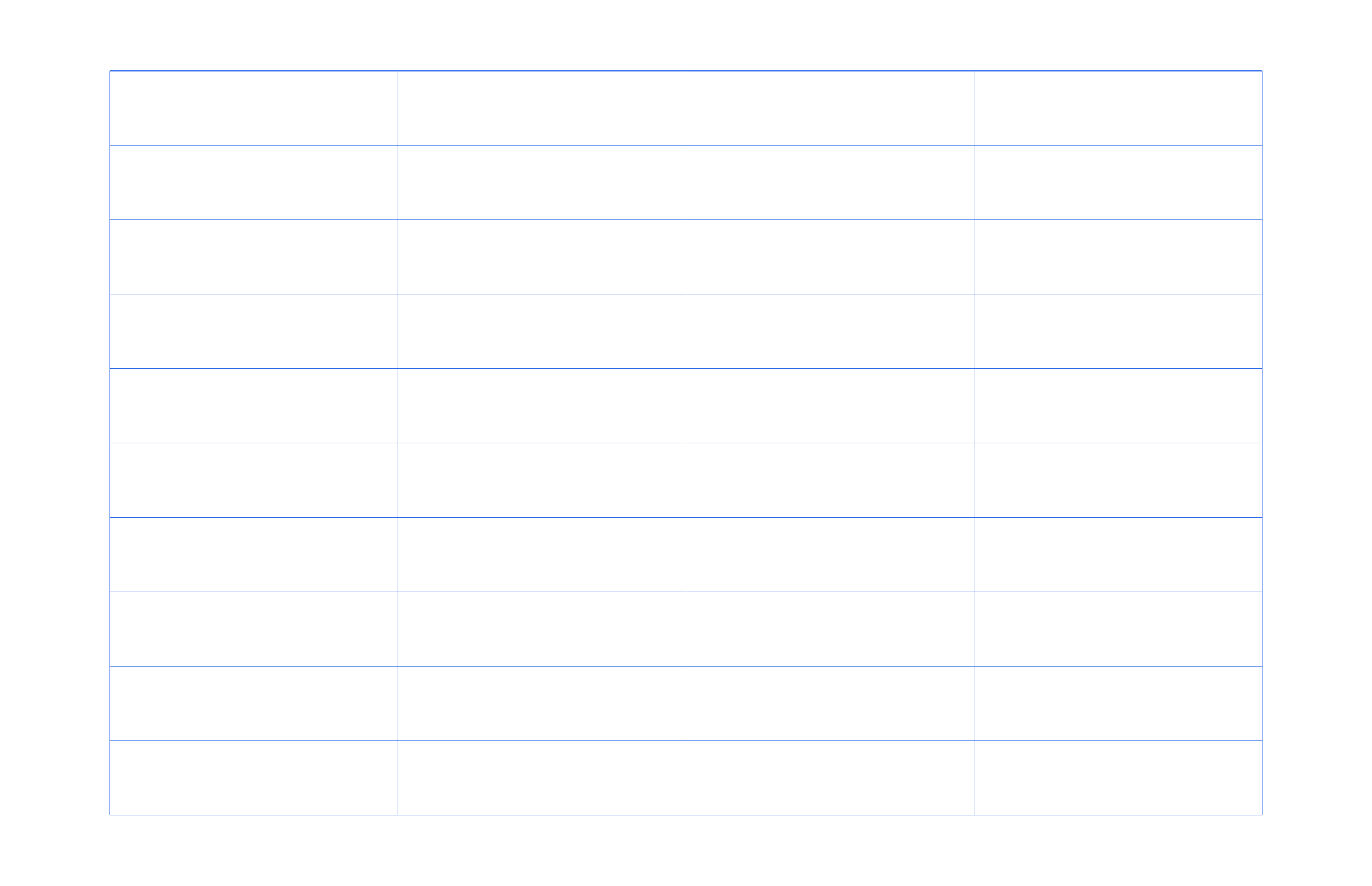
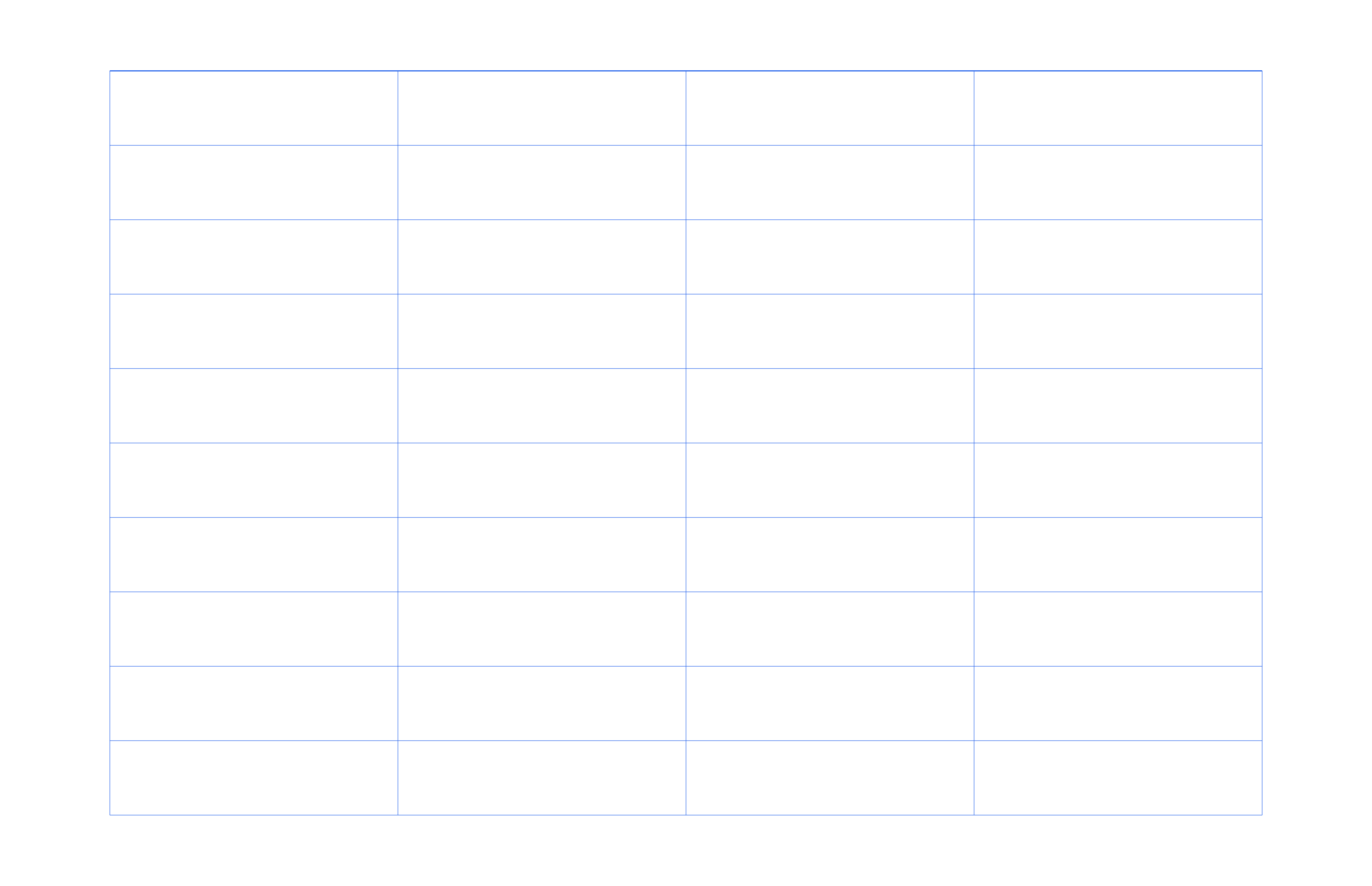
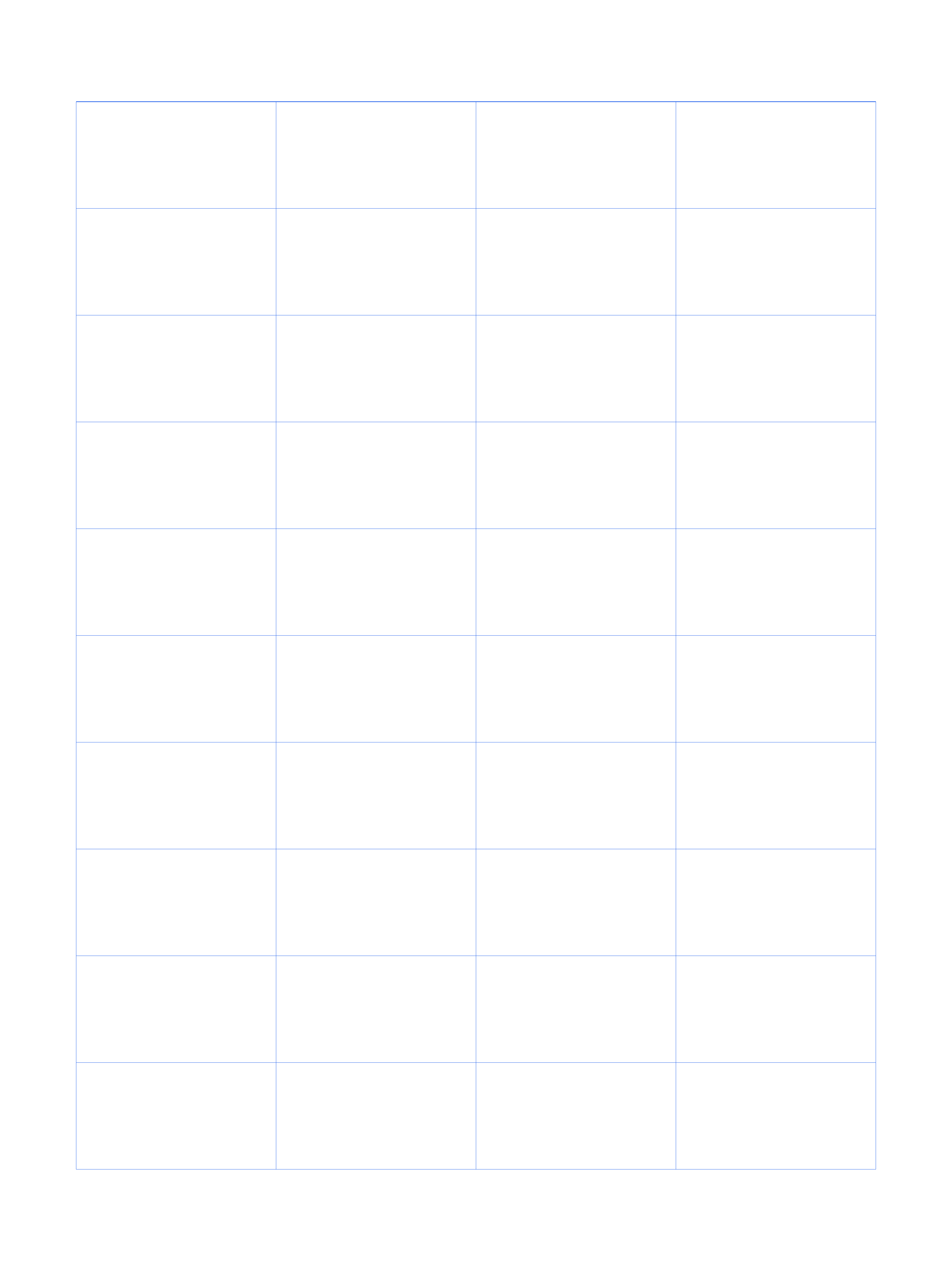
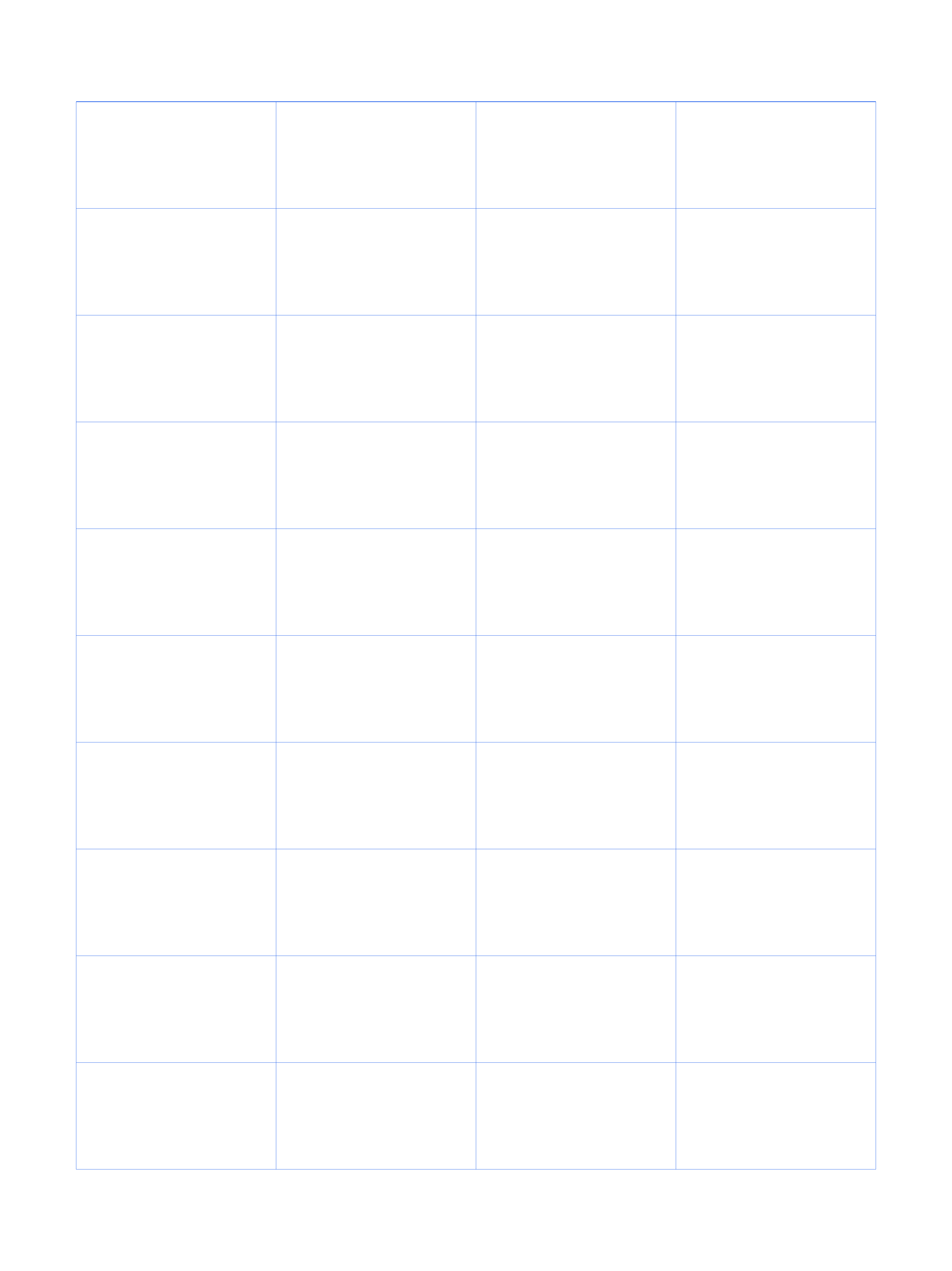
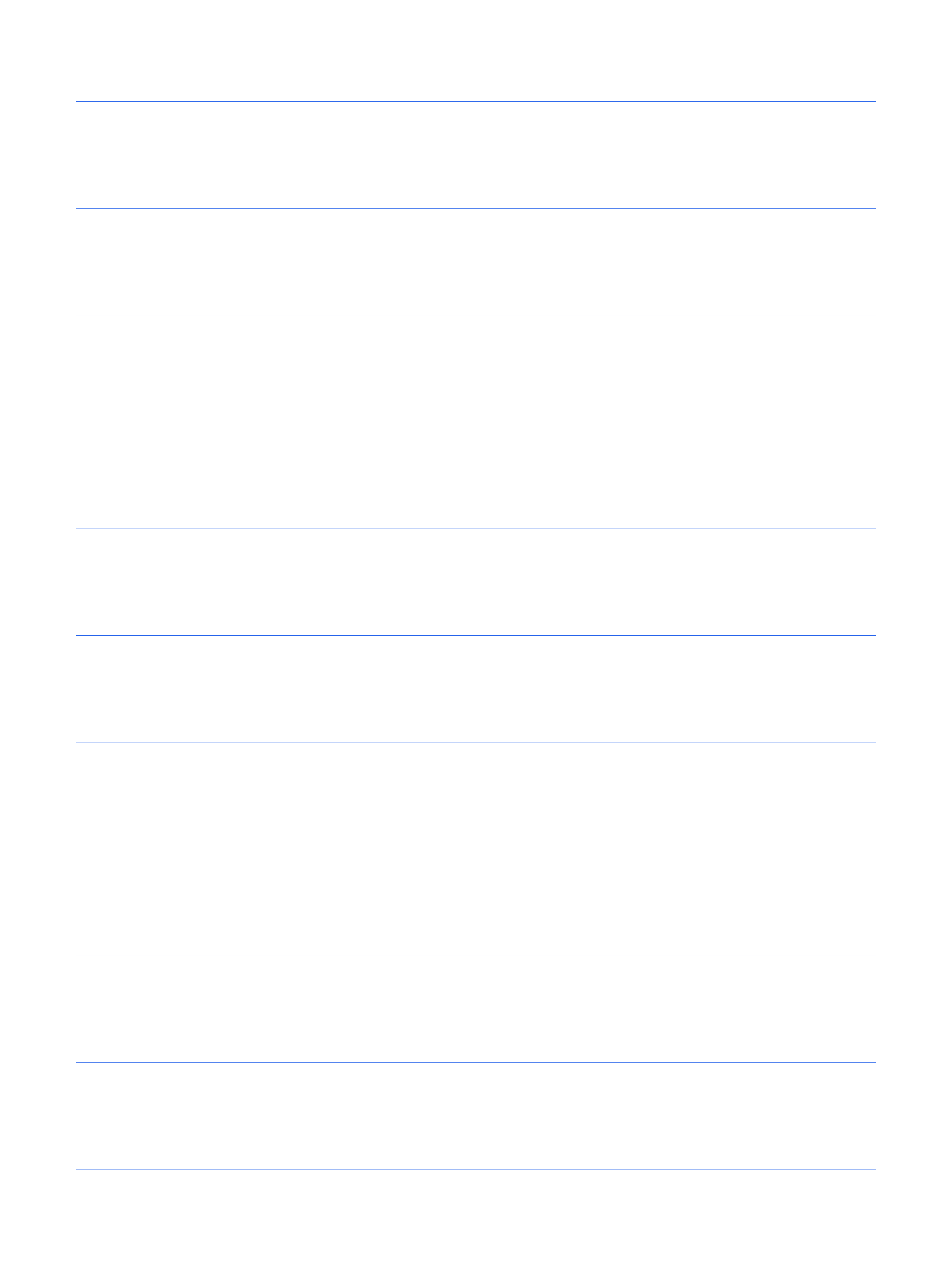
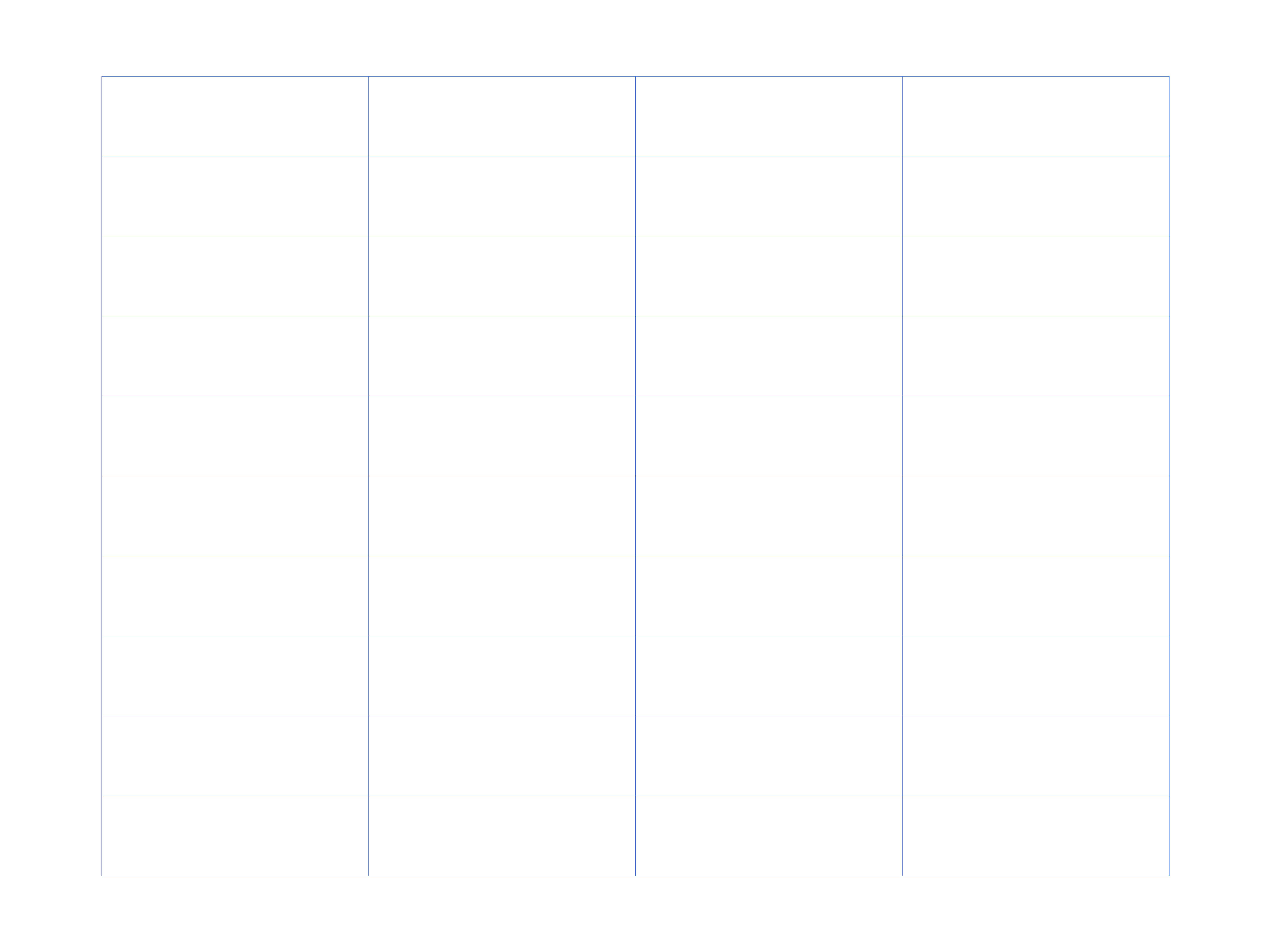
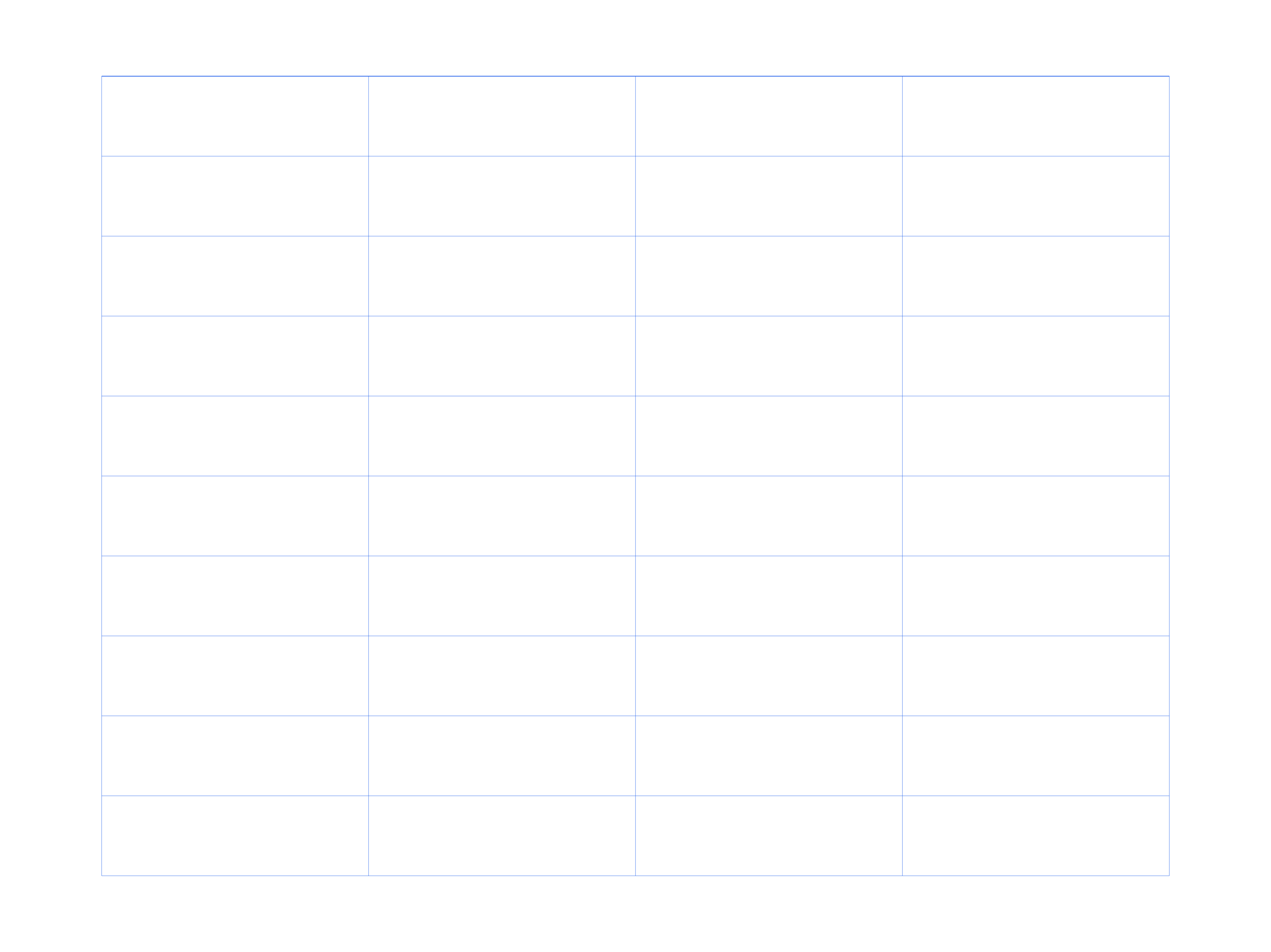
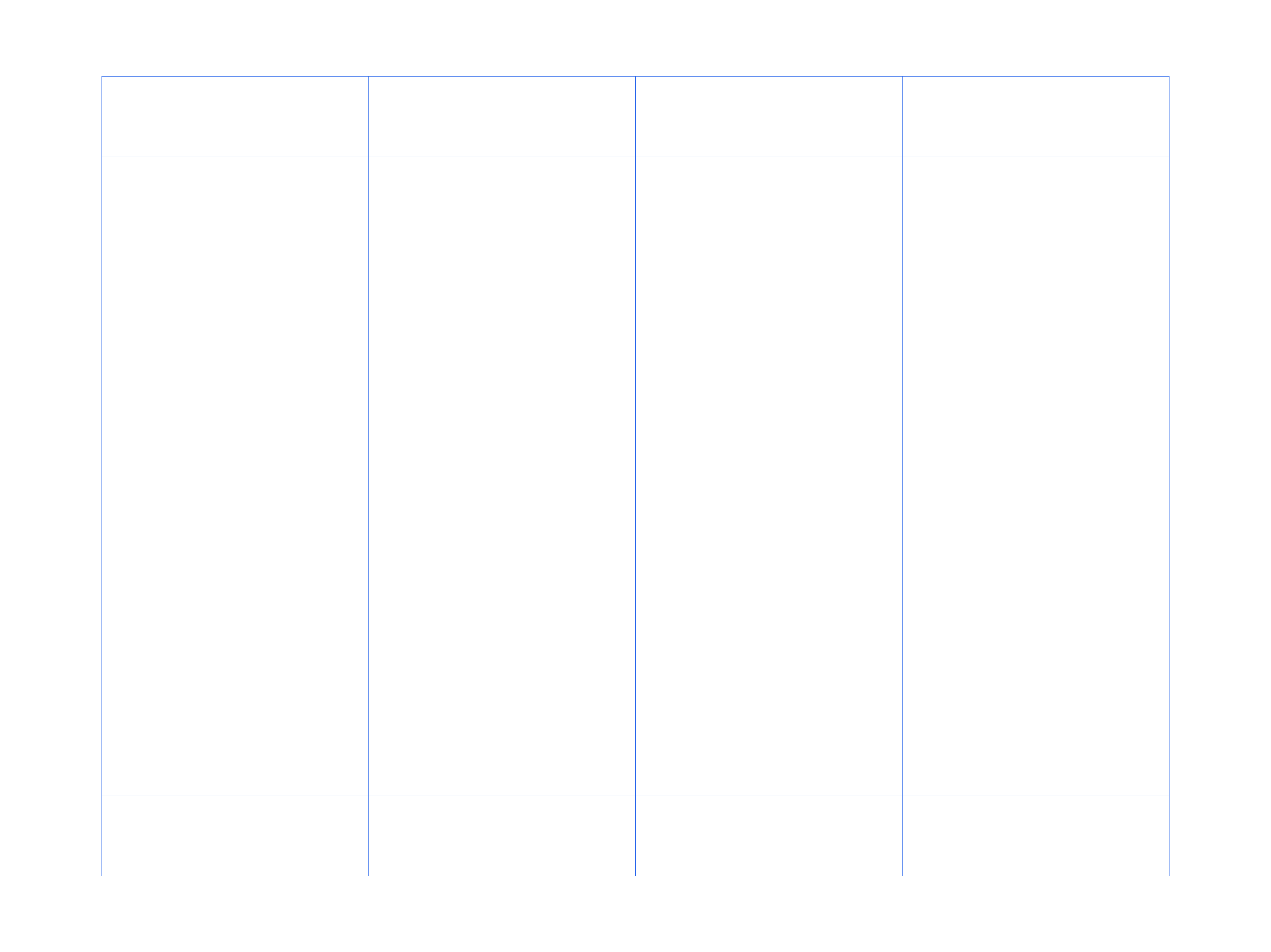
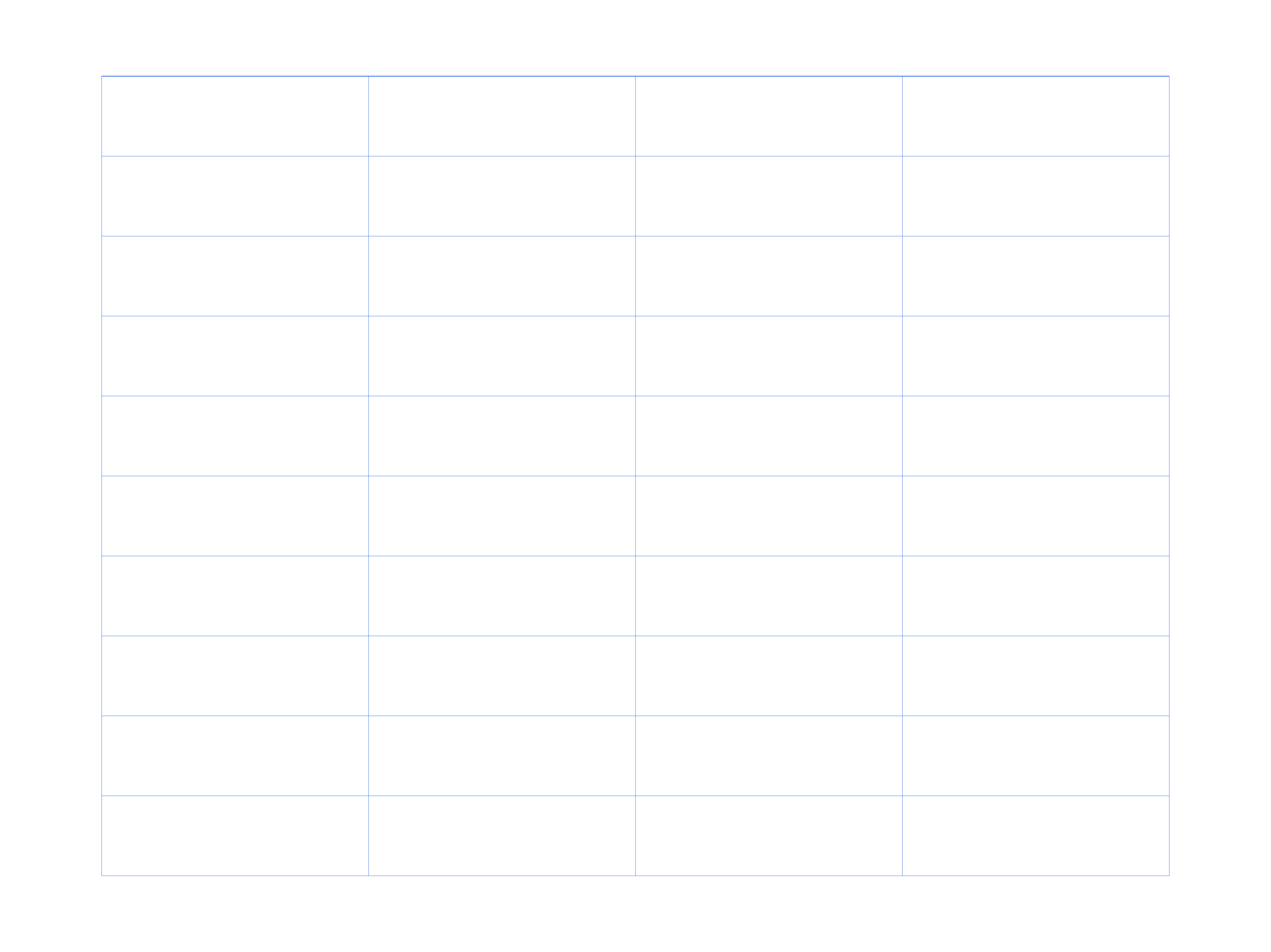
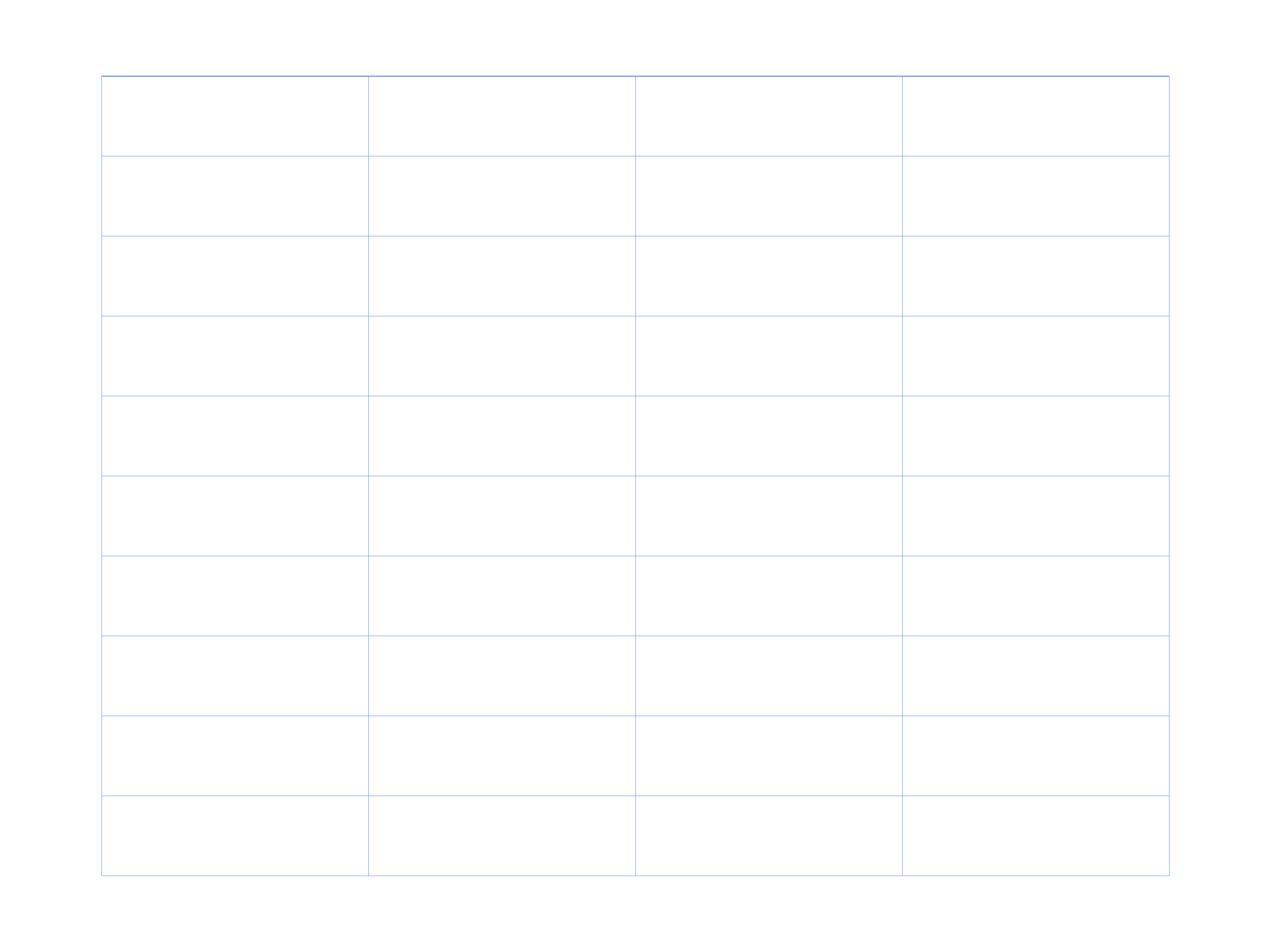
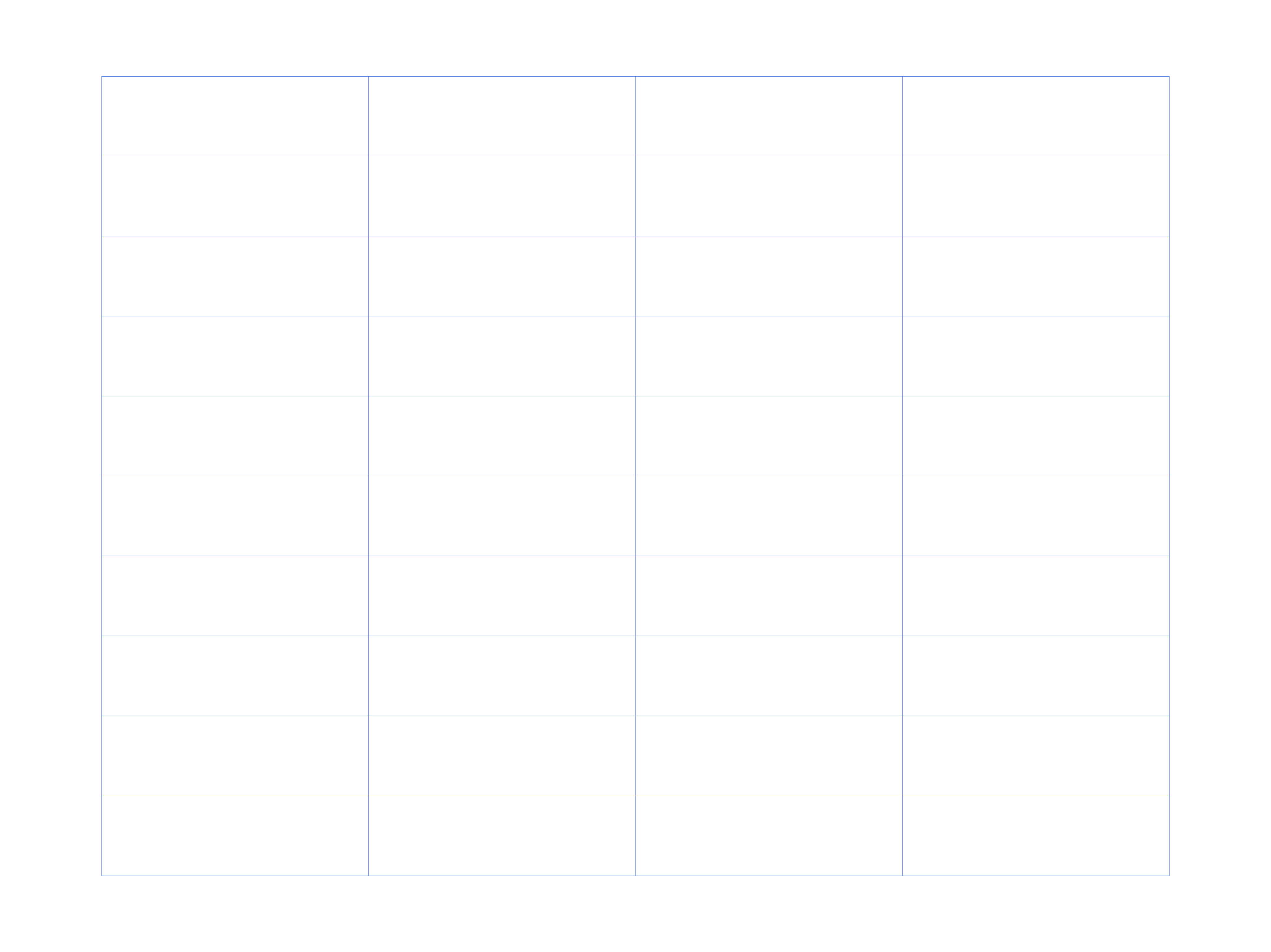
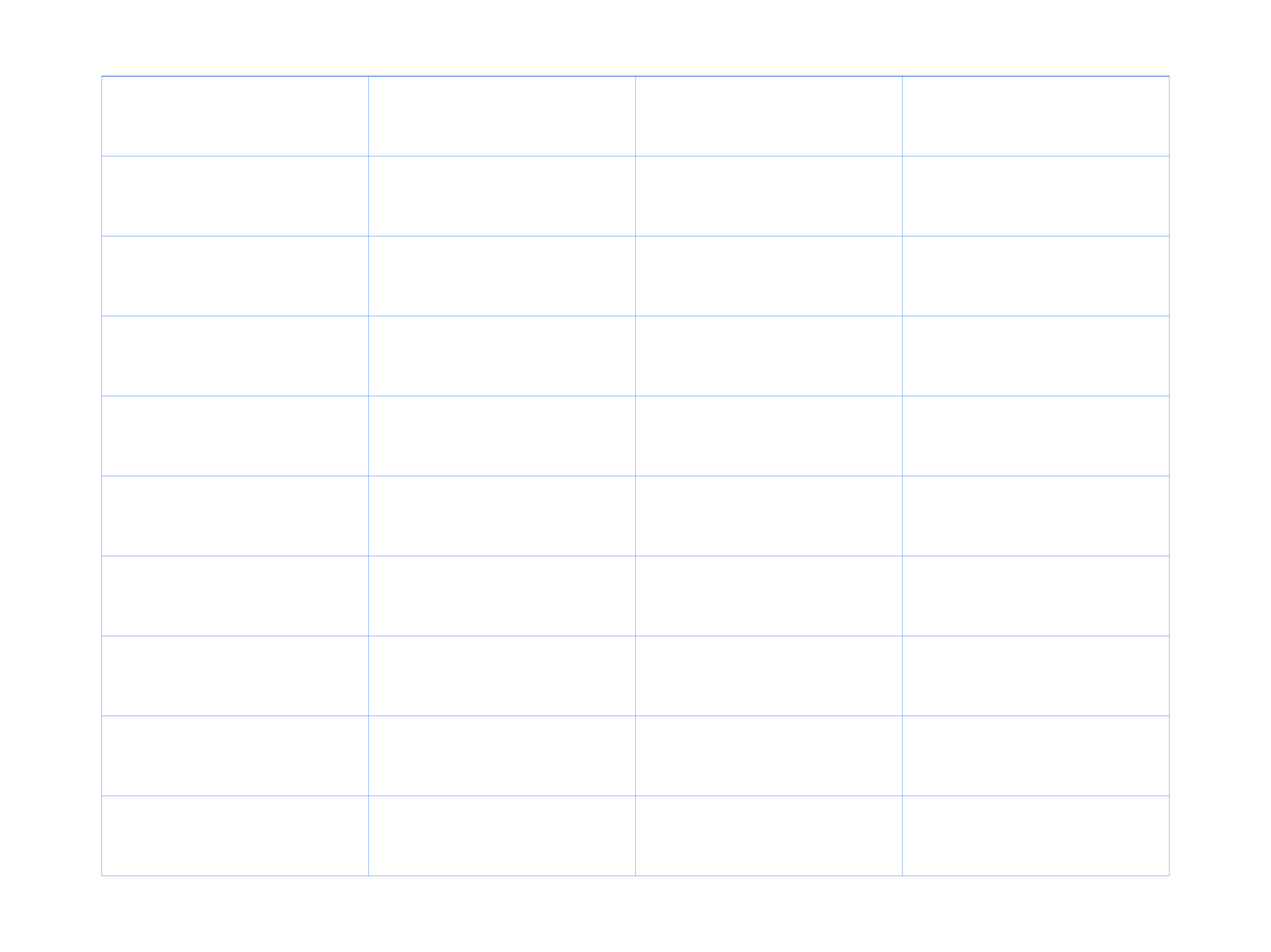
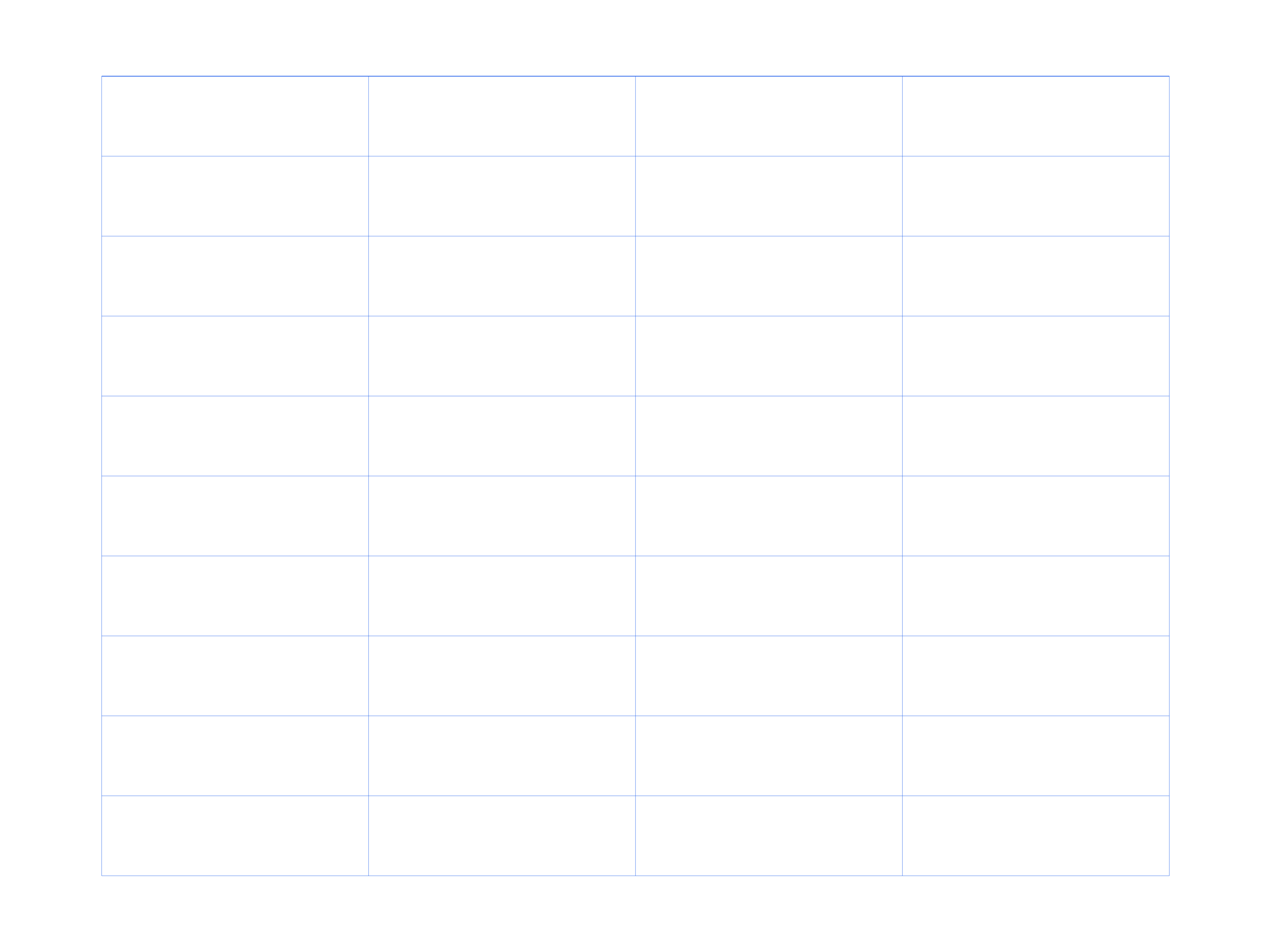
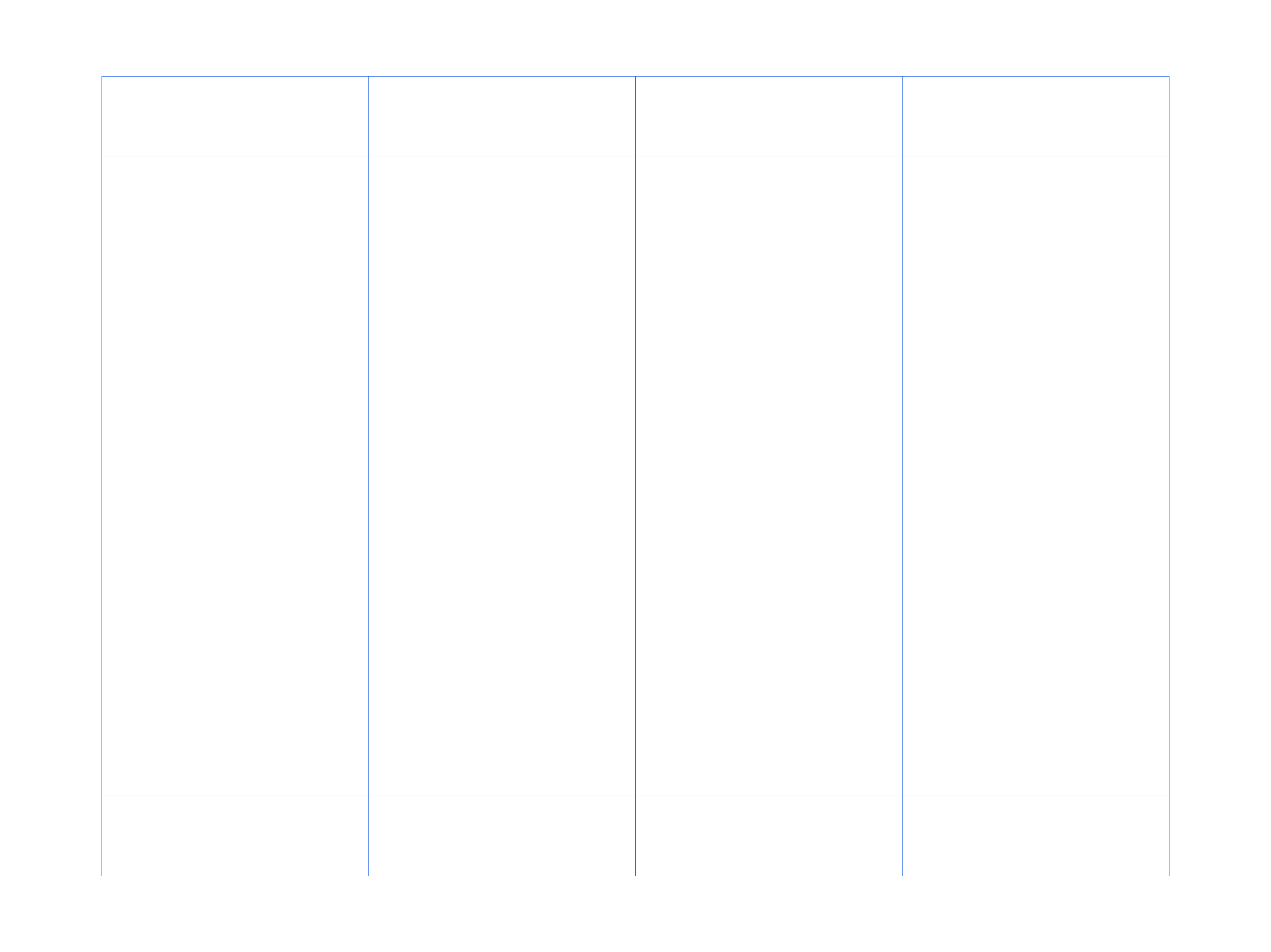
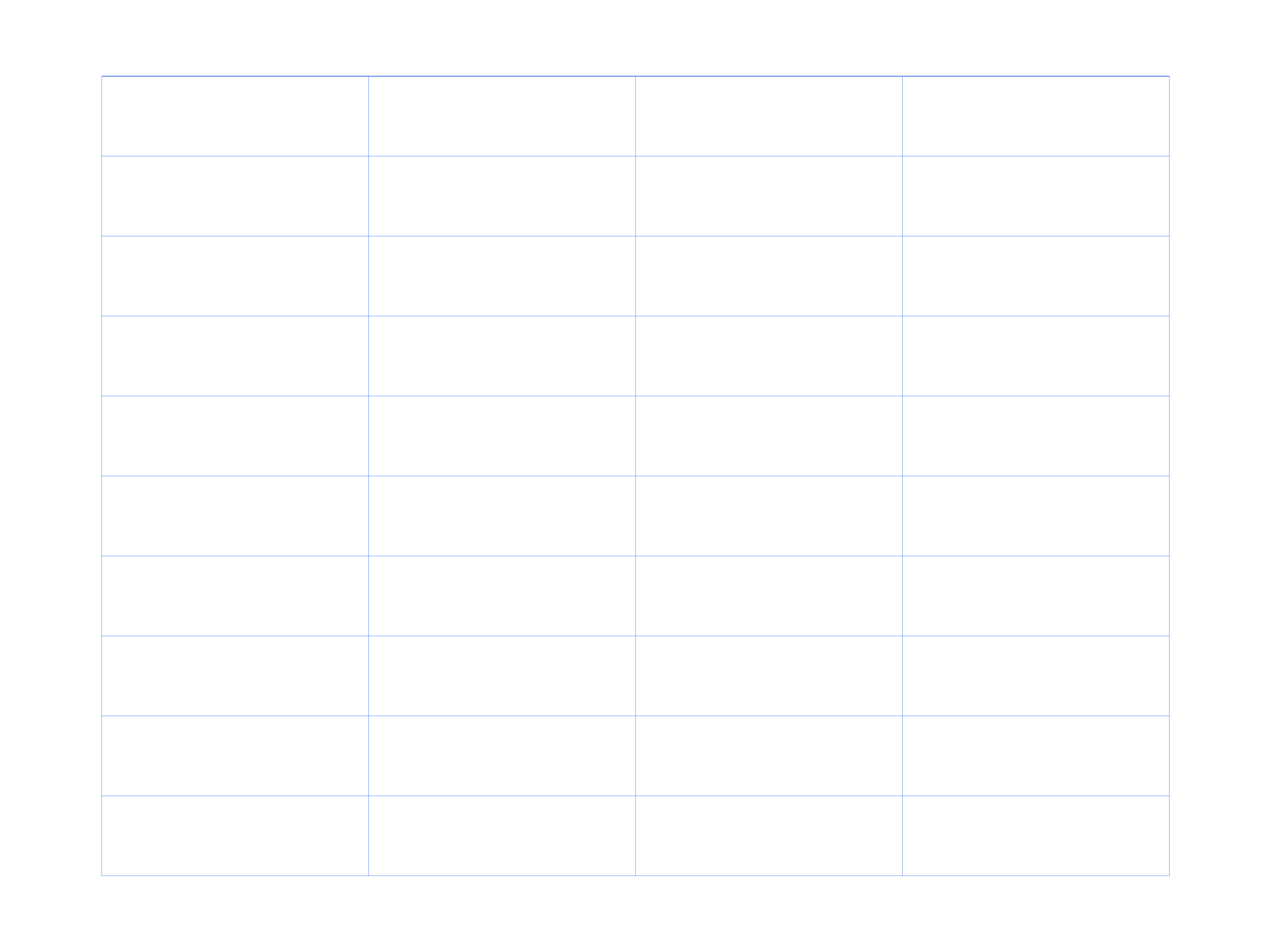
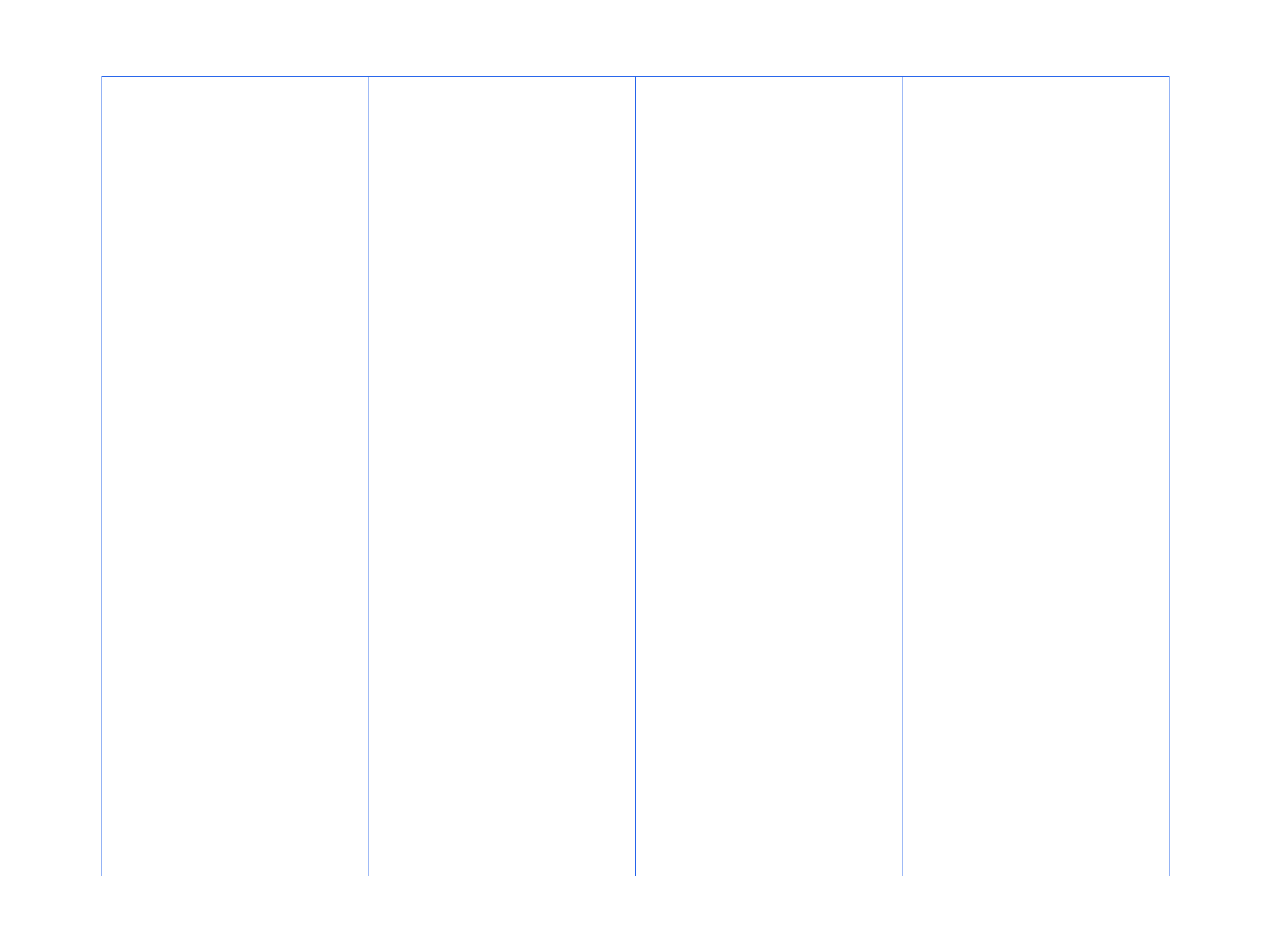
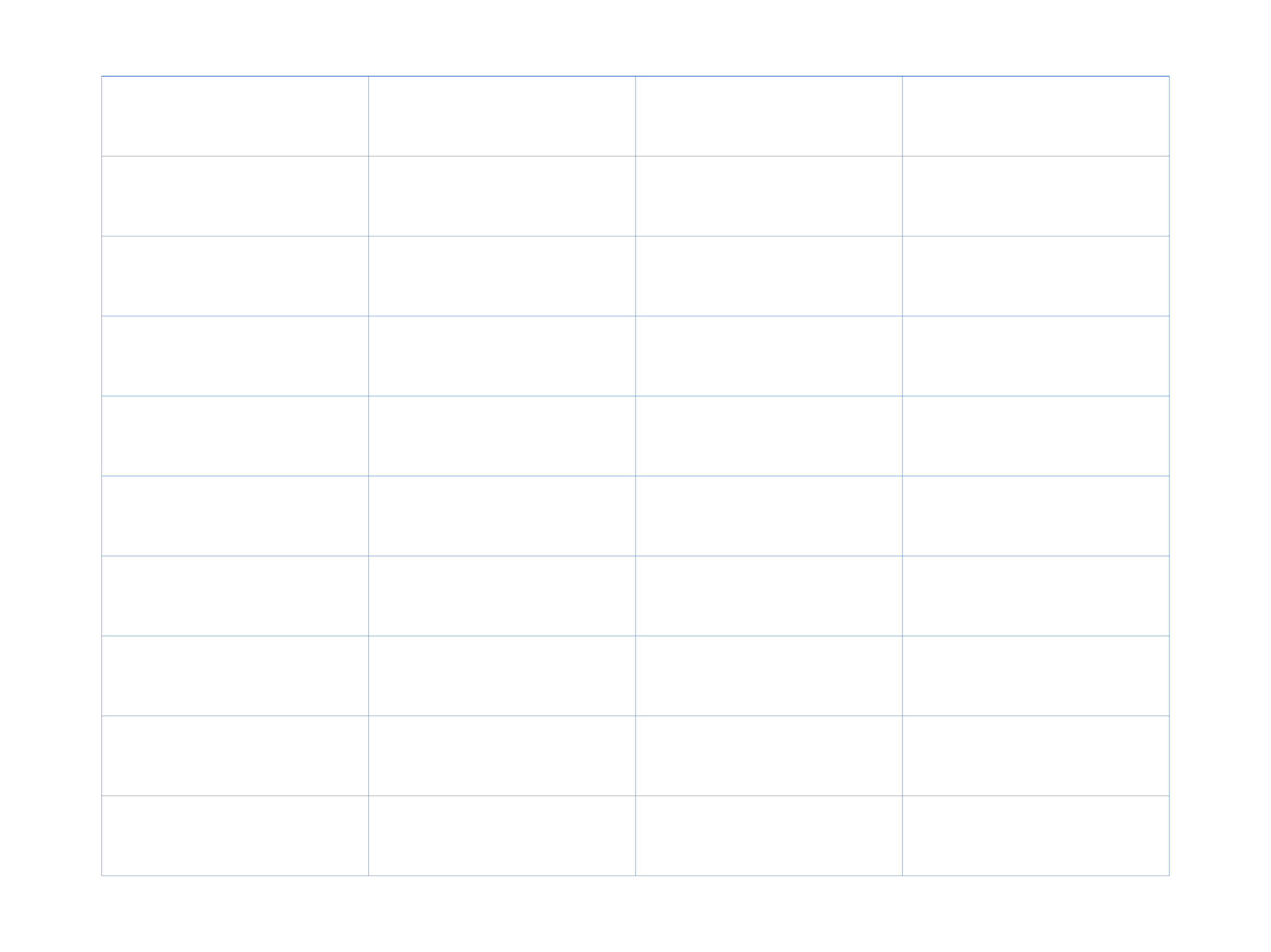
A blank table is a sheet divided into rows and columns that you fill in with your own headings and data. A common layout has 4 columns and 10 rows, with a bold header row across the top. People print blank tables for schedules, checklists, inventories and simple spreadsheets on paper.
How the blank table is laid out
The page is divided into evenly spaced columns and rows, with a heavier line under the header row. The header cells are empty so you can write your own column titles, then fill the rows below with data.
Choosing columns for your data
Four columns suit most lists — for example date, item, quantity and notes. If you need more columns, print the page and rule extra vertical lines, or edit the SVG to add columns before printing.
Using tables for tracking and planning
Blank tables work for schedules, budgets, attendance, checklists and inventories. The grid keeps entries aligned, and the header row makes each column self-explanatory.
Blank Table sizes and spacing
| Option | What it gives you | Best for |
|---|---|---|
| A4 / Letter | Compact table | Lists and schedules |
| A3 / Tabloid | Larger cells | Inventories and wall charts |
| Poster | Very large table | Group tracking and displays |
Where blank table is used
Planning and schedules
- Build weekly planners and timetables
- Track habits and chores
- Plan lessons and meetings — Cornell Notes Paper
Lists and inventory
- Keep checklists and packing lists
- Log inventory and supplies
- Record attendance and scores — Number Grid
Paper spreadsheets
- Track budgets and expenses
- Compare products and options
- Collect survey and tally data
Blank Table examples
Blank Table Downloads
84 templates across 7 paper sizes and 6 spacings. Each card links the PDF, PNG and SVG for that exact grid.
A4 — 210 × 297 mm (8.27 × 11.69 in)
Letter — 216 × 279 mm (8.5 × 11 in)
A3 — 297 × 420 mm (11.69 × 16.54 in)
A2 — 420 × 594 mm (16.54 × 23.39 in)












Legal — 216 × 356 mm (8.5 × 14 in)
Tabloid — 279 × 432 mm (11 × 17 in)
Poster — 457 × 610 mm (18 × 24 in)
How to print blank table
- Choose a paper size for the table.
- Download the PDF for printing, or the SVG to edit.
- Print in black and white to save ink.
- Print at 100% scale so the rows and columns stay straight.
FAQ
What is a blank table used for?
It is used to organise data by hand, such as schedules, checklists, budgets, attendance lists and simple paper spreadsheets.
How many rows and columns does a blank table have?
The standard layout has 4 columns and 10 rows with a header row, though you can add or remove rows on the page.
Can I write my own headings?
Yes. The header row is left blank so you can label each column to match your data.
Which paper size should I use for a blank table?
A4 and Letter work for most lists and print on any printer. Choose A3 for a large wall chart.
Are these blank table downloads free?
Yes. All blank table PDF, PNG and SVG files are free to download and print with no login.
Can I change the number of columns?
The template uses 4 columns. Rule extra vertical lines by hand, or open the SVG and add columns to match the data you need to track.