Number Grid
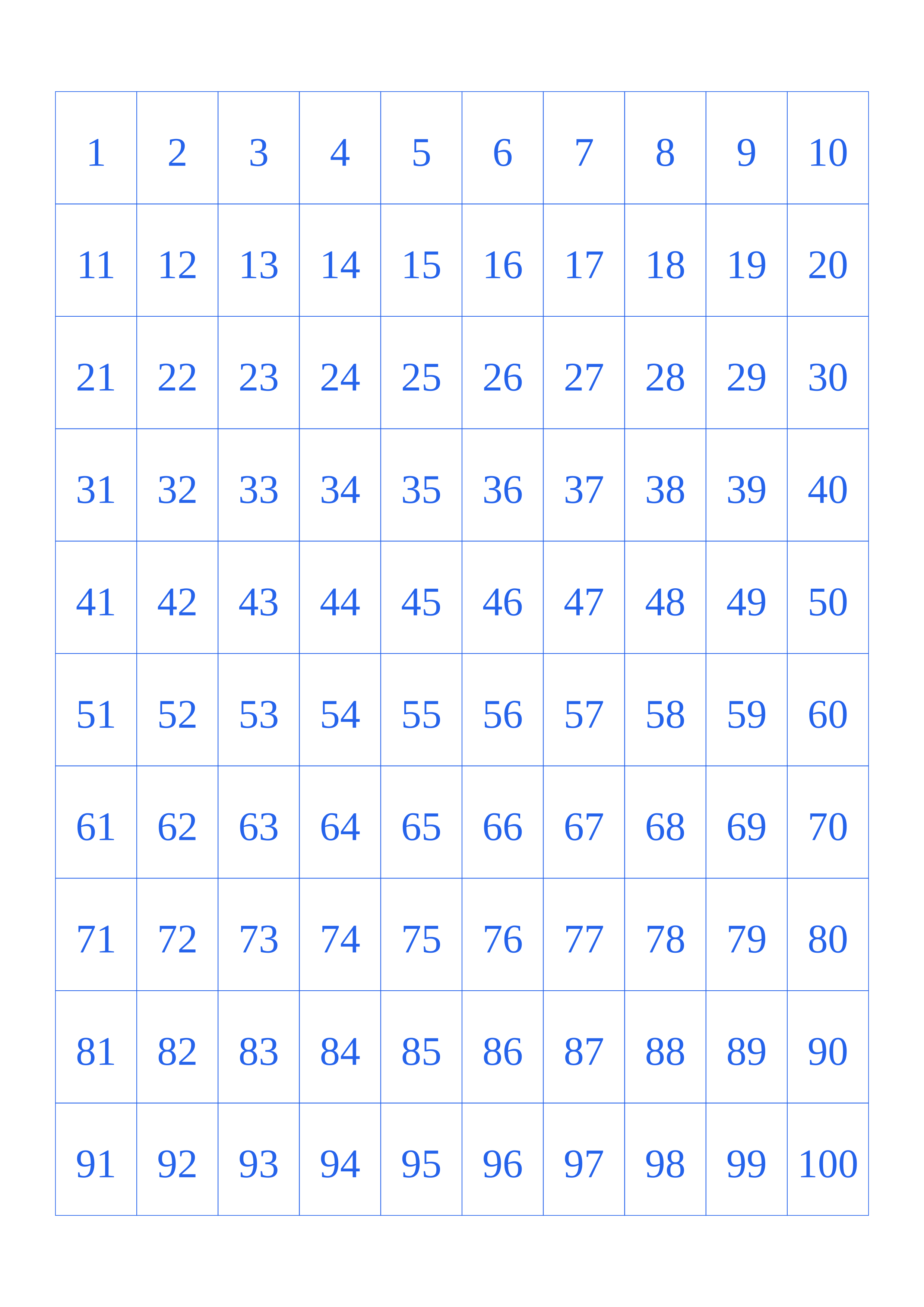
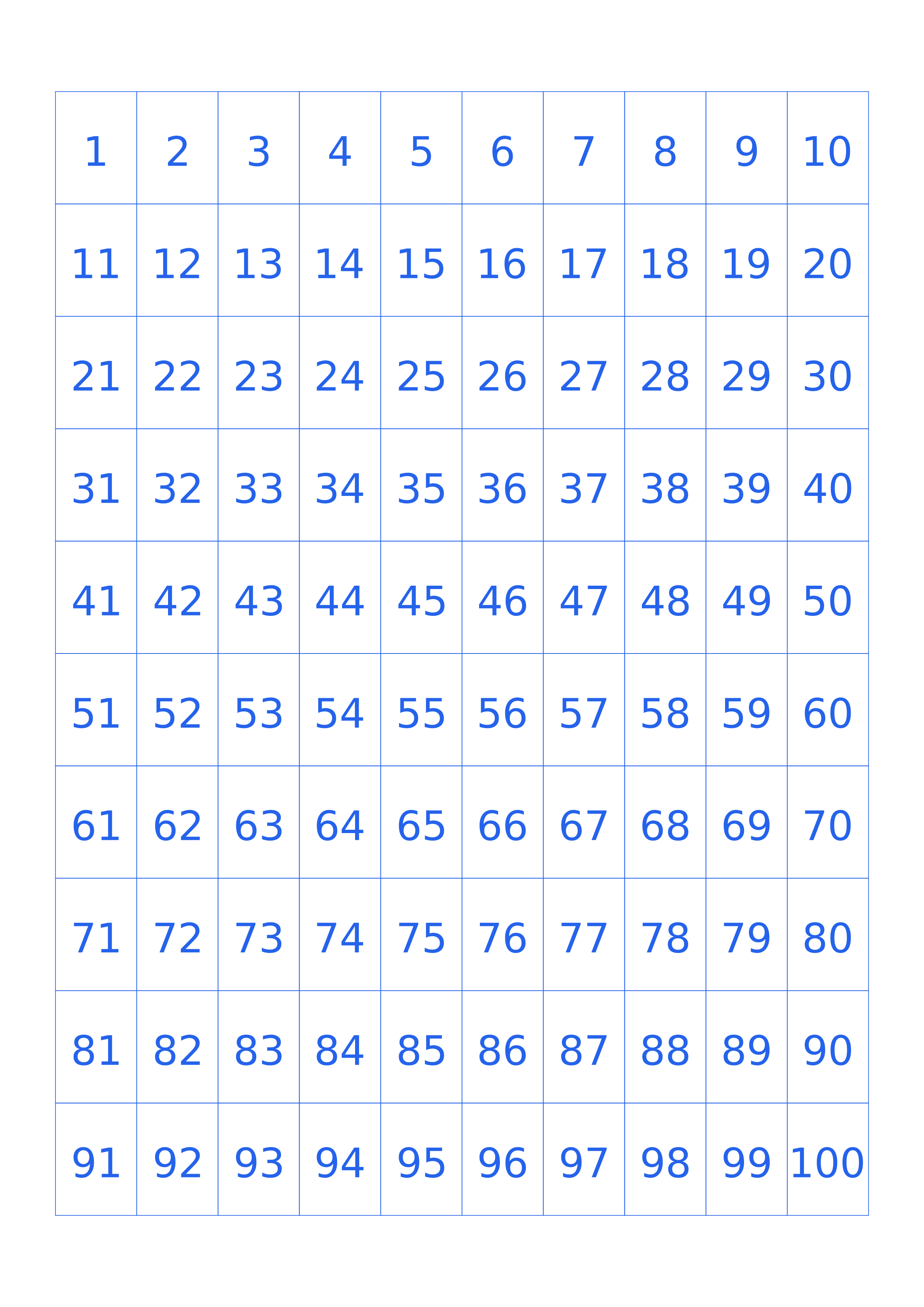
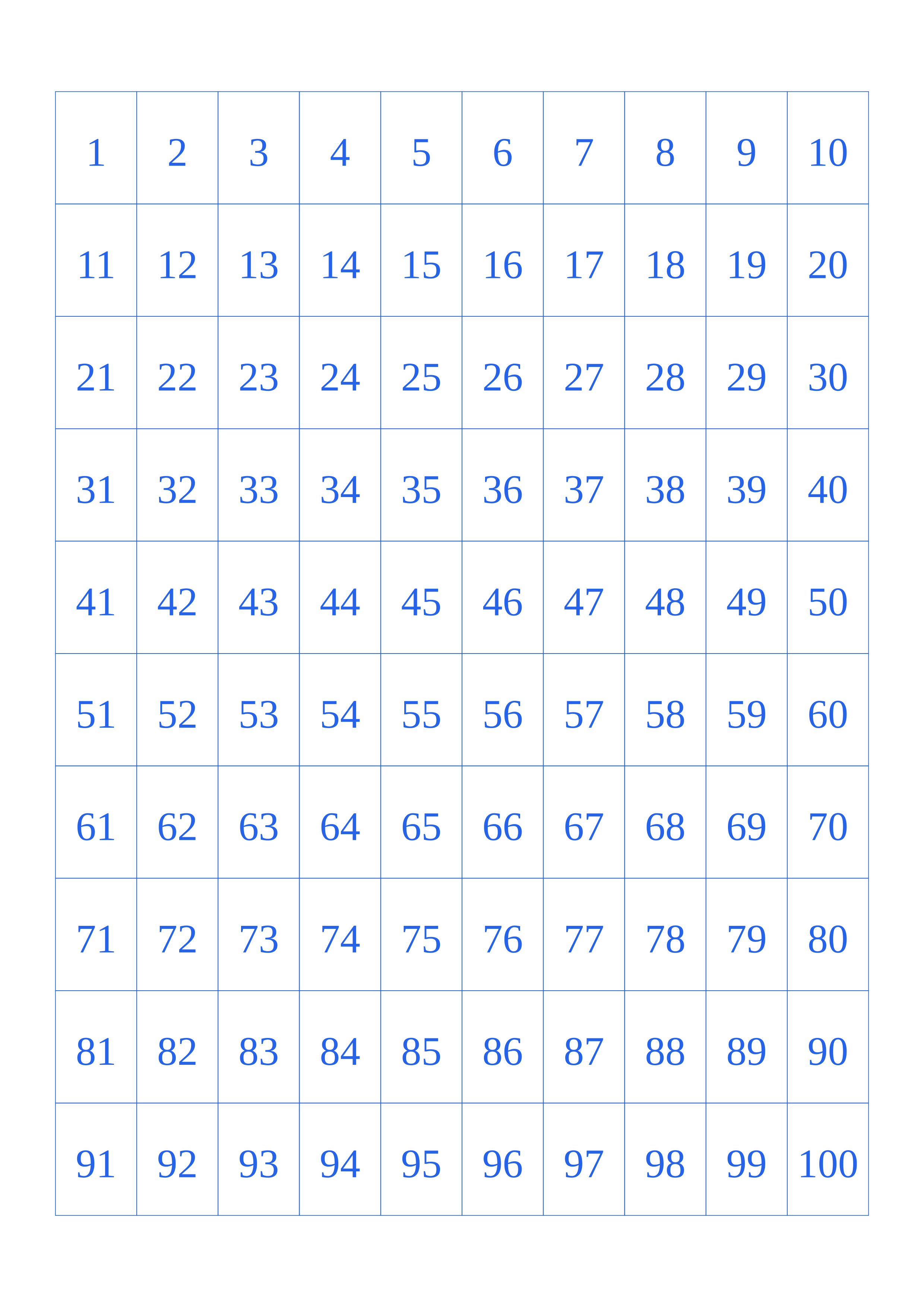
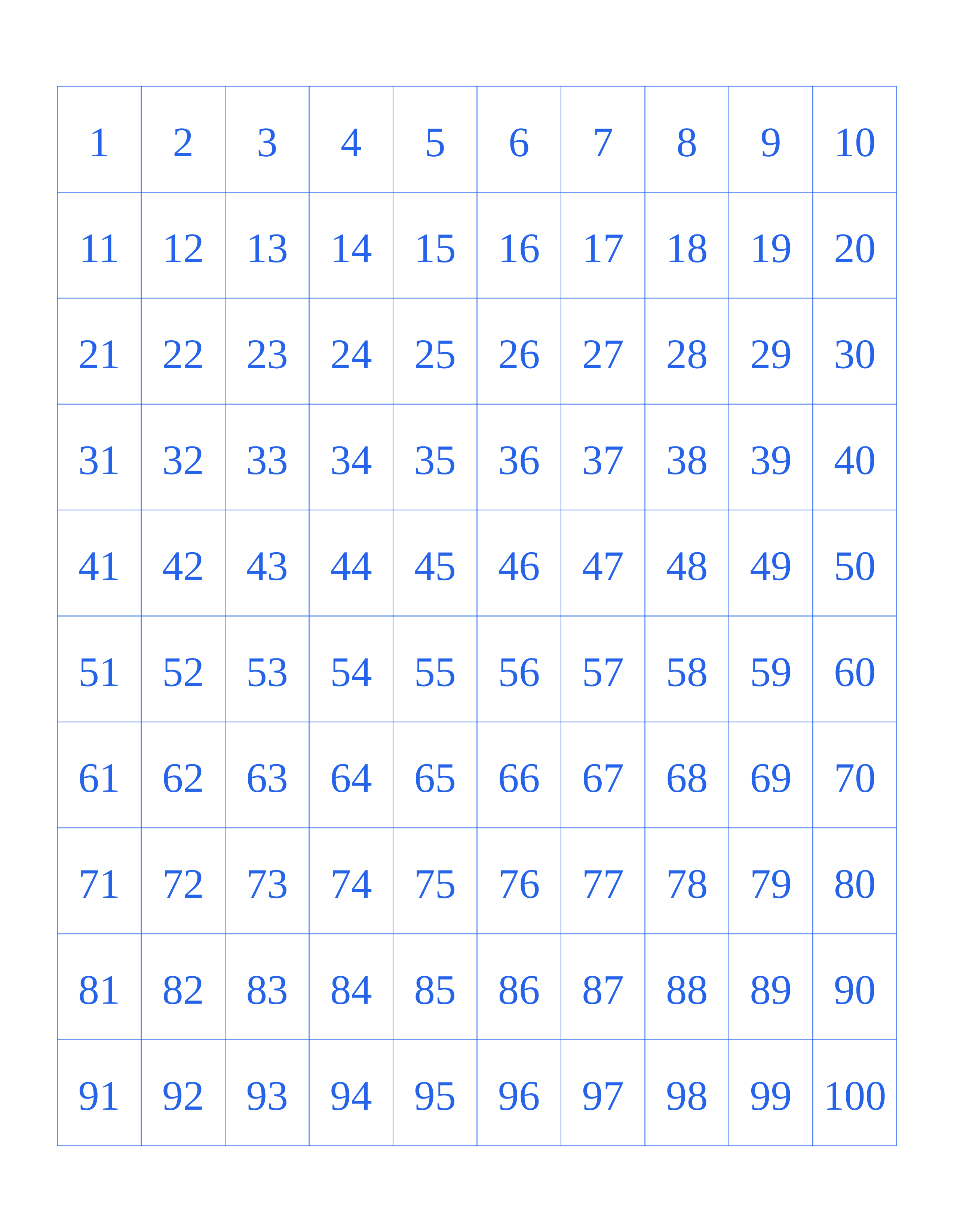
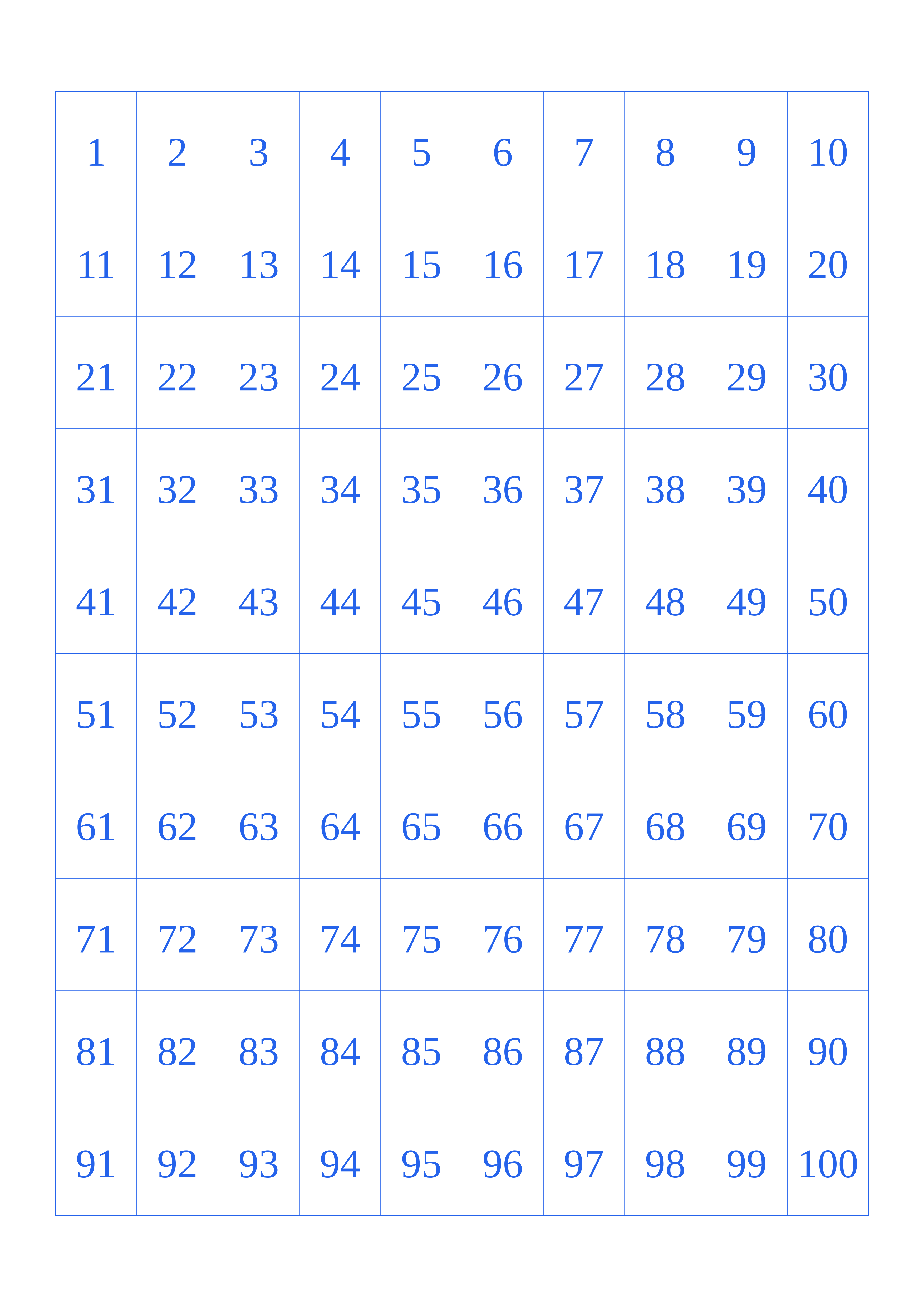
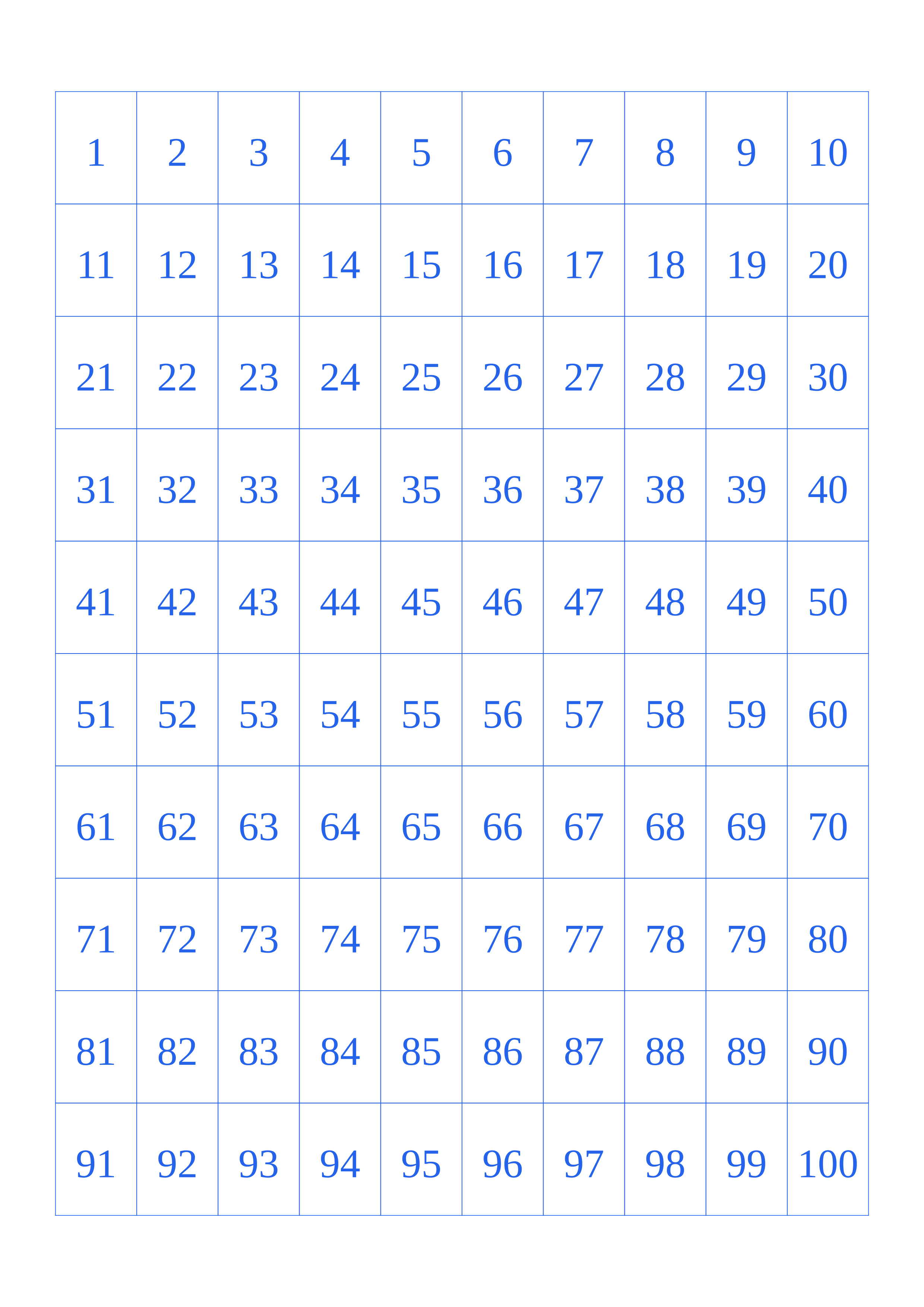
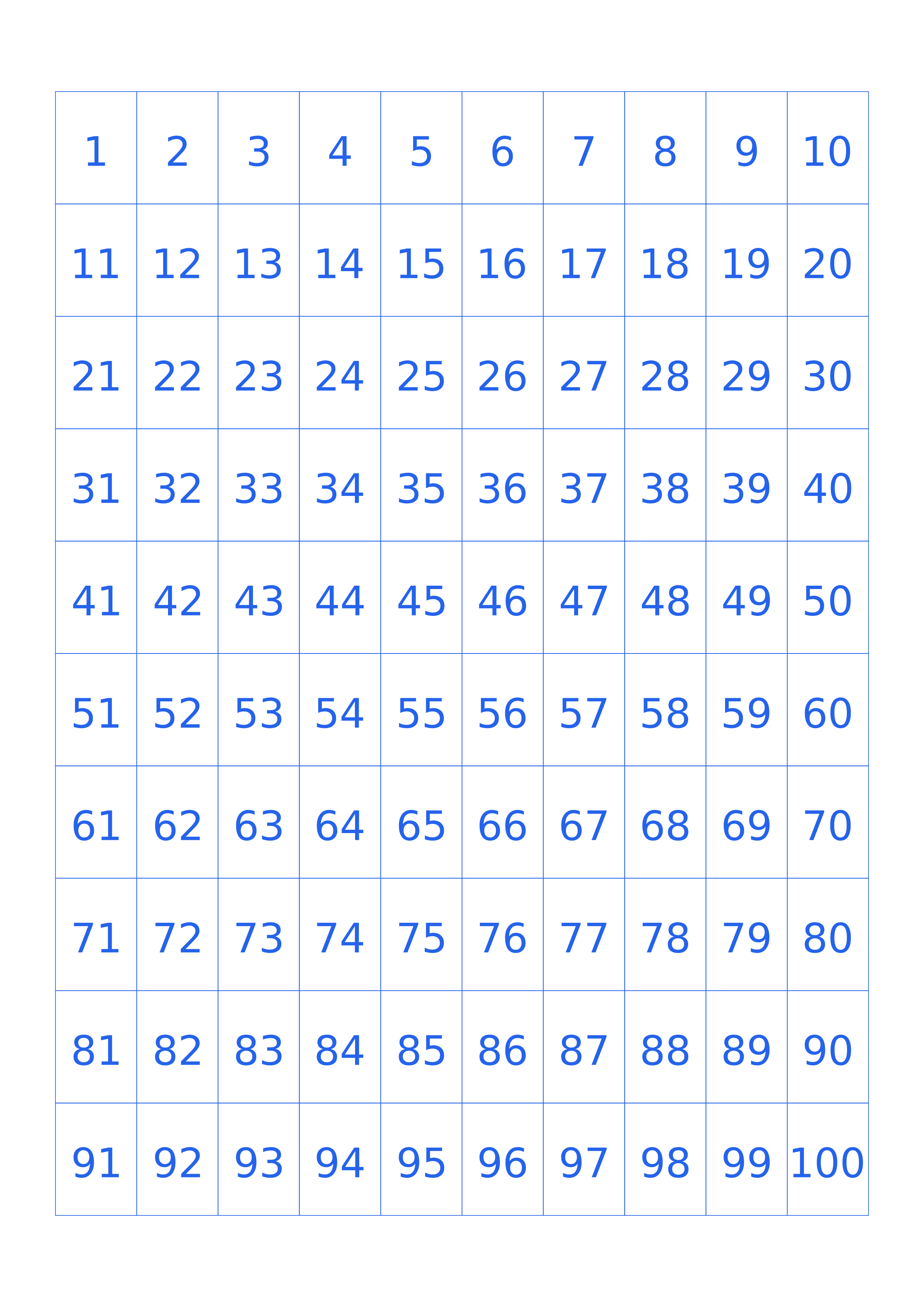
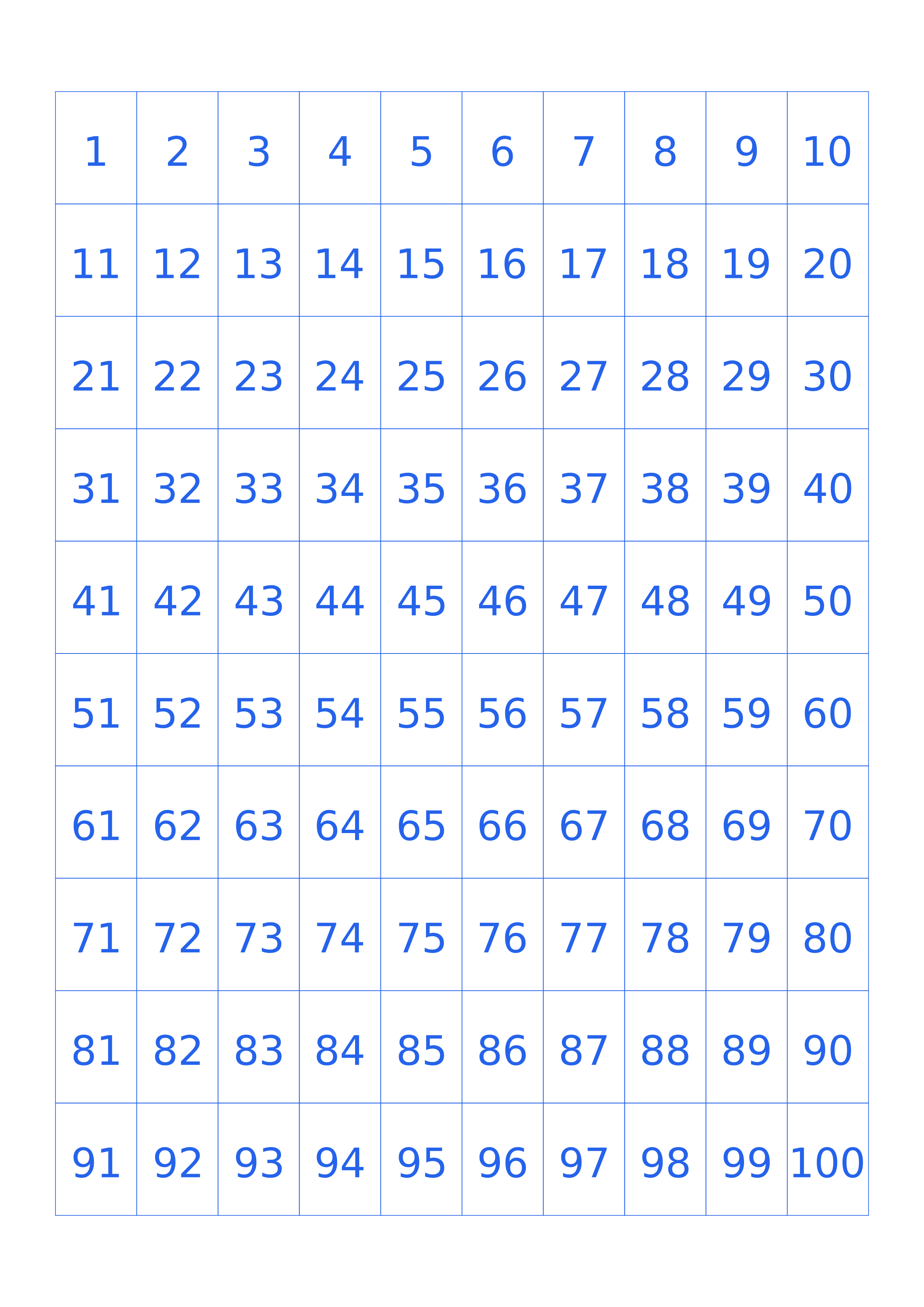
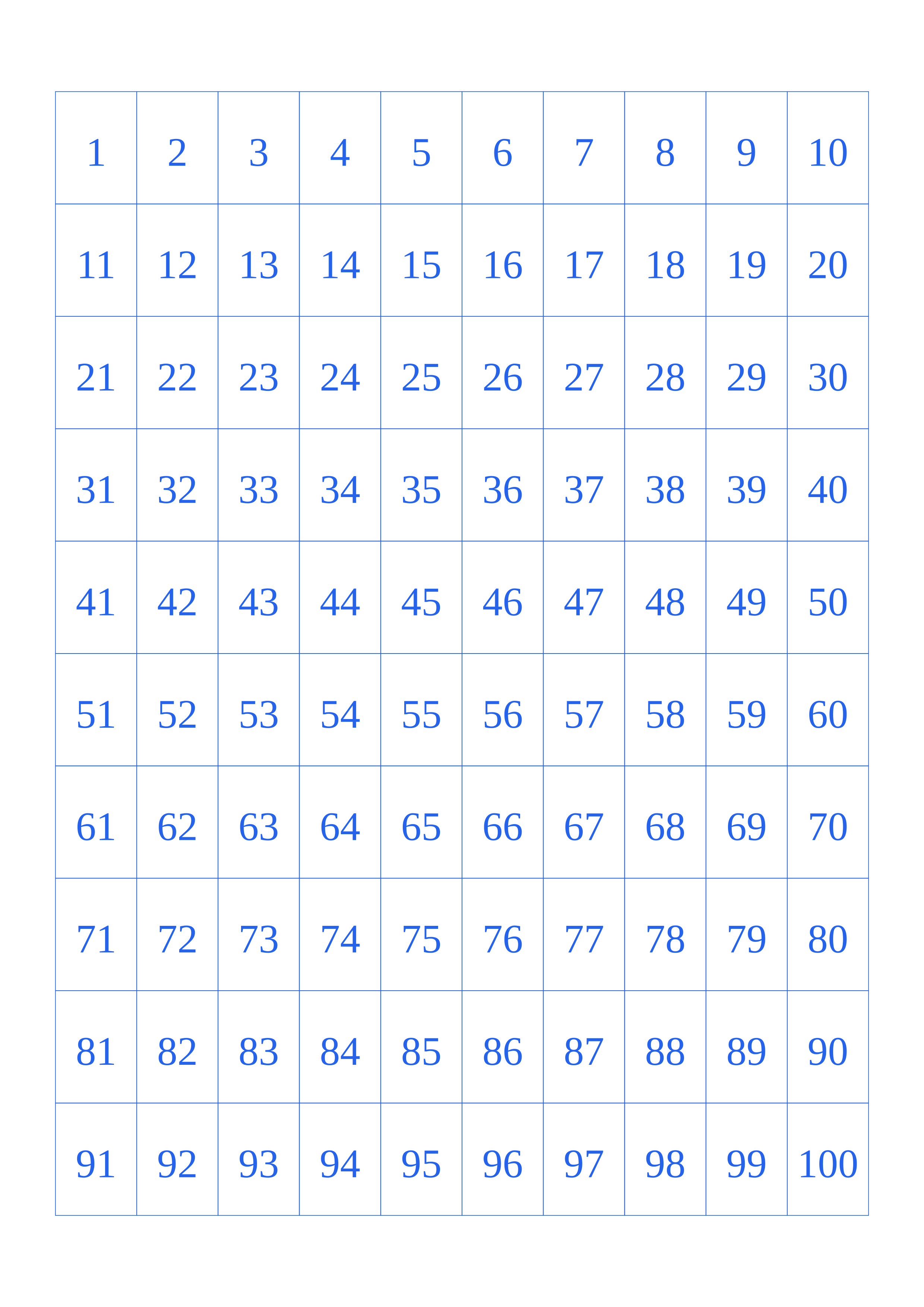
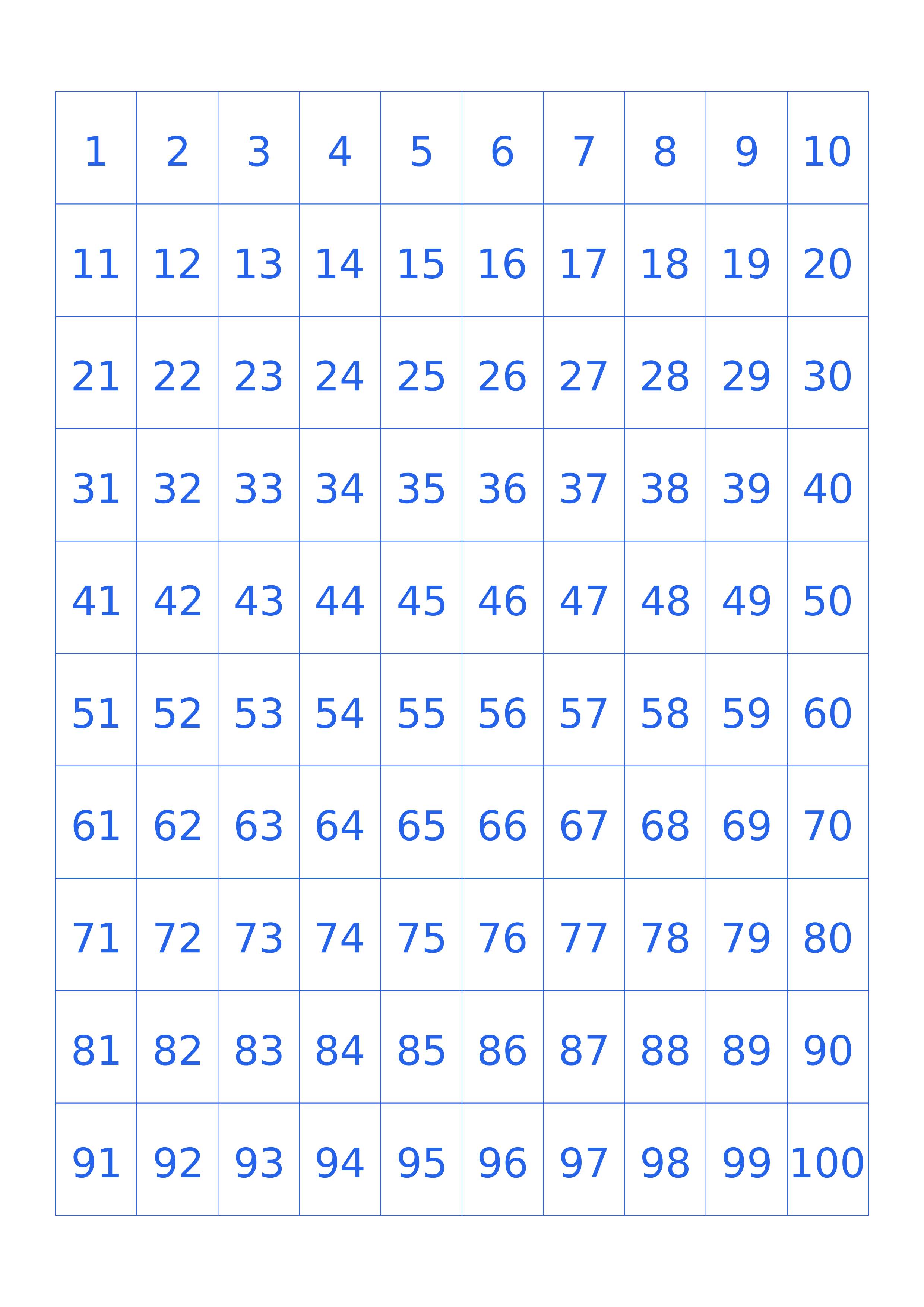
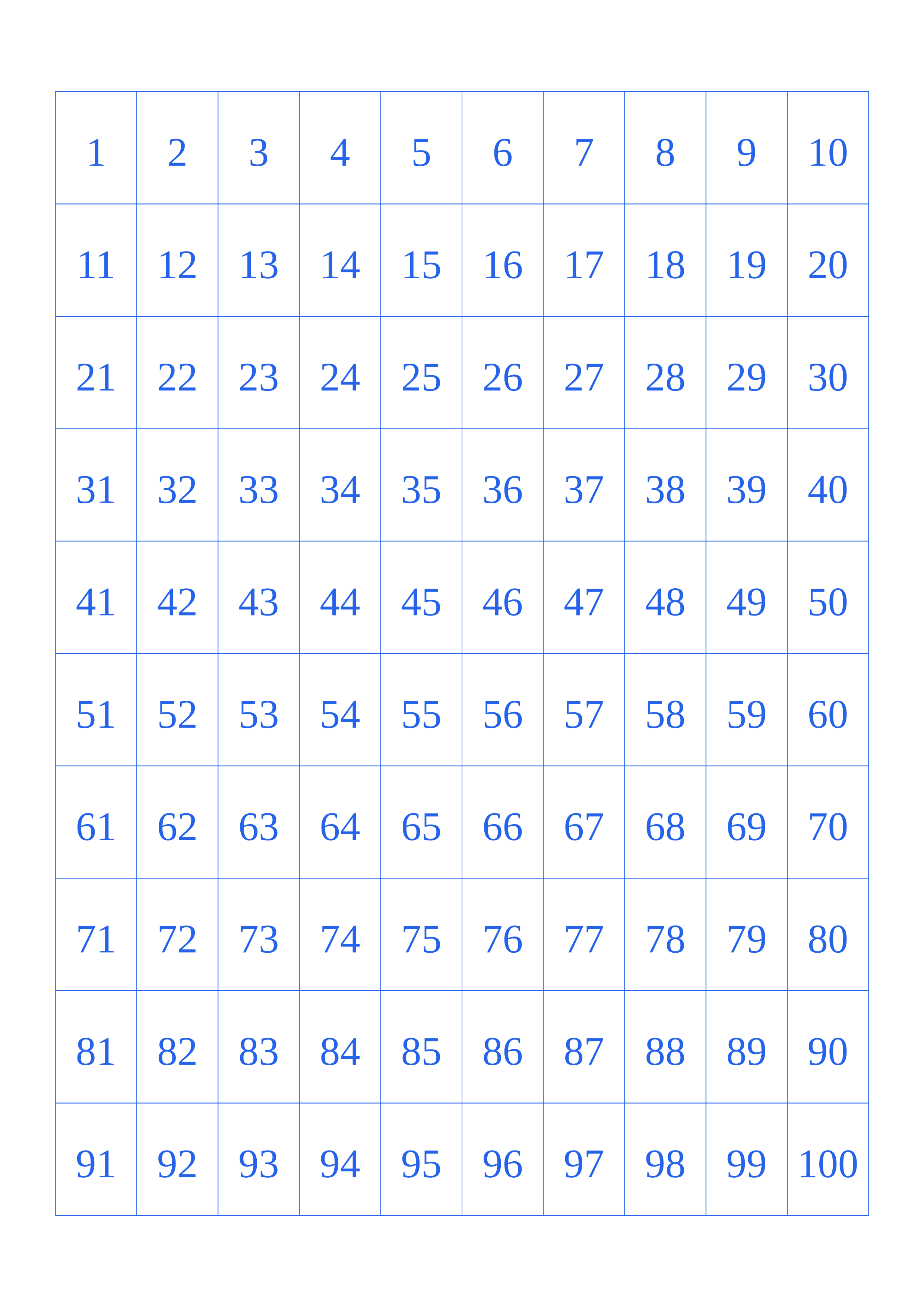
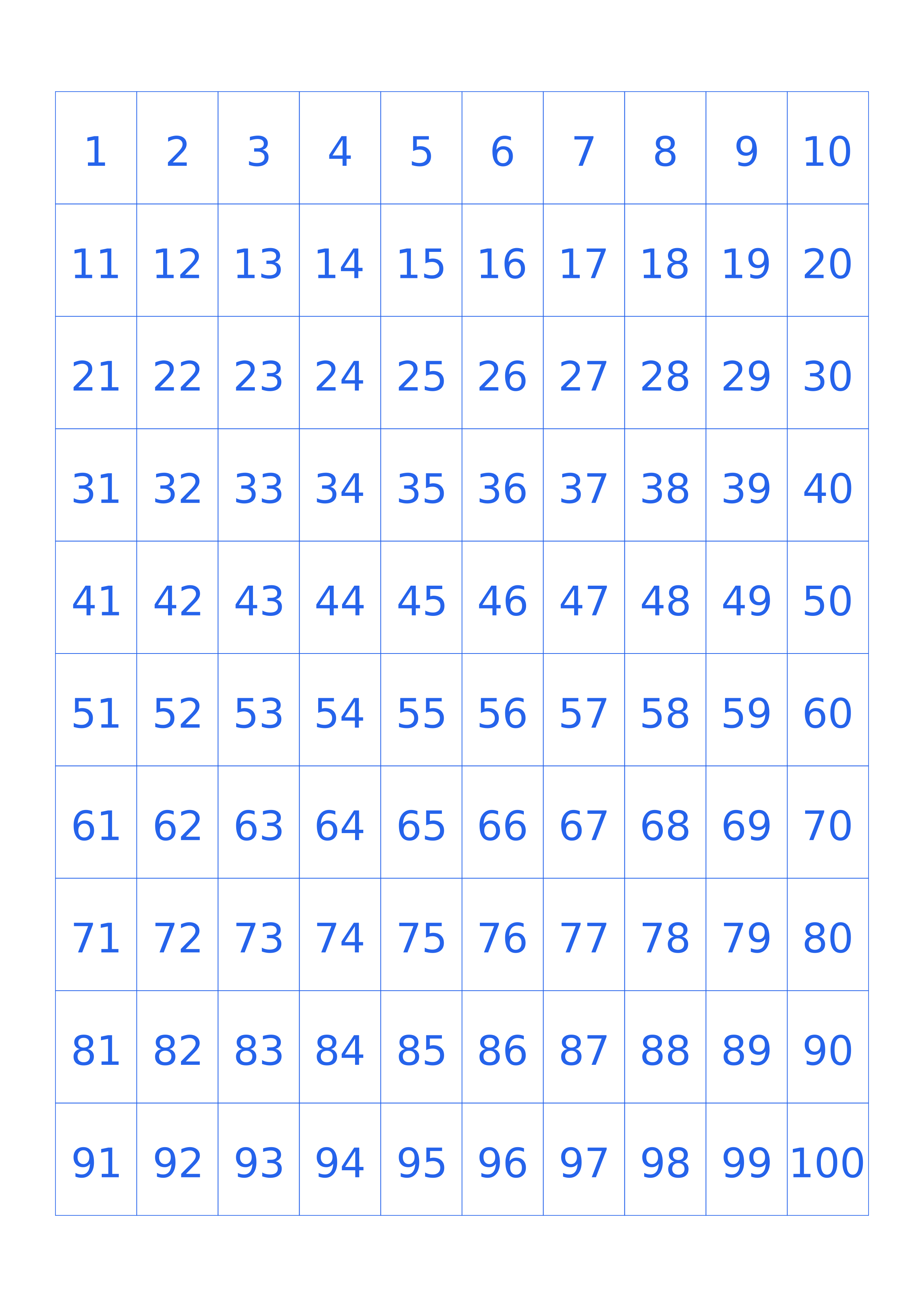
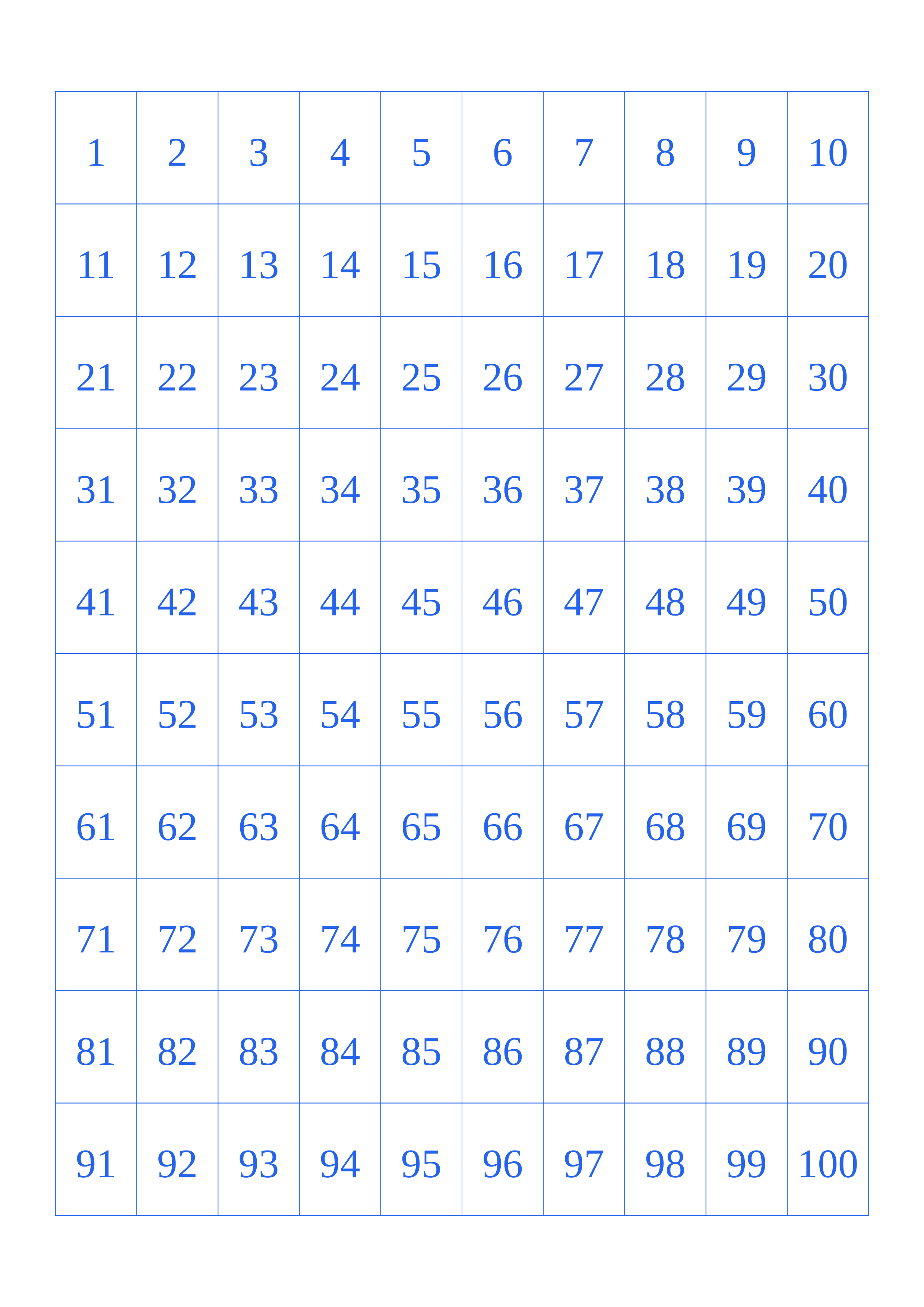
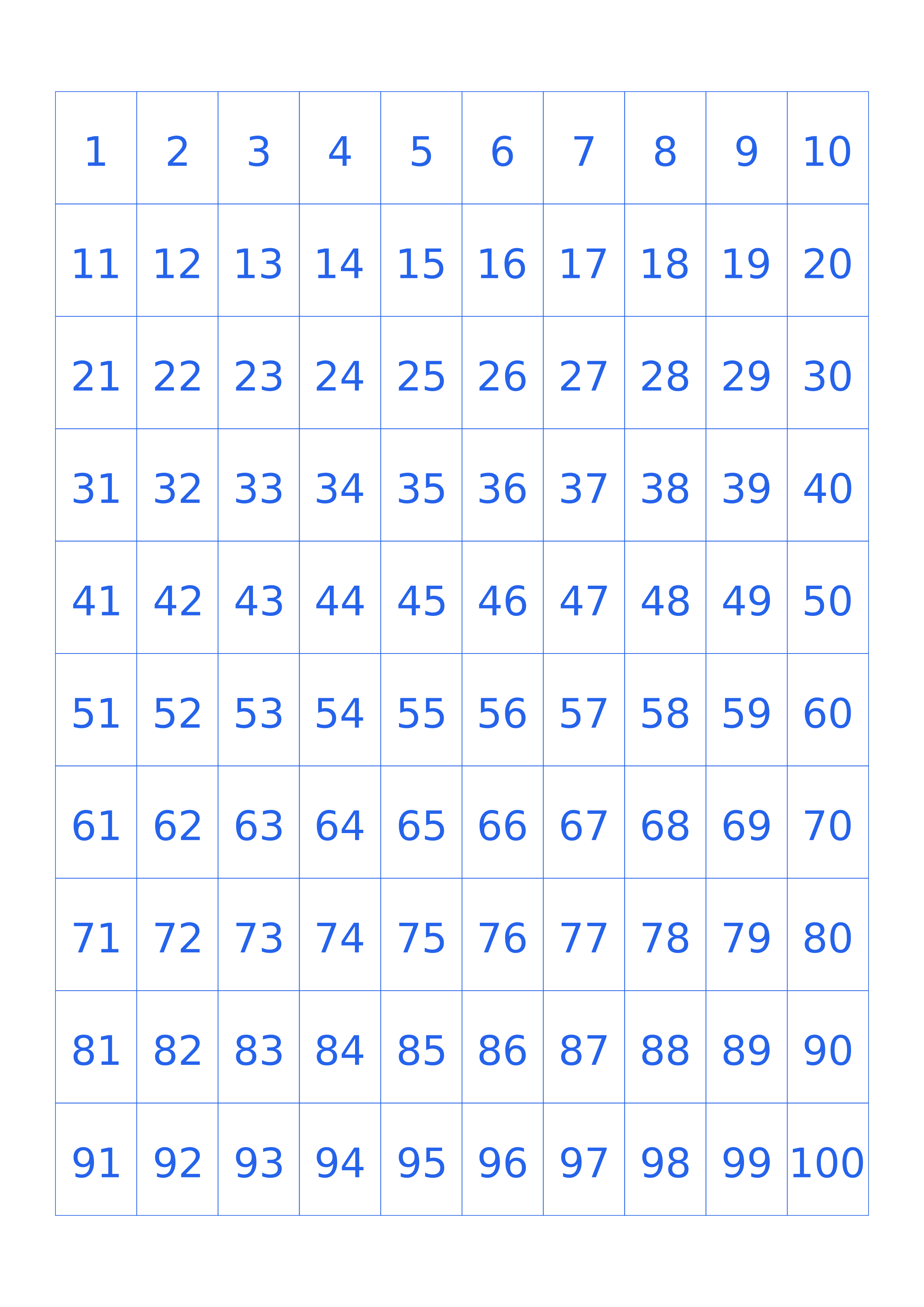
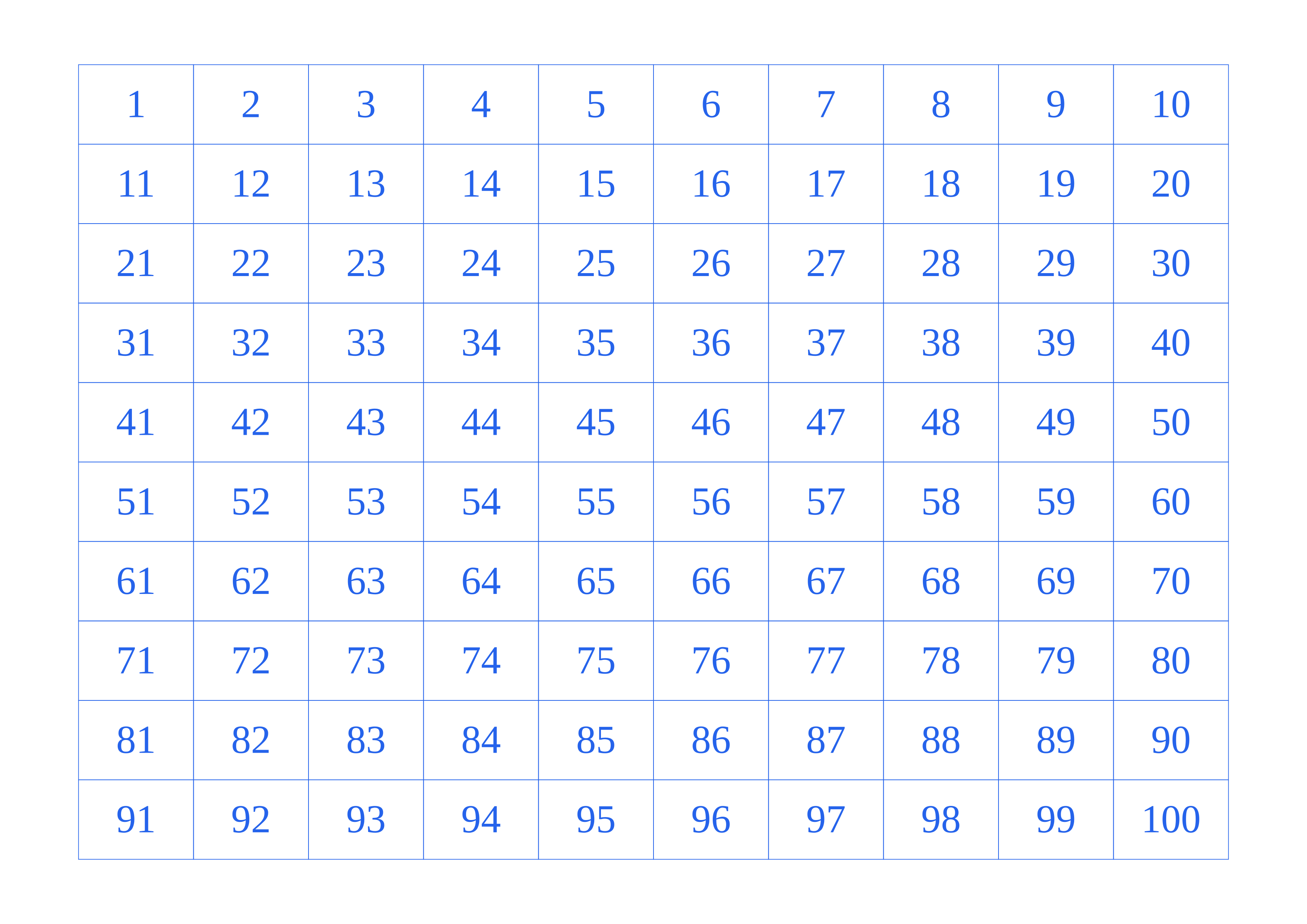
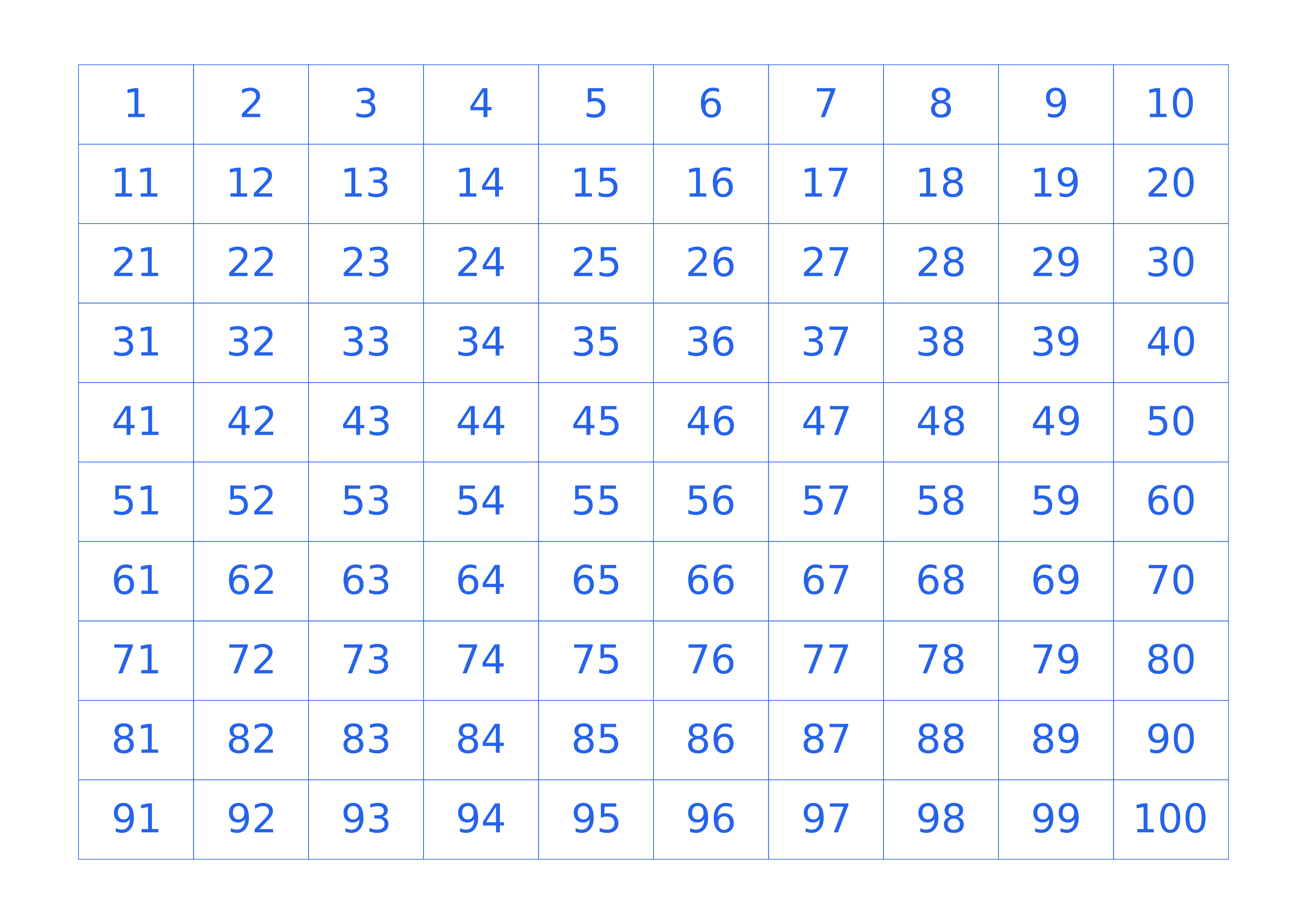
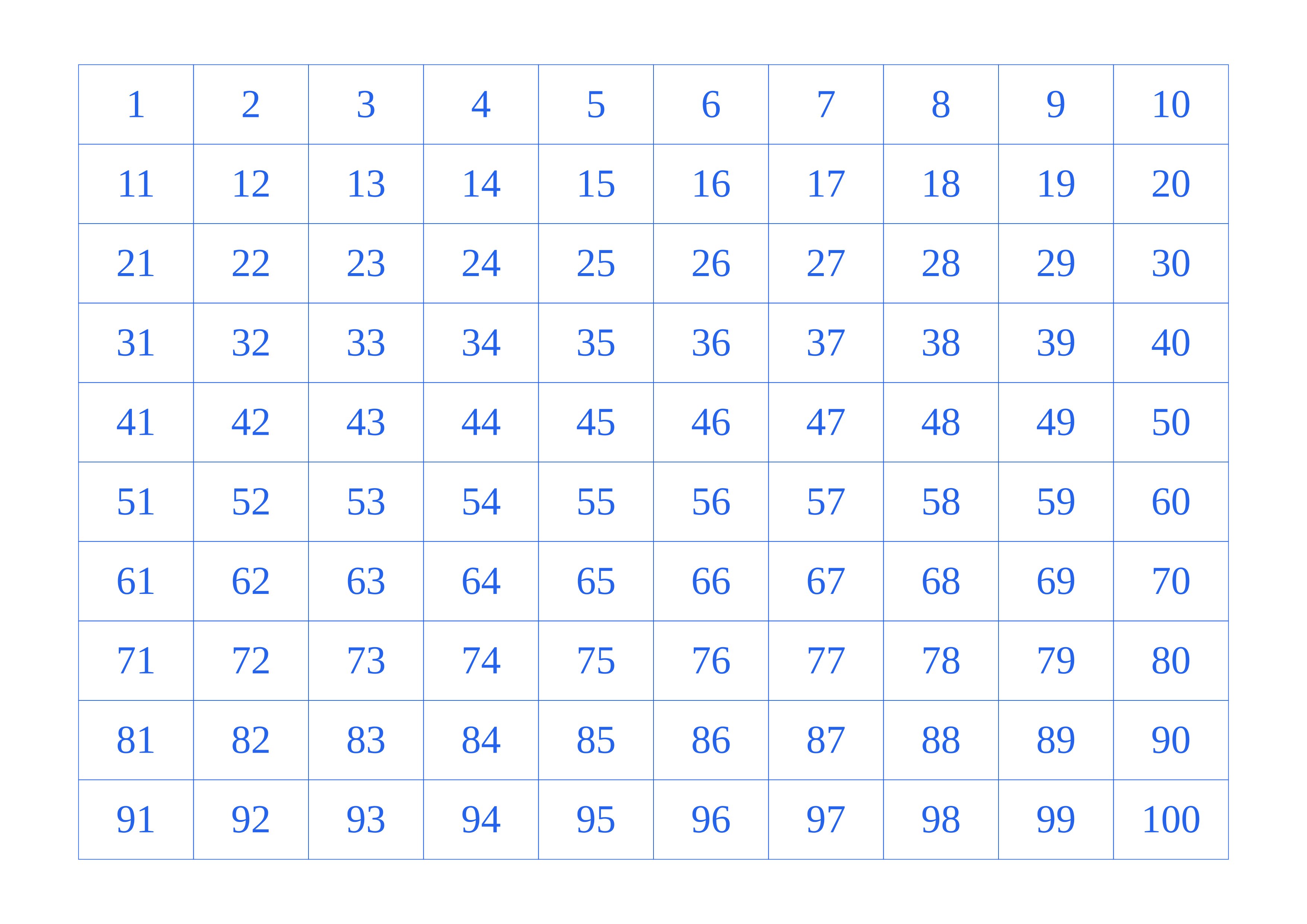
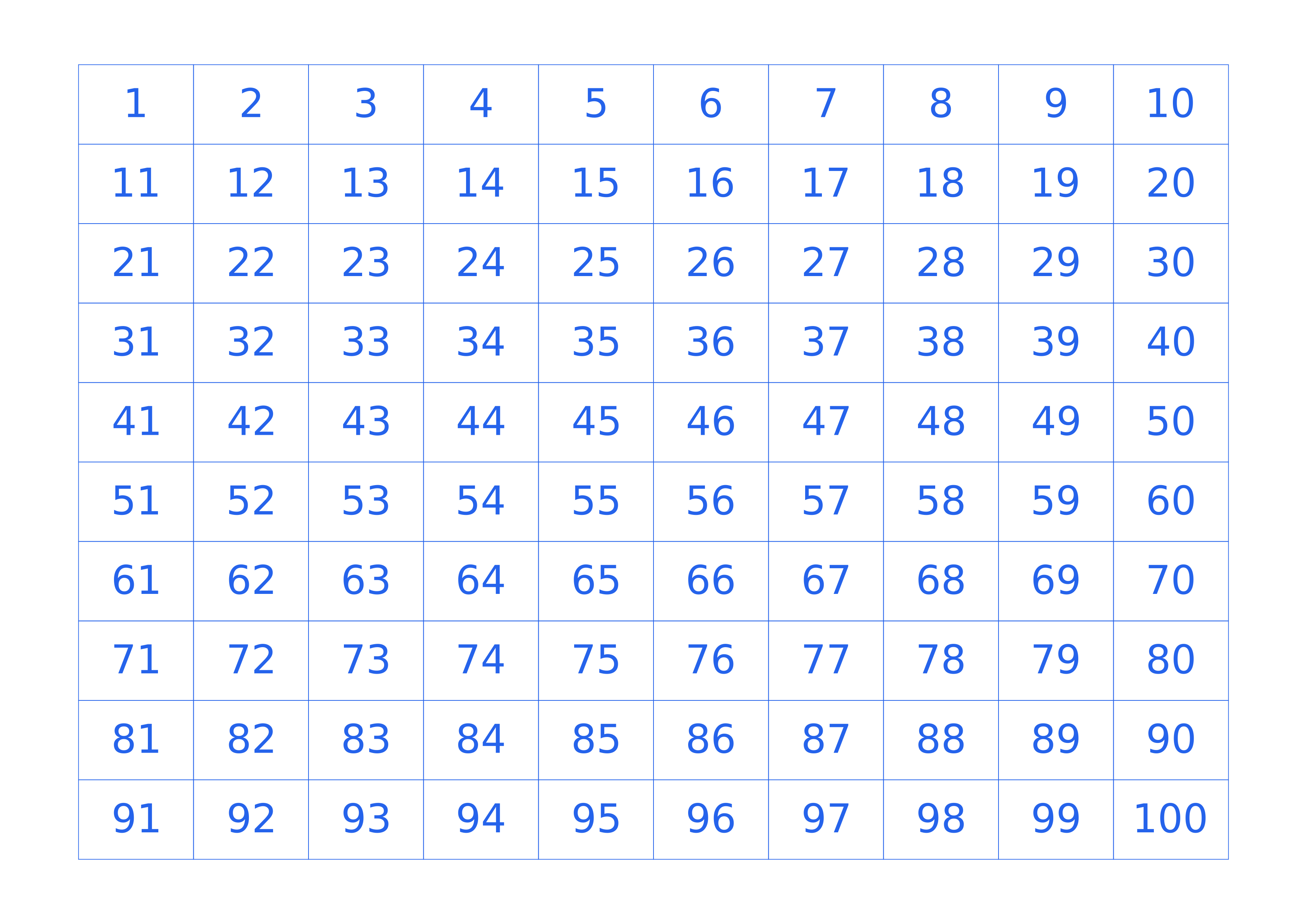
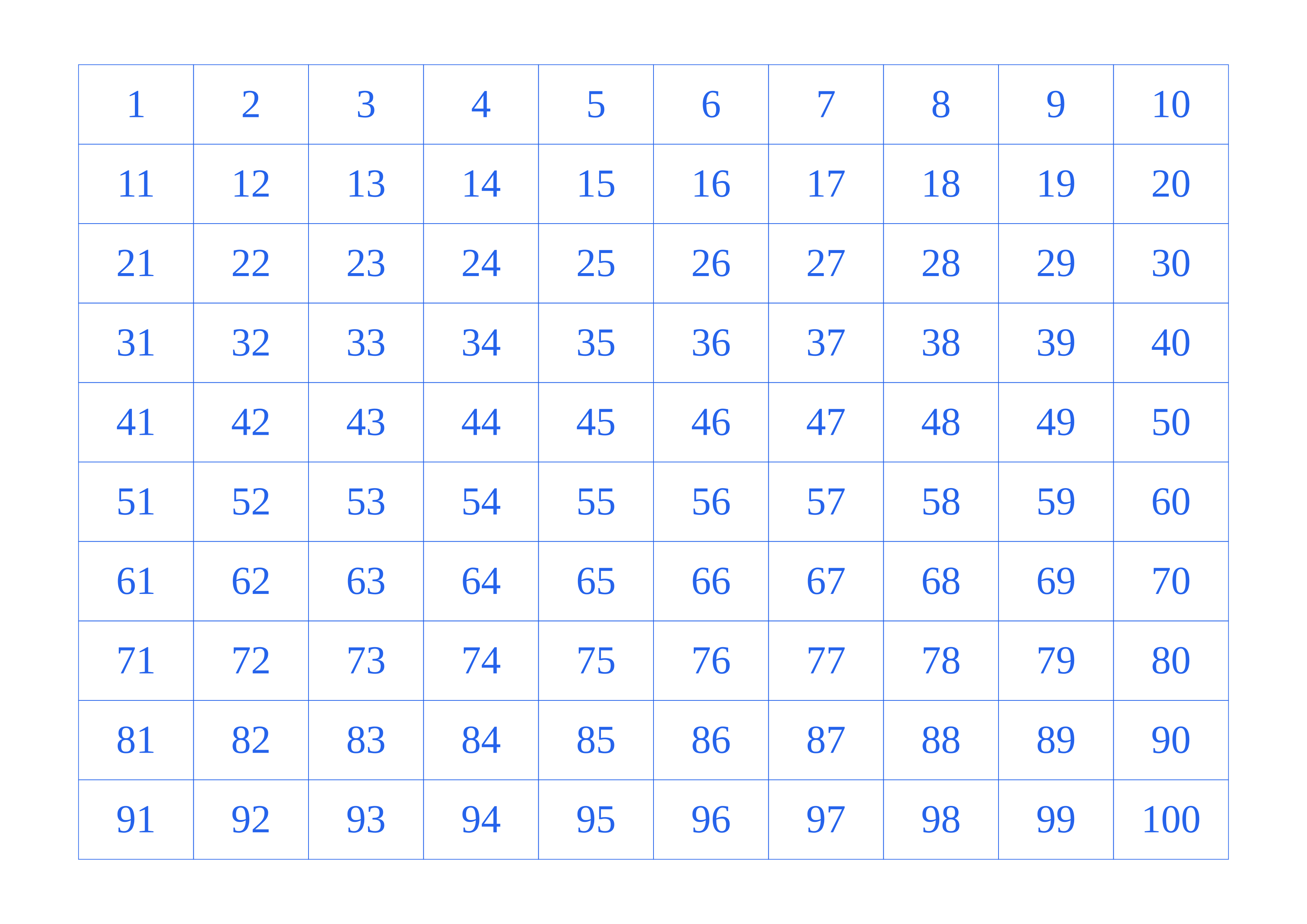
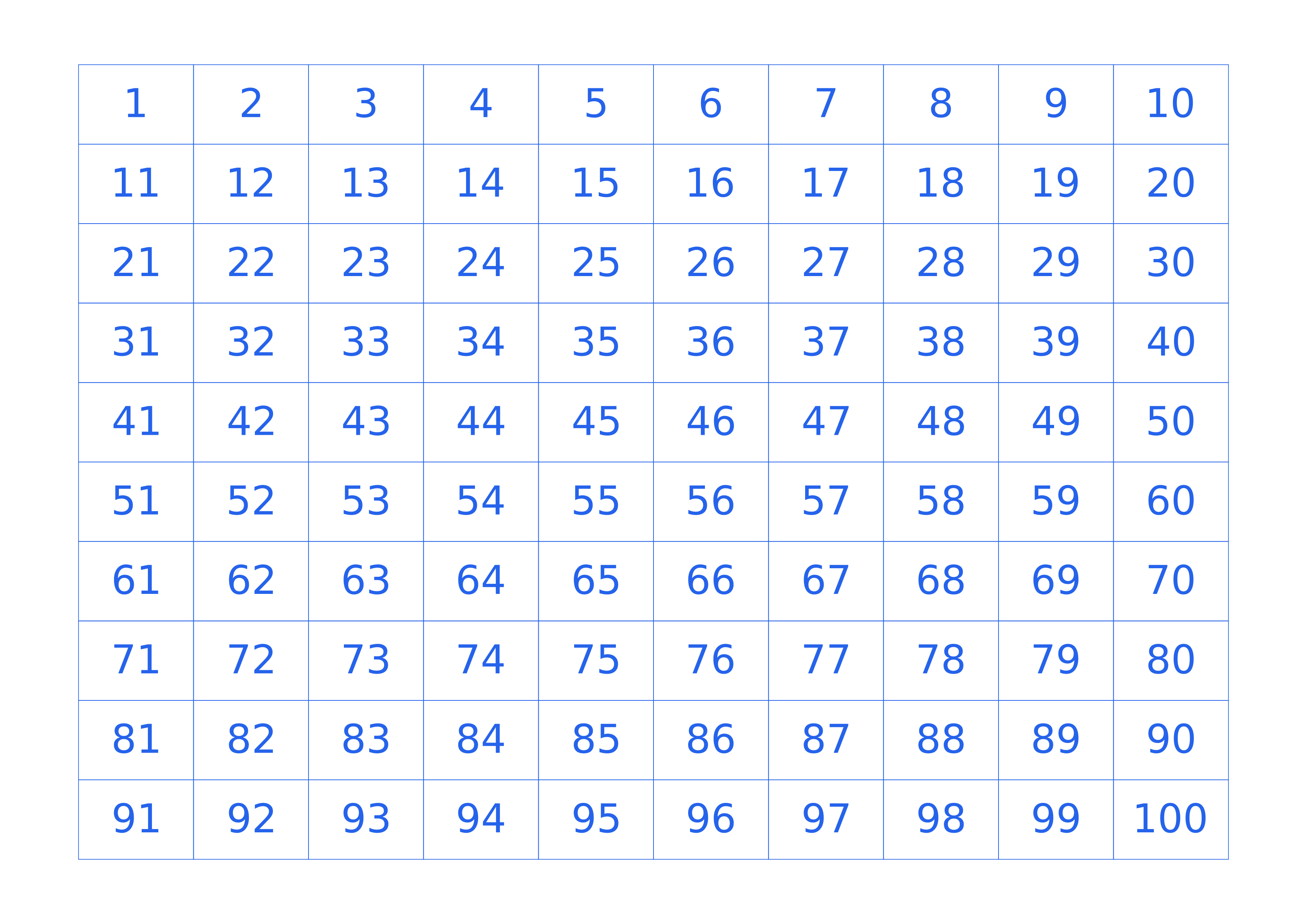
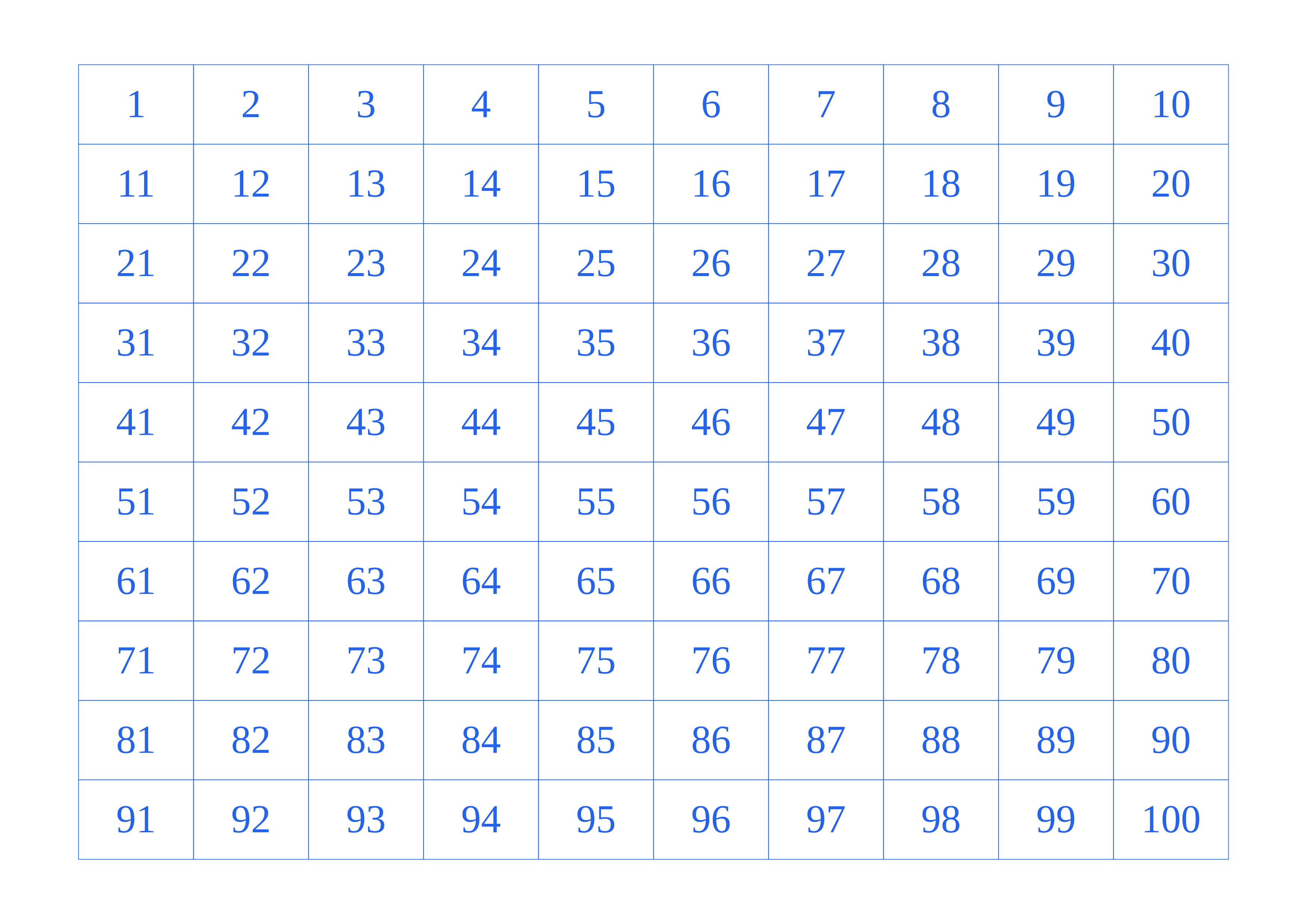
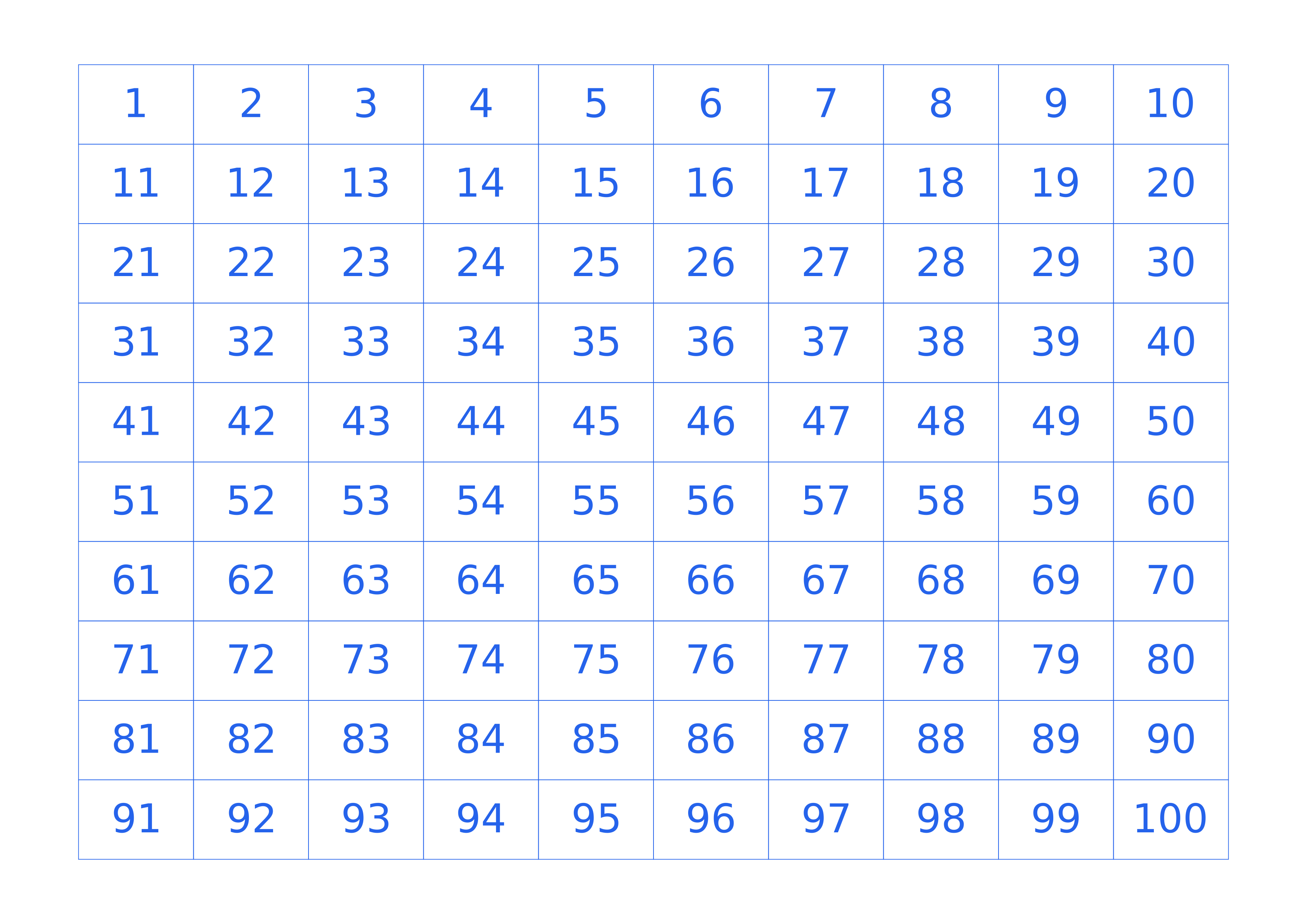
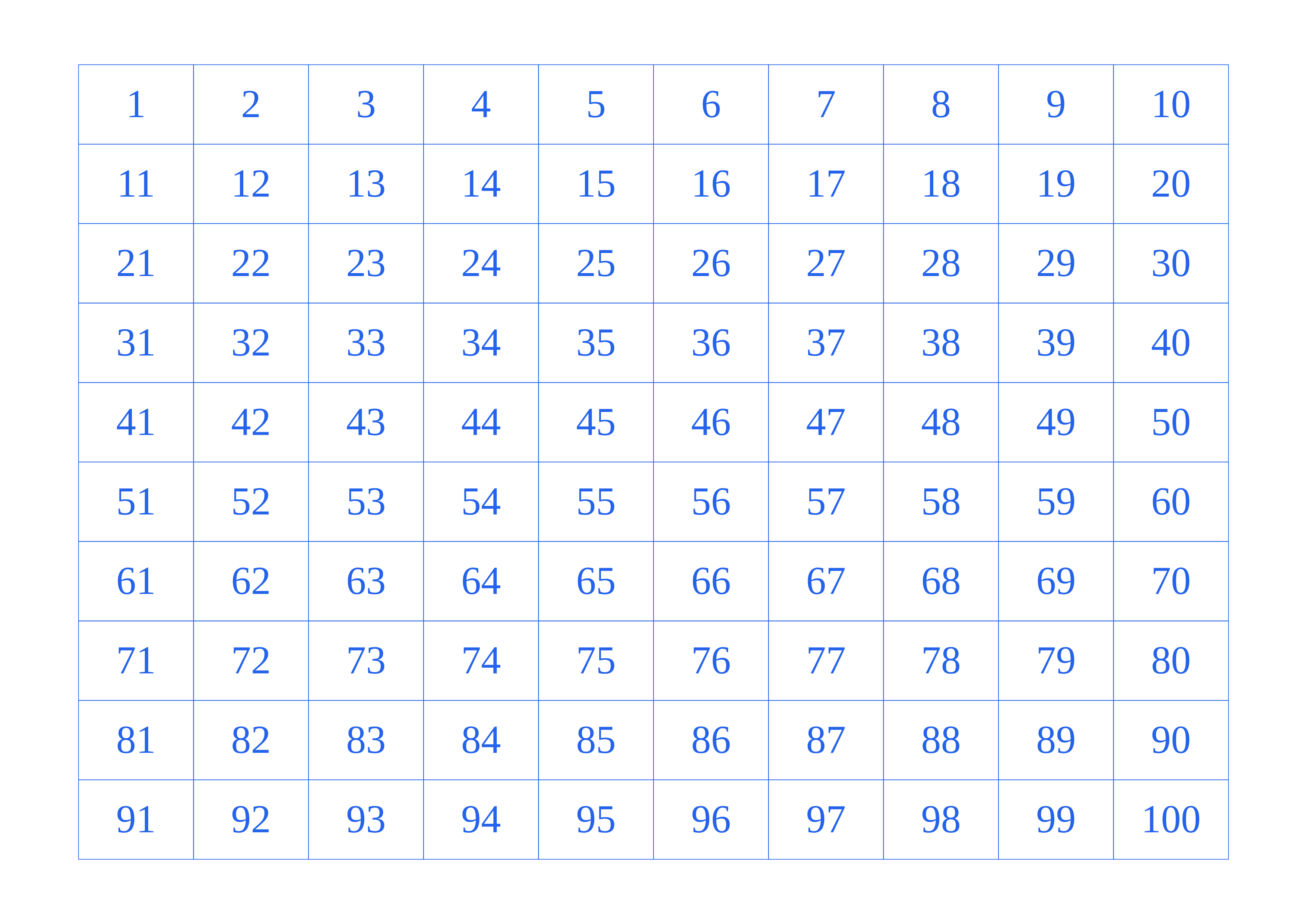
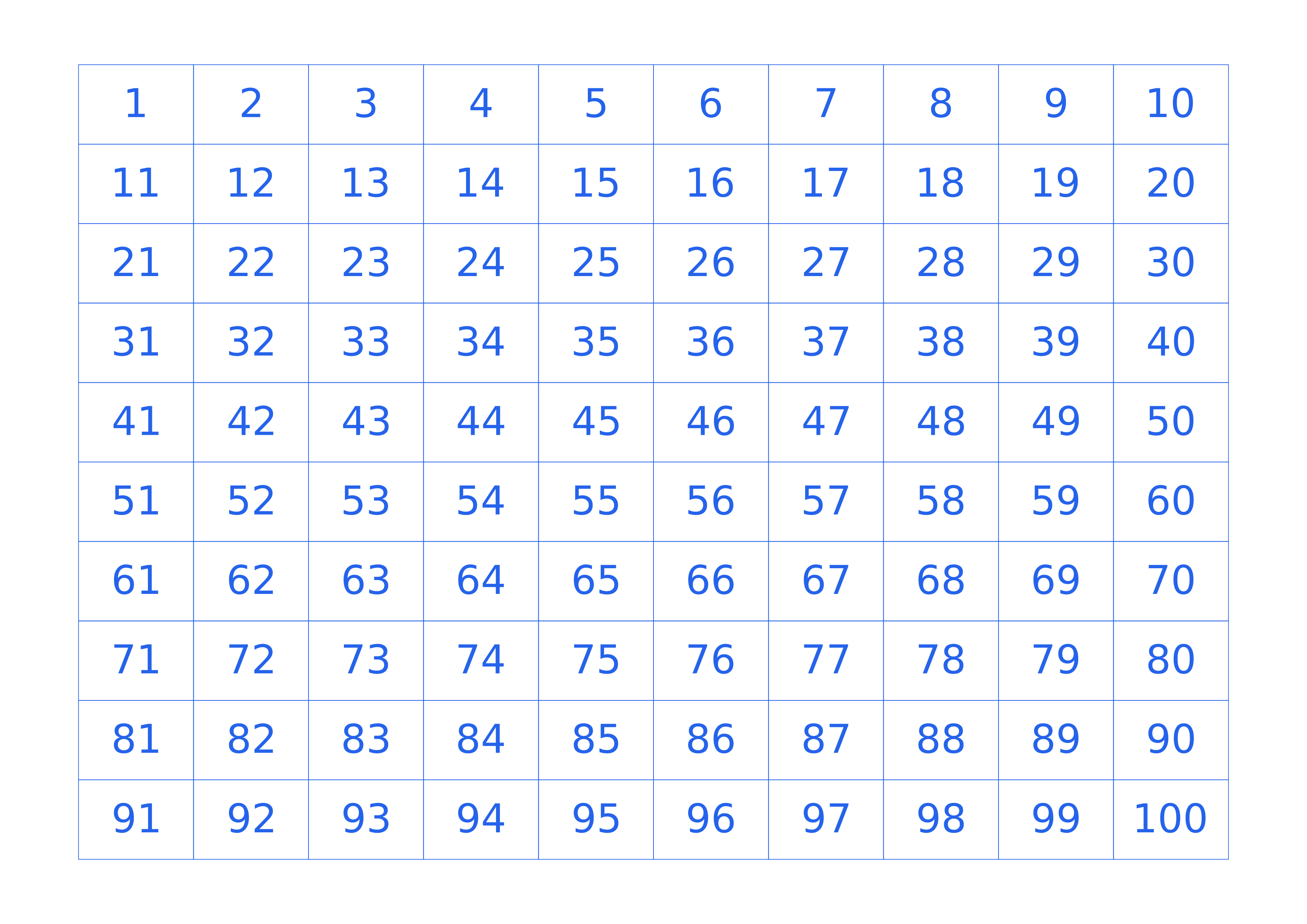
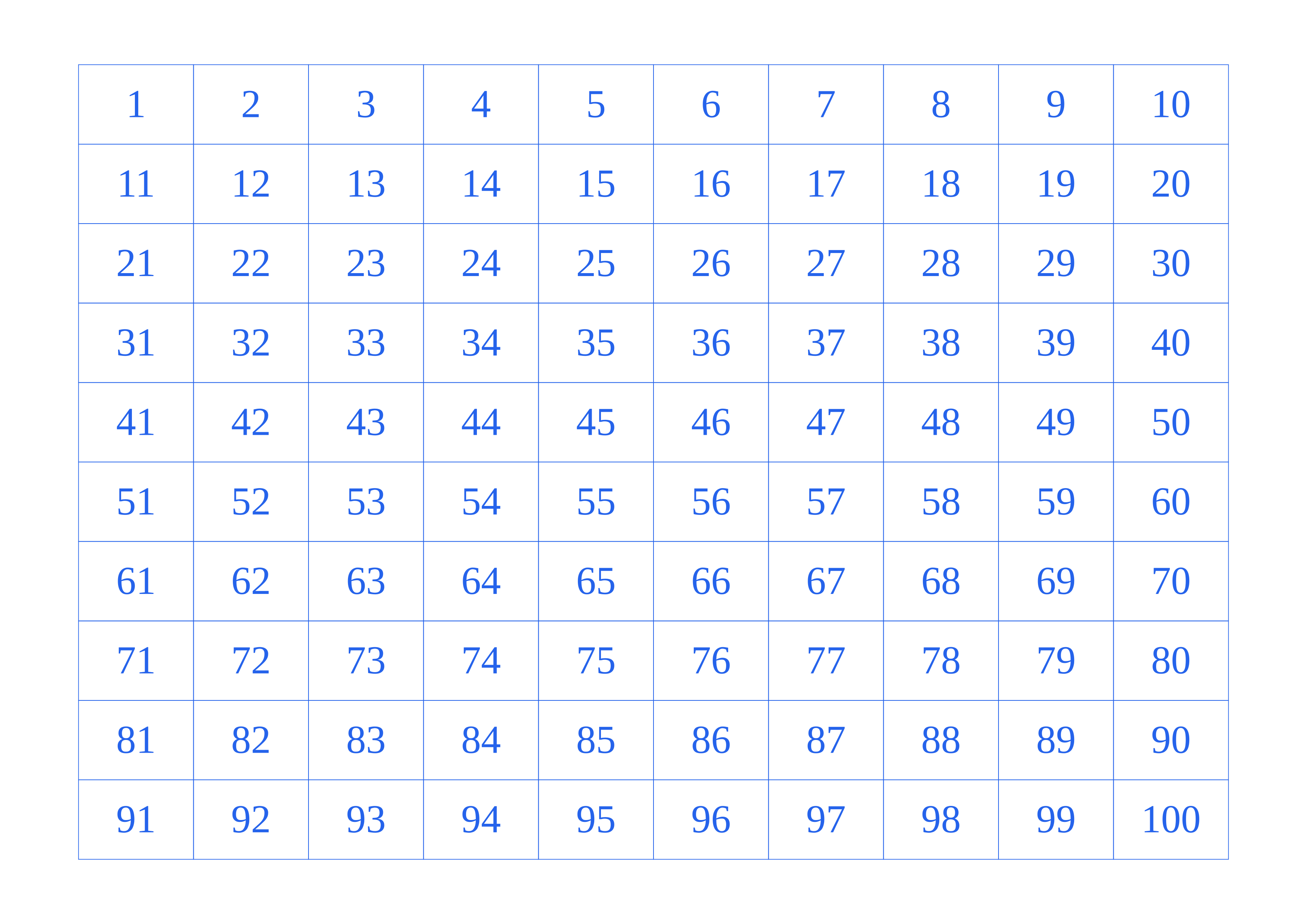
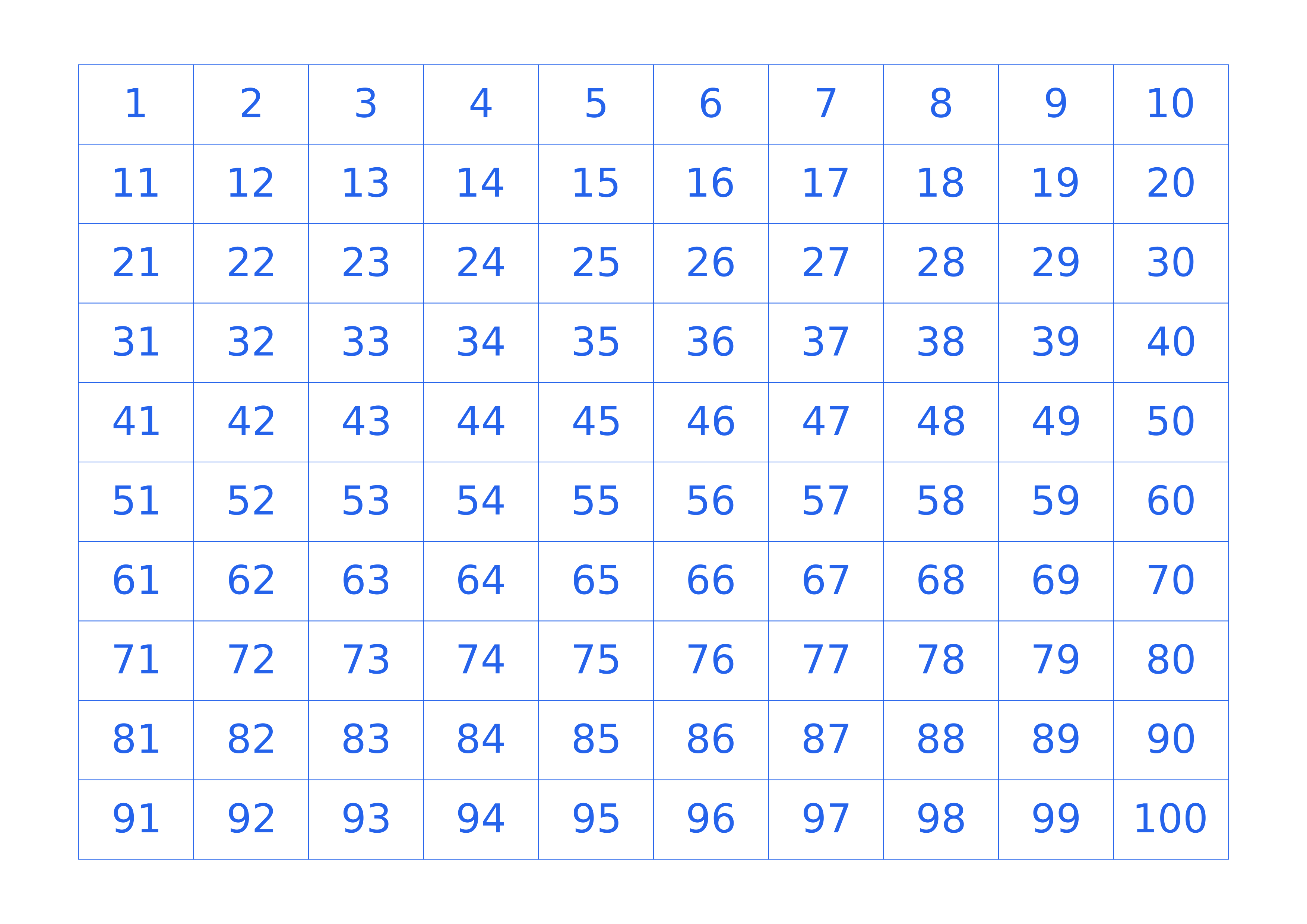
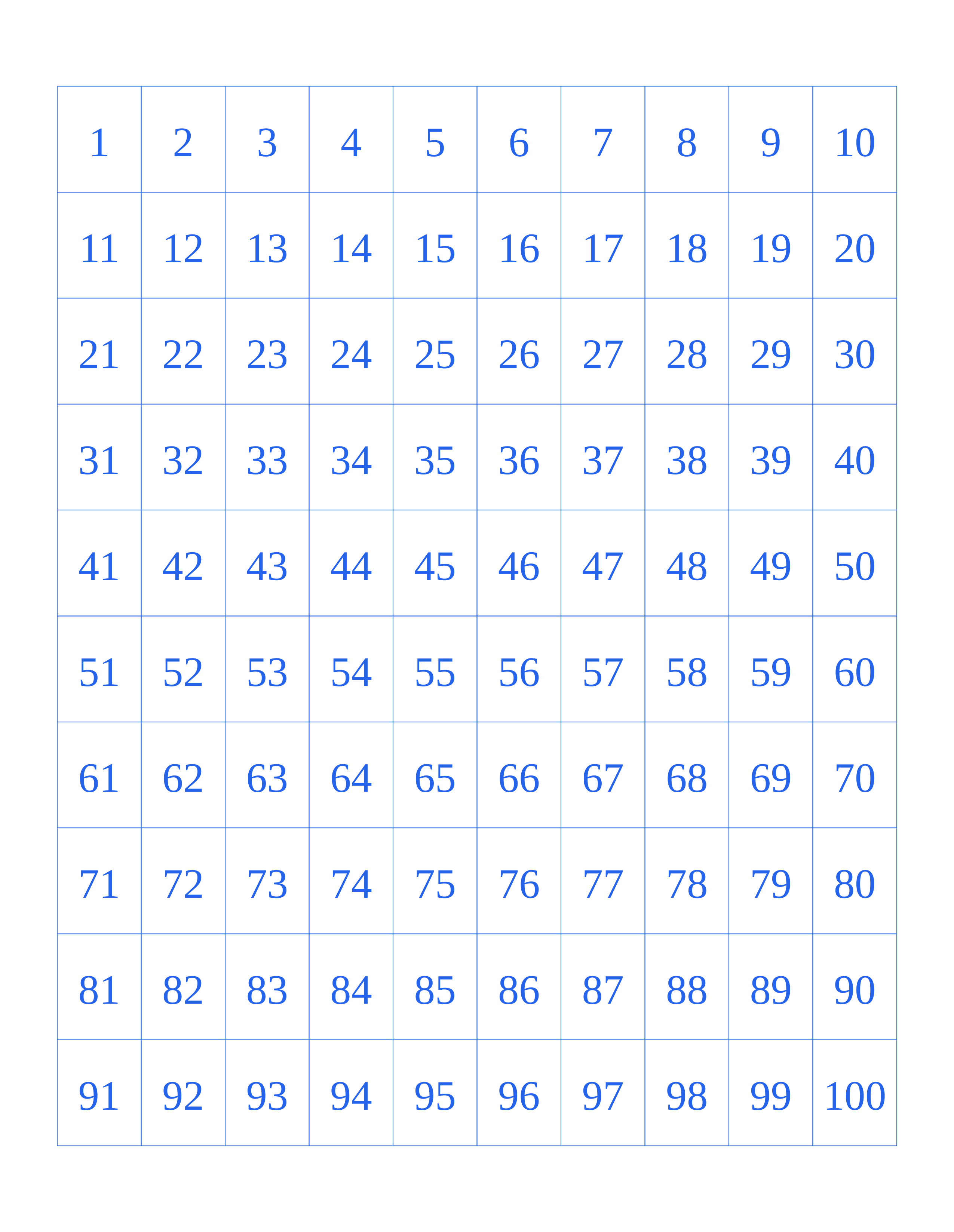
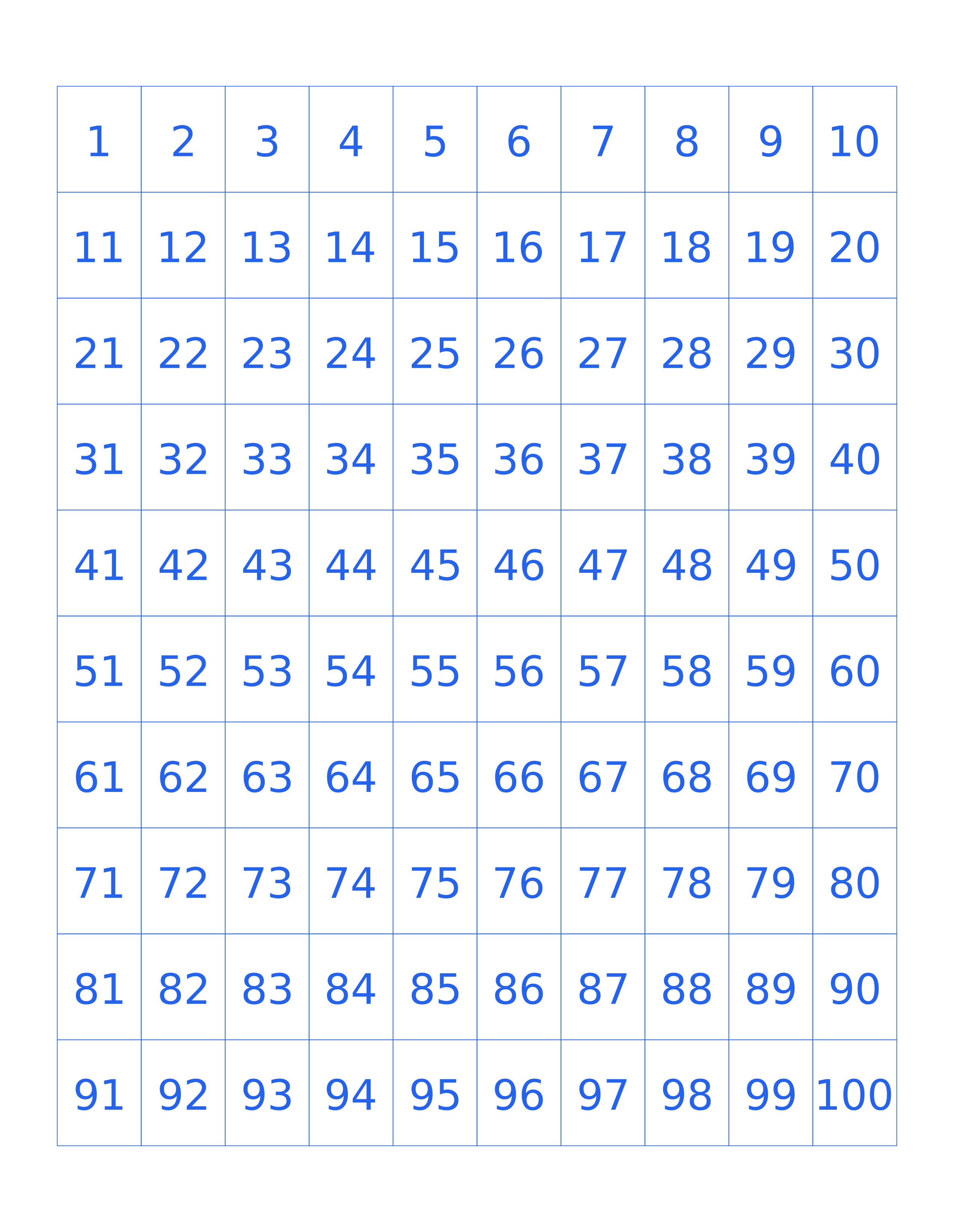
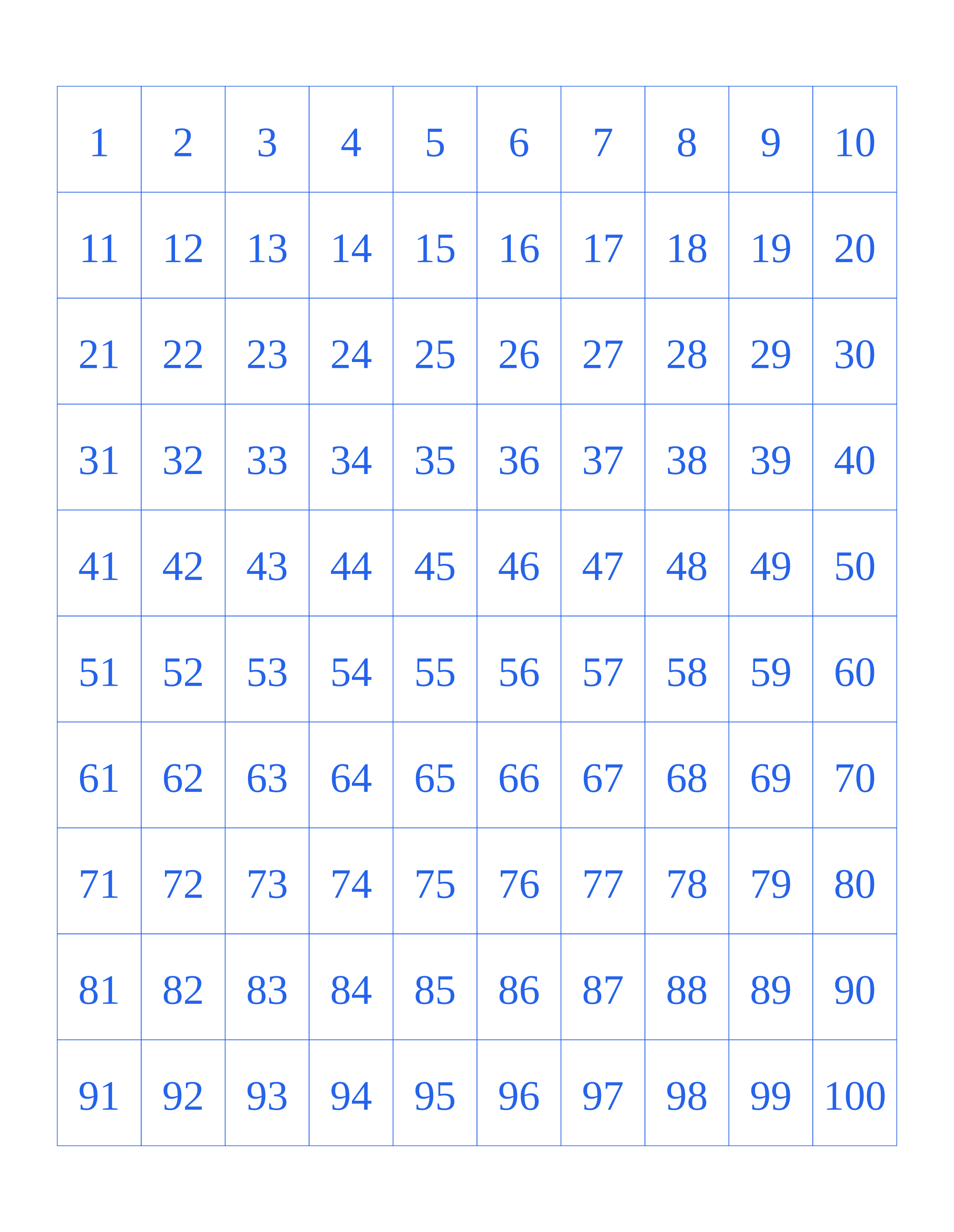
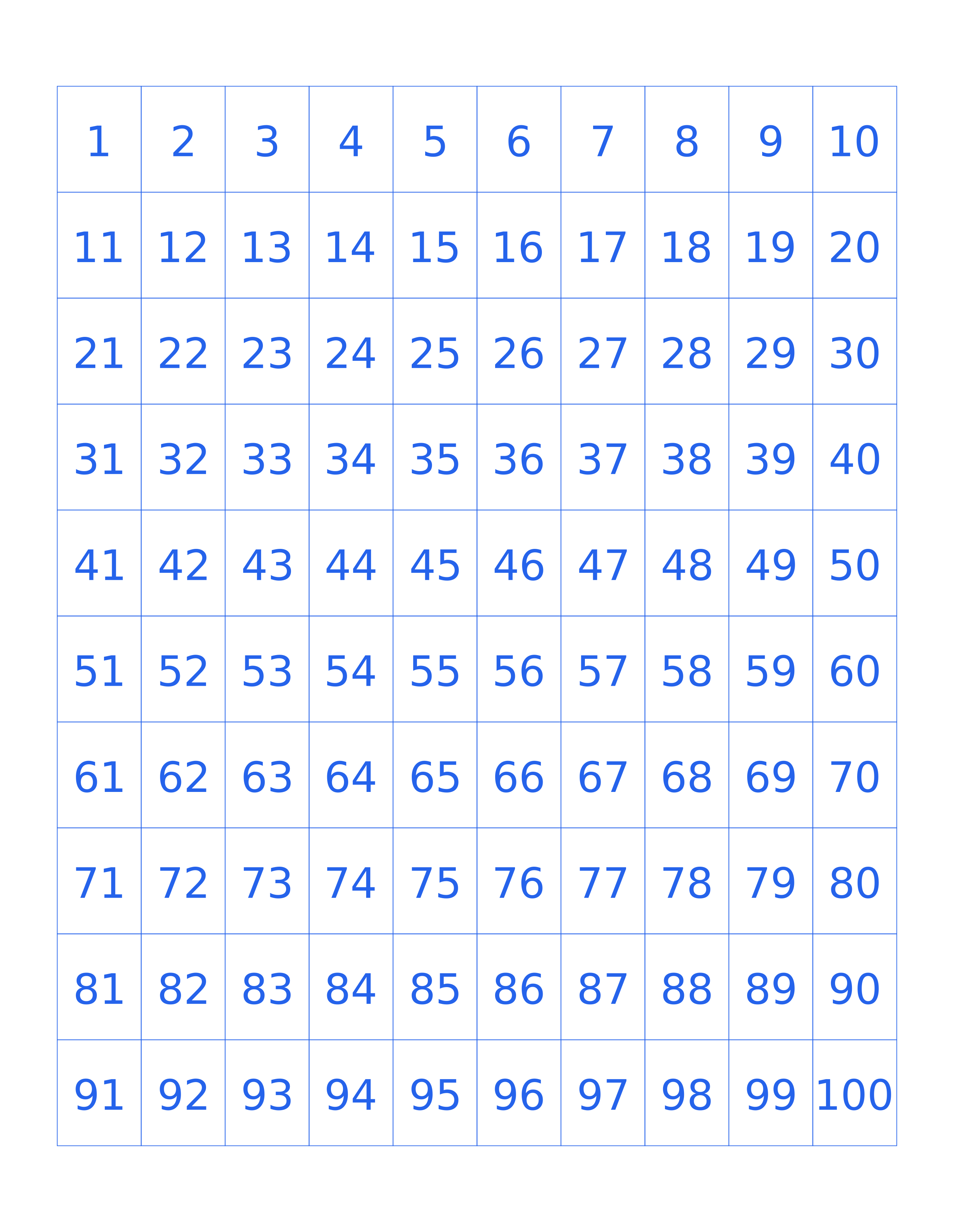
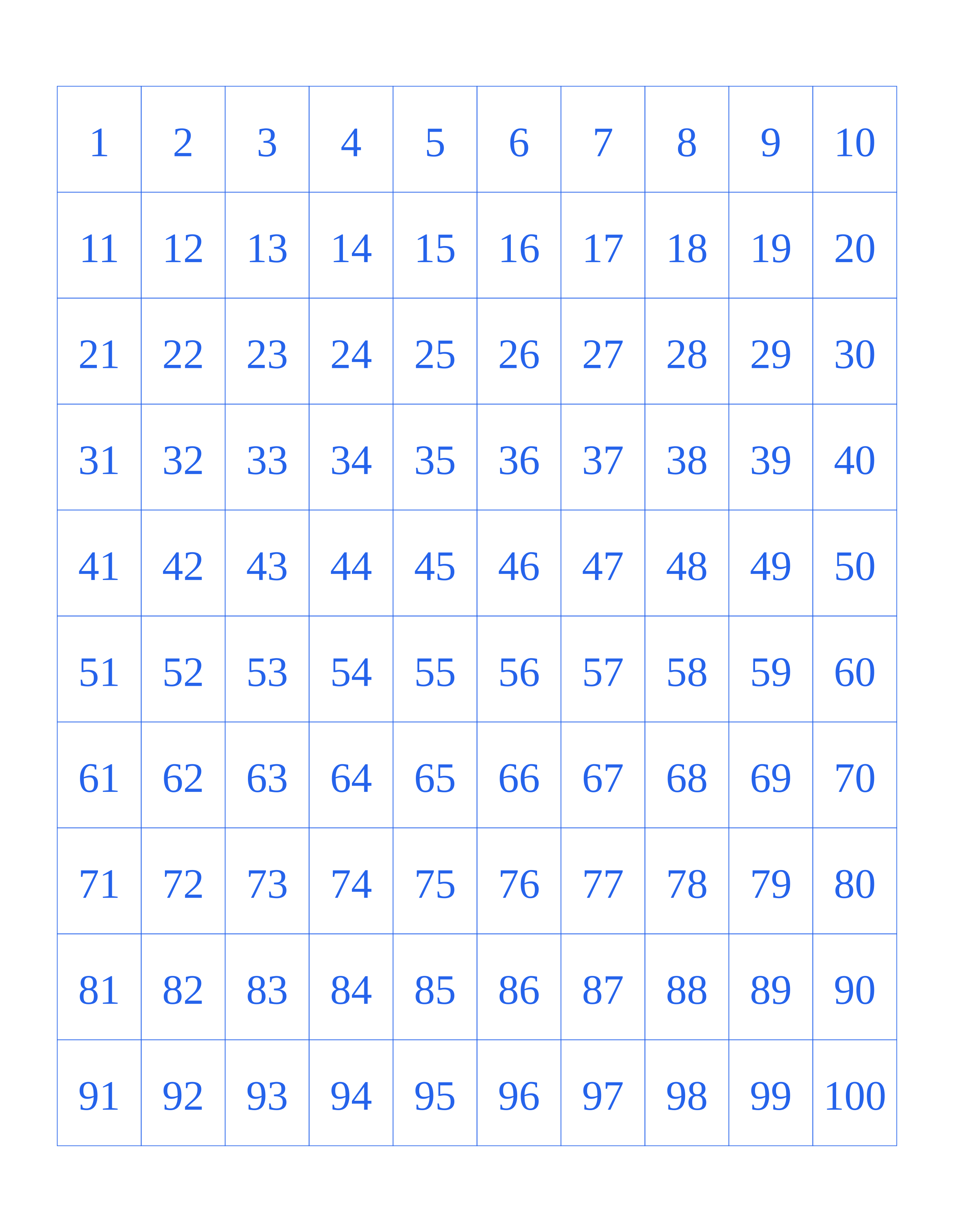
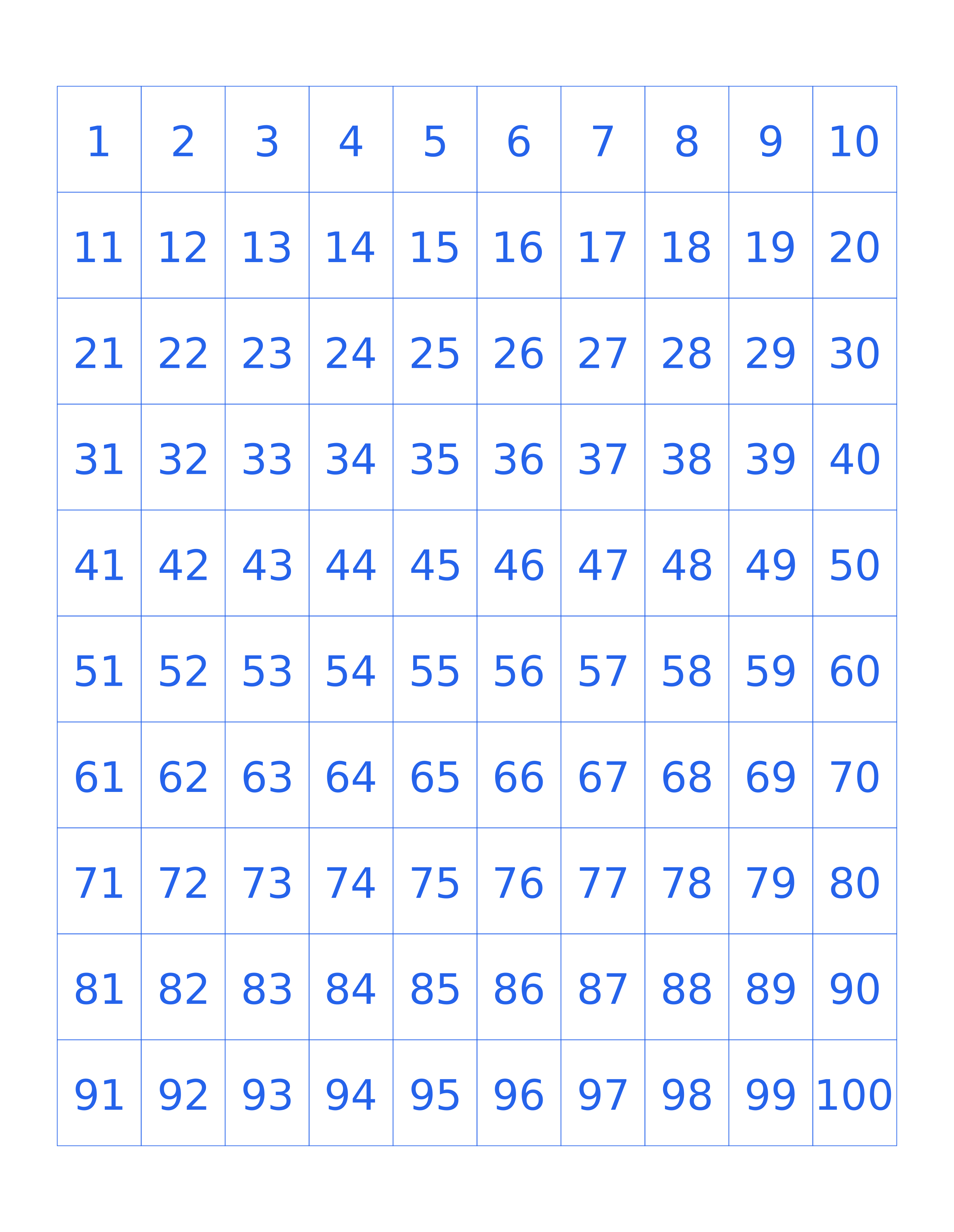
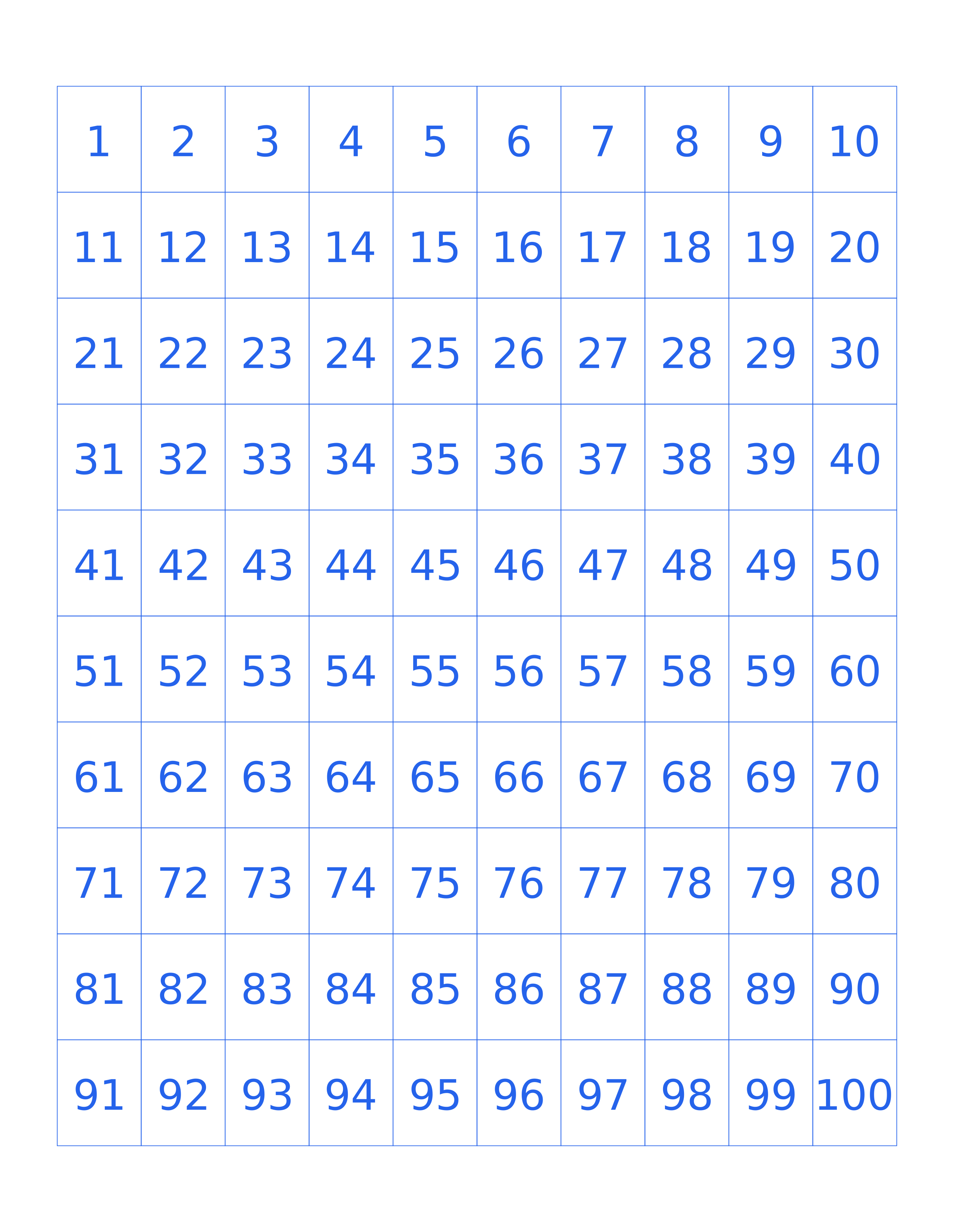
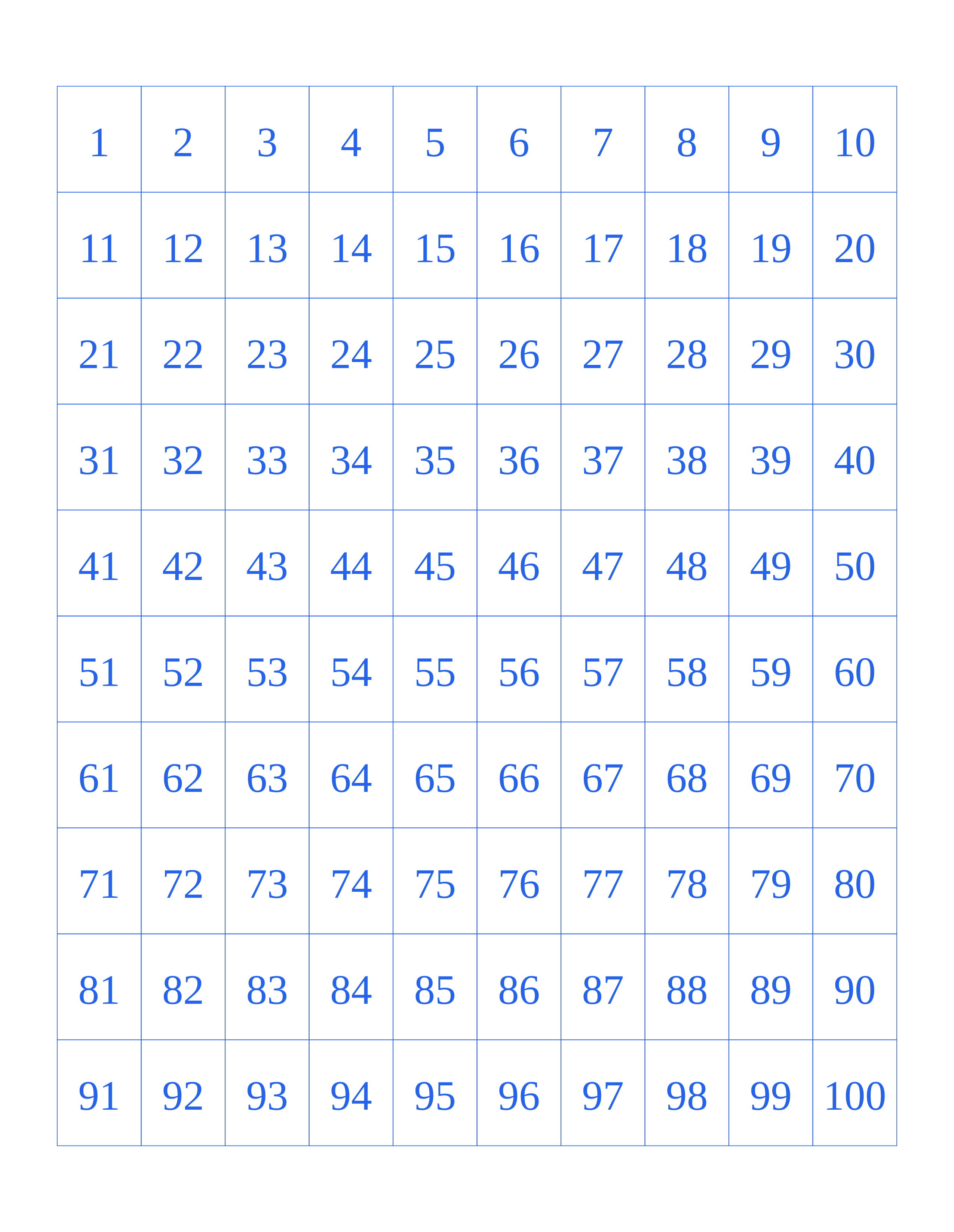
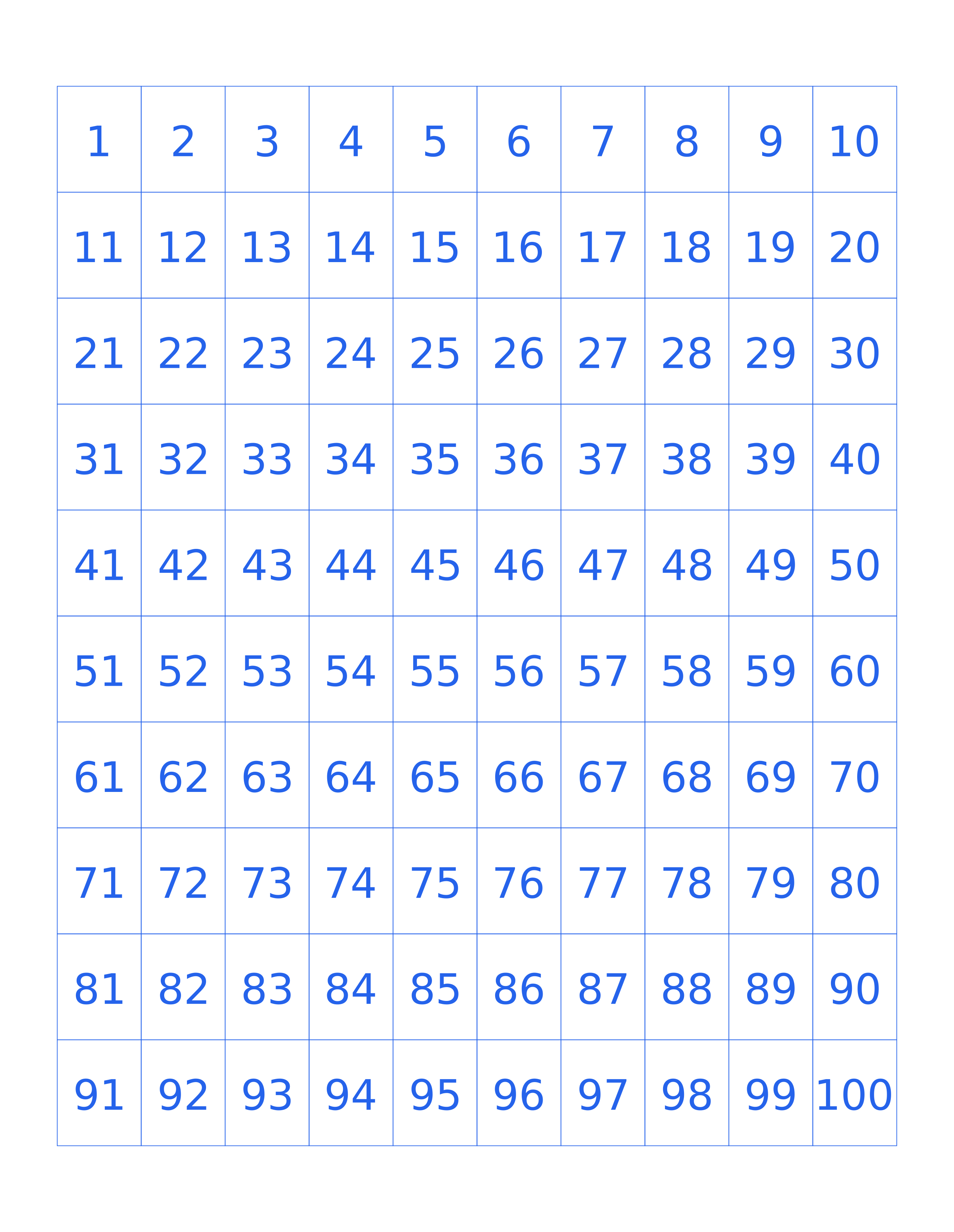
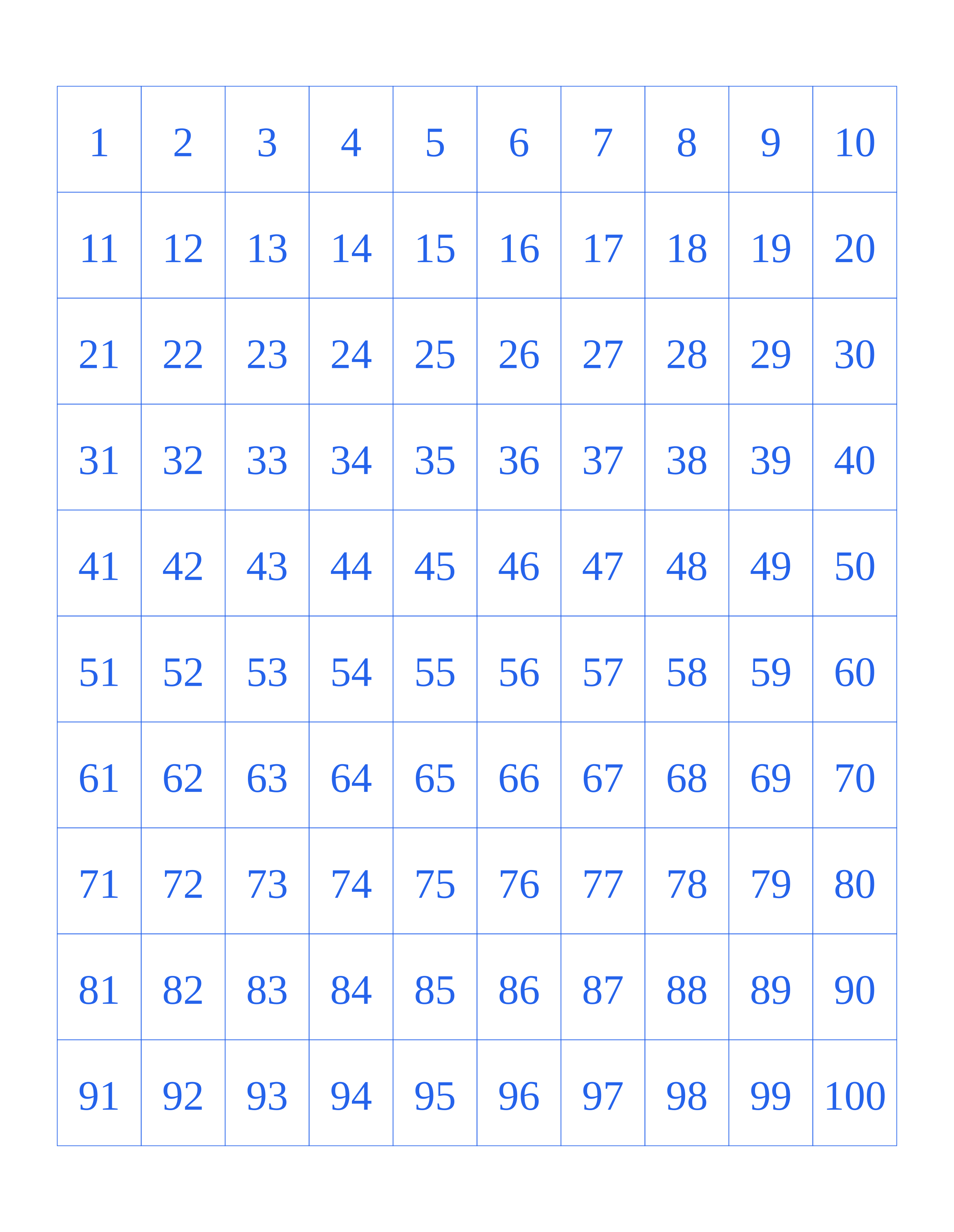
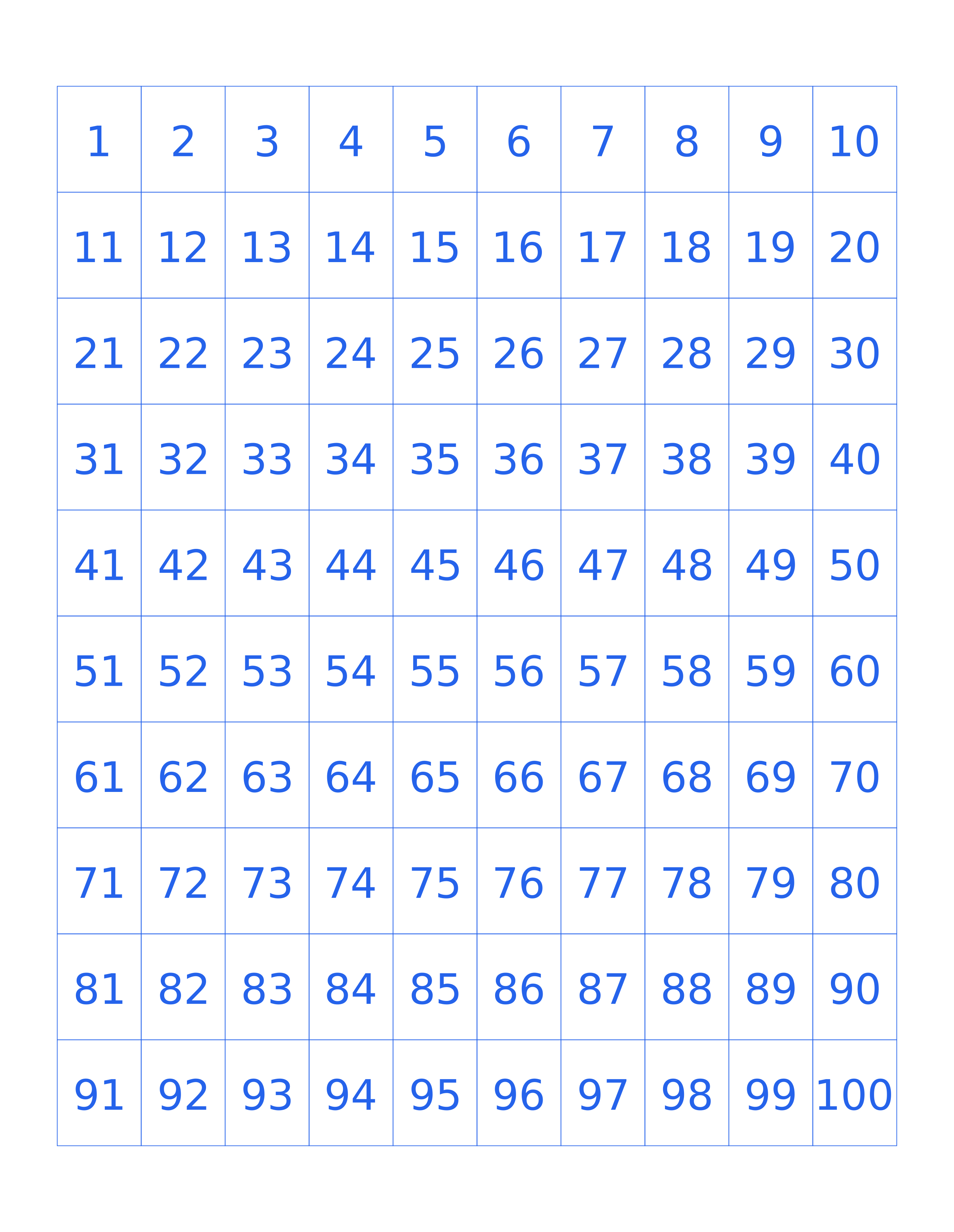
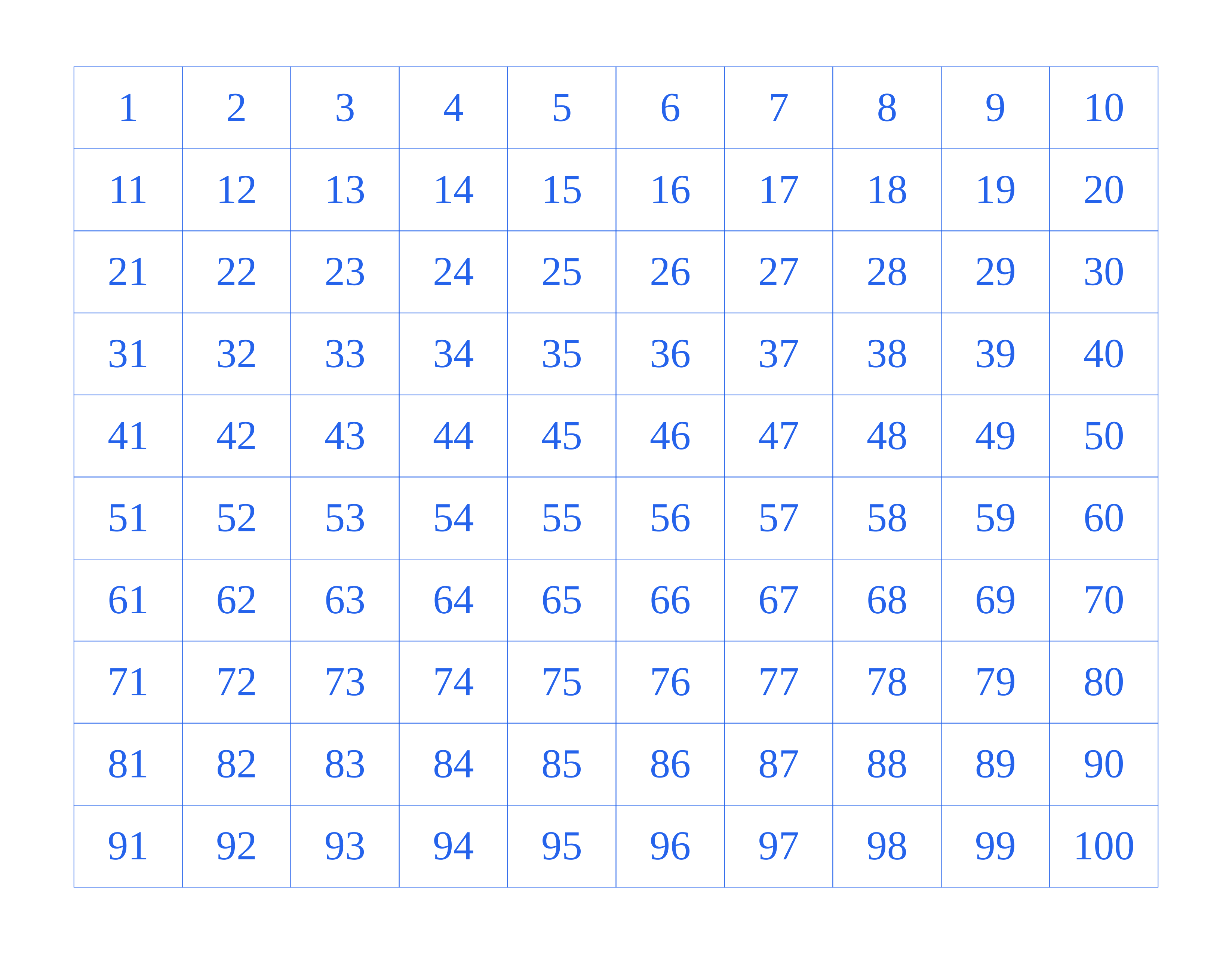
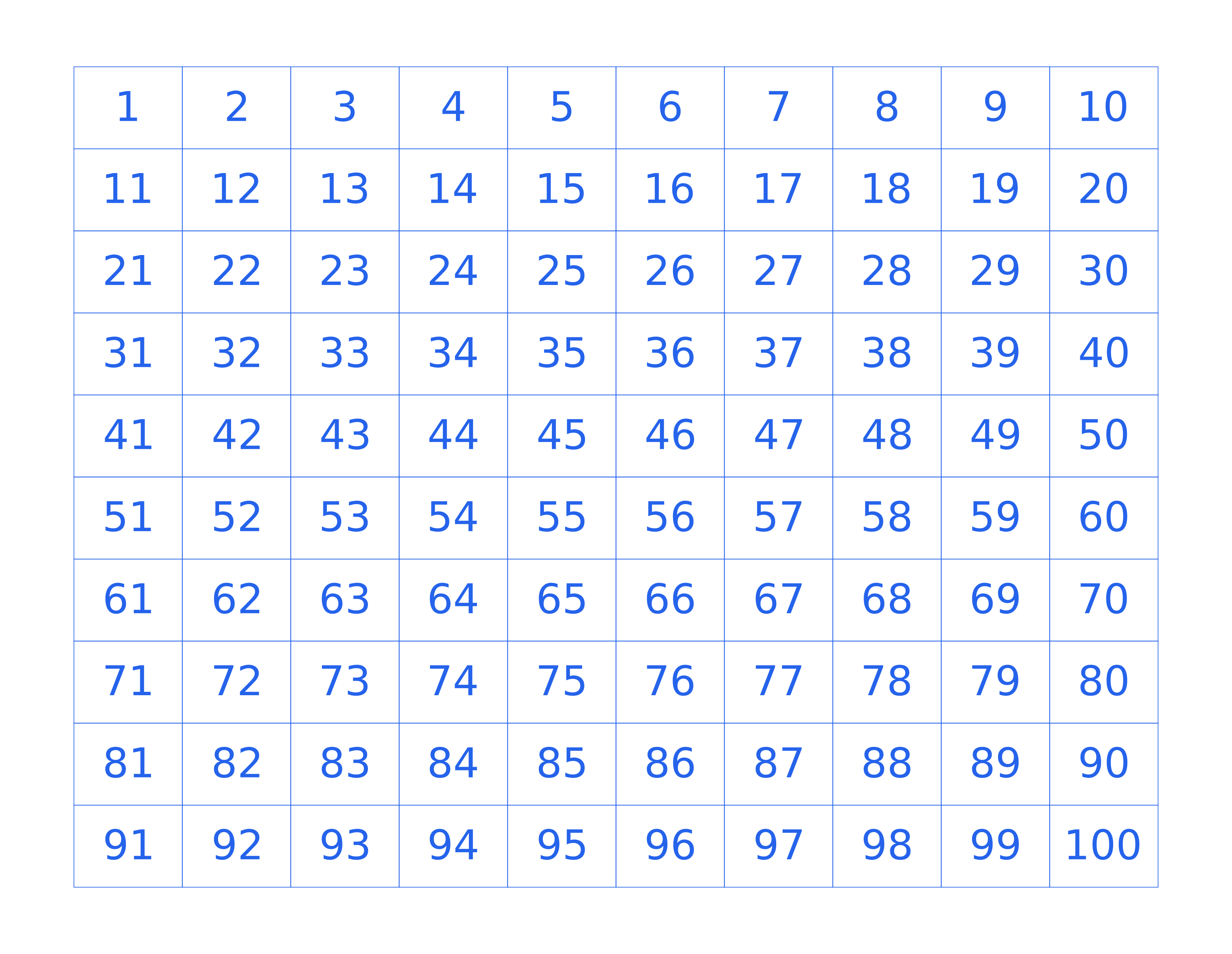
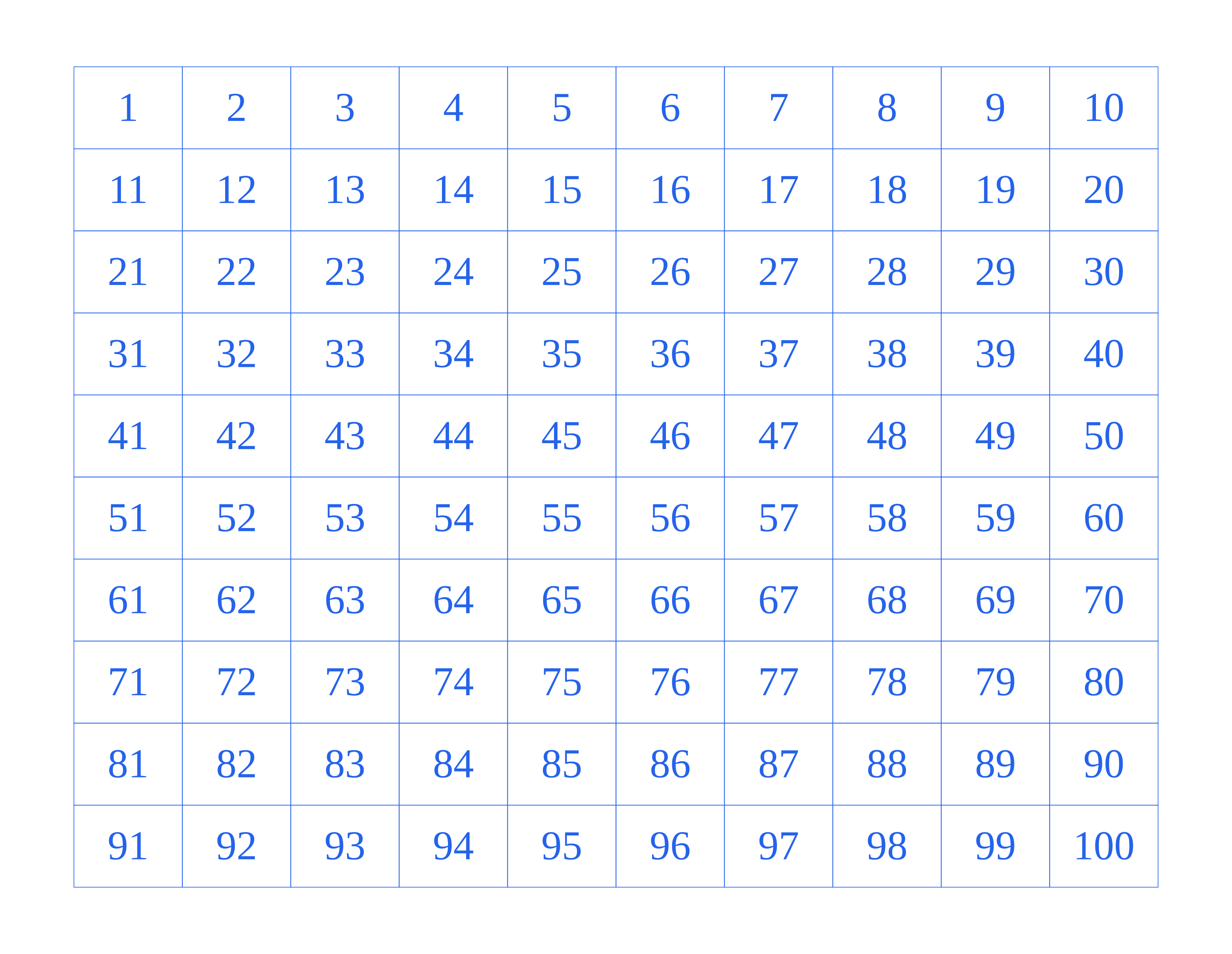
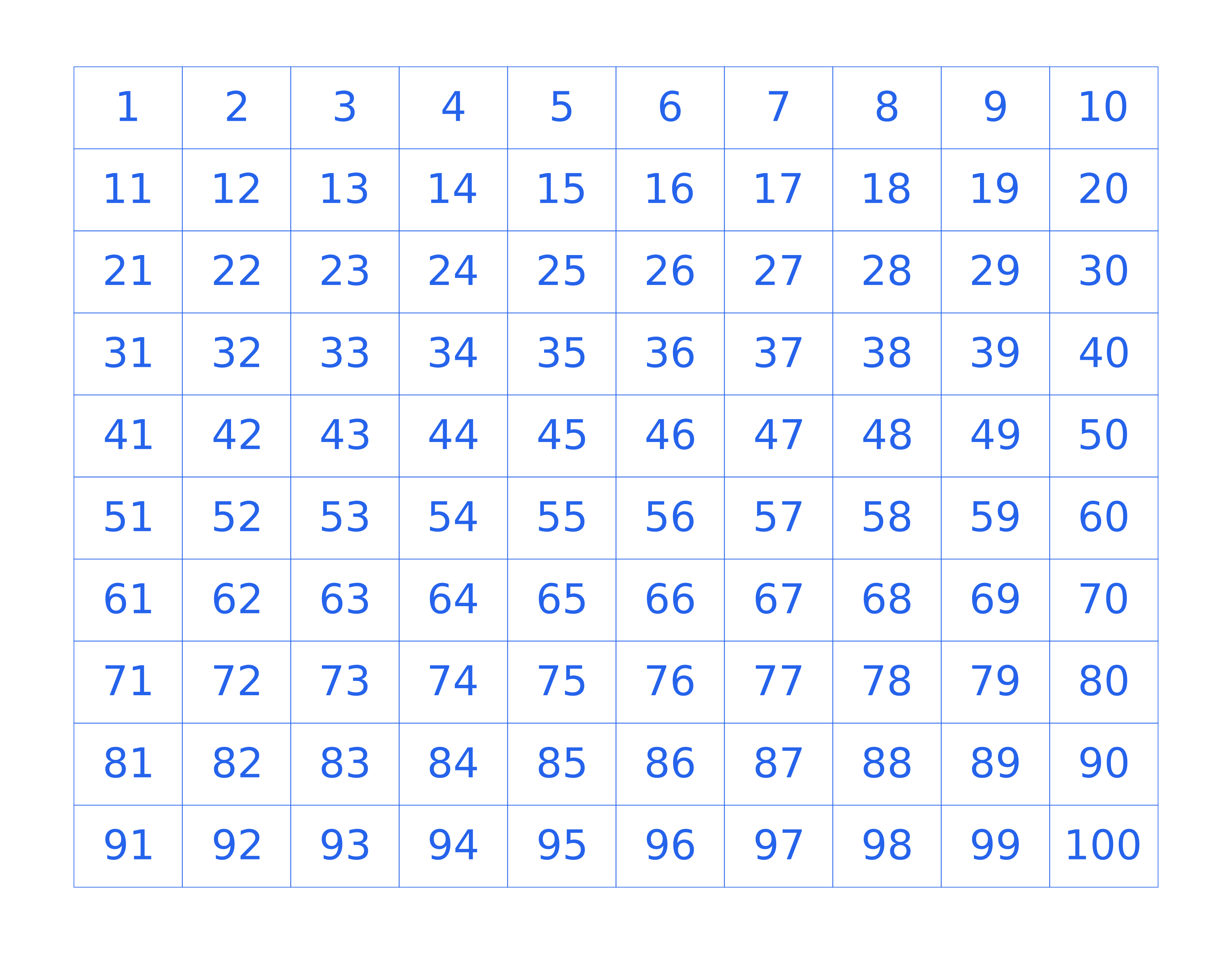
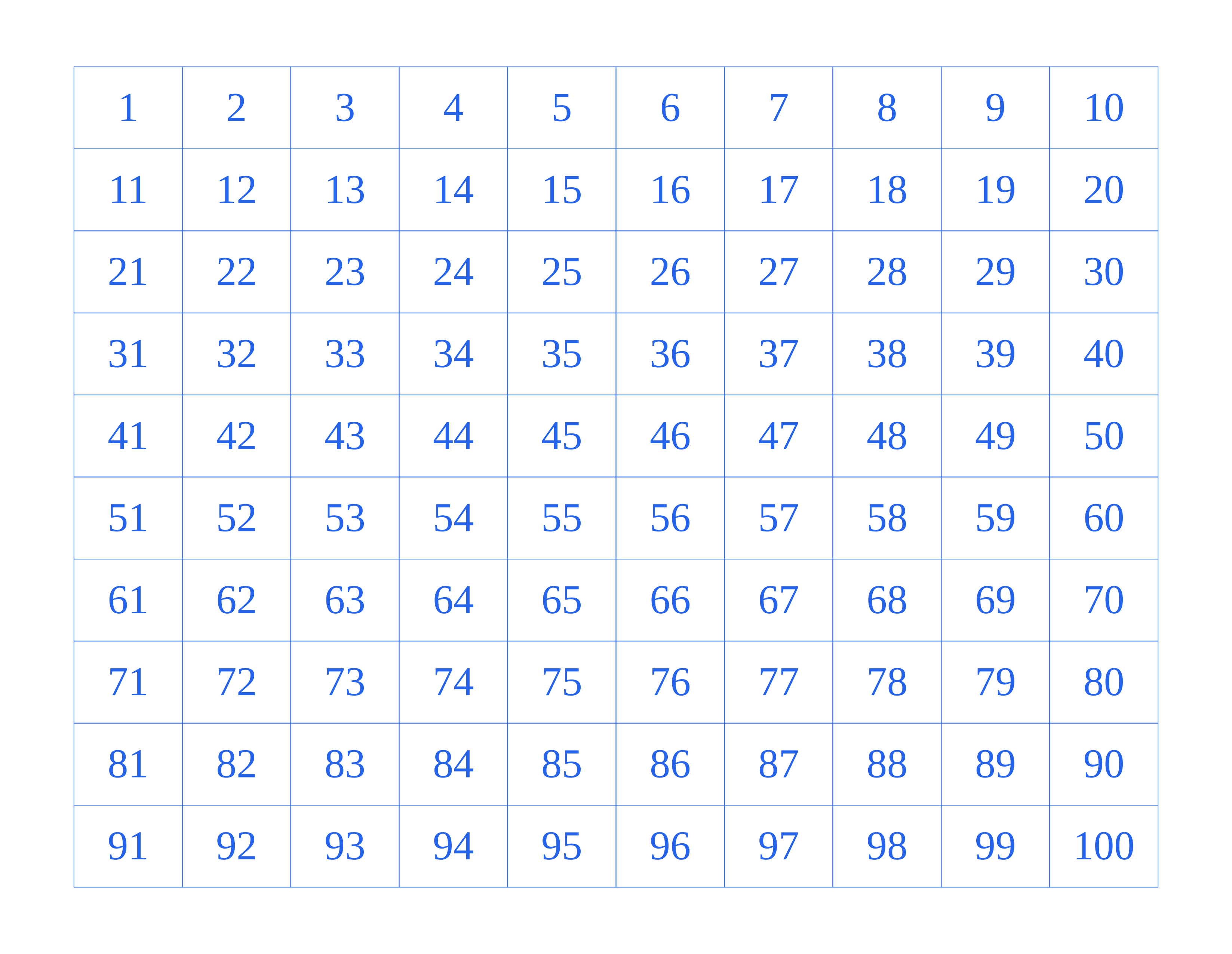
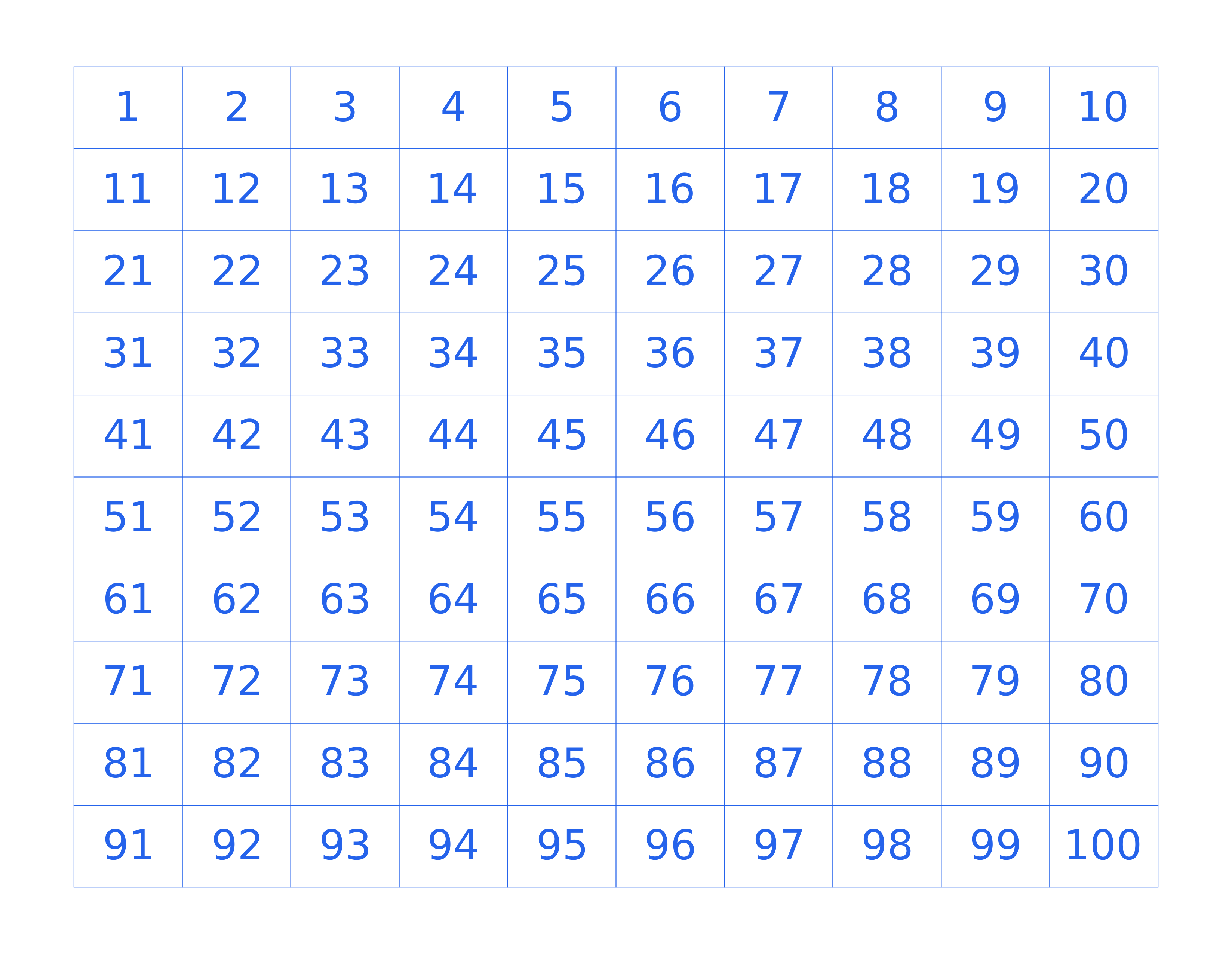
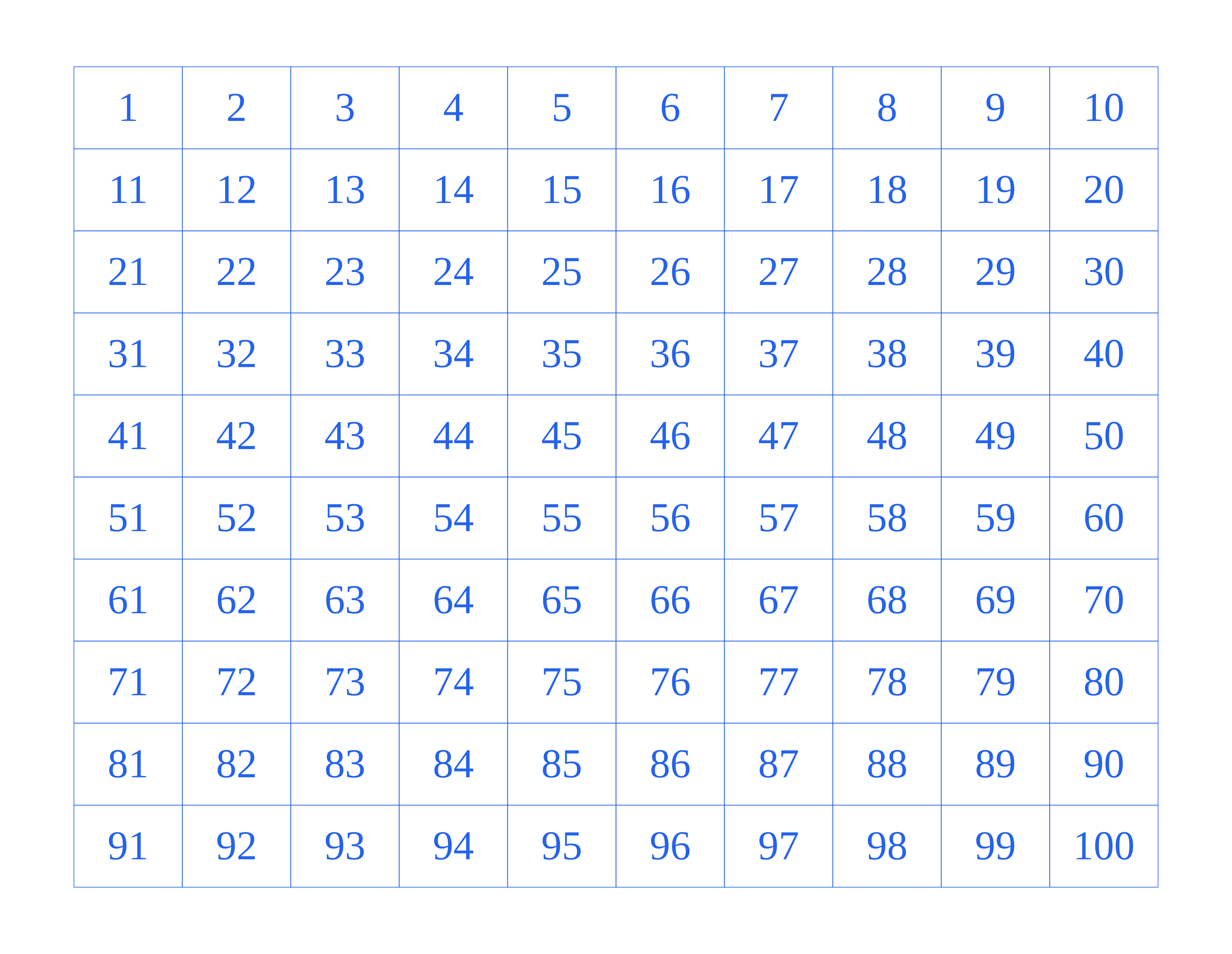
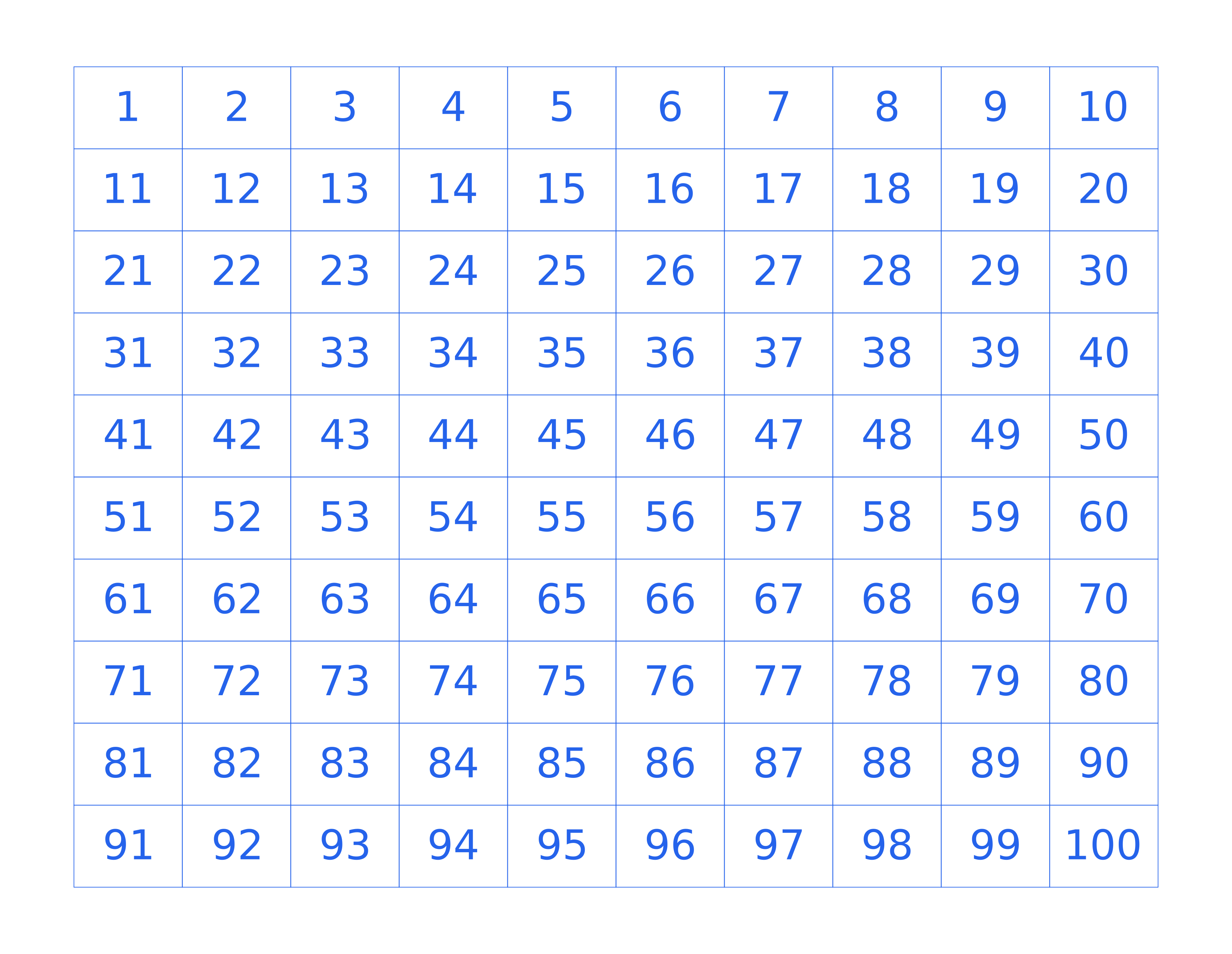
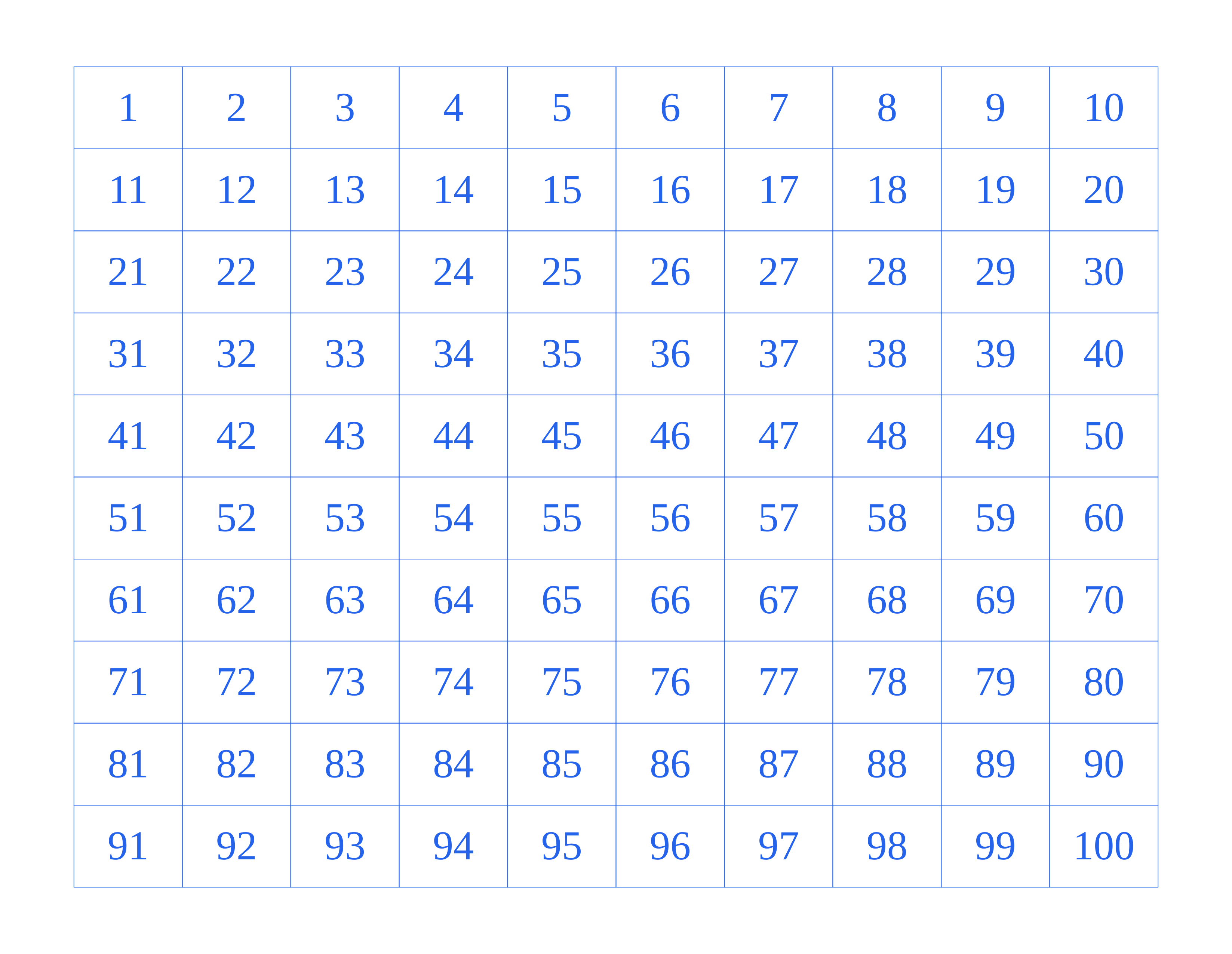
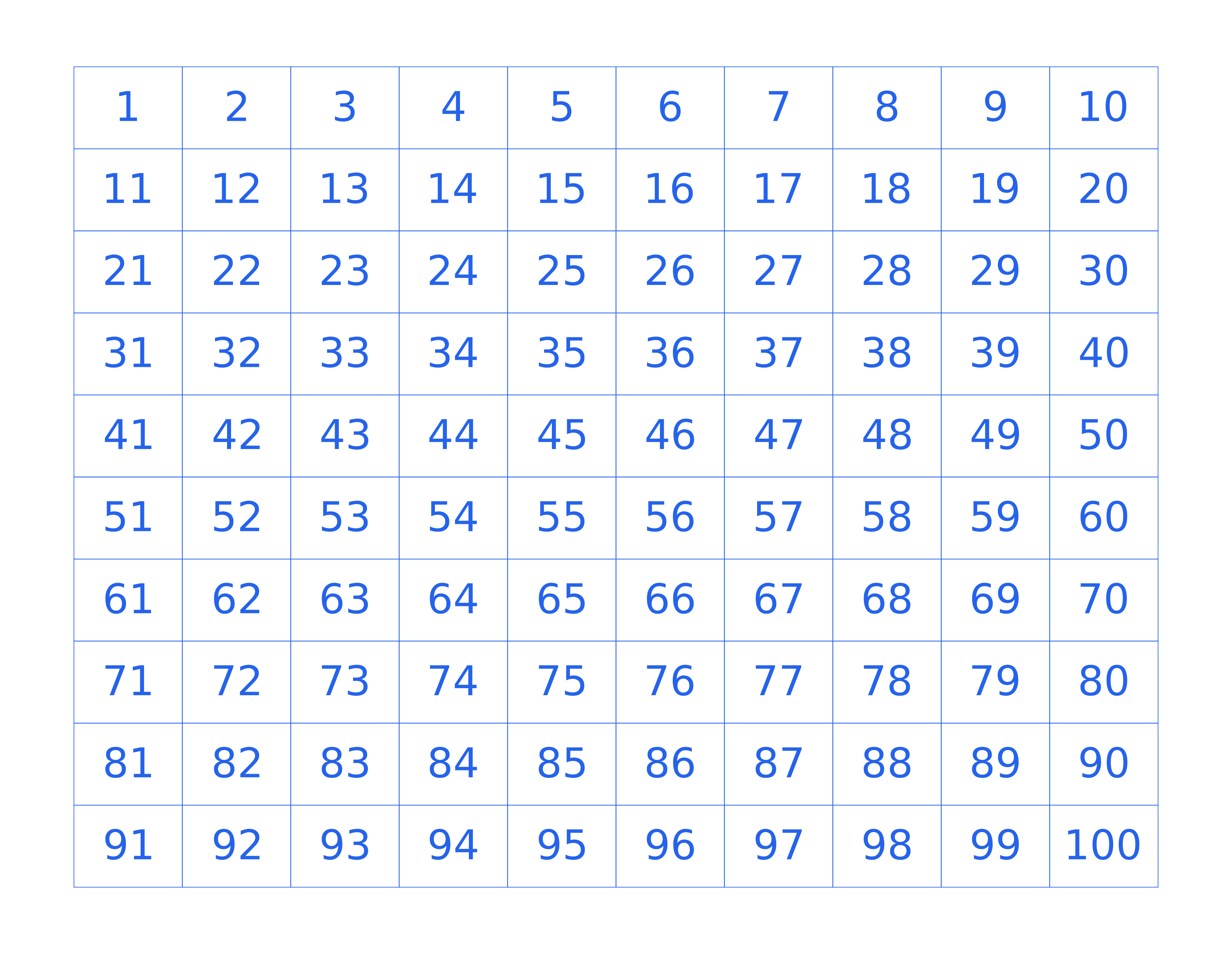
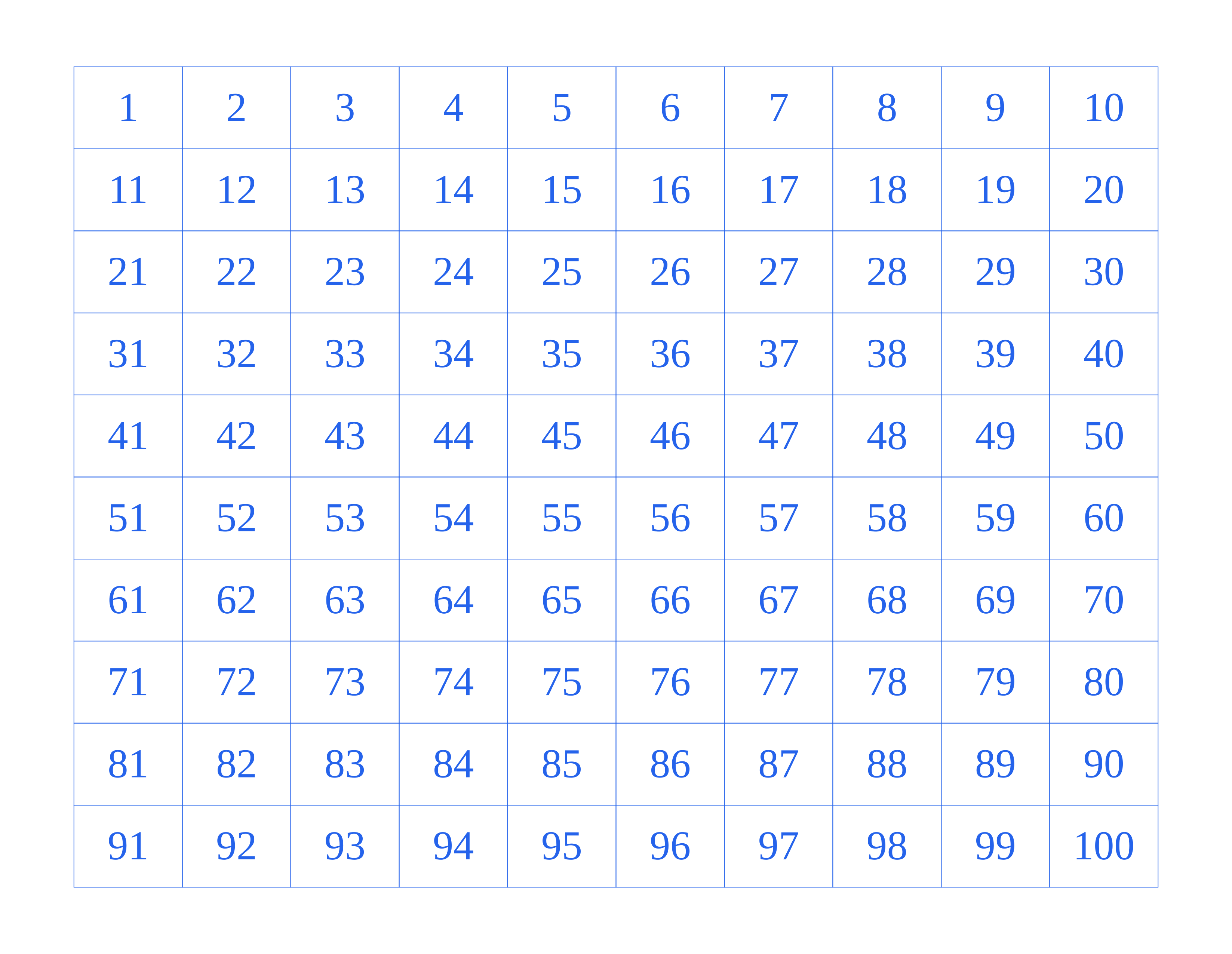
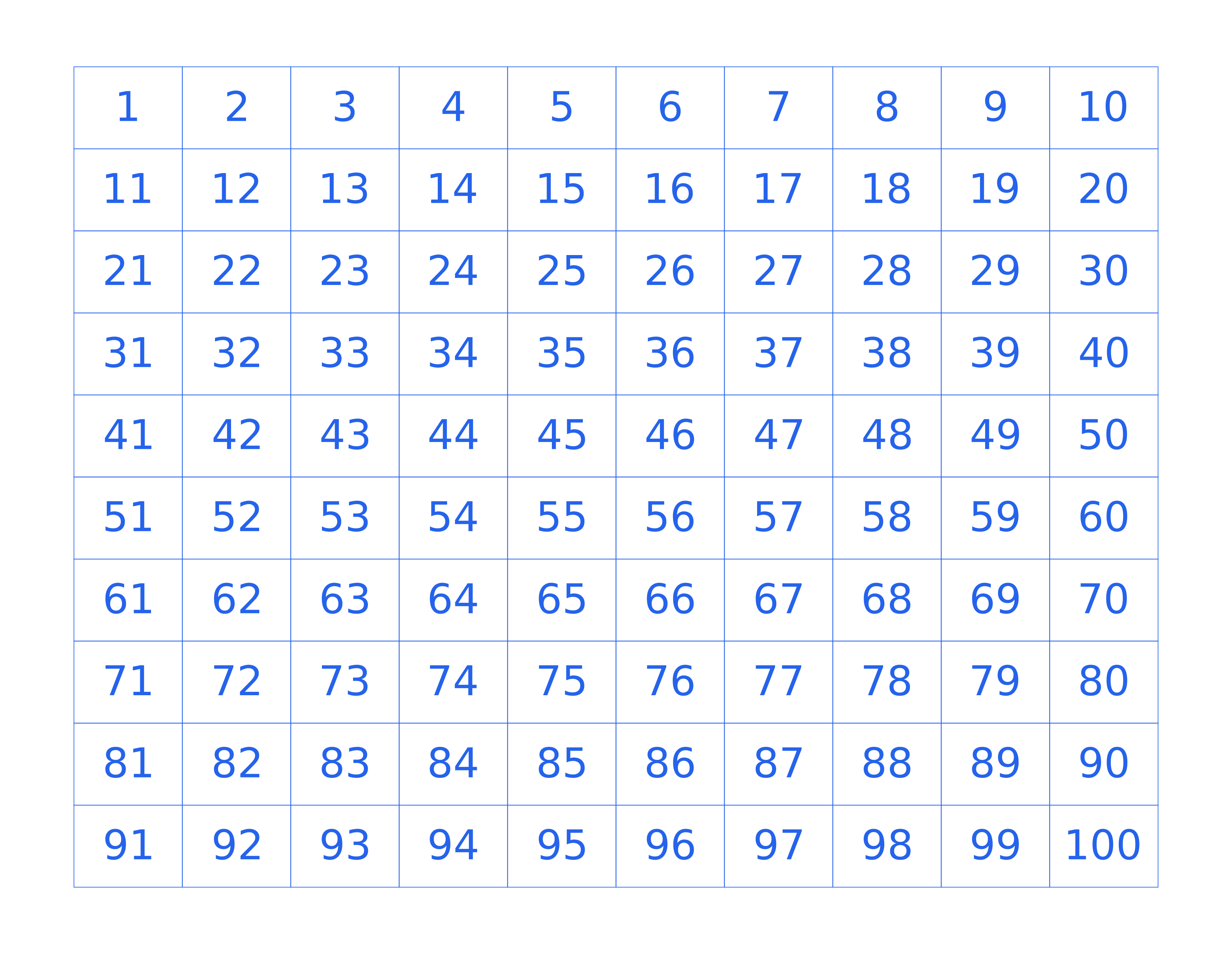
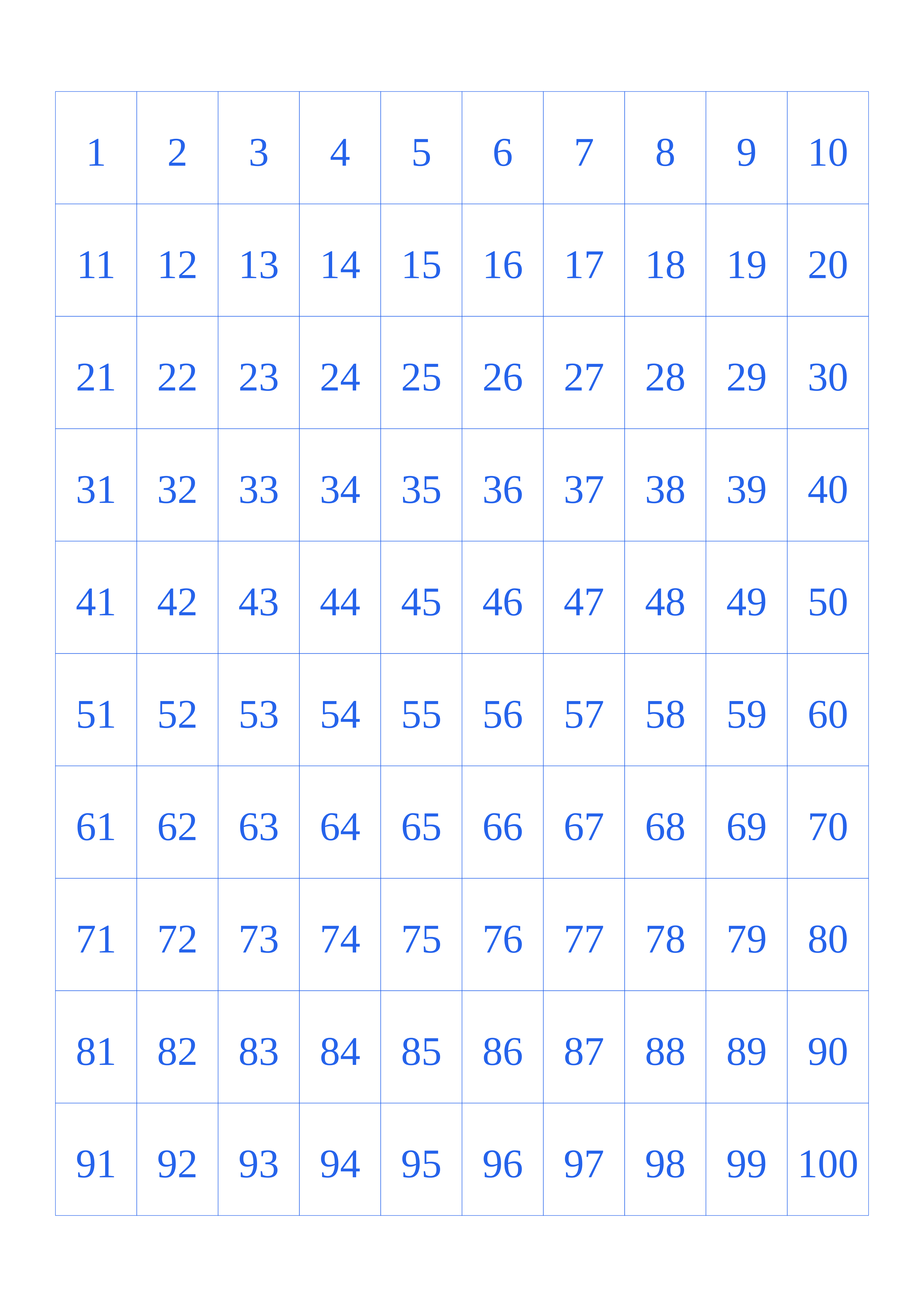
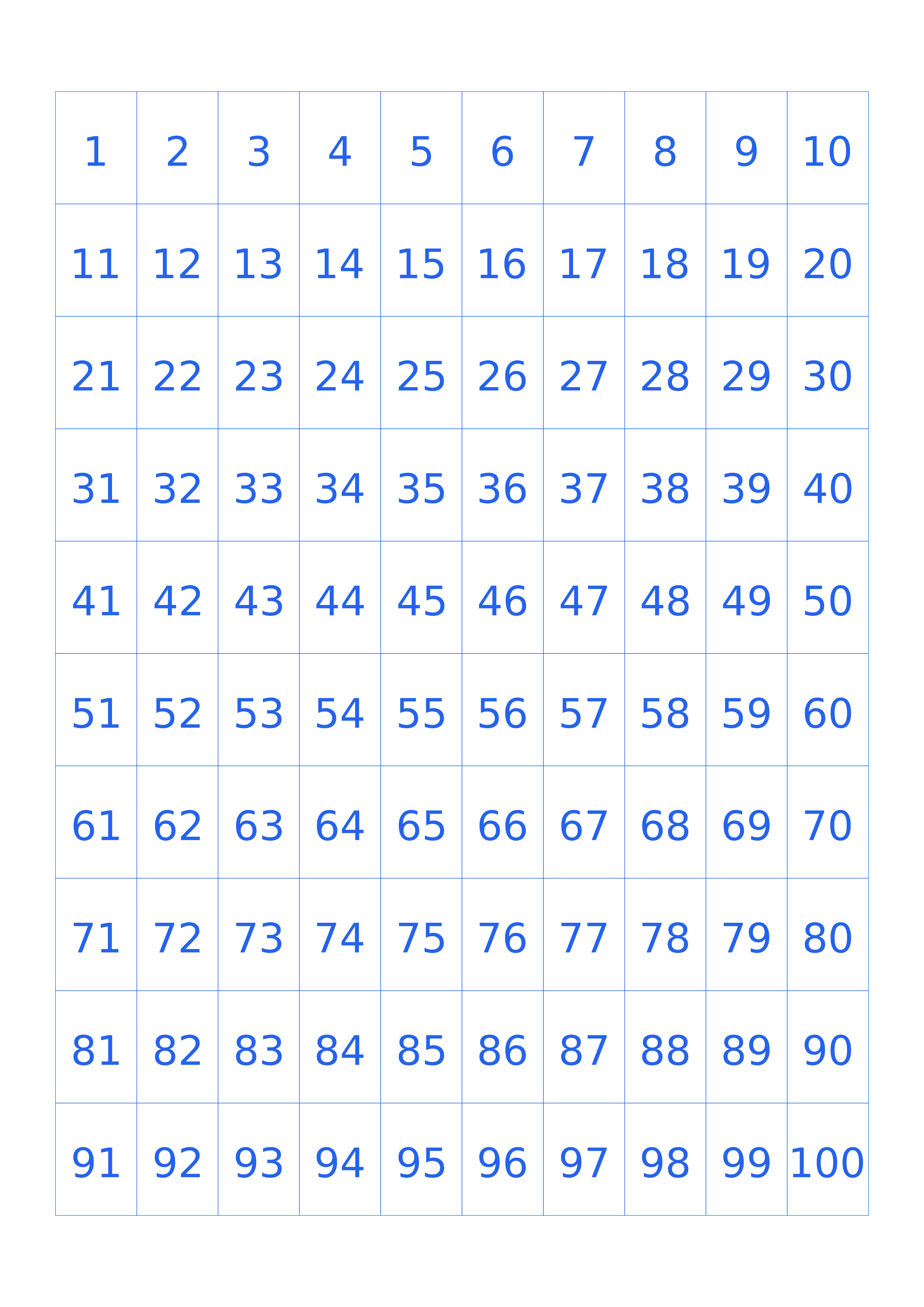
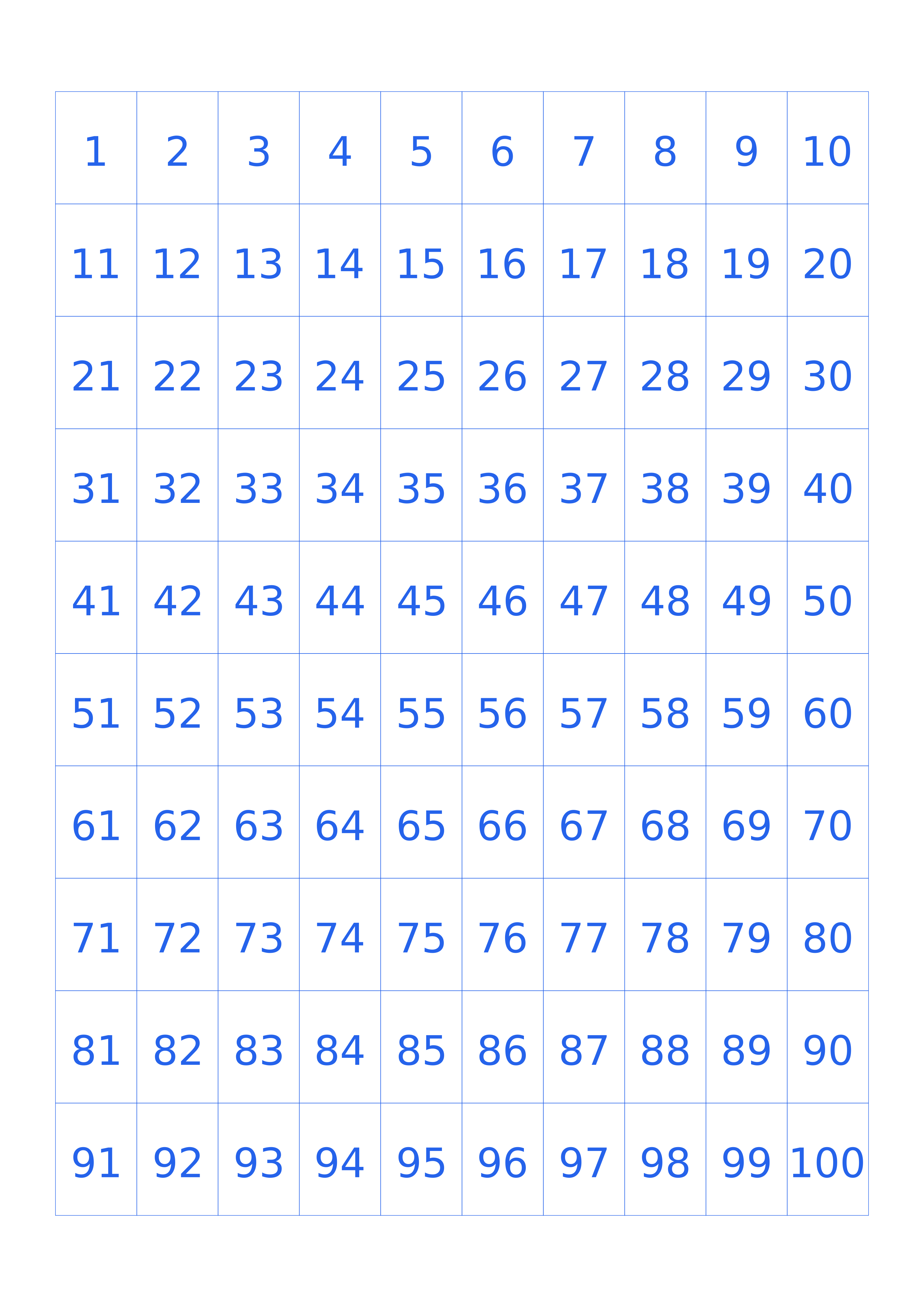
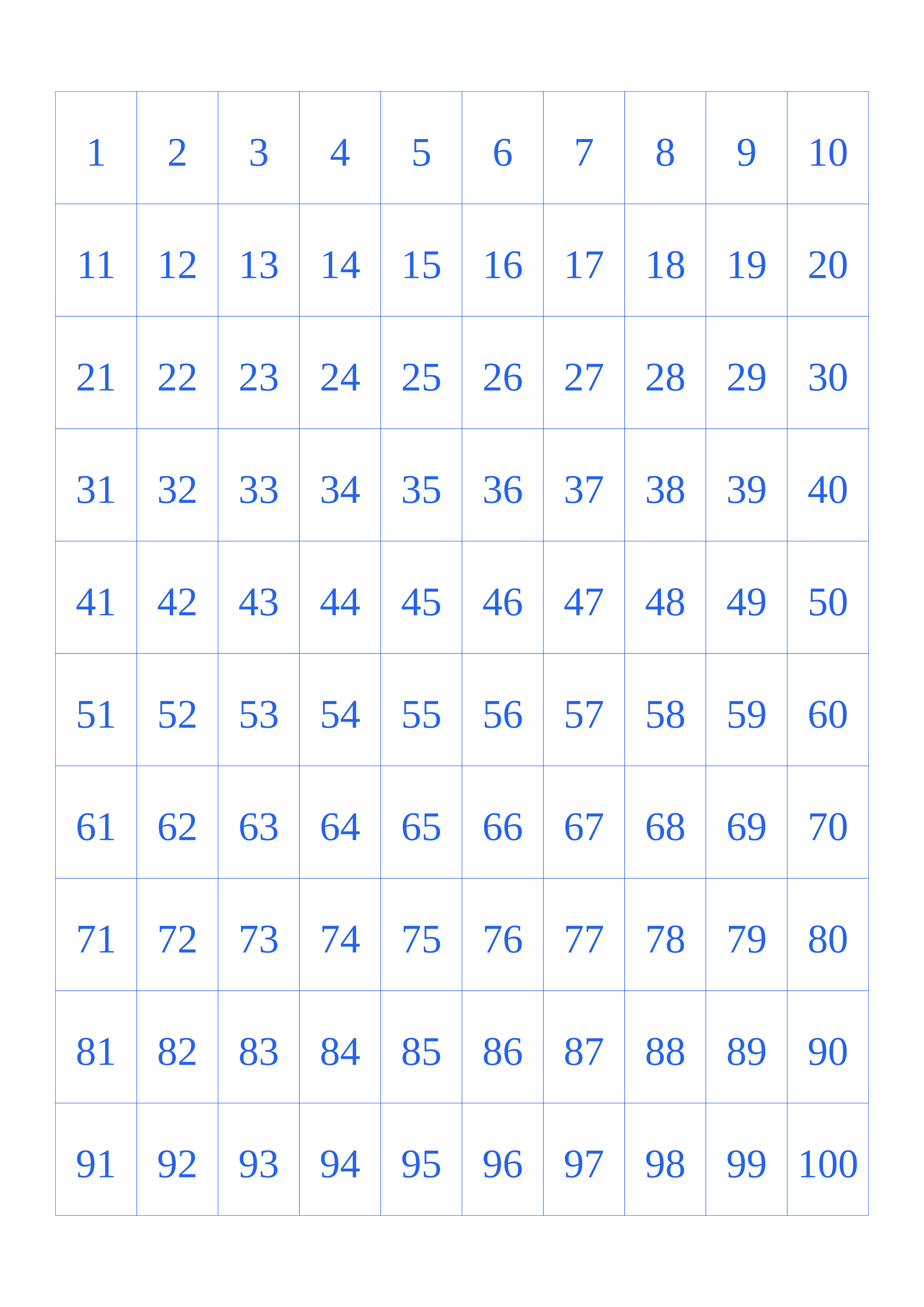
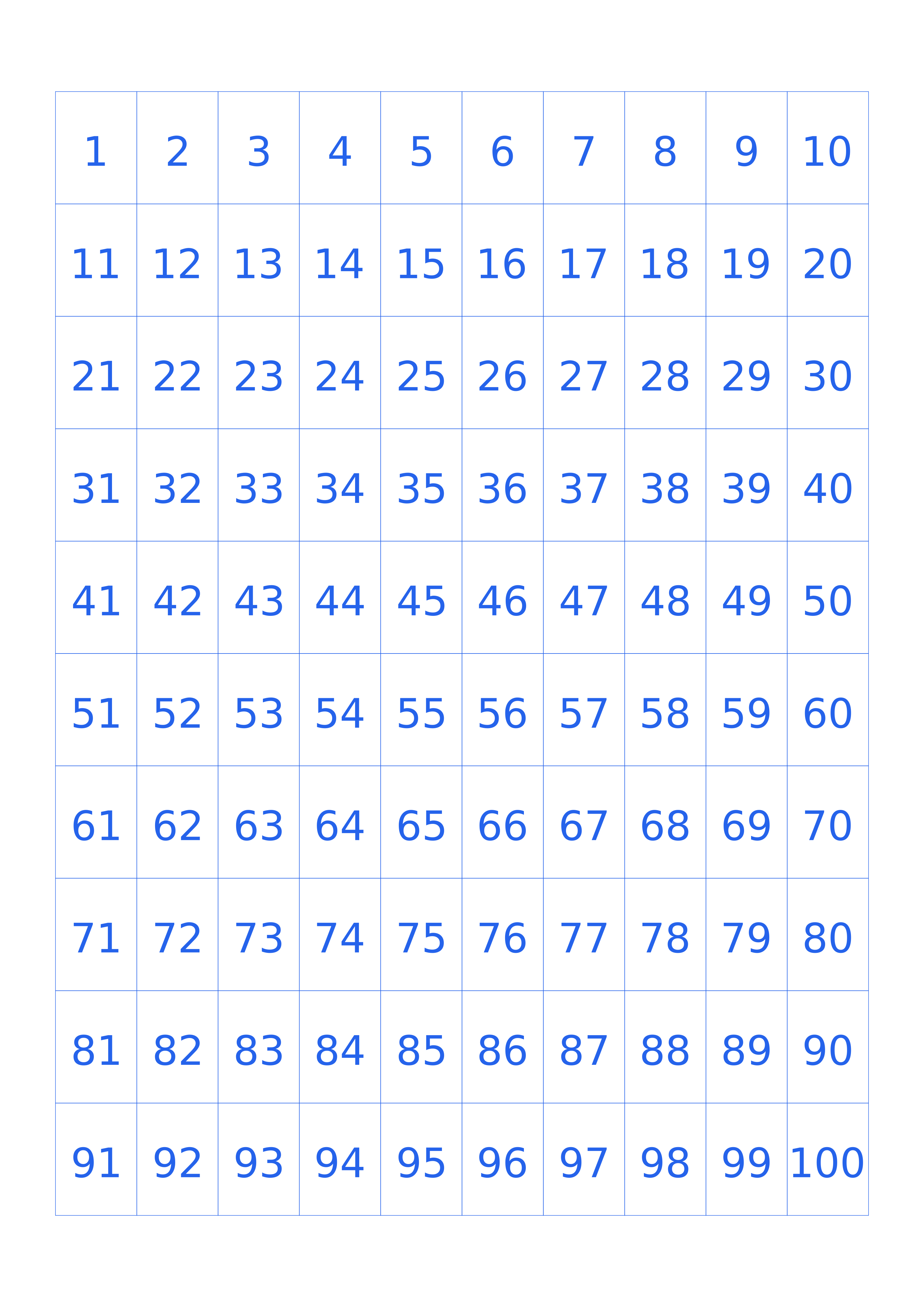
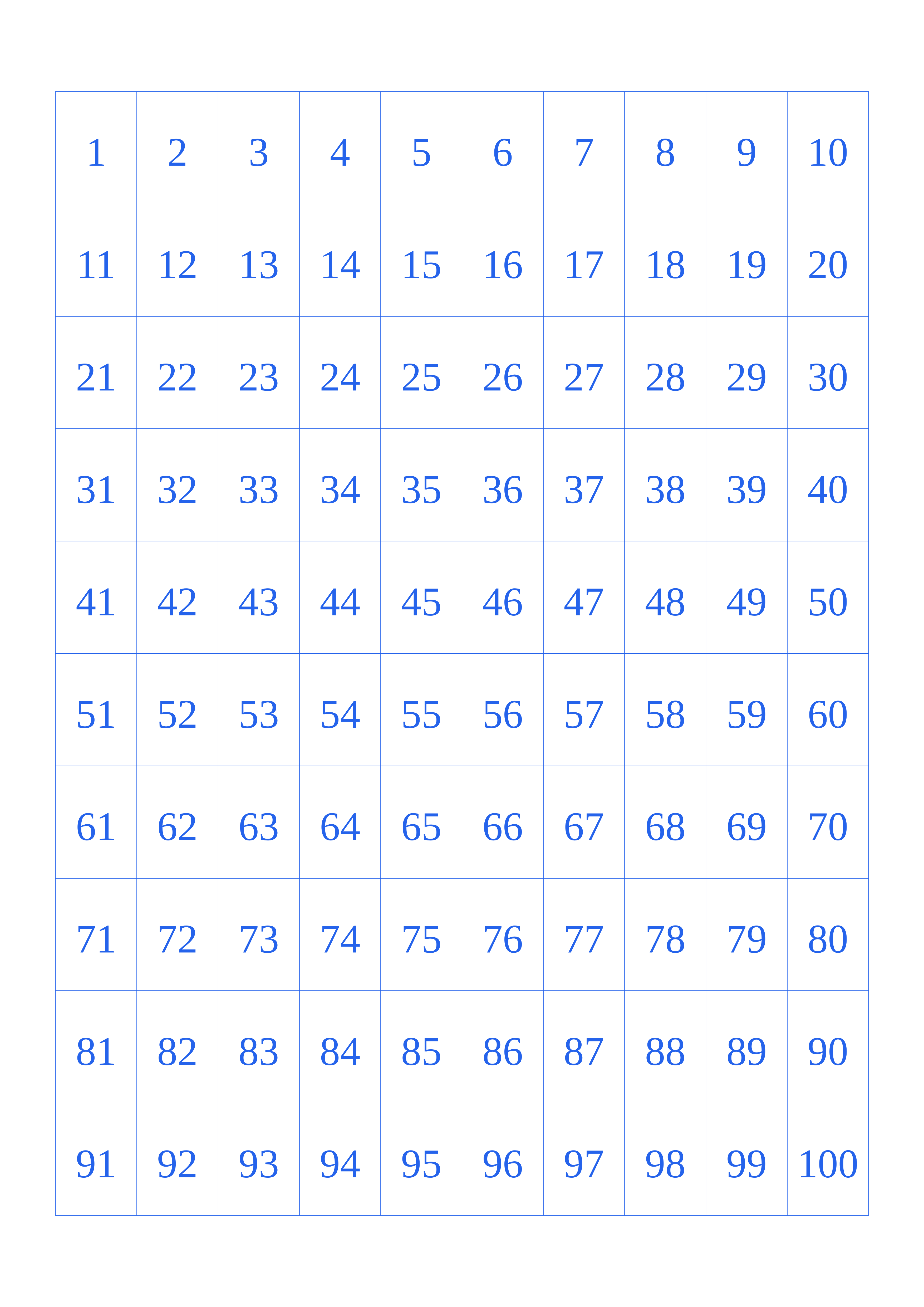
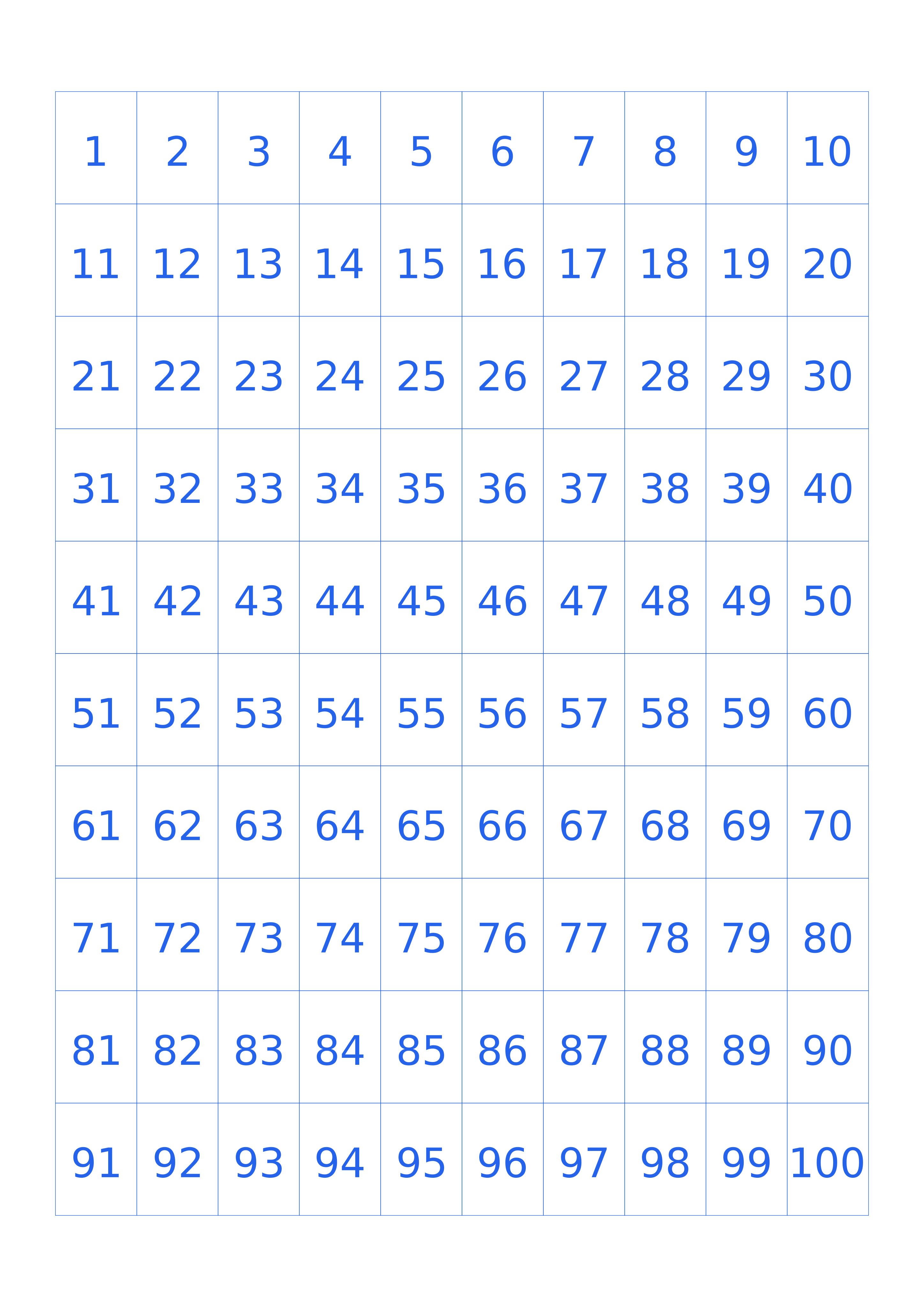
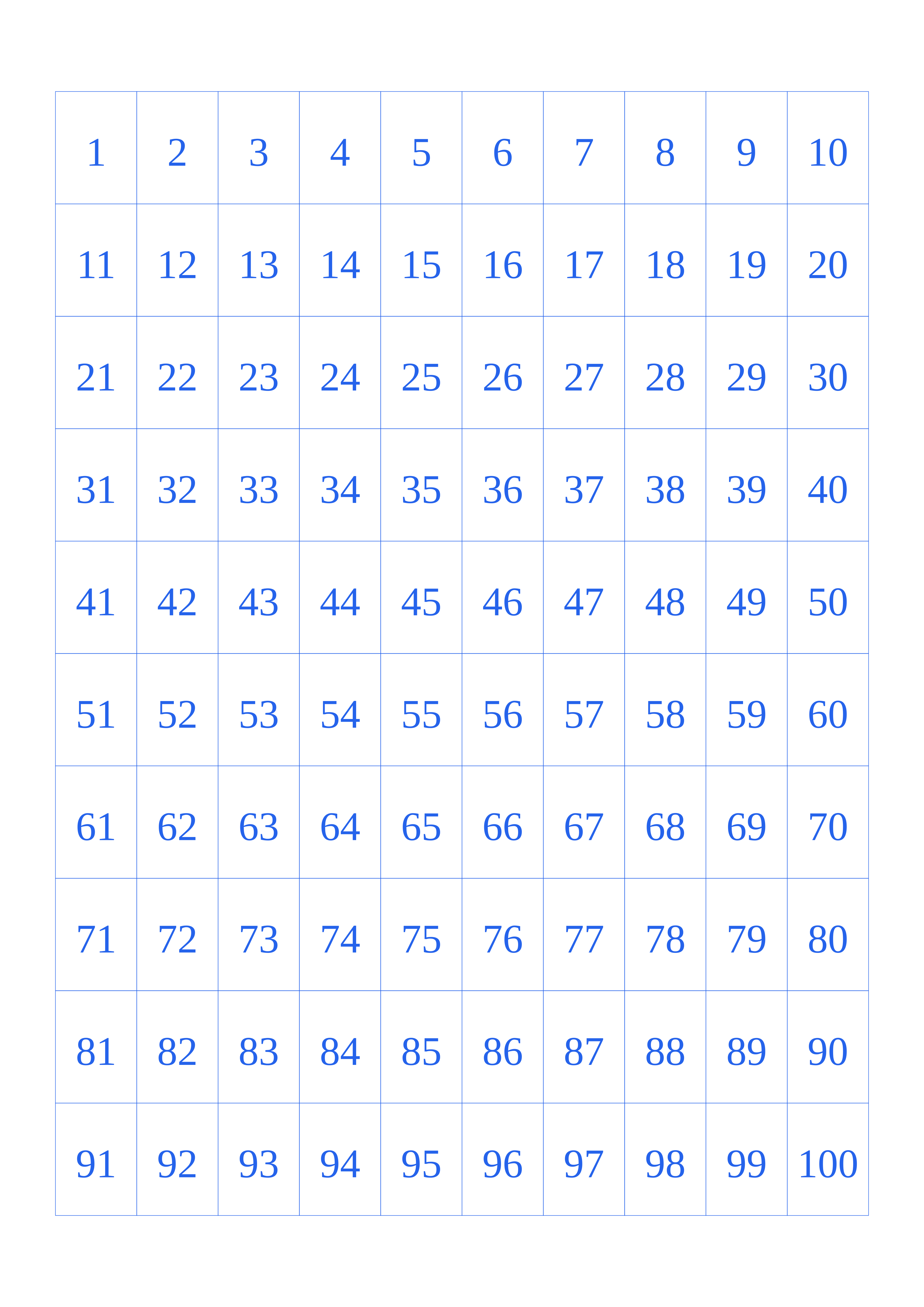
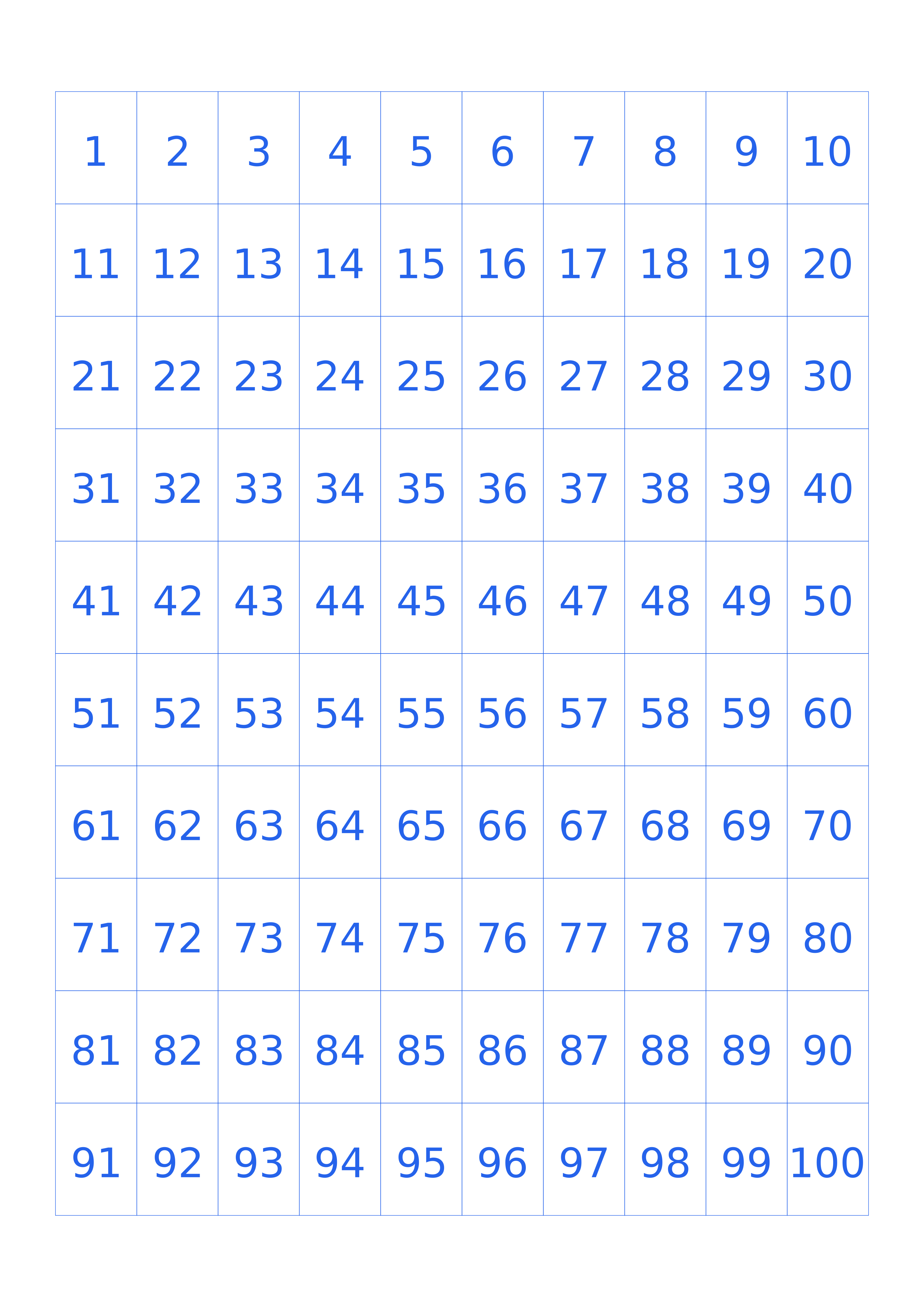
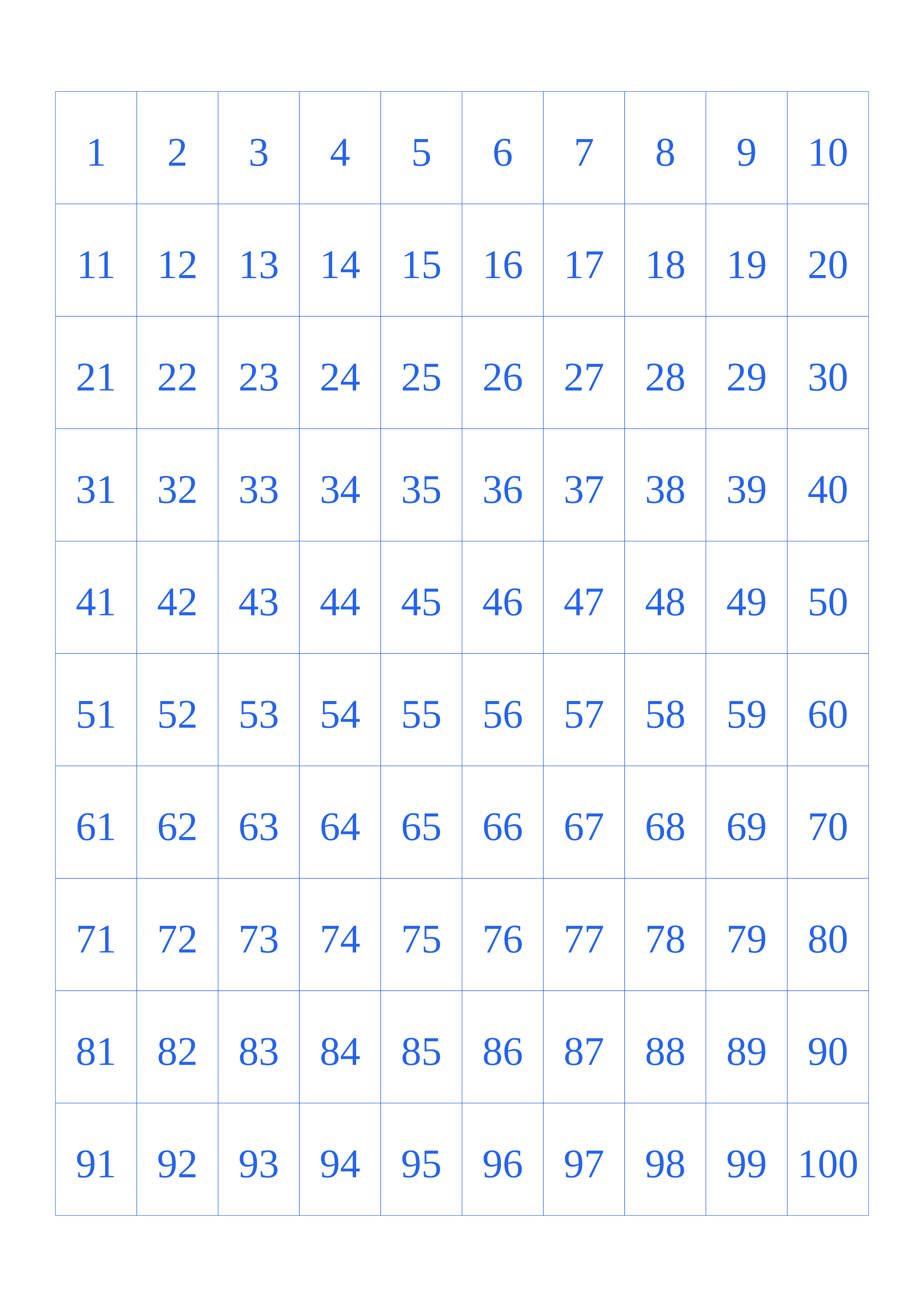
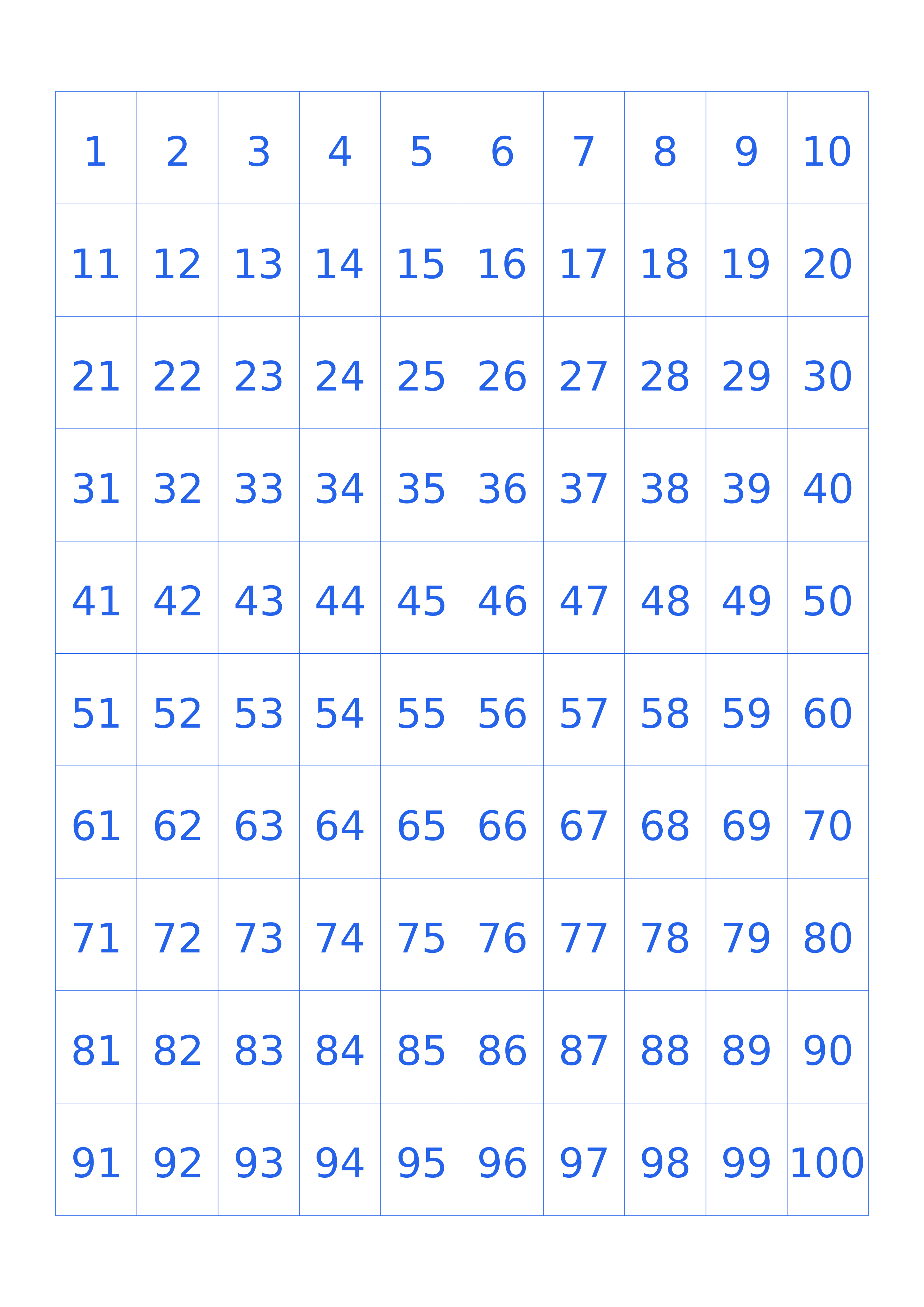
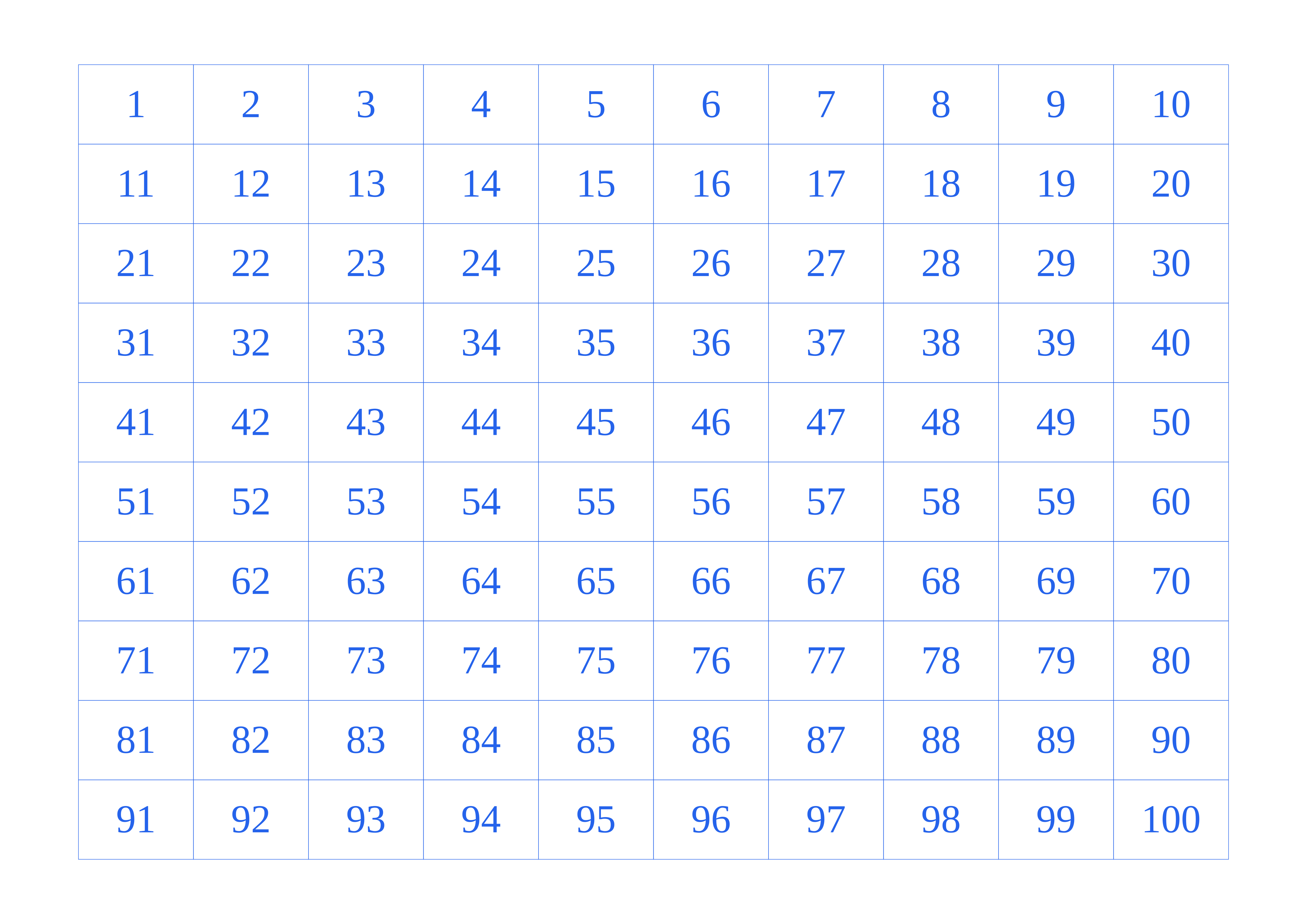
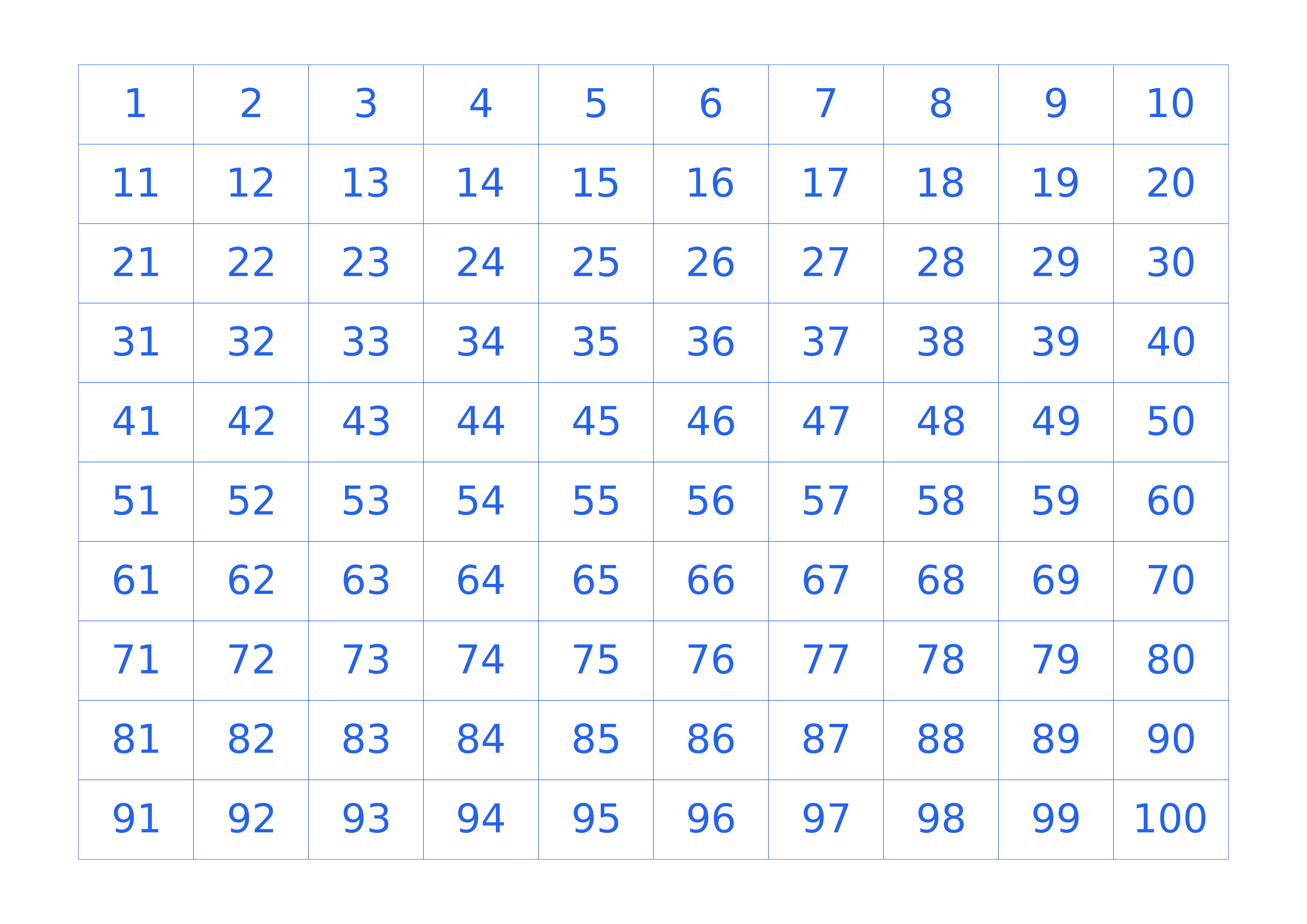
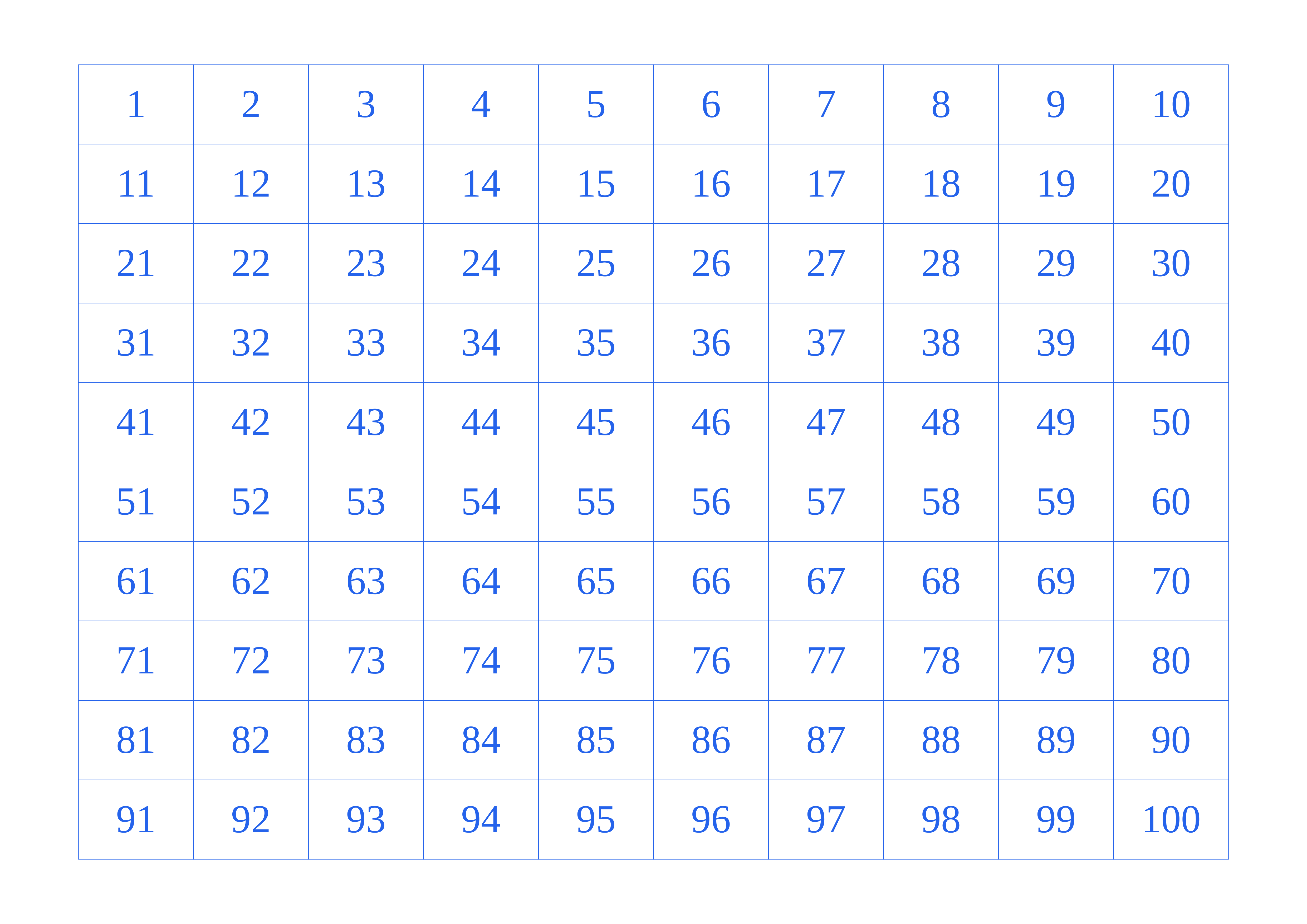
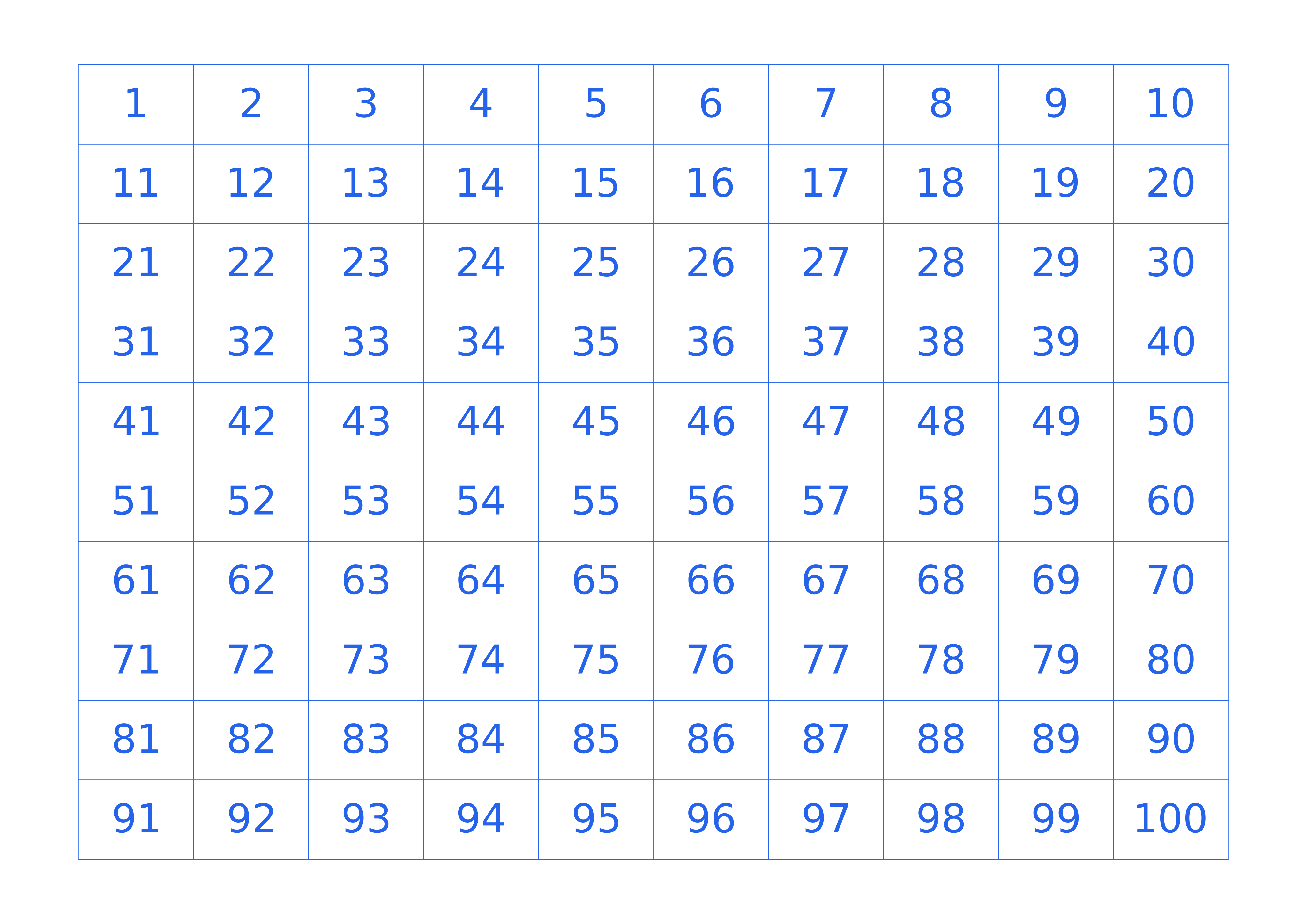
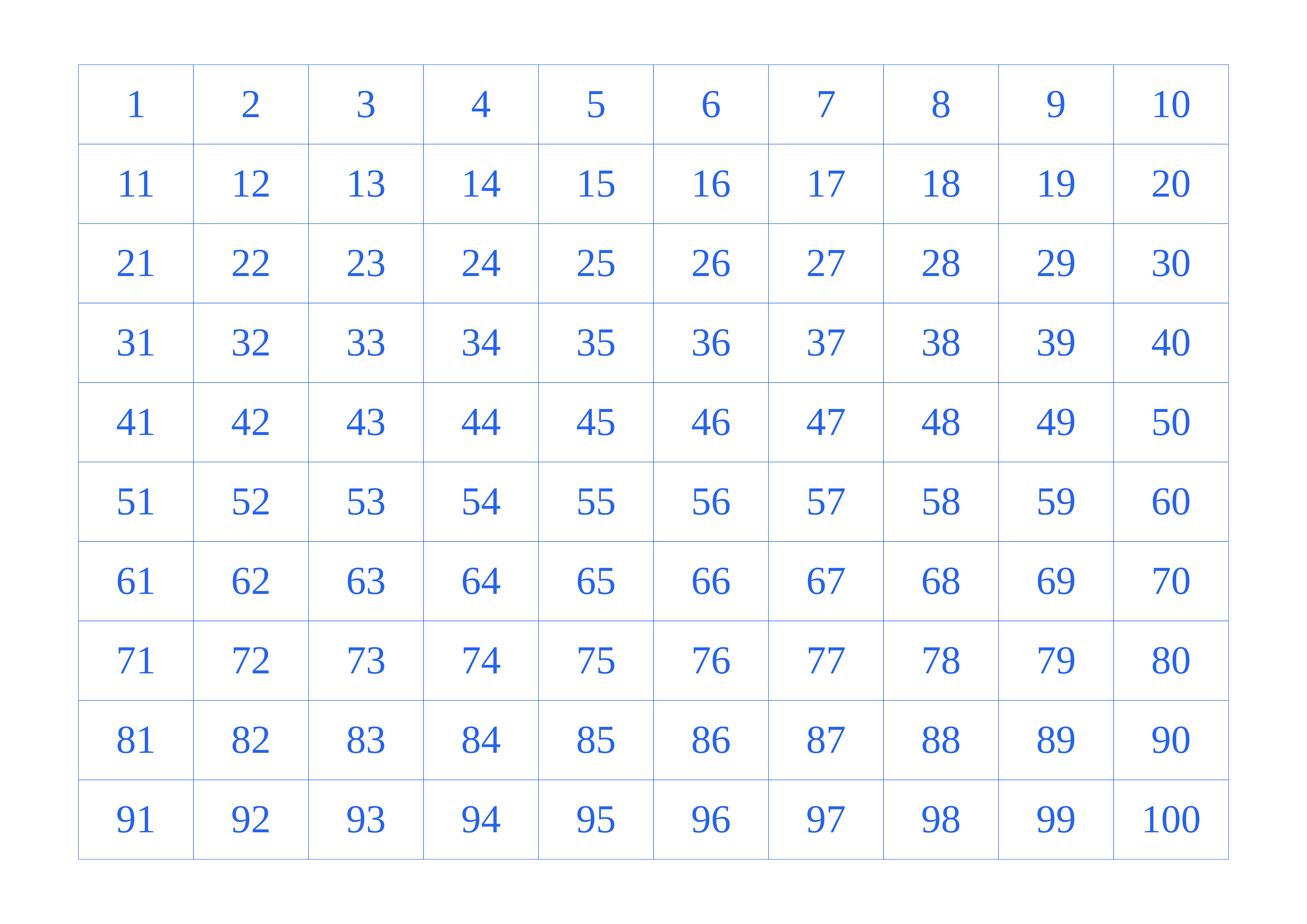
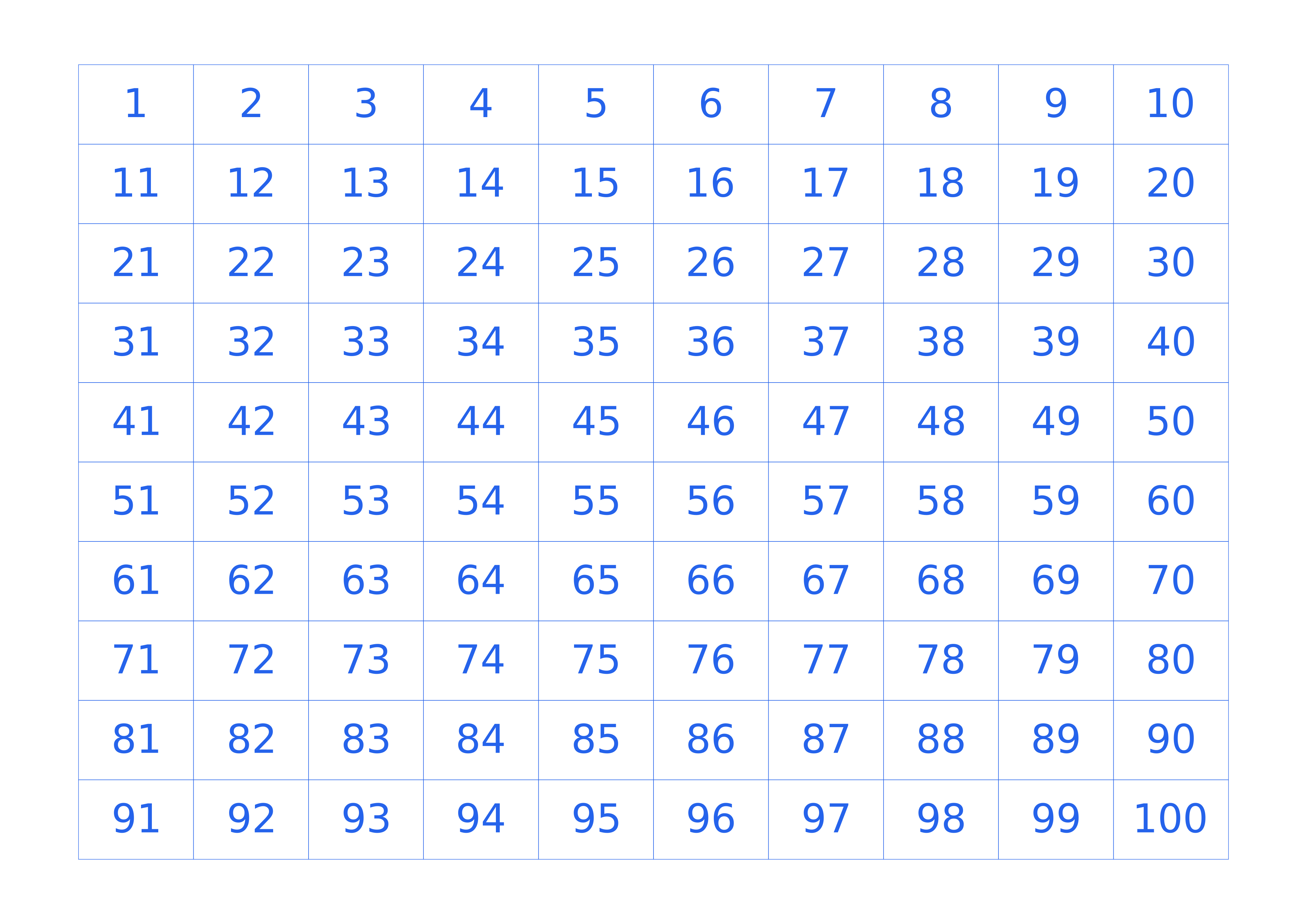
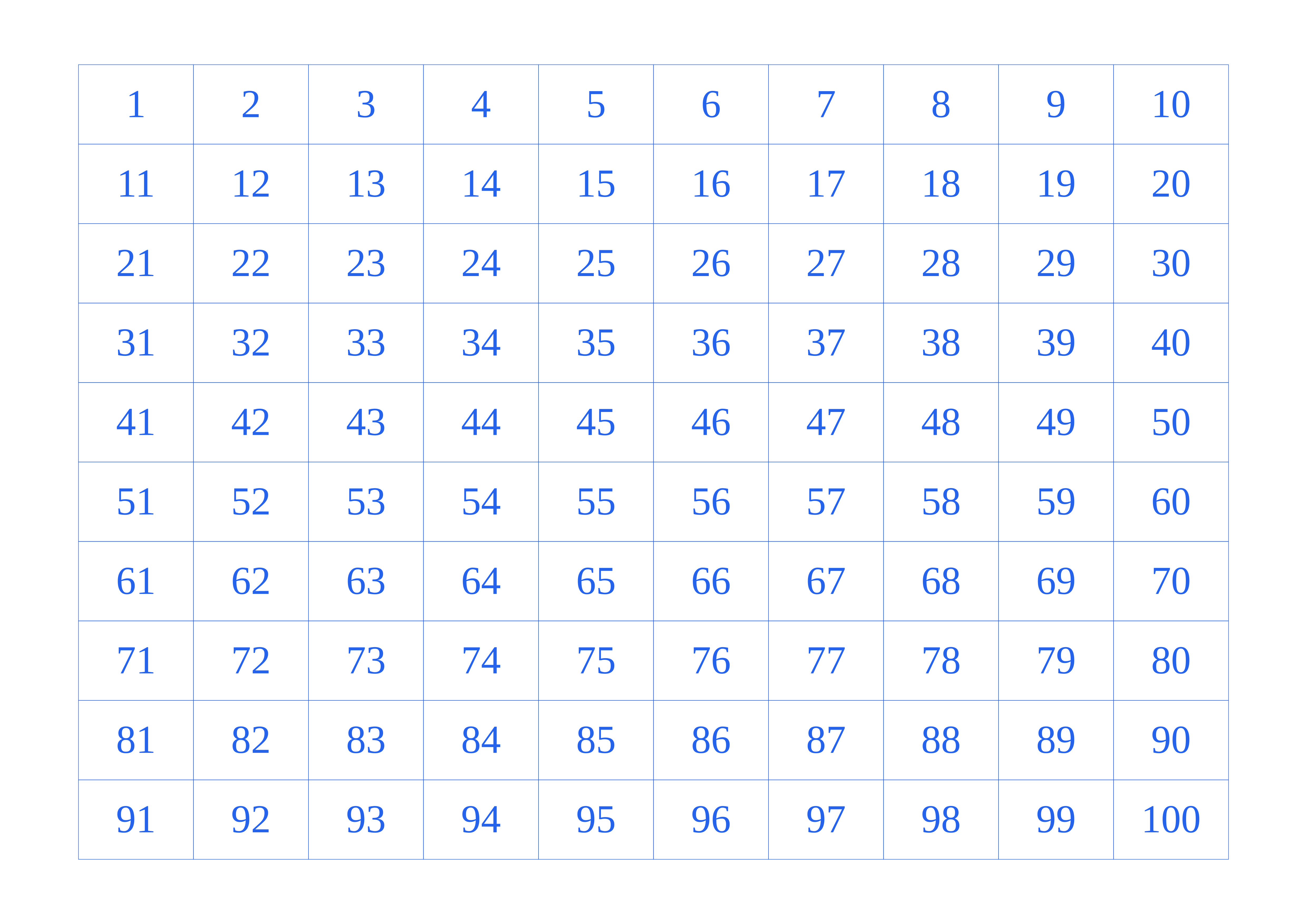
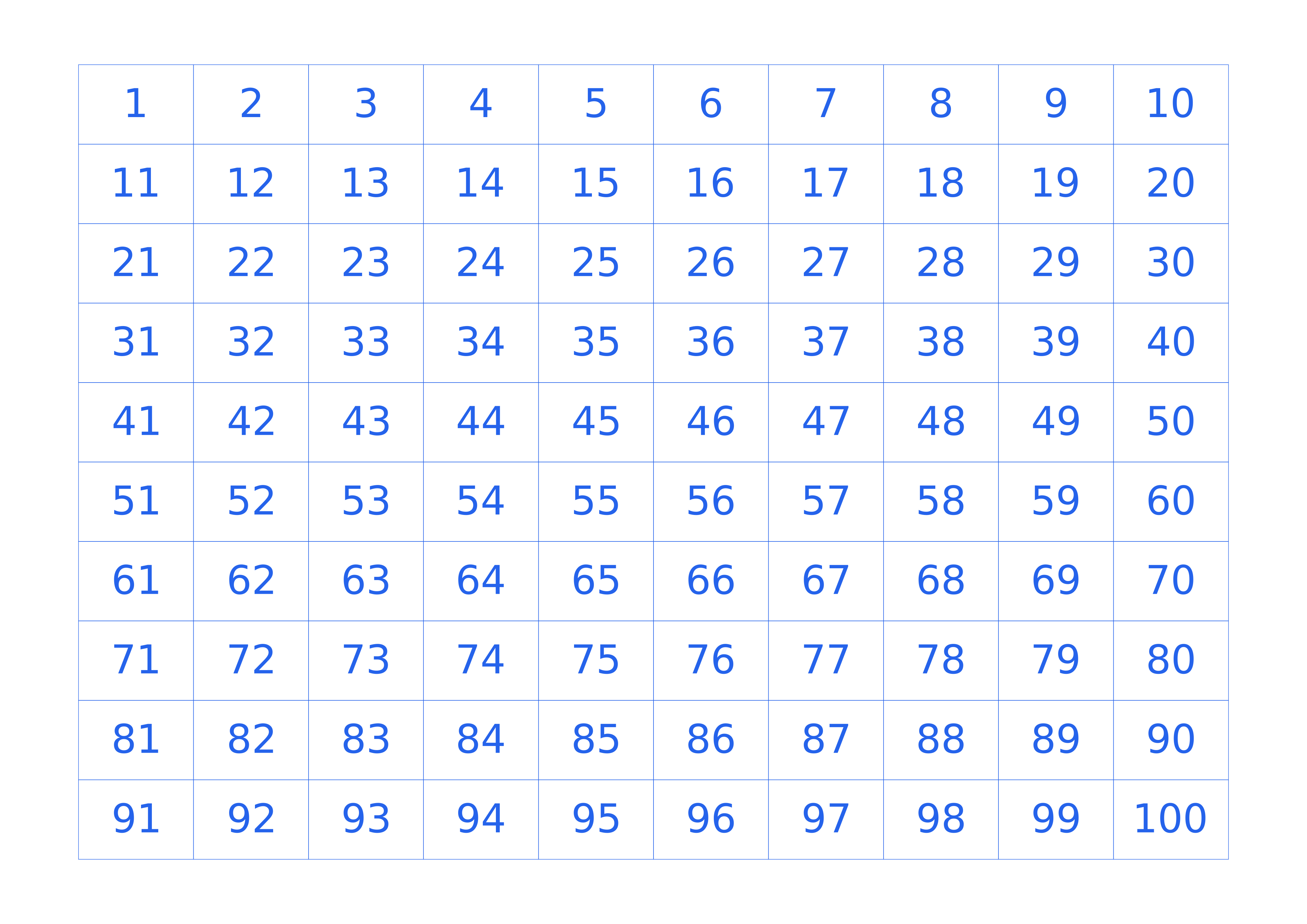
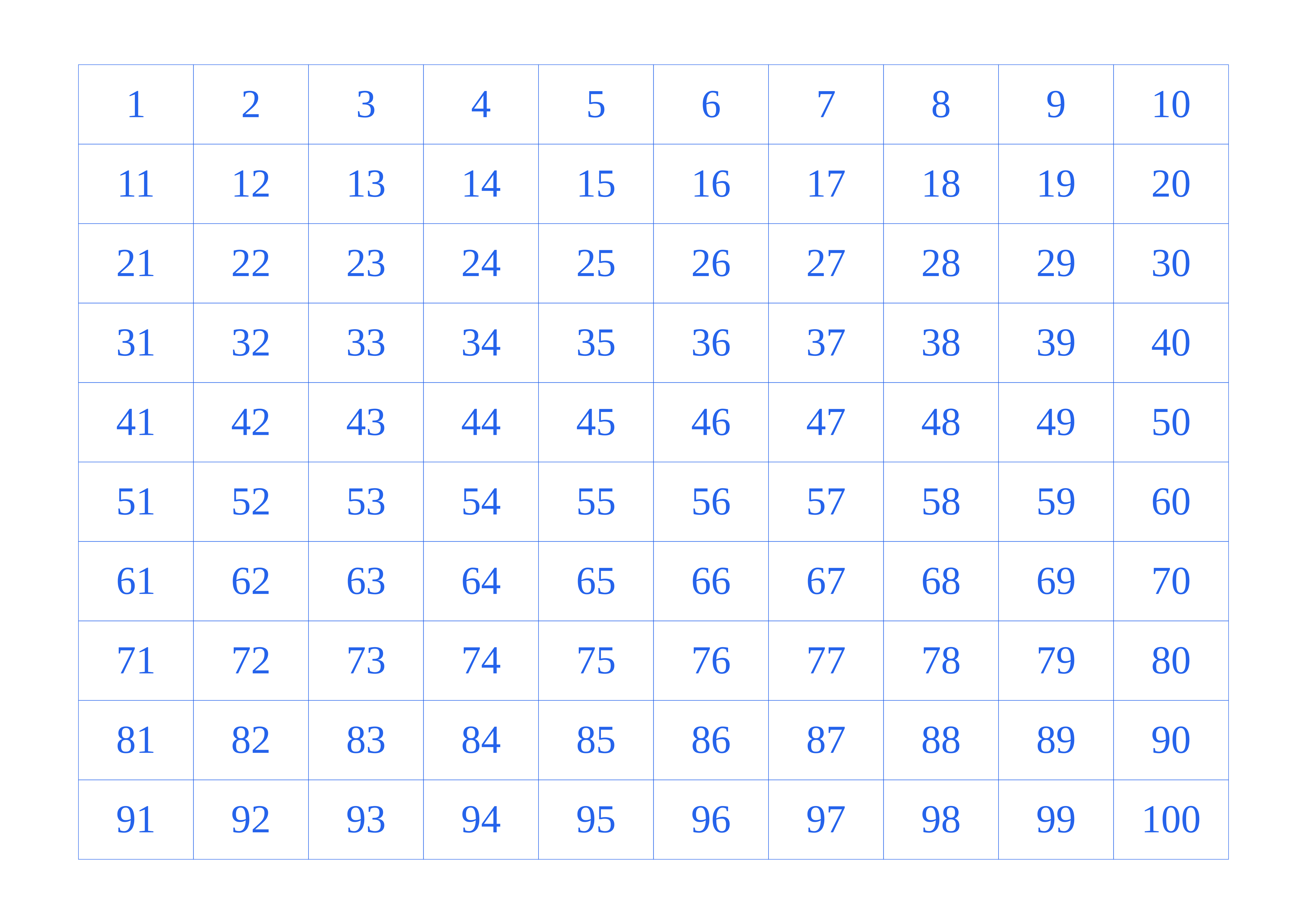
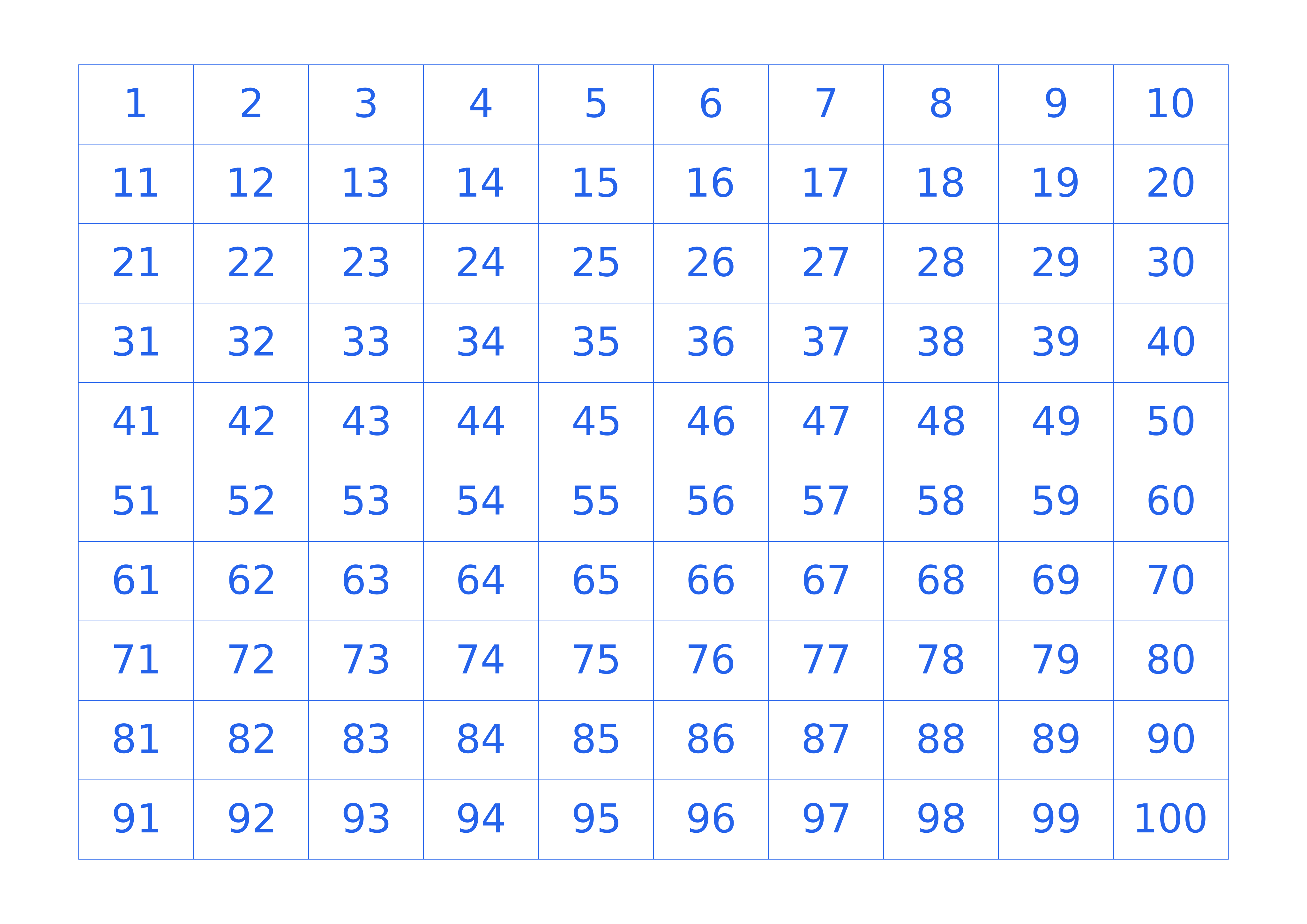
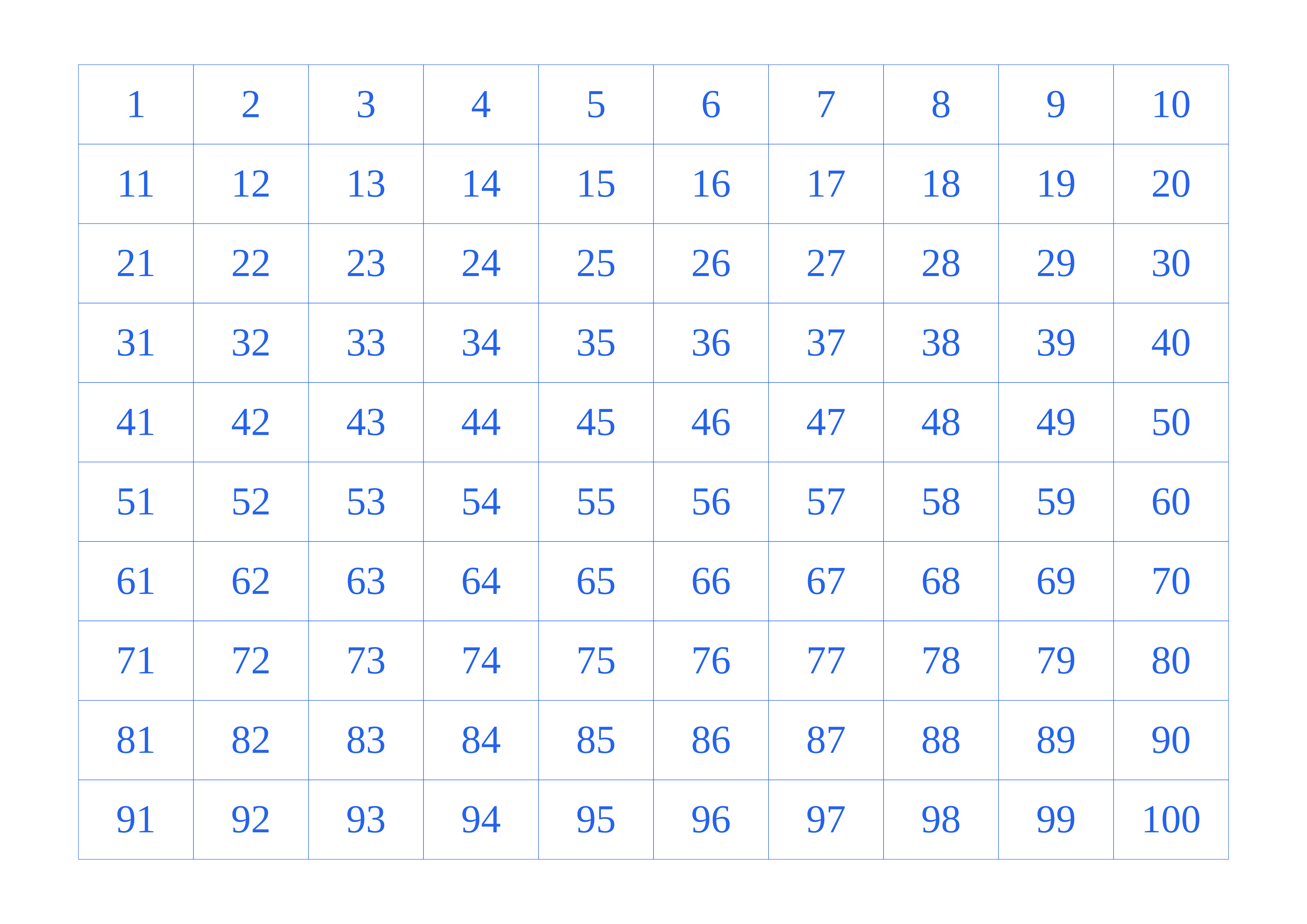
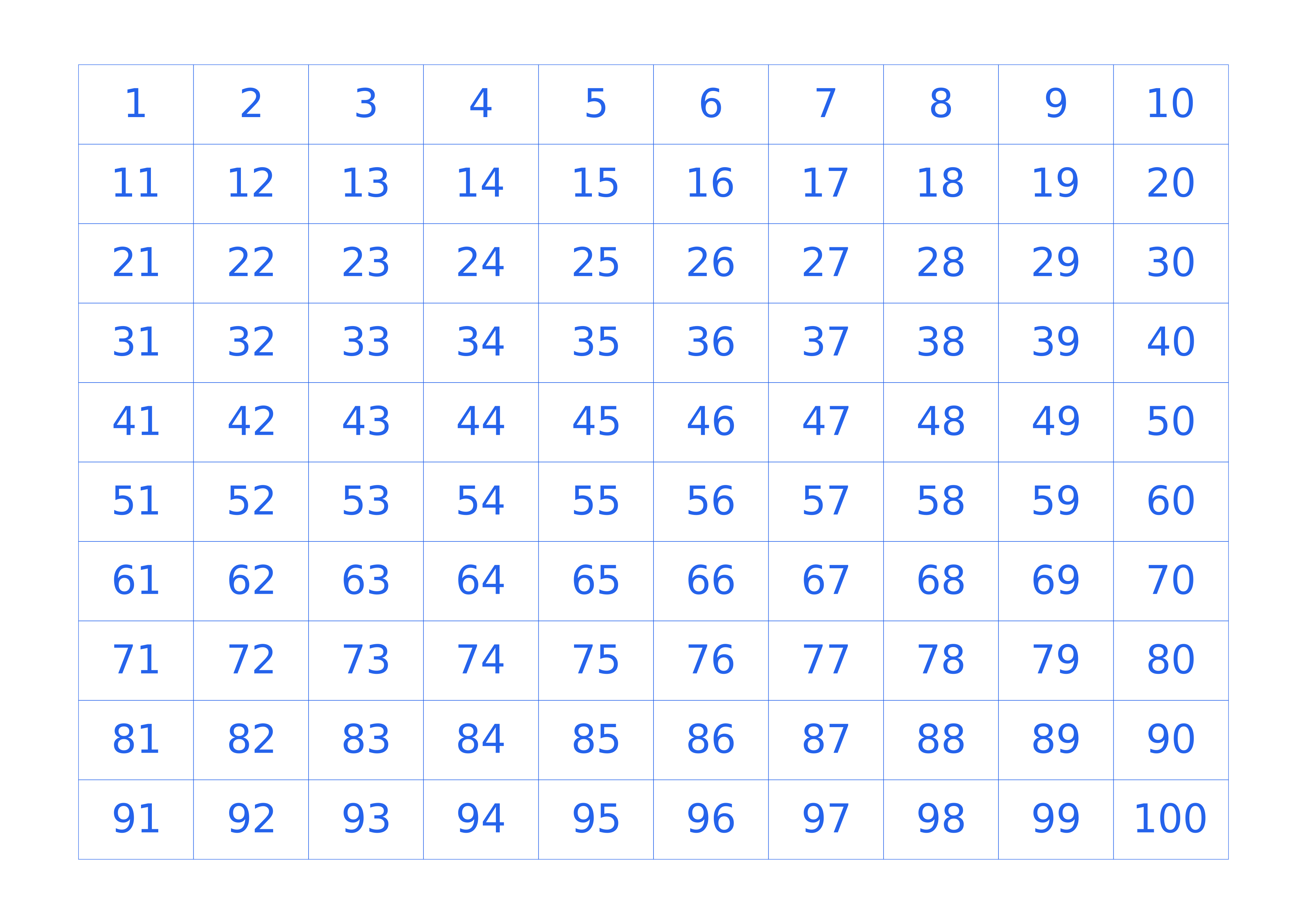
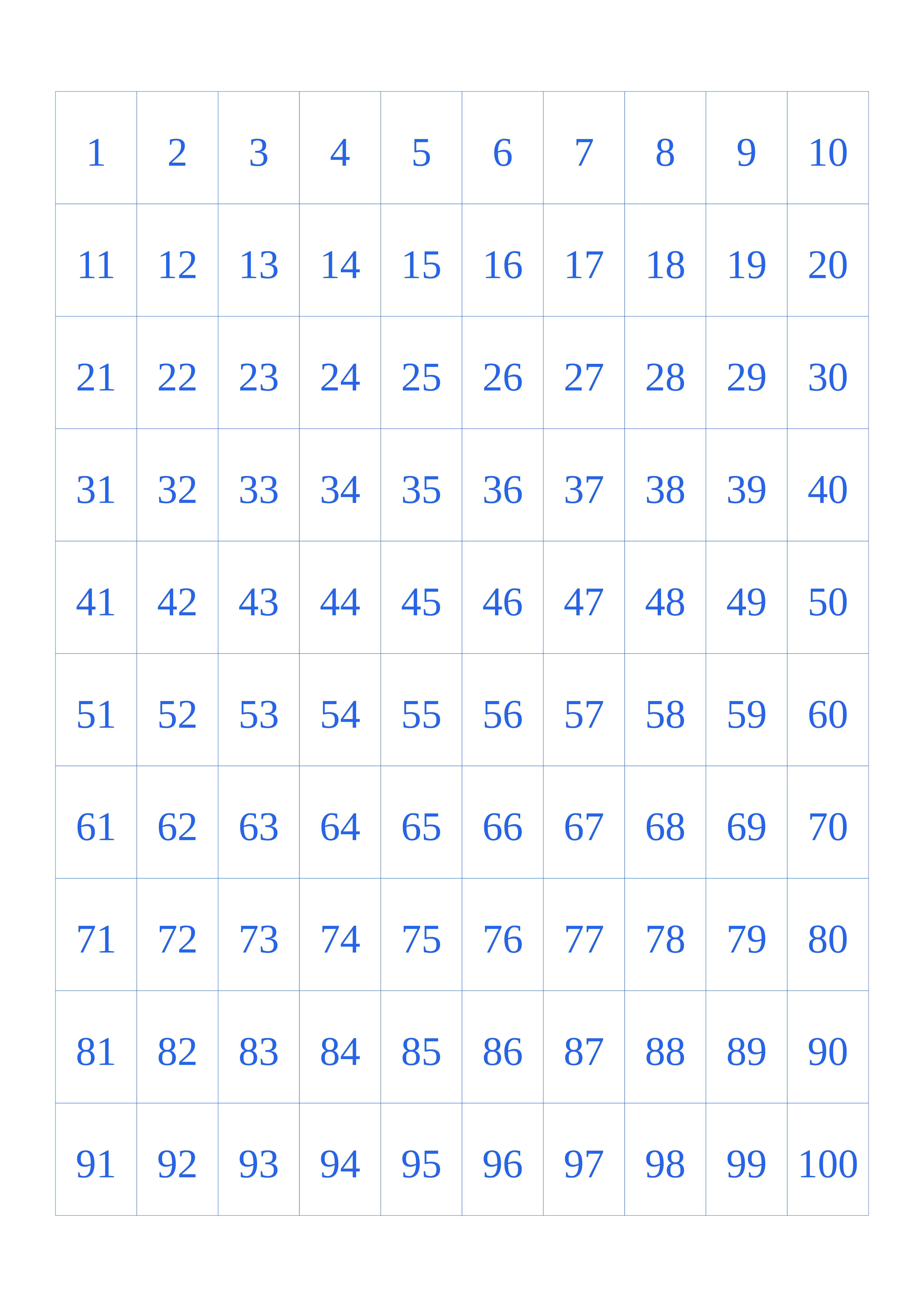
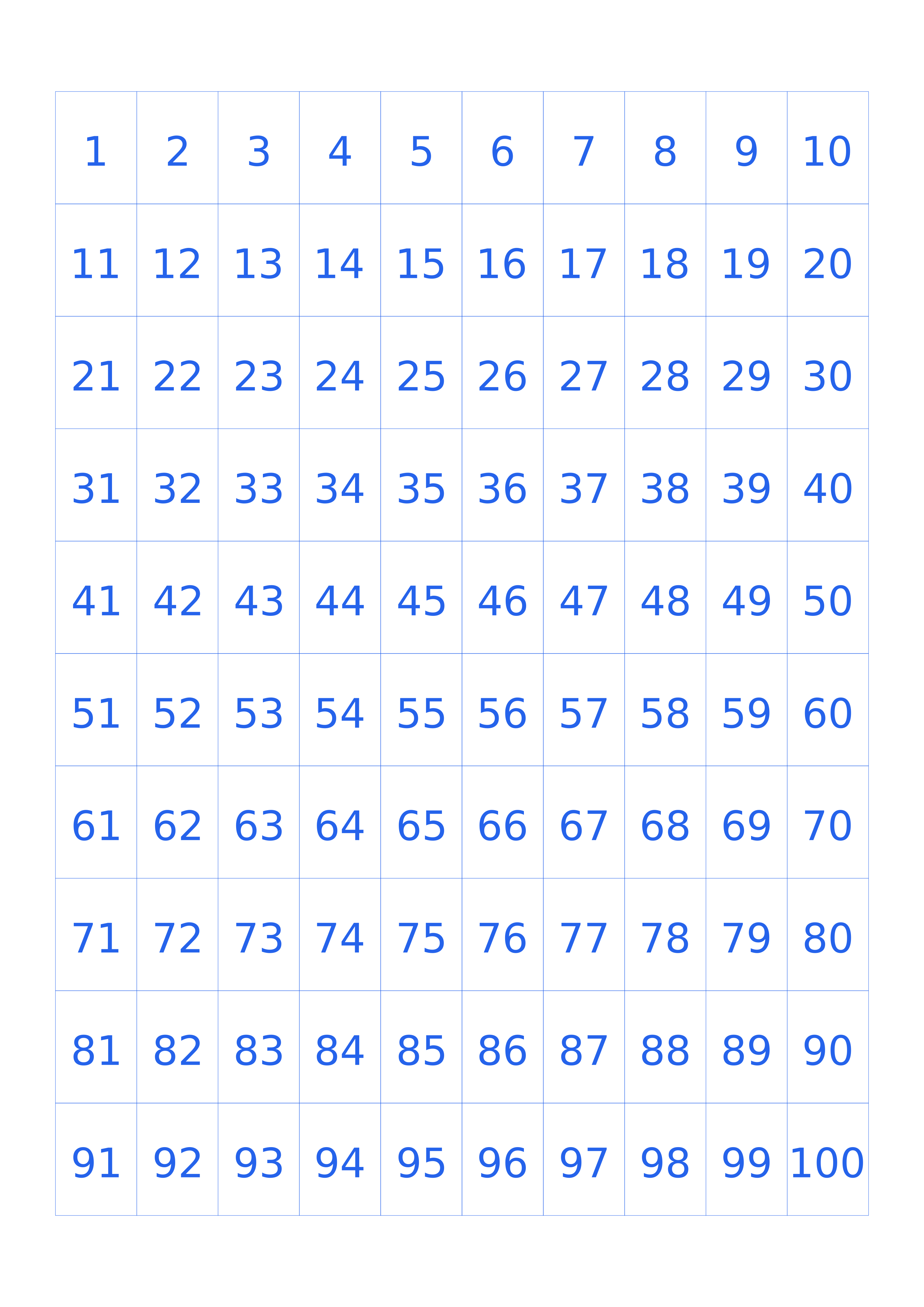
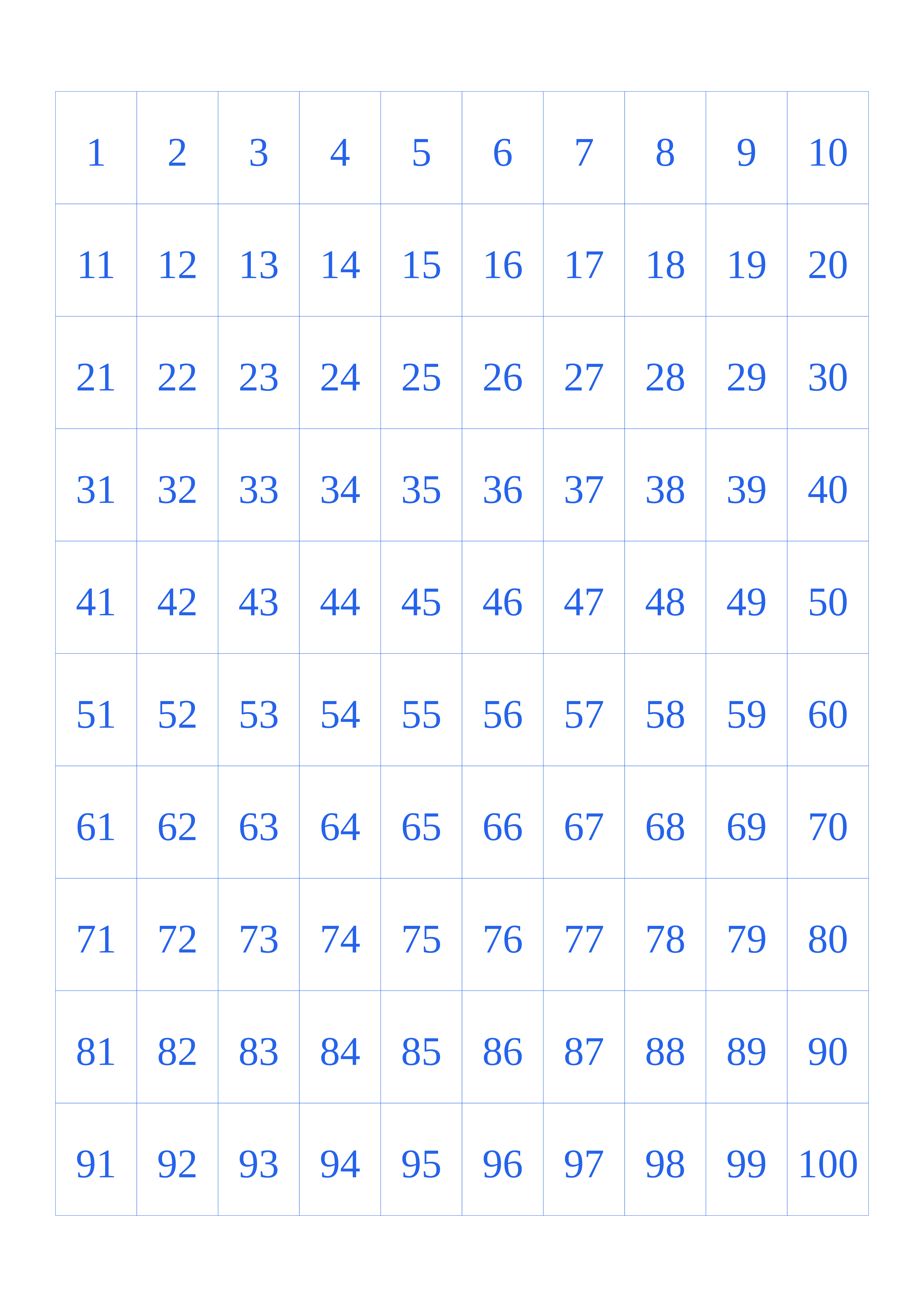
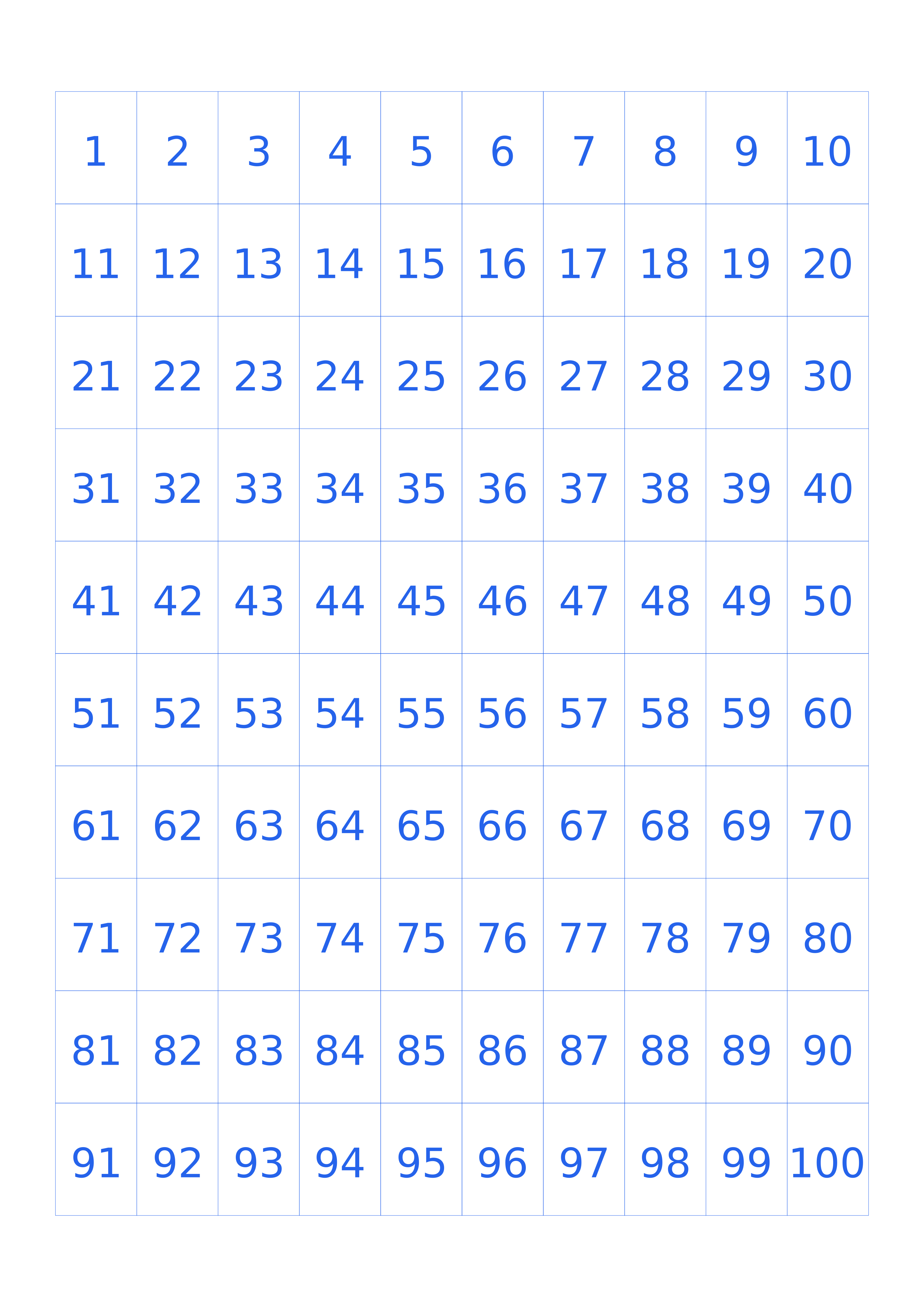
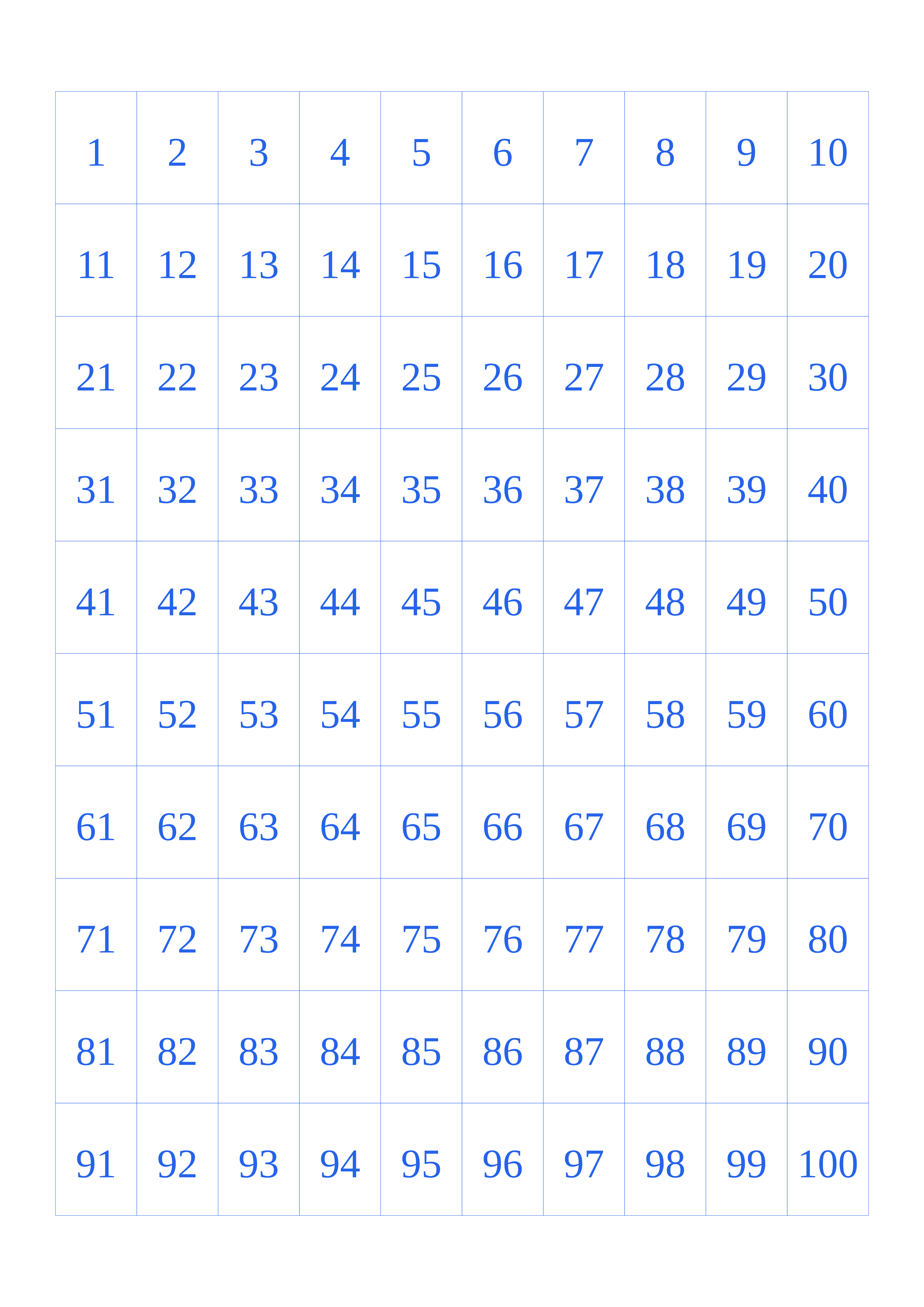
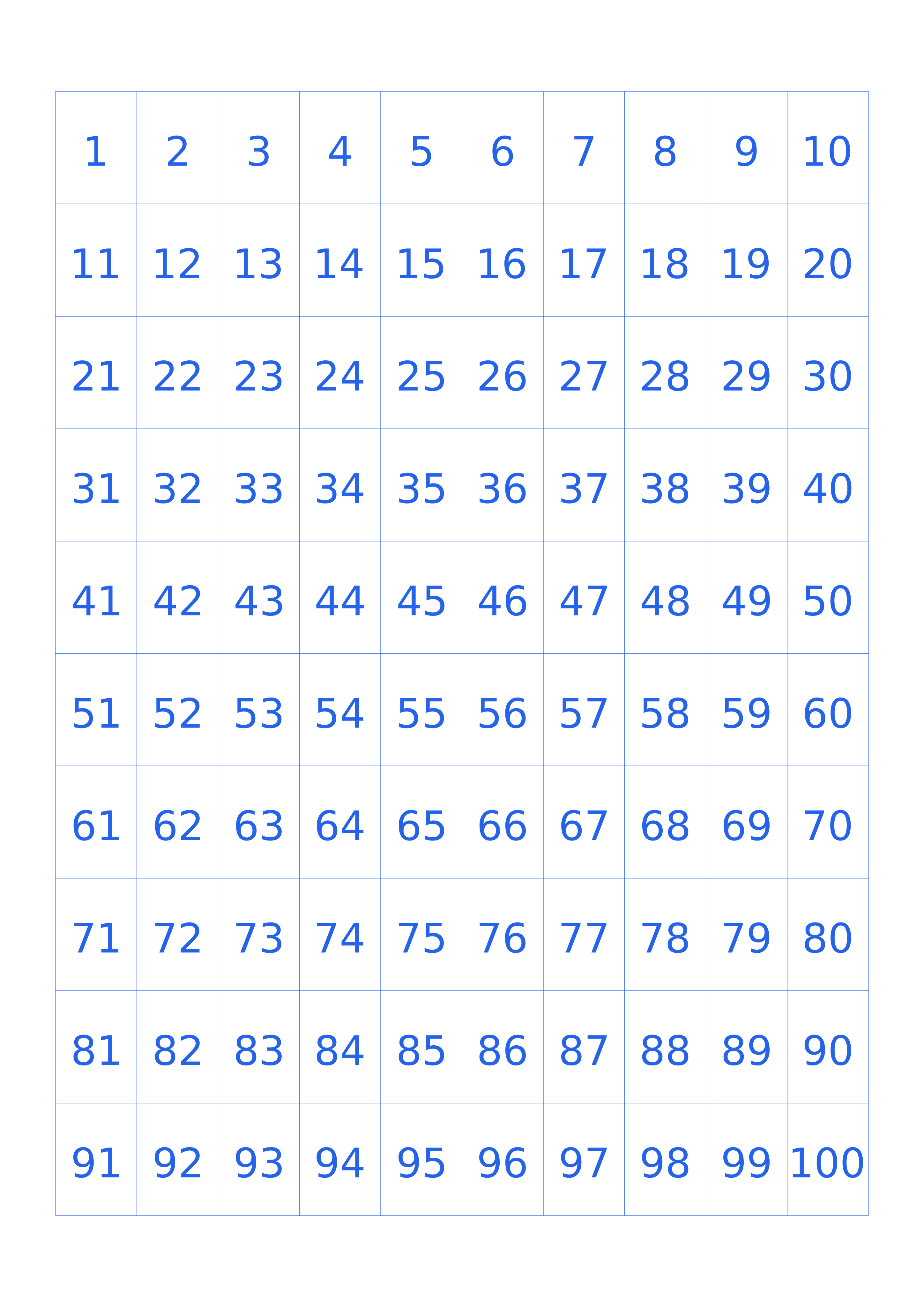
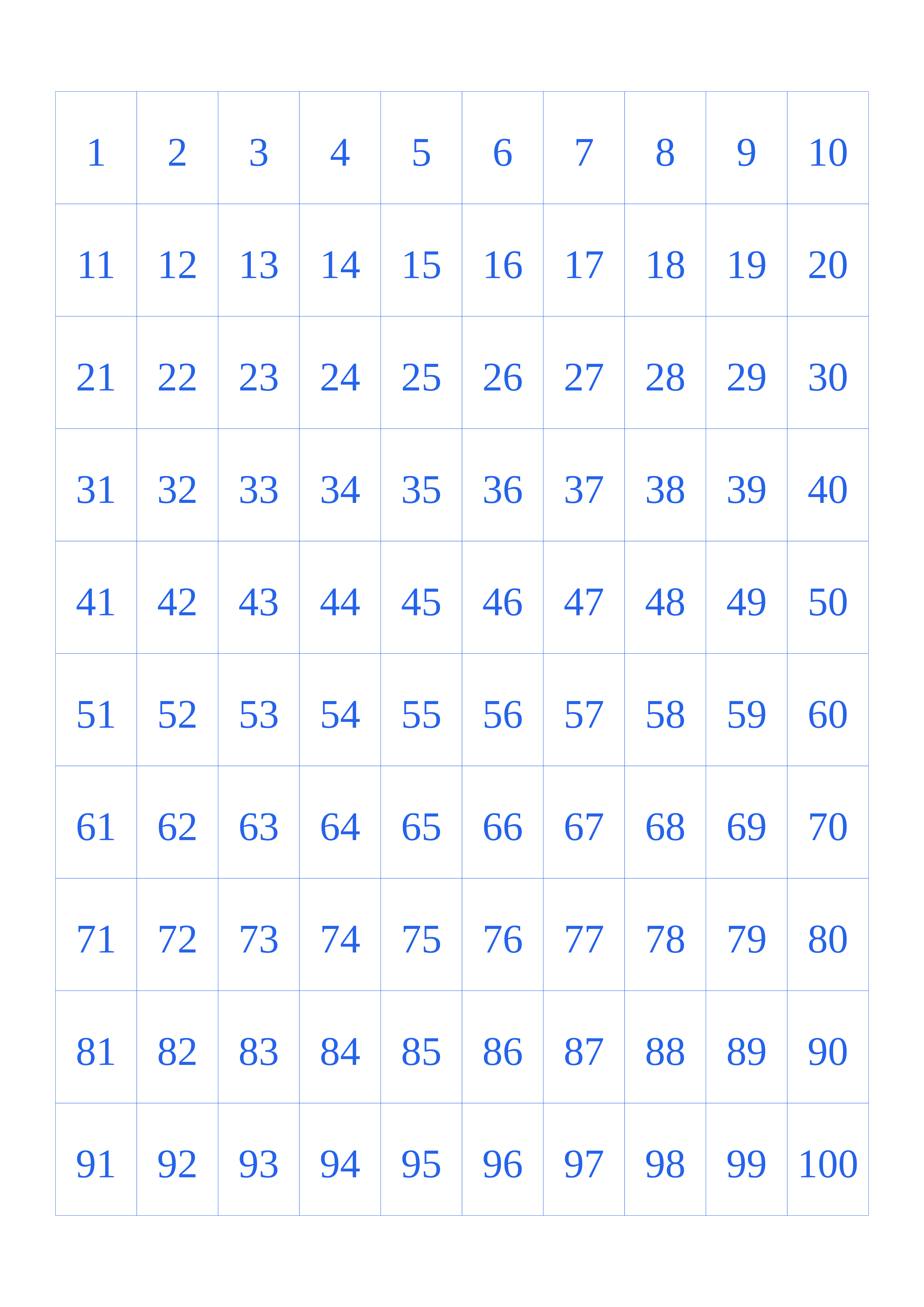
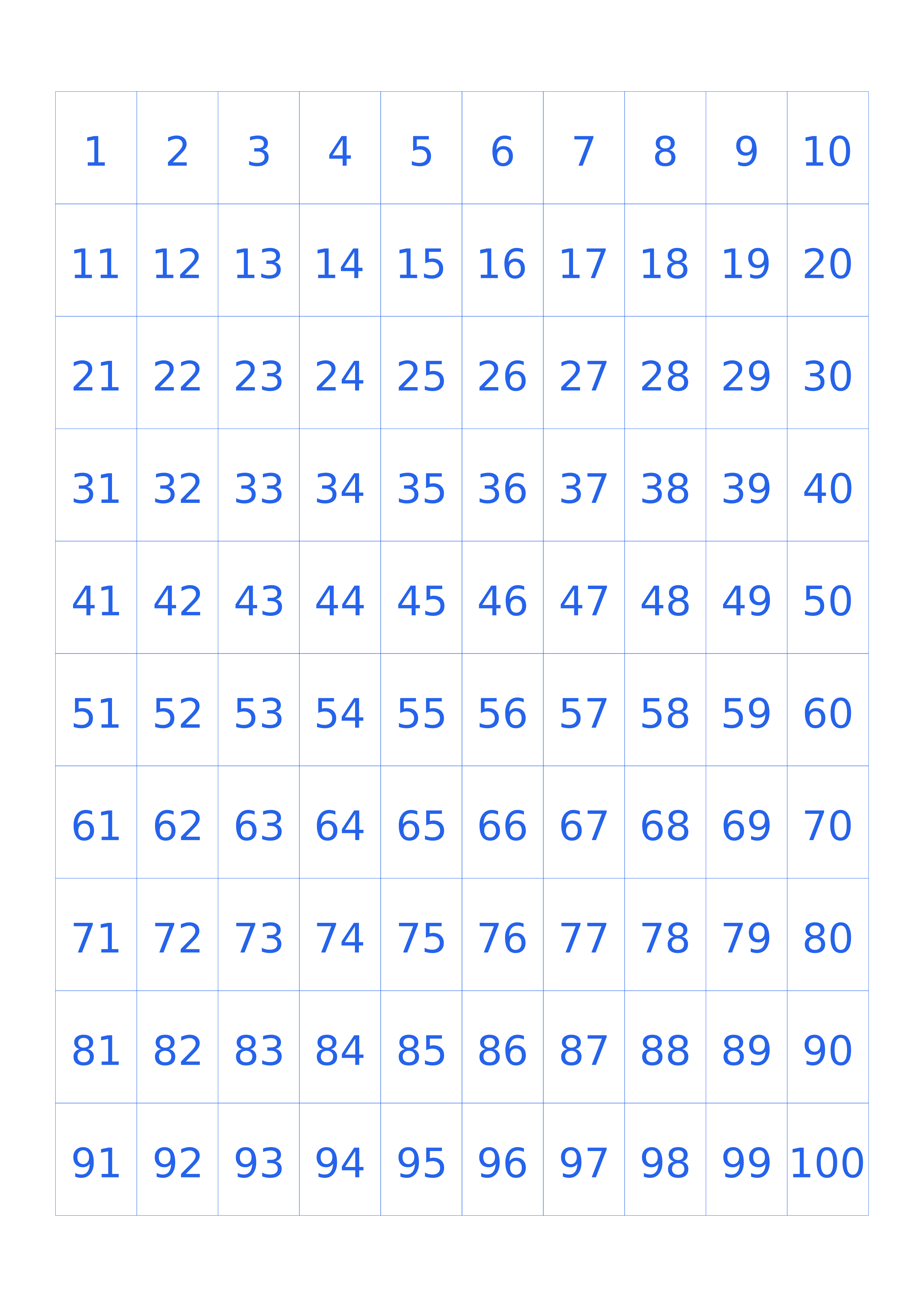
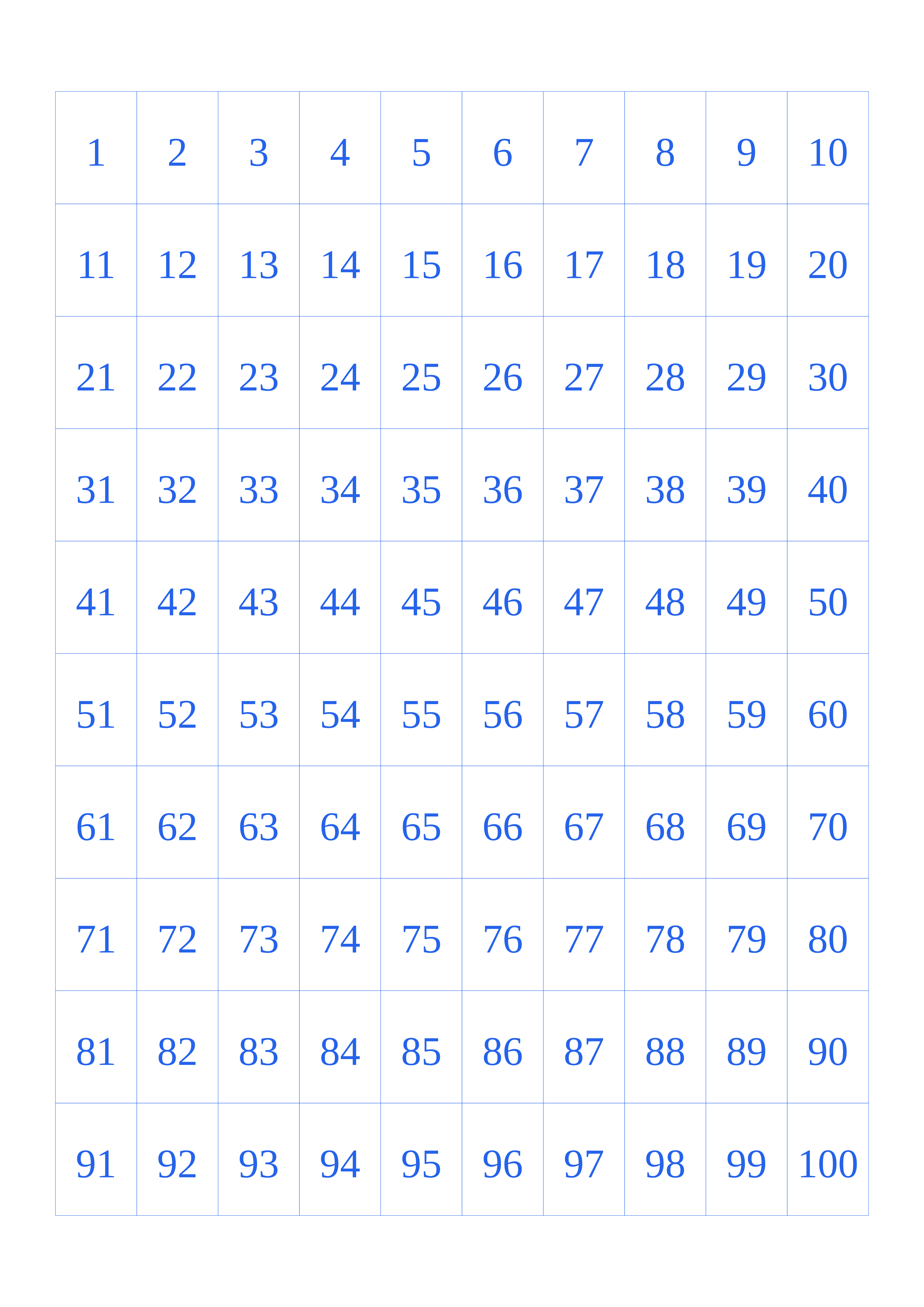
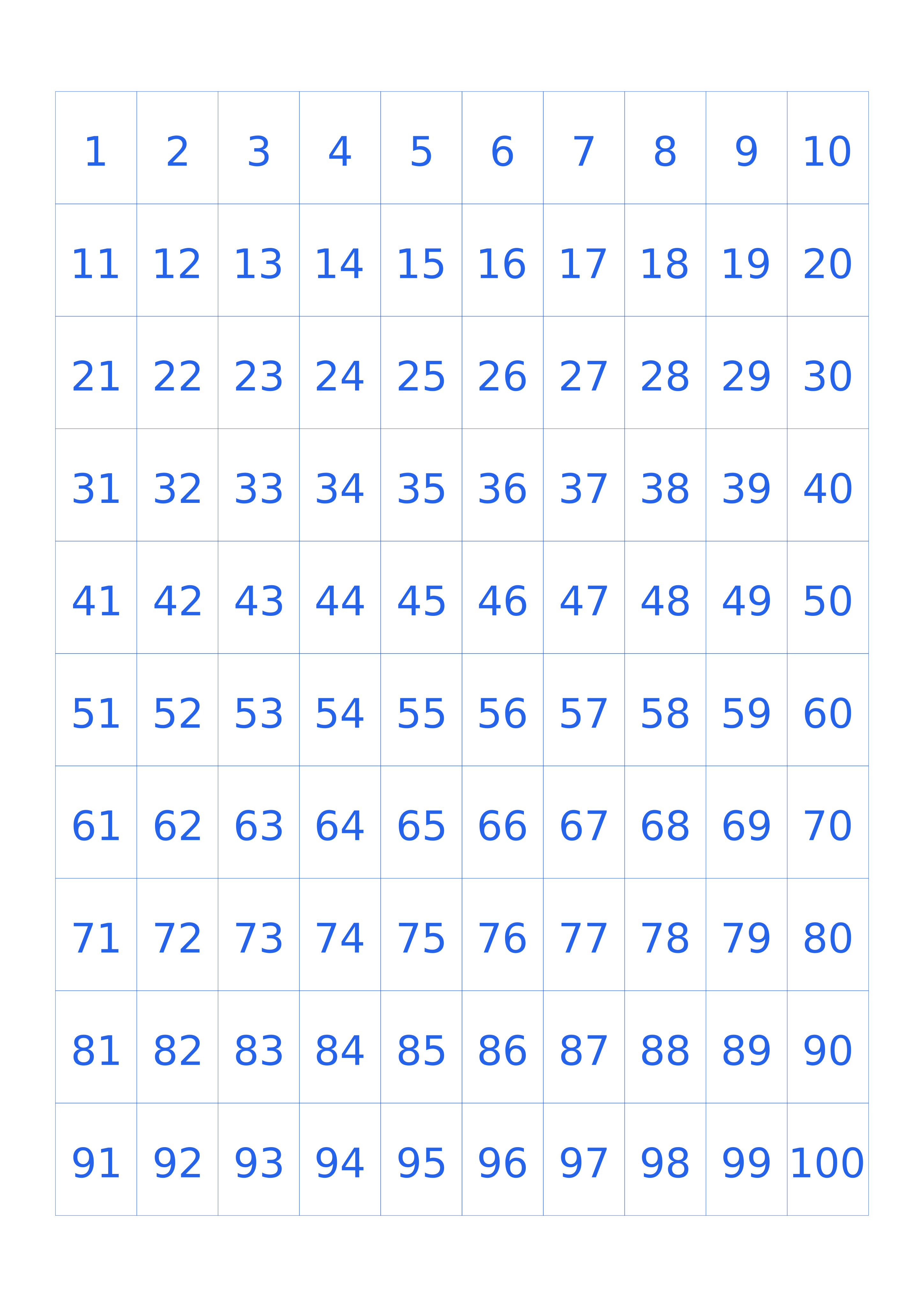
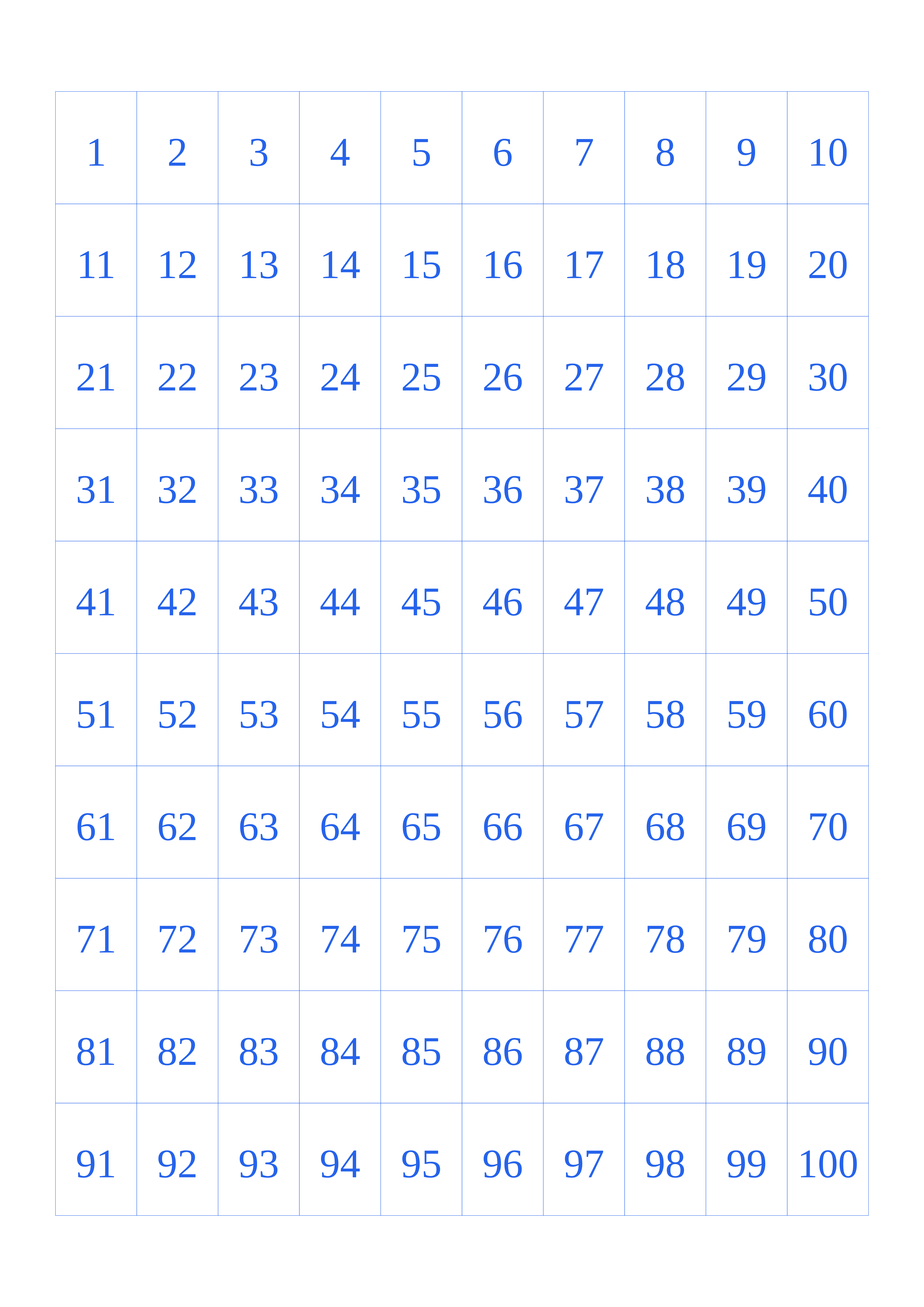
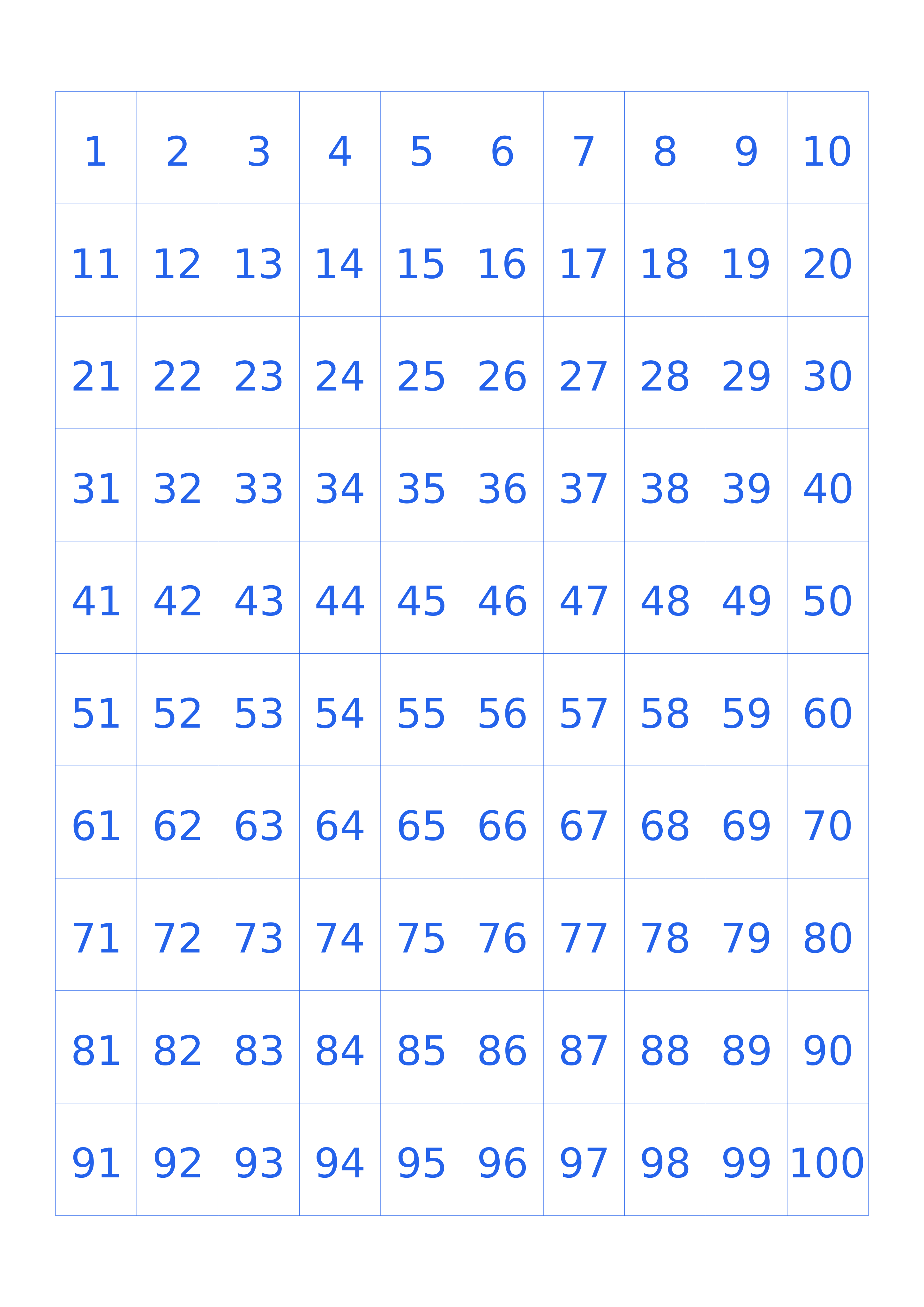
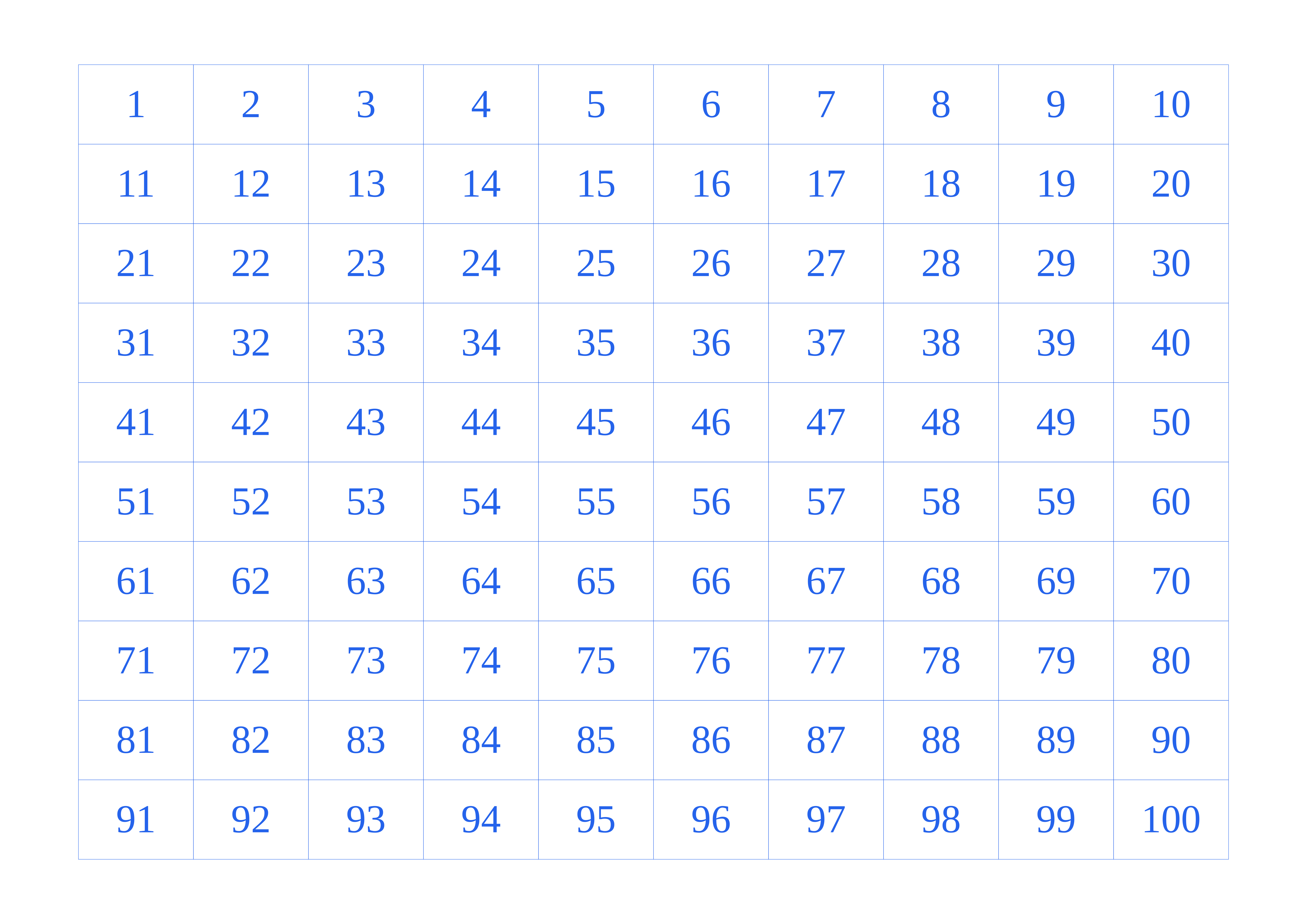
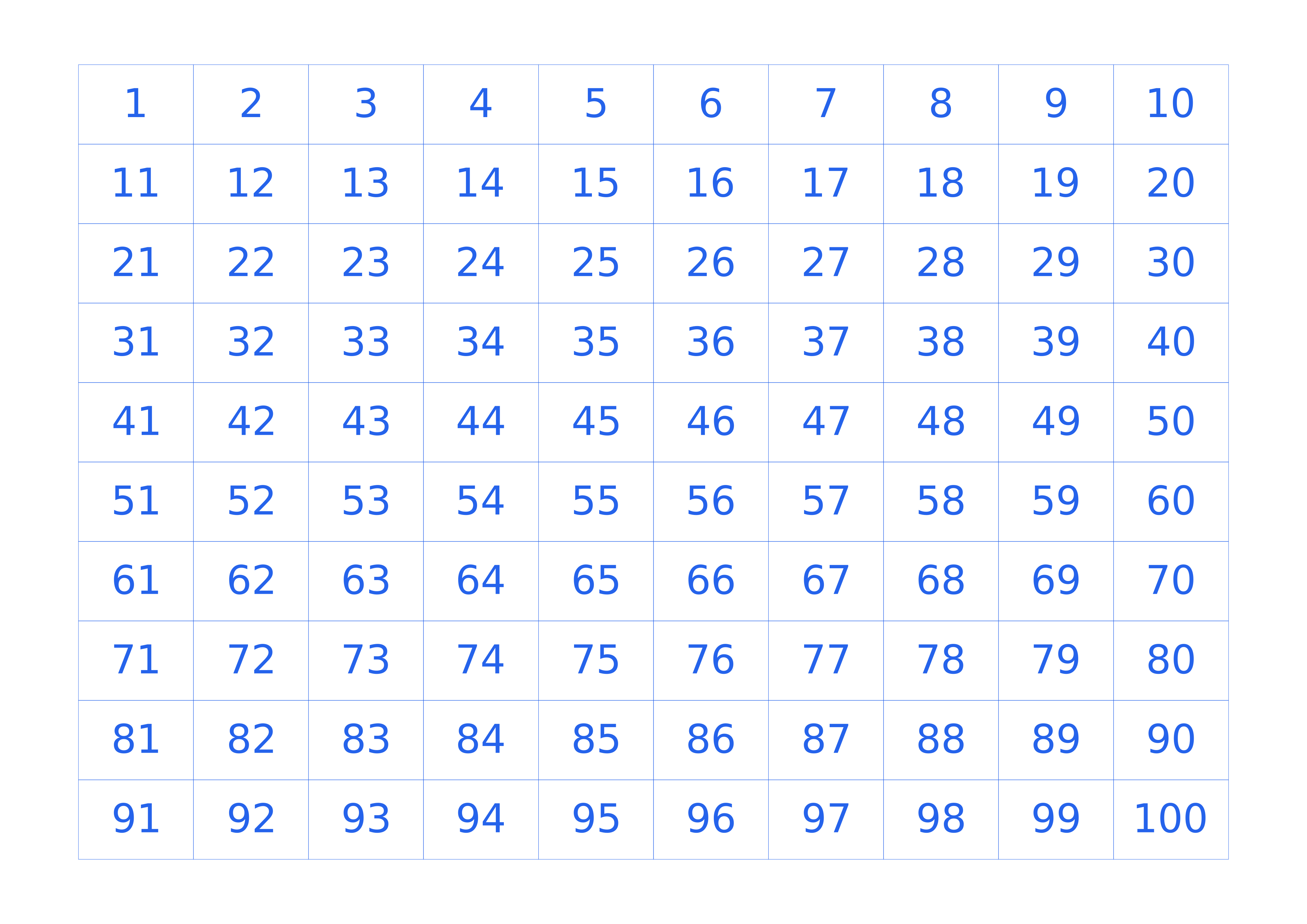
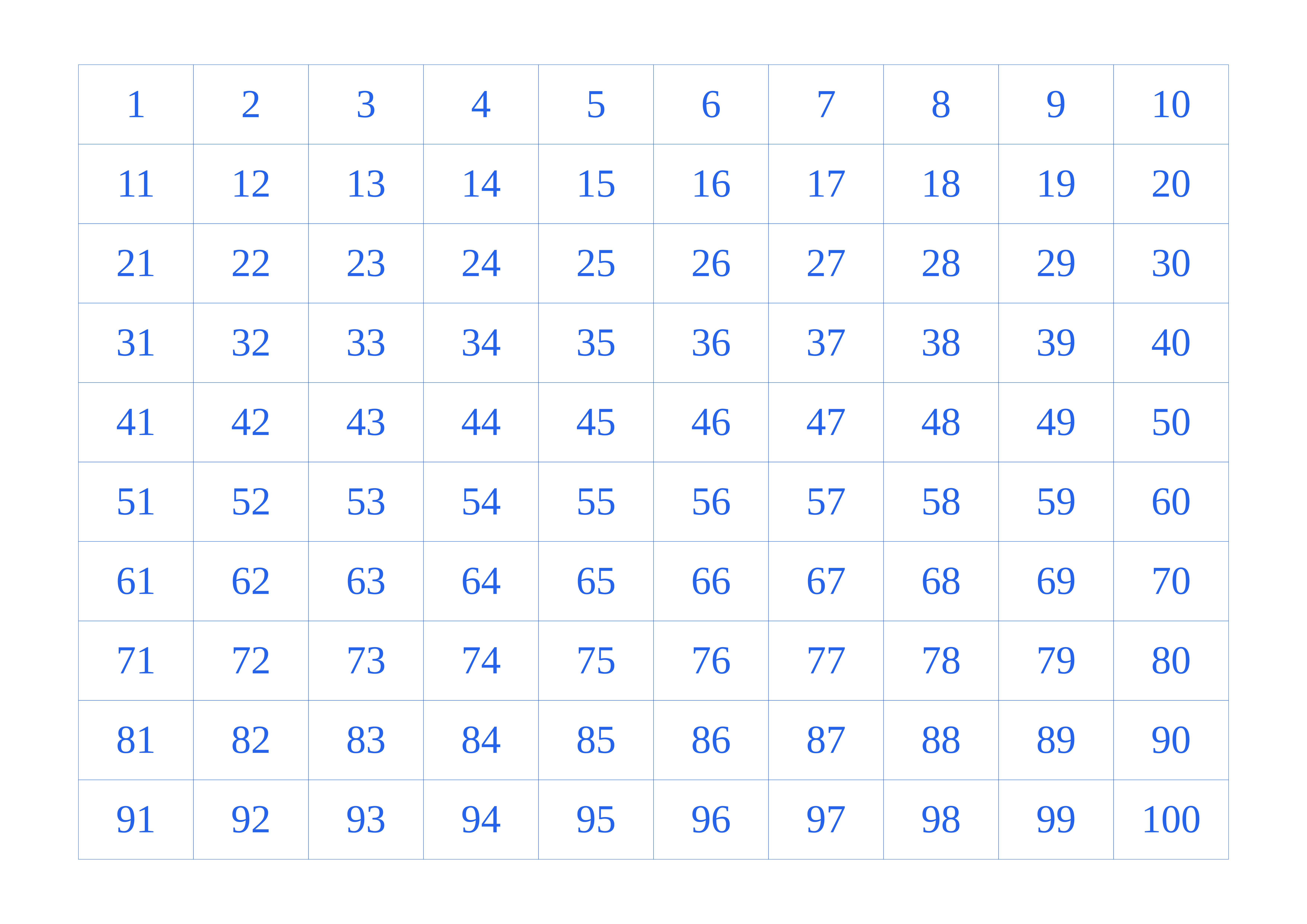
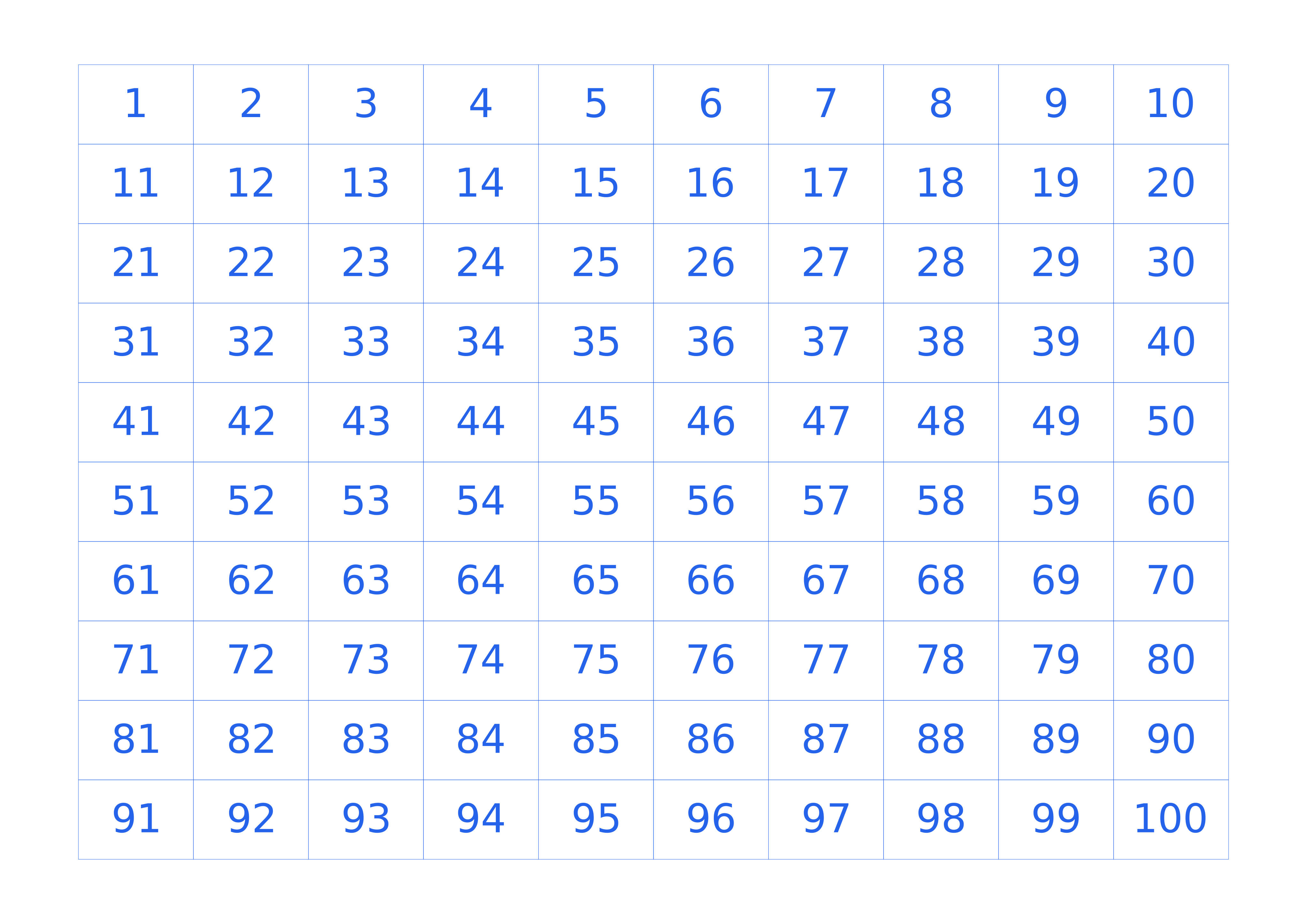
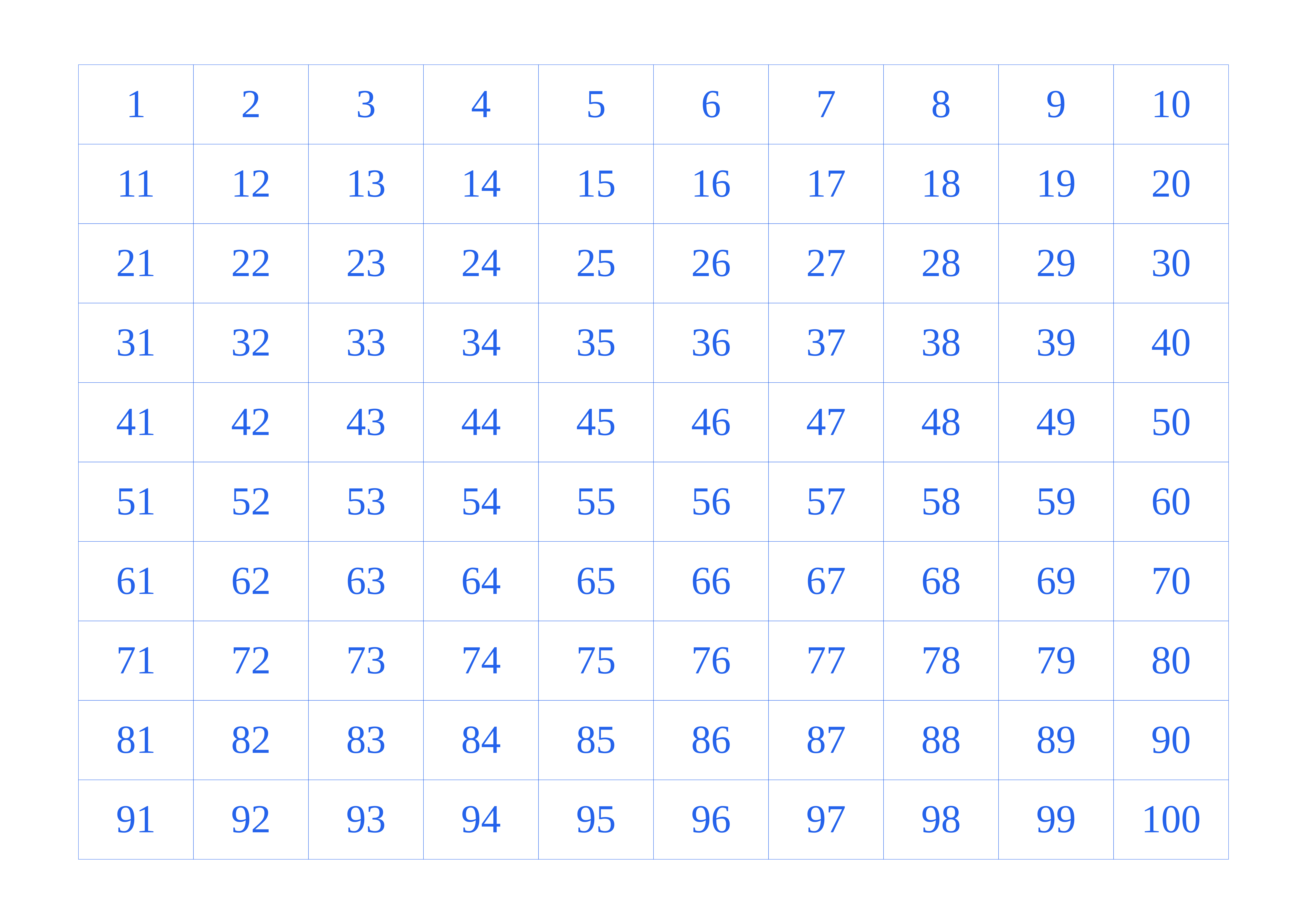
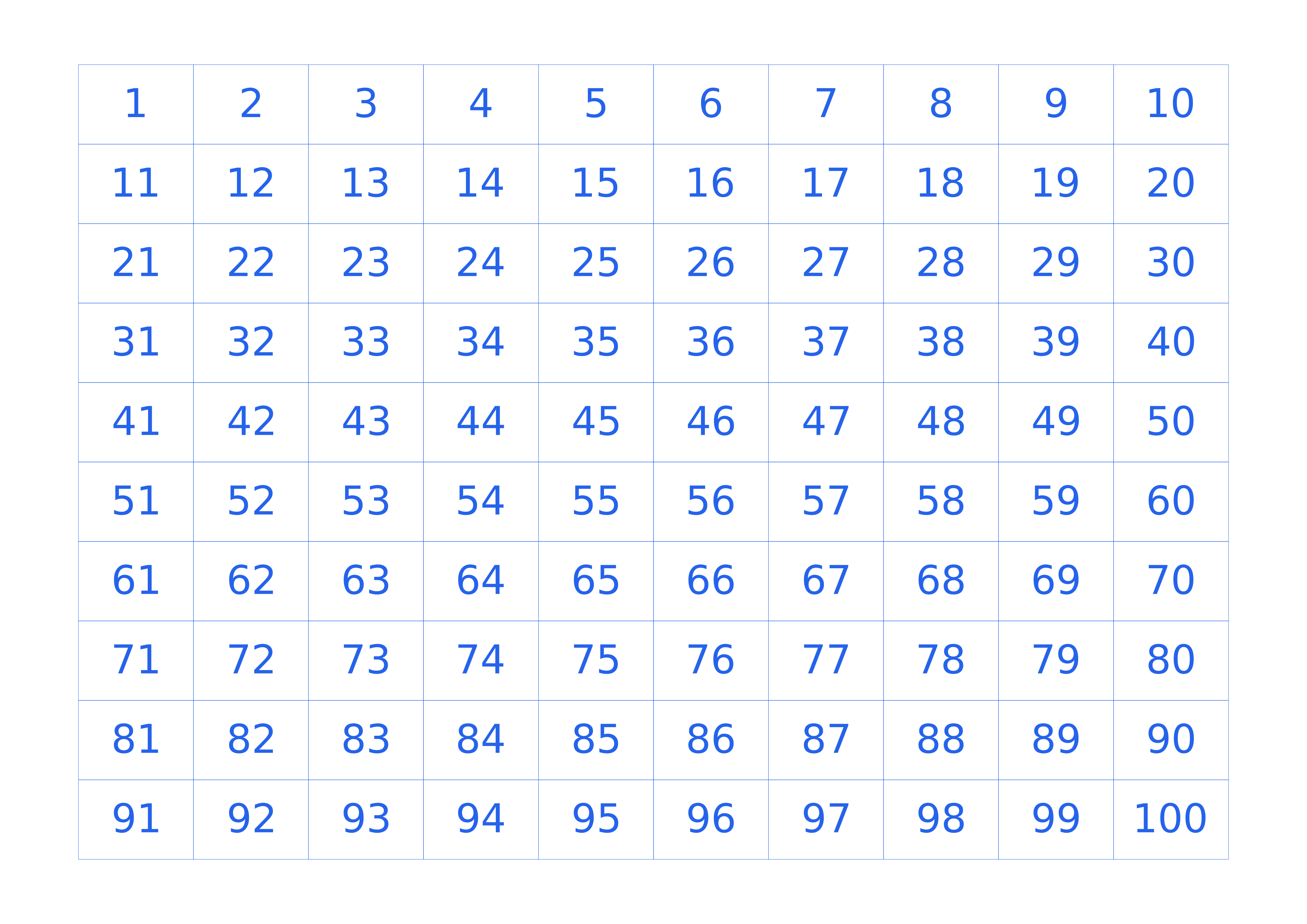
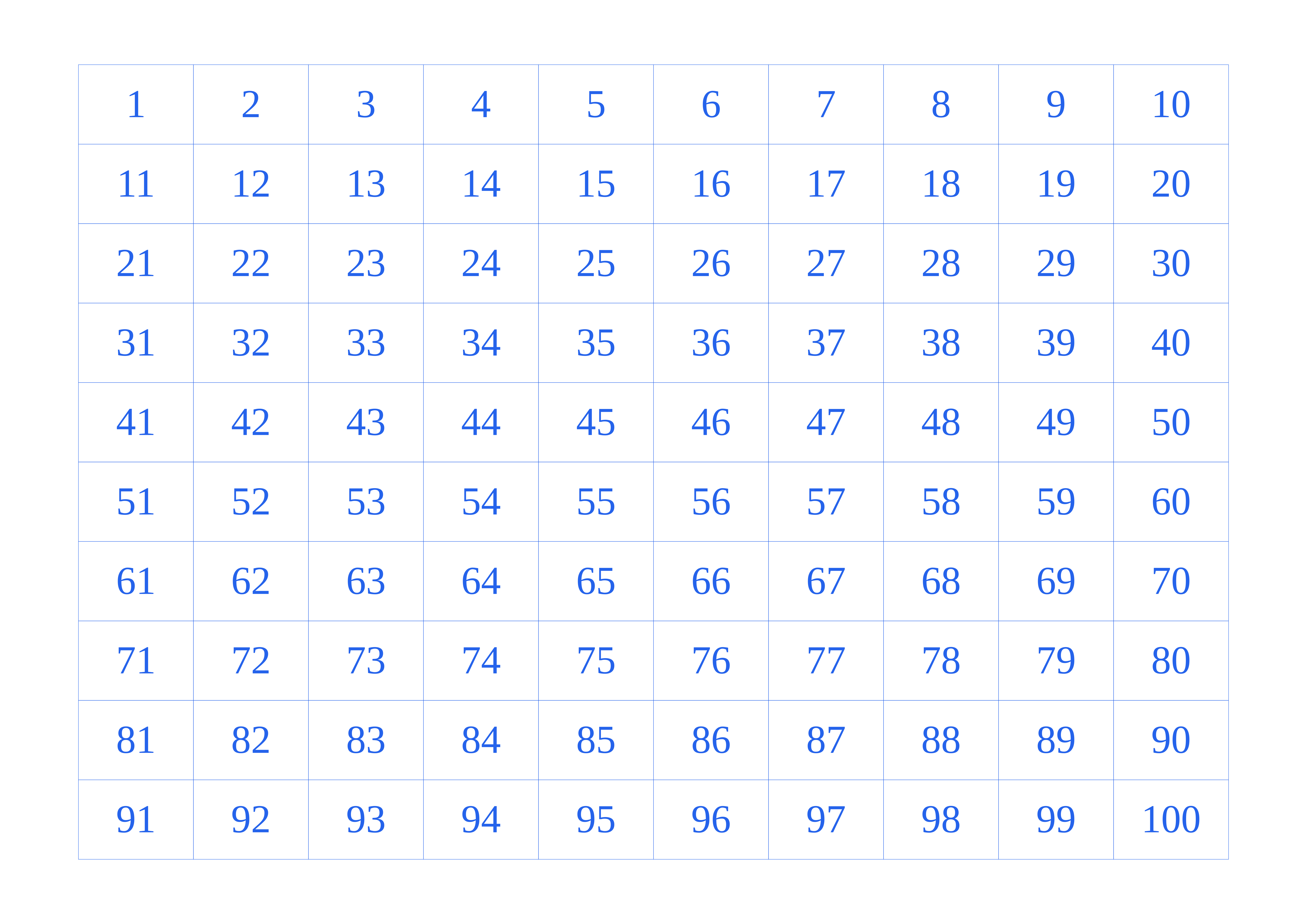
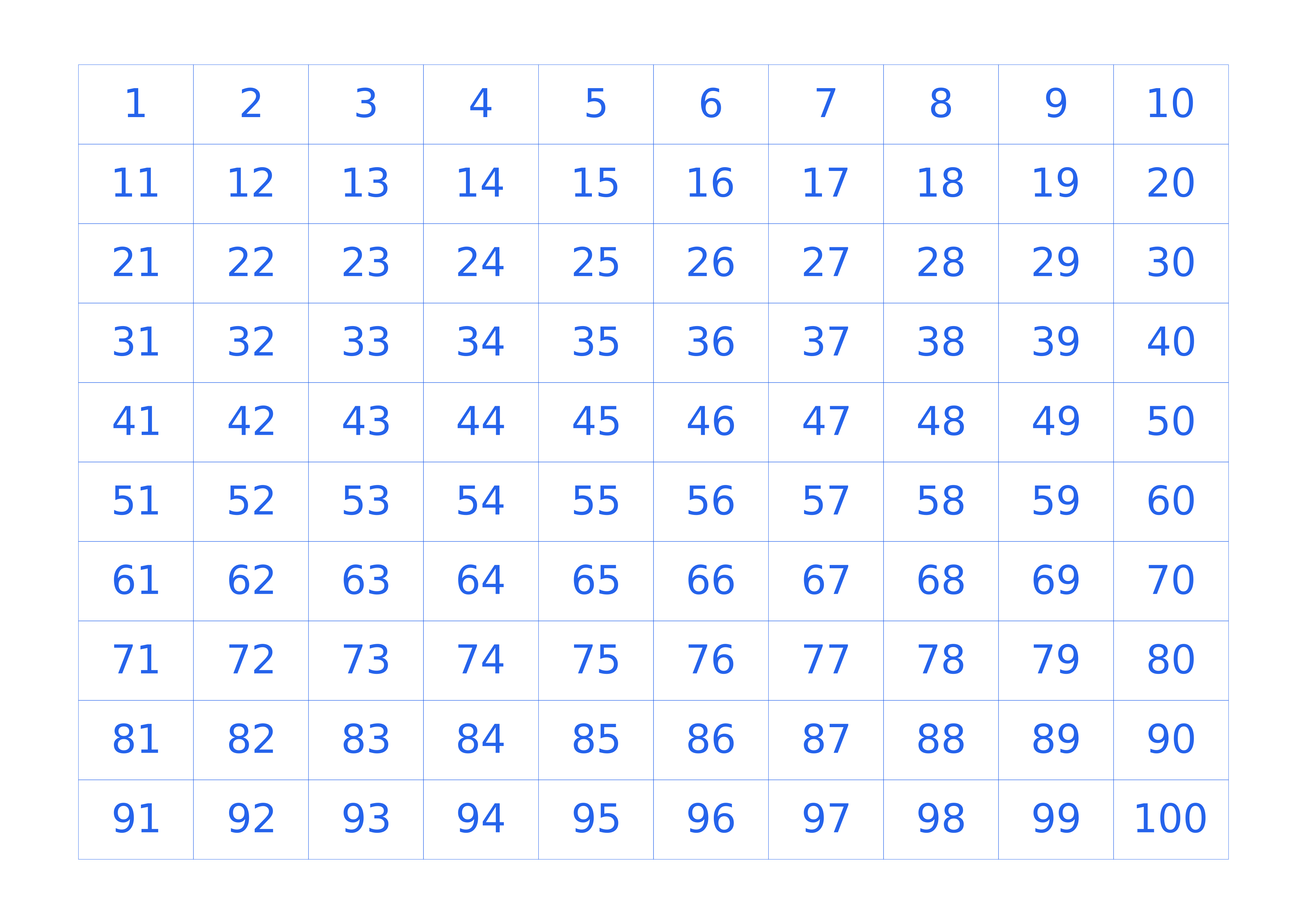
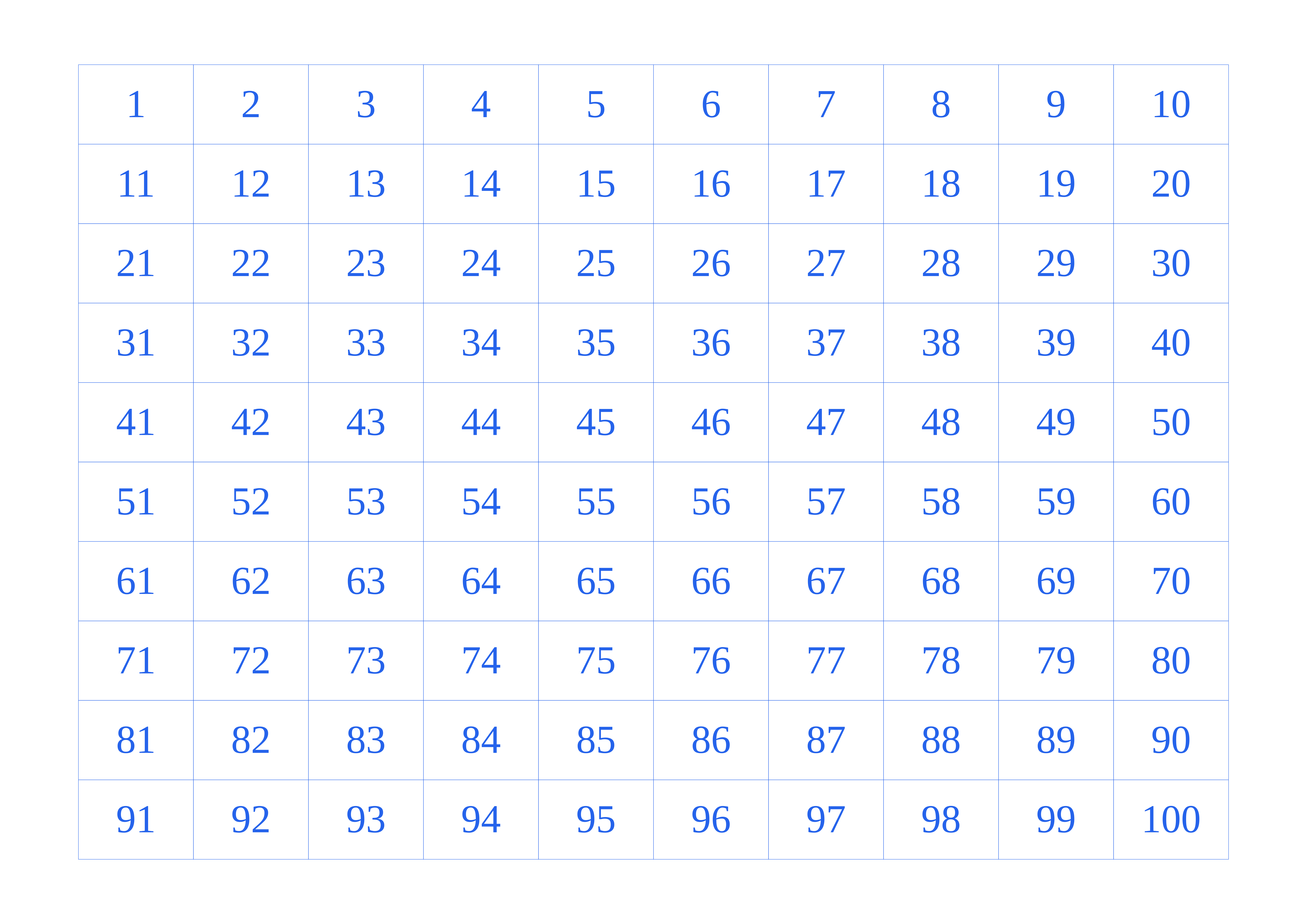
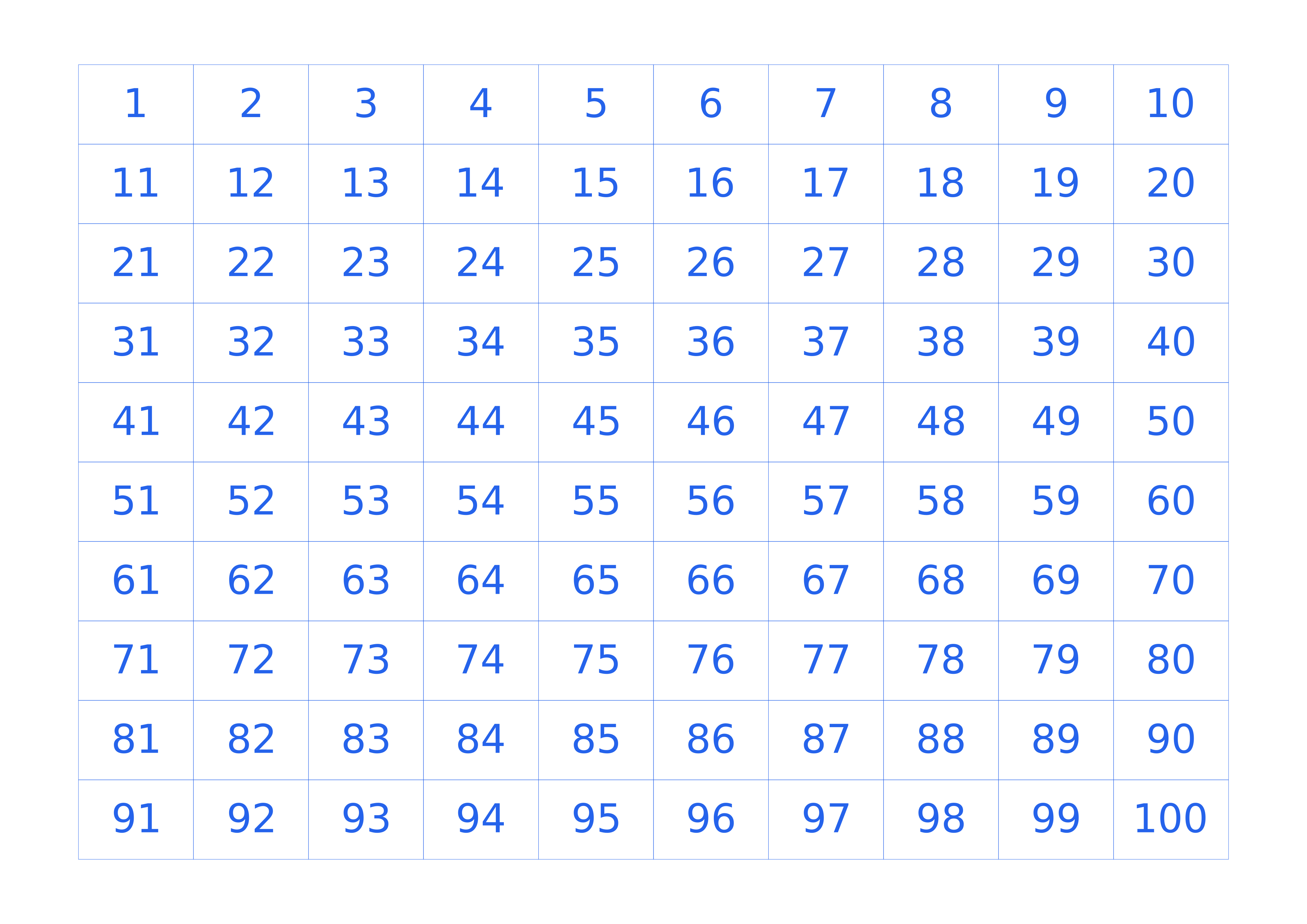
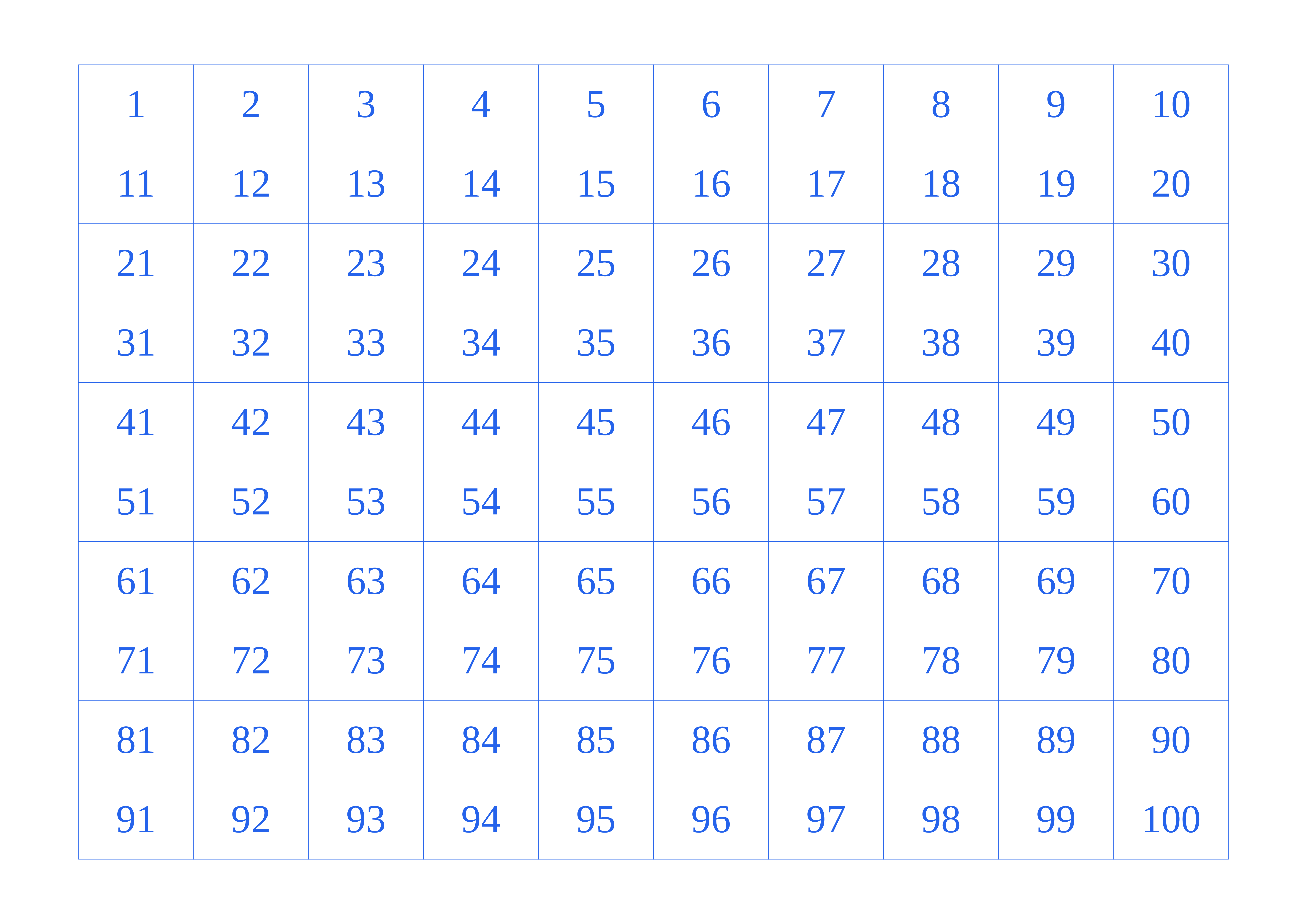
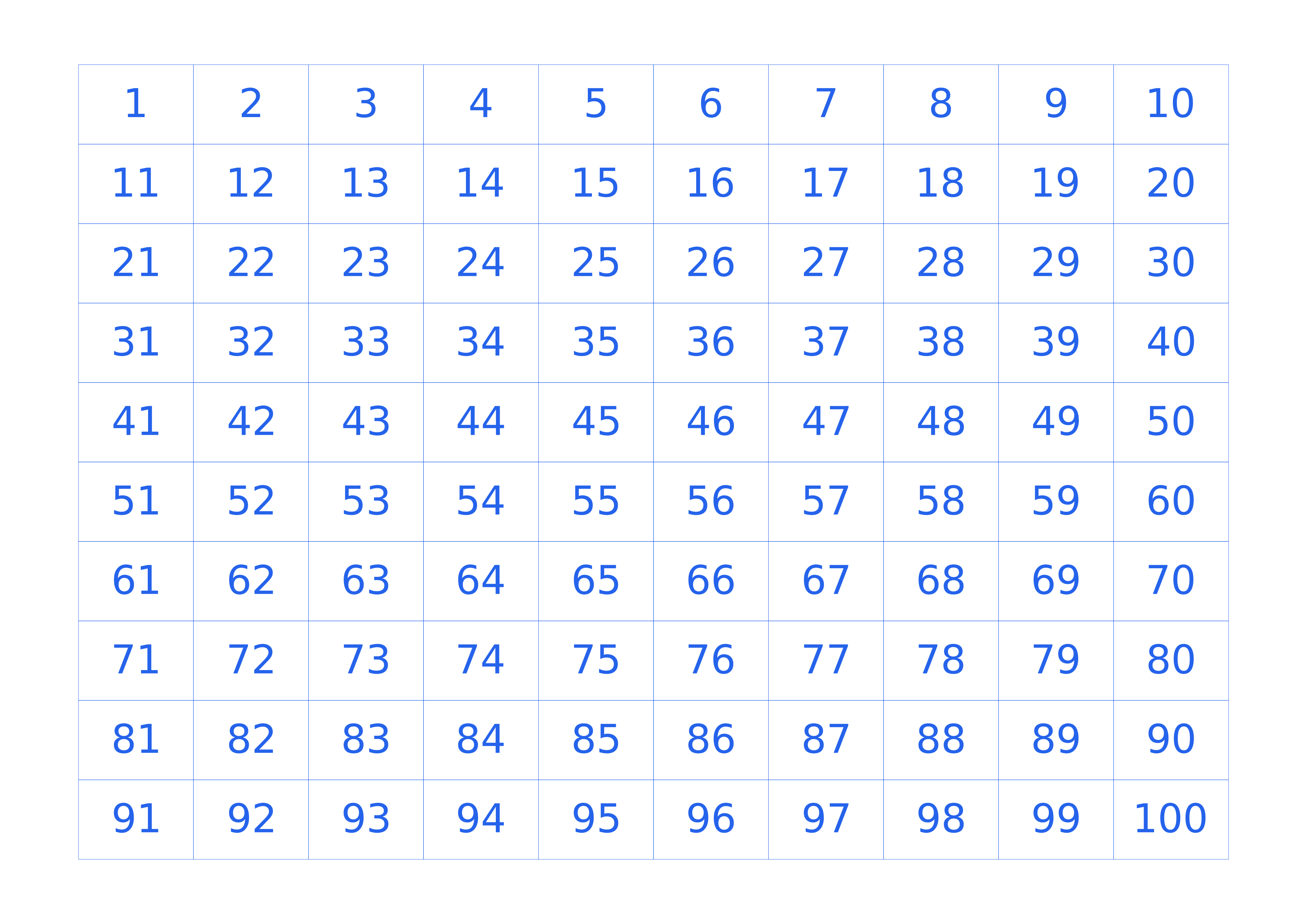
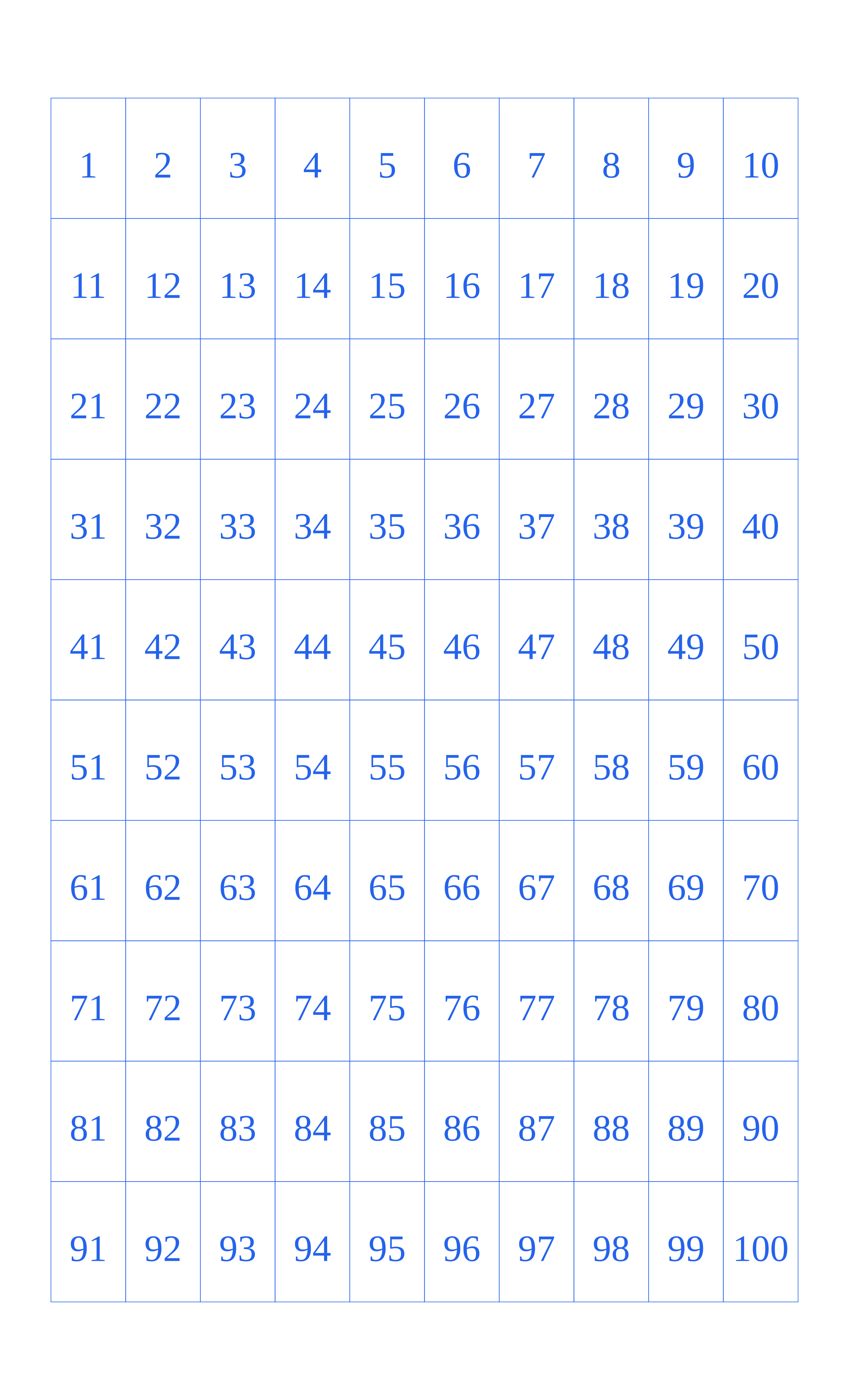
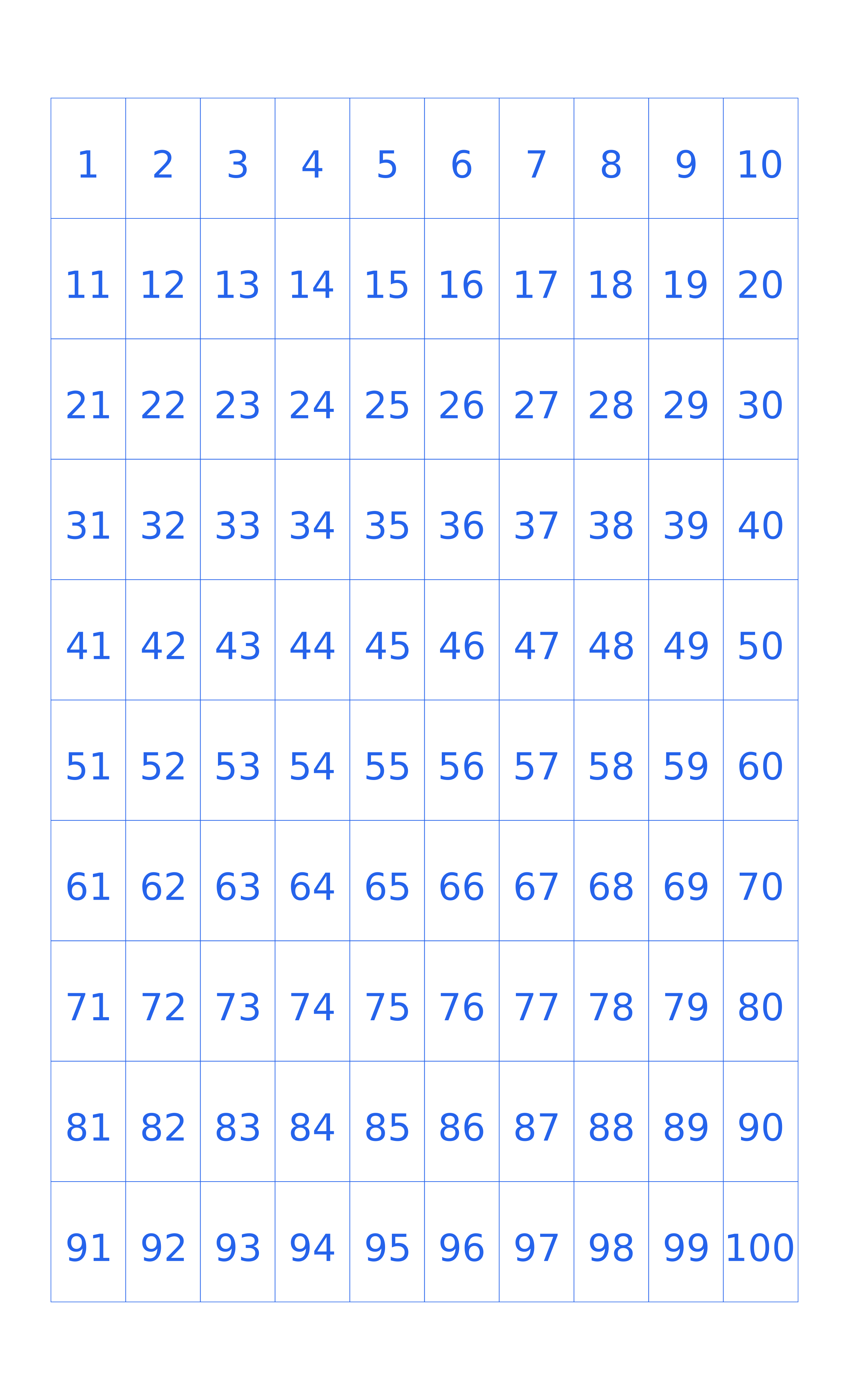
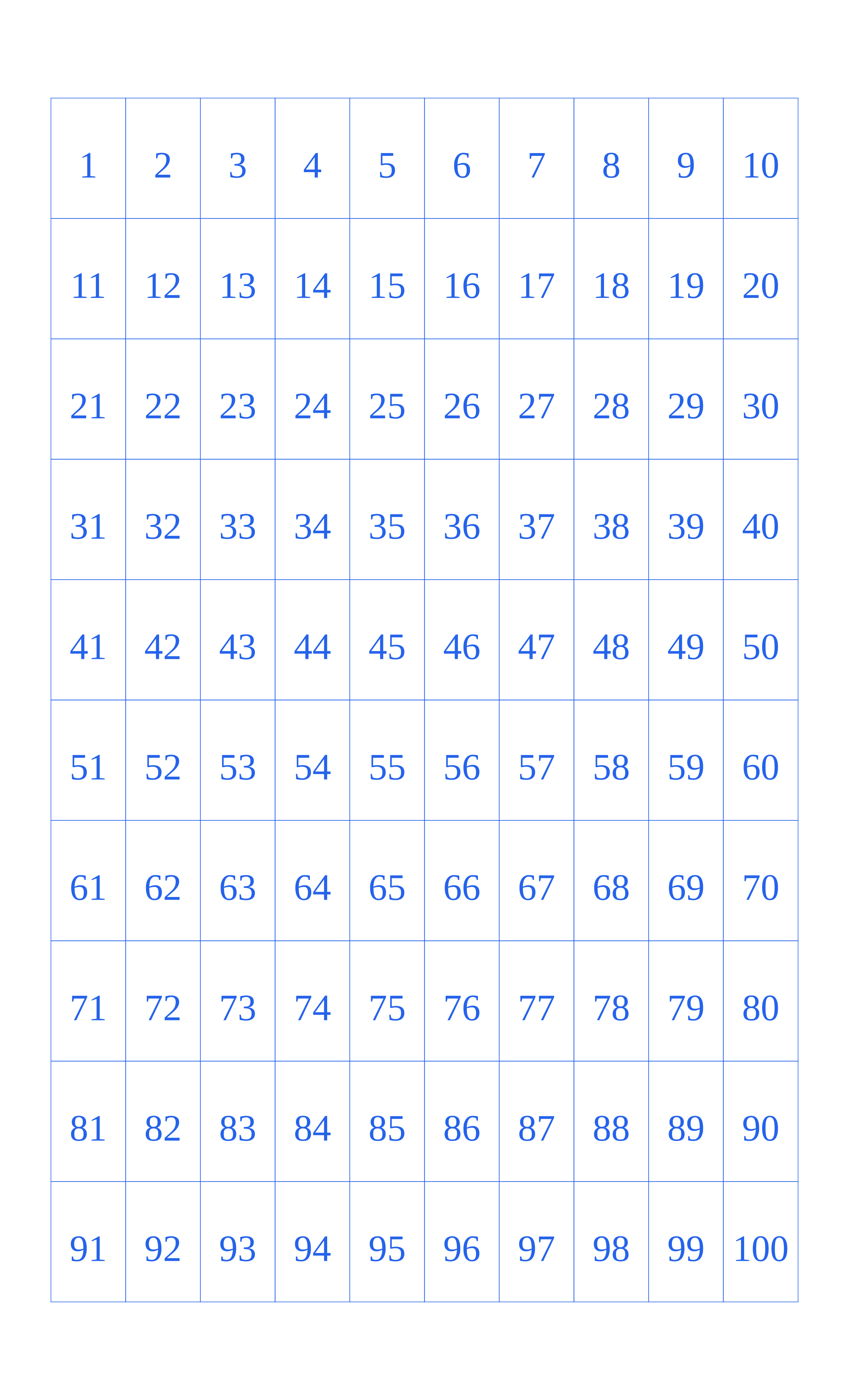
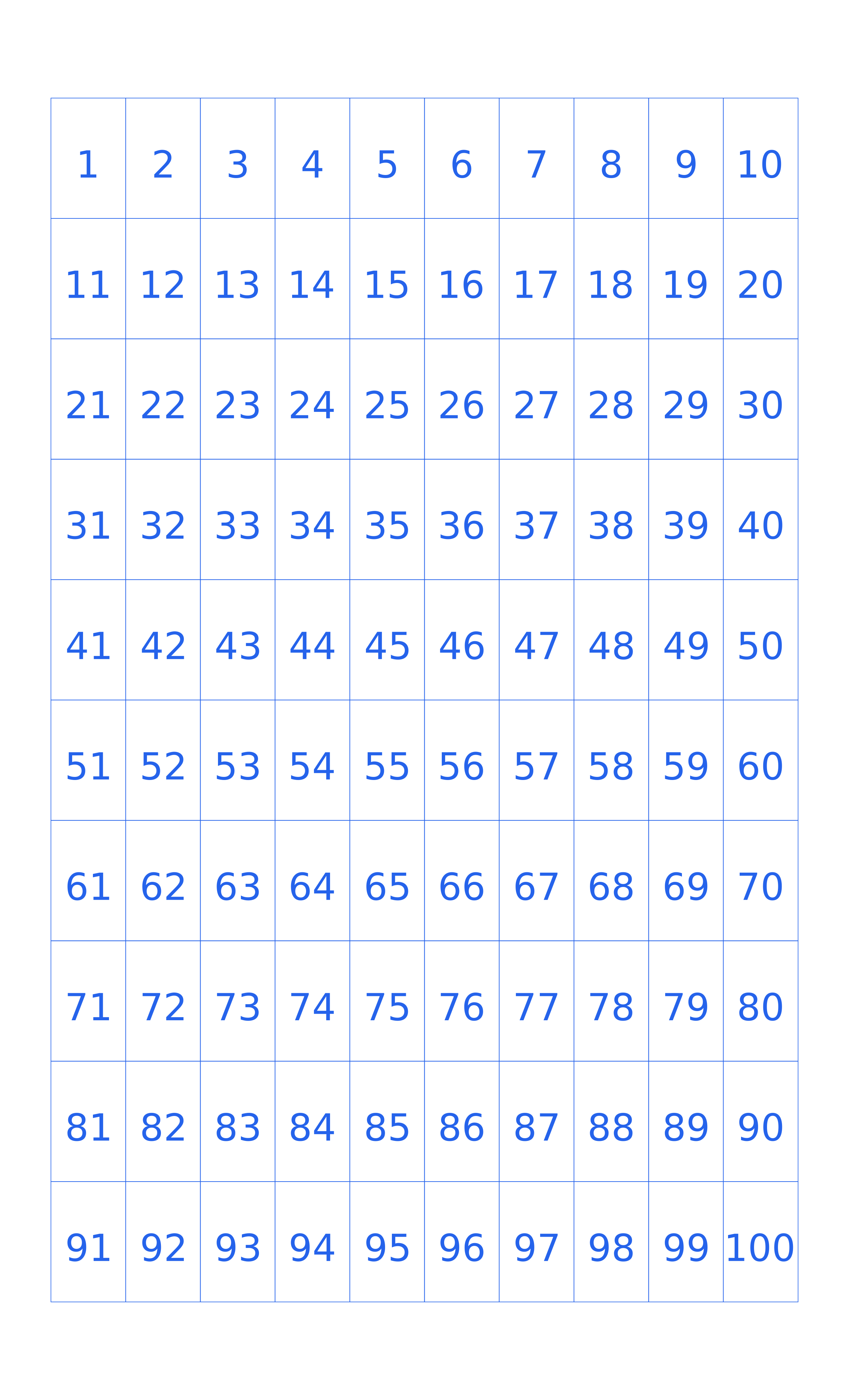
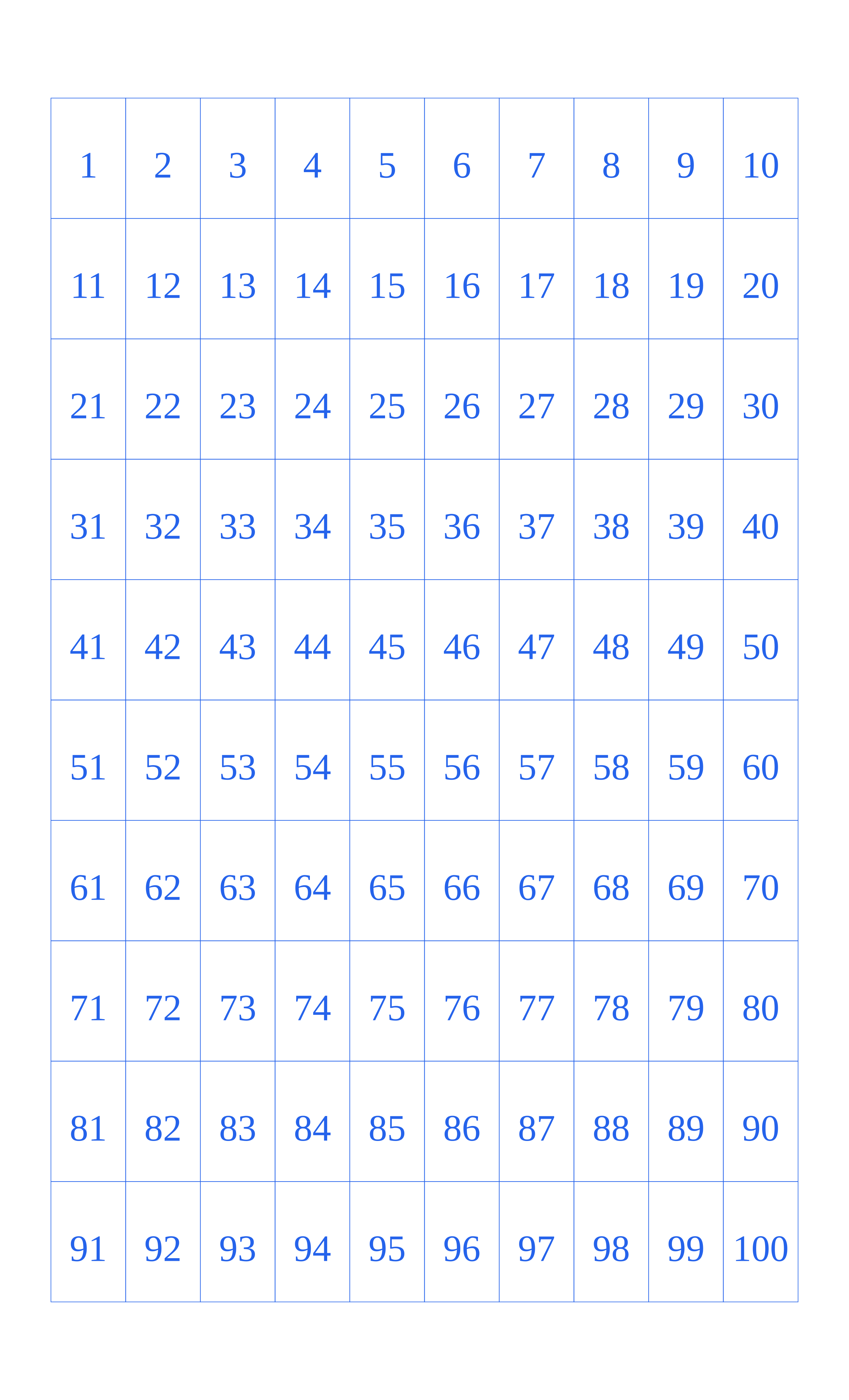
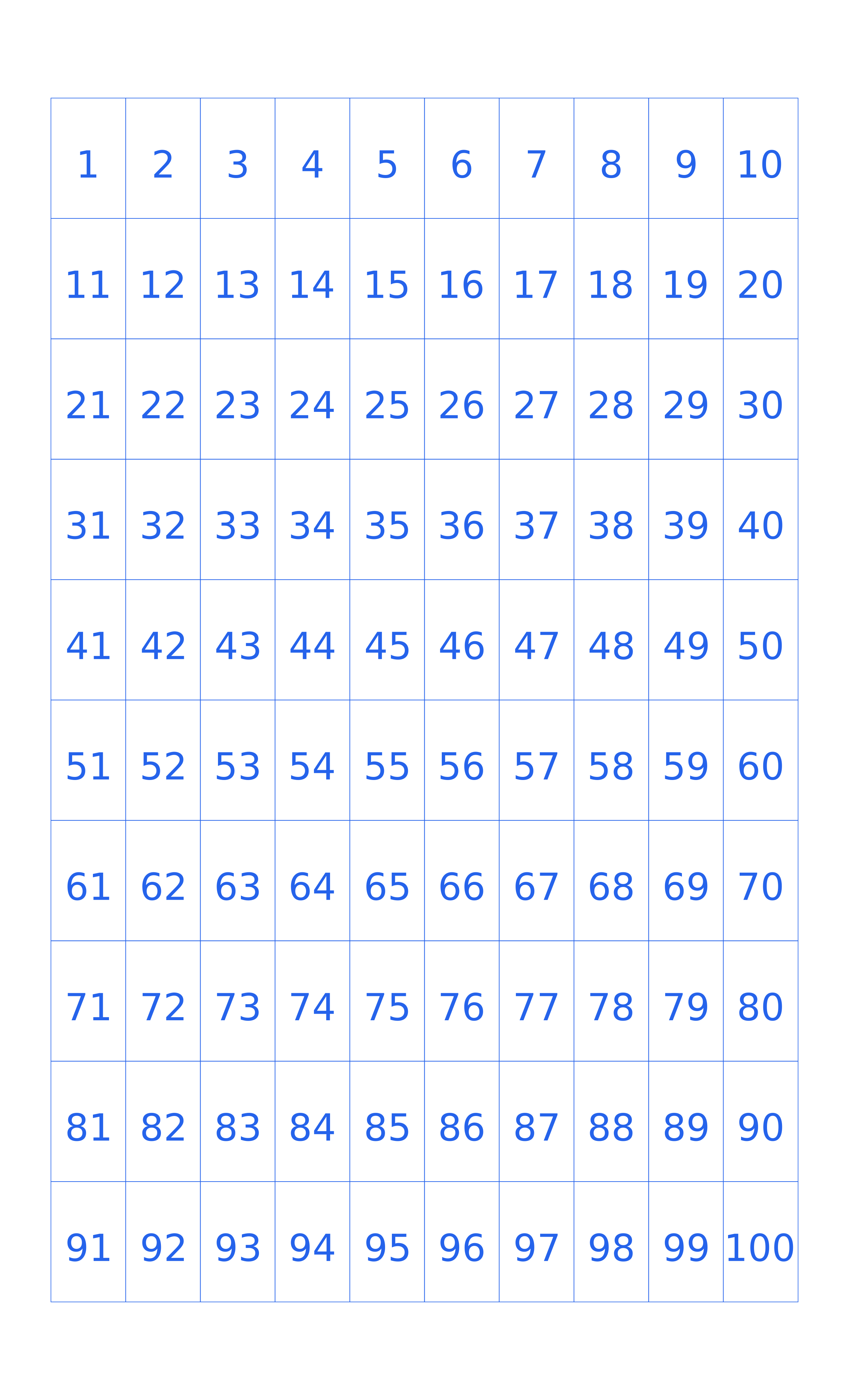
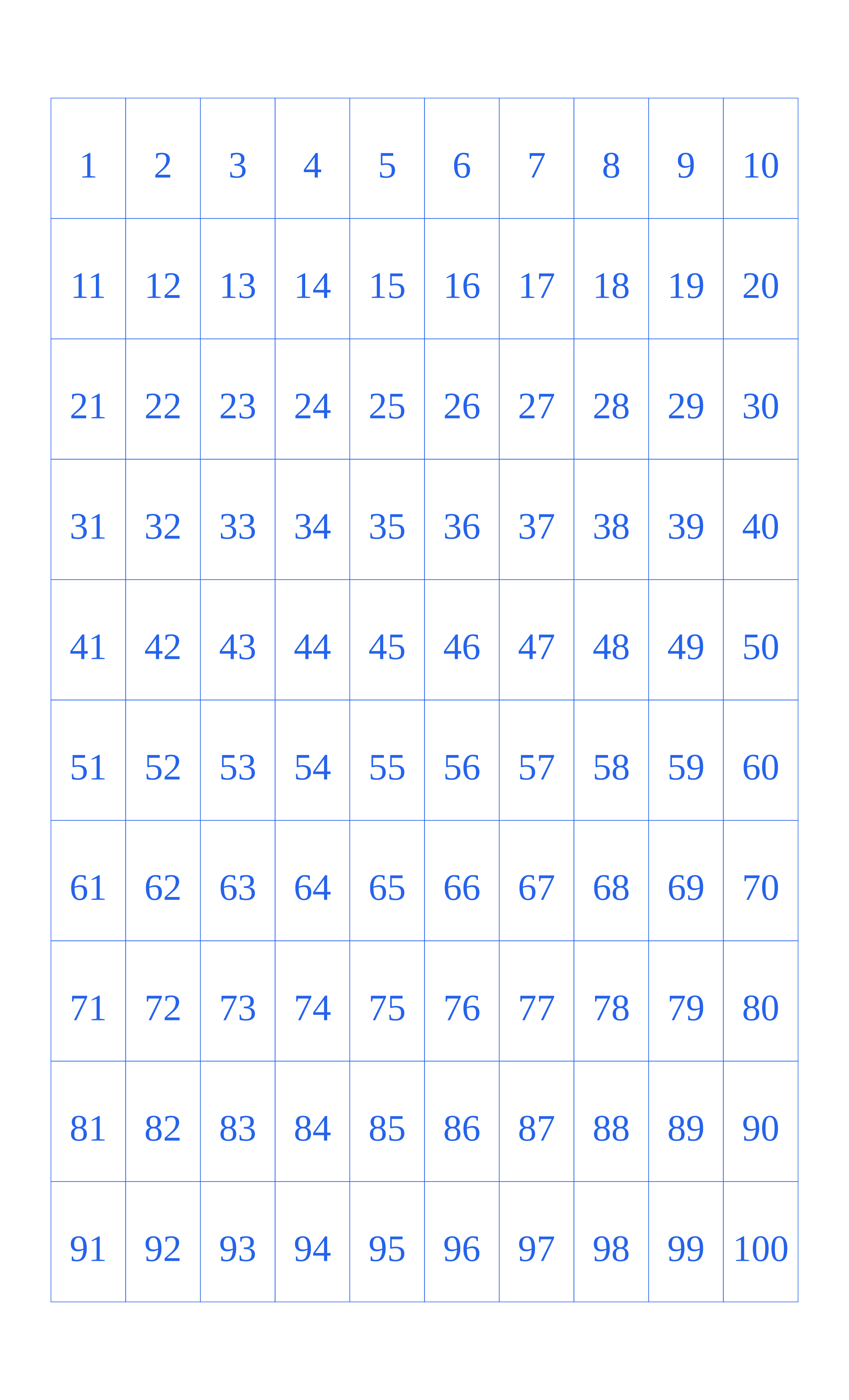
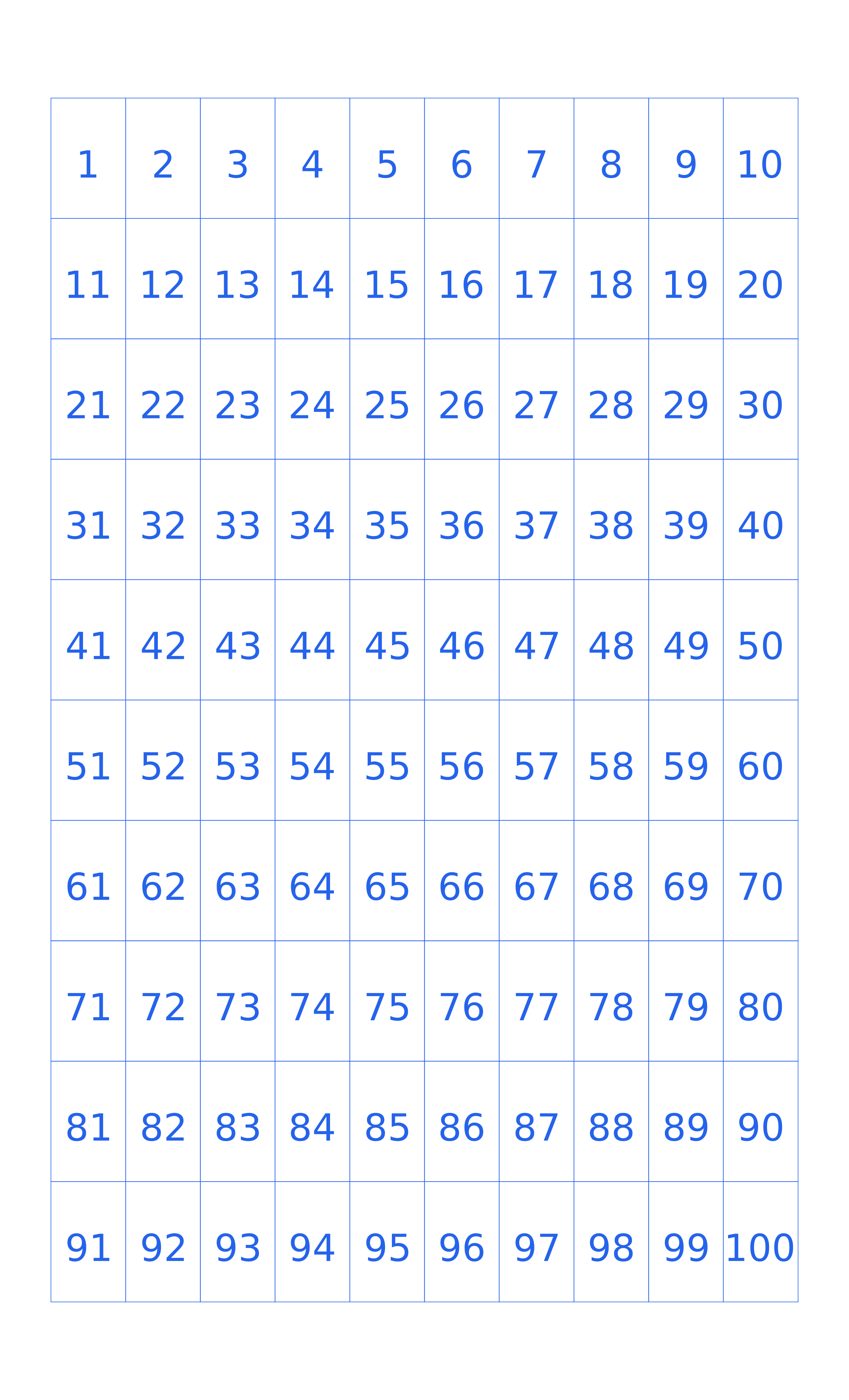
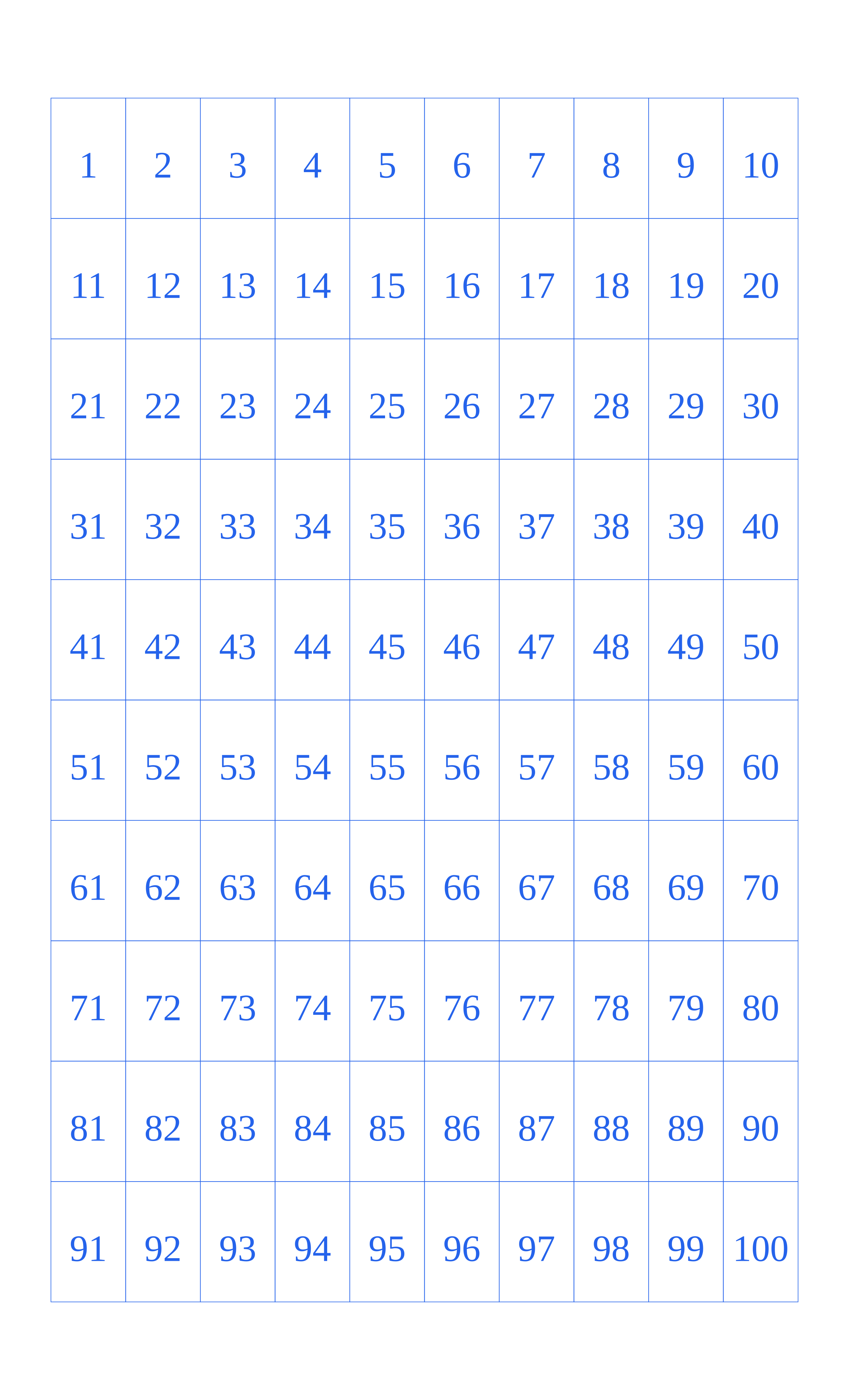
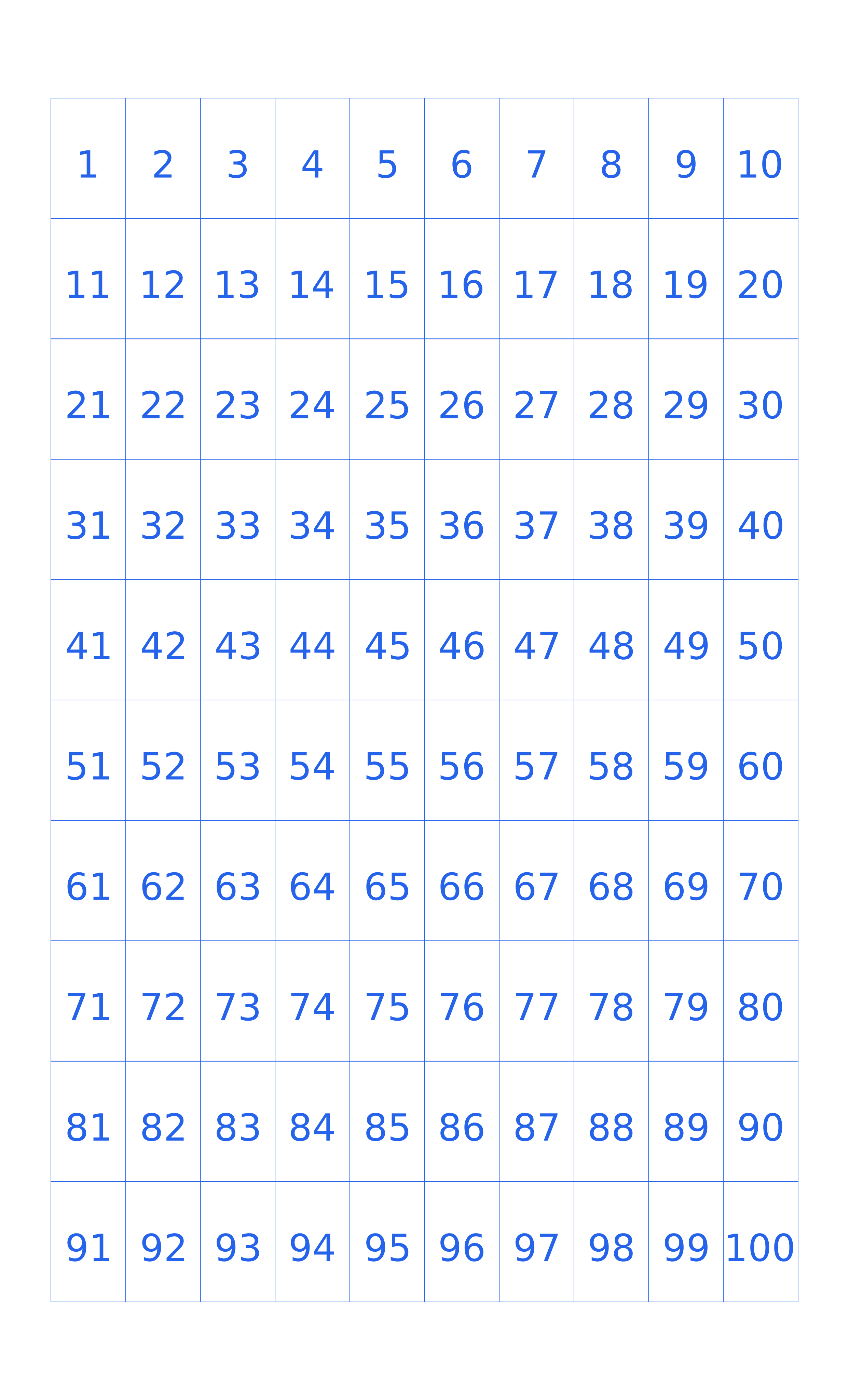
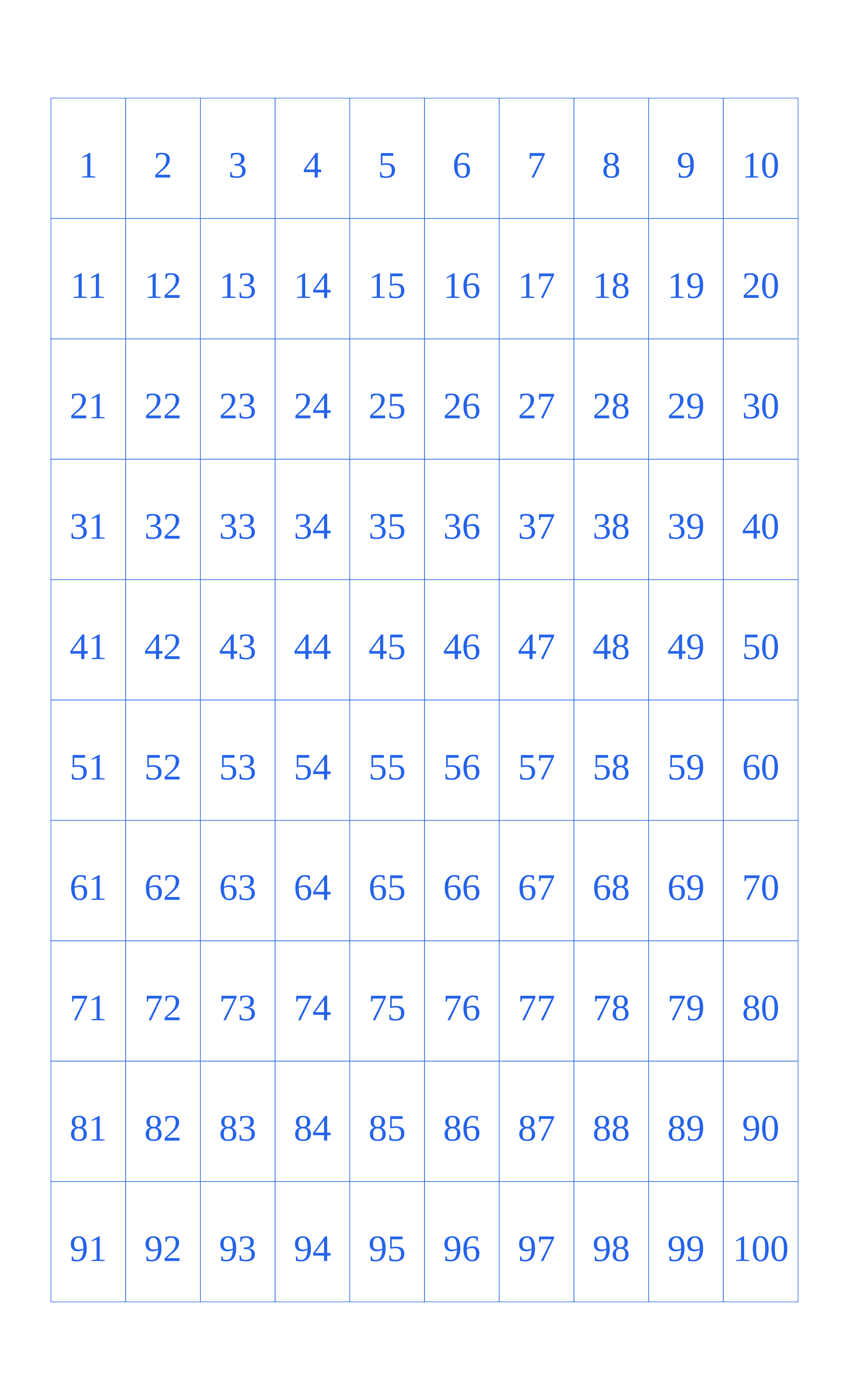
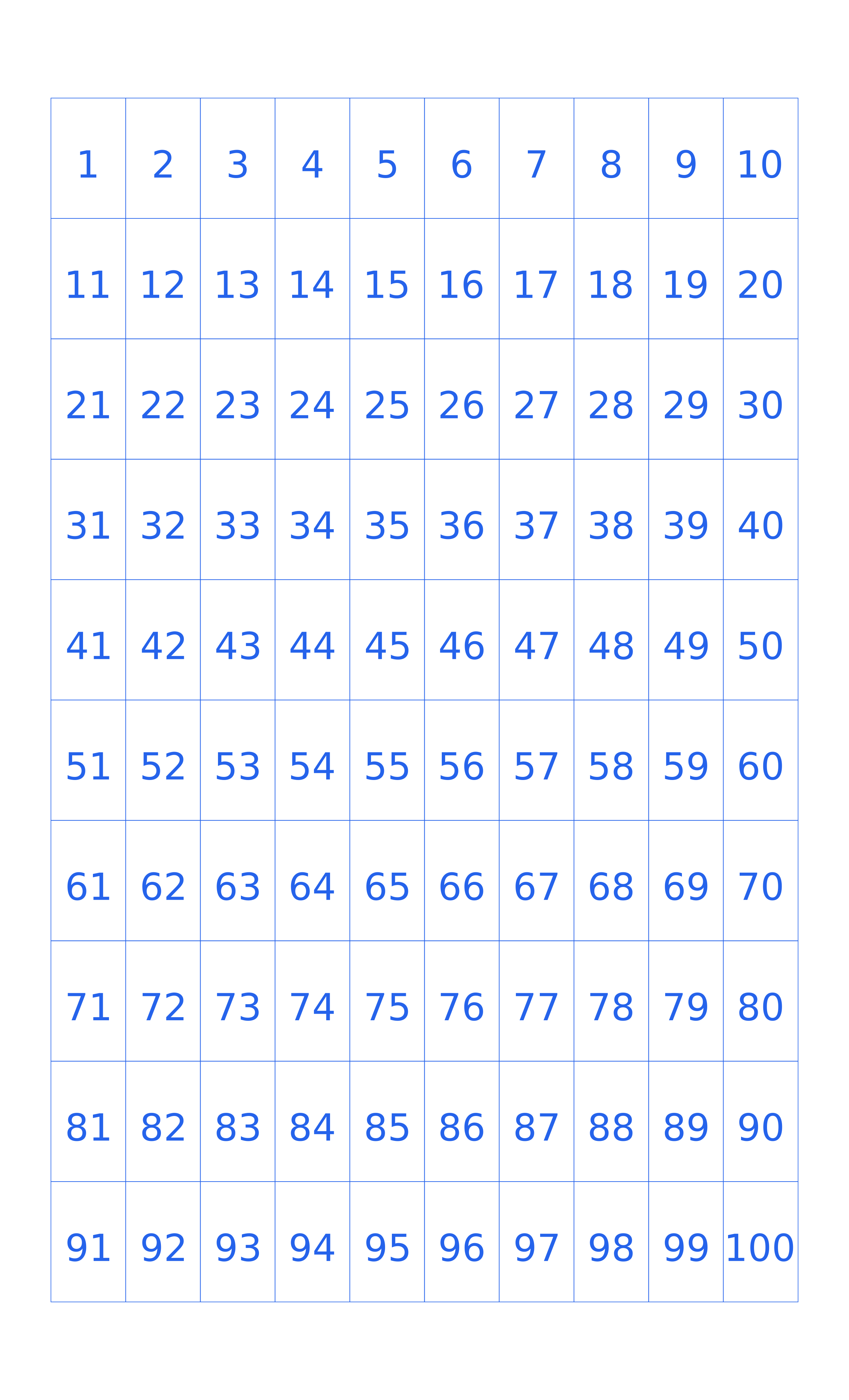
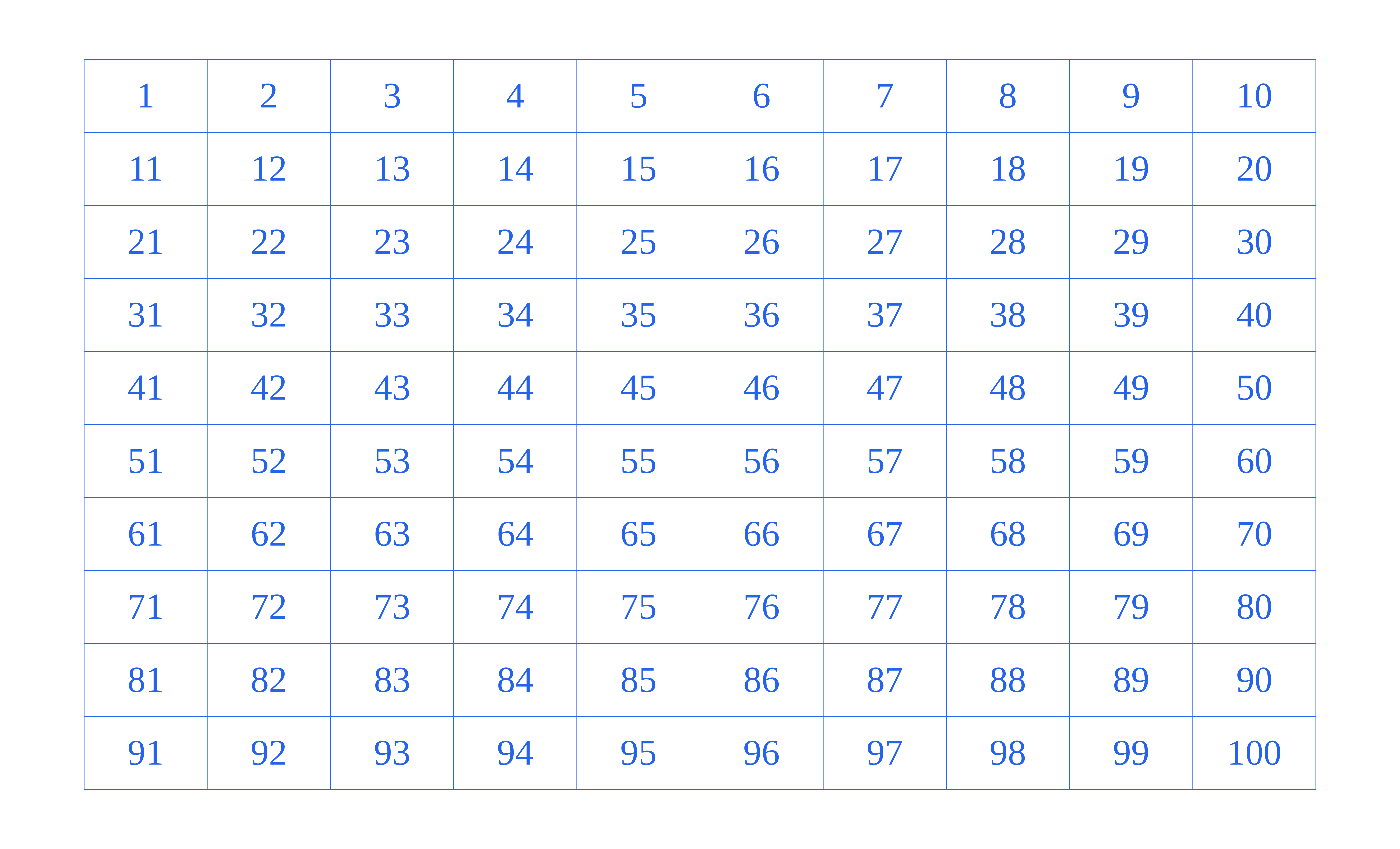
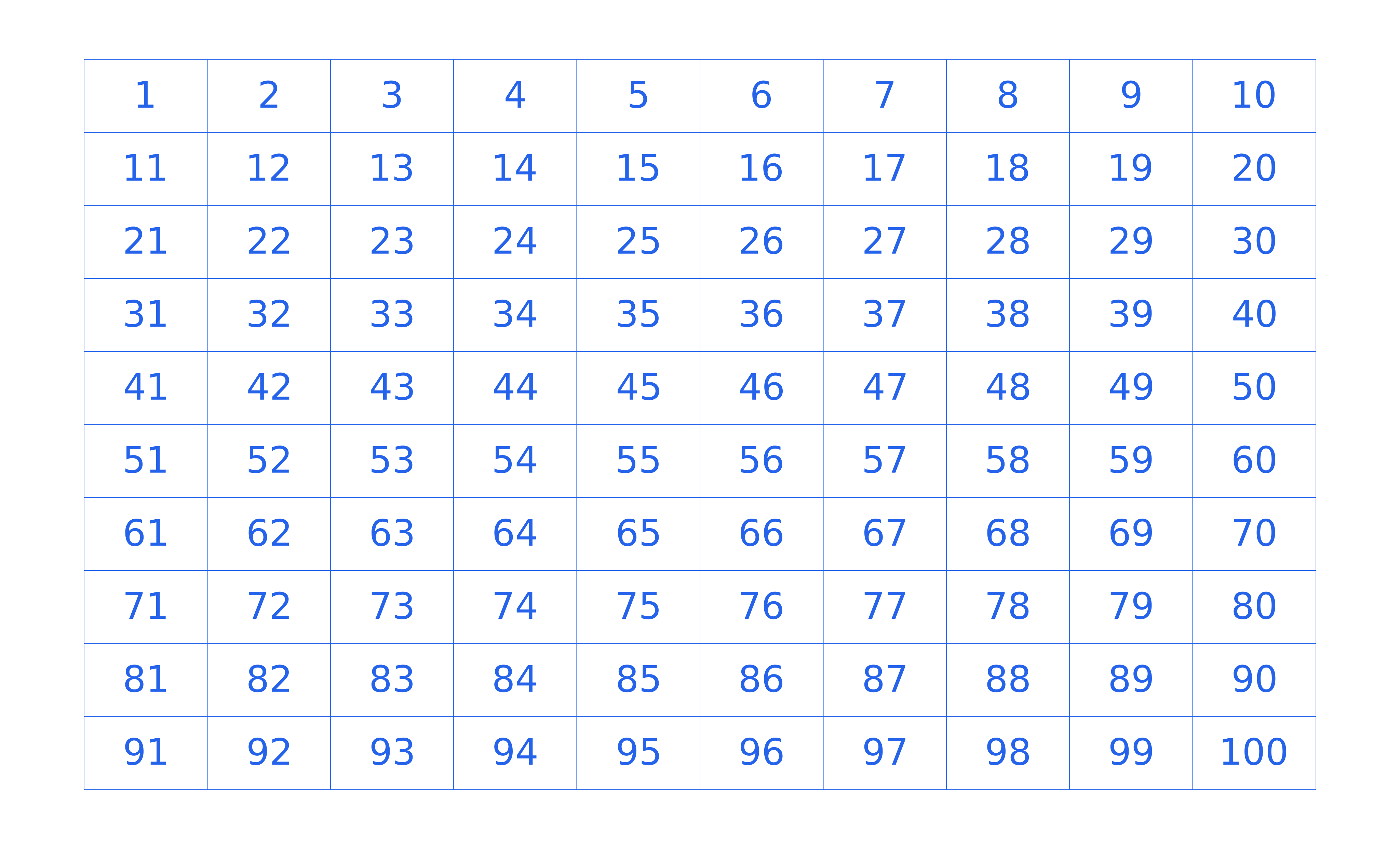
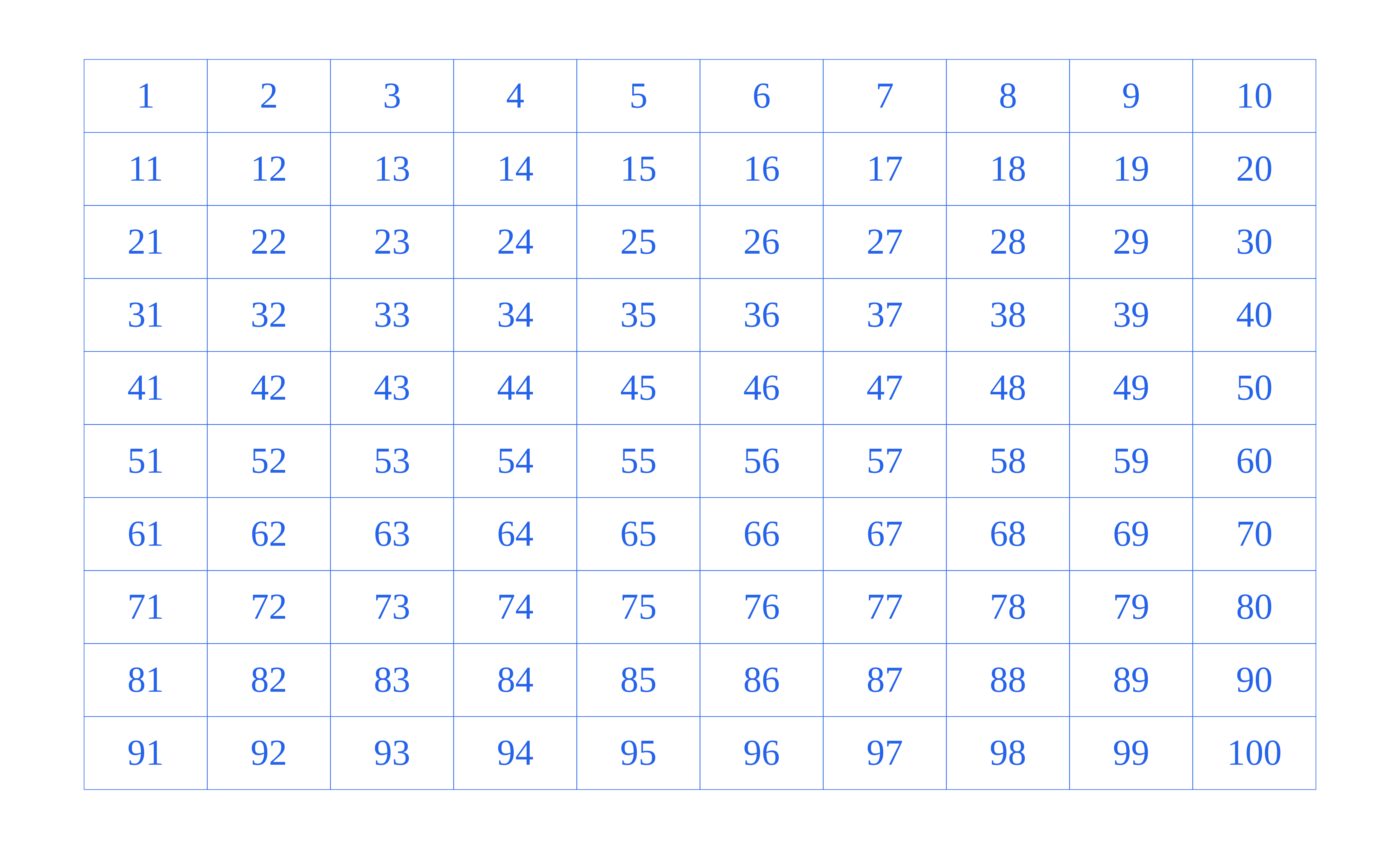
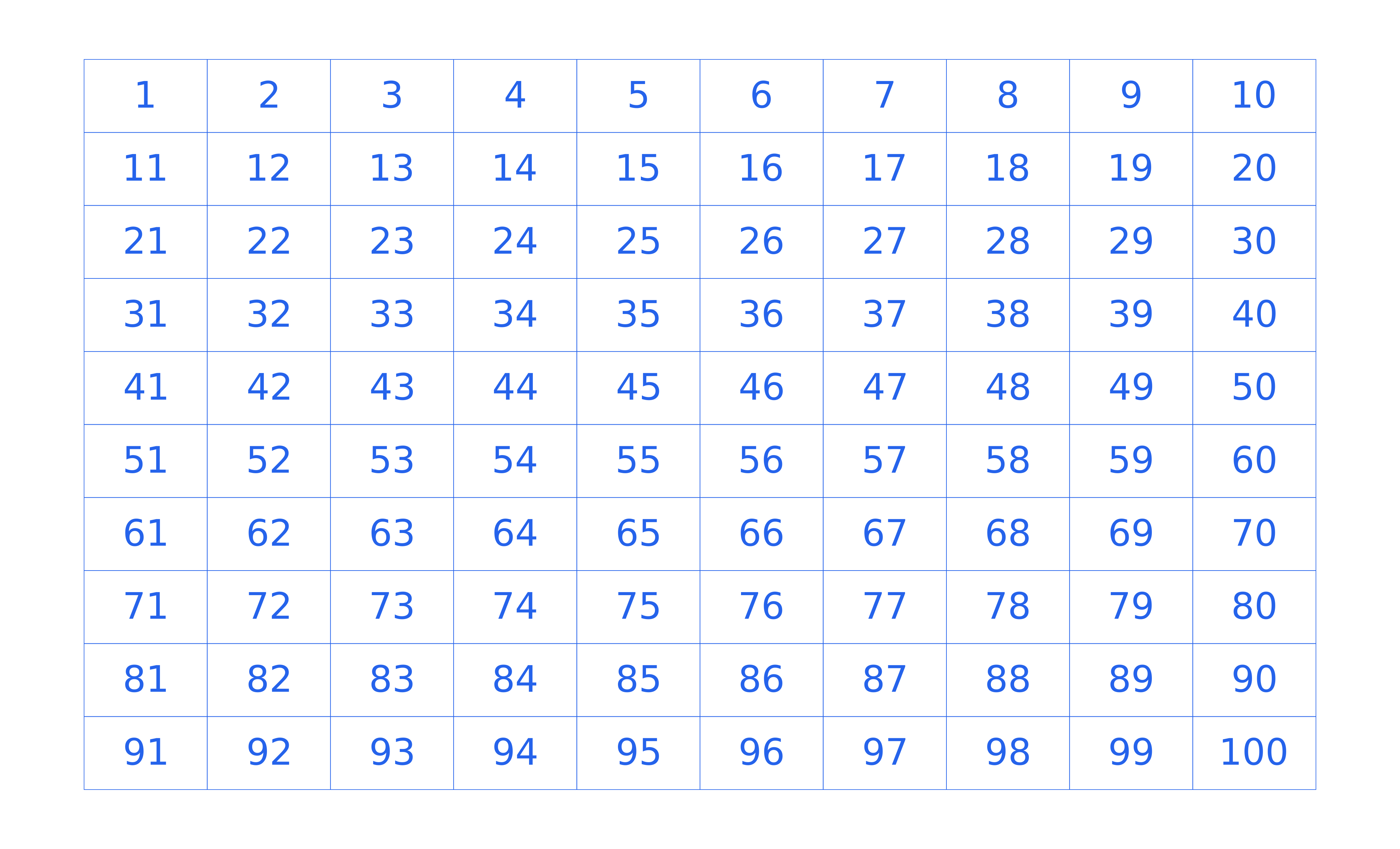
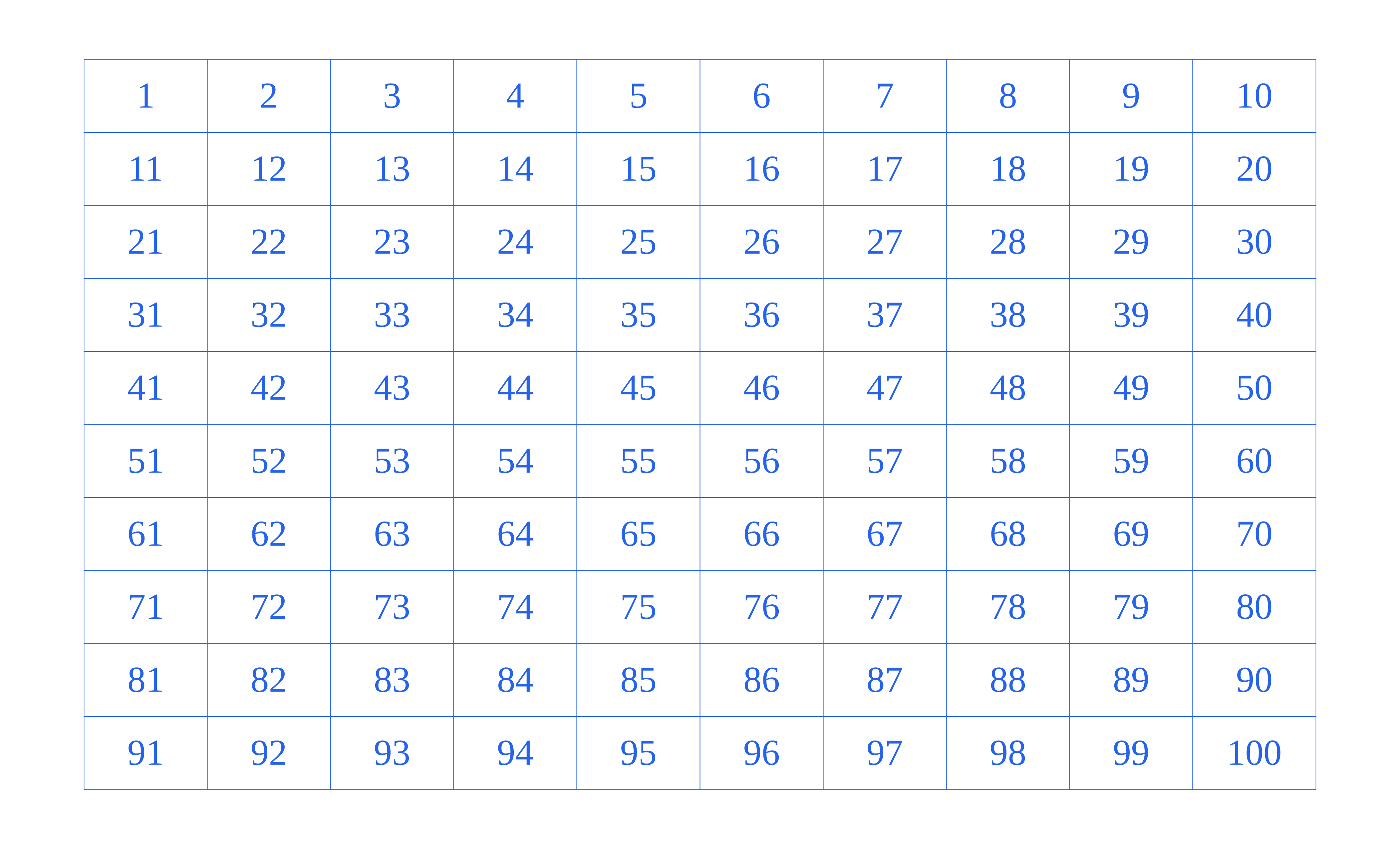
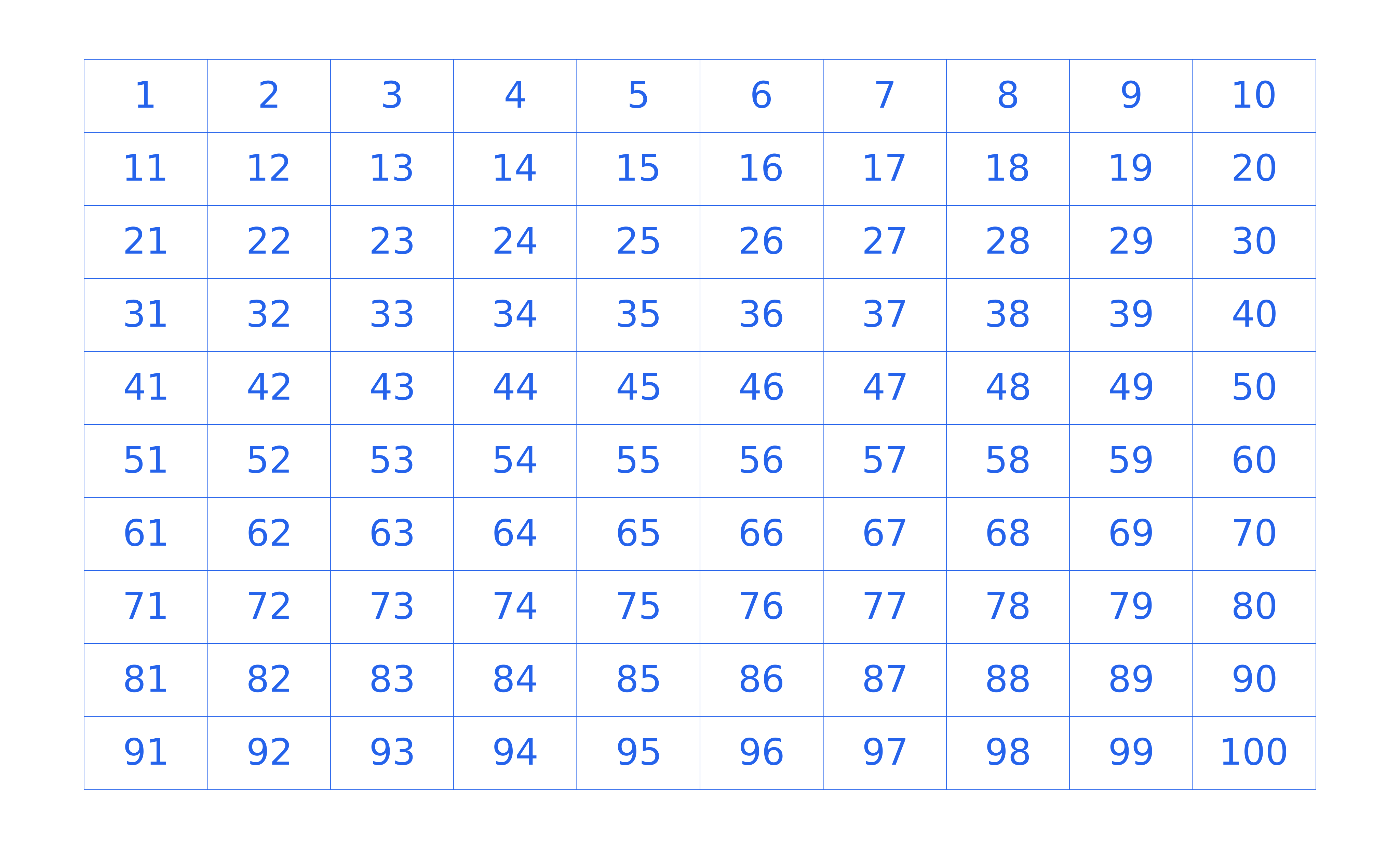
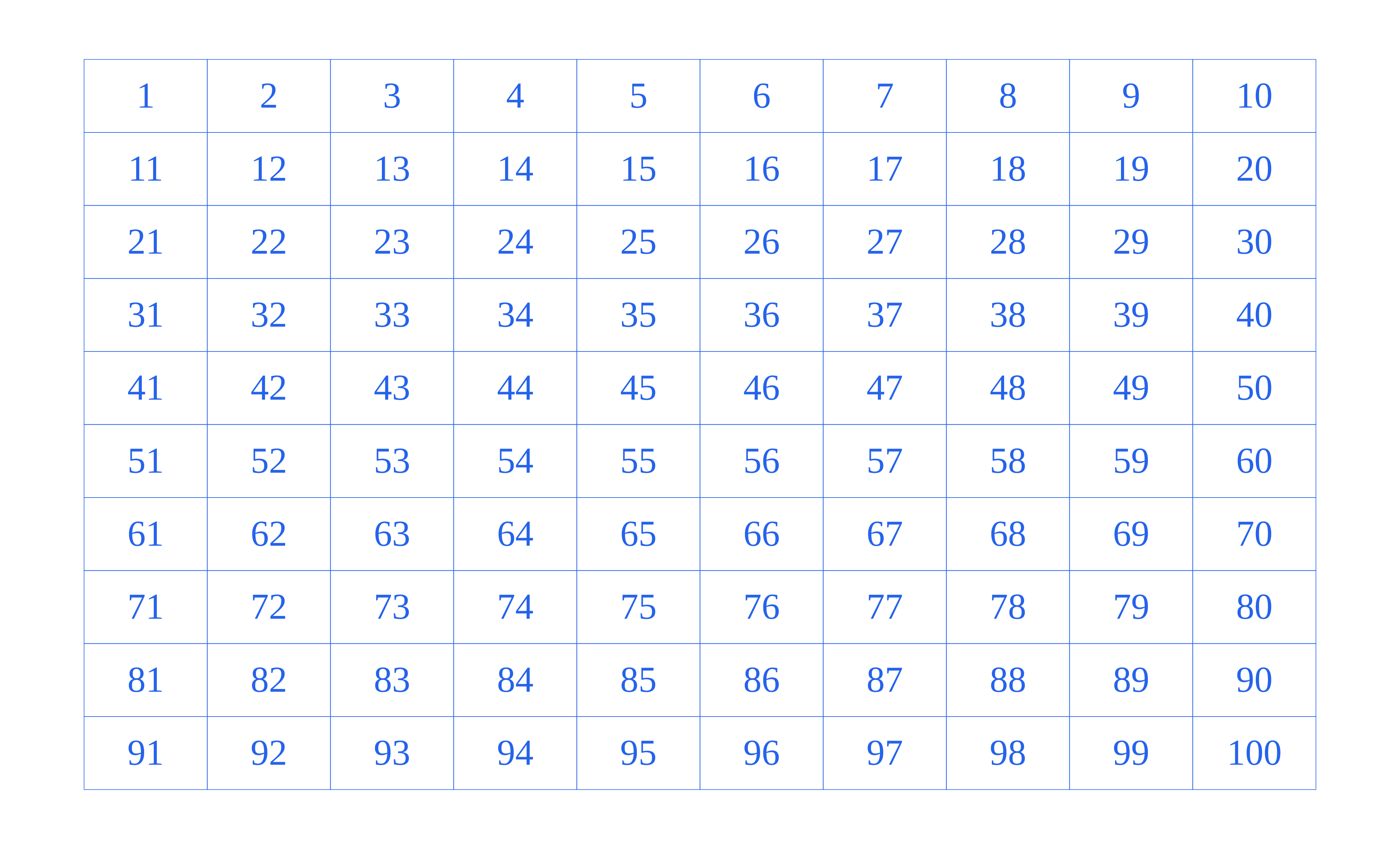
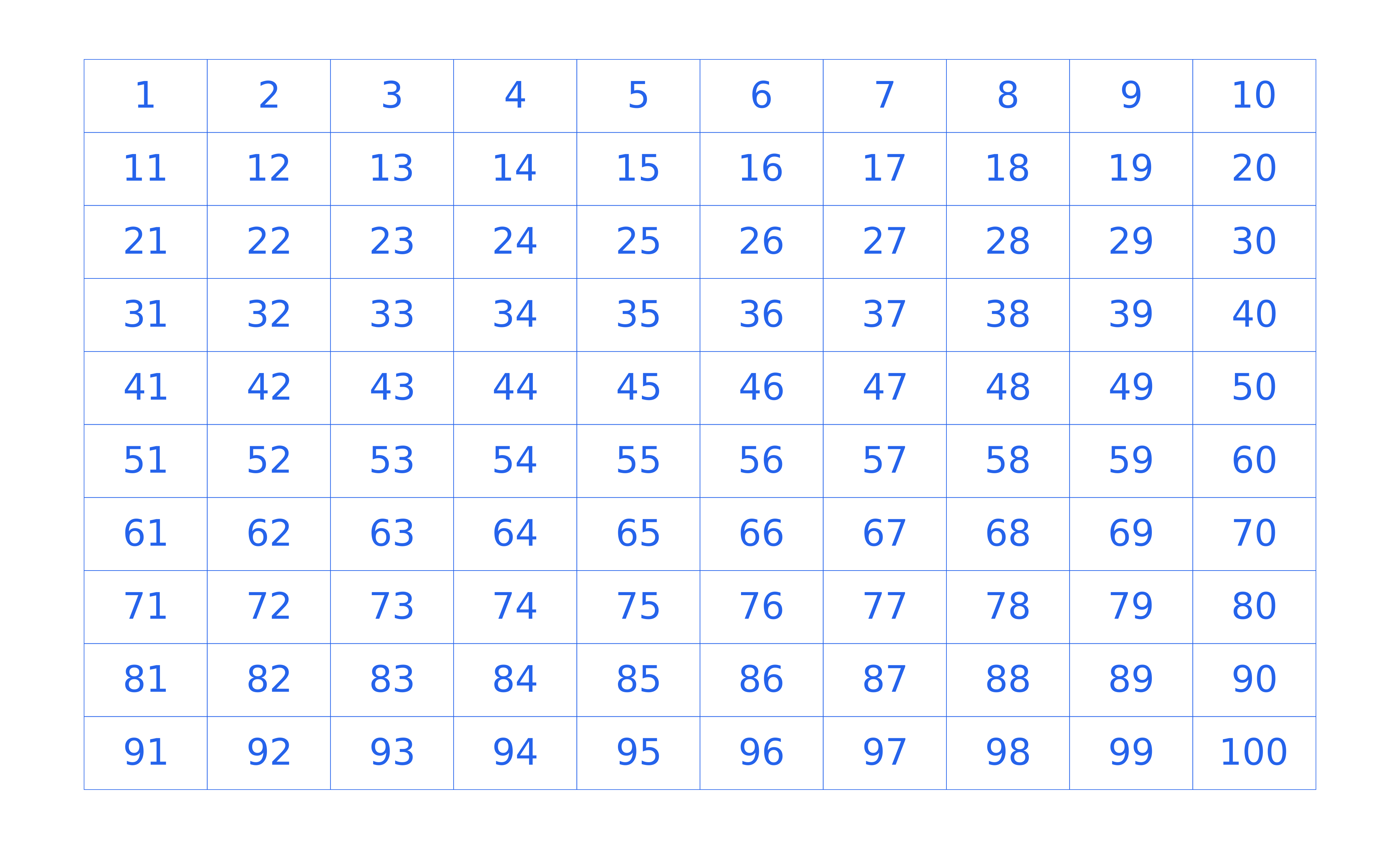
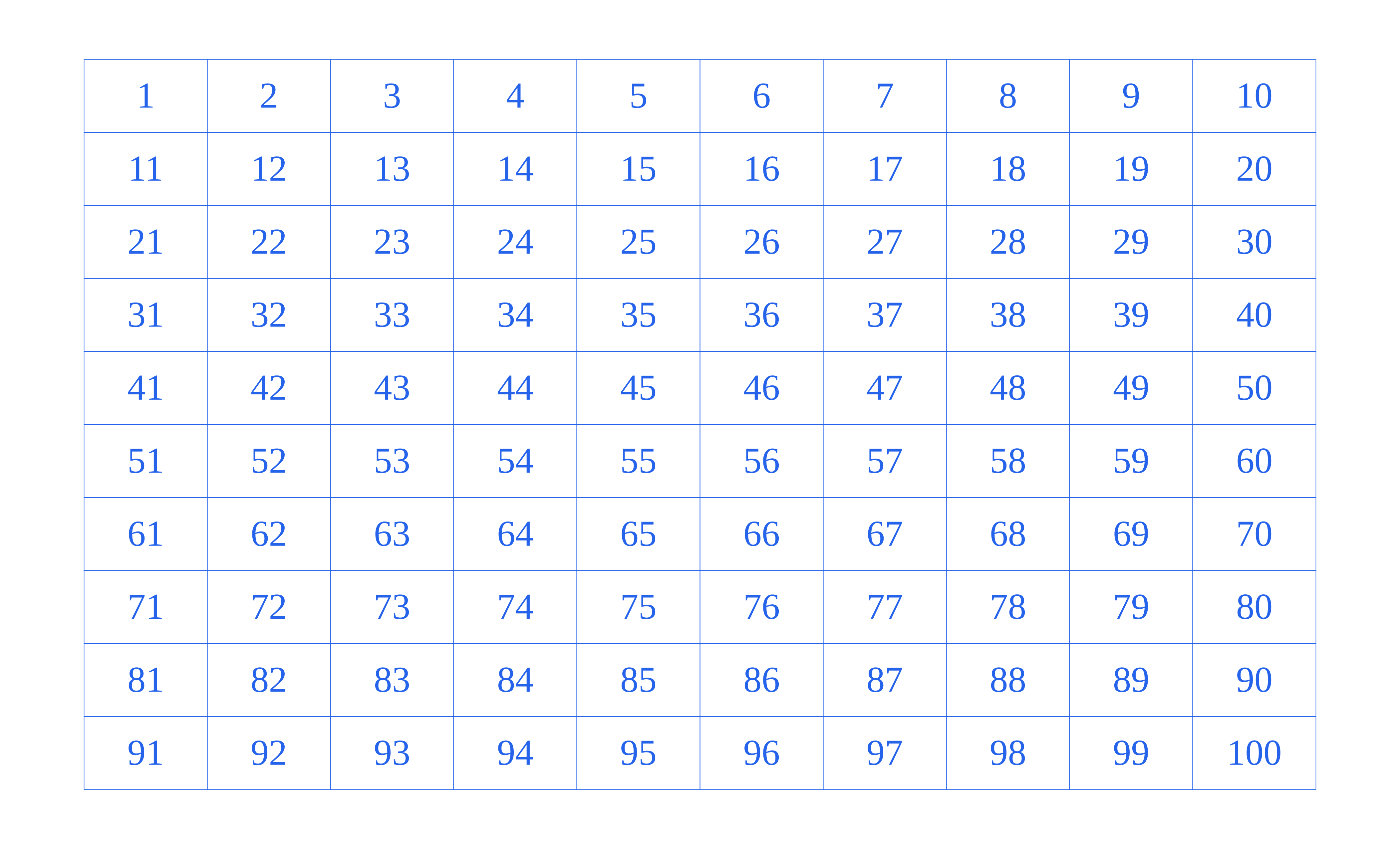
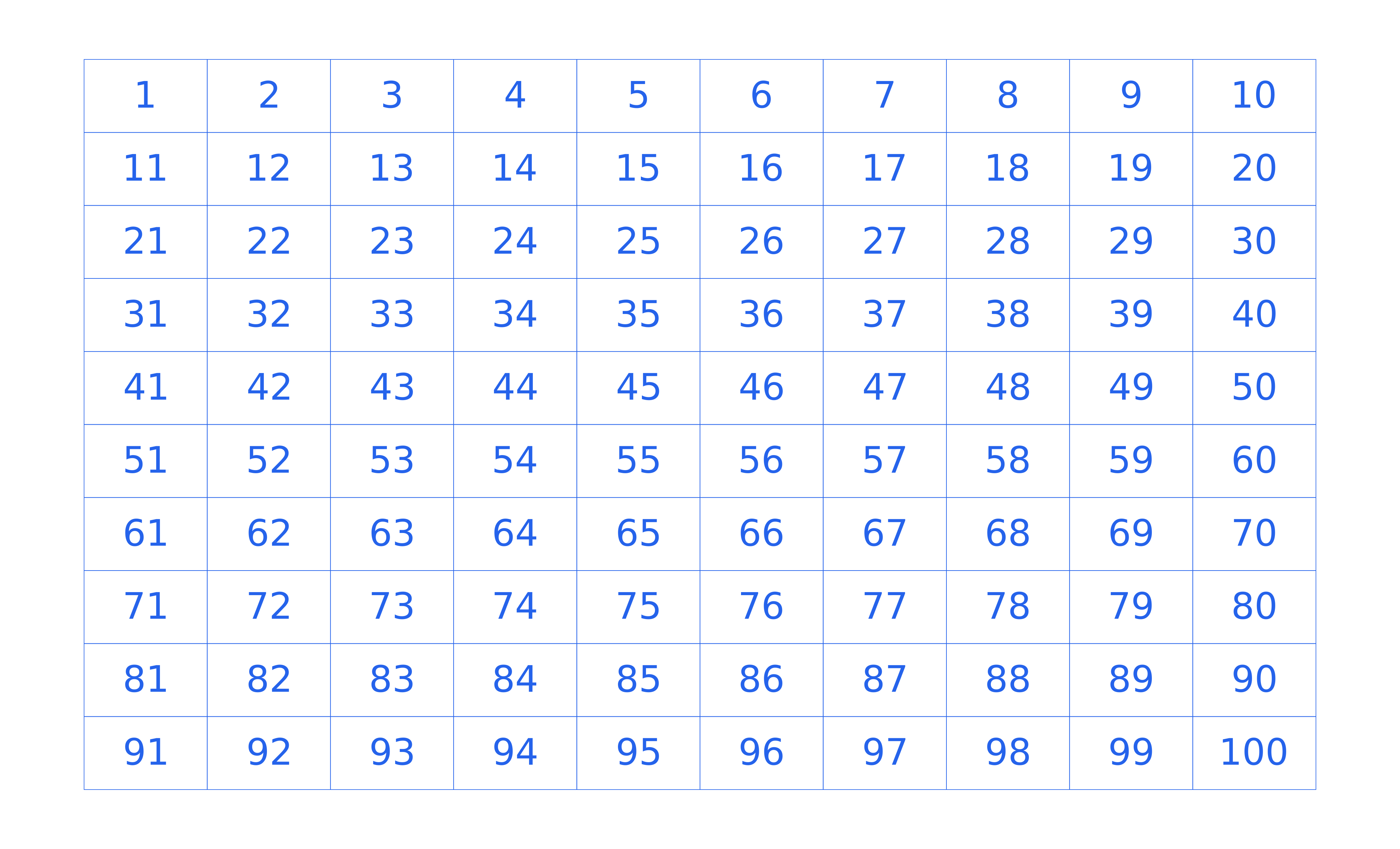
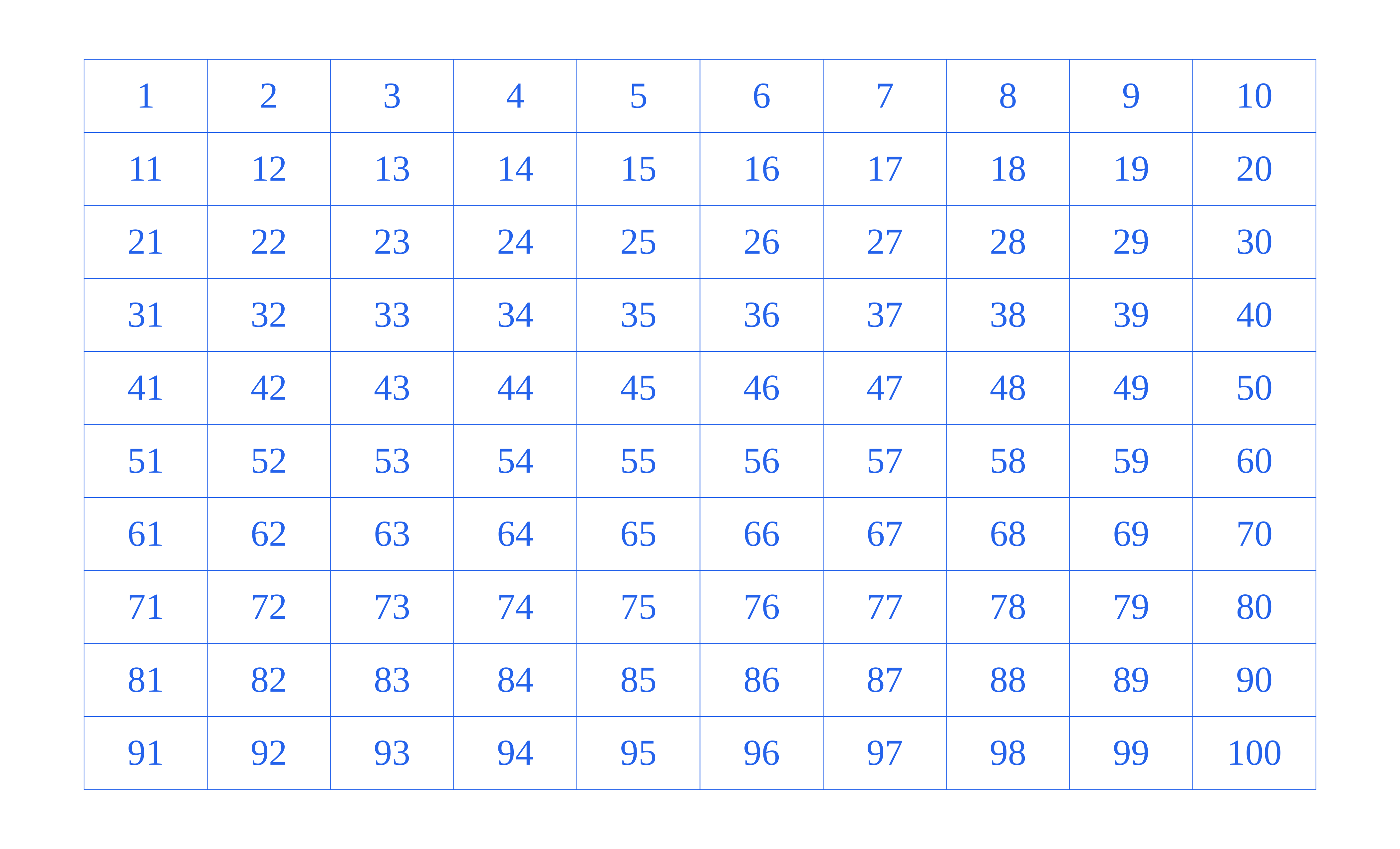
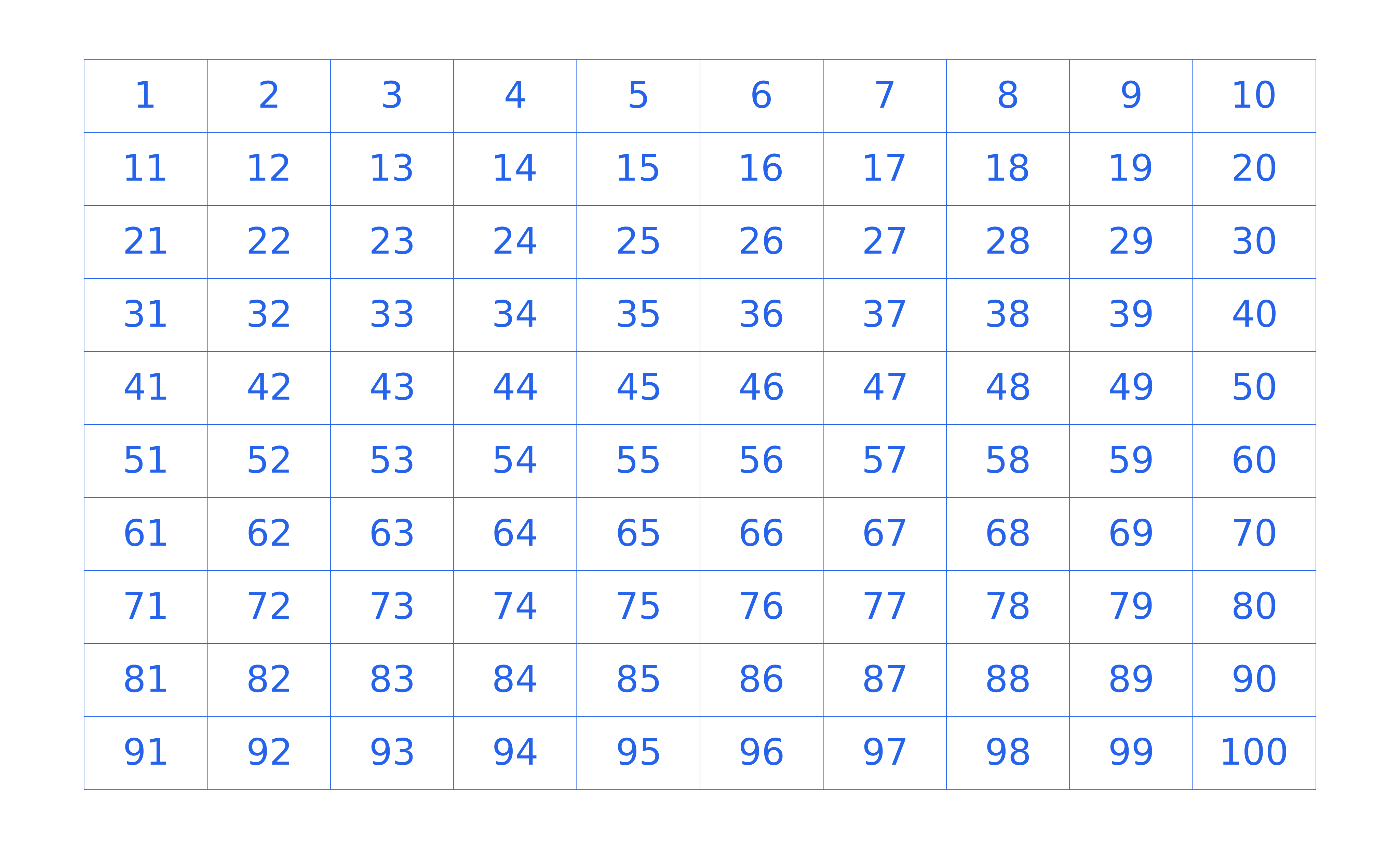
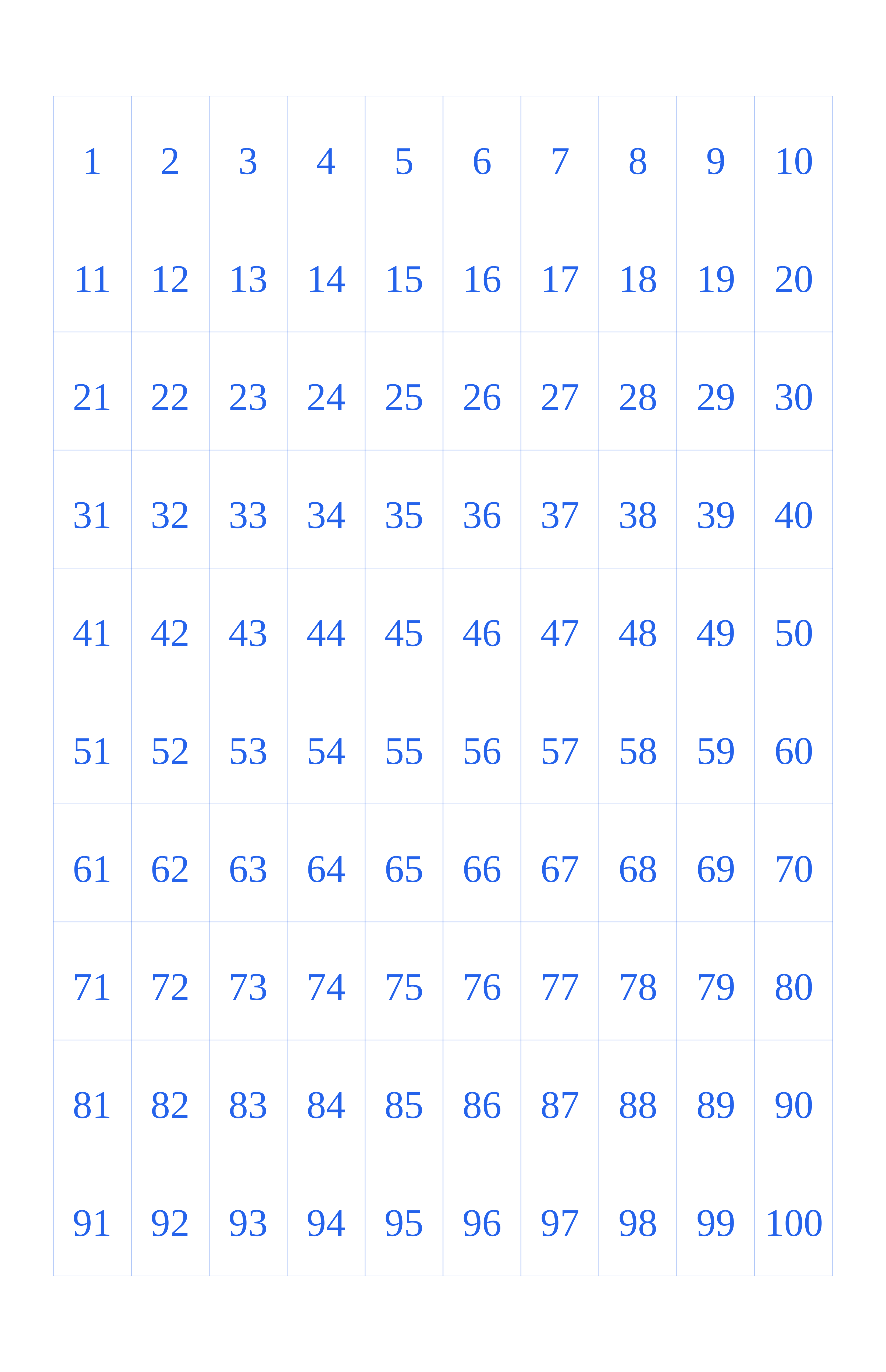
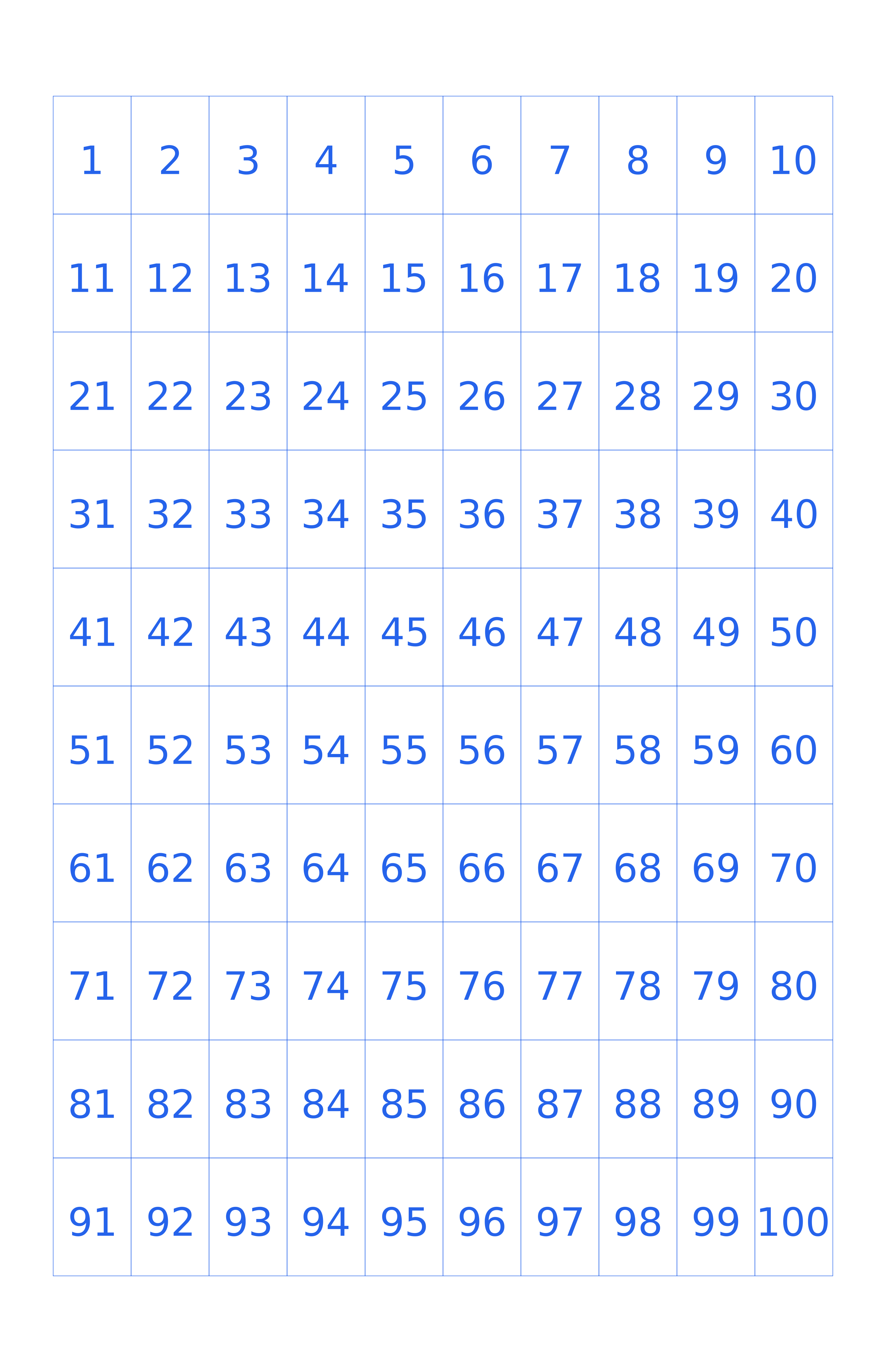
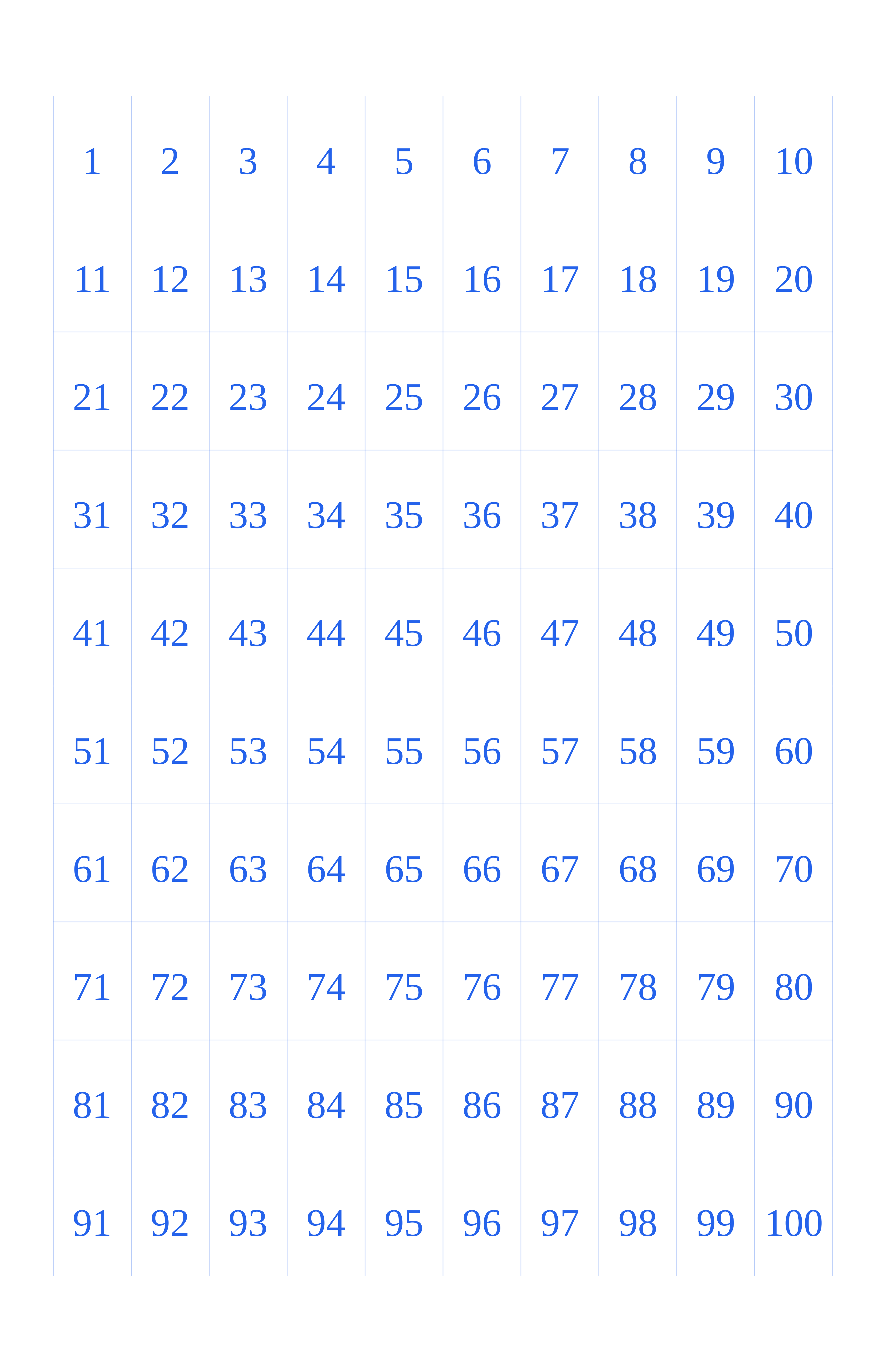
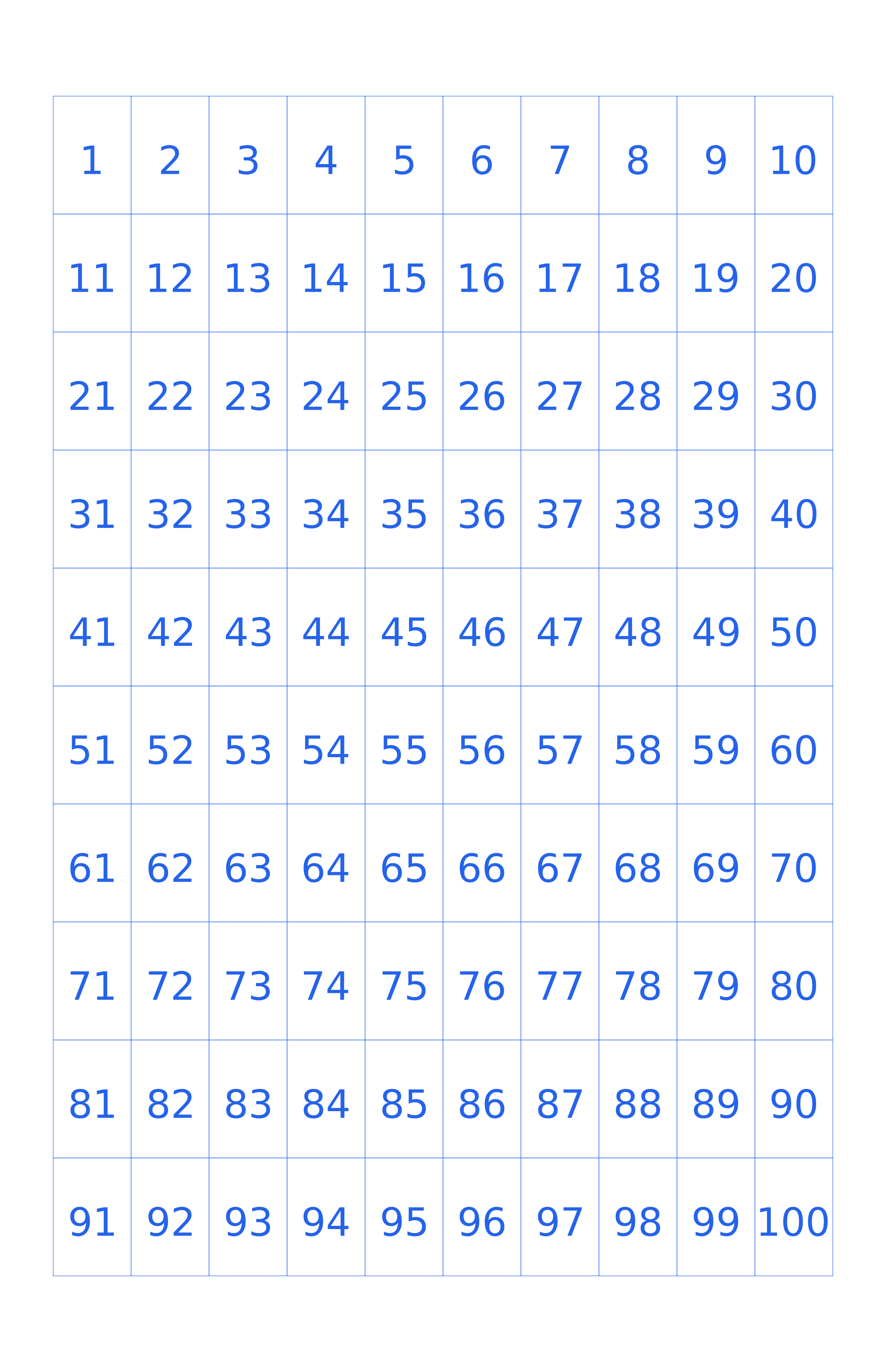
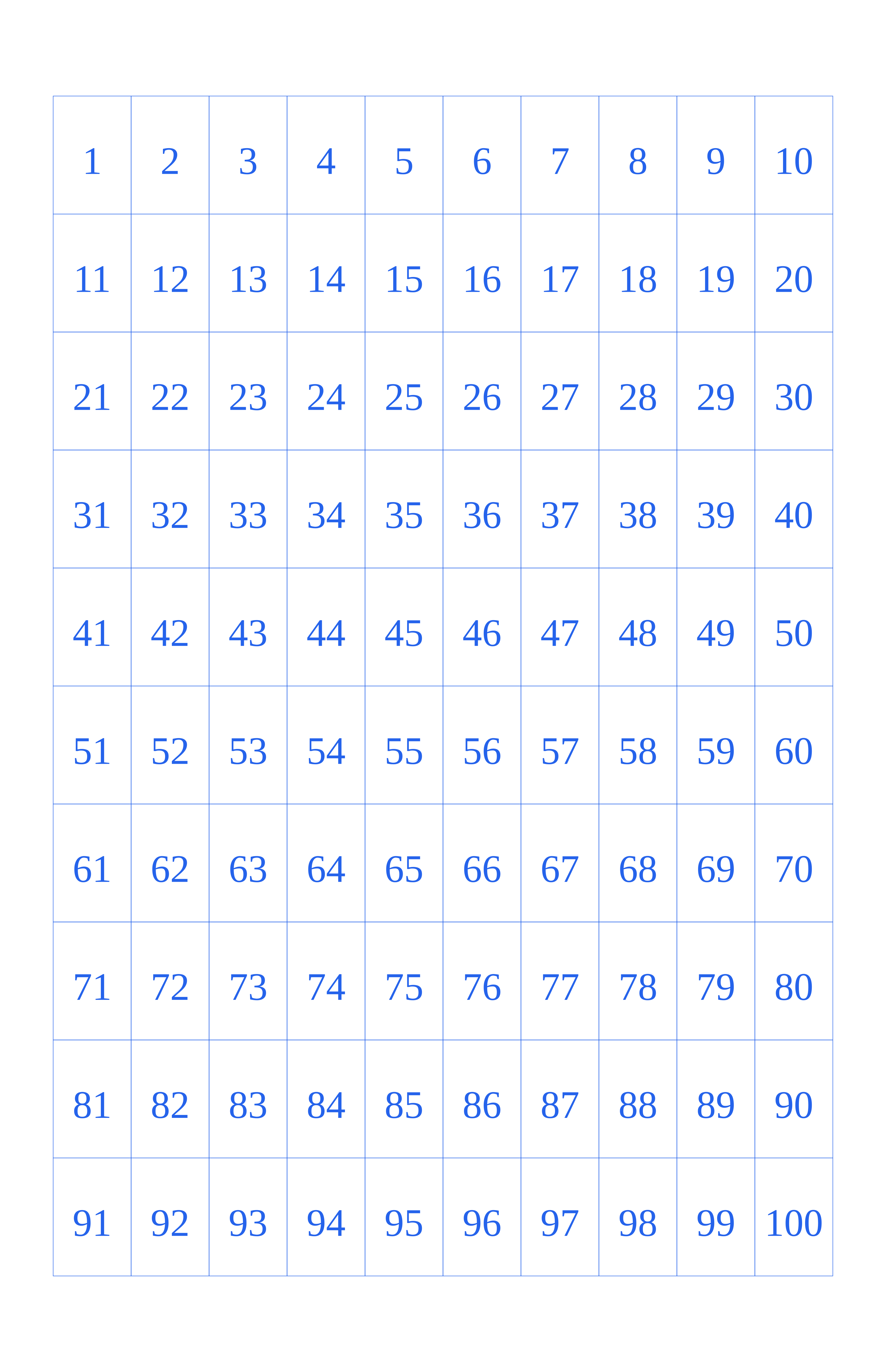
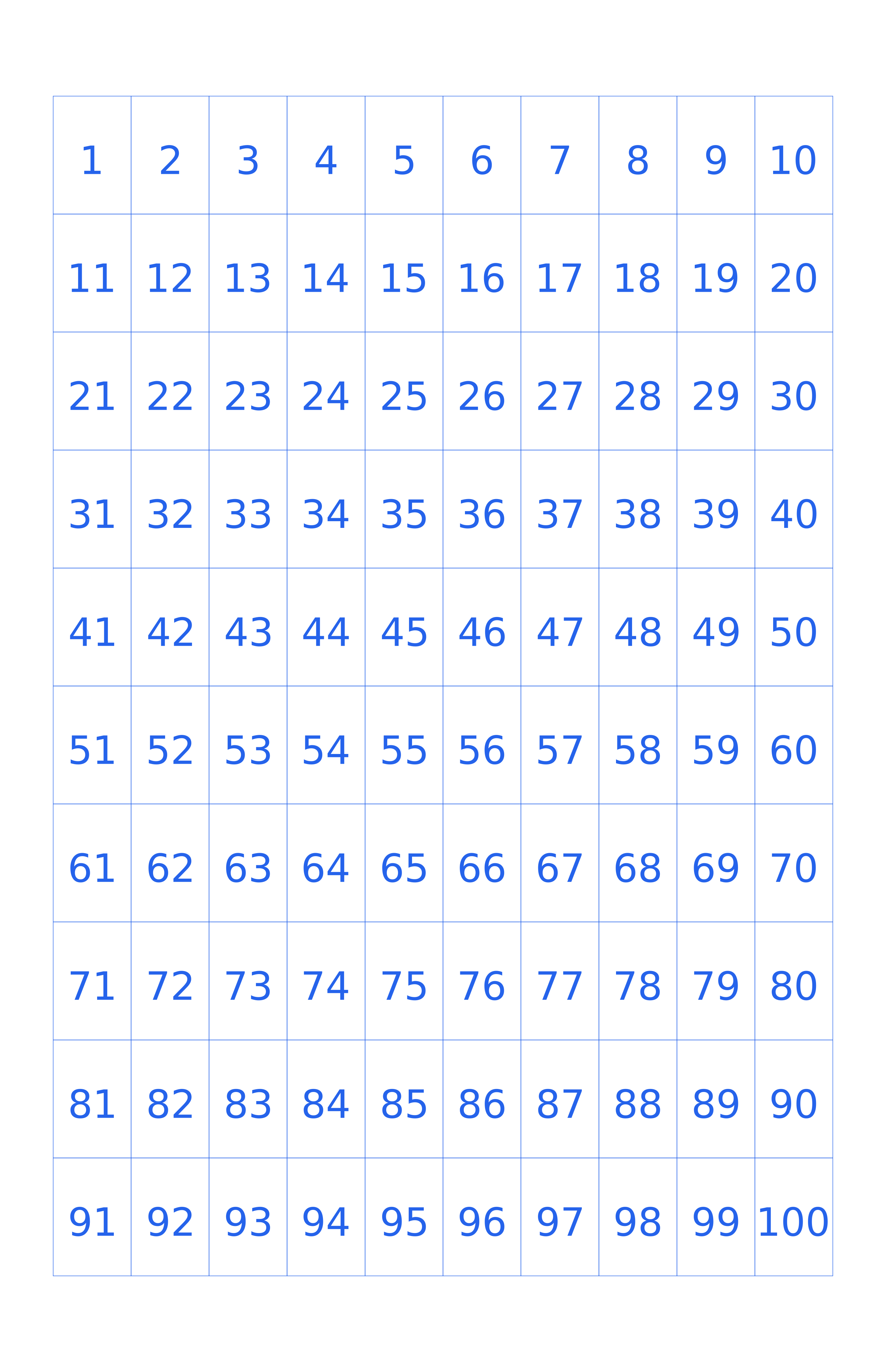
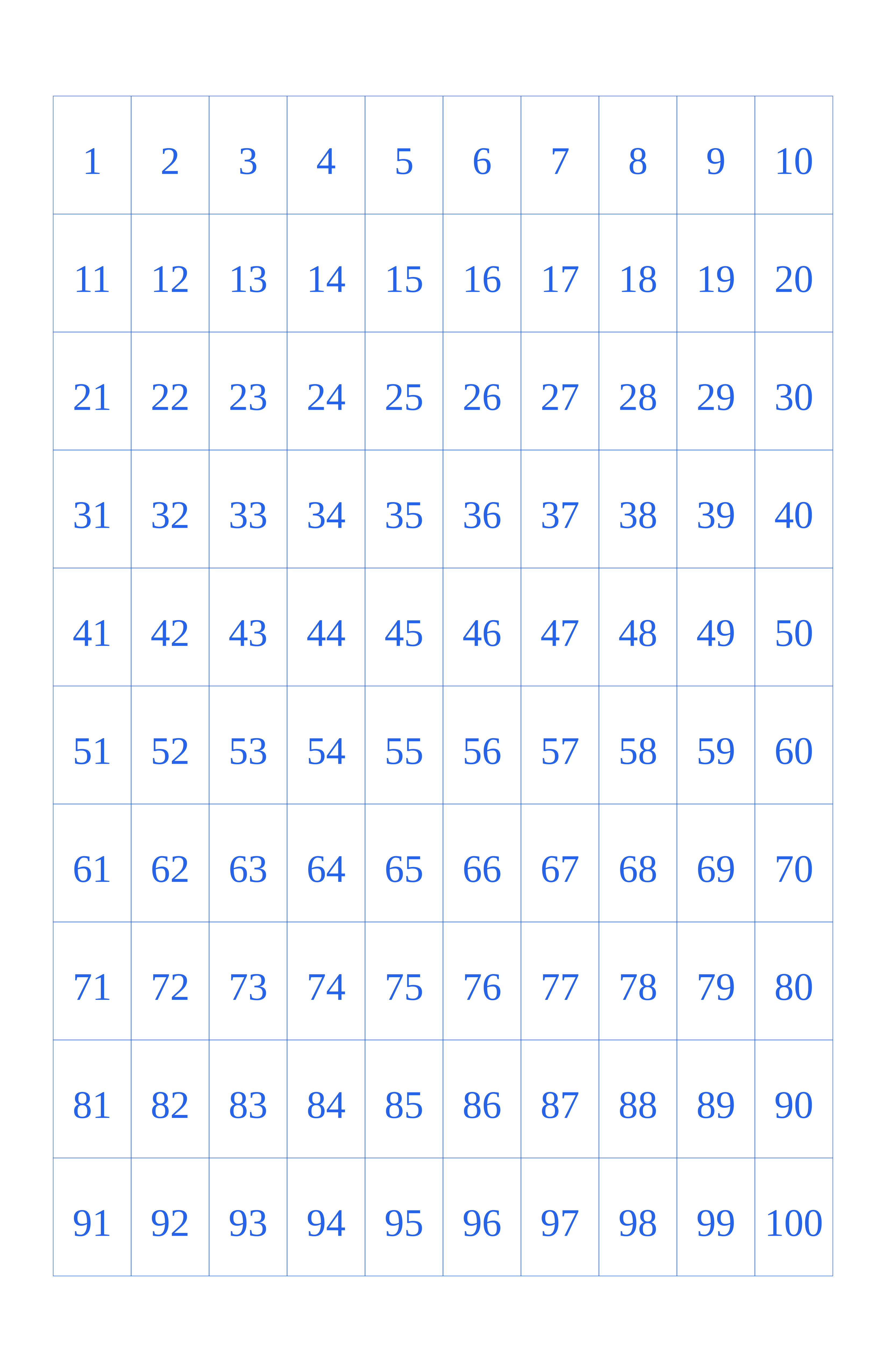
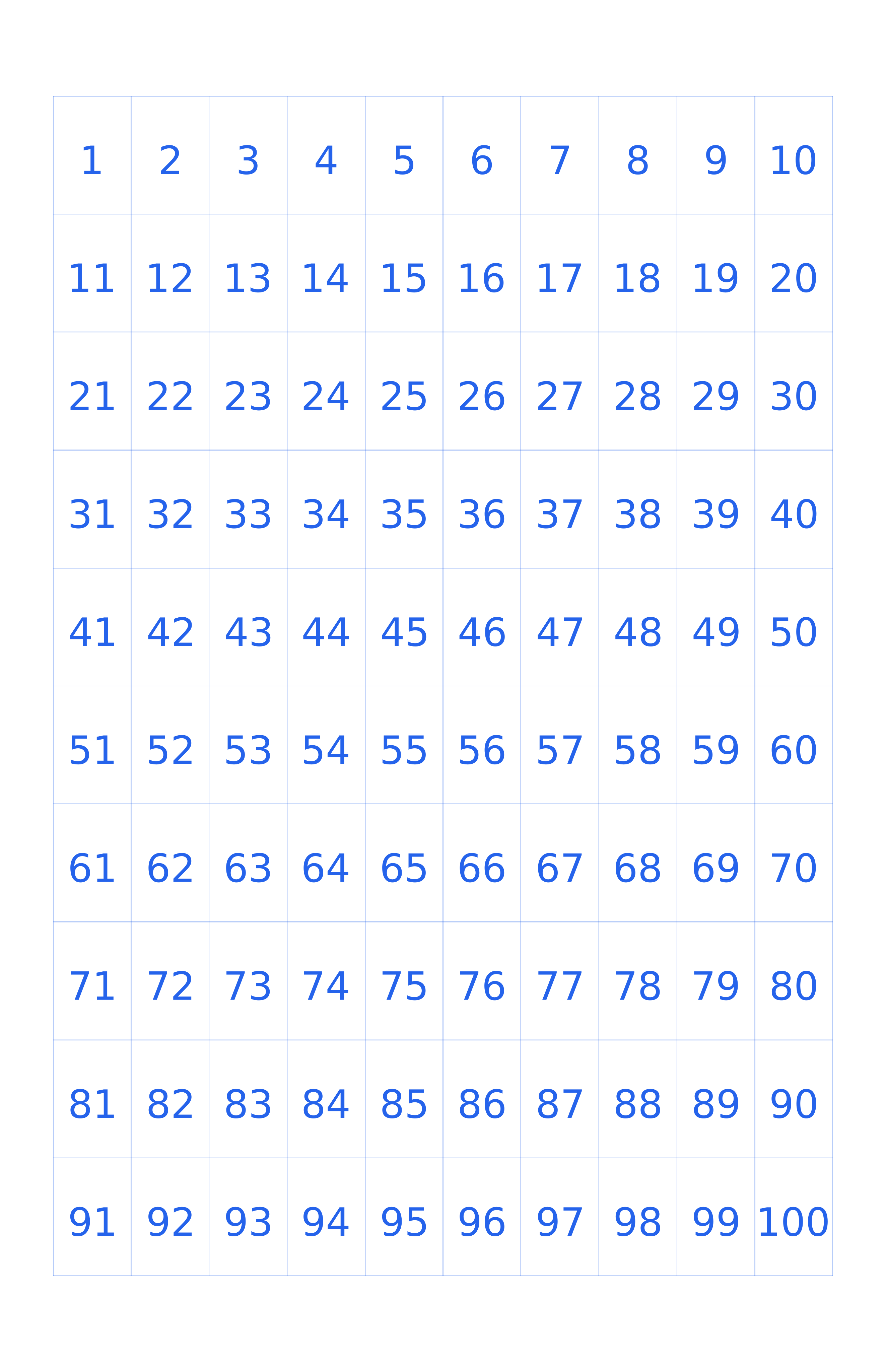
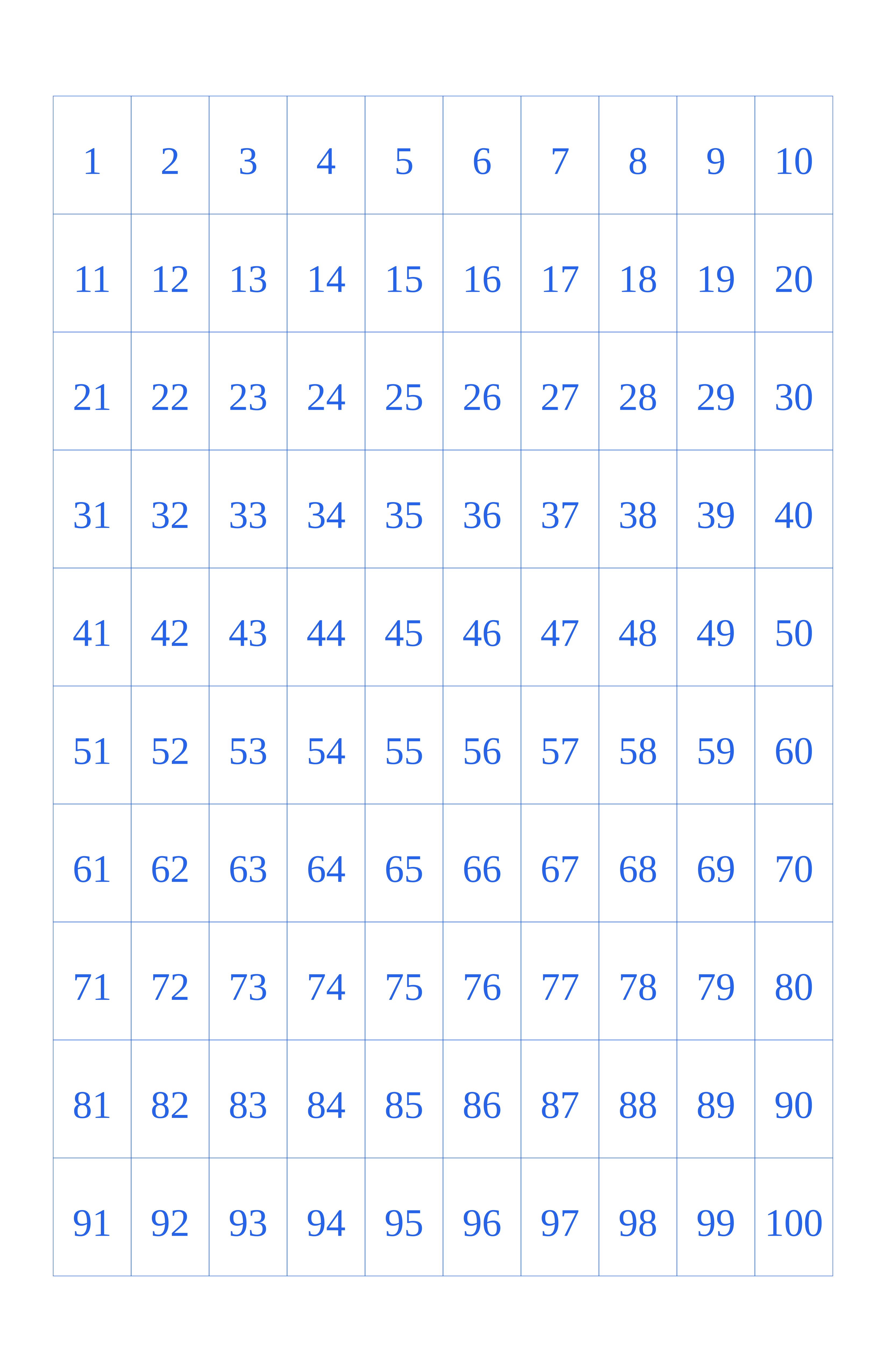
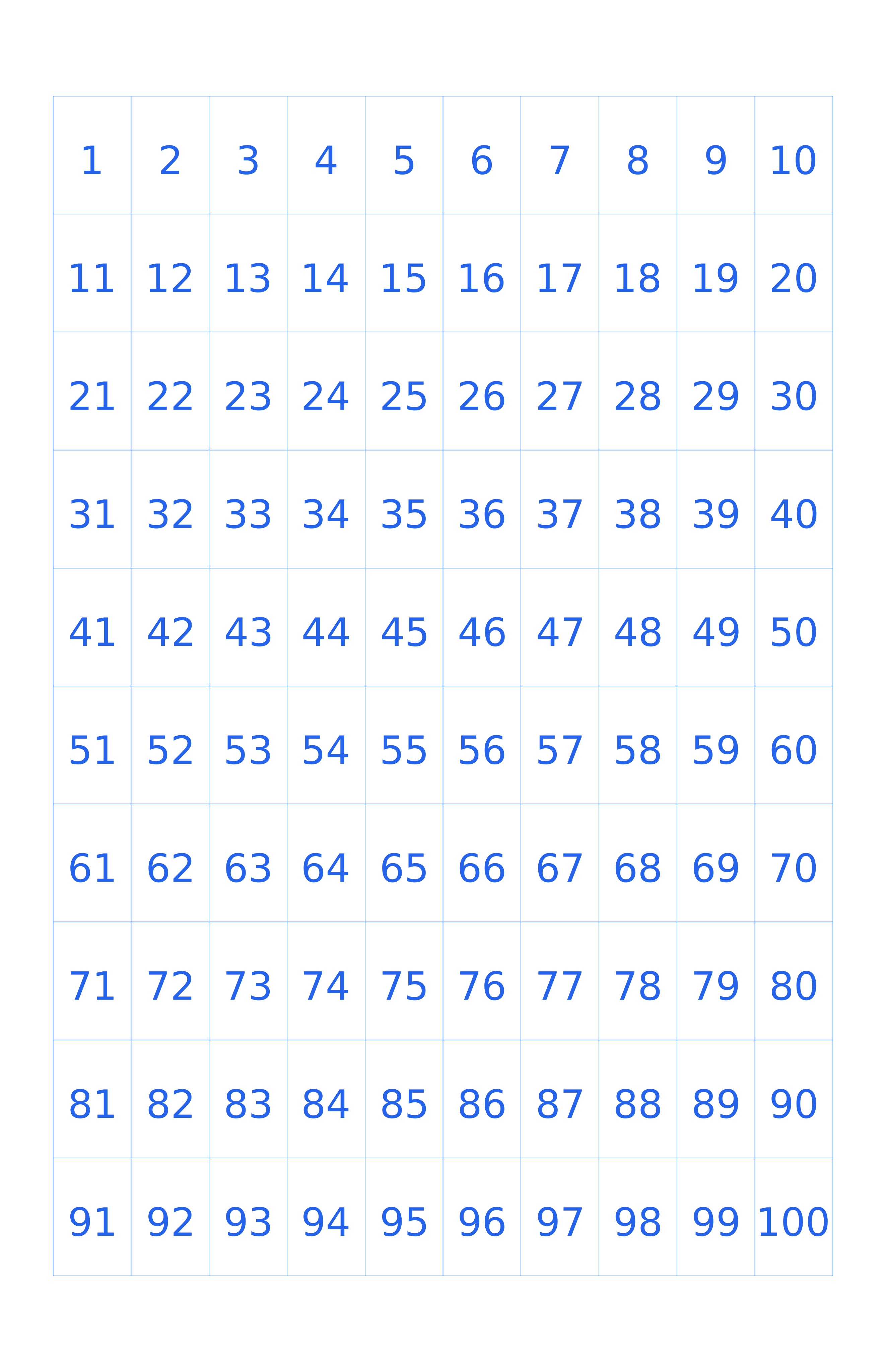
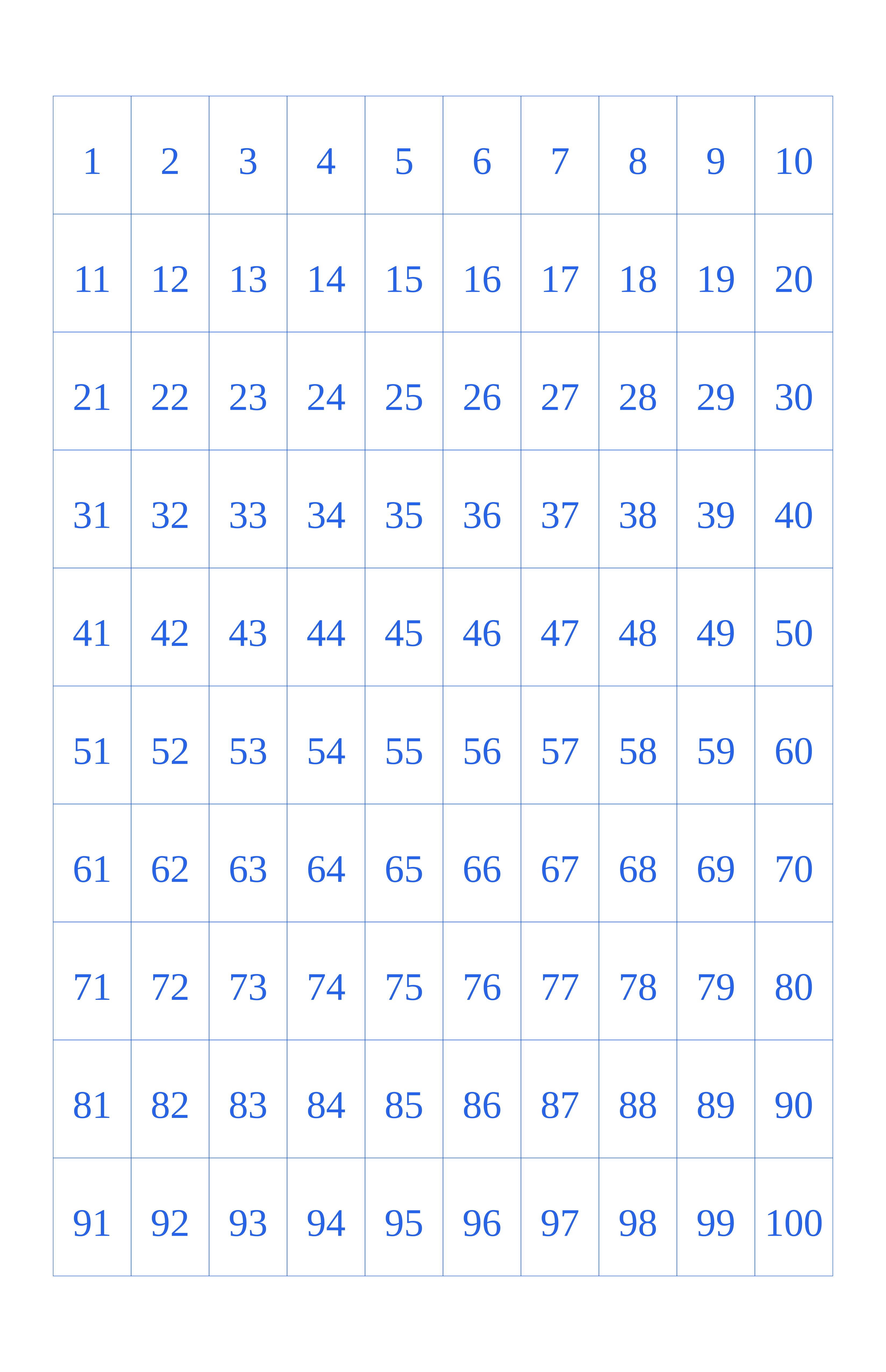
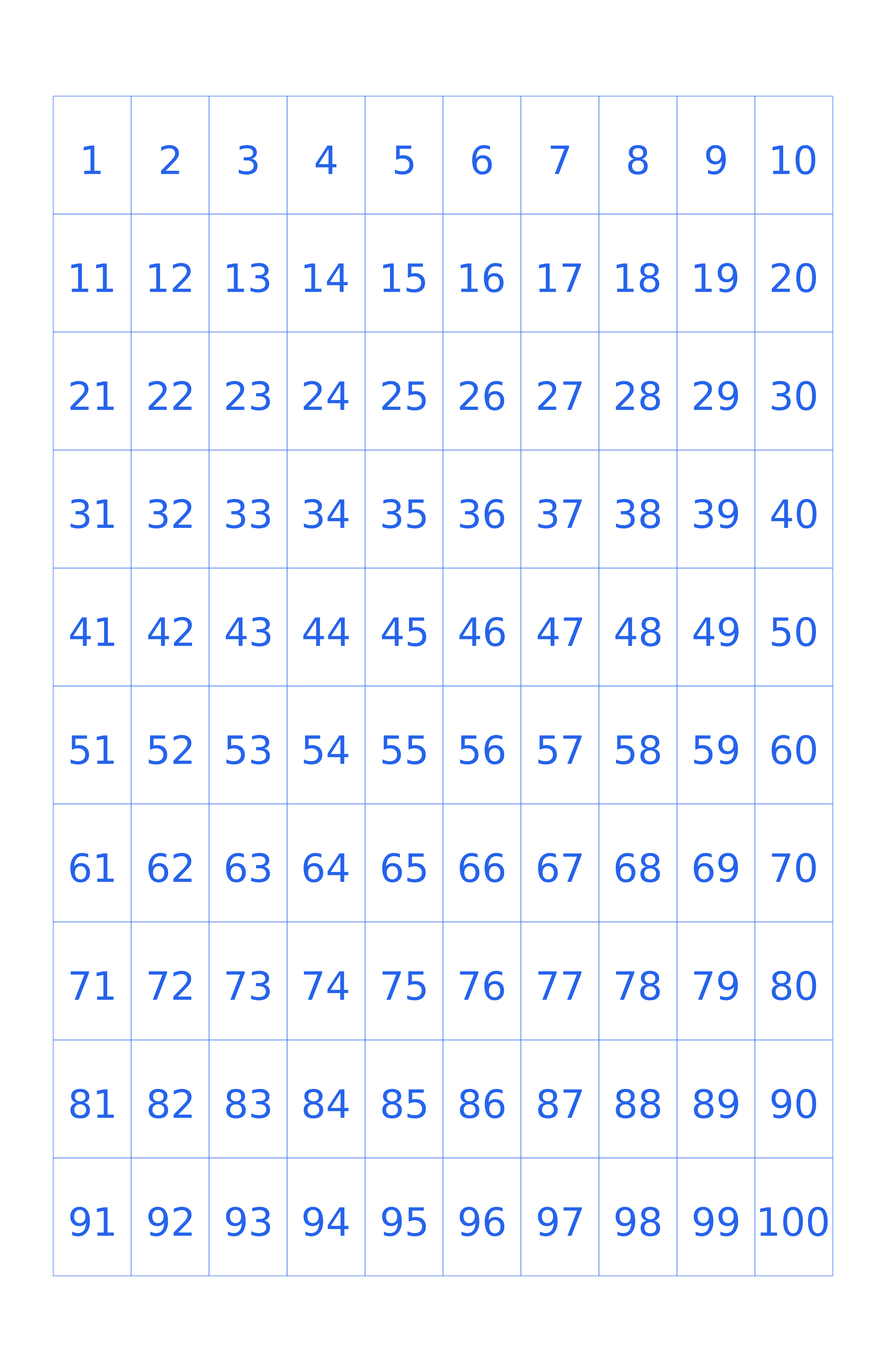
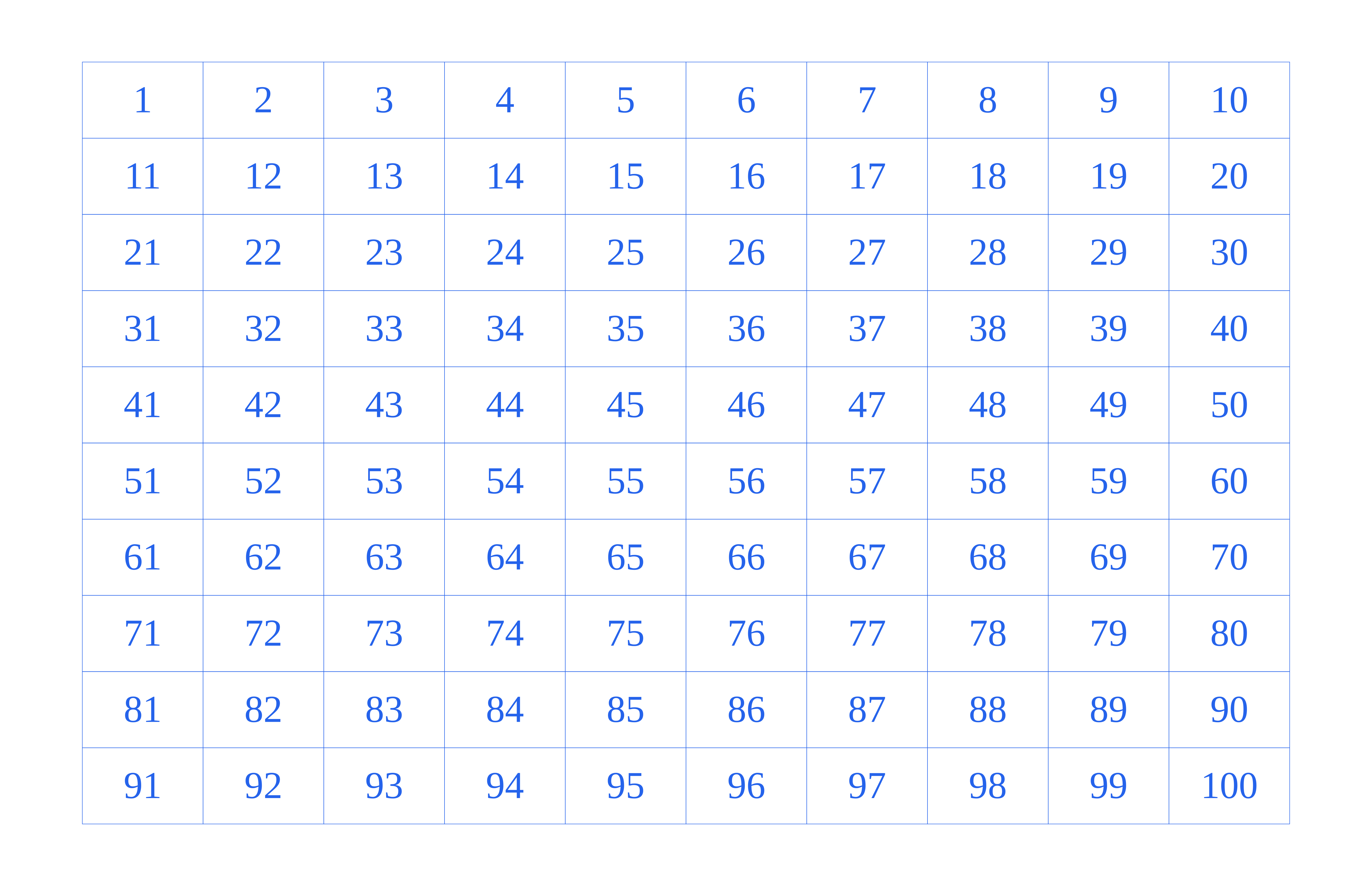
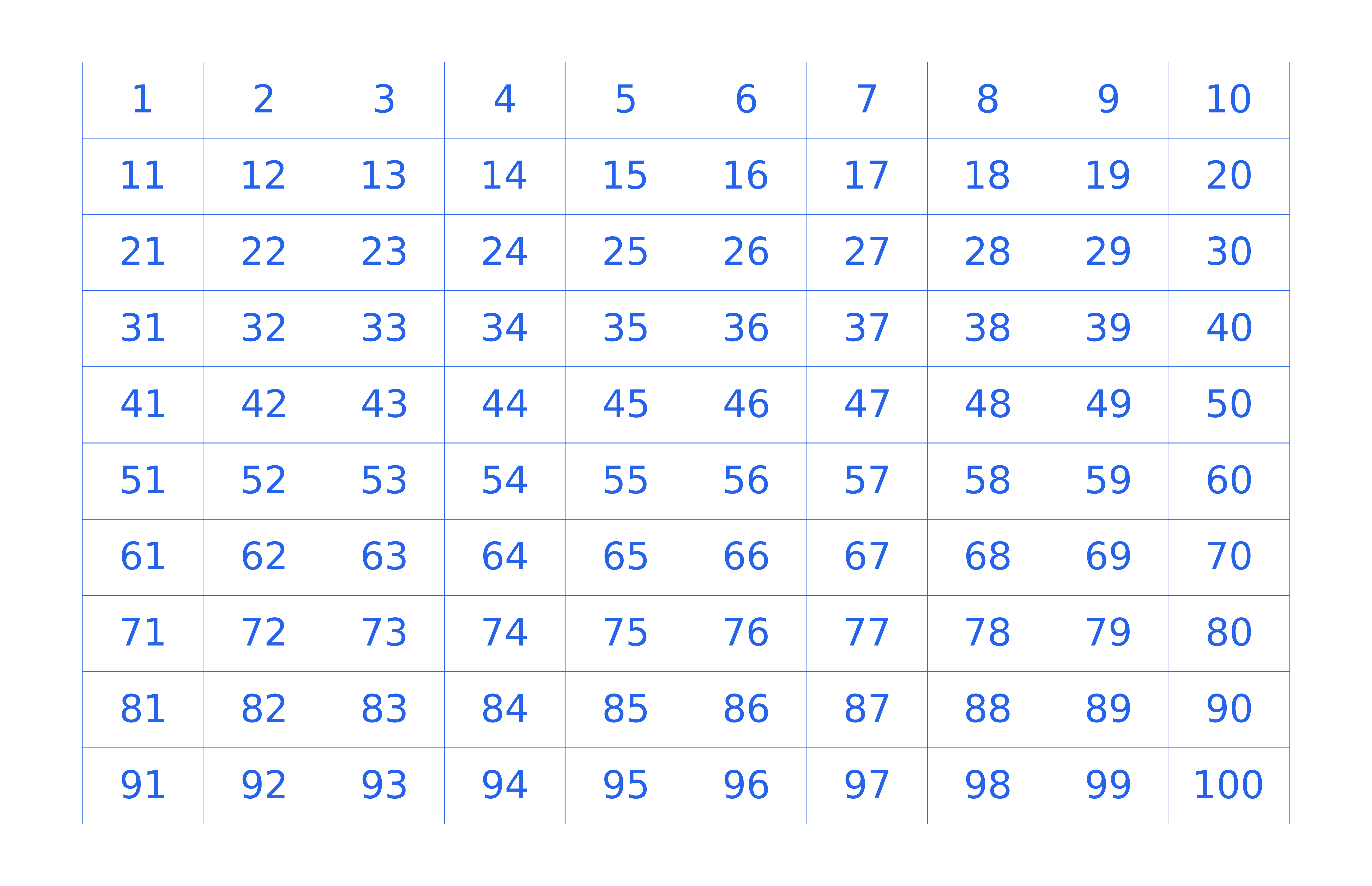
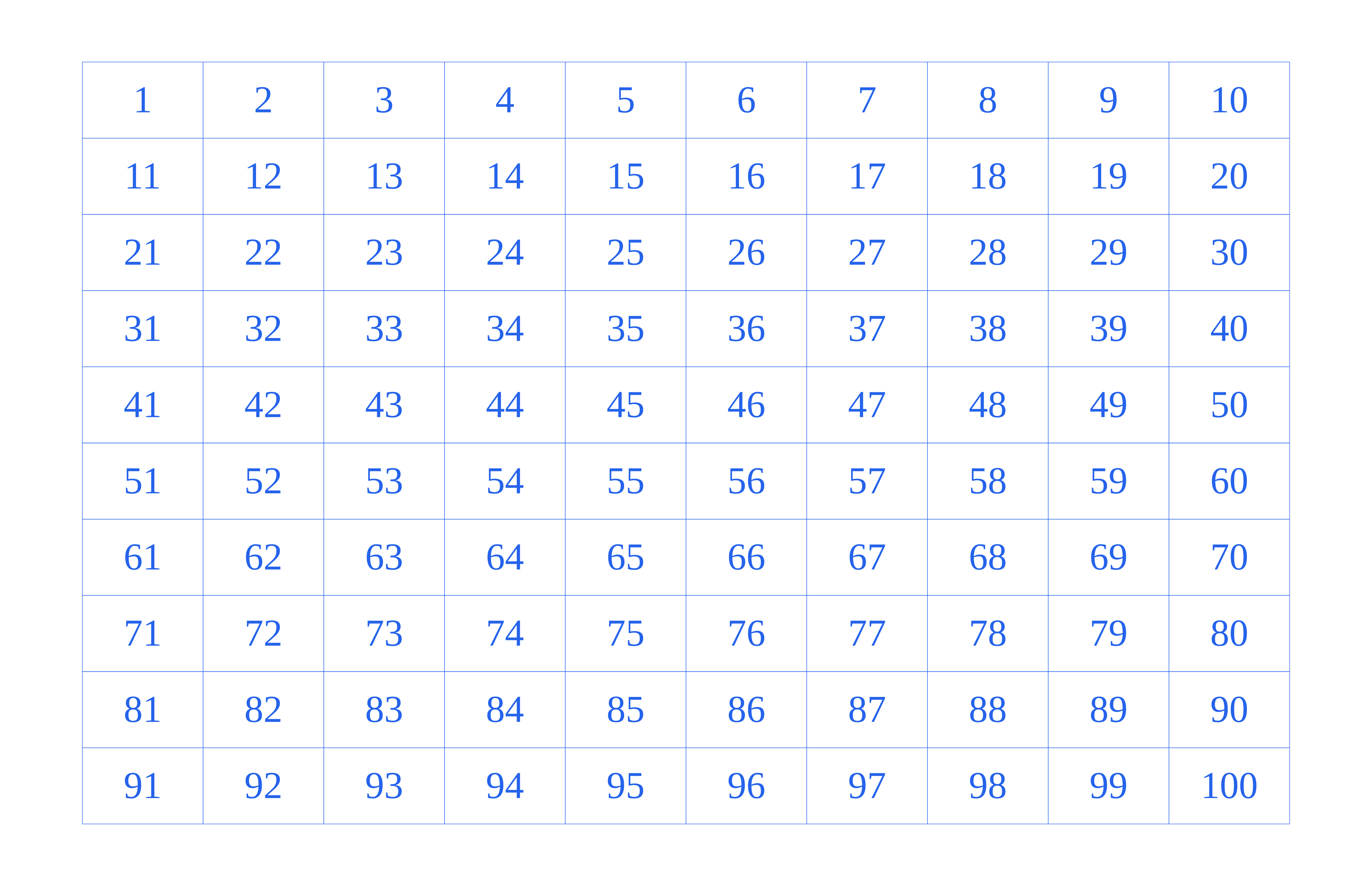
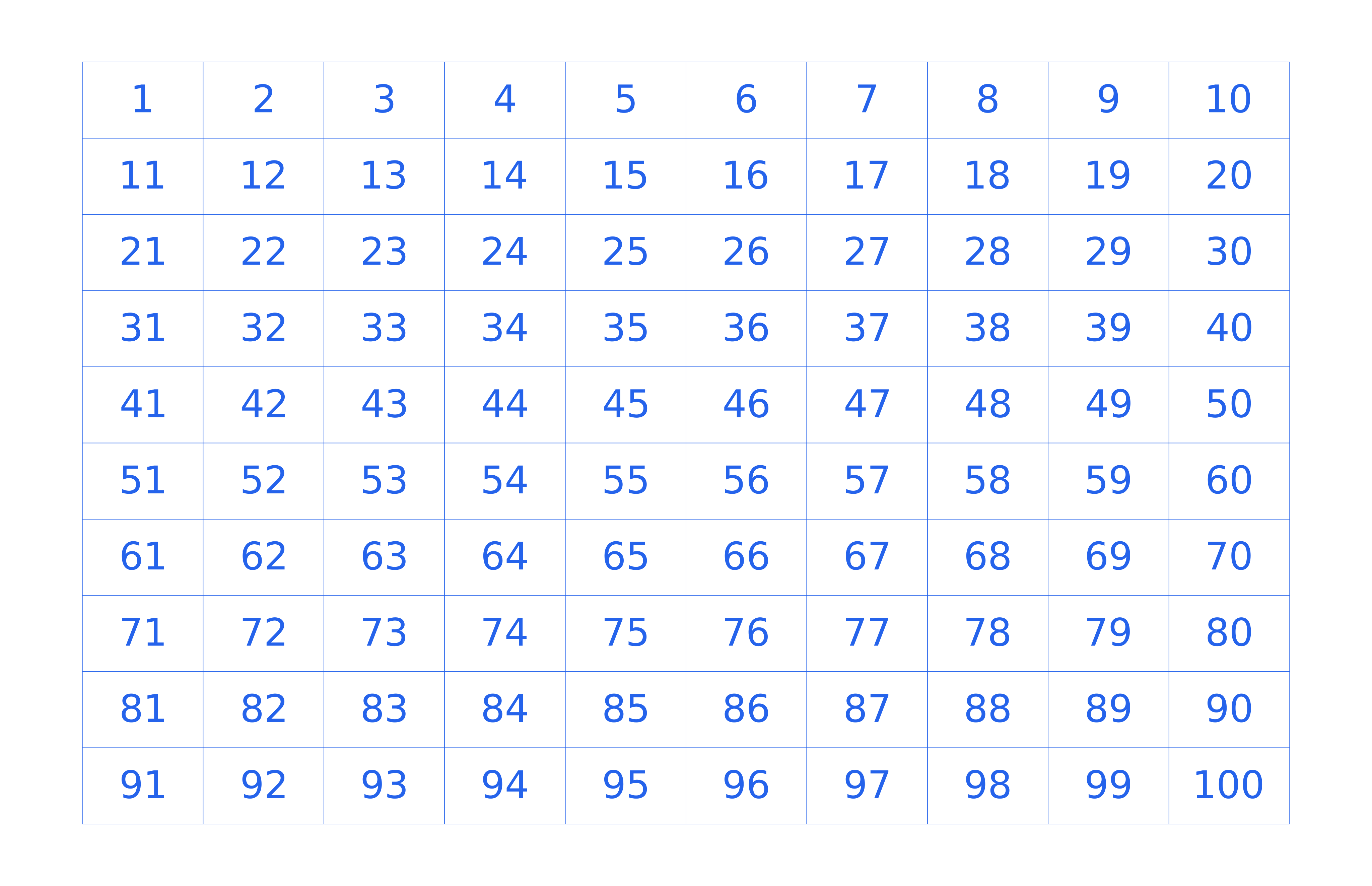
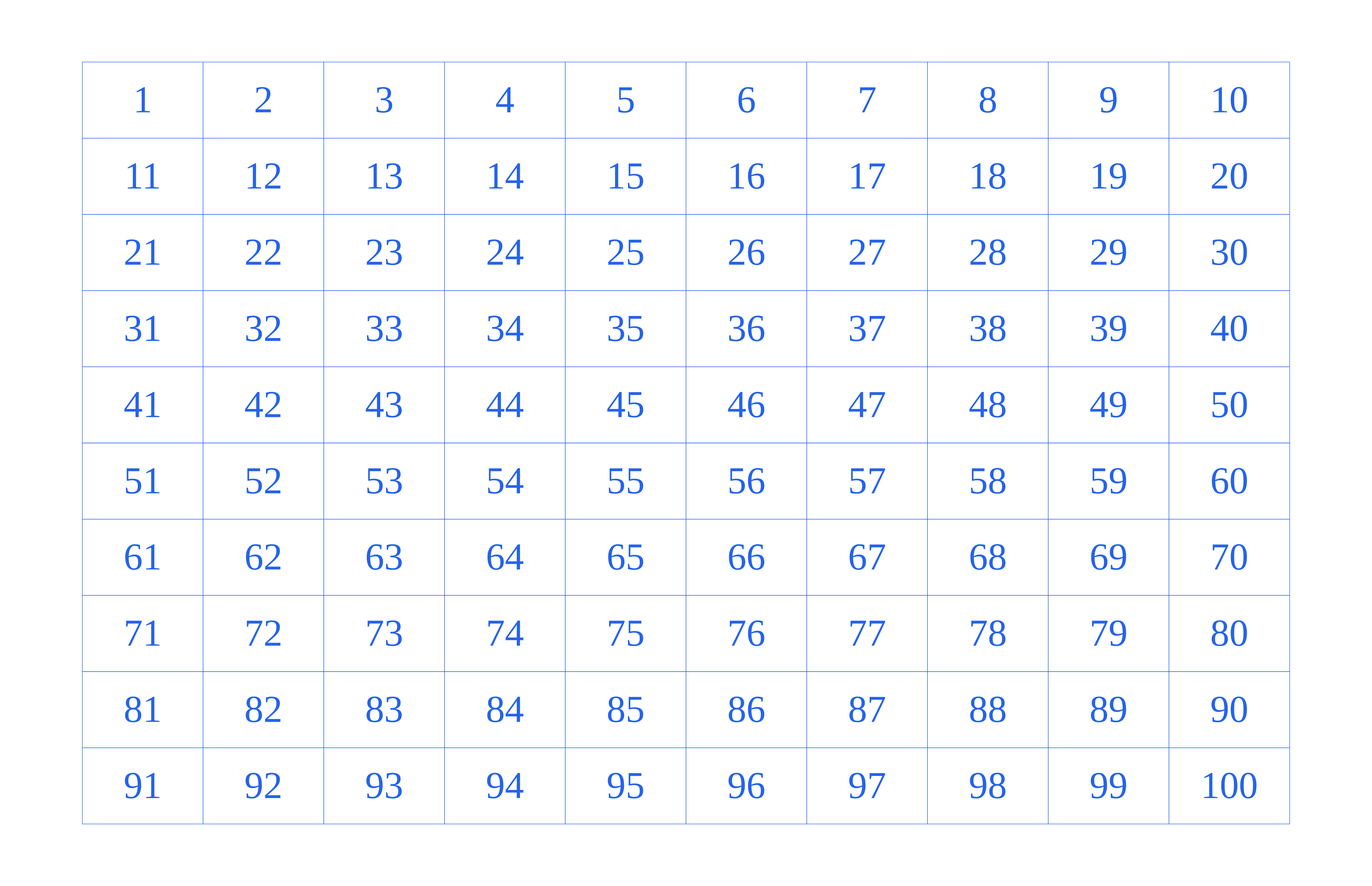
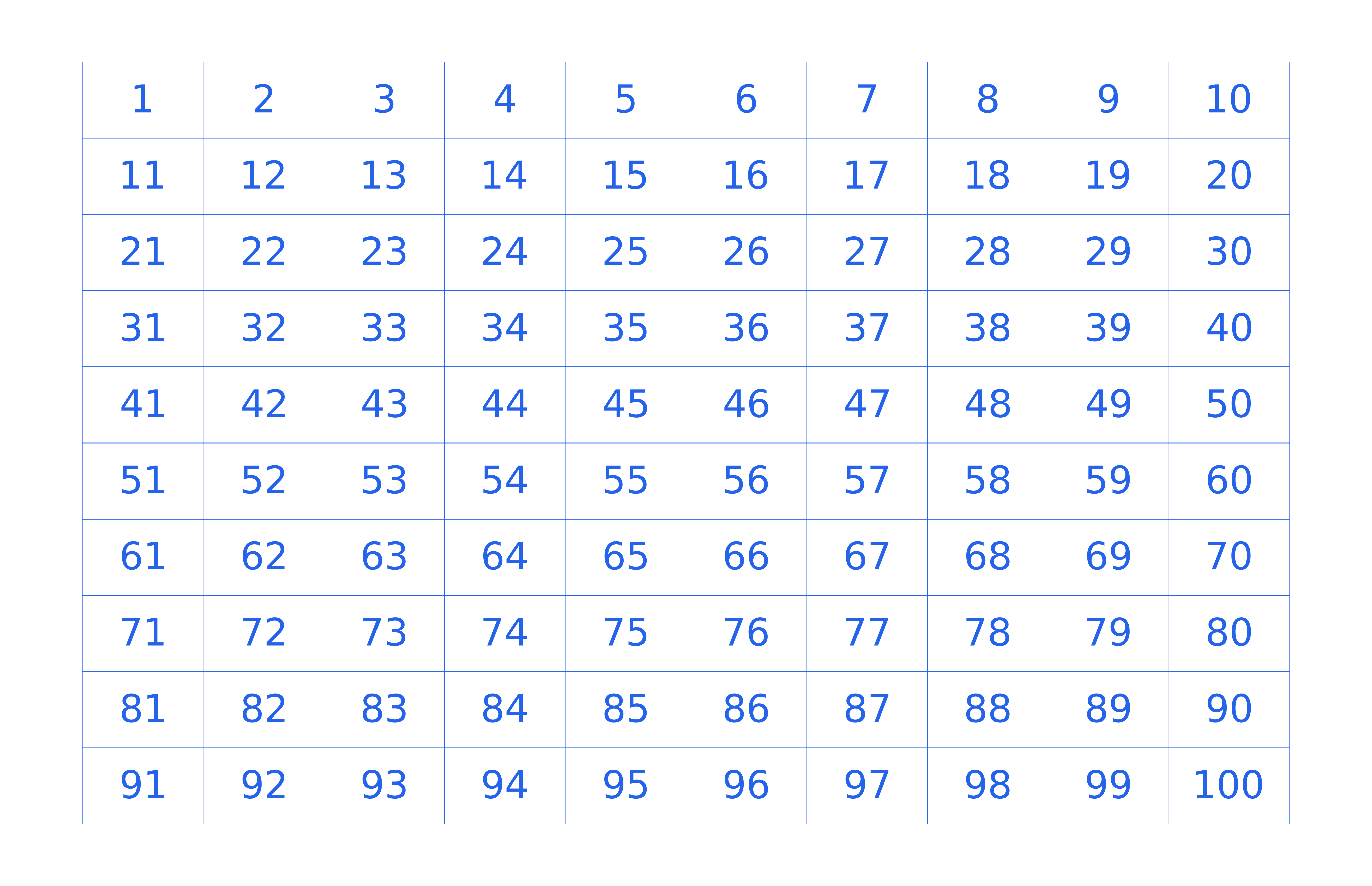
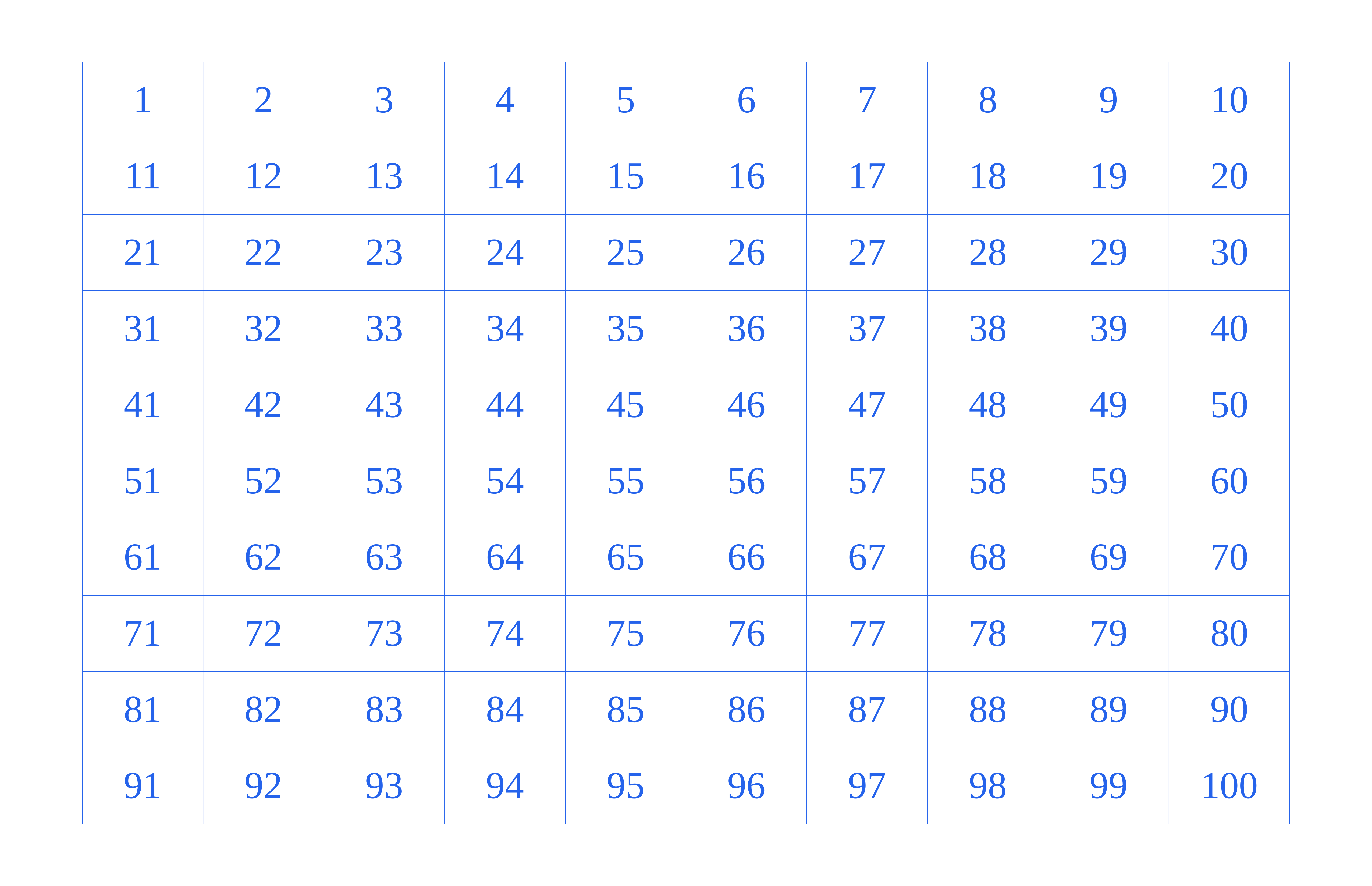
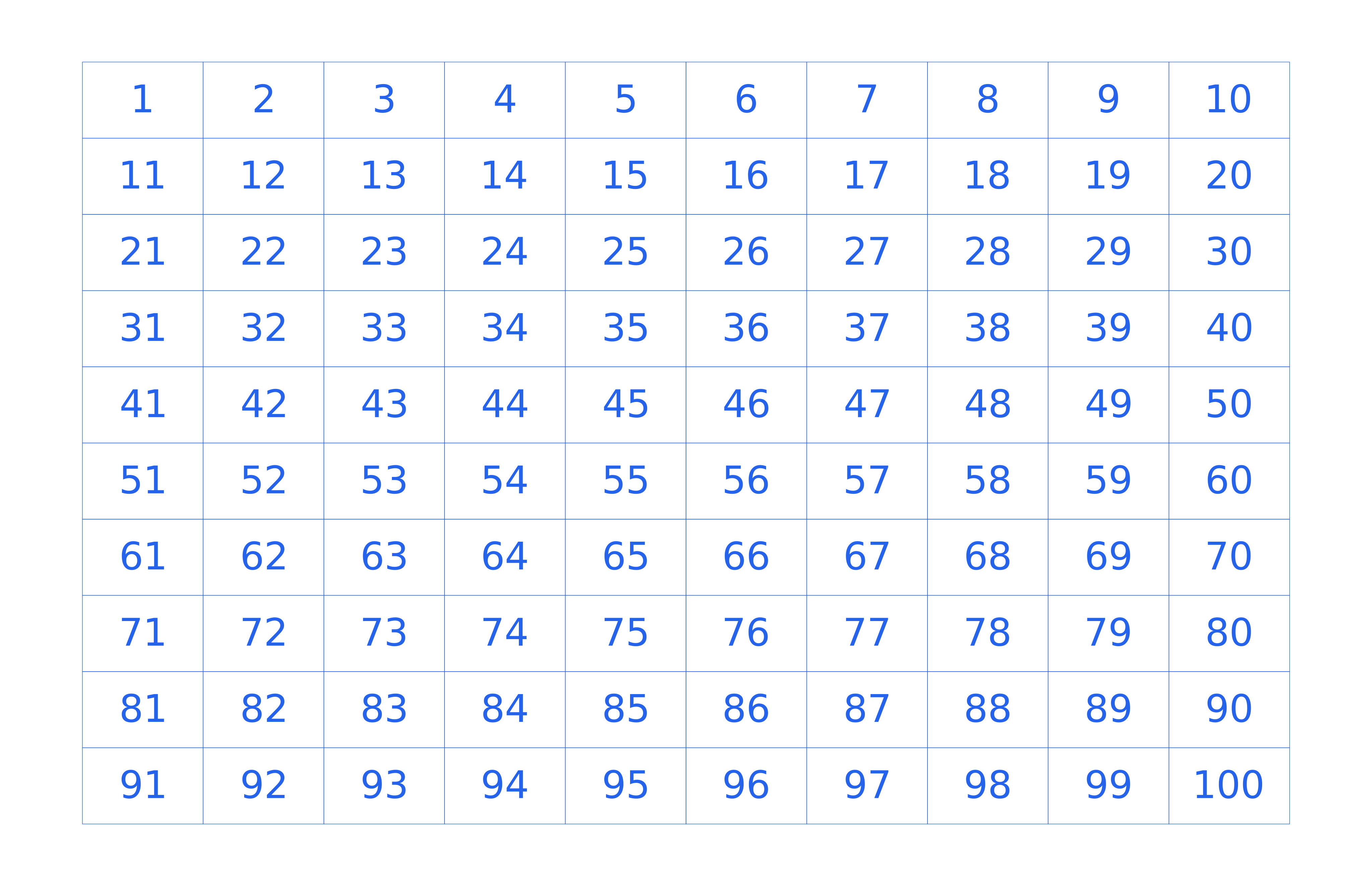
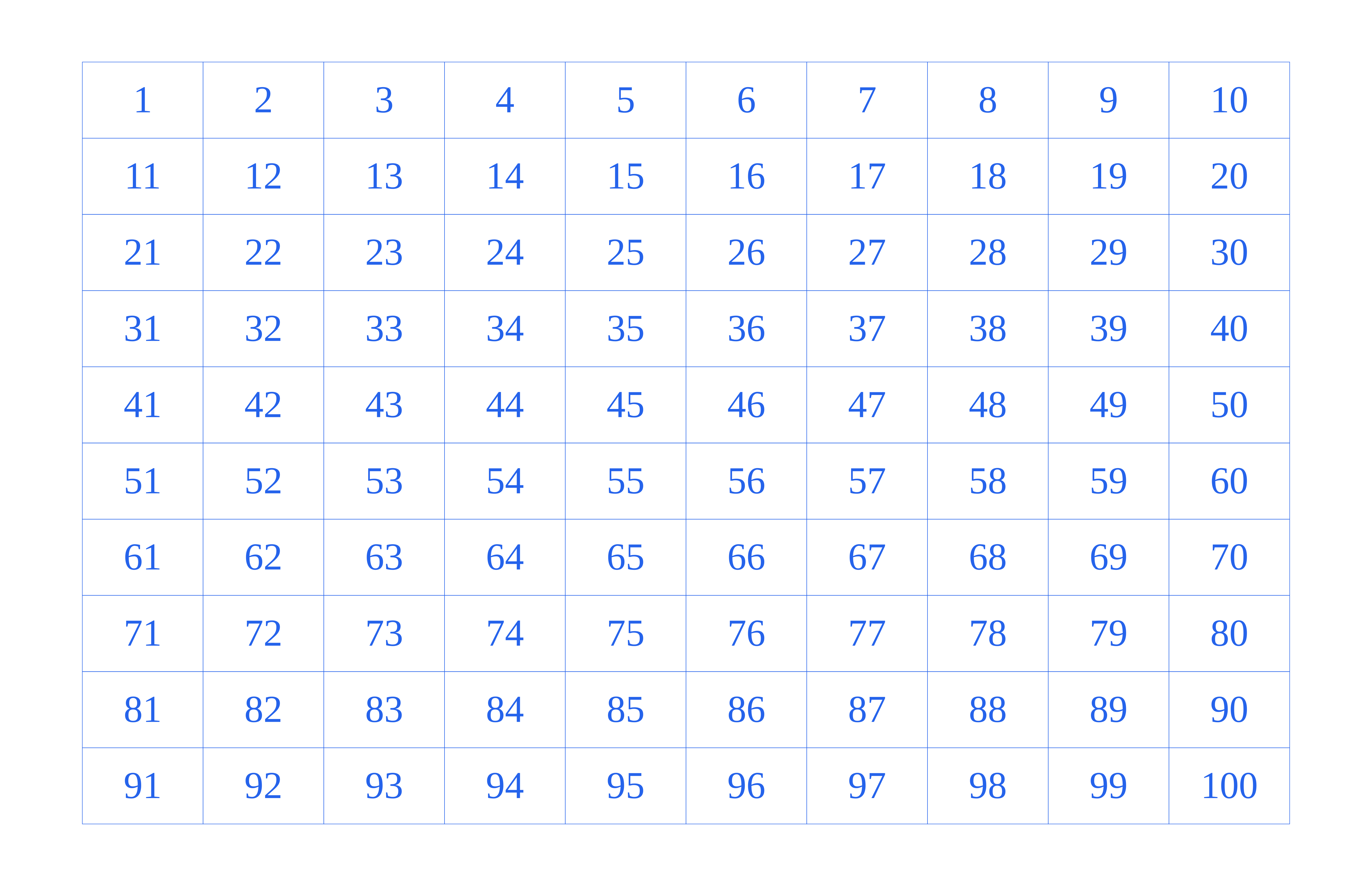
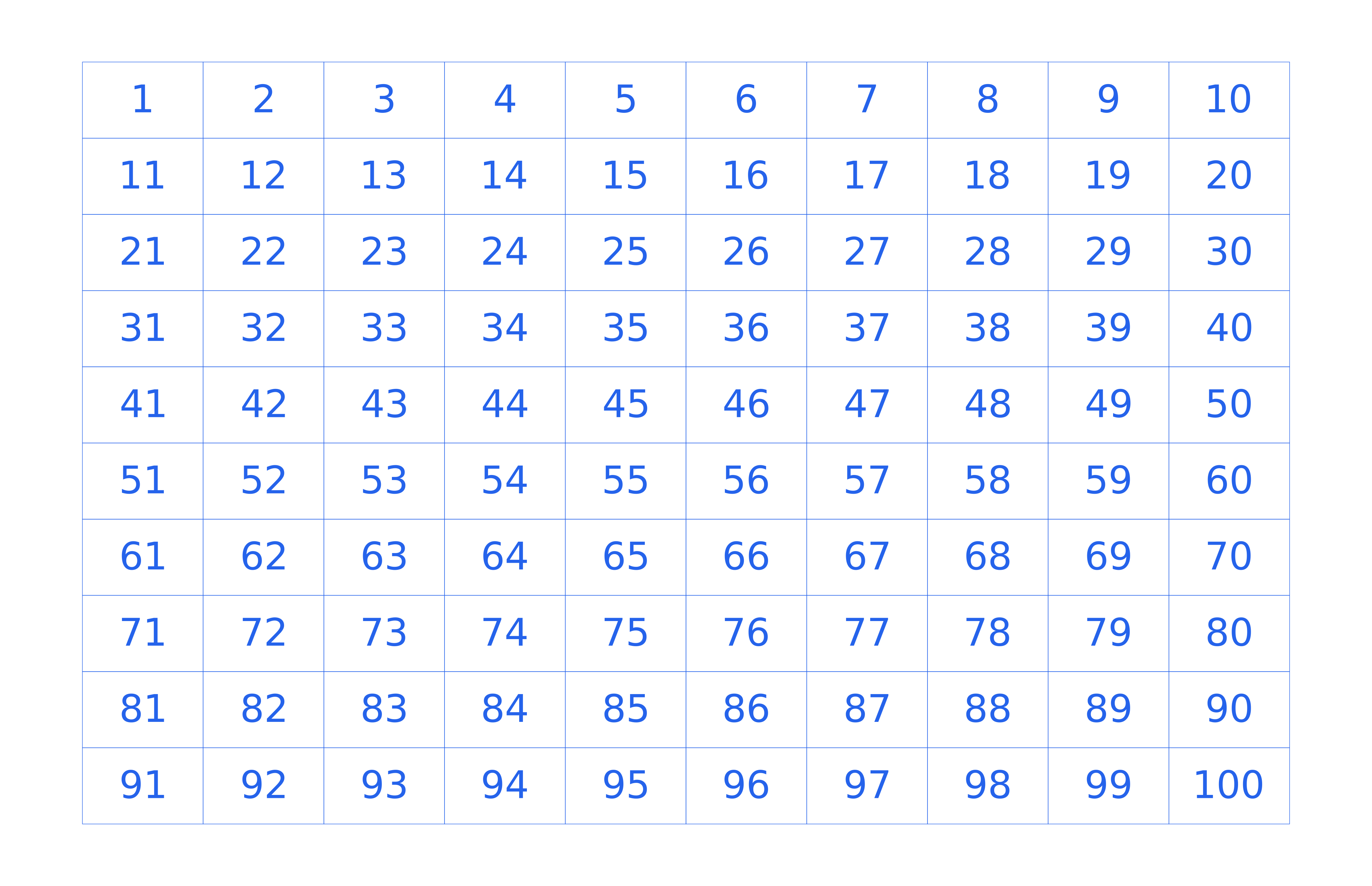
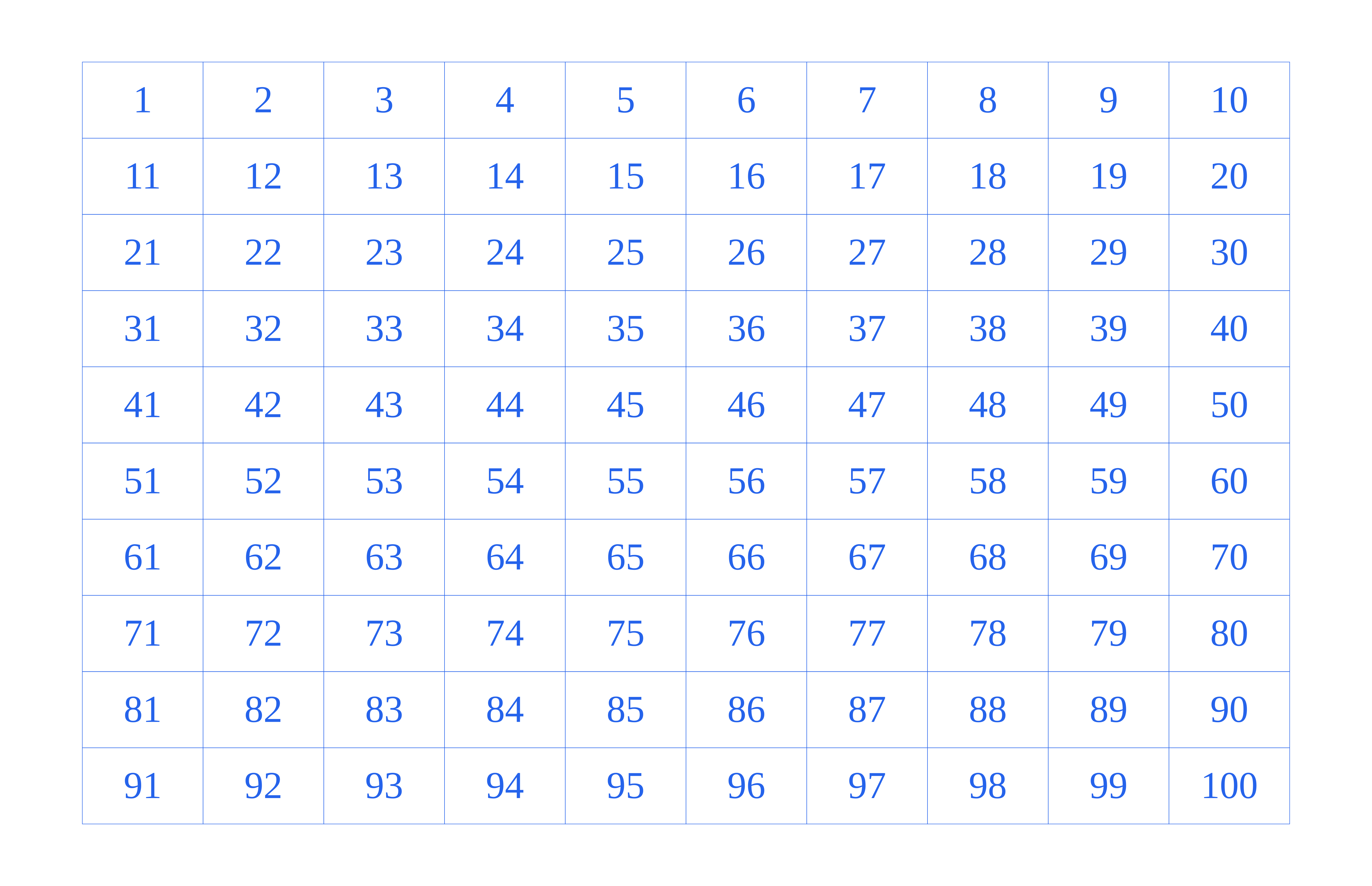
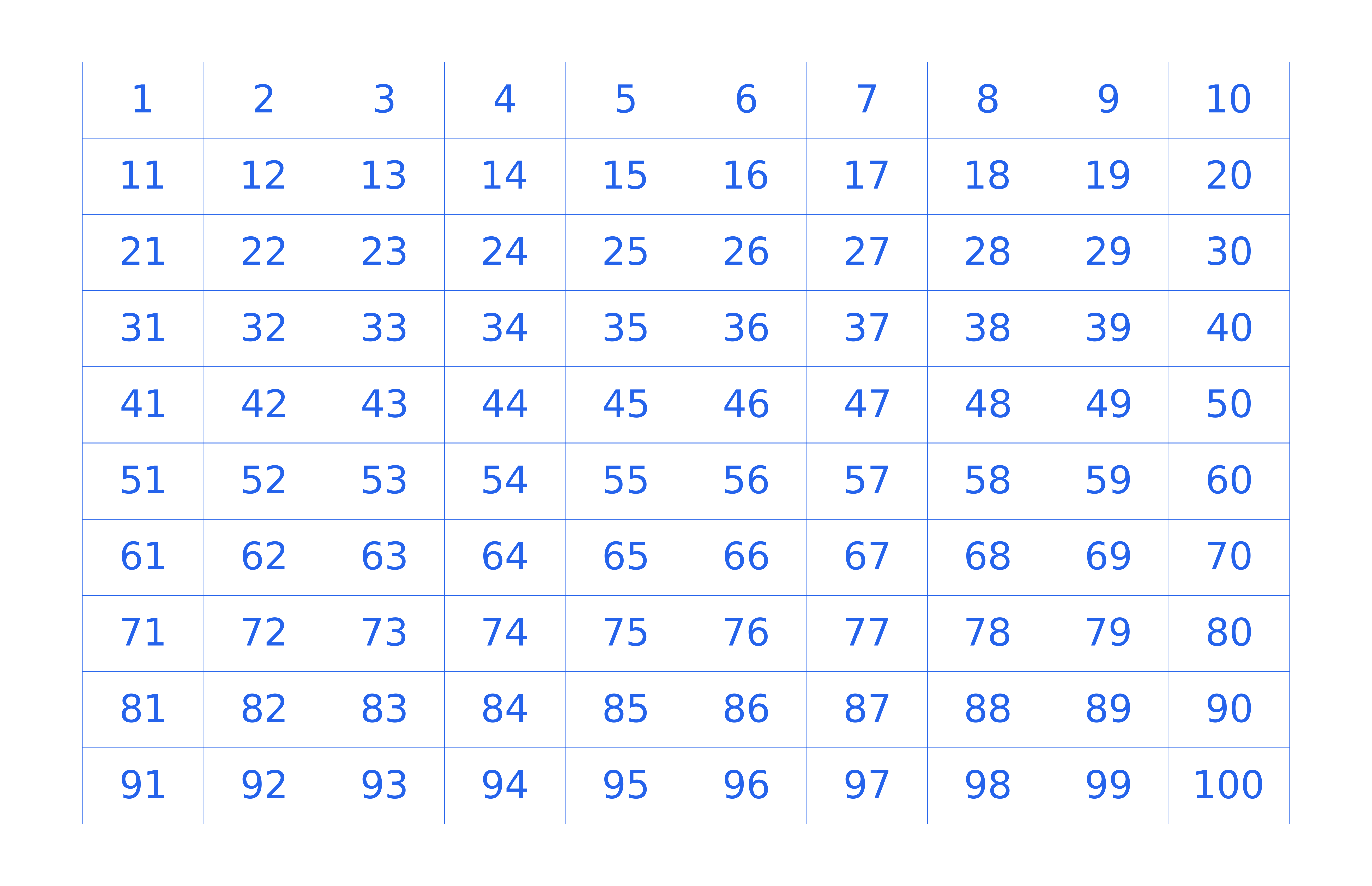
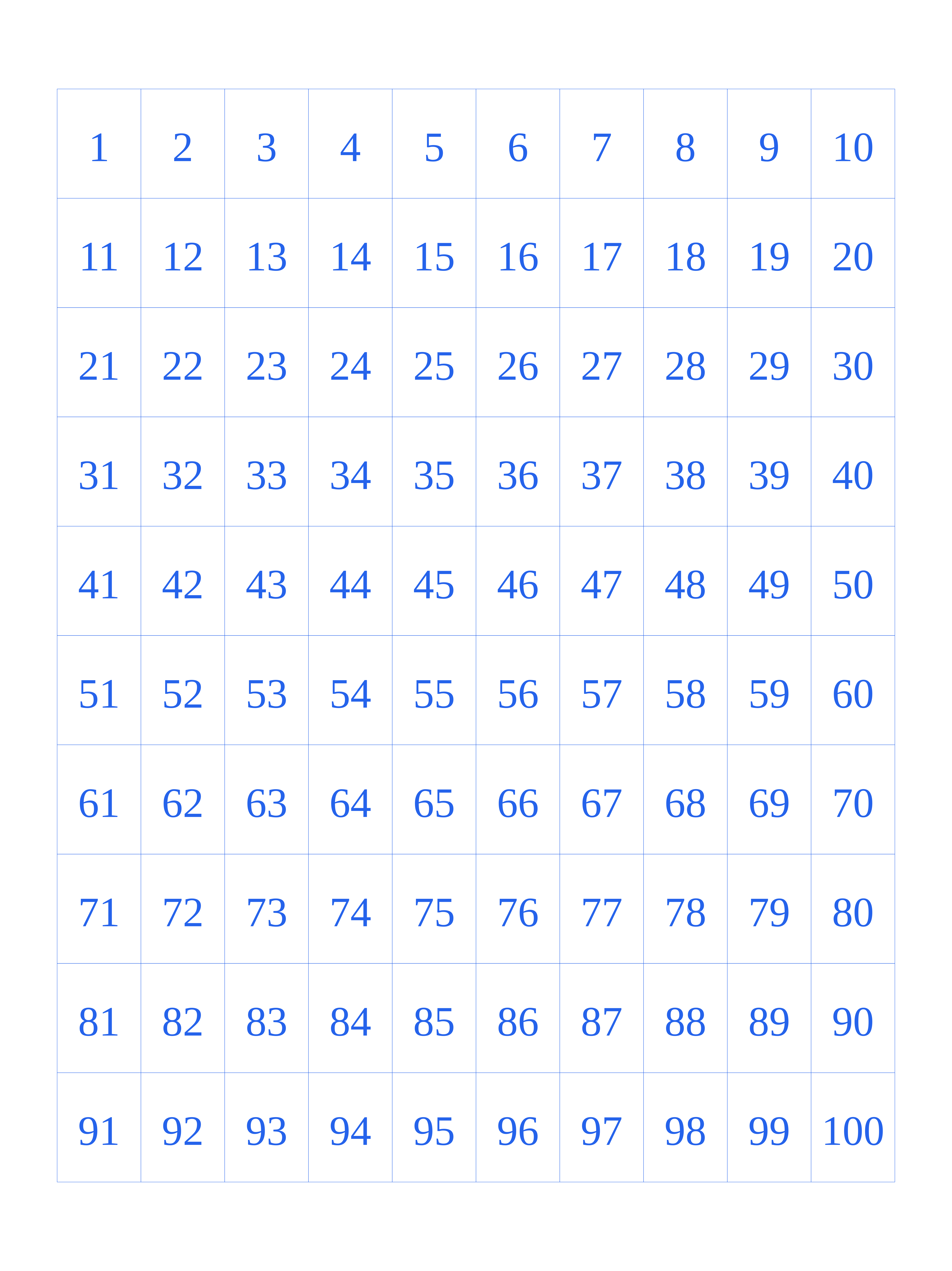
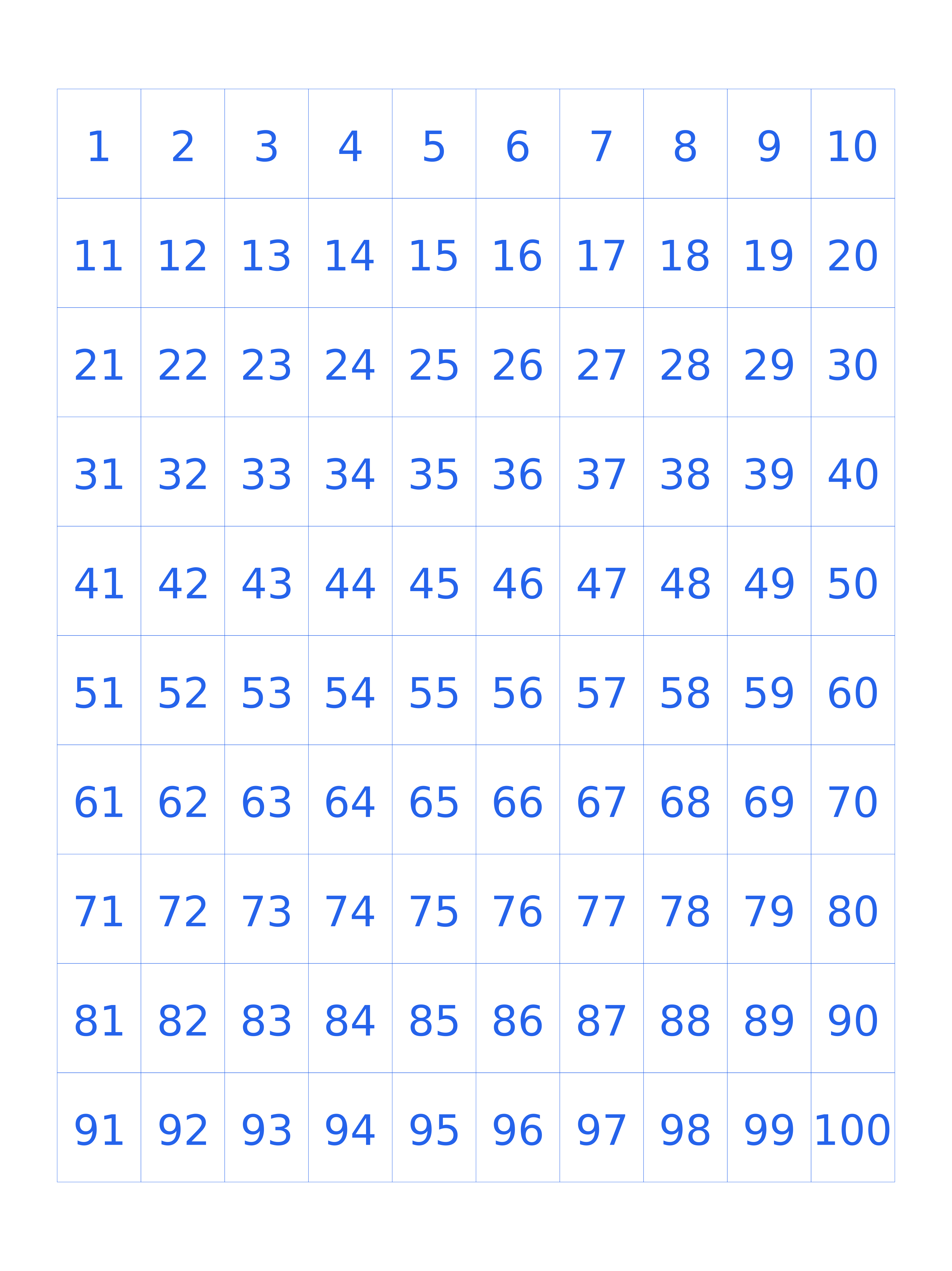
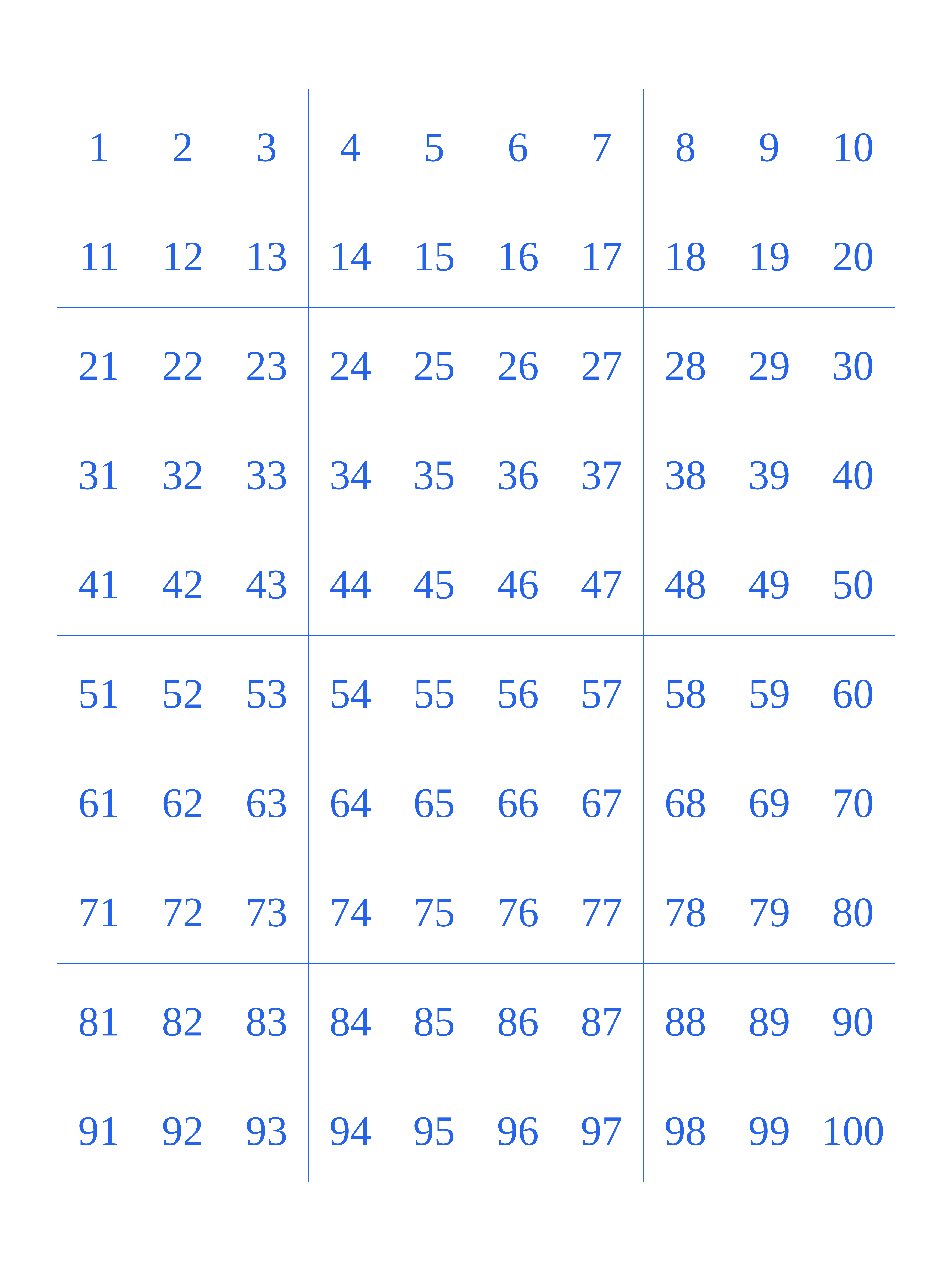
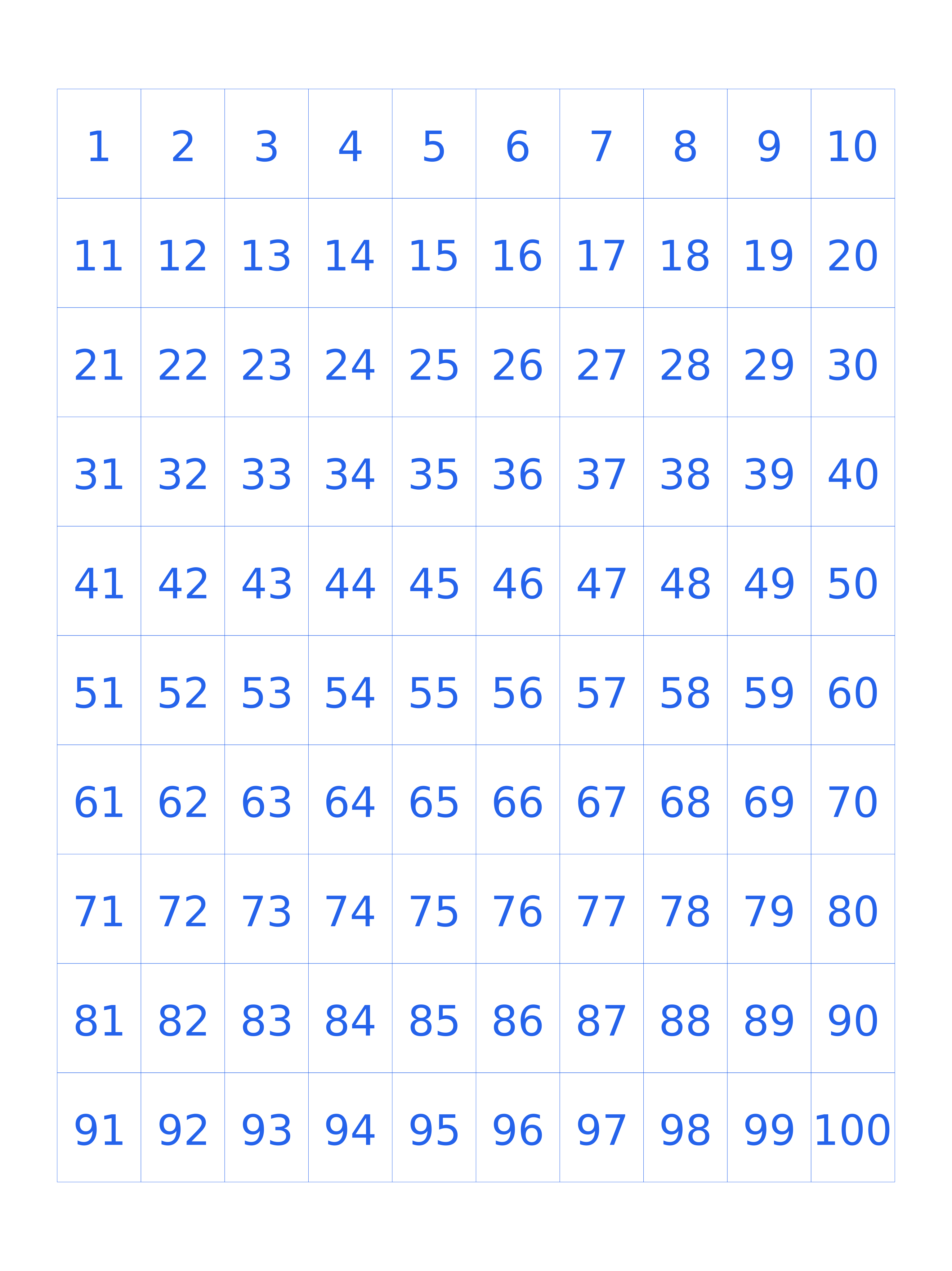
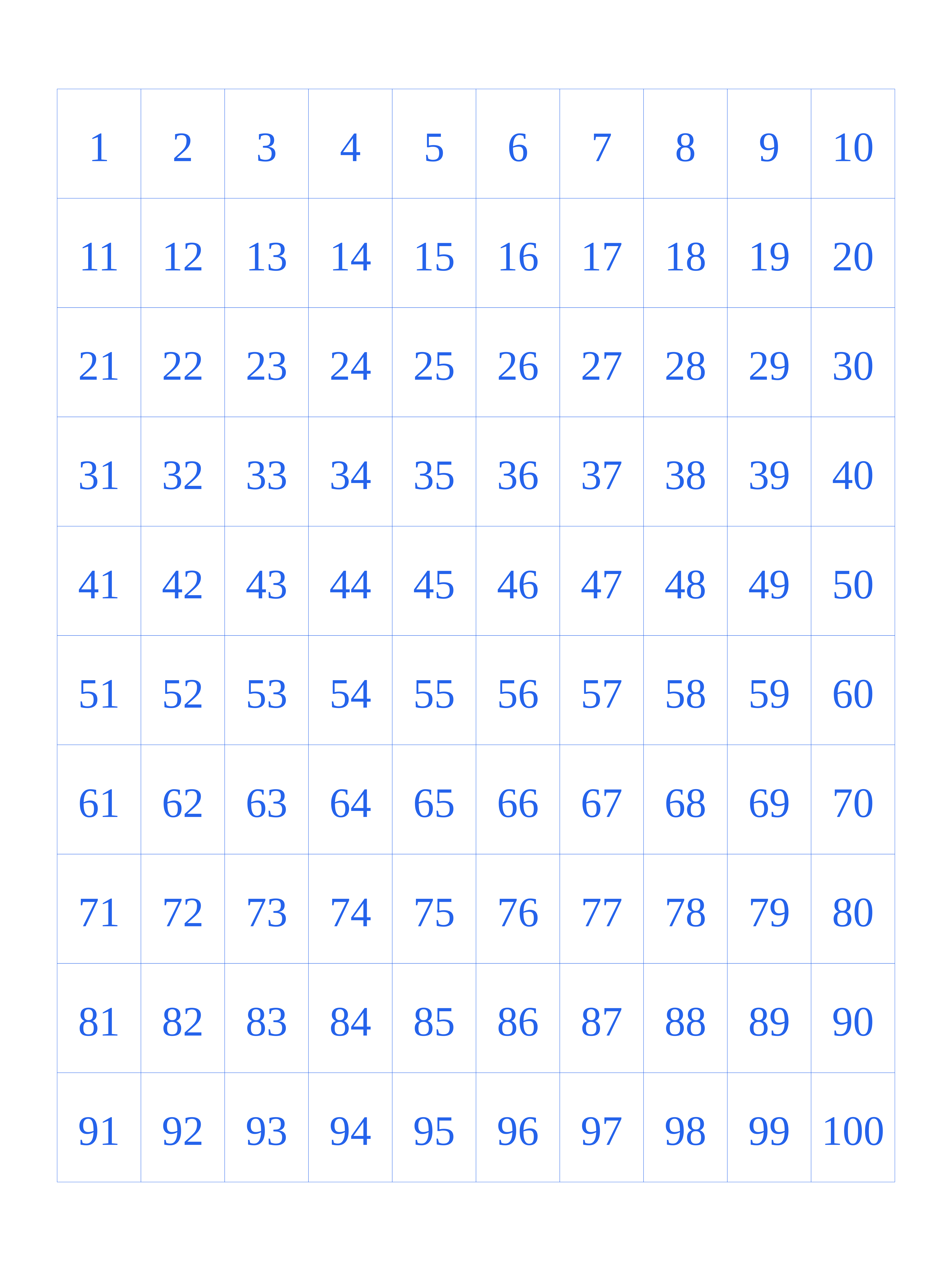
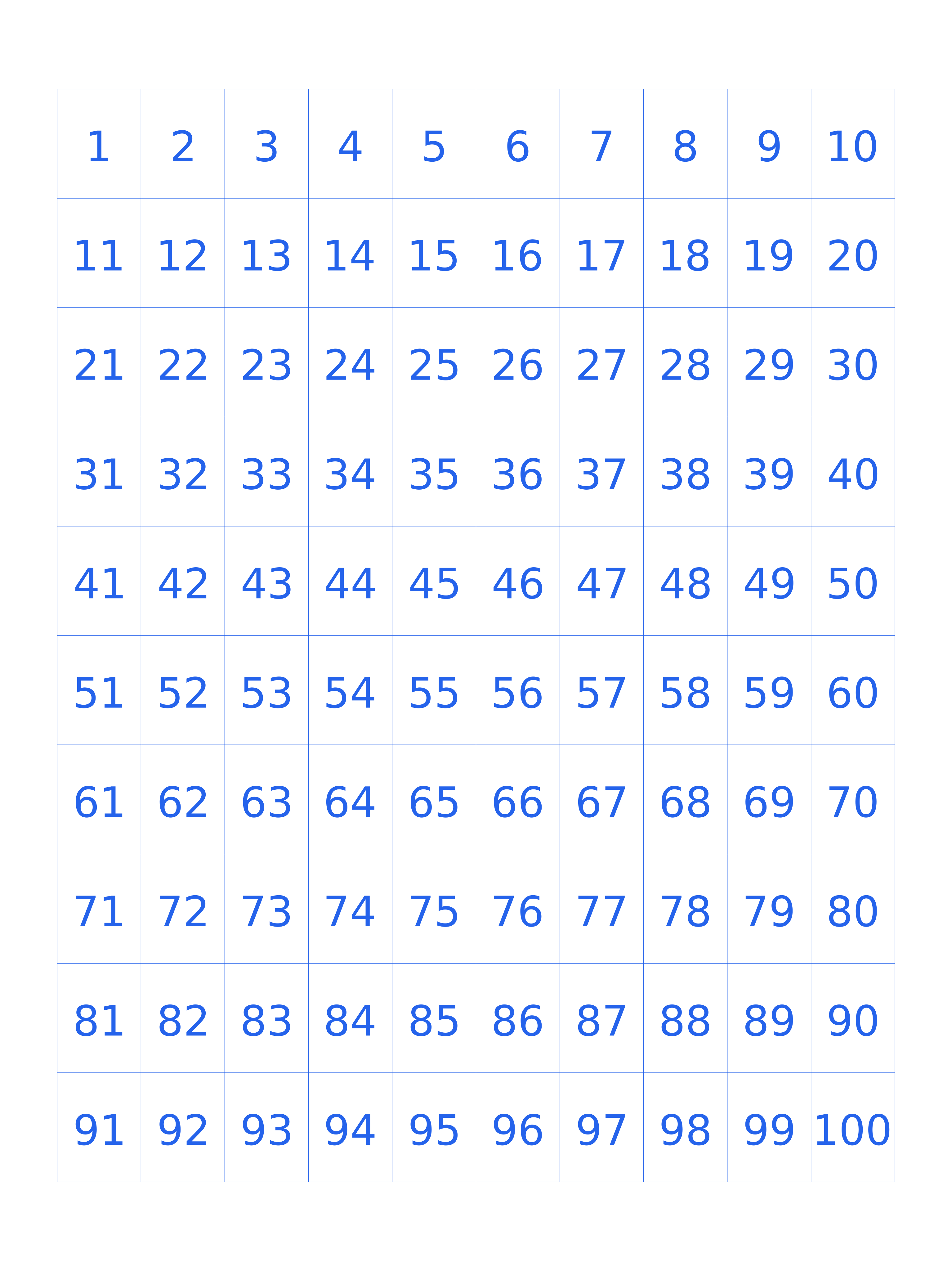
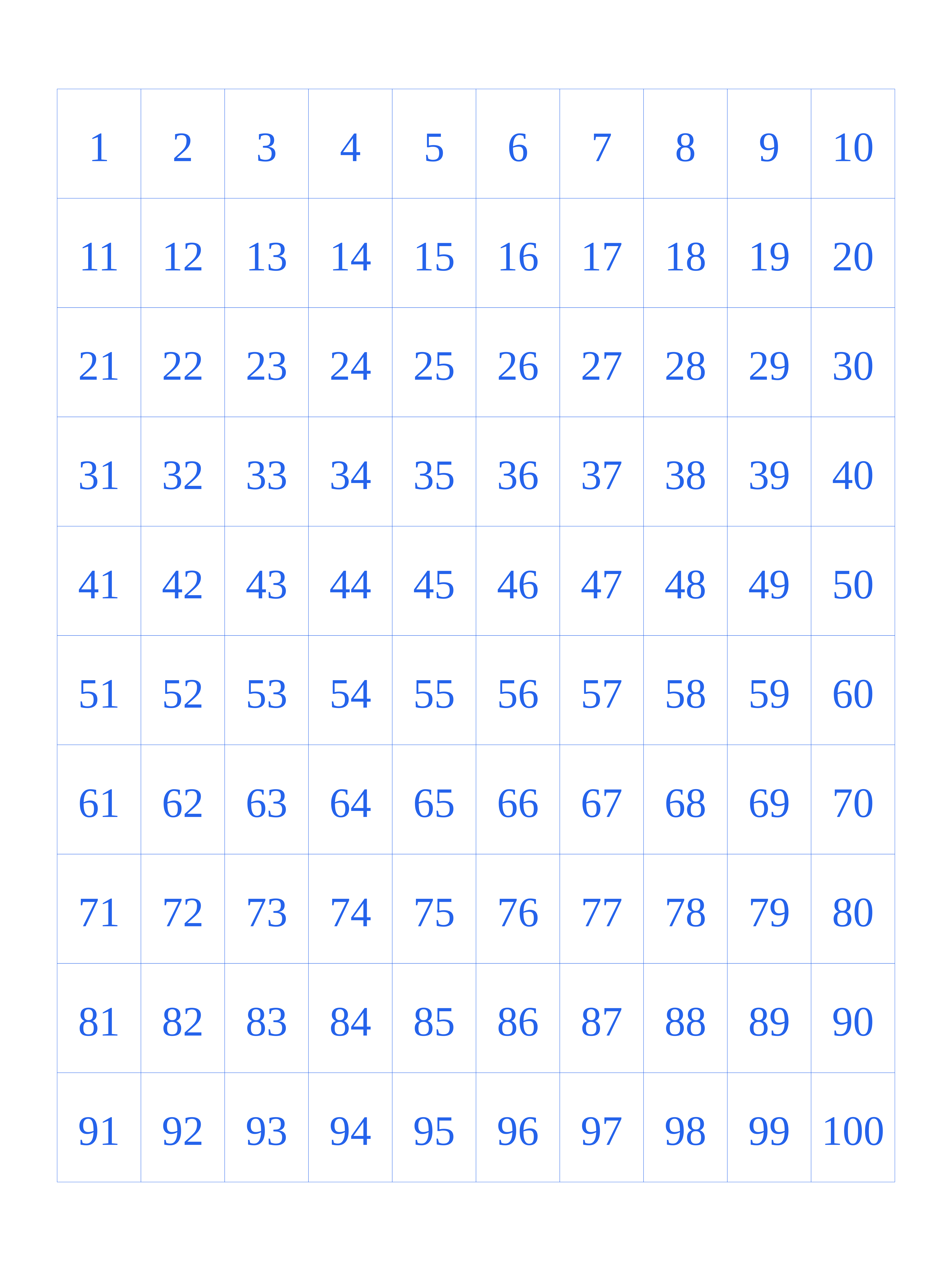
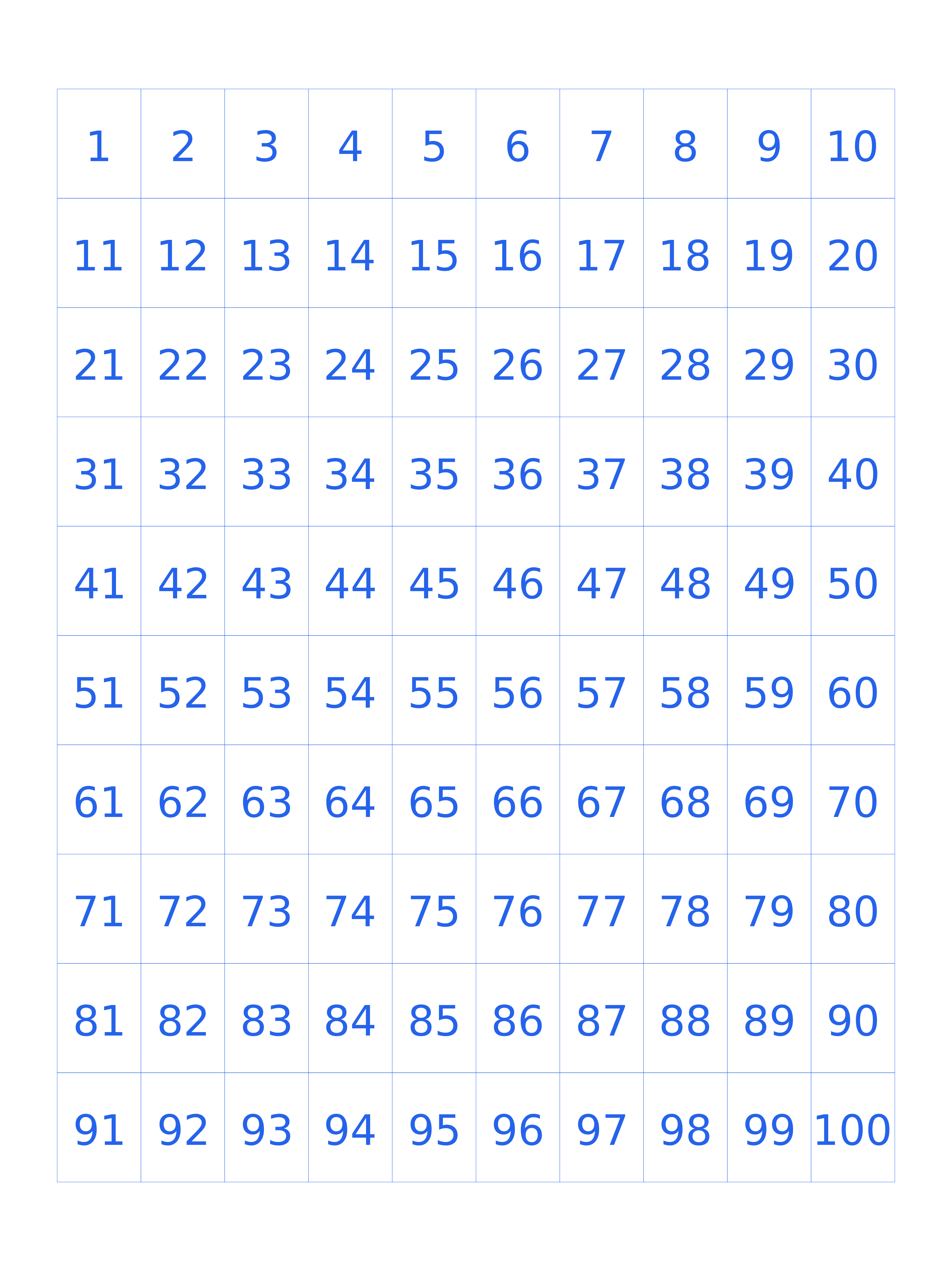
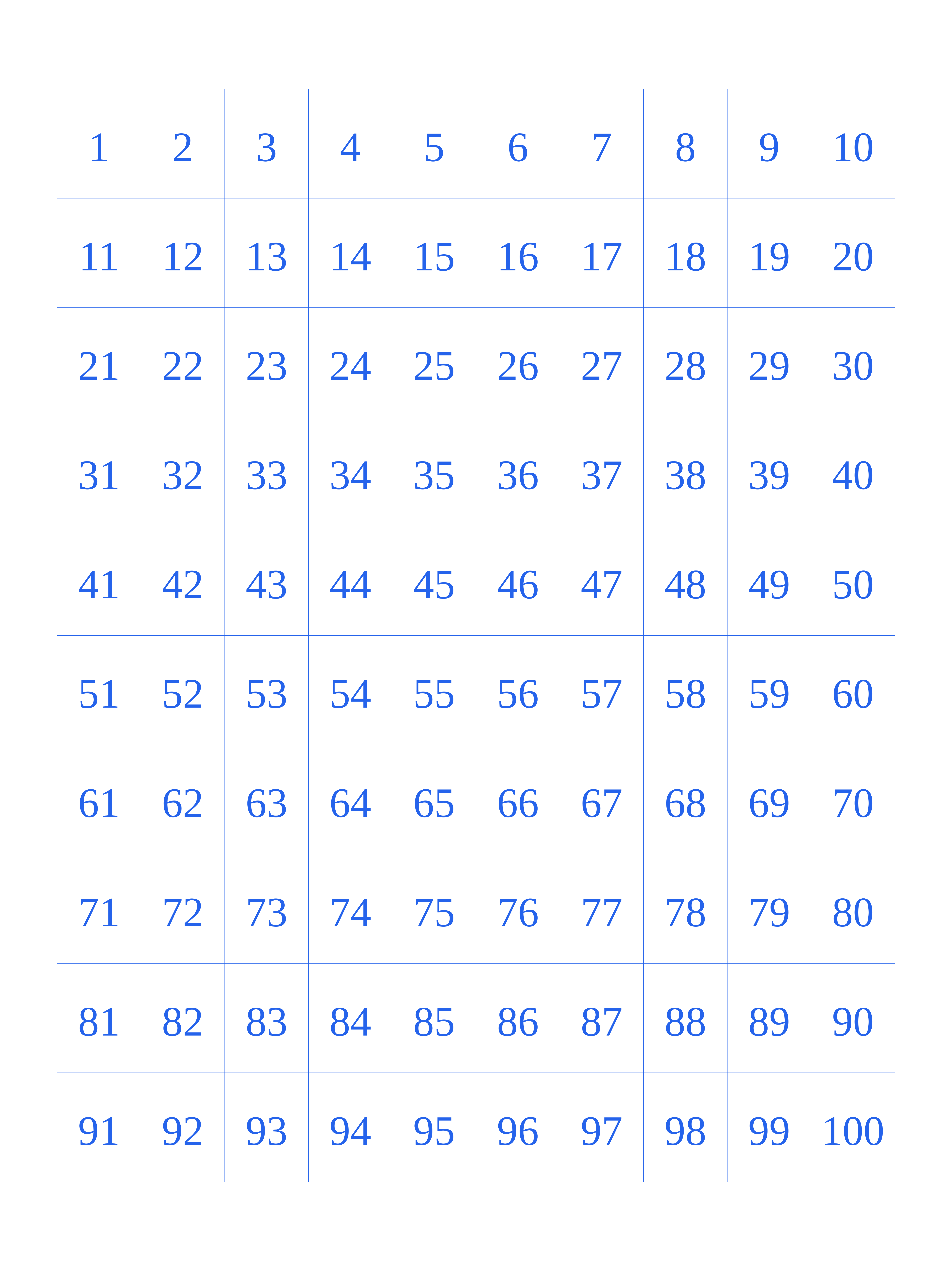
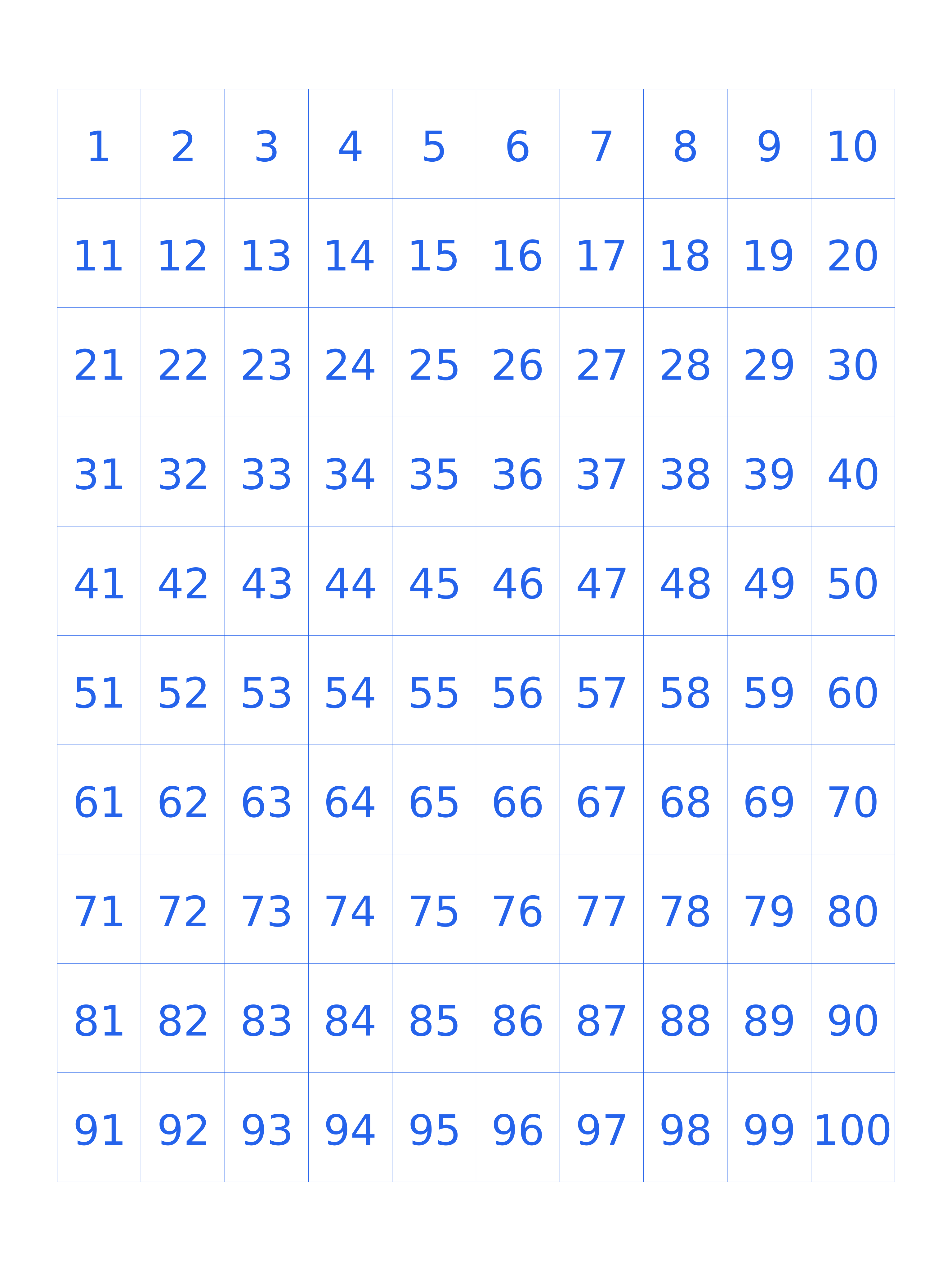
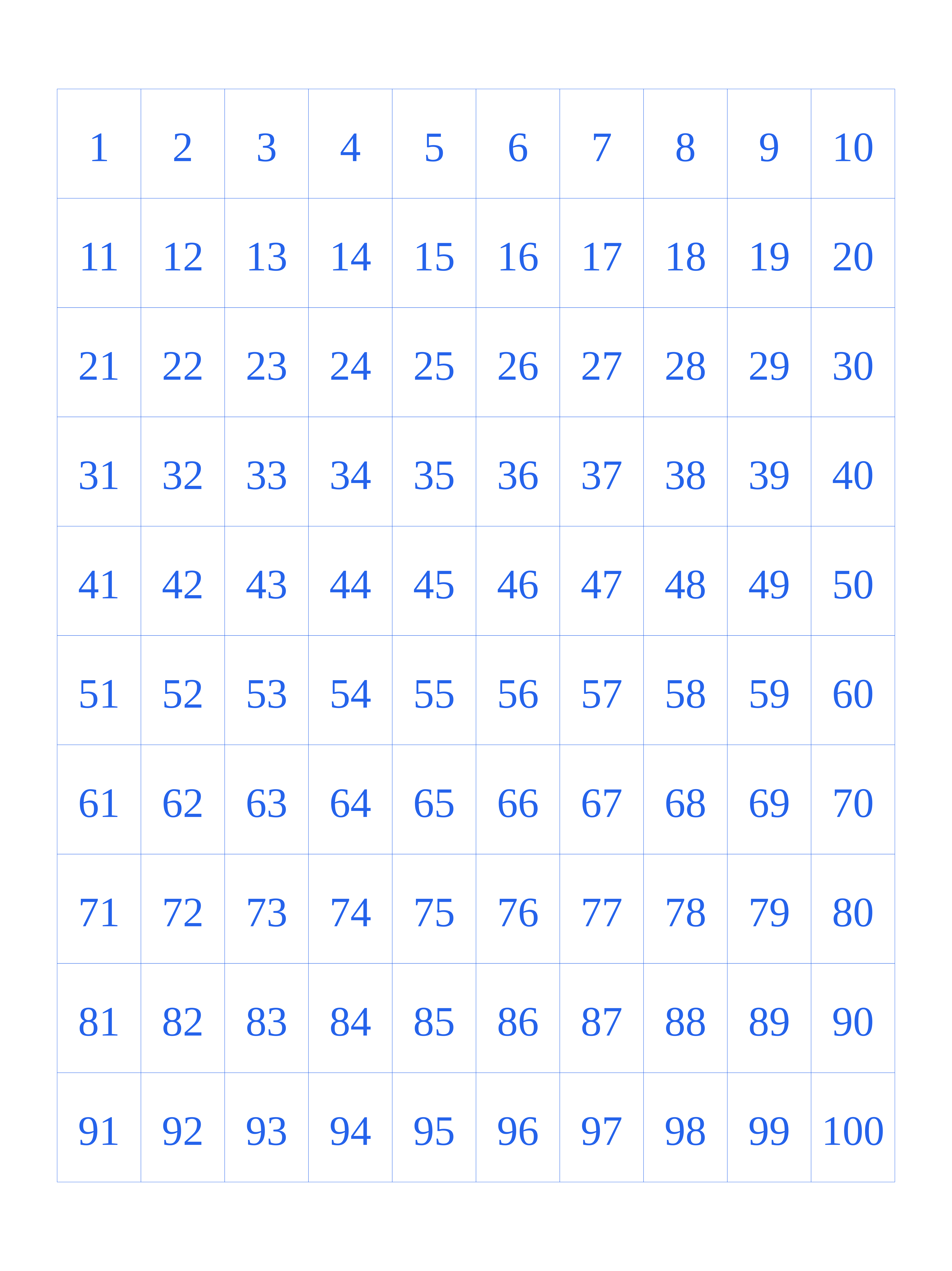
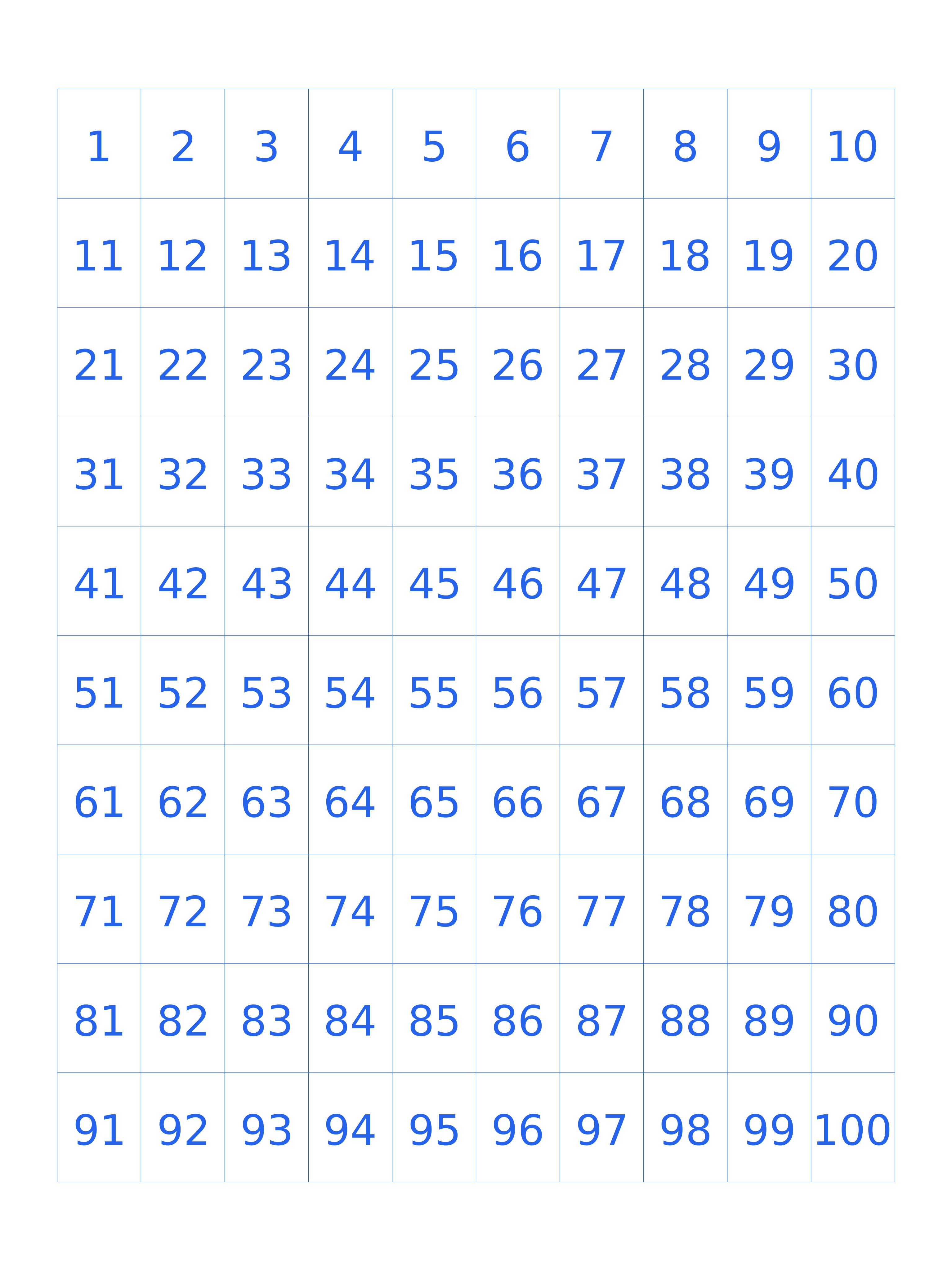
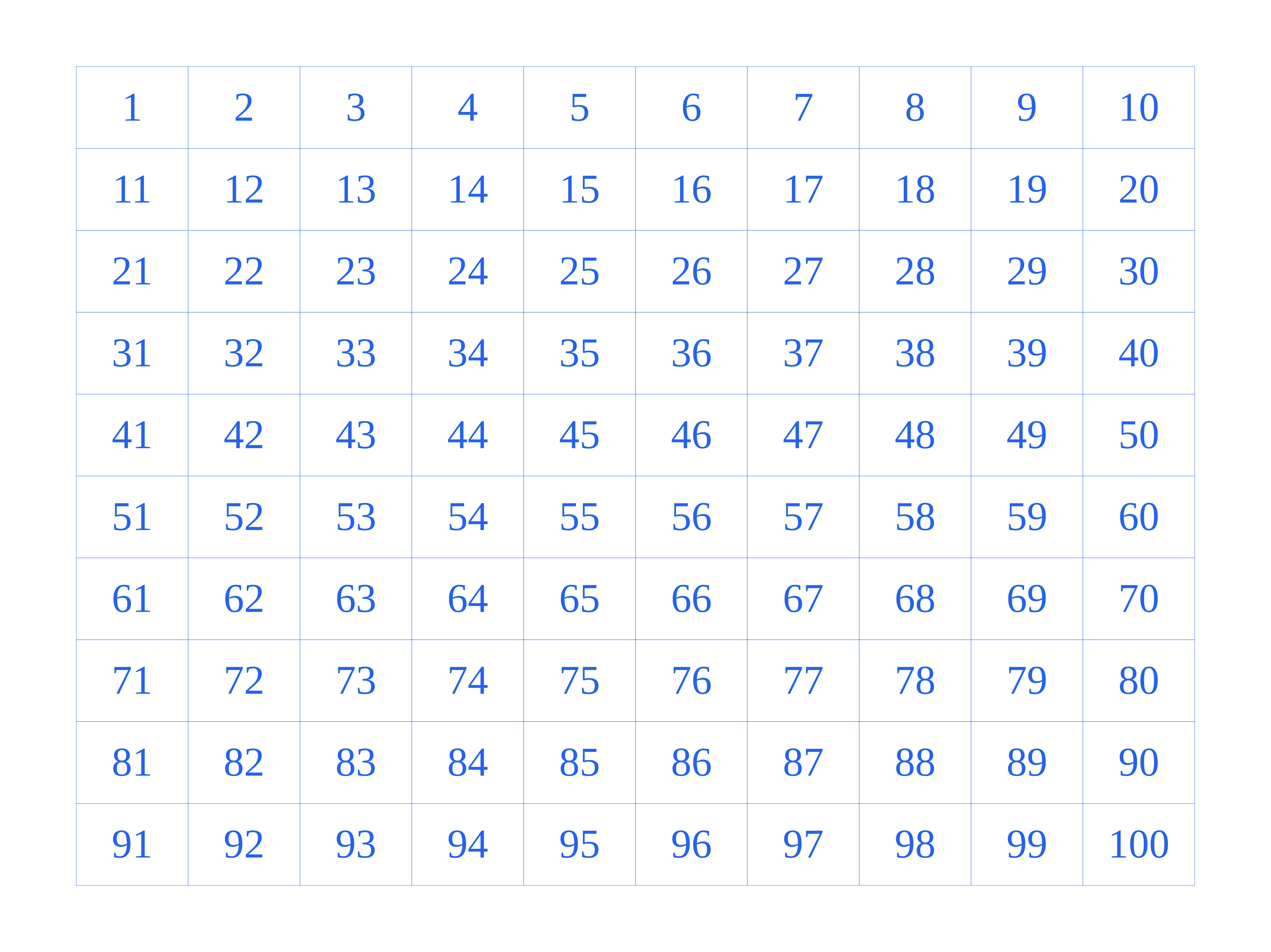
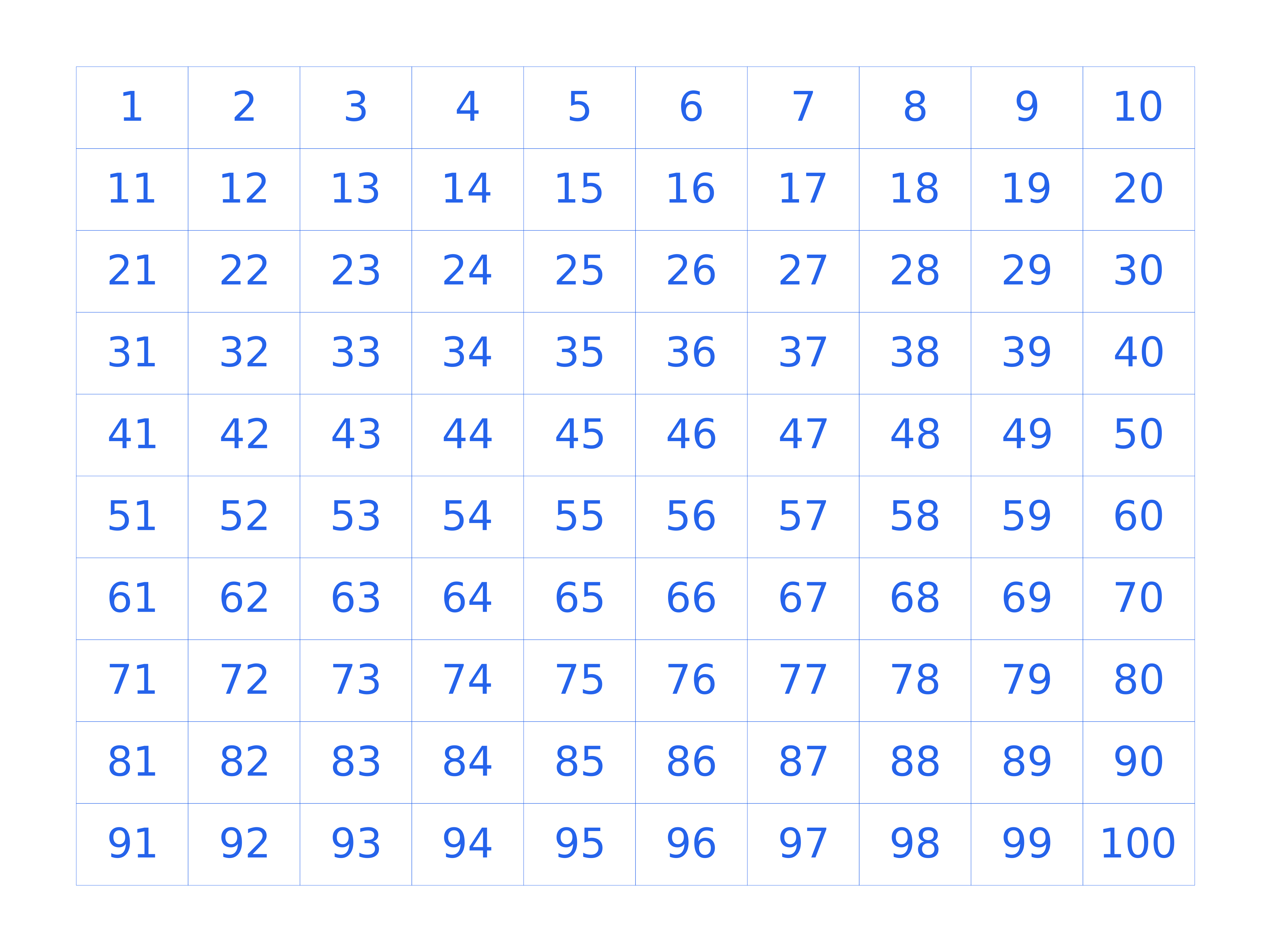
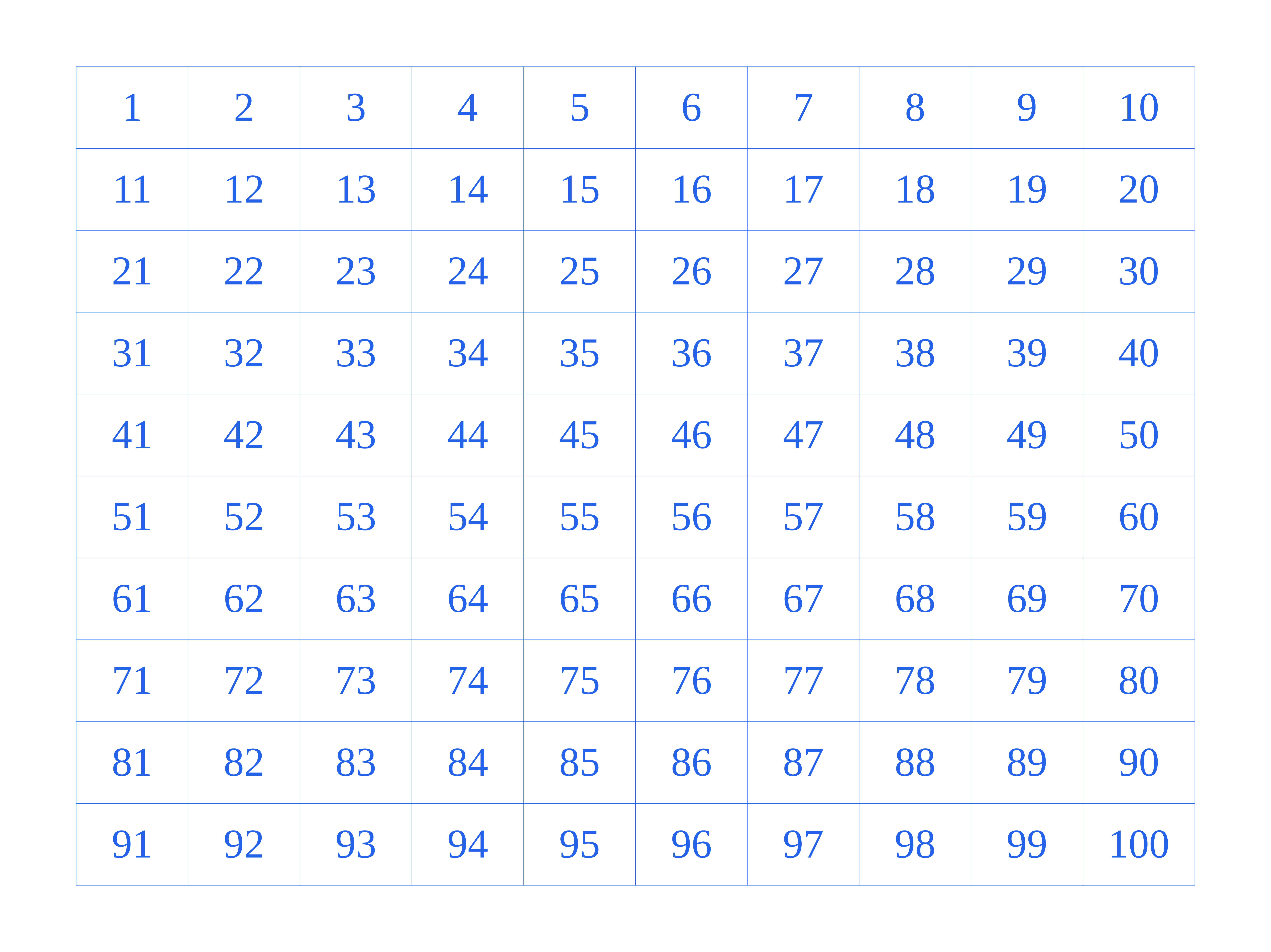
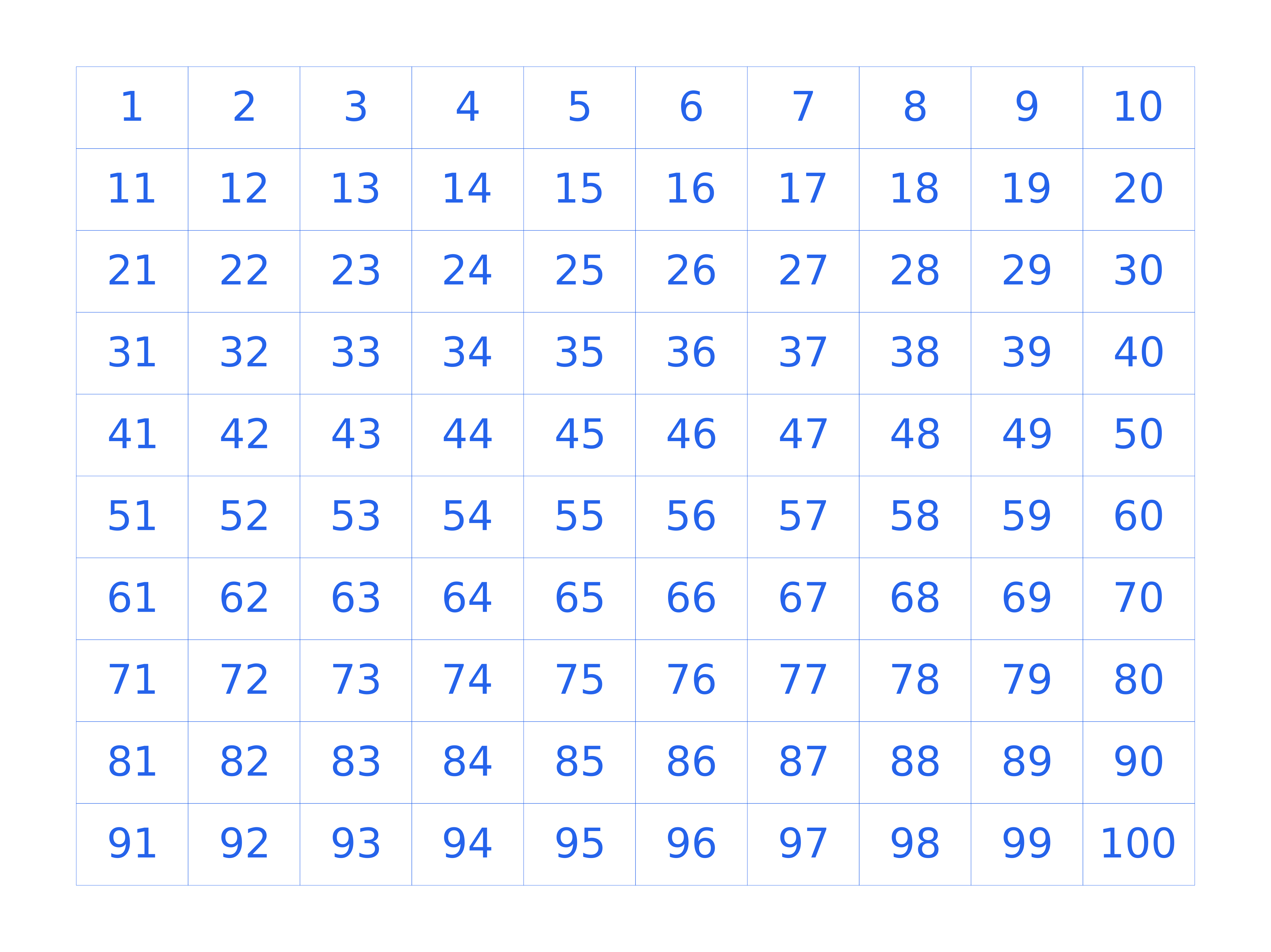
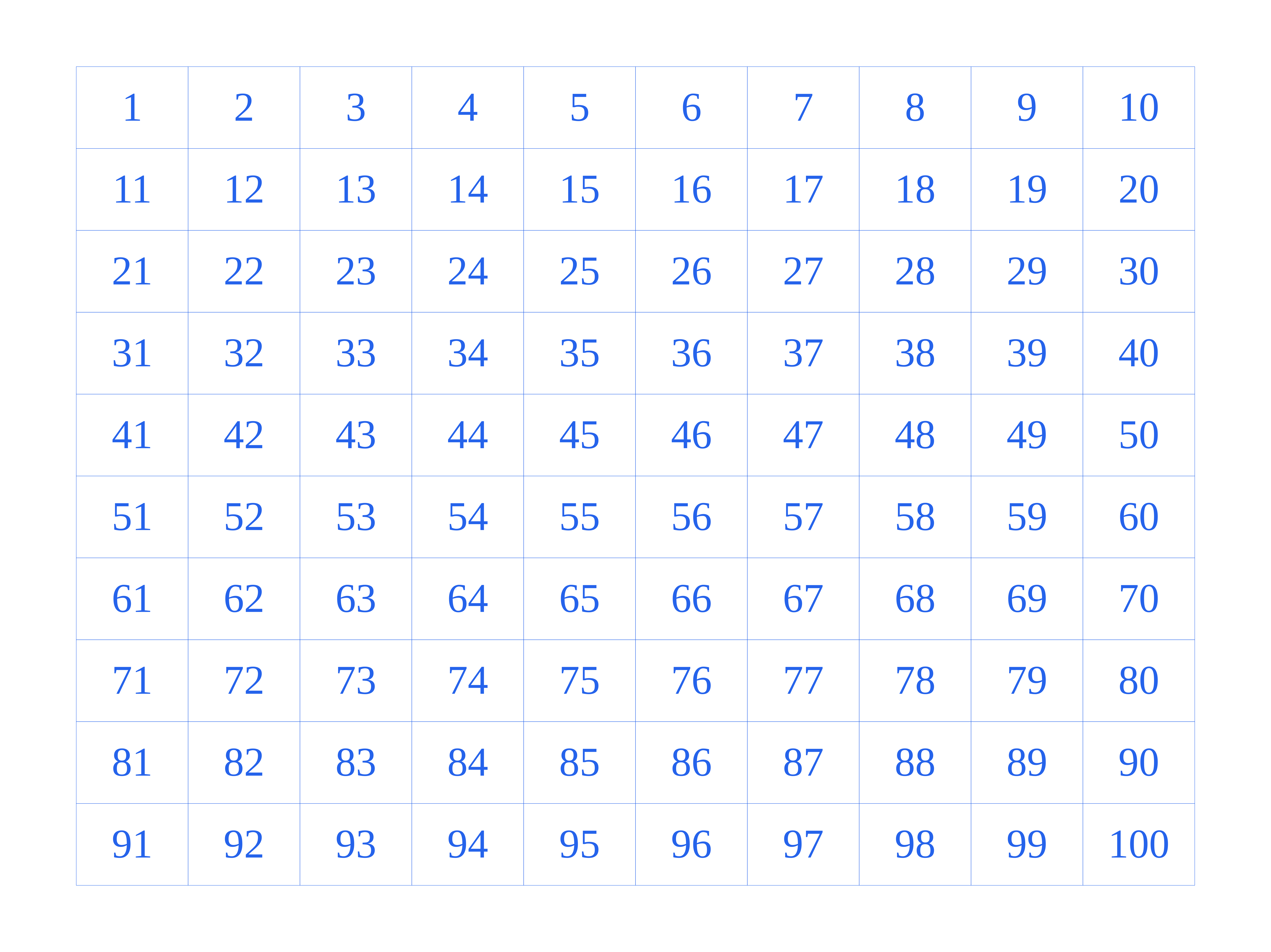
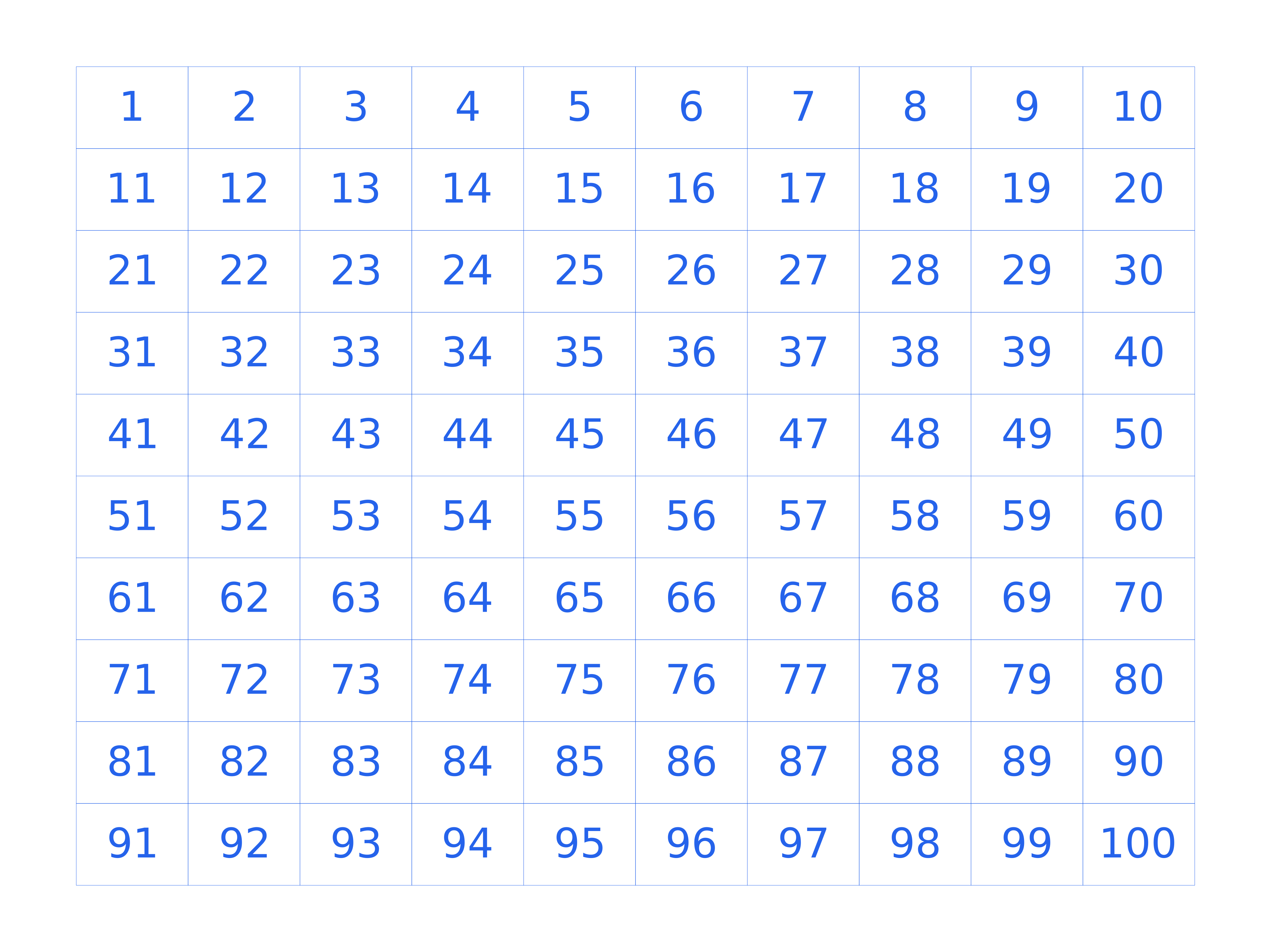
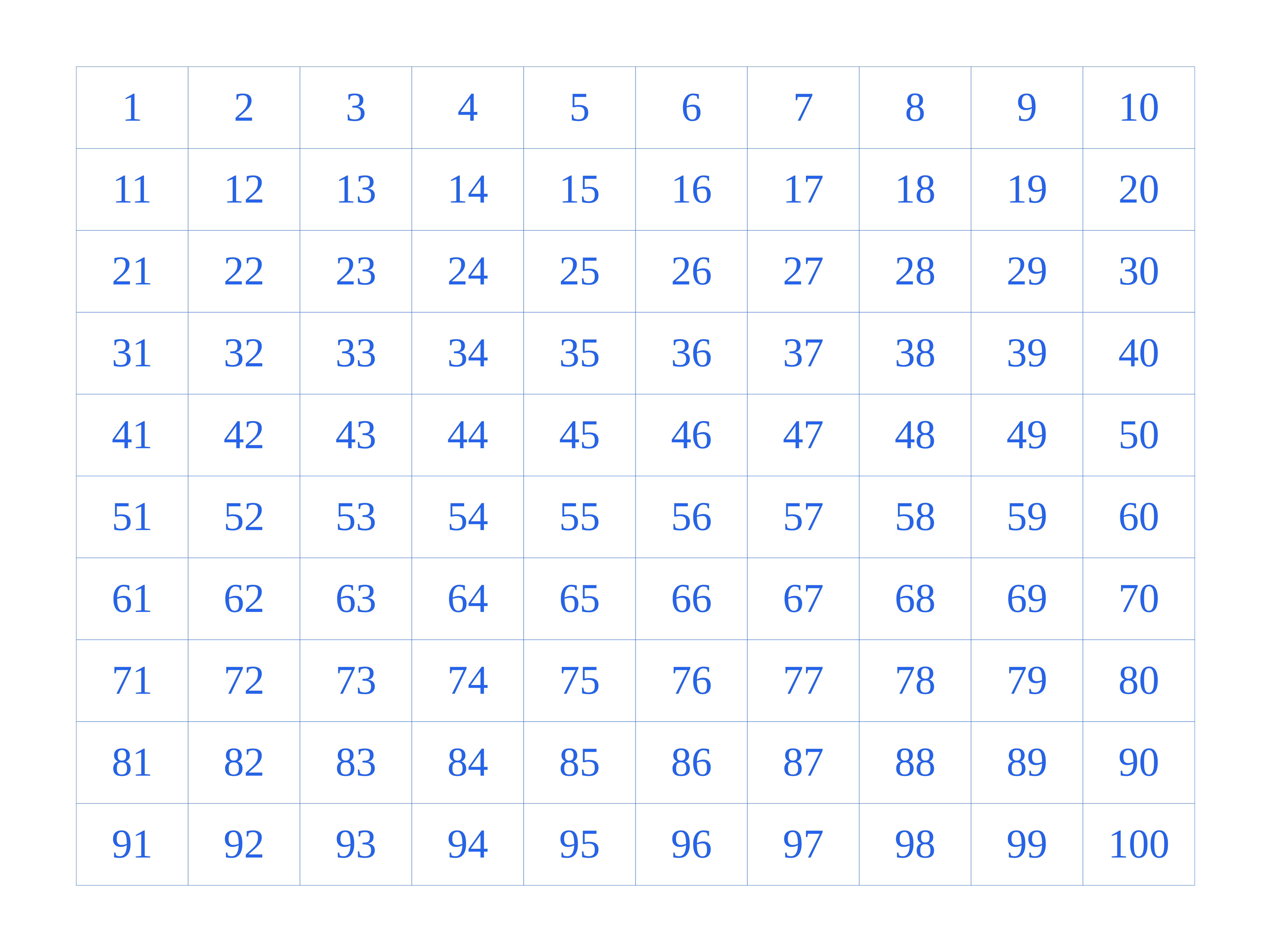
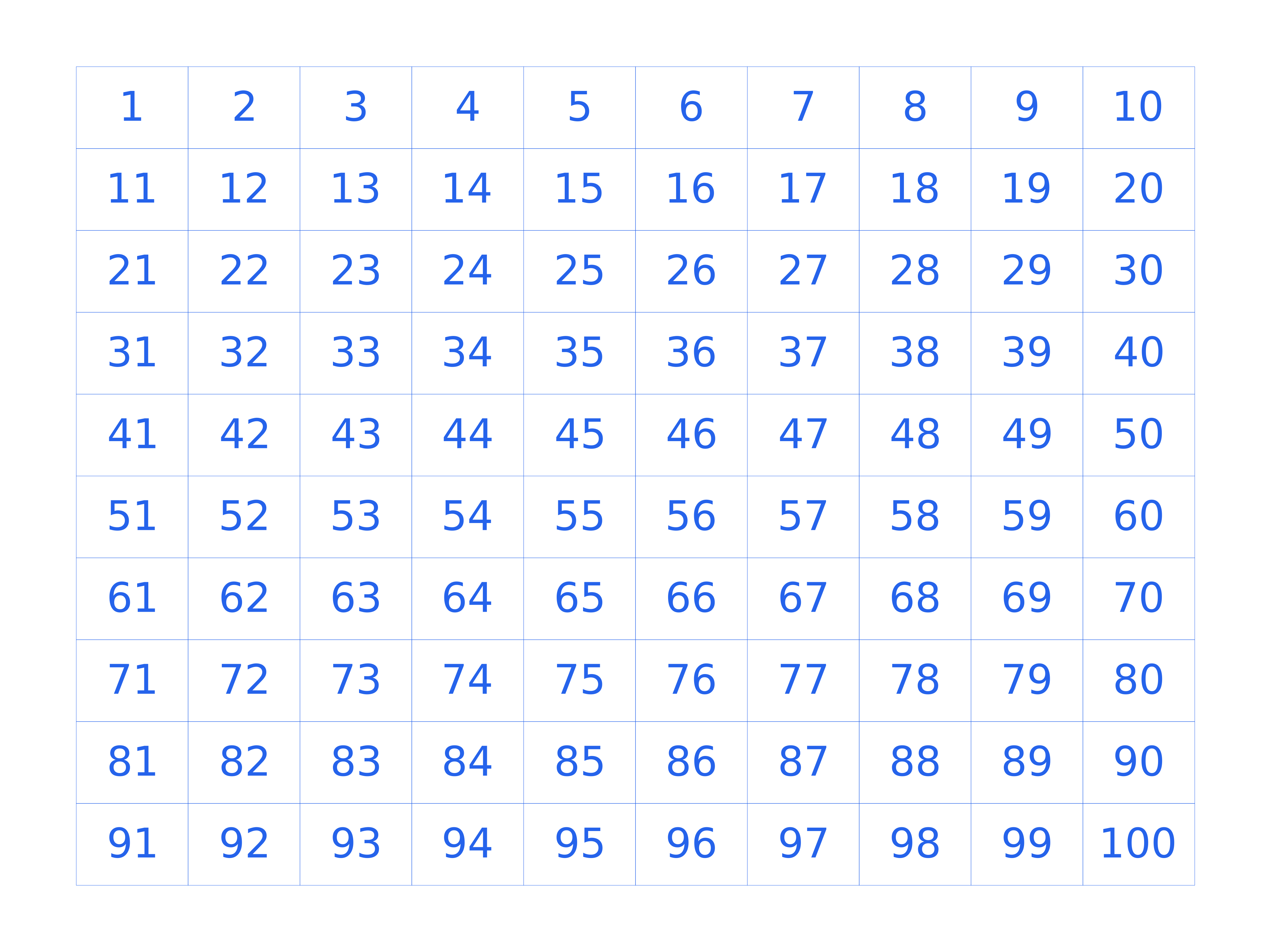
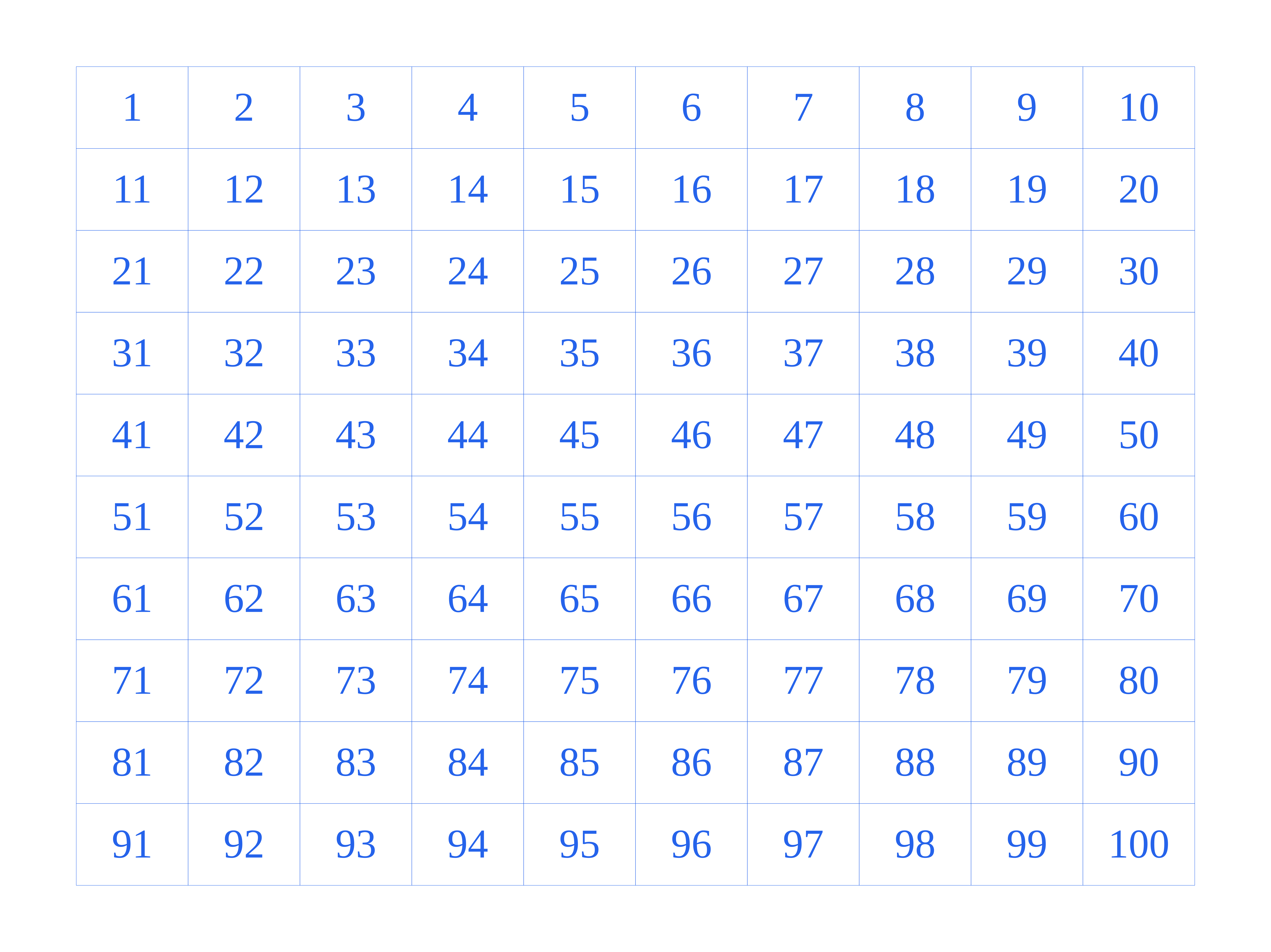
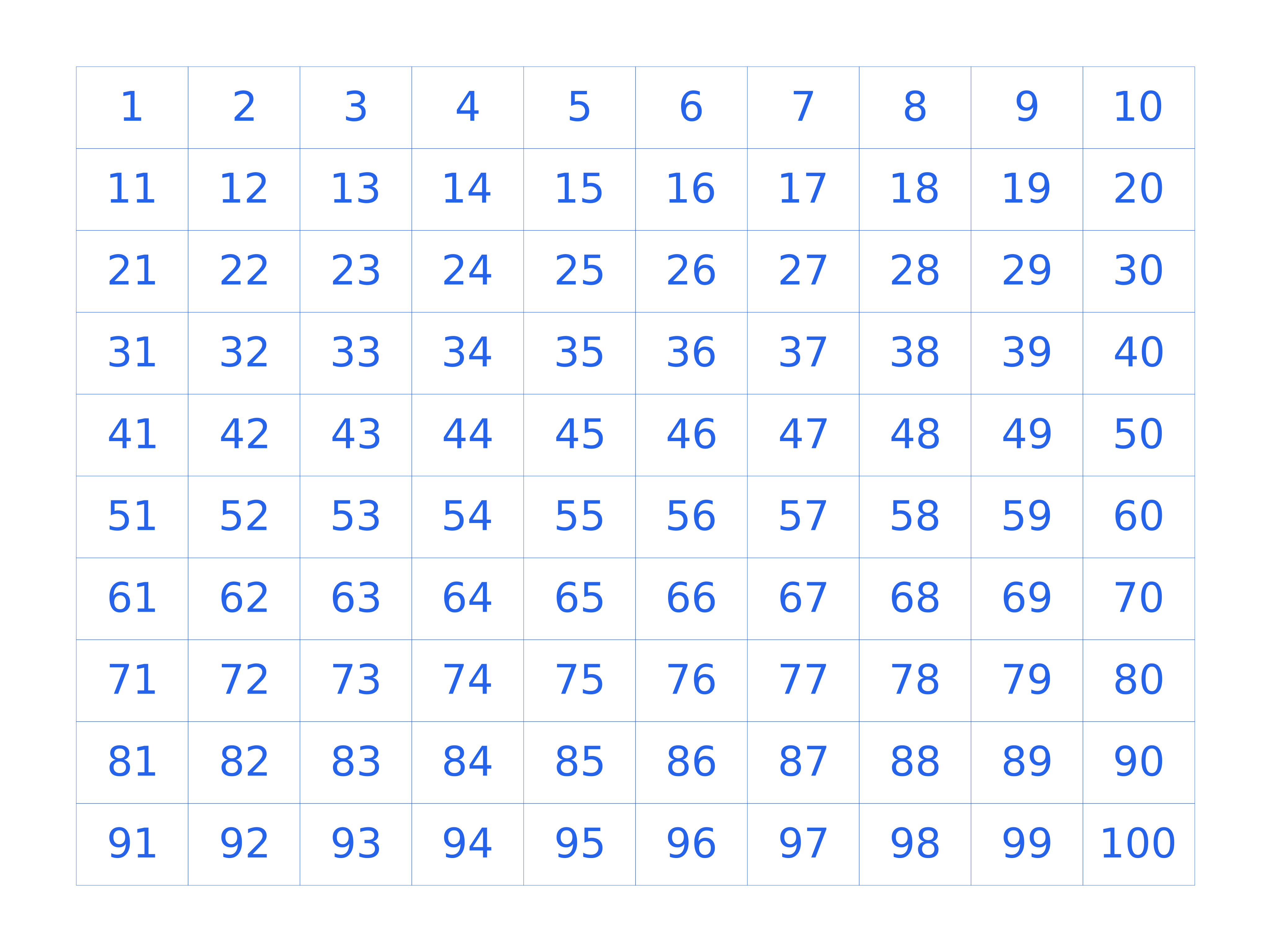
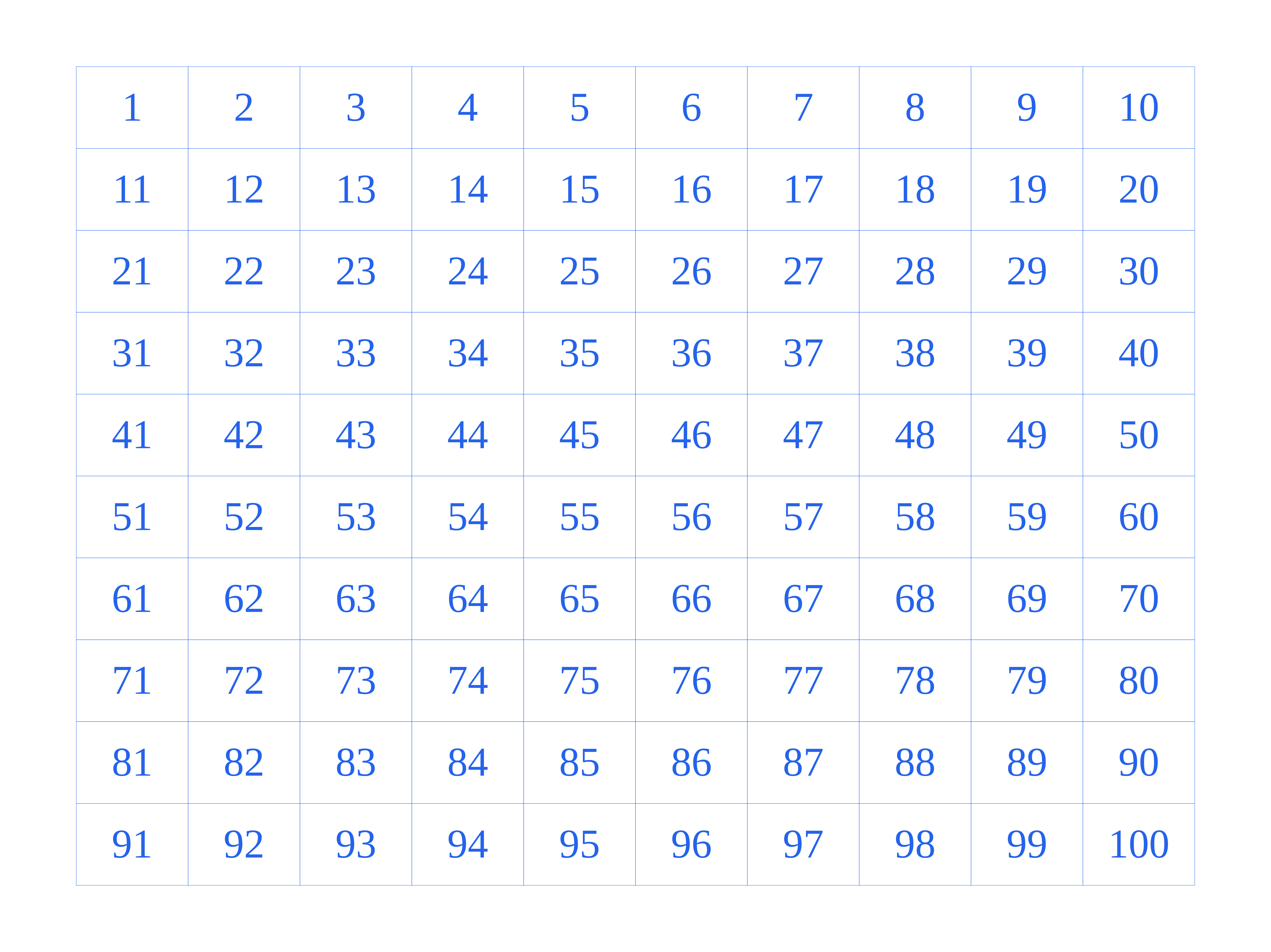
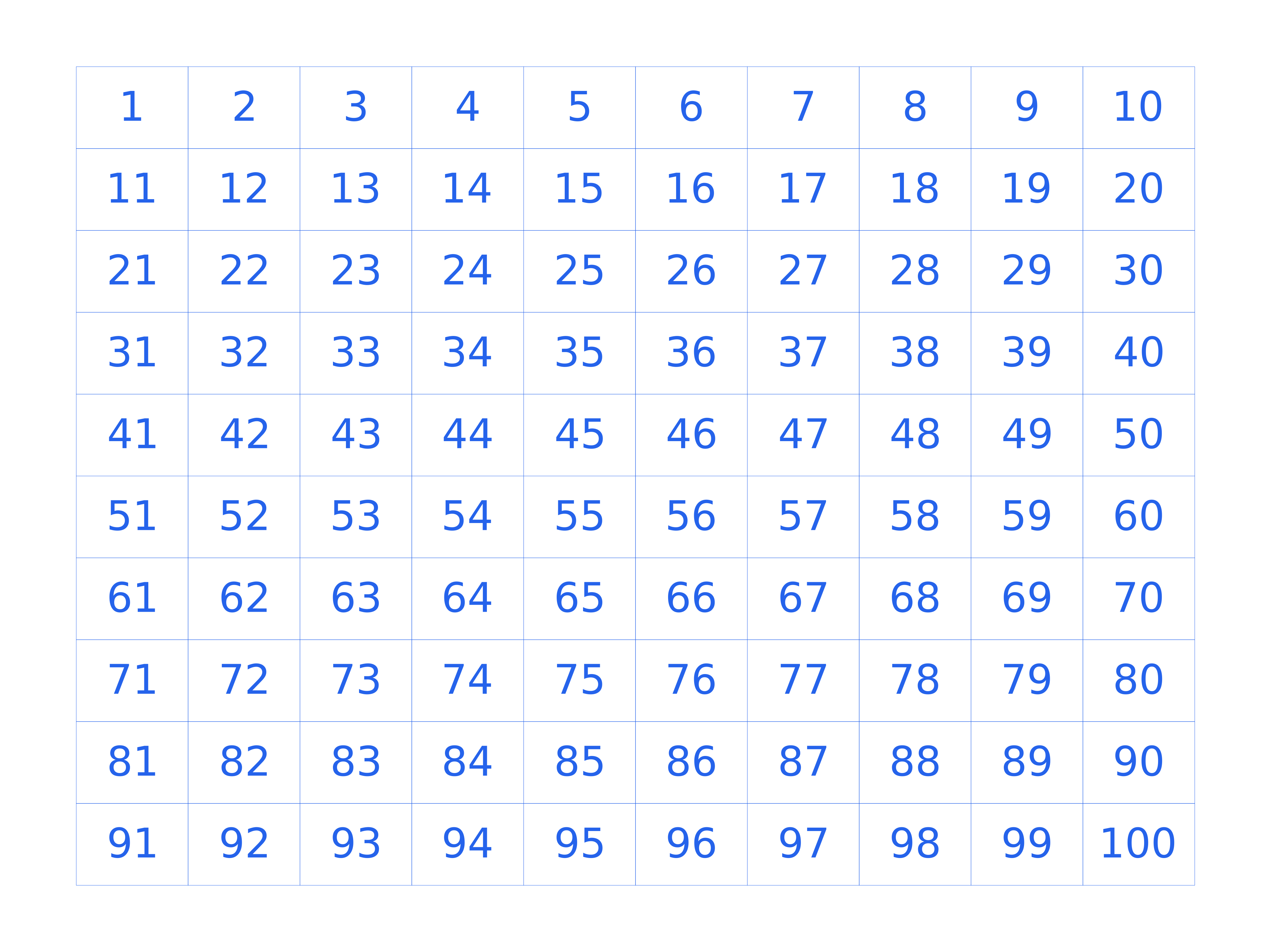
A number grid is a chart of the numbers 1 to 100 arranged in a 10 by 10 table, one number in each cell. Download number grids in 7 sizes for counting practice, skip counting and pattern spotting — free as PDF, PNG or SVG.
Key takeaways
- A full 1-100 grid has 10 rows of 10, with 100 cells in total.
- The layout makes skip-counting patterns, like multiples of 5, easy to see.
- All number grid downloads are free and print at true scale.
Choose the finished page
Match the paper size to your printer, then pick portrait or landscape.
Configure the grid
Pick a theme, then fine-tune spacing, line color, dot size, opacity and margins.
Start from a practical setting
Jump to a ready template, then fine-tune the settings from there.
Number Grid Templates
Ready-made number grid pages — click a card to load the preset, or grab the PDF and PNG directly.
How to use number grid
What is number grid?
A number grid is a chart of the numbers 1 to 100 arranged in a 10 by 10 table, one number in each cell. Teachers print it so children can practise counting, skip-counting and spotting patterns like the multiples of 5 running down a column. The 10 columns and 10 rows make the sequence easy to follow.
How the 1-100 grid works
The numbers run left to right across each row, wrapping to the next row after every 10. The first row is 1 to 10, the second 11 to 20, and so on to 100. This layout makes number order and place value easy to see.
Skip counting and patterns
Count by twos, fives or tens and mark each step to reveal a diagonal or column pattern. Multiples of 5 all end in 0 or 5, so they form two neat columns. These patterns help children internalise number relationships.
Using number grids for addition and subtraction
Move right to add and left to subtract within a row, and move down to add ten or up to subtract ten. The grid turns arithmetic into a visible movement, which helps younger learners build a mental number line.
Number Grid sizes and spacing
| Option | What it gives you | Best for |
|---|---|---|
| A4 / Letter | One grid per page | Individual worksheets |
| A3 / Tabloid | Large, easy-to-read cells | Group work and wall charts |
| Poster | Very large 1-100 chart | Classroom display |
Where number grid is used
Counting and number sense
- Practise counting from 1 to 100
- Spot number order and place value
- Skip count by twos, fives and tens
Arithmetic
- Move right to add and left to subtract
- Move down to add ten, up to subtract ten
- Build a mental number line — Coordinate Plane Paper
Games and activities
- Play number bingo and battleship
- Colour multiples to reveal patterns
- Build classroom wall charts — Sudoku Grid
Number Grid examples
Number Grid Downloads
84 templates across 7 paper sizes and 6 spacings. Each card links the PDF, PNG and SVG for that exact grid.
A4 — 210 × 297 mm (8.27 × 11.69 in)
Letter — 216 × 279 mm (8.5 × 11 in)
A3 — 297 × 420 mm (11.69 × 16.54 in)
A2 — 420 × 594 mm (16.54 × 23.39 in)
Legal — 216 × 356 mm (8.5 × 14 in)
Tabloid — 279 × 432 mm (11 × 17 in)
Poster — 457 × 610 mm (18 × 24 in)
How to print number grid
- Choose a paper size for the worksheet or wall chart.
- Download the PDF for printing, or the SVG to edit.
- Print in black and white or grayscale to save ink.
- Print at 100% scale so the numbers stay clear and aligned.
FAQ
What is a 1-100 number grid used for?
It is used to teach counting, number order, skip counting and addition and subtraction, and to help children spot number patterns.
How many numbers are on a number grid?
A full grid holds 100 numbers, from 1 to 100, arranged in 10 rows of 10.
Which size should I print for a number grid?
A4 and Letter are the standard classroom sizes. Choose A3 for a large wall chart or group work.
Can I use a number grid for skip counting?
Yes. The rows and columns make patterns easy to see, such as all multiples of 5 ending in 0 or 5.
Are these number grid downloads free?
Yes. All number grid PDF, PNG and SVG files are free to download and print with no login.
Can I get a number grid that goes beyond 100?
This template covers 1 to 100. For a larger chart, print several pages and tape them together, or edit the SVG to extend the numbers.